USB FORD F250 2013 Owner's Guide
[x] Cancel search | Manufacturer: FORD, Model Year: 2013, Model line: F250, Model: FORD F250 2013Pages: 577, PDF Size: 7.74 MB
Page 532 of 577
Wi-Fi
Your system has a Wi-Fi feature which creates a wireless network within
your vehicle, thereby allowing other devices (i.e. personal computers or
phones) in your vehicle to speak to each other, share files, play games,
etc. Using this Wi-Fi feature, everyone in your vehicle can also gain
access the internet if:
•You have a USB mobile broadband connection inside the vehicle
•Your phone supports PAN (personal area networking)
•You are parked outside of a wireless hotspot
To access, press the Menu icon > Settings > Wireless and Internet >
Wi-Fi settings, then select from the following options:
•Wi-Fi Network (Client) Mode:Turn the wi-fi feature on and off in
your vehicle. Make sure it is turned on for connectivity purposes.
•Choose a Wireless Network:Use a previously stored wireless
network. You can categorize by alphabetical listing, priority and signal
strength. You can also choose to search for a network, connect to a
network, disconnect from a network, receive more information,
prioritize a network or delete a network.
•Gateway Access Point Mode:Make SYNC an access point for a
phone or a computer by turning this feature on. This forms the local
area network within the vehicle for things such as game playing, file
transfer, internet browsing, etc. Press ? for more information.
•Gateway (Access Point) Settings:View and change settings for
using SYNC as the internet gateway.
•Gateway Access Point Device List:View who has connected to
your Wi-Fi connection recently.
Press the ? button (if available) for additional information.
The Wi-Fi CERTIFIED Logo is a
certification mark of the Wi-Fi Alliance.
MyFord Touch® (If Equipped)531
2013 F-250/350/450/550(f23)
Owners Guide gf, 3rd Printing, December 2012
USA(fus)
Page 533 of 577
USB Mobile Broadband
Instead of using Wi-Fi, your system can also use a USB mobile broadband
connection to access the internet. (You must activate your mobile
broadband device on your PC prior to connecting it to the system.)
This screen allows you to set up what is your typical area for your USB
mobile broadband connection. (USB mobile broadband settings may not
be displayed if the device is already activated.) You can select the
following:
•Country
•Carrier
•Phone Number
•User Name
•Password
Prioritize Connection Methods
This screen allows you to choose your connection methods and change
them as needed. You can select to Change Order and have the system
either always attempt to connecting using a USB mobile broadband or
using Wi-Fi.
Bluetooth Settings
Shows you what device is currently paired with the system as well as
giving you your typical Bluetooth options to connect, disconnect, set as
favorite, delete and add device.
Bluetooth is a registered trademark of the Bluetooth SIG.
532MyFord Touch® (If Equipped)
2013 F-250/350/450/550(f23)
Owners Guide gf, 3rd Printing, December 2012
USA(fus)
Page 570 of 577
911 Assist™ ......................441, 516
A
ABS (see Brakes) .....................223
Accessing and using your
USB port ....................................494
Accessing call history/phone
book during active call .............429
Accessing your calendar ..........515
Accessing your media menu
features ......................................454
Accessing your phone menu
features ......................................431
Accessory delay ..........................92
Active call menu options .........429
Adding (pairing) a phone ........502
Advanced menu options ...439, 459
Advanced menu options
(prompts, languages, defaults,
master reset, installing
applications) ..............................439
Airbag supplemental restraint
system ..........................................48
and child safety seats ..............49
description ................................48
disposal ......................................60
driver airbag ..............................48
passenger airbag .......................48
passenger deactivation
switch ........................................51
side airbag ...........................48, 56
Air cleaner filter ...............323, 395
Air conditioning ........................146
manual heating and air
conditioning system ...............146
Air filter .............................323, 395All Wheel Drive (AWD),
driving off road .........................209
Ambient mood/lighting .....522–523
Ambulance packages ..................16
AM/FM .......................................481
Antifreeze
(see Engine coolant) ................307
Anti-lock brake system
(see Brakes) ..............................223
Anti-theft system ..................77, 79
arming the system ..............77, 79
disarming a triggered system ..79
AppLink™ .................................449
Audio system
Single CD ................136–137, 140
Audio system
(see Radio) ................136–137, 140
Automatic transmission ............201
driving an automatic
overdrive .................................199
fluid, adding ............................313
fluid, checking ........................313
fluid, refill capacities ..............391
fluid, specification ..................391
Selectshift (SST) ....................204
Auxiliary Input Jack .................490
Auxiliary input jack (Line in) ..141
Auxiliary powerpoint ................178
A/V inputs ..........................143, 498
Axle
refill capacities ........................391
B
Battery .......................................318
acid, treating emergencies .....318
jumping a disabled battery ....279
Index569
2013 F-250/350/450/550(f23)
Owners Guide gf, 3rd Printing, December 2012
USA(fus)
Page 576 of 577
heated ......................................163
memory seat .....................63, 160
SecuriCode keyless entry
system ..........................................75
SecuriLock passive anti-theft
system ..........................................77
Selecting your media source
(USB, Line in, BT audio) .........454
Sending new text messages .....504
Setting a destination ................537
Setting a destination
by voice .....................................537
Settings ......................................520
Setting the clock .......136–137, 520
Side air curtain ...........................57
Side-curtain airbags system .......57
SIRIUS® satellite radio ............487
SIRIUS satellite radio voice
commands .................................489
SIRIUS Travel Link ...................512
SIRIUS Travel Link voice
commands .................................514
Snowplowing ...............16, 272–274
SOS Post Crash Alert .................47
Spark plugs,
specifications .....................389, 395
Special notice ..............................17
ambulance conversions ............16
four-wheel drive vehicles .......275
Stability system .........................228
Starting a flex fuel vehicle .......185
Starting your vehicle ........183, 185
jump starting ..........................279
Steering wheel ............................80controls ......................................80
tilting .........................................80
Supplemental Restraint System
(SRS) (see airbags) ....................48
Supported media file types ......497
Supported player, media
formats and metadata
information ................................497
SYNC® AppLink™ ...................449
SYNC® customer support ........421
SYNC® Services ................445, 508
System settings .........................524
T
Tailgate ......................................248
Tail lamps
bulb replacement ............329–330
Temperature control
(see Climate control) ..............146,
148, 534
Text messaging .................432, 504
Text messaging (sending,
downloading, deleting) .....433, 435
Tilt steering wheel ......................80
Tires ...........................345–346, 371
alignment ................................361
care ..........................................345
changing ..........................371, 376
checking the pressure ............355
inflating ...................................353
label .........................................352
replacing ..................................359
rotating ....................................362
safety practices .......................360
sidewall information ...............348
snow tires and chains ............363
spare tire .................................372
Index575
2013 F-250/350/450/550(f23)
Owners Guide gf, 3rd Printing, December 2012
USA(fus)
Page 577 of 577
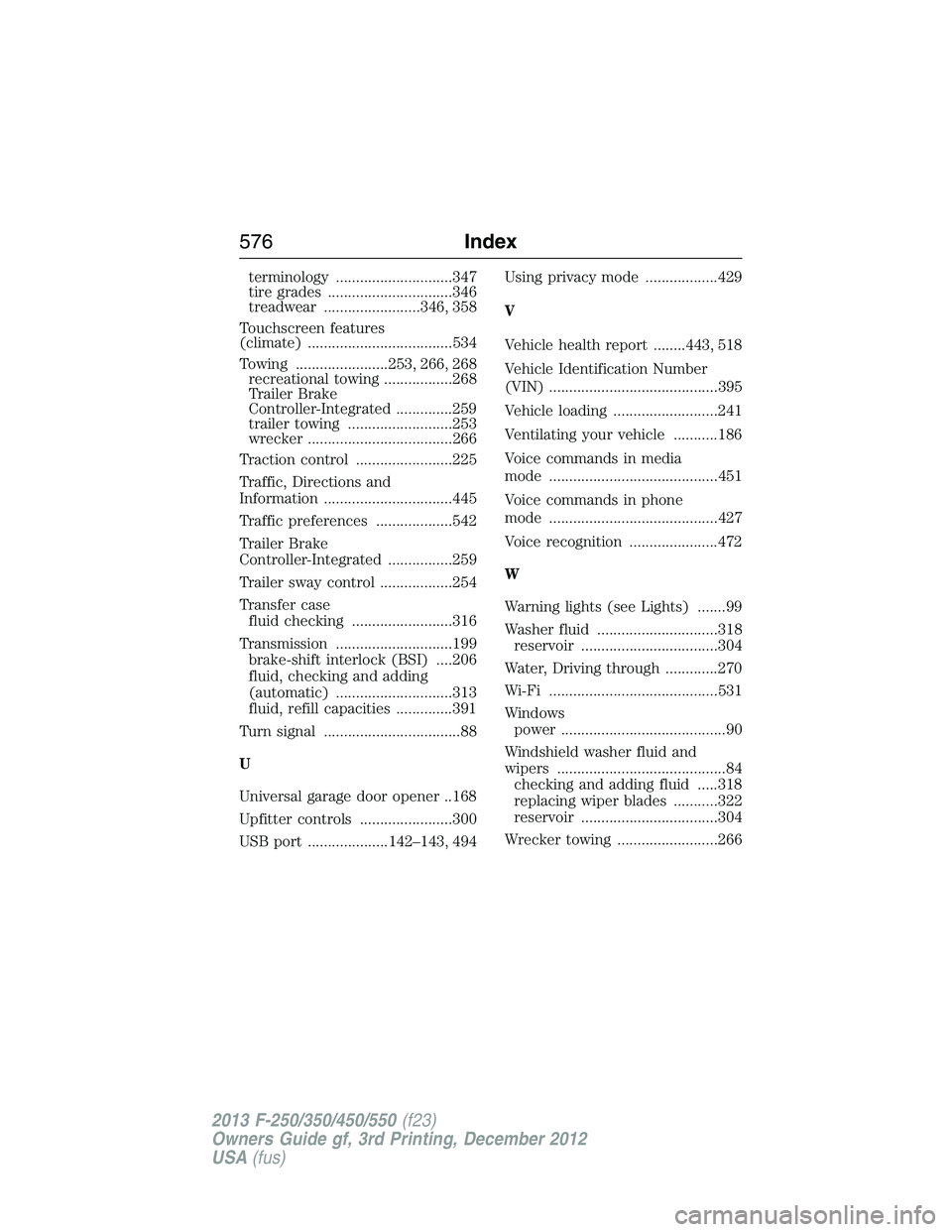
terminology .............................347
tire grades ...............................346
treadwear ........................346, 358
Touchscreen features
(climate) ....................................534
Towing .......................253, 266, 268
recreational towing .................268
Trailer Brake
Controller-Integrated ..............259
trailer towing ..........................253
wrecker ....................................266
Traction control ........................225
Traffic, Directions and
Information ................................445
Traffic preferences ...................542
Trailer Brake
Controller-Integrated ................259
Trailer sway control ..................254
Transfer case
fluid checking .........................316
Transmission .............................199
brake-shift interlock (BSI) ....206
fluid, checking and adding
(automatic) .............................313
fluid, refill capacities ..............391
Turn signal ..................................88
U
Universal garage door opener ..168
Upfitter controls .......................300
USB port ....................142–143, 494Using privacy mode ..................429
V
Vehicle health report ........443, 518
Vehicle Identification Number
(VIN) ..........................................395
Vehicle loading ..........................241
Ventilating your vehicle ...........186
Voice commands in media
mode ..........................................451
Voice commands in phone
mode ..........................................427
Voice recognition ......................472
W
Warning lights (see Lights) .......99
Washer fluid ..............................318
reservoir ..................................304
Water, Driving through .............270
Wi-Fi ..........................................531
Windows
power .........................................90
Windshield washer fluid and
wipers ..........................................84
checking and adding fluid .....318
replacing wiper blades ...........322
reservoir ..................................304
Wrecker towing .........................266
576Index
2013 F-250/350/450/550(f23)
Owners Guide gf, 3rd Printing, December 2012
USA(fus)