radio FORD F250 2013 Owners Manual
[x] Cancel search | Manufacturer: FORD, Model Year: 2013, Model line: F250, Model: FORD F250 2013Pages: 577, PDF Size: 7.74 MB
Page 2 of 577
Introduction 9
Child Safety 18
Child seats...........................................20
Child seat positioning...................................20
Booster seats.........................................22
Installing child safety seats...............................25
Child safety locks......................................35
Safety Belts 36
Fastening the safety belts................................38
Safety belt height adjustment.............................42
Safetybeltwarninglightandindicatorchime..................43
Safety belt-minder.....................................43
Child restraint and safety belt maintenance...................45
Supplementary Restraints System 46
Driver and passenger airbags.............................48
Side airbags..........................................56
Safety canopy curtain airbags.............................57
Crash sensors and airbag indicator.........................59
Airbag disposal........................................60
Keys and Remote Control 61
General information on radio frequencies.....................61
Remote control.......................................62
Keys...............................................62
Replacing a lost key or remote control.......................66
MyKey 67
Settings, MyKey.......................................67
Creating.............................................68
Clearing.............................................69
System status.........................................70
Remote start, MyKey...................................70
Troubleshooting, MyKey.................................71
Table of Contents1
2013 F-250/350/450/550(f23)
Owners Guide gf, 3rd Printing, December 2012
USA(fus)
Page 4 of 577
Instrument Cluster 97
Gauges.............................................97
Warning lamps and indicators.............................99
Audible warnings and indicators..........................103
Information Displays 104
Controls............................................104
Information messages..................................119
Audio System 134
AM/FMstereo........................................136
AM/FM/CD with SYNC.................................137
Auxiliary input jack...................................141
USBport...........................................142
Satellite radio information...............................143
Climate Control 146
Manual heating and air conditioning........................146
Dual automatic temperature control........................148
Rear window defroster.................................152
Seats 154
Sitting in the correct position............................154
Head restraints.......................................155
Manual seats........................................157
Power seats.........................................159
Memory function.....................................160
Rear seats..........................................161
Heated and cooled seats................................165
Universal Garage Door Opener (If Equipped) 168
Car2U® home automation system.........................168
HomeLink® wireless control system.......................173
Table of Contents3
2013 F-250/350/450/550(f23)
Owners Guide gf, 3rd Printing, December 2012
USA(fus)
Page 18 of 577
Using your vehicle as a stationary power source (PTO)
Refer to theDriving Hintschapter for more information and guidelines
for operating a vehicle equipped with an aftermarket power take-off
system.
MOBILE COMMUNICATIONS EQUIPMENT
Using mobile communications equipment is becoming increasingly
important in the conduct of business and personal affairs. However,
you must not compromise your own or others’ safety when using such
equipment. Mobile communications can enhance personal safety and
security when appropriately used, particularly in emergency situations.
Safety must be paramount when using mobile communications
equipment to avoid negating these benefits.
Mobile communication equipment includes, but is not limited to, cellular
phones, pagers, portable email devices, text messaging devices and
portable two-way radios.
WARNING:Driving while distracted can result in loss of vehicle
control, accident and injury. Ford strongly recommends that you
use extreme caution when using any device or feature that may take
your focus off the road. Your primary responsibility is the safe operation
of your vehicle. We recommend against the use of any handheld device
while driving, encourage the use of voice operated systems when
possible and that you become aware of applicable state and local laws
that may affect use of electronic devices while driving.
EXPORT UNIQUE (NON–UNITED STATES/CANADA) VEHICLE
SPECIFIC INFORMATION
For your particular global region, your vehicle may be equipped with
features and options that are different from the features and options that
are described in this owner’s manual. A market unique supplement may
be supplied that complements this book. By referring to the market
unique supplement, if provided, you can properly identify those features,
recommendations and specifications that are unique to your vehicle. This
owner’s manual is written primarily for the U.S. and Canadian Markets.
Features or equipment listed as standard may be different on units built
for Export.See this owner’s manual for all other required
information and warnings.
Introduction17
2013 F-250/350/450/550(f23)
Owners Guide gf, 3rd Printing, December 2012
USA(fus)
Page 51 of 577
If two adults and a child occupy a Regular Cab, properly restrain the
child in the center front unless doing so would interfere with driving
your vehicle. This provides lap and shoulder belt protection for all
occupants, and airbag protection for the adults. A child or infant
properly restrained in the center front seat should not incur risk of
serious injury from the airbags.
FRONT PASSENGER SENSING SYSTEM
WARNING:Even with Advanced Restraints Systems, children 12
and under should be properly restrained in a rear seating position.
WARNING:The front passenger airbag is not designed to offer
protection to an occupant in the center seating position.
High-series vehicles (if equipped)
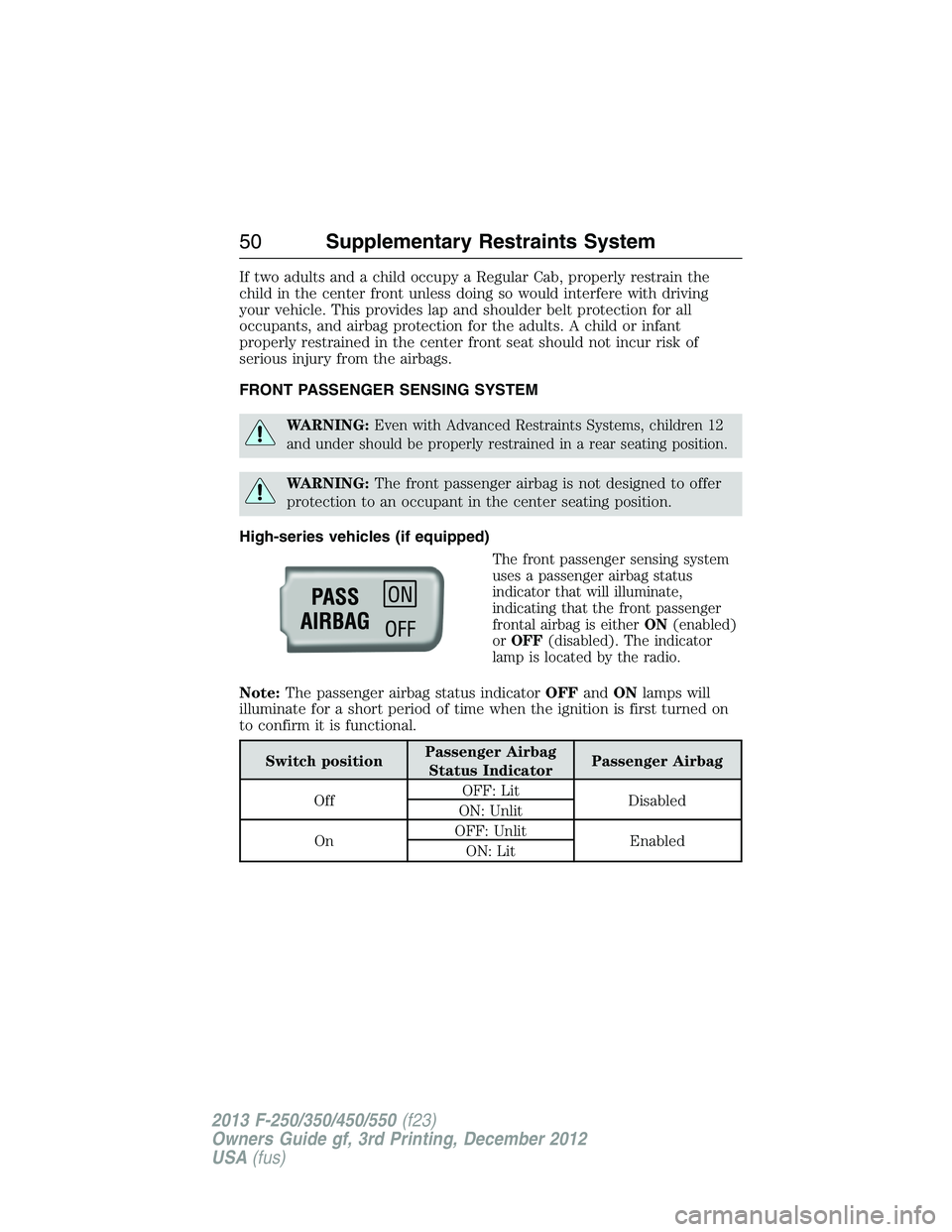
The front passenger sensing system
uses a passenger airbag status
indicator that will illuminate,
indicating that the front passenger
frontal airbag is eitherON(enabled)
orOFF(disabled). The indicator
lamp is located by the radio.
Note:The passenger airbag status indicatorOFFandONlamps will
illuminate for a short period of time when the ignition is first turned on
to confirm it is functional.
Switch positionPassenger Airbag
Status IndicatorPassenger Airbag
OffOFF: Lit
Disabled
ON: Unlit
OnOFF: Unlit
Enabled
ON: Lit
50Supplementary Restraints System
2013 F-250/350/450/550(f23)
Owners Guide gf, 3rd Printing, December 2012
USA(fus)
Page 52 of 577
Low-series vehicles (if equipped)
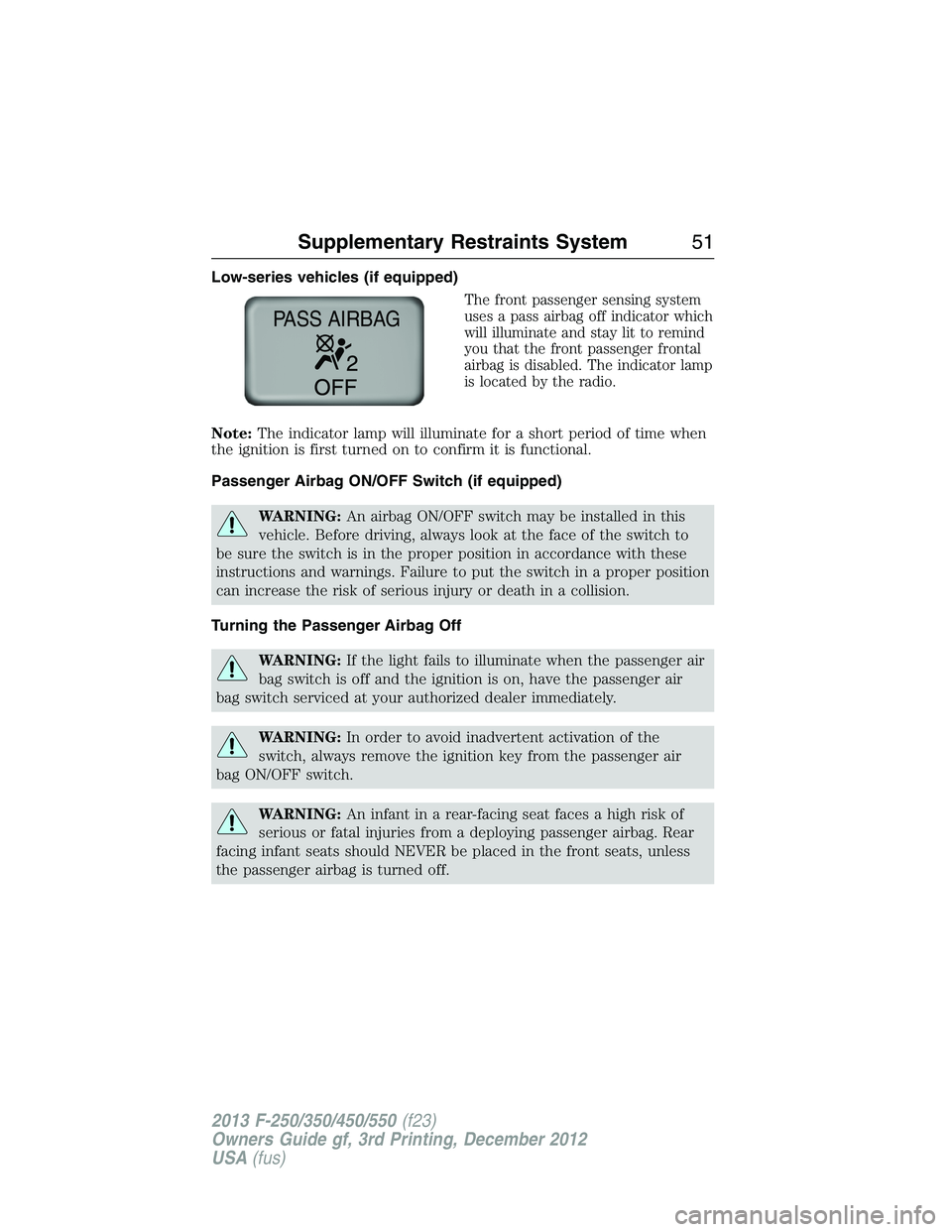
The front passenger sensing system
uses a pass airbag off indicator which
will illuminate and stay lit to remind
you that the front passenger frontal
airbag is disabled. The indicator lamp
is located by the radio.
Note:The indicator lamp will illuminate for a short period of time when
the ignition is first turned on to confirm it is functional.
Passenger Airbag ON/OFF Switch (if equipped)
WARNING:An airbag ON/OFF switch may be installed in this
vehicle. Before driving, always look at the face of the switch to
be sure the switch is in the proper position in accordance with these
instructions and warnings. Failure to put the switch in a proper position
can increase the risk of serious injury or death in a collision.
Turning the Passenger Airbag Off
WARNING:If the light fails to illuminate when the passenger air
bag switch is off and the ignition is on, have the passenger air
bag switch serviced at your authorized dealer immediately.
WARNING:In order to avoid inadvertent activation of the
switch, always remove the ignition key from the passenger air
bag ON/OFF switch.
WARNING:An infant in a rear-facing seat faces a high risk of
serious or fatal injuries from a deploying passenger airbag. Rear
facing infant seats should NEVER be placed in the front seats, unless
the passenger airbag is turned off.
PASS AIRBAG
Supplementary Restraints System51
2013 F-250/350/450/550(f23)
Owners Guide gf, 3rd Printing, December 2012
USA(fus)
Page 62 of 577
GENERAL INFORMATION ON RADIO FREQUENCIES
This device complies with part 15 of the FCC Rules and with Industry
Canada license-exempt RSS standard(s). Operation is subject to the
following two conditions: (1) This device may not cause harmful
interference, and (2) This device must accept any interference received,
including interference that may cause undesired operation.
Note:Changes or modifications not expressly approved by the party
responsible for compliance could void the user’s authority to operate
the equipment. The termICbefore the radio certification number only
signifies that Industry Canada technical specifications were met.
The typical operating range for your transmitter is approximately 33 feet
(10 meters). Vehicles with the remote start feature will have a greater
range. A decrease in operating range could be caused by:
•weather conditions
•nearby radio towers
•structures around your vehicle
•other vehicles parked next to your vehicle.
The radio frequency used by your remote control can also be used by
other short-distance radio transmissions, for example amateur radios,
medical equipment, wireless headphones, remote controls and alarm
systems. If the frequencies are jammed, you will not be able to use your
remote control. You can lock and unlock the doors with the key.
Note:Make sure your vehicle is locked before leaving it unattended.
Note:If you are in range, the remote control will operate if you press
any button unintentionally.
Keys and Remote Control61
2013 F-250/350/450/550(f23)
Owners Guide gf, 3rd Printing, December 2012
USA(fus)
Page 66 of 577
Remote Starting the Vehicle
Note:You must press each button within three seconds of each other.
Your vehicle will not remote start and the horn will not chirp if you do
not follow this sequence.
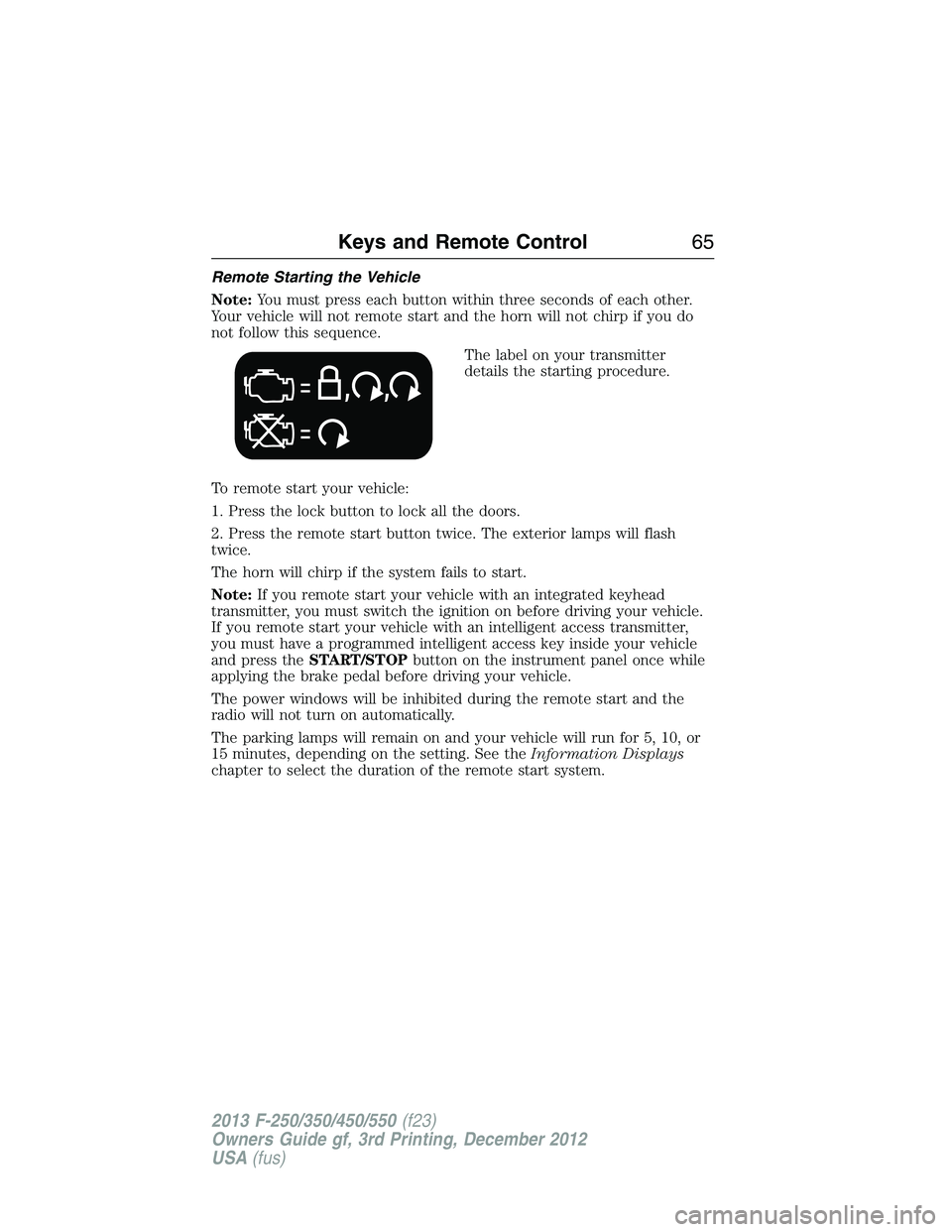
The label on your transmitter
details the starting procedure.
To remote start your vehicle:
1. Press the lock button to lock all the doors.
2. Press the remote start button twice. The exterior lamps will flash
twice.
The horn will chirp if the system fails to start.
Note:If you remote start your vehicle with an integrated keyhead
transmitter, you must switch the ignition on before driving your vehicle.
If you remote start your vehicle with an intelligent access transmitter,
you must have a programmed intelligent access key inside your vehicle
and press theSTART/STOPbutton on the instrument panel once while
applying the brake pedal before driving your vehicle.
The power windows will be inhibited during the remote start and the
radio will not turn on automatically.
The parking lamps will remain on and your vehicle will run for 5, 10, or
15 minutes, depending on the setting. See theInformation Displays
chapter to select the duration of the remote start system.
Keys and Remote Control65
2013 F-250/350/450/550(f23)
Owners Guide gf, 3rd Printing, December 2012
USA(fus)
Page 82 of 577
Media
Press the media button repeatedly to scroll through available audio modes.
Seek, Next or Previous
Press the seek button to:
•tune the radio to the next or previous stored preset
•play the next or previous track.
Press and hold the seek button to:
•tune the radio to the next station up or down the frequency band
•seek through a track.
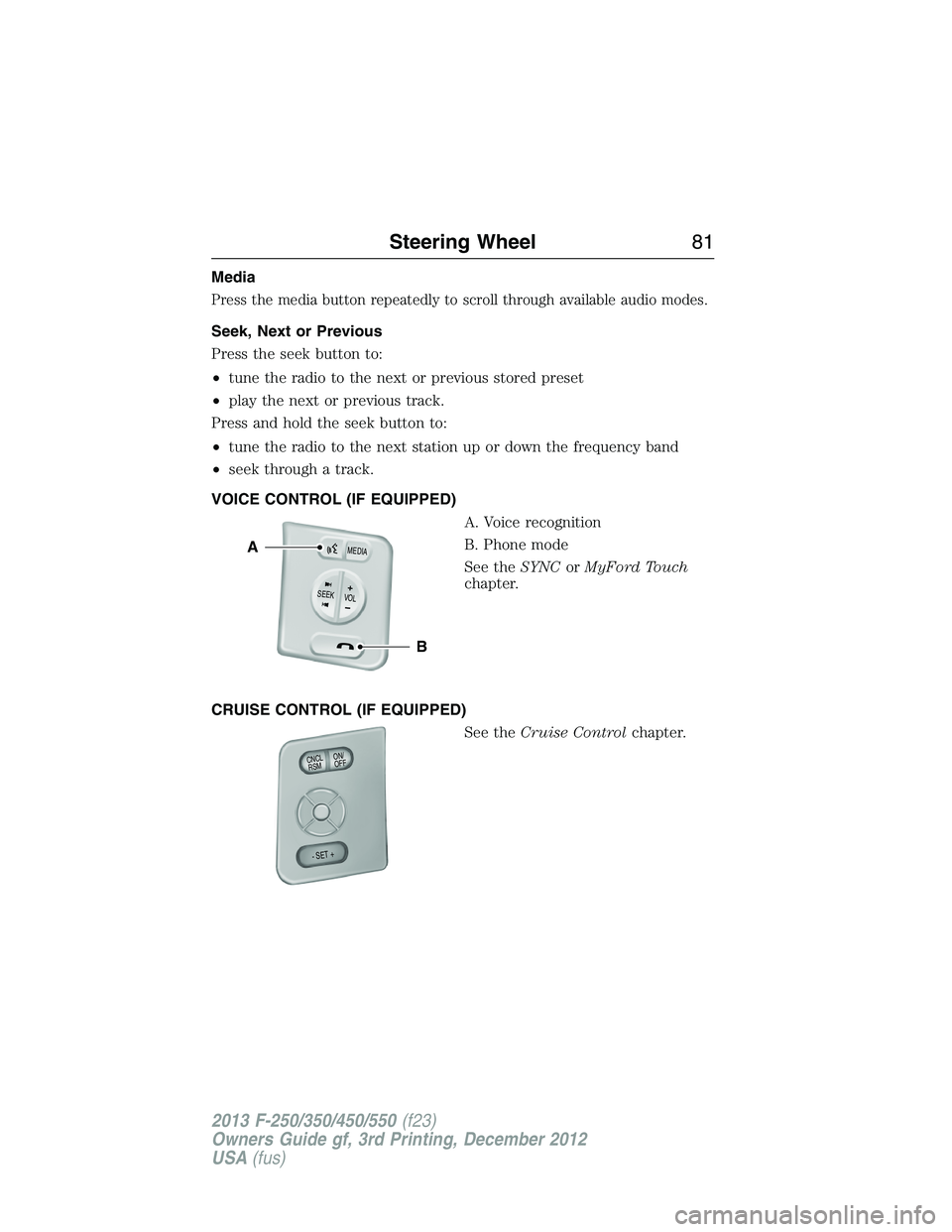
VOICE CONTROL (IF EQUIPPED)
A. Voice recognition
B. Phone mode
See theSYNCorMyFord Touch
chapter.
CRUISE CONTROL (IF EQUIPPED)
See theCruise Controlchapter.
B
A
VOLSEE
K+
M
E
D
IA
ON/
OFF CNCLR
S
M
- SET +
Steering Wheel81
2013 F-250/350/450/550(f23)
Owners Guide gf, 3rd Printing, December 2012
USA(fus)
Page 135 of 577
GENERAL INFORMATION
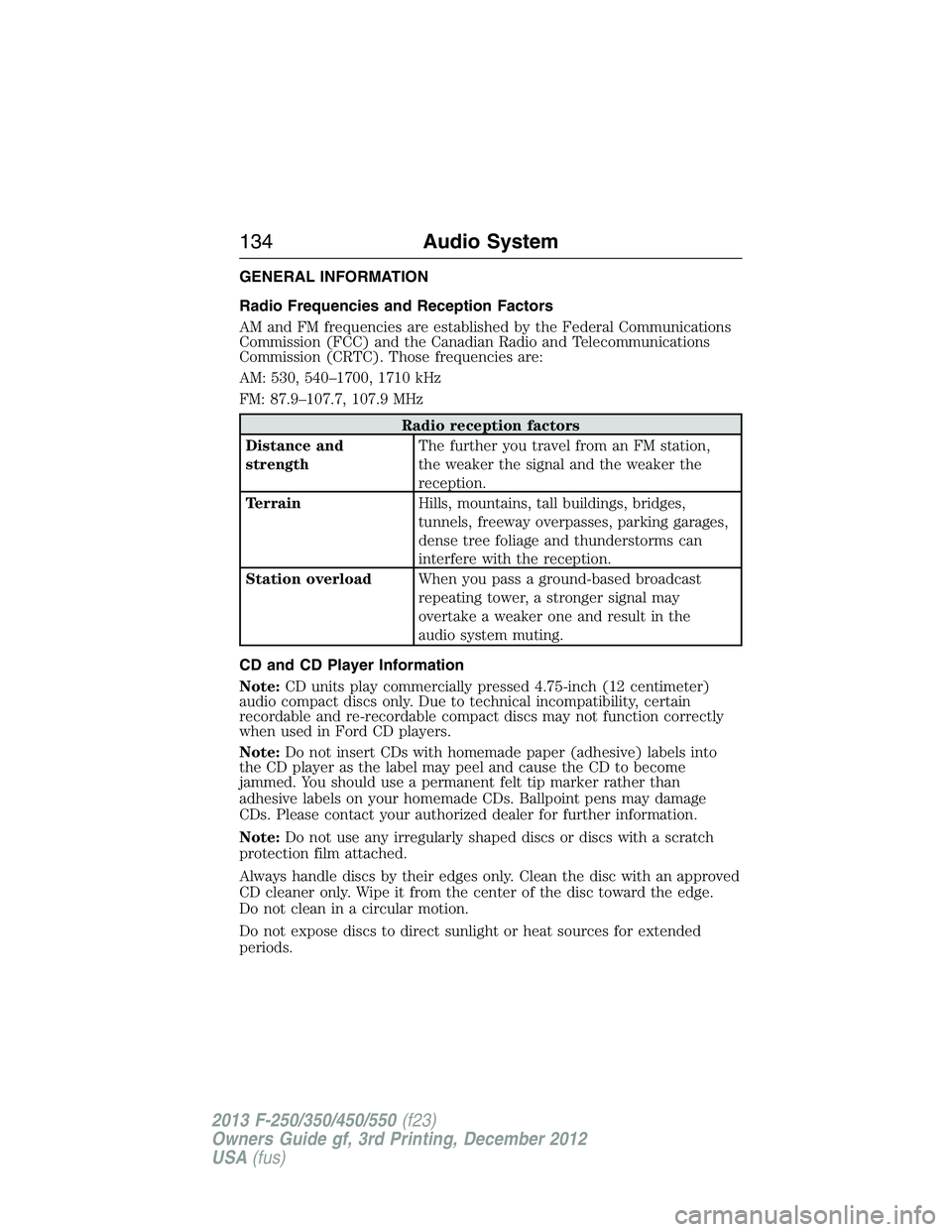
Radio Frequencies and Reception Factors
AM and FM frequencies are established by the Federal Communications
Commission (FCC) and the Canadian Radio and Telecommunications
Commission (CRTC). Those frequencies are:
AM: 530, 540–1700, 1710 kHz
FM: 87.9–107.7, 107.9 MHz
Radio reception factors
Distance and
strengthThe further you travel from an FM station,
the weaker the signal and the weaker the
reception.
TerrainHills, mountains, tall buildings, bridges,
tunnels, freeway overpasses, parking garages,
dense tree foliage and thunderstorms can
interfere with the reception.
Station overloadWhen you pass a ground-based broadcast
repeating tower, a stronger signal may
overtake a weaker one and result in the
audio system muting.
CD and CD Player Information
Note:CD units play commercially pressed 4.75-inch (12 centimeter)
audio compact discs only. Due to technical incompatibility, certain
recordable and re-recordable compact discs may not function correctly
when used in Ford CD players.
Note:Do not insert CDs with homemade paper (adhesive) labels into
the CD player as the label may peel and cause the CD to become
jammed. You should use a permanent felt tip marker rather than
adhesive labels on your homemade CDs. Ballpoint pens may damage
CDs. Please contact your authorized dealer for further information.
Note:Do not use any irregularly shaped discs or discs with a scratch
protection film attached.
Always handle discs by their edges only. Clean the disc with an approved
CD cleaner only. Wipe it from the center of the disc toward the edge.
Do not clean in a circular motion.
Do not expose discs to direct sunlight or heat sources for extended
periods.
134Audio System
2013 F-250/350/450/550(f23)
Owners Guide gf, 3rd Printing, December 2012
USA(fus)
Page 136 of 577
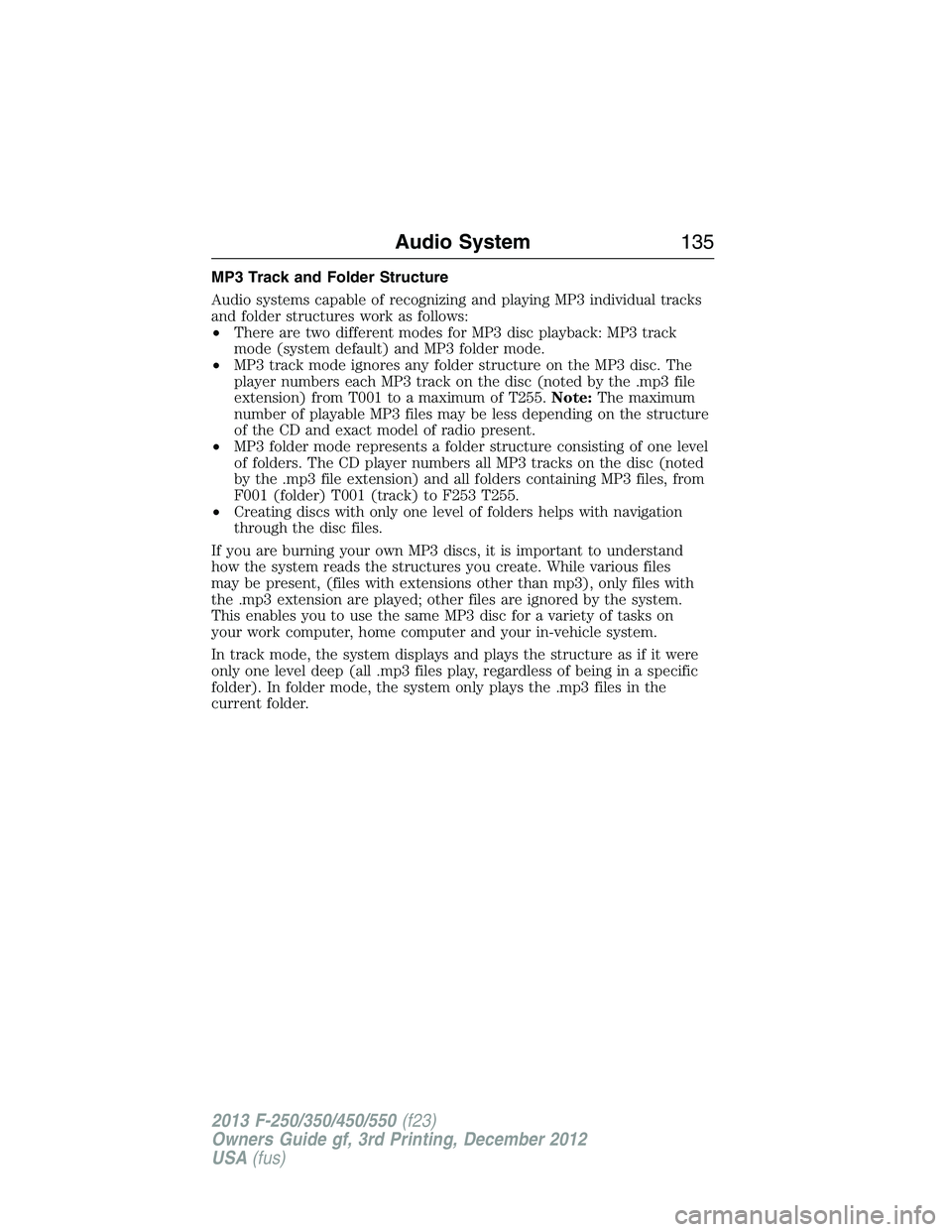
MP3 Track and Folder Structure
Audio systems capable of recognizing and playing MP3 individual tracks
and folder structures work as follows:
•There are two different modes for MP3 disc playback: MP3 track
mode (system default) and MP3 folder mode.
•MP3 track mode ignores any folder structure on the MP3 disc. The
player numbers each MP3 track on the disc (noted by the .mp3 file
extension) from T001 to a maximum of T255.Note:The maximum
number of playable MP3 files may be less depending on the structure
of the CD and exact model of radio present.
•MP3 folder mode represents a folder structure consisting of one level
of folders. The CD player numbers all MP3 tracks on the disc (noted
by the .mp3 file extension) and all folders containing MP3 files, from
F001 (folder) T001 (track) to F253 T255.
•Creating discs with only one level of folders helps with navigation
through the disc files.
If you are burning your own MP3 discs, it is important to understand
how the system reads the structures you create. While various files
may be present, (files with extensions other than mp3), only files with
the .mp3 extension are played; other files are ignored by the system.
This enables you to use the same MP3 disc for a variety of tasks on
your work computer, home computer and your in-vehicle system.
In track mode, the system displays and plays the structure as if it were
only one level deep (all .mp3 files play, regardless of being in a specific
folder). In folder mode, the system only plays the .mp3 files in the
current folder.
Audio System135
2013 F-250/350/450/550(f23)
Owners Guide gf, 3rd Printing, December 2012
USA(fus)