lock FORD FIESTA 2013 Owner's Guide
[x] Cancel search | Manufacturer: FORD, Model Year: 2013, Model line: FIESTA, Model: FORD FIESTA 2013Pages: 346, PDF Size: 5.27 MB
Page 82 of 346
Battery Saver
The battery saver feature will switch off the interior lamps 10 minutes
after the ignition has been turned to the (off) position and one of the
vehicle doors has been opened.
Note:The battery saver feature will turn off the map lamps after
30 minutes if left in the on position.
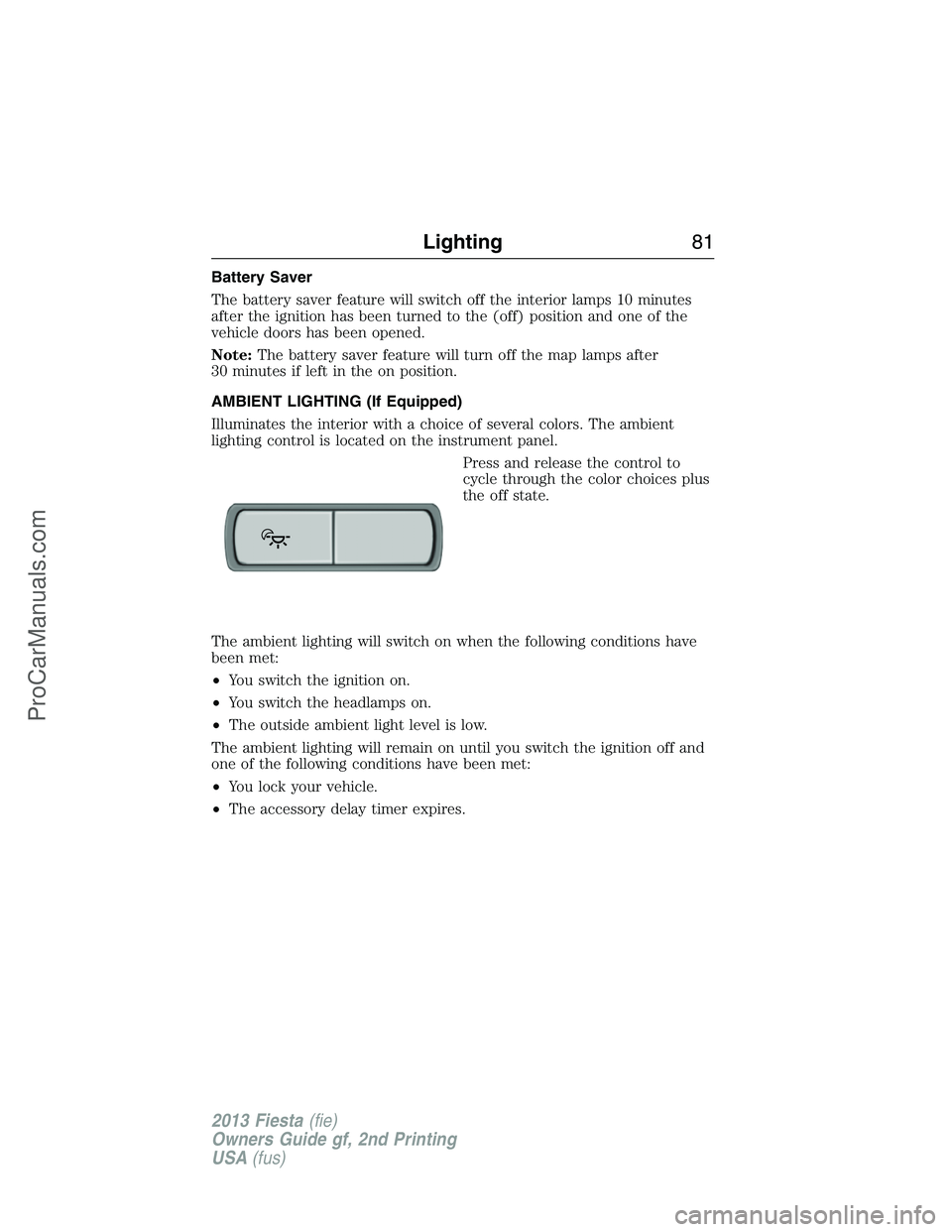
AMBIENT LIGHTING (If Equipped)
Illuminates the interior with a choice of several colors. The ambient
lighting control is located on the instrument panel.
Press and release the control to
cycle through the color choices plus
the off state.
The ambient lighting will switch on when the following conditions have
been met:
•You switch the ignition on.
•You switch the headlamps on.
•The outside ambient light level is low.
The ambient lighting will remain on until you switch the ignition off and
one of the following conditions have been met:
•You lock your vehicle.
•The accessory delay timer expires.
Lighting81
2013 Fiesta(fie)
Owners Guide gf, 2nd Printing
USA(fus)
ProCarManuals.com
Page 84 of 346
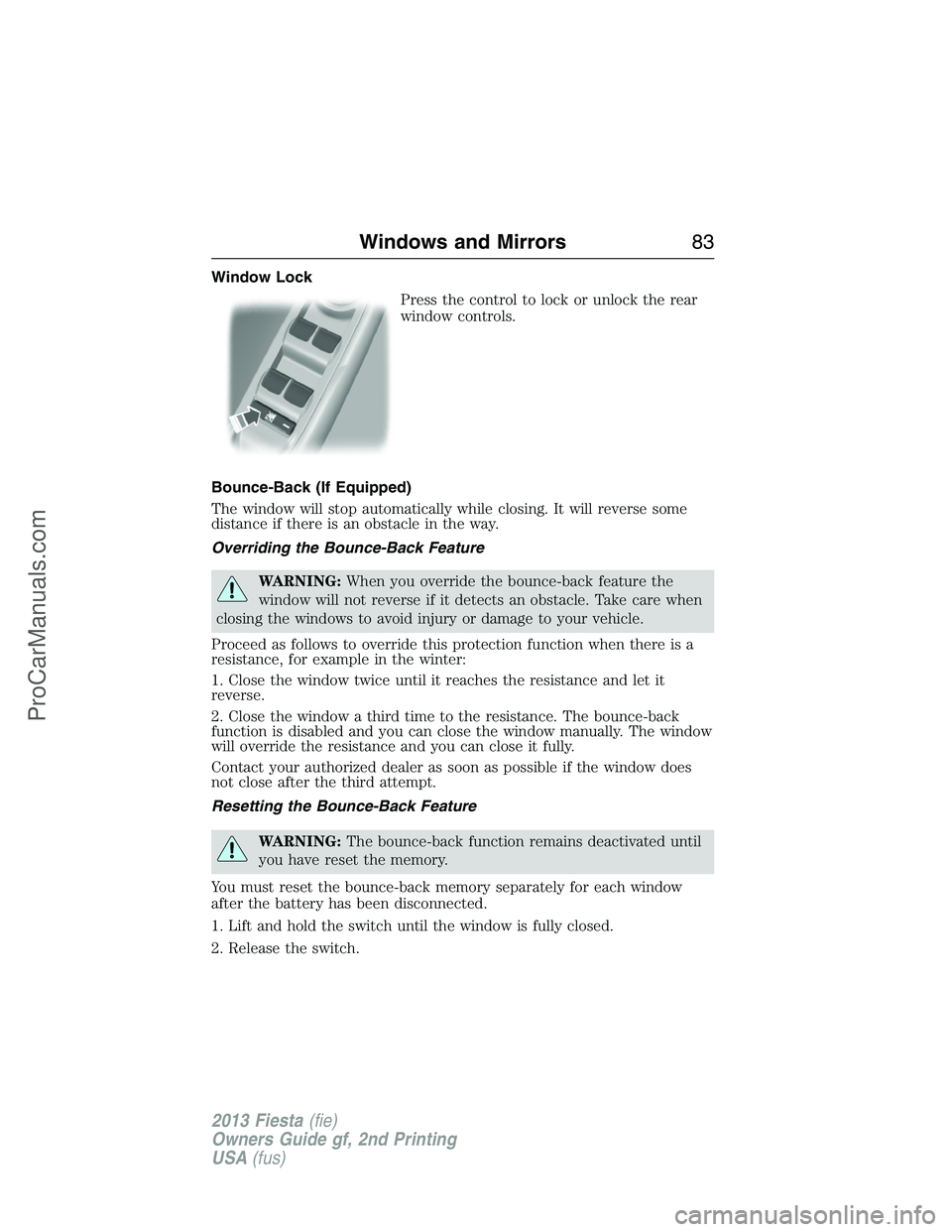
Window Lock
Press the control to lock or unlock the rear
window controls.
Bounce-Back (If Equipped)
The window will stop automatically while closing. It will reverse some
distance if there is an obstacle in the way.
Overriding the Bounce-Back Feature
WARNING:When you override the bounce-back feature the
window will not reverse if it detects an obstacle. Take care when
closing the windows to avoid injury or damage to your vehicle.
Proceed as follows to override this protection function when there is a
resistance, for example in the winter:
1. Close the window twice until it reaches the resistance and let it
reverse.
2. Close the window a third time to the resistance. The bounce-back
function is disabled and you can close the window manually. The window
will override the resistance and you can close it fully.
Contact your authorized dealer as soon as possible if the window does
not close after the third attempt.
Resetting the Bounce-Back Feature
WARNING:The bounce-back function remains deactivated until
you have reset the memory.
You must reset the bounce-back memory separately for each window
after the battery has been disconnected.
1. Lift and hold the switch until the window is fully closed.
2. Release the switch.
Windows and Mirrors83
2013 Fiesta(fie)
Owners Guide gf, 2nd Printing
USA(fus)
ProCarManuals.com
Page 85 of 346
3. Lift the switch again for one more second.
4. Press and hold the switch until the window is fully open.
5. Release the switch
6. Lift and hold the switch until the window is fully closed.
7. Open the window and then try to close it automatically.
8. Reset and repeat the procedure if the window does not close
automatically.
EXTERIOR MIRRORS
Power Exterior Mirrors
WARNING:Do not adjust the mirror while your vehicle is in
motion.
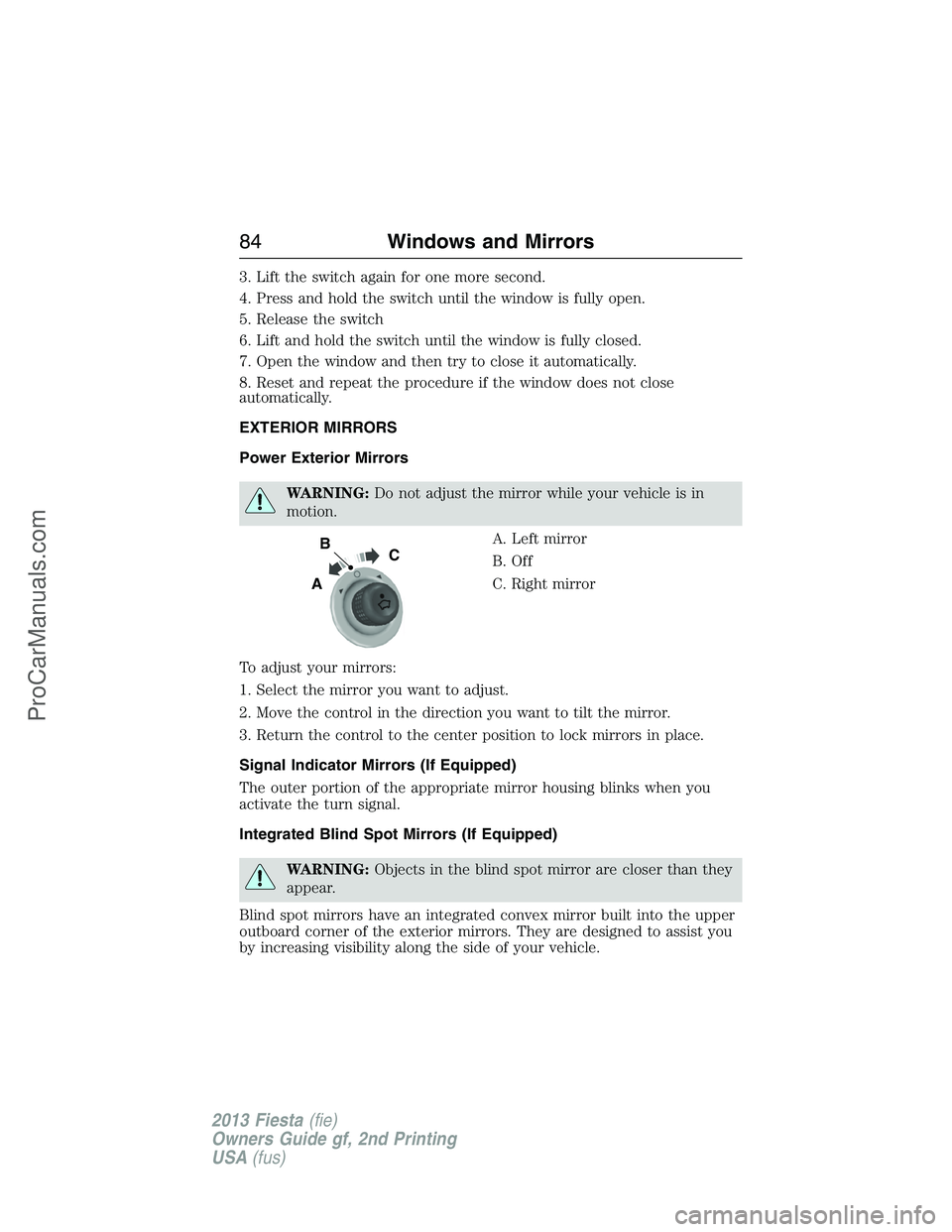
A. Left mirror
B. Off
C. Right mirror
To adjust your mirrors:
1. Select the mirror you want to adjust.
2. Move the control in the direction you want to tilt the mirror.
3. Return the control to the center position to lock mirrors in place.
Signal Indicator Mirrors (If Equipped)
The outer portion of the appropriate mirror housing blinks when you
activate the turn signal.
Integrated Blind Spot Mirrors (If Equipped)
WARNING:Objects in the blind spot mirror are closer than they
appear.
Blind spot mirrors have an integrated convex mirror built into the upper
outboard corner of the exterior mirrors. They are designed to assist you
by increasing visibility along the side of your vehicle.
B
A
C
84Windows and Mirrors
2013 Fiesta(fie)
Owners Guide gf, 2nd Printing
USA(fus)
ProCarManuals.com
Page 87 of 346
Auto-Dimming Mirror (If Equipped)
Note:Do not block the sensors on the front and back of the mirror.
Mirror performance may be affected. A rear center passenger or raised
rear center head restraint may also block light from reaching the sensor.
The mirror will dim automatically to reduce glare when bright lights are
detected from behind your vehicle. It will automatically return to normal
reflection when you select reverse gear to make sure you have a clear
view when backing up.
MOONROOF (IF EQUIPPED)
WARNING:Do not let children play with the moonroof or leave
them unattended in the vehicle. They may seriously hurt
themselves.
WARNING:When closing the moonroof, you should verify that it
is free of obstructions and make sure that children and pets are
not in the proximity of the roof opening.
You can manually open or close the sunscreen when the glass panel is
closed.
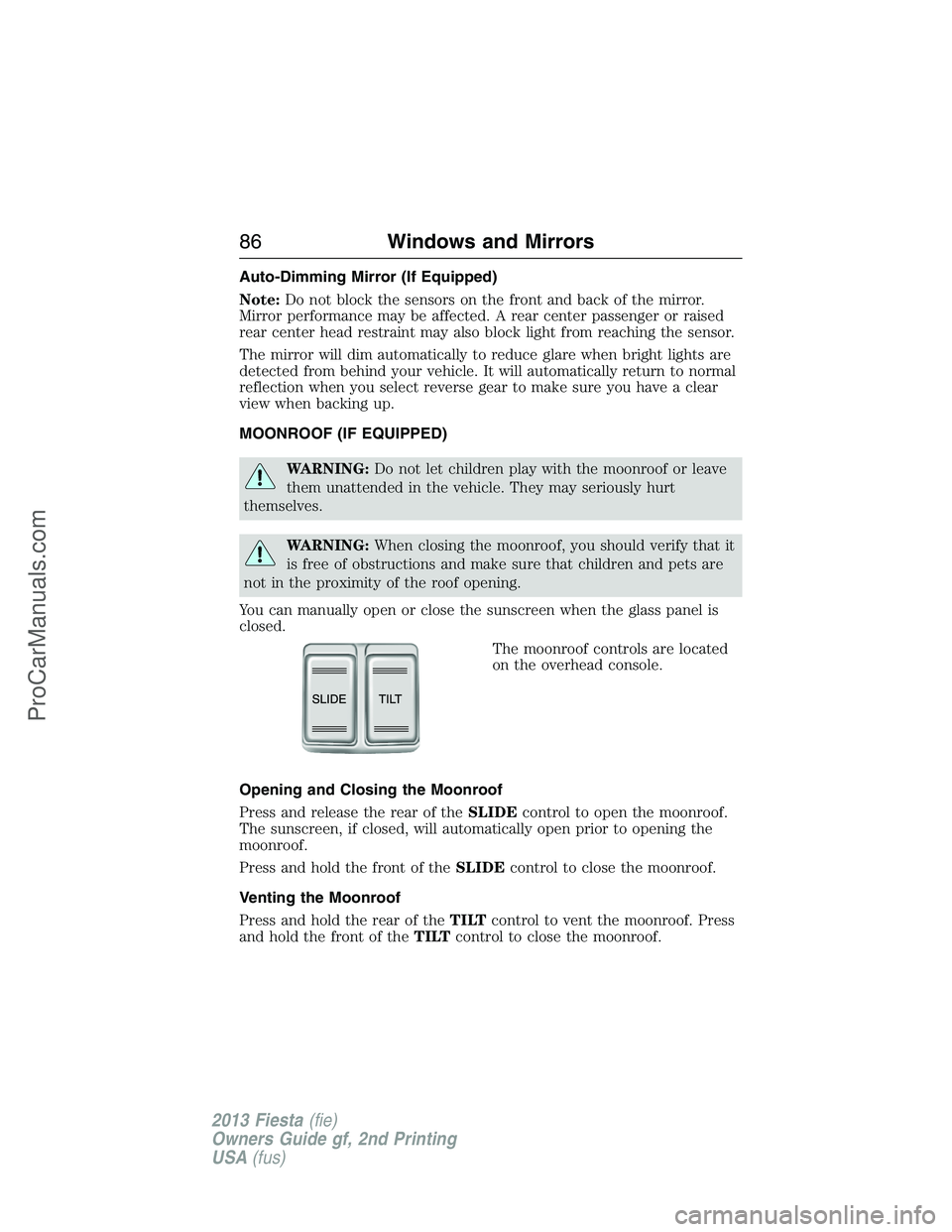
The moonroof controls are located
on the overhead console.
Opening and Closing the Moonroof
Press and release the rear of theSLIDEcontrol to open the moonroof.
The sunscreen, if closed, will automatically open prior to opening the
moonroof.
Press and hold the front of theSLIDEcontrol to close the moonroof.
Venting the Moonroof
Press and hold the rear of theTILTcontrol to vent the moonroof. Press
and hold the front of theTILTcontrol to close the moonroof.
86Windows and Mirrors
2013 Fiesta(fie)
Owners Guide gf, 2nd Printing
USA(fus)
ProCarManuals.com
Page 89 of 346
Note:Do not restart the engine until the cause of overheating has been
resolved.
WARNING:Never remove the coolant reservoir cap while the
engine is running or hot.
Fuel Gauge
Switch the ignition on. The fuel gauge will indicate approximately how
much fuel is left in the fuel tank. The fuel gauge may vary slightly when
the vehicle is moving or on a gradient. The arrow adjacent to the fuel
pump symbol indicates on which side of your vehicle the fuel filler door
is located.
WARNING LAMPS AND INDICATORS
The following warning lamps and indicators will alert you to a vehicle
condition that may become serious. Some lamps will illuminate when you
start your vehicle to make sure they work. If any lamps remain on after
starting your vehicle, refer to the respective system warning lamp for
further information.
Note:Some warning indicators appear in the information display and
function the same as a warning lamp but do not display when you start
your vehicle.
Airbag – Front
If it fails to illuminate on startup, continues to flash or remains
on, it indicates a malfunction. Have the system checked by your
authorized dealer. A chime will sound when there is a
malfunction in the indicator light.
Anti-Lock Braking System
If it illuminates when you are driving, this indicates a
malfunction. You will continue to have the normal braking
system (without ABS) unless the brake warning lamp is also
illuminated. Have the system checked by your authorized dealer.
88Instrument Cluster
2013 Fiesta(fie)
Owners Guide gf, 2nd Printing
USA(fus)
ProCarManuals.com
Page 95 of 346
GENERAL INFORMATION
WARNING:Driving while distracted can result in loss of vehicle
control, accident and injury. Ford strongly recommends that
drivers use extreme caution when using any device or feature that may
take their focus off the road. Your primary responsibility is the safe
operation of the vehicle. We recommend against the use of any
handheld device while driving and that you comply with all applicable
laws.
Various systems can be programmed using the audio unit controls.
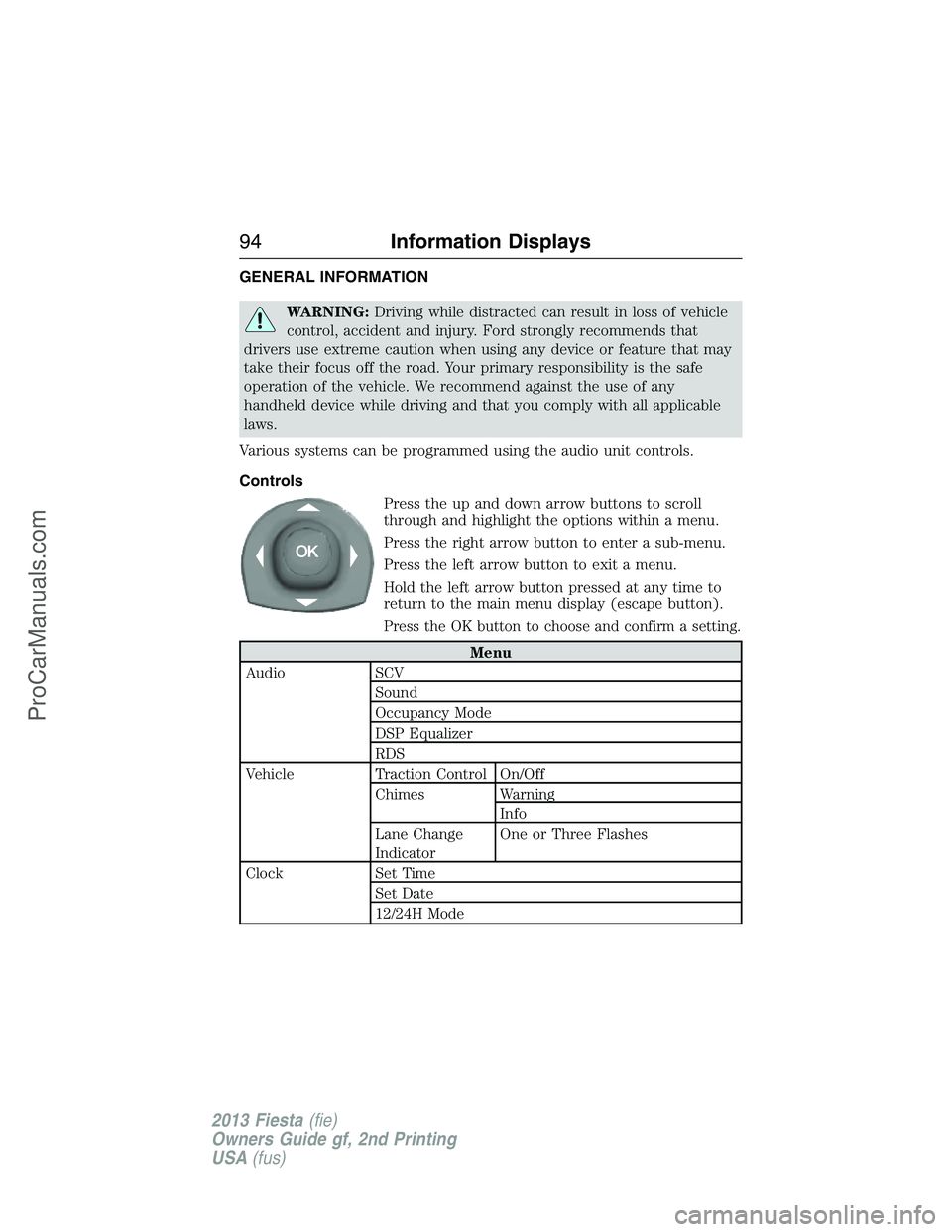
Controls
Press the up and down arrow buttons to scroll
through and highlight the options within a menu.
Press the right arrow button to enter a sub-menu.
Press the left arrow button to exit a menu.
Hold the left arrow button pressed at any time to
return to the main menu display (escape button).
Press the OK button to choose and confirm a setting.
Menu
Audio SCV
Sound
Occupancy Mode
DSP Equalizer
RDS
Vehicle Traction Control On/Off
Chimes Warning
Info
Lane Change
IndicatorOne or Three Flashes
Clock Set Time
Set Date
12/24H Mode
94Information Displays
2013 Fiesta(fie)
Owners Guide gf, 2nd Printing
USA(fus)
ProCarManuals.com
Page 96 of 346
Menu
Display Units of measure
Language
Messages
Compass
(if equipped)If your vehicle is equipped with SYNC®, the
compass heading is displayed to the left of the clock
in the upper portion of the multifunction display.
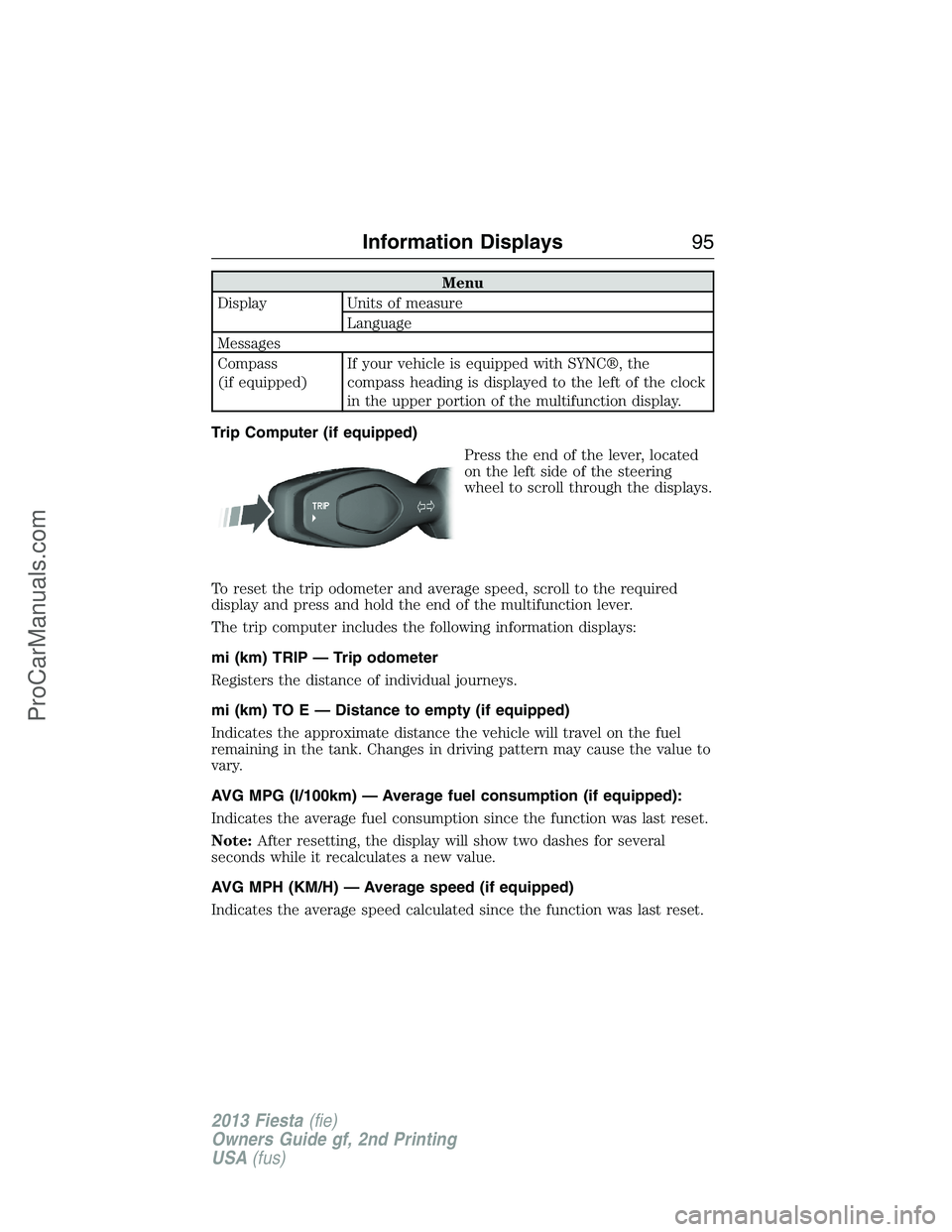
Trip Computer (if equipped)
Press the end of the lever, located
on the left side of the steering
wheel to scroll through the displays.
To reset the trip odometer and average speed, scroll to the required
display and press and hold the end of the multifunction lever.
The trip computer includes the following information displays:
mi (km) TRIP — Trip odometer
Registers the distance of individual journeys.
mi (km) TO E — Distance to empty (if equipped)
Indicates the approximate distance the vehicle will travel on the fuel
remaining in the tank. Changes in driving pattern may cause the value to
vary.
AVG MPG (l/100km) — Average fuel consumption (if equipped):
Indicates the average fuel consumption since the function was last reset.
Note:After resetting, the display will show two dashes for several
seconds while it recalculates a new value.
AVG MPH (KM/H) — Average speed (if equipped)
Indicates the average speed calculated since the function was last reset.
Information Displays95
2013 Fiesta(fie)
Owners Guide gf, 2nd Printing
USA(fus)
ProCarManuals.com
Page 97 of 346
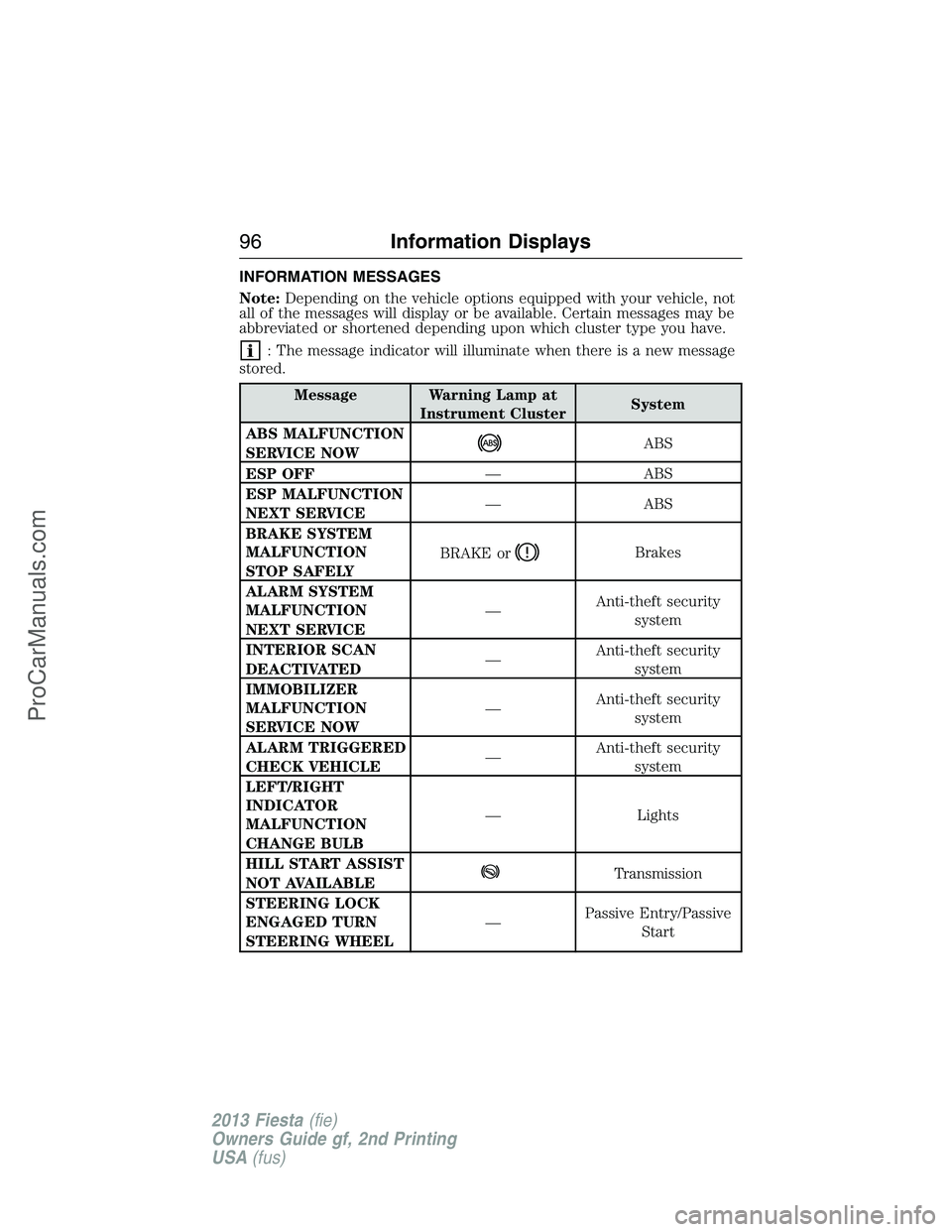
INFORMATION MESSAGES
Note:Depending on the vehicle options equipped with your vehicle, not
all of the messages will display or be available. Certain messages may be
abbreviated or shortened depending upon which cluster type you have.
: The message indicator will illuminate when there is a new message
stored.
Message Warning Lamp at
Instrument ClusterSystem
ABS MALFUNCTION
SERVICE NOW
ABS
ESP OFF— ABS
ESP MALFUNCTION
NEXT SERVICE— ABS
BRAKE SYSTEM
MALFUNCTION
STOP SAFELYBRAKE or
Brakes
ALARM SYSTEM
MALFUNCTION
NEXT SERVICE—Anti-theft security
system
INTERIOR SCAN
DEACTIVATED—Anti-theft security
system
IMMOBILIZER
MALFUNCTION
SERVICE NOW—Anti-theft security
system
ALARM TRIGGERED
CHECK VEHICLE—Anti-theft security
system
LEFT/RIGHT
INDICATOR
MALFUNCTION
CHANGE BULB— Lights
HILL START ASSIST
NOT AVAILABLE
Transmission
STEERING LOCK
ENGAGED TURN
STEERING WHEEL—Passive Entry/Passive
Start
96Information Displays
2013 Fiesta(fie)
Owners Guide gf, 2nd Printing
USA(fus)
ProCarManuals.com
Page 106 of 346
B.Cursor arrows:Press these buttons to scroll through on-screen
audio system choices.
C.CD slot:Insert a CD.
D.OK:
•Press the up and down or left and right arrow buttons to browse
menu selections.
•PressOKto confirm menu selections.
E.INFO:Press the button to access any available radio or CD
information.
F.MENU:Press this button to access different audio system features.
SeeMenu structurelater in this section.
G.SOUND:
•Press this button to access settings for Treble, Middle, Bass, Fade and
Balance.
•Use the up and down arrow buttons to select the various settings.
When you make your selection, press the left and right arrow buttons
to change the settings. PressOKto set or pressMENUto exit.
•Sound settings can be set for each audio source independently.
H.Number block:
•In radio mode, store your favorite radio stations. To store a radio
station, tune to the station, then press and hold a preset button until
sound returns.
•In CD mode, press a button to select a track.
•In phone mode, press the buttons to enter a phone number.
I.Function Button 4:Select different functions of the audio system
depending on which mode you are in (such as Radio mode or CD mode).
J.Function Button 3:Select different functions of the audio system
depending on which mode you are in (such as Radio mode or CD mode).
K.SEEK:
•Press and release this button to go to the next preset radio station or
disc track.
•Press and hold this button to fast forward to the next strong radio
station, memory preset or through the current disc track.
L.ON/OFF:
•Press this button to turn the system off and on.
•Turn it to adjust the volume.
Audio System105
2013 Fiesta(fie)
Owners Guide gf, 2nd Printing
USA(fus)
ProCarManuals.com
Page 107 of 346
M.SEEK:
•Press and release this button to go to the previous track or preset
radio station.
•Press and hold to reverse through the current track or to a the
previous strong radio station (manually reverses between station
presets or through radio stations).
N.Function Button 2:Select different functions of the audio system
depending on which mode you are in (such as Radio mode or CD mode).
O.Function Button 1:Select different functions of the audio system
depending on which mode you are in (such as Radio mode or CD mode).
P.PHONE:Press this button to access the phone features of the SYNC®
system. See theSYNC®chapter for more information.
Q.AUX:Press this button to access your auxiliary input jack or switch
between devices you plug into the input jack or USB port.
R.SIRIUS:Press this button to listen to SIRIUS satellite radio.
S.RADIO:Press this button to listen to the radio or change radio
frequencies. Press the function buttons below the radio screen to select
different radio functions.
T.CD:Press this button to listen to a CD. Press the function buttons
below the radio screen to select on-screen options of Repeat or Shuffle.
Setting the clock
Press the H or M buttons on the outside of the multifunction display to
access the clock settings. Once you are in the clock setting, press the H
or M button repeatedly until the desired number appears. PressOKto
confirm and close.
MENU STRUCTURE
Note:Depending on your system, some options may appear slightly
different, not at all or on-screen and able to be selected using the
function buttons.
PressMENU.
Press the up and down arrow buttons to scroll through the options (if
active).
Press the right arrow to enter a menu. Press the left arrow to exit a
menu.
106Audio System
2013 Fiesta(fie)
Owners Guide gf, 2nd Printing
USA(fus)
ProCarManuals.com