indicators FORD FIESTA 2015 Owners Manual
[x] Cancel search | Manufacturer: FORD, Model Year: 2015, Model line: FIESTA, Model: FORD FIESTA 2015Pages: 423, PDF Size: 5.5 MB
Page 5 of 423
Windshield Washers.....................................63
Rear Window Wiper and Washers..........64
Lighting
General Information
......................................65
Lighting Control..............................................65
Autolamps........................................................66
Instrument Lighting Dimmer
......................67
Headlamp Exit Delay....................................67
Daytime Running Lamps
.............................67
Front Fog Lamps............................................67
Direction Indicators
.......................................68
Interior Lamps.................................................68
Ambient Lighting
...........................................69
Windows and Mirrors
Power Windows..............................................70
Global Opening and Closing
.......................71
Exterior Mirrors
.................................................72
Interior Mirror
....................................................73
Moonroof...........................................................74
Instrument Cluster
Gauges................................................................75
Warning Lamps and Indicators -
1.6L
Duratec-16V Ti-VCT (Sigma)/1.0L
EcoBoost™..................................................76
Warning Lamps and Indicators -
1.6L
EcoBoost™..................................................79
Audible Warnings and Indicators.............82
Information Displays
General Information
......................................83
Clock...................................................................86
Trip Computer
.................................................86
Personalized Settings
...................................87
Information Messages
..................................87
Climate Control
Principle of Operation
..................................95 Air Vents............................................................95
Manual Climate Control..............................96
Automatic Climate Control
........................97
Hints on Controlling the Interior Climate..........................................................98
Heated Windows and Mirrors...................101
Cabin Air Filter
................................................101
Seats
Sitting in the Correct Position..................103
Head Restraints............................................103
Manual Seats
.................................................105
Rear Seats.......................................................106
Heated Seats
..................................................107
Auxiliary Power Points
Auxiliary Power Points...............................109
Cigar Lighter
...................................................109
Storage Compartments
Cup Holders.....................................................110
Starting and Stopping the Engine
General Information
......................................111
Ignition Switch
.................................................111
Keyless Starting
...............................................111
Starting a Gasoline Engine.........................113
Switching Off the Engine
............................114
Engine Block Heater.....................................114
Fuel and Refueling
Safety Precautions
.......................................116
Fuel Quality - Gasoline................................117
Refueling...........................................................117
Fuel Consumption.........................................119
Emission Control System...........................119
2
Fiesta (CCT), enUSA, Second Printing Table of Contents
ProCarManuals.com
Page 46 of 423
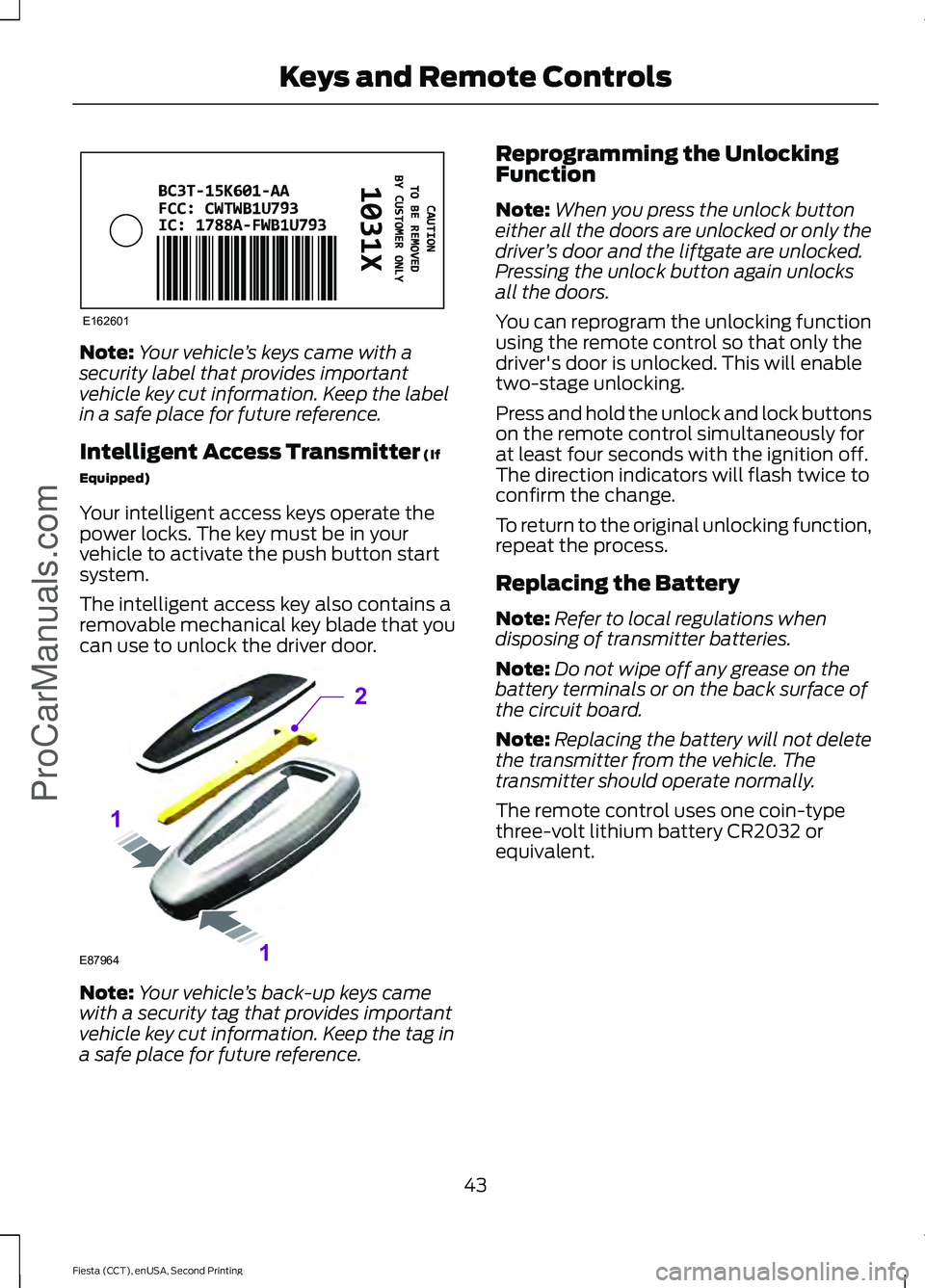
Note:
Your vehicle ’s keys came with a
security label that provides important
vehicle key cut information. Keep the label
in a safe place for future reference.
Intelligent Access Transmitter (If
Equipped)
Your intelligent access keys operate the
power locks. The key must be in your
vehicle to activate the push button start
system.
The intelligent access key also contains a
removable mechanical key blade that you
can use to unlock the driver door. Note:
Your vehicle ’s back-up keys came
with a security tag that provides important
vehicle key cut information. Keep the tag in
a safe place for future reference. Reprogramming the Unlocking
Function
Note:
When you press the unlock button
either all the doors are unlocked or only the
driver ’s door and the liftgate are unlocked.
Pressing the unlock button again unlocks
all the doors.
You can reprogram the unlocking function
using the remote control so that only the
driver's door is unlocked. This will enable
two-stage unlocking.
Press and hold the unlock and lock buttons
on the remote control simultaneously for
at least four seconds with the ignition off.
The direction indicators will flash twice to
confirm the change.
To return to the original unlocking function,
repeat the process.
Replacing the Battery
Note: Refer to local regulations when
disposing of transmitter batteries.
Note: Do not wipe off any grease on the
battery terminals or on the back surface of
the circuit board.
Note: Replacing the battery will not delete
the transmitter from the vehicle. The
transmitter should operate normally.
The remote control uses one coin-type
three-volt lithium battery CR2032 or
equivalent.
43
Fiesta (CCT), enUSA, Second Printing Keys and Remote Controls
ProCarManuals.comE162601 E87964
2
1
1
Page 54 of 423
LOCKING AND UNLOCKING
Remote Control
Unlocking the Doors
Note:
The driver door can be unlocked with
the key if the remote control is not
functioning.
Note: When you lock your vehicle for
several weeks, the remote control will be
switched off. Your vehicle must be unlocked
and the engine started using the key.
Unlocking and starting your vehicle once will
enable the remote control.
One-Stage Unlocking Press the button to unlock all
doors.
The direction indicators will flash.
Two-Stage Unlocking Press the button to unlock the
driver door.
Press the button again within three
seconds to unlock all doors.
The direction indicators will flash.
Reprogramming the Unlocking
Function
You can reprogram the unlocking function
using the remote control to change
between one-stage and two-stage
unlocking. See Remote Control (page
42).
Locking the Doors Press the button to lock all the
doors. The direction indicators
will flash twice. Press the button again within three
seconds to confirm that all the doors are
closed. The doors will lock again, the
direction indicators will flash once and the
horn will sound, if all the doors and the
luggage compartment are closed.
Note:
If any door, the hood or the luggage
compartment is open on vehicles that have
an anti-theft alarm or remote start, the
direction indicators will not flash but the
horn will sound.
Automatic Re-locking
The doors will relock automatically if you
do not open a door within 45 seconds of
unlocking the doors with the remote
control. The door locks and the alarm will
return to their previous state.
Locking and Unlocking the Doors
From Inside
The power door lock control is located on
the instrument panel near the radio. Press the button to lock and
unlock all the doors. The lamp
illuminates with the doors
locked.
Locking and Unlocking the Doors
With the Key
Note: Do not leave your keys in your vehicle.
Locking With the Key
Turn the top of the key toward the front of
your vehicle.
Unlocking With the Key
Turn the top of the key toward the rear of
your vehicle to unlock driver door. Turn the
key again within a few seconds to unlock
the remaining doors.
51
Fiesta (CCT), enUSA, Second Printing Locks
ProCarManuals.com E138623 E102566
Page 58 of 423
KEYLESS ENTRY
General Information
WARNING
The system may not function if the
key is close to metal objects or
electronic devices such as cell
phones. The system will not function if:
•
Your vehicle battery has no charge.
• The passive key frequencies are
jammed.
• The passive key battery has no charge.
Note: If the system does not function, you
will need to use the key blade to lock and
unlock your vehicle.
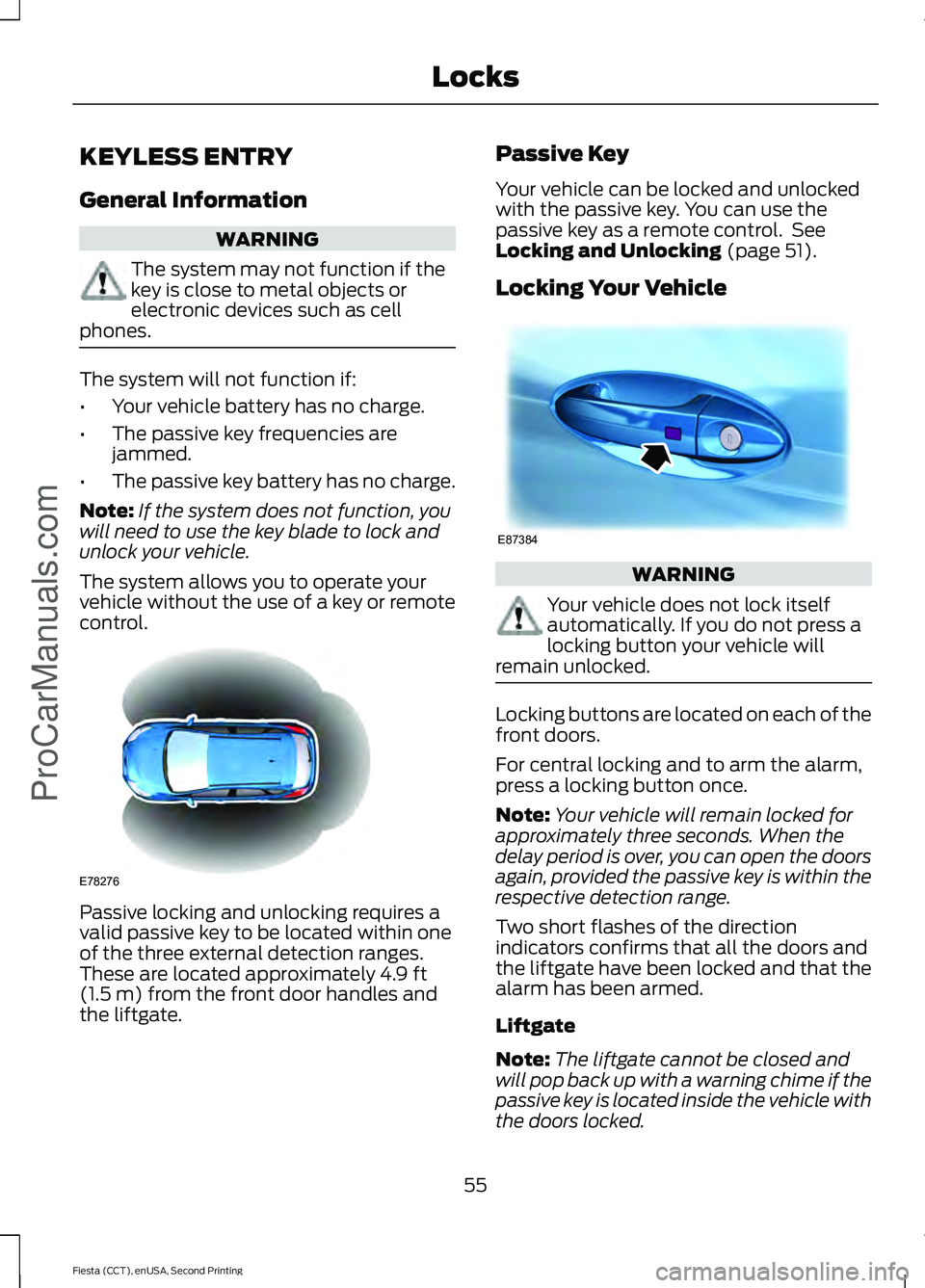
The system allows you to operate your
vehicle without the use of a key or remote
control. Passive locking and unlocking requires a
valid passive key to be located within one
of the three external detection ranges.
These are located approximately 4.9 ft
(1.5 m) from the front door handles and
the liftgate. Passive Key
Your vehicle can be locked and unlocked
with the passive key. You can use the
passive key as a remote control. See
Locking and Unlocking
(page 51).
Locking Your Vehicle WARNING
Your vehicle does not lock itself
automatically. If you do not press a
locking button your vehicle will
remain unlocked. Locking buttons are located on each of the
front doors.
For central locking and to arm the alarm,
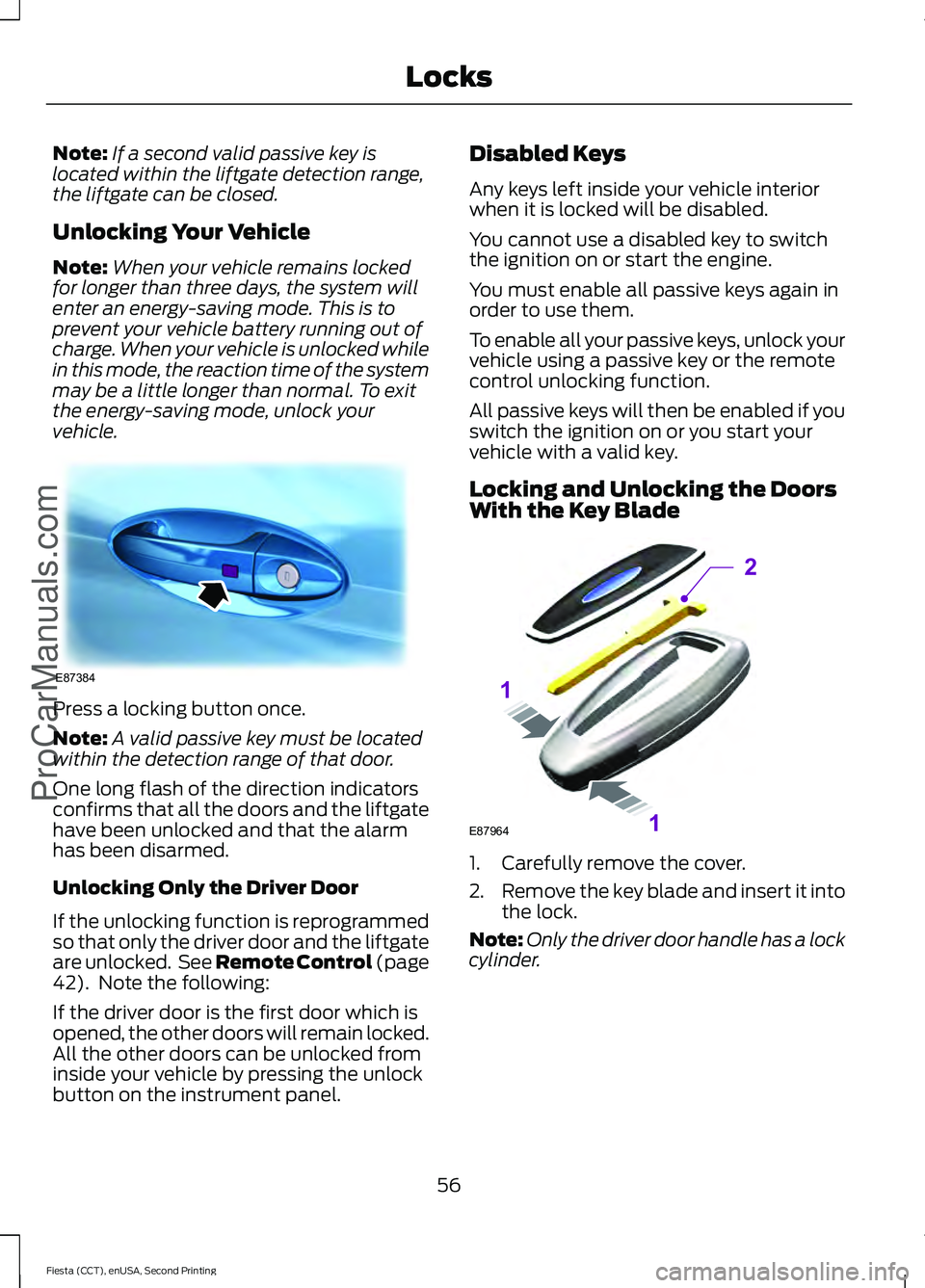
press a locking button once.
Note:
Your vehicle will remain locked for
approximately three seconds. When the
delay period is over, you can open the doors
again, provided the passive key is within the
respective detection range.
Two short flashes of the direction
indicators confirms that all the doors and
the liftgate have been locked and that the
alarm has been armed.
Liftgate
Note: The liftgate cannot be closed and
will pop back up with a warning chime if the
passive key is located inside the vehicle with
the doors locked.
55
Fiesta (CCT), enUSA, Second Printing Locks
ProCarManuals.comE78276 E87384
Page 59 of 423
Note:
If a second valid passive key is
located within the liftgate detection range,
the liftgate can be closed.
Unlocking Your Vehicle
Note: When your vehicle remains locked
for longer than three days, the system will
enter an energy-saving mode. This is to
prevent your vehicle battery running out of
charge. When your vehicle is unlocked while
in this mode, the reaction time of the system
may be a little longer than normal. To exit
the energy-saving mode, unlock your
vehicle. Press a locking button once.
Note:
A valid passive key must be located
within the detection range of that door.
One long flash of the direction indicators
confirms that all the doors and the liftgate
have been unlocked and that the alarm
has been disarmed.
Unlocking Only the Driver Door
If the unlocking function is reprogrammed
so that only the driver door and the liftgate
are unlocked. See Remote Control (page
42). Note the following:
If the driver door is the first door which is
opened, the other doors will remain locked.
All the other doors can be unlocked from
inside your vehicle by pressing the unlock
button on the instrument panel. Disabled Keys
Any keys left inside your vehicle interior
when it is locked will be disabled.
You cannot use a disabled key to switch
the ignition on or start the engine.
You must enable all passive keys again in
order to use them.
To enable all your passive keys, unlock your
vehicle using a passive key or the remote
control unlocking function.
All passive keys will then be enabled if you
switch the ignition on or you start your
vehicle with a valid key.
Locking and Unlocking the Doors
With the Key Blade
1. Carefully remove the cover.
2.
Remove the key blade and insert it into
the lock.
Note: Only the driver door handle has a lock
cylinder.
56
Fiesta (CCT), enUSA, Second Printing Locks
ProCarManuals.comE87384 E87964
2
1
1
Page 71 of 423
Pull the control to switch the fog lamps on
or off.
You cannot switch the fog lamps on when
the lighting control is in the off or
autolamps position.
DIRECTION INDICATORS
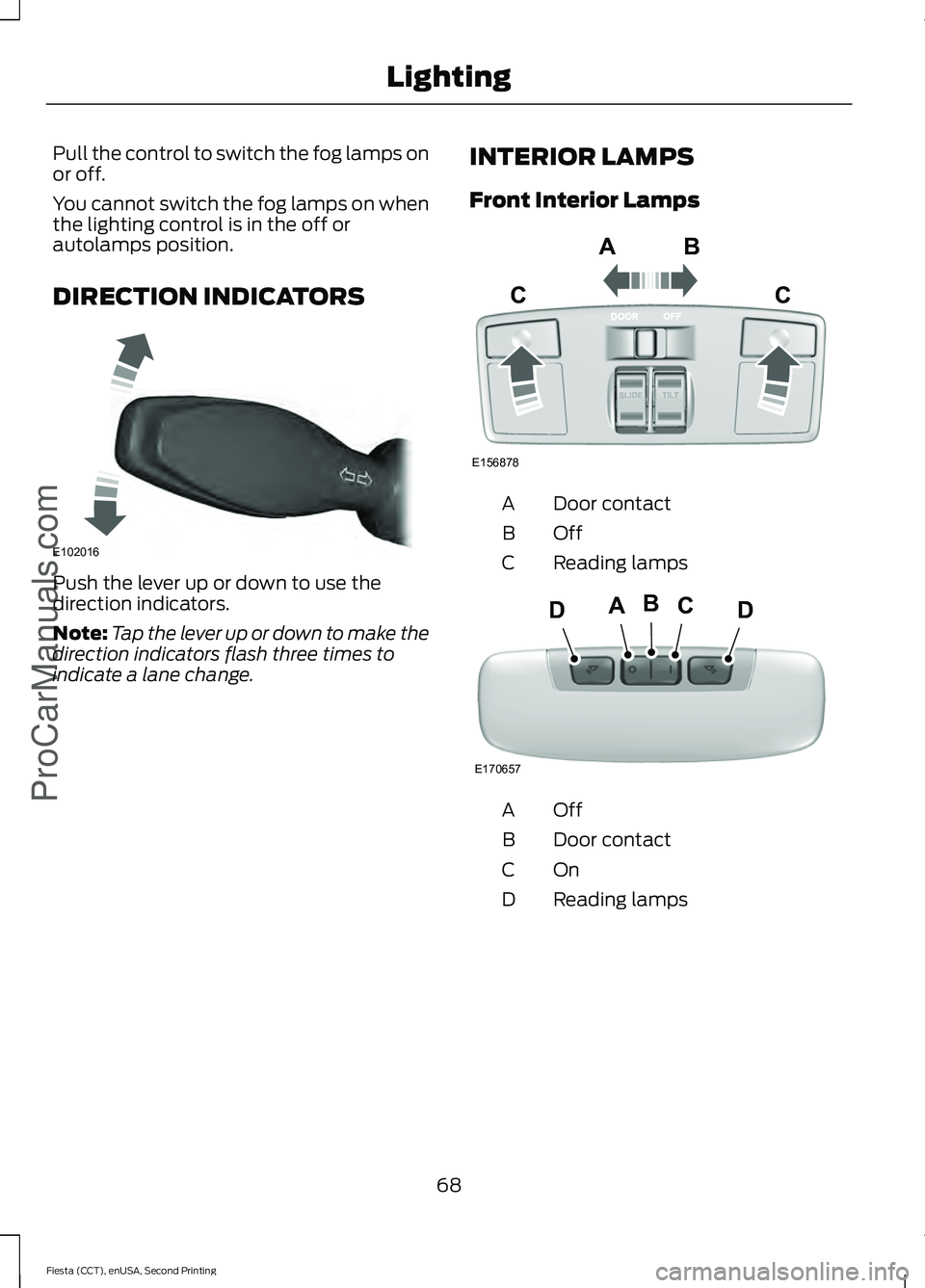
Push the lever up or down to use the
direction indicators.
Note:
Tap the lever up or down to make the
direction indicators flash three times to
indicate a lane change. INTERIOR LAMPS
Front Interior Lamps Door contact
A
OffB
Reading lamps
C OffA
Door contact
B
OnC
Reading lamps
D
68
Fiesta (CCT), enUSA, Second Printing LightingProCarManuals.comE102016 E156878
ABC
C E170657
BCDAD
Page 79 of 423
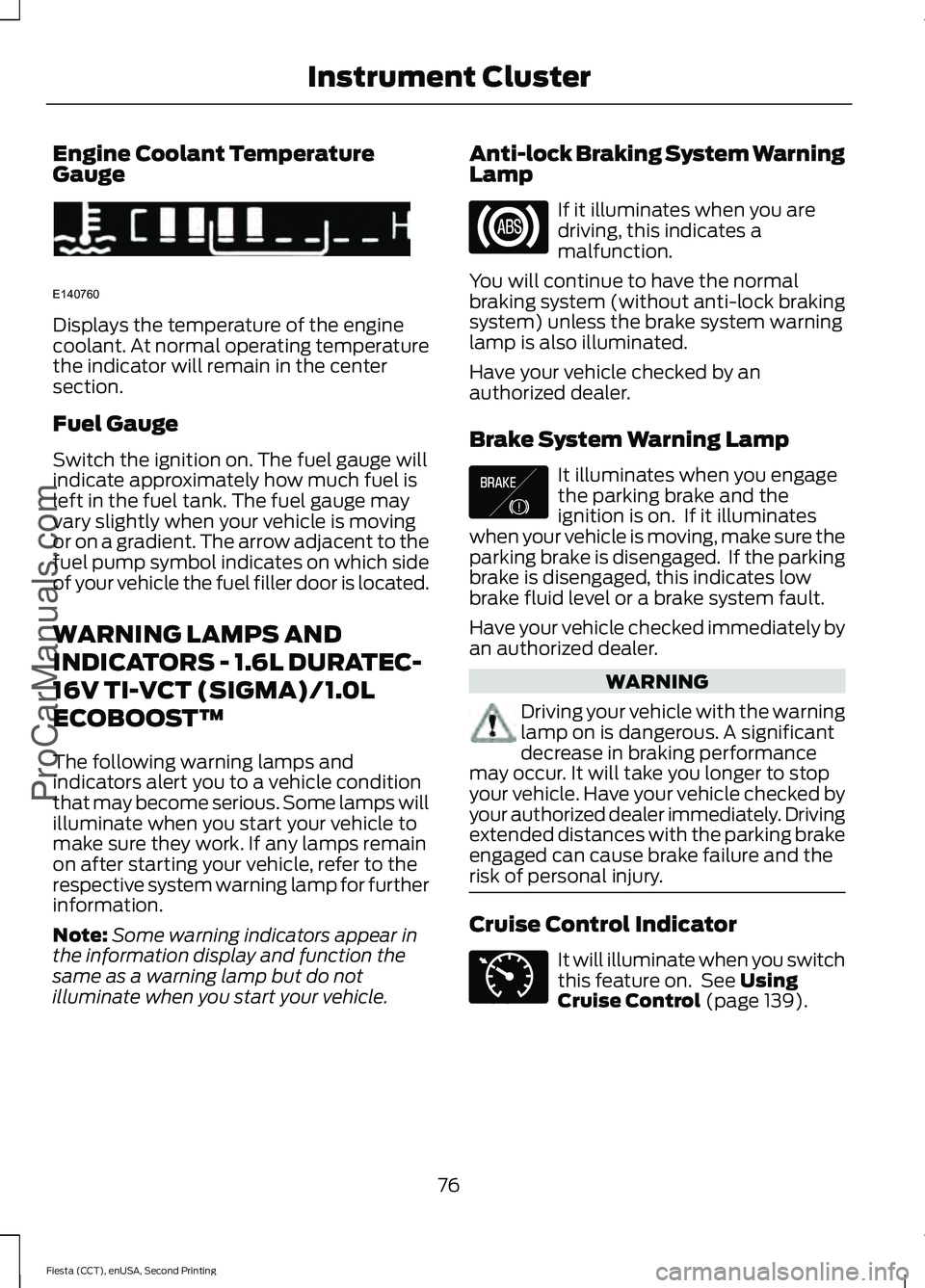
Engine Coolant Temperature
Gauge
Displays the temperature of the engine
coolant. At normal operating temperature
the indicator will remain in the center
section.
Fuel Gauge
Switch the ignition on. The fuel gauge will
indicate approximately how much fuel is
left in the fuel tank. The fuel gauge may
vary slightly when your vehicle is moving
or on a gradient. The arrow adjacent to the
fuel pump symbol indicates on which side
of your vehicle the fuel filler door is located.
WARNING LAMPS AND
INDICATORS - 1.6L DURATEC-
16V TI-VCT (SIGMA)/1.0L
ECOBOOST™
The following warning lamps and
indicators alert you to a vehicle condition
that may become serious. Some lamps will
illuminate when you start your vehicle to
make sure they work. If any lamps remain
on after starting your vehicle, refer to the
respective system warning lamp for further
information.
Note:
Some warning indicators appear in
the information display and function the
same as a warning lamp but do not
illuminate when you start your vehicle. Anti-lock Braking System Warning
Lamp If it illuminates when you are
driving, this indicates a
malfunction.
You will continue to have the normal
braking system (without anti-lock braking
system) unless the brake system warning
lamp is also illuminated.
Have your vehicle checked by an
authorized dealer.
Brake System Warning Lamp It illuminates when you engage
the parking brake and the
ignition is on. If it illuminates
when your vehicle is moving, make sure the
parking brake is disengaged. If the parking
brake is disengaged, this indicates low
brake fluid level or a brake system fault.
Have your vehicle checked immediately by
an authorized dealer. WARNING
Driving your vehicle with the warning
lamp on is dangerous. A significant
decrease in braking performance
may occur. It will take you longer to stop
your vehicle. Have your vehicle checked by
your authorized dealer immediately. Driving
extended distances with the parking brake
engaged can cause brake failure and the
risk of personal injury. Cruise Control Indicator
It will illuminate when you switch
this feature on. See Using
Cruise Control (page 139).
76
Fiesta (CCT), enUSA, Second Printing Instrument Cluster
ProCarManuals.comE140760 E138644 E71340
Page 80 of 423
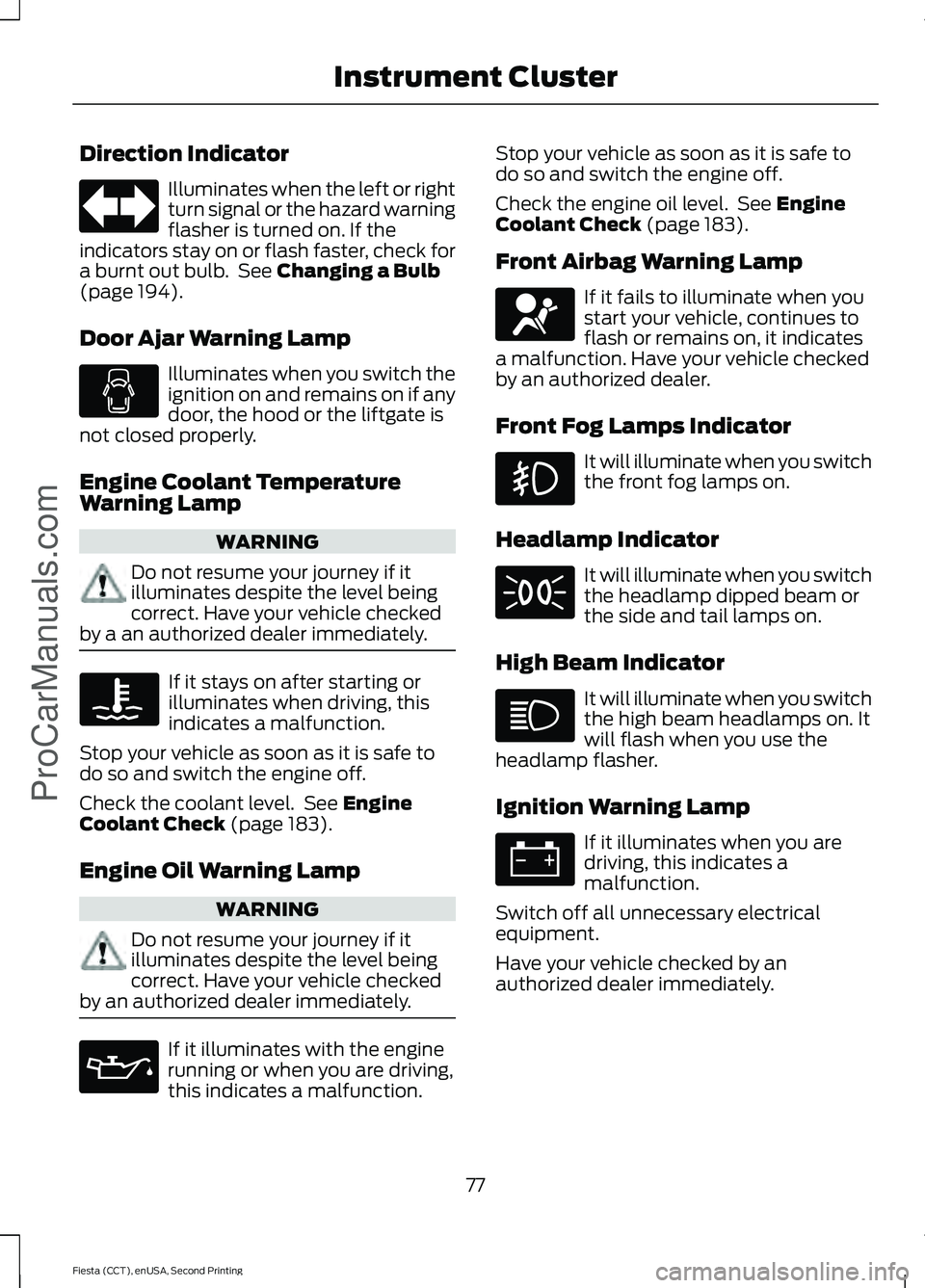
Direction Indicator
Illuminates when the left or right
turn signal or the hazard warning
flasher is turned on. If the
indicators stay on or flash faster, check for
a burnt out bulb. See Changing a Bulb
(page 194).
Door Ajar Warning Lamp Illuminates when you switch the
ignition on and remains on if any
door, the hood or the liftgate is
not closed properly.
Engine Coolant Temperature
Warning Lamp WARNING
Do not resume your journey if it
illuminates despite the level being
correct. Have your vehicle checked
by a an authorized dealer immediately. If it stays on after starting or
illuminates when driving, this
indicates a malfunction.
Stop your vehicle as soon as it is safe to
do so and switch the engine off.
Check the coolant level. See
Engine
Coolant Check (page 183).
Engine Oil Warning Lamp WARNING
Do not resume your journey if it
illuminates despite the level being
correct. Have your vehicle checked
by an authorized dealer immediately. If it illuminates with the engine
running or when you are driving,
this indicates a malfunction. Stop your vehicle as soon as it is safe to
do so and switch the engine off.
Check the engine oil level. See
Engine
Coolant Check (page 183).
Front Airbag Warning Lamp If it fails to illuminate when you
start your vehicle, continues to
flash or remains on, it indicates
a malfunction. Have your vehicle checked
by an authorized dealer.
Front Fog Lamps Indicator It will illuminate when you switch
the front fog lamps on.
Headlamp Indicator It will illuminate when you switch
the headlamp dipped beam or
the side and tail lamps on.
High Beam Indicator It will illuminate when you switch
the high beam headlamps on. It
will flash when you use the
headlamp flasher.
Ignition Warning Lamp If it illuminates when you are
driving, this indicates a
malfunction.
Switch off all unnecessary electrical
equipment.
Have your vehicle checked by an
authorized dealer immediately.
77
Fiesta (CCT), enUSA, Second Printing Instrument Cluster
ProCarManuals.com
Page 82 of 423
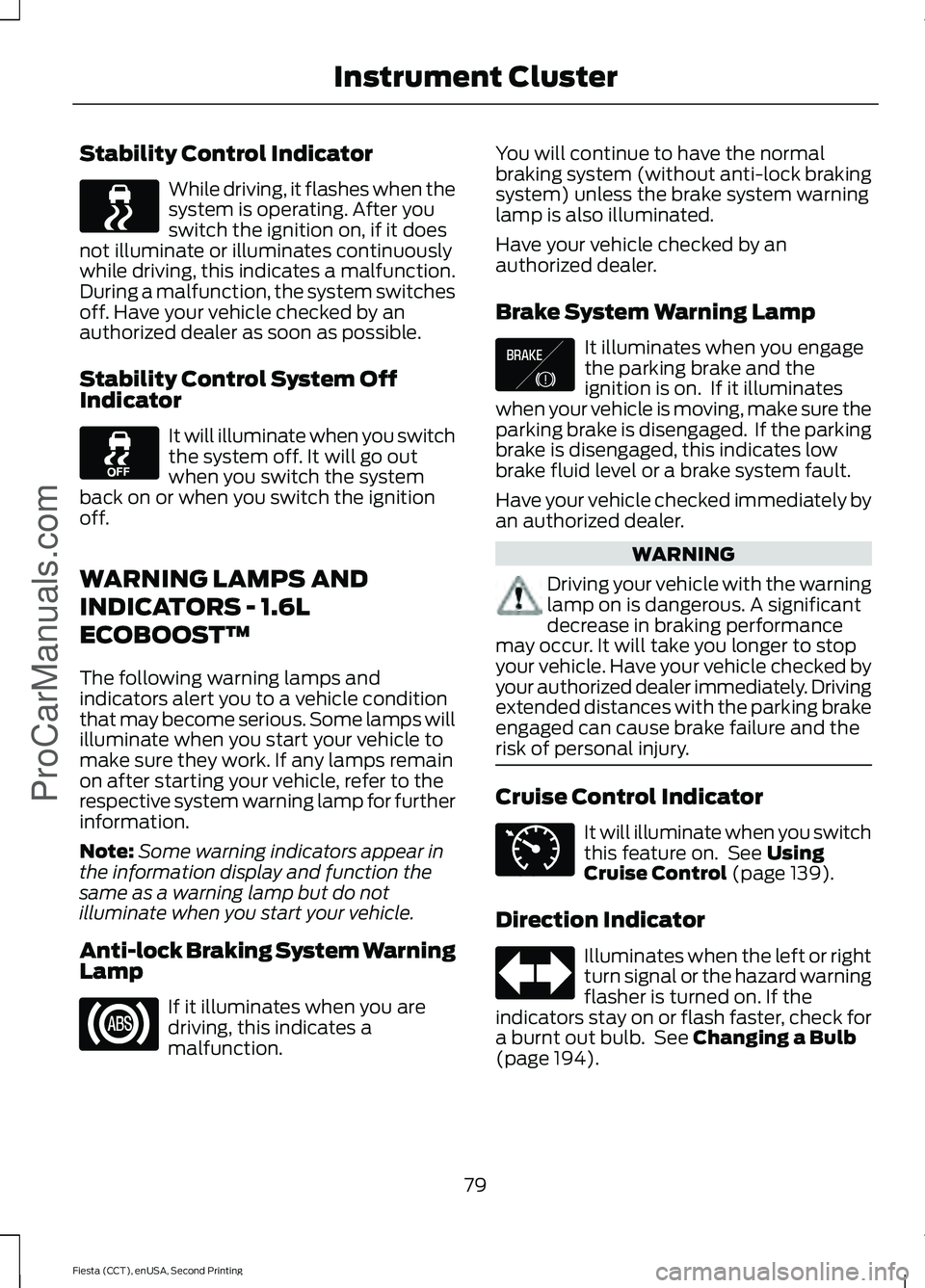
Stability Control Indicator
While driving, it flashes when the
system is operating. After you
switch the ignition on, if it does
not illuminate or illuminates continuously
while driving, this indicates a malfunction.
During a malfunction, the system switches
off. Have your vehicle checked by an
authorized dealer as soon as possible.
Stability Control System Off
Indicator It will illuminate when you switch
the system off. It will go out
when you switch the system
back on or when you switch the ignition
off.
WARNING LAMPS AND
INDICATORS - 1.6L
ECOBOOST™
The following warning lamps and
indicators alert you to a vehicle condition
that may become serious. Some lamps will
illuminate when you start your vehicle to
make sure they work. If any lamps remain
on after starting your vehicle, refer to the
respective system warning lamp for further
information.
Note: Some warning indicators appear in
the information display and function the
same as a warning lamp but do not
illuminate when you start your vehicle.
Anti-lock Braking System Warning
Lamp If it illuminates when you are
driving, this indicates a
malfunction. You will continue to have the normal
braking system (without anti-lock braking
system) unless the brake system warning
lamp is also illuminated.
Have your vehicle checked by an
authorized dealer.
Brake System Warning Lamp
It illuminates when you engage
the parking brake and the
ignition is on. If it illuminates
when your vehicle is moving, make sure the
parking brake is disengaged. If the parking
brake is disengaged, this indicates low
brake fluid level or a brake system fault.
Have your vehicle checked immediately by
an authorized dealer. WARNING
Driving your vehicle with the warning
lamp on is dangerous. A significant
decrease in braking performance
may occur. It will take you longer to stop
your vehicle. Have your vehicle checked by
your authorized dealer immediately. Driving
extended distances with the parking brake
engaged can cause brake failure and the
risk of personal injury. Cruise Control Indicator
It will illuminate when you switch
this feature on. See Using
Cruise Control (page 139).
Direction Indicator Illuminates when the left or right
turn signal or the hazard warning
flasher is turned on. If the
indicators stay on or flash faster, check for
a burnt out bulb. See
Changing a Bulb
(page 194).
79
Fiesta (CCT), enUSA, Second Printing Instrument Cluster
ProCarManuals.com E138644 E71340
Page 85 of 423
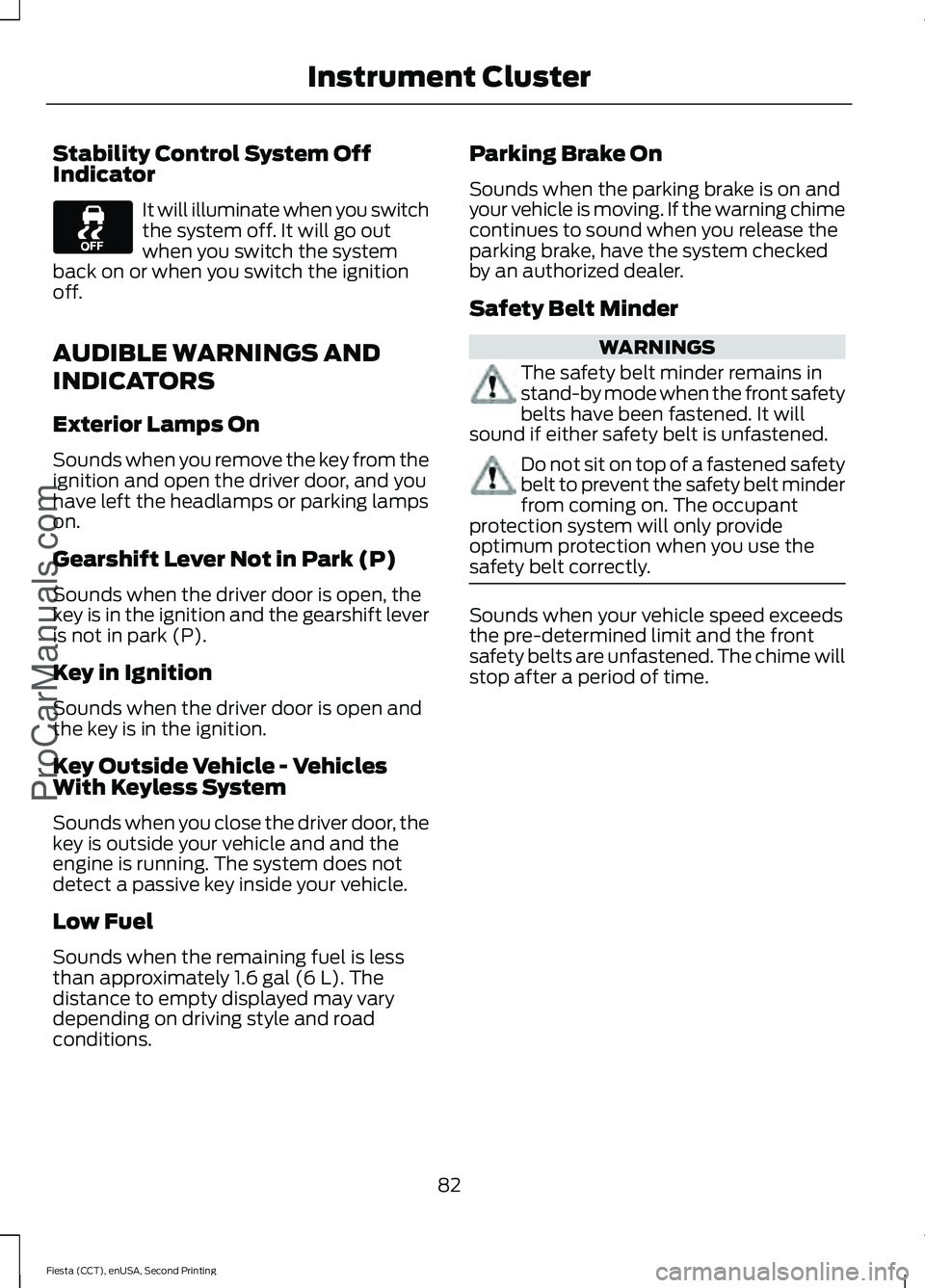
Stability Control System Off
Indicator
It will illuminate when you switch
the system off. It will go out
when you switch the system
back on or when you switch the ignition
off.
AUDIBLE WARNINGS AND
INDICATORS
Exterior Lamps On
Sounds when you remove the key from the
ignition and open the driver door, and you
have left the headlamps or parking lamps
on.
Gearshift Lever Not in Park (P)
Sounds when the driver door is open, the
key is in the ignition and the gearshift lever
is not in park (P).
Key in Ignition
Sounds when the driver door is open and
the key is in the ignition.
Key Outside Vehicle - Vehicles
With Keyless System
Sounds when you close the driver door, the
key is outside your vehicle and and the
engine is running. The system does not
detect a passive key inside your vehicle.
Low Fuel
Sounds when the remaining fuel is less
than approximately 1.6 gal (6 L). The
distance to empty displayed may vary
depending on driving style and road
conditions. Parking Brake On
Sounds when the parking brake is on and
your vehicle is moving. If the warning chime
continues to sound when you release the
parking brake, have the system checked
by an authorized dealer.
Safety Belt Minder
WARNINGS
The safety belt minder remains in
stand-by mode when the front safety
belts have been fastened. It will
sound if either safety belt is unfastened. Do not sit on top of a fastened safety
belt to prevent the safety belt minder
from coming on. The occupant
protection system will only provide
optimum protection when you use the
safety belt correctly. Sounds when your vehicle speed exceeds
the pre-determined limit and the front
safety belts are unfastened. The chime will
stop after a period of time.
82
Fiesta (CCT), enUSA, Second Printing Instrument Cluster
ProCarManuals.com