heating FORD FLEX 2013 1.G Owners Manual
[x] Cancel search | Manufacturer: FORD, Model Year: 2013, Model line: FLEX, Model: FORD FLEX 2013 1.GPages: 558, PDF Size: 6.28 MB
Page 3 of 558
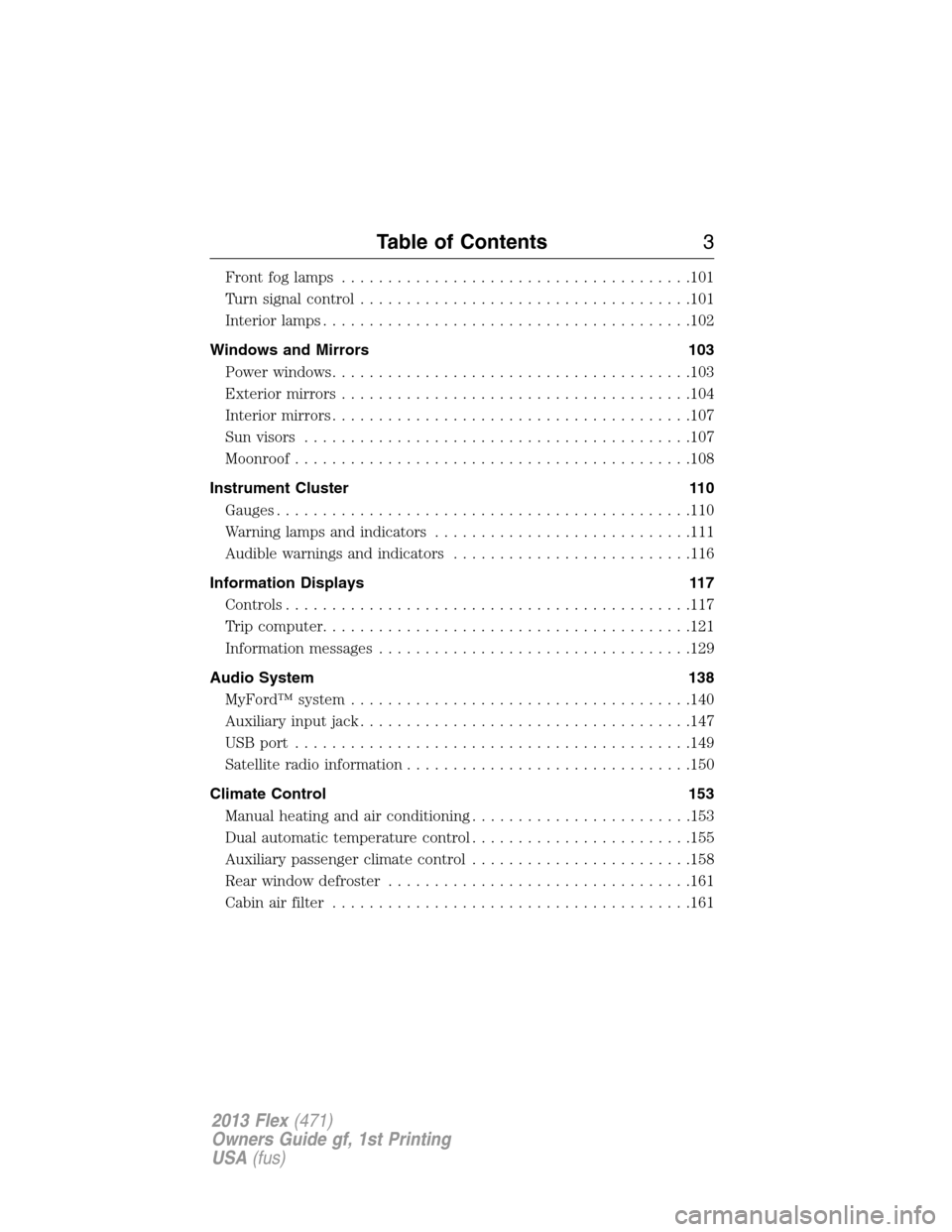
Front fog lamps......................................101
Turn signal control....................................101
Interior lamps........................................102
Windows and Mirrors 103
Power windows.......................................103
Exteriormirrors......................................104
Interiormirrors.......................................107
Sun visors..........................................107
Moonroof...........................................108
Instrument Cluster 110
Gauges.............................................110
Warning lamps and indicators............................111
Audible warnings and indicators..........................116
Information Displays 117
Controls............................................117
Trip computer........................................121
Information messages..................................129
Audio System 138
MyFord™ system.....................................140
Auxiliary input jack....................................147
USBport ...........................................149
Satellite radio information...............................150
Climate Control 153
Manual heating and air conditioning........................153
Dual automatic temperature control........................155
Auxiliary passenger climate control........................158
Rear window defroster.................................161
Cabin air filter.......................................161
Table of Contents3
2013 Flex(471)
Owners Guide gf, 1st Printing
USA(fus)
Page 105 of 558
Power-Folding Mirrors (If Equipped)
Note:Activating the mirrors 10 or more times within one minute, or
repeated folding and unfolding of the mirrors while holding the control
down during full travel, may disable the system to protect motors from
overheating. Wait approximately three minutes with the vehicle running,
and up to 10 minutes with the vehicle off, for the system to reset and for
function to return to normal.
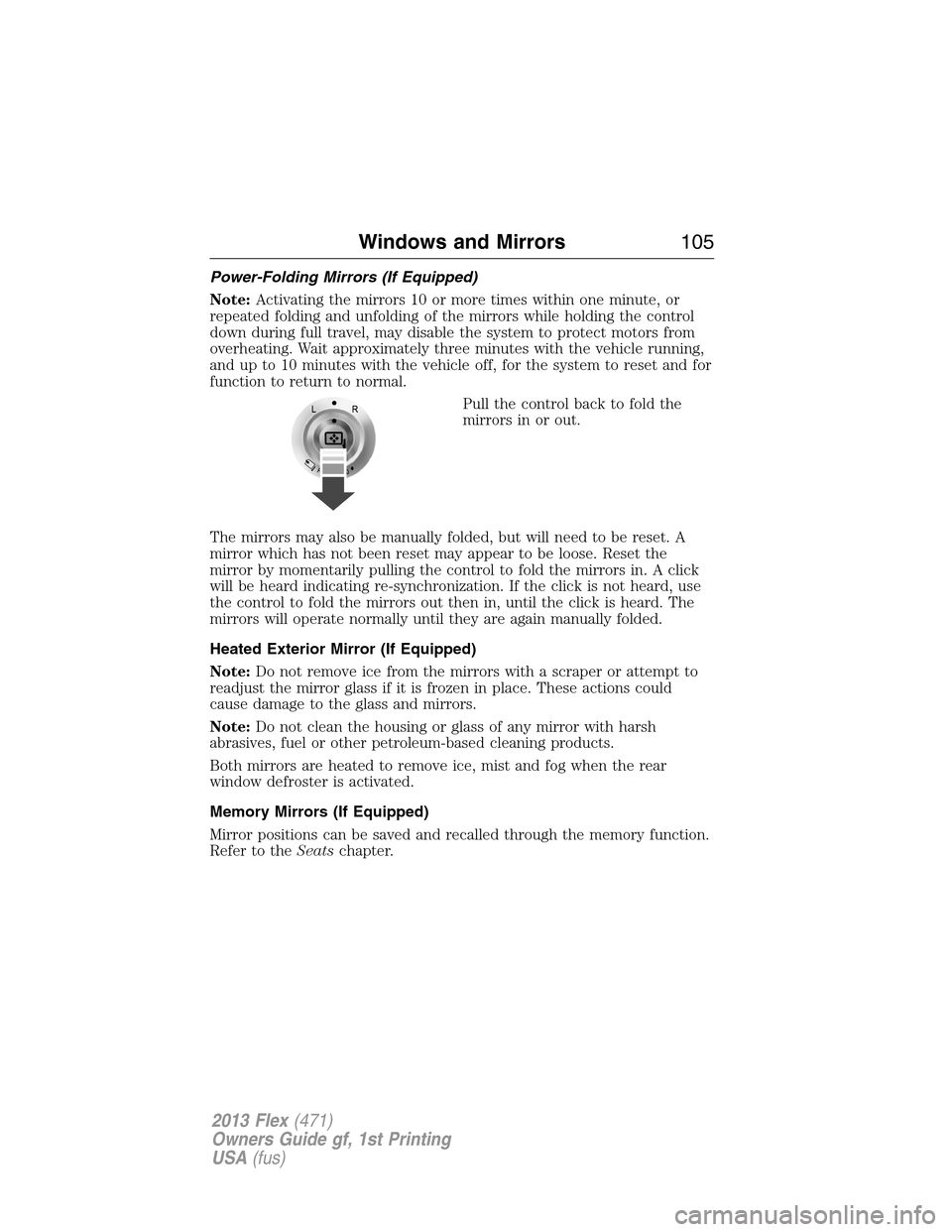
Pull the control back to fold the
mirrors in or out.
The mirrors may also be manually folded, but will need to be reset. A
mirror which has not been reset may appear to be loose. Reset the
mirror by momentarily pulling the control to fold the mirrors in. A click
will be heard indicating re-synchronization. If the click is not heard, use
the control to fold the mirrors out then in, until the click is heard. The
mirrors will operate normally until they are again manually folded.
Heated Exterior Mirror (If Equipped)
Note:Do not remove ice from the mirrors with a scraper or attempt to
readjust the mirror glass if it is frozen in place. These actions could
cause damage to the glass and mirrors.
Note:Do not clean the housing or glass of any mirror with harsh
abrasives, fuel or other petroleum-based cleaning products.
Both mirrors are heated to remove ice, mist and fog when the rear
window defroster is activated.
Memory Mirrors (If Equipped)
Mirror positions can be saved and recalled through the memory function.
Refer to theSeatschapter.
Windows and Mirrors105
2013 Flex(471)
Owners Guide gf, 1st Printing
USA(fus)
Page 130 of 558
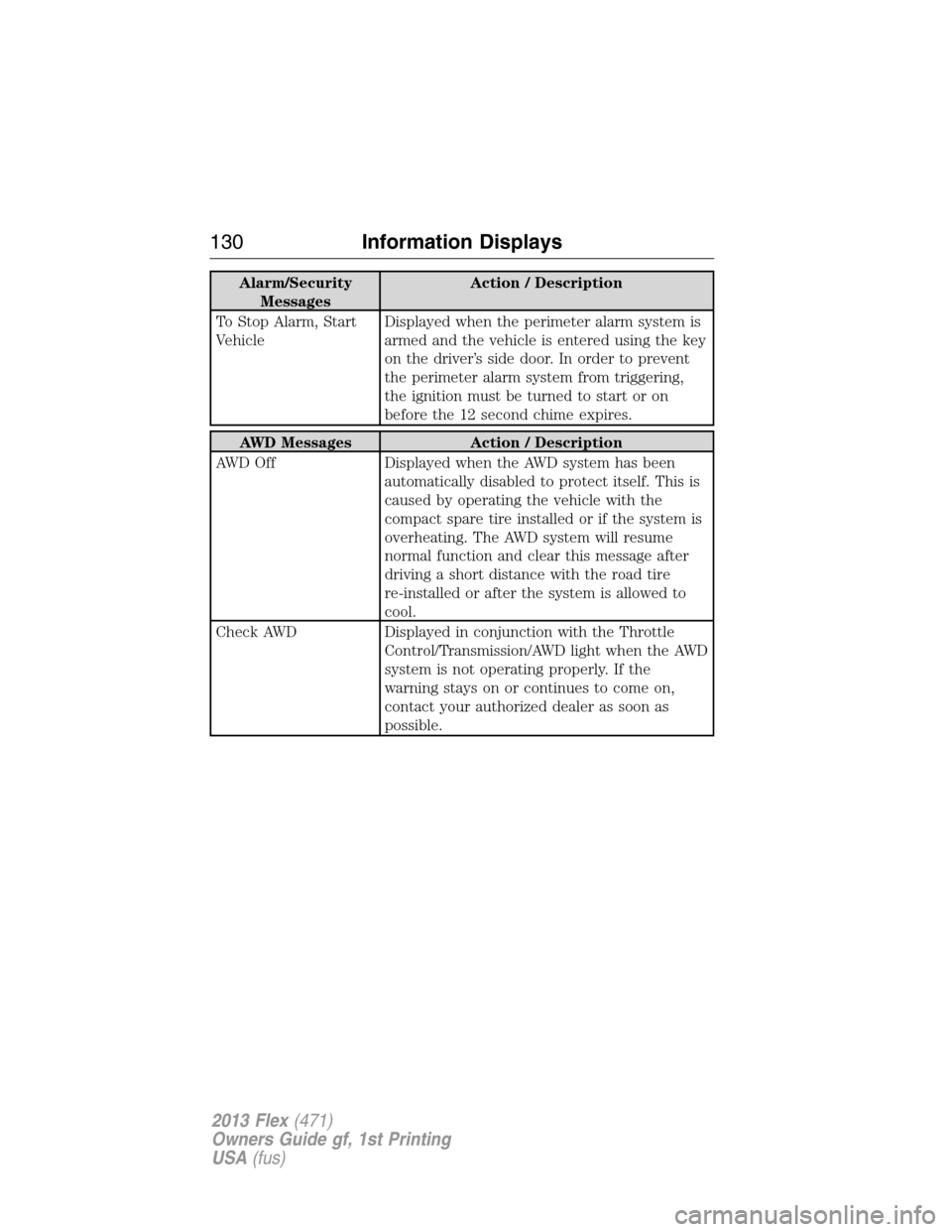
Alarm/Security
MessagesAction / Description
To Stop Alarm, Start
VehicleDisplayed when the perimeter alarm system is
armed and the vehicle is entered using the key
on the driver’s side door. In order to prevent
the perimeter alarm system from triggering,
the ignition must be turned to start or on
before the 12 second chime expires.
AWD Messages Action / Description
AWD Off Displayed when the AWD system has been
automatically disabled to protect itself. This is
caused by operating the vehicle with the
compact spare tire installed or if the system is
overheating. The AWD system will resume
normal function and clear this message after
driving a short distance with the road tire
re-installed or after the system is allowed to
cool.
Check AWD Displayed in conjunction with the Throttle
Control/Transmission/AWD light when the AWD
system is not operating properly. If the
warning stays on or continues to come on,
contact your authorized dealer as soon as
possible.
130Information Displays
2013 Flex(471)
Owners Guide gf, 1st Printing
USA(fus)
Page 153 of 558
MANUAL HEATING AND AIR CONDITIONING SYSTEM
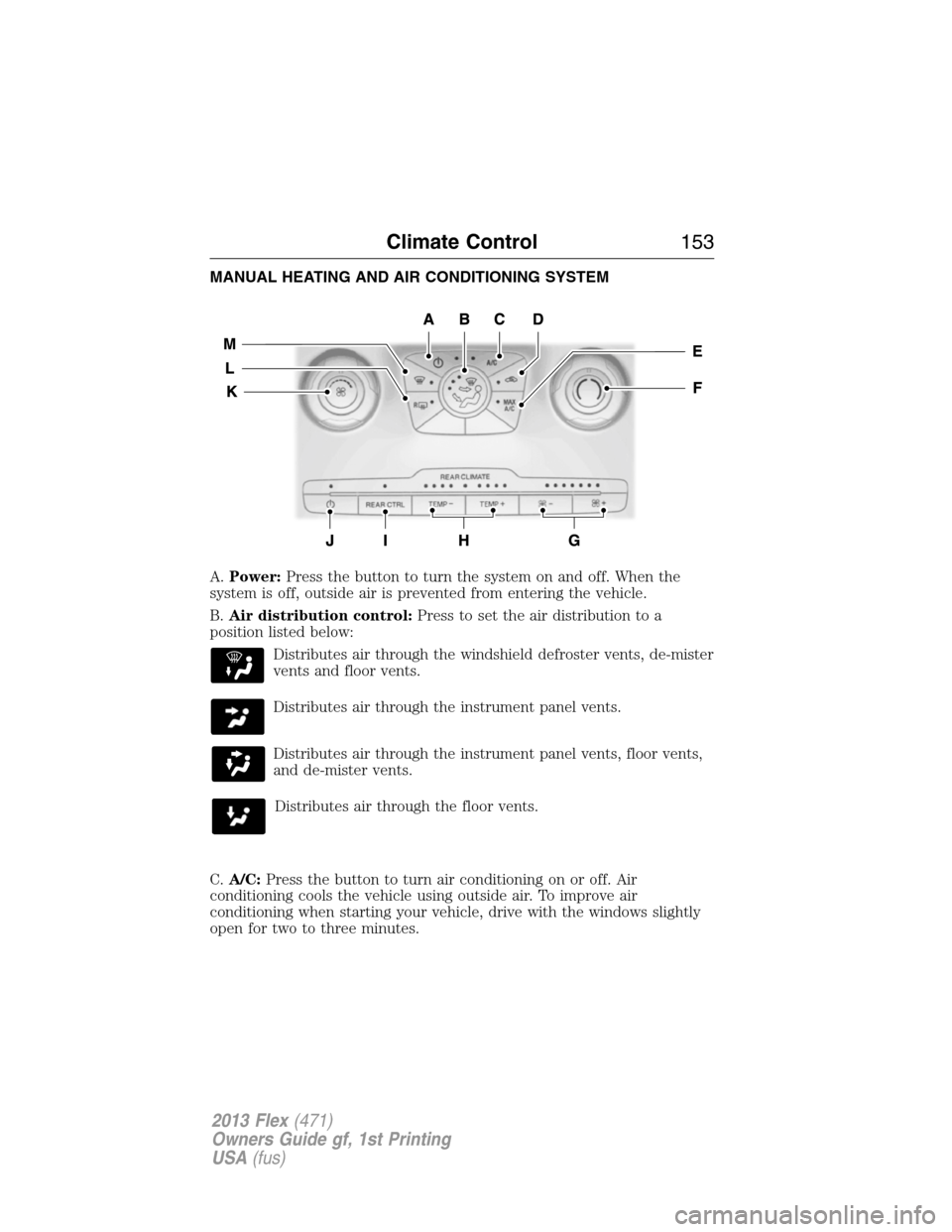
A.Power:Press the button to turn the system on and off. When the
system is off, outside air is prevented from entering the vehicle.
B.Air distribution control:Press to set the air distribution to a
position listed below:
Distributes air through the windshield defroster vents, de-mister
vents and floor vents.
Distributes air through the instrument panel vents.
Distributes air through the instrument panel vents, floor vents,
and de-mister vents.
Distributes air through the floor vents.
C.A/C:Press the button to turn air conditioning on or off. Air
conditioning cools the vehicle using outside air. To improve air
conditioning when starting your vehicle, drive with the windows slightly
open for two to three minutes.
Climate Control153
2013 Flex(471)
Owners Guide gf, 1st Printing
USA(fus)
Page 159 of 558
E.REAR LOCK:This is not a functional control. When the indicator is
illuminated, the rear climate system is being controlled by the front
climate system and the rear controls are not operational.
F.Temperature:Control the temperature of the airflow in the vehicle.
GENERAL OPERATING TIPS
Manual Heating and Air Conditioning System
•To reduce fog build-up on the windshield during humid weather, select
Defrost. Temperature and/or fan speed can also be increased to
improve clearing.
•To reduce humidity build-up inside the vehicle, do not drive with the
system off or with recirculated air engaged.
•Do not put objects under the front seats that will interfere with the
airflow to the back seats.
•Remove any snow, ice or leaves from the air intake area at the base of
the windshield.
•To improve the A/C cool down, drive with the windows slightly open
for 2-3 minutes after start up or until the vehicle has been aired out.
•A small amount of air may be felt from the floor vent regardless of the
air distribution setting that is selected.
During extreme high ambient temperatures when idling stationary for
extended periods of time in gear, it is recommended to run the A/C in
the MAX A/C mode, adjust the blower fan speed to the lowest setting
and put the vehicle’s transmission into the P (Park) position (vehicles
equipped with an automatic transmission) to continue to receive cool air
from your A/C system.
For maximum cooling performance MAX A/C in AUTO, press MAX A/C.
1. Move temperature control to the coolest setting.
2. Set the fan to the highest speed initially, then adjust to maintain
comfort.
For maximum cooling performance in panel or panel/floor modes:
1. Move temperature control to the coolest setting.
2. Select A/C and recirculated air to provide colder airflow.
3. Set the fan to the highest speed initially, then adjust to maintain
comfort.
Climate Control159
2013 Flex(471)
Owners Guide gf, 1st Printing
USA(fus)
Page 170 of 558
Recalling memory positions with the remote control
The memory positions are also recalled when you press unlock on your
remote control (if the transmitter is programmed to a memory position)
or, when you enter a valid personal entry code that is programmed to a
memory position. If the easy entry feature is enabled, the seat will first
move to the easy entry position. The seat will move to the final position
when the key is in the ignition or when the push button start system (if
equipped) is put in accessory mode/started.
To program the memory feature to a remote control, refer toKeys and
remote control.
Easy entry/exit feature (if equipped)
This feature automatically moves the driver’s seat rearward 2 in. (5 cm)
when:
•the transmission is in N (Neutral) or P (Park)
•the key is removed from the ignition cylinder or the push button start
system (if equipped) is switched off.
The seat will move to the original position when:
•the transmission is in N (Neutral) or P (Park)
•the key is placed in the ignition cylinder or when the push button start
system (if equipped) is put in accessory mode/started.
The easy entry feature can be turned off or on through the information
display.
HEATED SEATS (IF EQUIPPED)
WARNING:Persons who are unable to feel pain to the skin
because of advanced age, chronic illness, diabetes, spinal cord
injury, medication, alcohol use, exhaustion, or other physical conditions,
must exercise care when using the seat heater. The seat heater may
cause burns even at low temperatures, especially if used for long
periods of time. Do not place anything on the seat that insulates against
heat, such as a blanket or cushion, because this may cause the seat
heater to overheat. Do not puncture the seat with pins, needles, or
other pointed objects because this may damage the heating element
which may cause the seat heater to overheat. An overheated seat may
cause serious personal injury.
170Seats
2013 Flex(471)
Owners Guide gf, 1st Printing
USA(fus)
Page 171 of 558
The heated seats will only function when the ignition is in the on
position.
Note:Do not do the following:
•Place heavy objects on the seat
•Operate the seat heater if water or any other liquid is spilled on the
seat. Allow the seat to dry thoroughly.
To operate the heated seats:
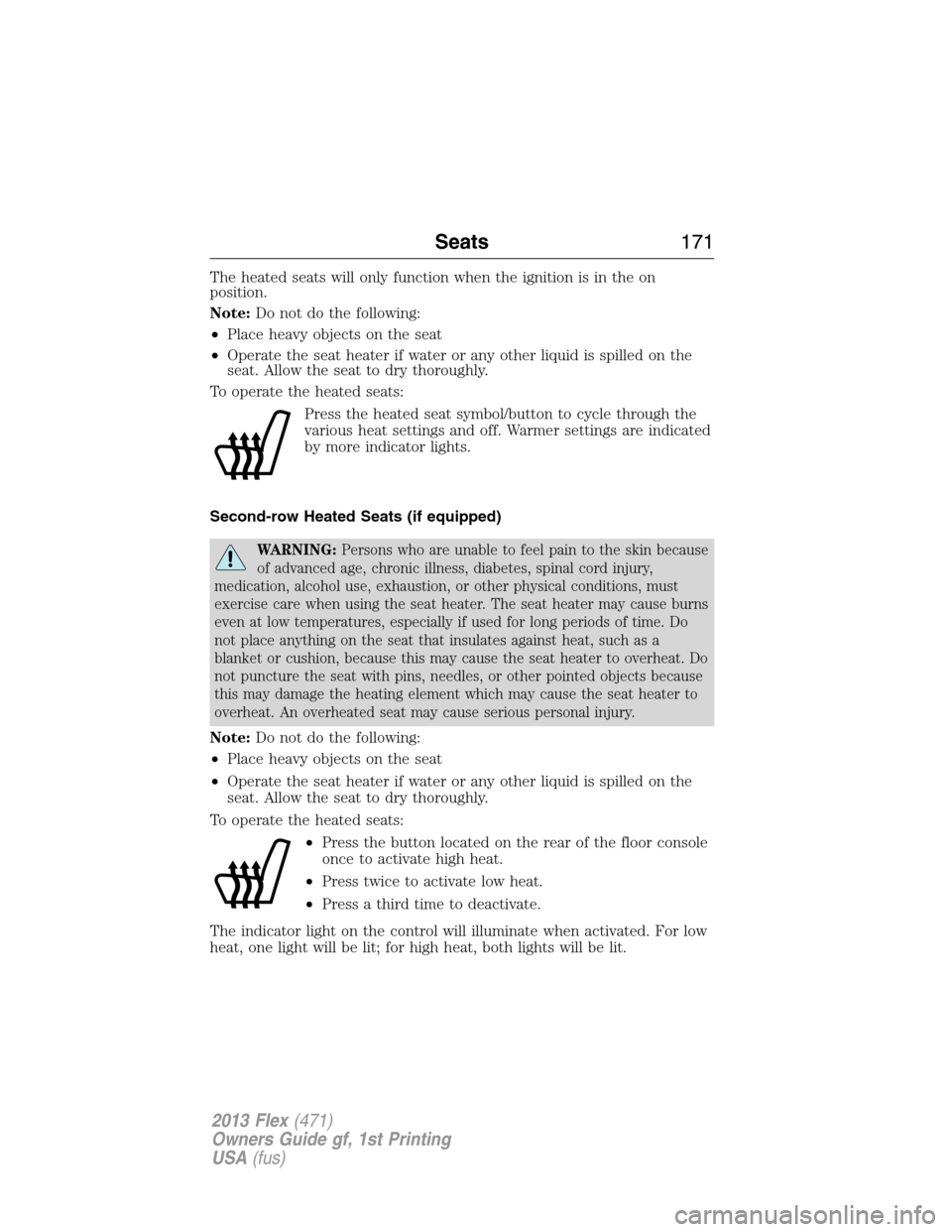
Press the heated seat symbol/button to cycle through the
various heat settings and off. Warmer settings are indicated
by more indicator lights.
Second-row Heated Seats (if equipped)
WARNING:Persons who are unable to feel pain to the skin because
of advanced age, chronic illness, diabetes, spinal cord injury,
medication, alcohol use, exhaustion, or other physical conditions, must
exercise care when using the seat heater. The seat heater may cause burns
even at low temperatures, especially if used for long periods of time. Do
not place anything on the seat that insulates against heat, such as a
blanket or cushion, because this may cause the seat heater to overheat. Do
not puncture the seat with pins, needles, or other pointed objects because
this may damage the heating element which may cause the seat heater to
overheat. An overheated seat may cause serious personal injury.
Note:Do not do the following:
•Place heavy objects on the seat
•Operate the seat heater if water or any other liquid is spilled on the
seat. Allow the seat to dry thoroughly.
To operate the heated seats:
•Press the button located on the rear of the floor console
once to activate high heat.
•Press twice to activate low heat.
•Press a third time to deactivate.
The indicator light on the control will illuminate when activated. For low
heat, one light will be lit; for high heat, both lights will be lit.
Seats171
2013 Flex(471)
Owners Guide gf, 1st Printing
USA(fus)
Page 172 of 558
HEATED AND COOLED SEATS (IF EQUIPPED)
Heated seats
WARNING:Persons who are unable to feel pain to the skin
because of advanced age, chronic illness, diabetes, spinal cord
injury, medication, alcohol use, exhaustion, or other physical conditions,
must exercise care when using the seat heater. The seat heater may
cause burns even at low temperatures, especially if used for long
periods of time. Do not place anything on the seat that insulates against
heat, such as a blanket or cushion, because this may cause the seat
heater to overheat. Do not puncture the seat with pins, needles, or
other pointed objects because this may damage the heating element
which may cause the seat heater to overheat. An overheated seat may
cause serious personal injury.
The heated seats will only function when the engine is running.
Note:Do not do the following:
•Place heavy objects on the seat
•Operate the seat heater if water or any other liquid is spilled on the
seat. Allow the seat to dry thoroughly.
To operate the heated seats:
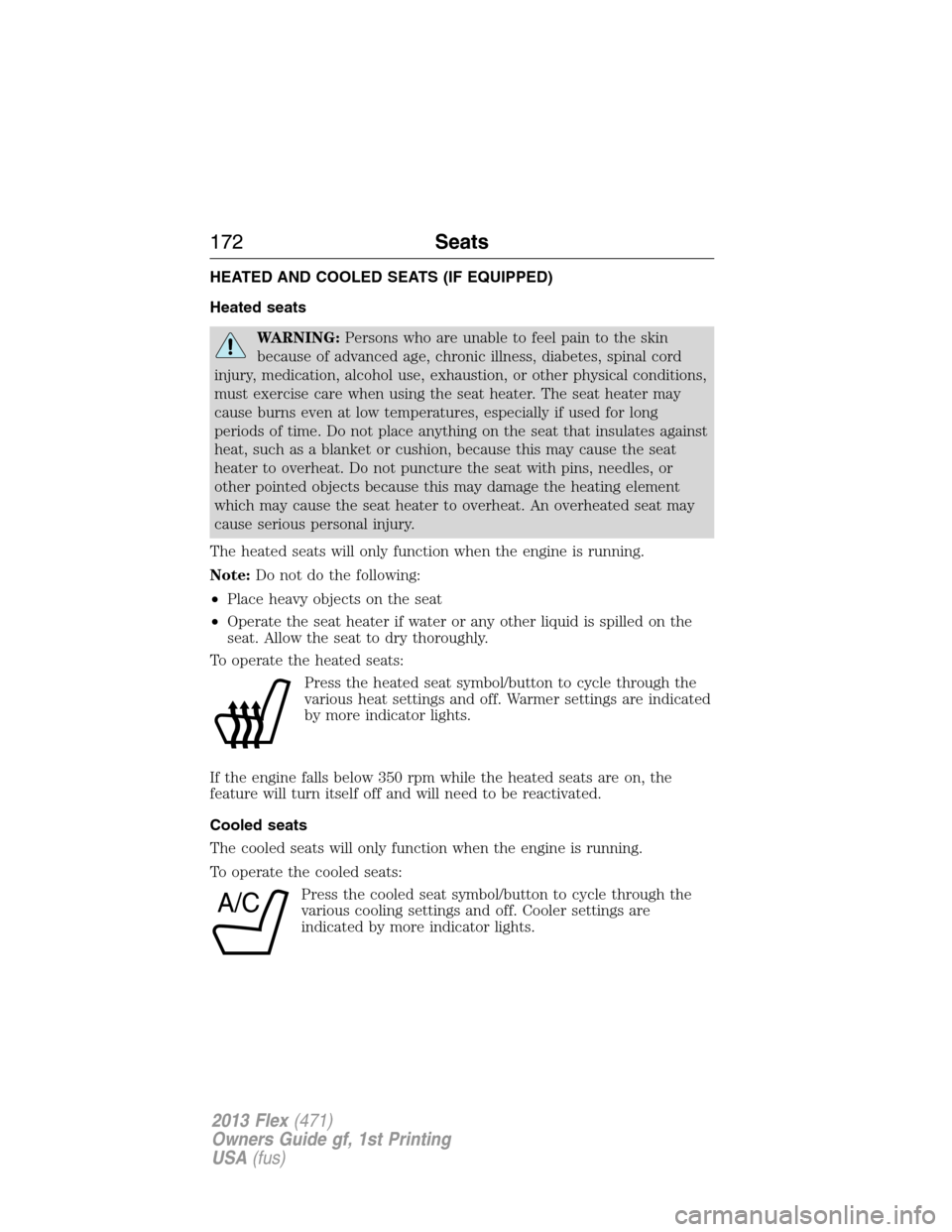
Press the heated seat symbol/button to cycle through the
various heat settings and off. Warmer settings are indicated
by more indicator lights.
If the engine falls below 350 rpm while the heated seats are on, the
feature will turn itself off and will need to be reactivated.
Cooled seats
The cooled seats will only function when the engine is running.
To operate the cooled seats:
Press the cooled seat symbol/button to cycle through the
various cooling settings and off. Cooler settings are
indicated by more indicator lights.
A/C
172Seats
2013 Flex(471)
Owners Guide gf, 1st Printing
USA(fus)
Page 191 of 558
The power point is not designed for the following electric appliances;
they may not work properly:
•Cathode ray tube type televisions
•Motor loads, such as vacuum cleaners, electric saws and other electric
power tools, compressor-driven refrigerators, etc.
•Measuring devices, which process precise data, such as medical
equipment, measuring equipment, etc.
•Other appliances requiring an extremely stable power supply:
microcomputer-controlled electric blankets, touch sensor lamps, etc.
The power point can switch to a fault mode when it is overloaded,
overheated, or shorted. Unplug your device and turn the ignition off then
on for overloading and shorting conditions. Let the system cool off, then
turn the ignition off then on for an overheating condition.
The power point can provide power whenever the ignition is on and the
green indicator light is on. The indicator light is located in the top left
corner of the power point.
When the green light is:
•on — power point is ready to supply power
•off — power point power supply is off; ignition is not on
•blinking — power point is in fault mode
Auxiliary Power Points191
2013 Flex(471)
Owners Guide gf, 1st Printing
USA(fus)
Page 217 of 558
Driving In Special Conditions With All-Wheel Drive (AWD)
AWD vehicles are equipped for driving on sand, snow, mud and rough
roads and have operating characteristics that are somewhat different
from conventional vehicles, both on and off the highway.
When driving at slow speeds in deep sand under high outside
temperatures, use a low gear when possible. Lower gear operation will
maximize the engine and transmission cooling capability.
Under severe operating conditions, the A/C may cycle on and off to
protect overheating of the engine.
Basic operating principles in special conditions
•Drive slower in strong crosswinds which can affect the normal steering
characteristics of your vehicle.
•Be extremely careful when driving on pavement made slippery by
loose sand, water, gravel, snow or ice.
If Your Vehicle Goes Off the Edge of the Pavement
•If your vehicle goes off the edge of the pavement, slow down, but
avoid severe brake application, ease the vehicle back onto the
pavement only after reducing your speed. Do not turn the steering
wheel too sharply while returning to the road surface.
•It may be safer to stay on the apron or shoulder of the road and slow
down gradually before returning to the pavement. You may lose
control if you do not slow down or if you turn the steering wheel too
sharply or abruptly.
•It often may be less risky to strike small objects, such as highway
reflectors, with minor damage to your vehicle rather than attempt a
sudden return to the pavement which could cause the vehicle to slide
sideways out of control or rollover. Remember, your safety and the
safety of others should be your primary concern.
If Your Vehicle Gets Stuck
WARNING:Always set the parking brake fully and make sure the
gearshift is latched in P (Park). Turn the ignition to the lock
position and remove the key whenever you leave your vehicle.
WARNING:If the parking brake is fully released, but the brake
warning lamp remains illuminated, the brakes may not be working
properly. See your authorized dealer.
All-Wheel Drive217
2013 Flex(471)
Owners Guide gf, 1st Printing
USA(fus)