clock FORD FLEX 2015 1.G User Guide
[x] Cancel search | Manufacturer: FORD, Model Year: 2015, Model line: FLEX, Model: FORD FLEX 2015 1.GPages: 571, PDF Size: 5.52 MB
Page 358 of 571
8. Remove the wheel cover with the lug wrench tip and loosen each
wheel lug nut one-half turn counterclockwise, but do not remove them
until the wheel is raised off the ground.
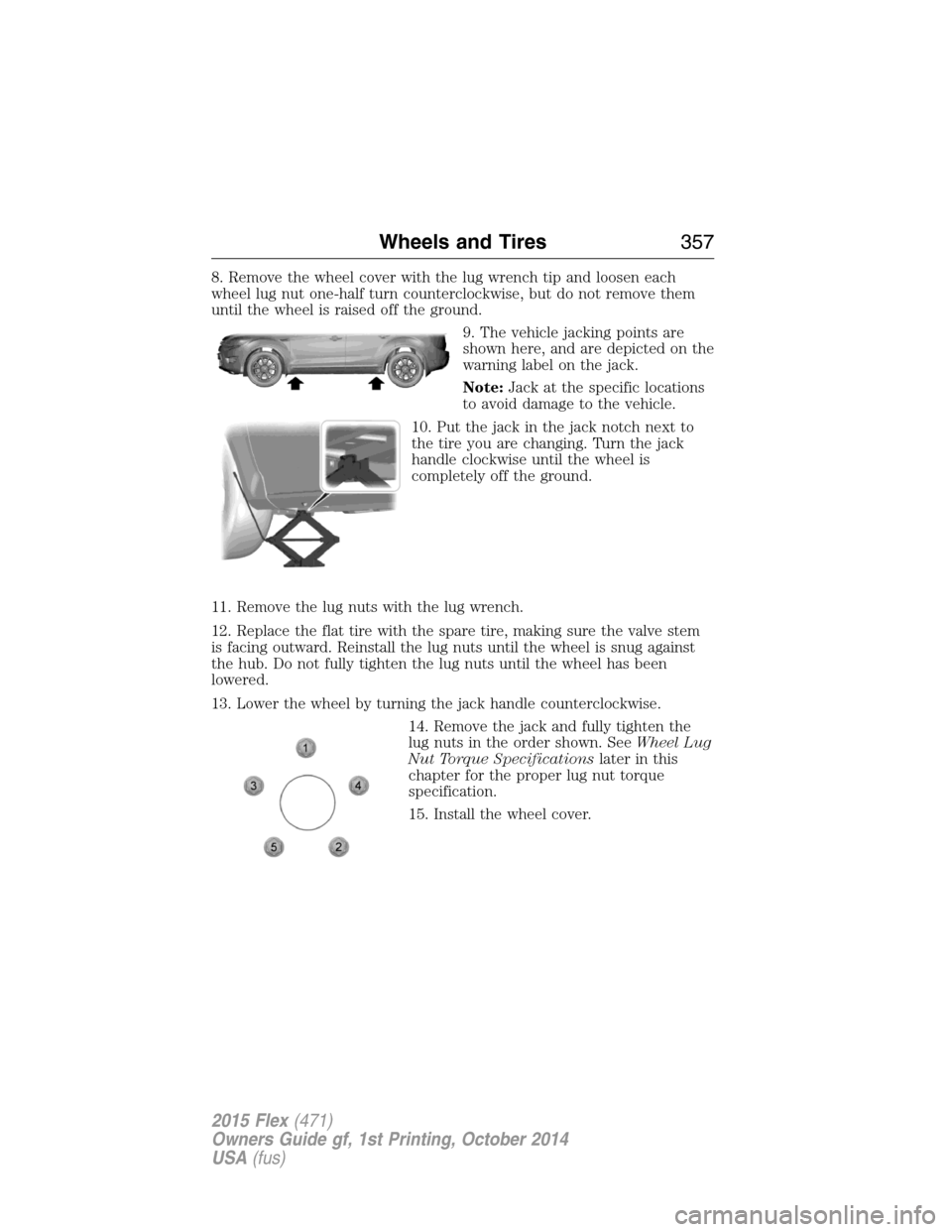
9. The vehicle jacking points are
shown here, and are depicted on the
warning label on the jack.
Note:Jack at the specific locations
to avoid damage to the vehicle.
10. Put the jack in the jack notch next to
the tire you are changing. Turn the jack
handle clockwise until the wheel is
completely off the ground.
11. Remove the lug nuts with the lug wrench.
12. Replace the flat tire with the spare tire, making sure the valve stem
is facing outward. Reinstall the lug nuts until the wheel is snug against
the hub. Do not fully tighten the lug nuts until the wheel has been
lowered.
13. Lower the wheel by turning the jack handle counterclockwise.
14. Remove the jack and fully tighten the
lug nuts in the order shown. SeeWheel Lug
Nut Torque Specificationslater in this
chapter for the proper lug nut torque
specification.
15. Install the wheel cover.
Wheels and Tires357
2015 Flex(471)
Owners Guide gf, 1st Printing, October 2014
USA(fus)
Page 360 of 571
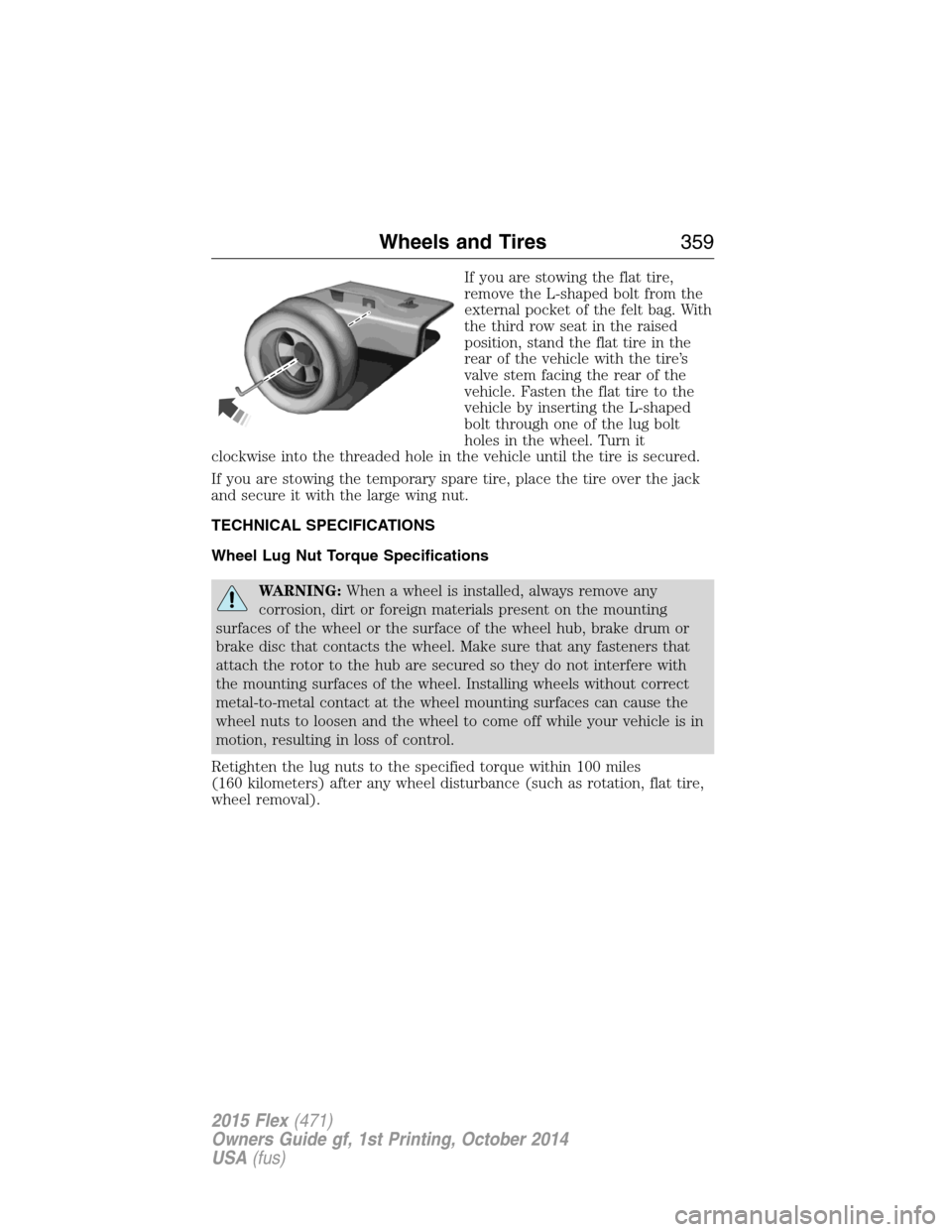
If you are stowing the flat tire,
remove the L-shaped bolt from the
external pocket of the felt bag. With
the third row seat in the raised
position, stand the flat tire in the
rear of the vehicle with the tire’s
valve stem facing the rear of the
vehicle. Fasten the flat tire to the
vehicle by inserting the L-shaped
bolt through one of the lug bolt
holes in the wheel. Turn it
clockwise into the threaded hole in the vehicle until the tire is secured.
If you are stowing the temporary spare tire, place the tire over the jack
and secure it with the large wing nut.
TECHNICAL SPECIFICATIONS
Wheel Lug Nut Torque Specifications
WARNING:When a wheel is installed, always remove any
corrosion, dirt or foreign materials present on the mounting
surfaces of the wheel or the surface of the wheel hub, brake drum or
brake disc that contacts the wheel. Make sure that any fasteners that
attach the rotor to the hub are secured so they do not interfere with
the mounting surfaces of the wheel. Installing wheels without correct
metal-to-metal contact at the wheel mounting surfaces can cause the
wheel nuts to loosen and the wheel to come off while your vehicle is in
motion, resulting in loss of control.
Retighten the lug nuts to the specified torque within 100 miles
(160 kilometers) after any wheel disturbance (such as rotation, flat tire,
wheel removal).
Wheels and Tires359
2015 Flex(471)
Owners Guide gf, 1st Printing, October 2014
USA(fus)
Page 378 of 571
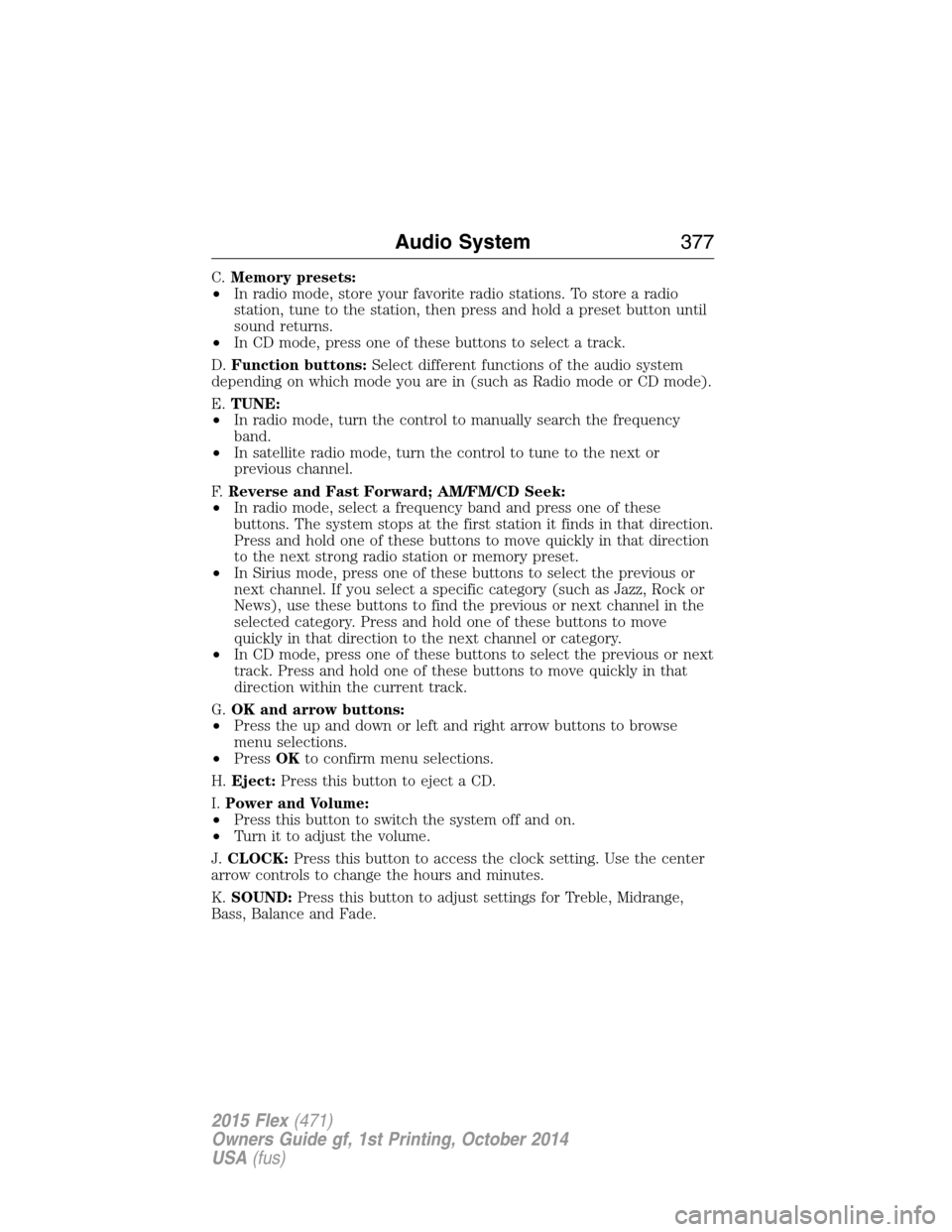
C.Memory presets:
•In radio mode, store your favorite radio stations. To store a radio
station, tune to the station, then press and hold a preset button until
sound returns.
•In CD mode, press one of these buttons to select a track.
D.Function buttons:Select different functions of the audio system
depending on which mode you are in (such as Radio mode or CD mode).
E.TUNE:
•In radio mode, turn the control to manually search the frequency
band.
•In satellite radio mode, turn the control to tune to the next or
previous channel.
F.Reverse and Fast Forward; AM/FM/CD Seek:
•In radio mode, select a frequency band and press one of these
buttons. The system stops at the first station it finds in that direction.
Press and hold one of these buttons to move quickly in that direction
to the next strong radio station or memory preset.
•In Sirius mode, press one of these buttons to select the previous or
next channel. If you select a specific category (such as Jazz, Rock or
News), use these buttons to find the previous or next channel in the
selected category. Press and hold one of these buttons to move
quickly in that direction to the next channel or category.
•In CD mode, press one of these buttons to select the previous or next
track. Press and hold one of these buttons to move quickly in that
direction within the current track.
G.OK and arrow buttons:
•Press the up and down or left and right arrow buttons to browse
menu selections.
•PressOKto confirm menu selections.
H.Eject:Press this button to eject a CD.
I.Power and Volume:
•Press this button to switch the system off and on.
•Turn it to adjust the volume.
J.CLOCK:Press this button to access the clock setting. Use the center
arrow controls to change the hours and minutes.
K.SOUND:Press this button to adjust settings for Treble, Midrange,
Bass, Balance and Fade.
Audio System377
2015 Flex(471)
Owners Guide gf, 1st Printing, October 2014
USA(fus)
Page 381 of 571
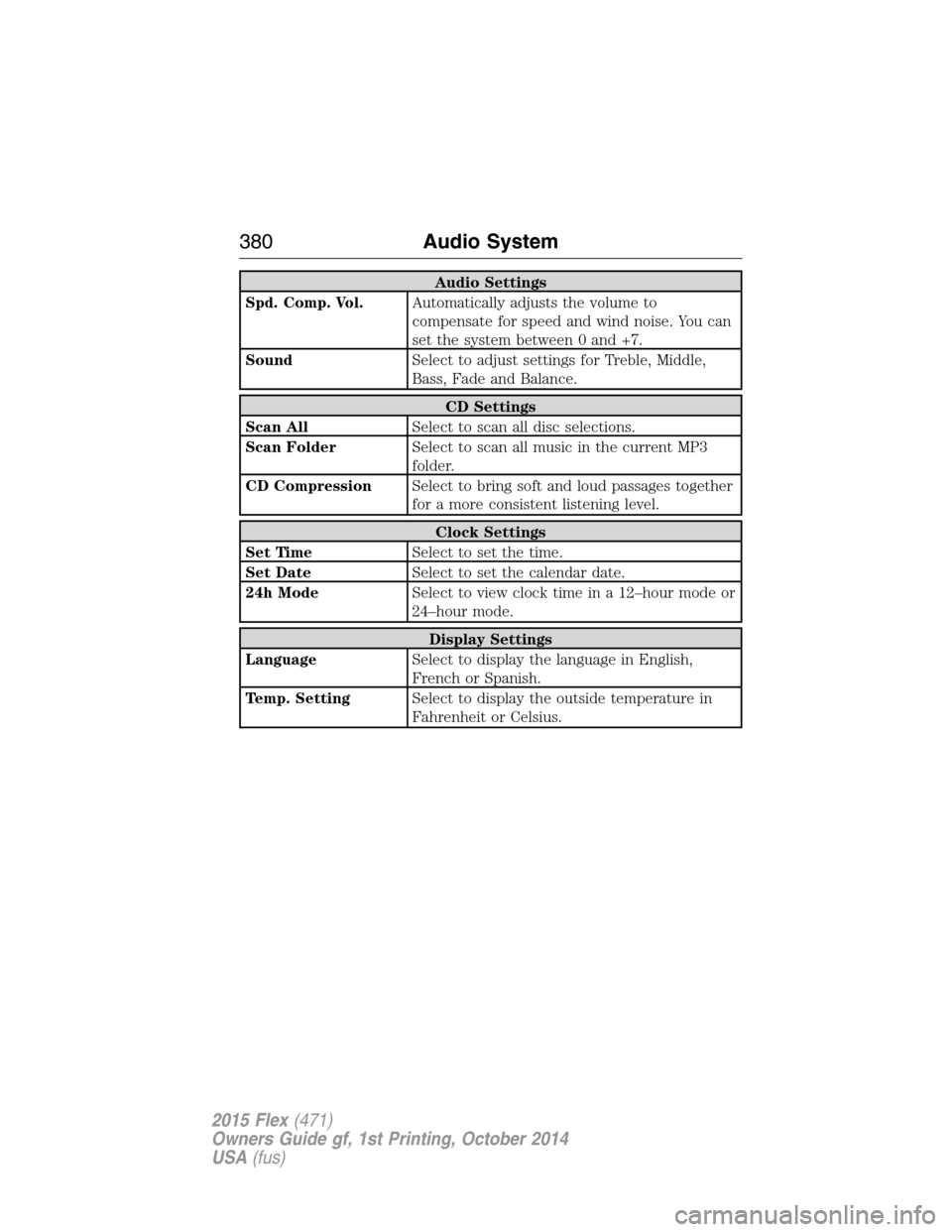
Audio Settings
Spd. Comp. Vol.Automatically adjusts the volume to
compensate for speed and wind noise. You can
set the system between 0 and +7.
SoundSelect to adjust settings for Treble, Middle,
Bass, Fade and Balance.
CD Settings
Scan AllSelect to scan all disc selections.
Scan FolderSelect to scan all music in the current MP3
folder.
CD CompressionSelect to bring soft and loud passages together
for a more consistent listening level.
Clock Settings
Set TimeSelect to set the time.
Set DateSelect to set the calendar date.
24h ModeSelect to view clock time in a 12–hour mode or
24–hour mode.
Display Settings
LanguageSelect to display the language in English,
French or Spanish.
Temp. SettingSelect to display the outside temperature in
Fahrenheit or Celsius.
380Audio System
2015 Flex(471)
Owners Guide gf, 1st Printing, October 2014
USA(fus)
Page 445 of 571
SETTINGS
Press to select any of the following:
•Clock
•Display
•Sound
•Vehicle
•Settings
•Help
HOME
Press to access your home screen. Depending on your vehicle’s
option package and software, your screens may vary in
appearance from the descriptions in this section. Your features may also
be limited depending on your market. Check with your authorized dealer
for availability.
INFORMATION
Press to select any of the following:
•SYNC Services
•Sirius Travel Link
•Alerts
•Calendar
•SYNC Apps
If the icon is yellow, seeAlertsin theInformationsection of this
chapter.
The availability of these features is dependent on your vehicle’s option
package, software, and market.
ENTERTAINMENT
Press to select any of the following:
•AM
•FM
•SIRIUS
•CD
•USB
•BT Stereo
•SD Card
•A/V In
444MyFord Touch® (If Equipped)
2015 Flex(471)
Owners Guide gf, 1st Printing, October 2014
USA(fus)
Page 496 of 571
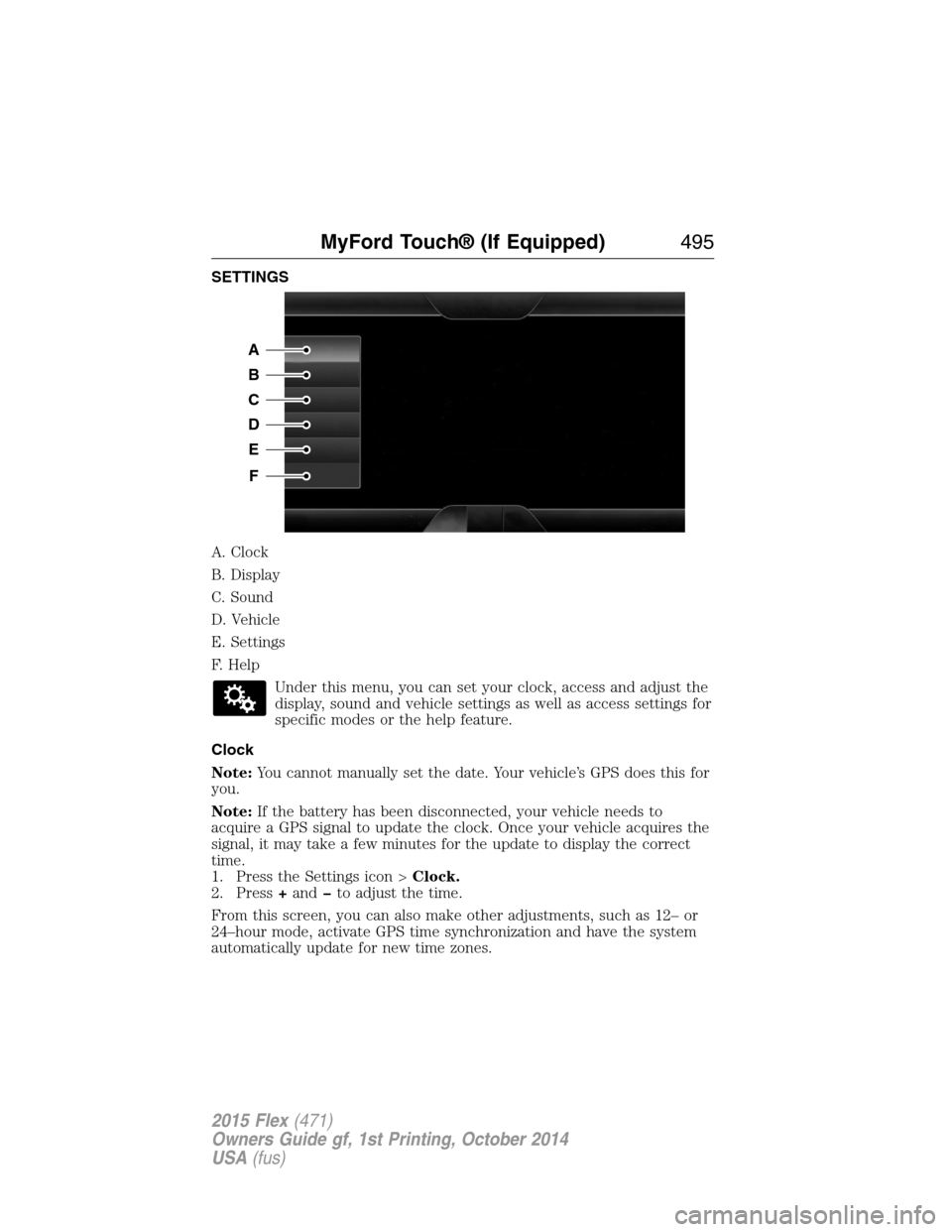
SETTINGS
A. Clock
B. Display
C. Sound
D. Vehicle
E. Settings
F. Help
Under this menu, you can set your clock, access and adjust the
display, sound and vehicle settings as well as access settings for
specific modes or the help feature.
Clock
Note:You cannot manually set the date. Your vehicle’s GPS does this for
you.
Note:If the battery has been disconnected, your vehicle needs to
acquire a GPS signal to update the clock. Once your vehicle acquires the
signal, it may take a few minutes for the update to display the correct
time.
1. Press the Settings icon >Clock.
2. Press+andto adjust the time.
From this screen, you can also make other adjustments, such as 12– or
24–hour mode, activate GPS time synchronization and have the system
automatically update for new time zones.
A
B
C
D
E
F
MyFord Touch® (If Equipped)495
2015 Flex(471)
Owners Guide gf, 1st Printing, October 2014
USA(fus)
Page 510 of 571
L.Driver settings:Depending on your vehicle and option package, you
may have the following features:
•Touch+or–to adjust the temperature.
•If your vehicle is equipped with heated seats, touch the heated seat
icon to control the heated seat. See theSeatschapter.
•If your vehicle is equipped with cooled seats, touch the cooled seat
icon to control the cooled seat. See theSeatschapter.
•Touch and holdMyTempto select a temperature you would like your
vehicle to remember and maintain for you.
•If your vehicle is equipped with a heated steering wheel, touch the
heated steering wheel icon to warm the steering wheel.
If your vehicle is equipped with a wood-trimmed steering wheel, it does
not heat between the 10 o’clock and 2 o’clock positions.
Climate Control Voice Commands
The following voice commands are available at the main menu
level of a voice session. For example, press the voice button
and after the prompt, “Say a command”; say any of the
following commands:
Climate control voice commands
“Climate automatic”
“Climate my temperature”
“Climate off”
“Climate on”
“Climate temperature <15.5–29.5> degrees”
“Climate temperature <60–85> degrees”
“Help”
There are additional climate control commands but in order to access
them, you have to say “Climate” first, then when the system is ready to
listen, you may say any of the following commands:
Additional climate control voice commands
“Automatic” “Panel on”
“A/C off” “Rear defrost off”
“A/C on” “Rear defrost on”
“Defrost off” “Recirc off”
“Defrost on” “Recirc on”
“Dual off” “Temperature”
*
MyFord Touch® (If Equipped)509
2015 Flex(471)
Owners Guide gf, 1st Printing, October 2014
USA(fus)
Page 565 of 571
Booster seats ...............................33
Brakes ........................................211
anti-lock ...................................212
anti-lock brake system (ABS)
warning light ...........................212
brake warning light ................212
fluid, checking and adding ....308
fluid, refill capacities ..............362
fluid, specifications .................362
lubricant specifications ..........362
parking ....................................212
shift interlock ..........................202
trailer .......................................261
C
Capacities for refilling fluids ....362
Cargo net ...................................247
CD ..............................376, 381–382
CD player ..........................374, 467
CD voice commands .................468
Cell phone use ............................16
Changing a tire .........................353
Child safety restraints ..........26, 28
Child safety seats
automatic locking mode
(retractor) .................................41
LATCH .......................................26
Child safety seats -
booster seats ...............................33
Cleaning the touchscreen ........445
Cleaning your vehicle ...............320
engine compartment ..............322
instrument panel ....................324
interior .....................................324
plastic parts ............................321
washing ....................................320
waxing .....................................322wheels ......................................326
wiper blades ............................323
Climate control (see Air
conditioning or Heating) ..........138
Climate voice commands .........509
Clock ..................................376, 495
Collision Warning System .........241
Compass Display .......................123
Console ......................................178
overhead ..................................180
rear ..........................................178
Coolant ......................................298
checking and adding ..............298
refill capacities ........................362
specifications ..........................362
Cooler ........................................179
Cross Traffic Alert ....................237
Cruise control ...........................227
Customer Assistance ................270
Ford Extended Service
Plan ..........................................371
Getting roadside assistance ...270
Getting the service you
need .........................................276
Ordering additional owner’s
literature .................................282
Utilizing the
Mediation/Arbitration
Program ...................................280
D
Defrost .......................138, 140, 142
rear window ............................147
Dipstick
automatic transmission
fluid ..........................................304
engine oil .................................297
564Index
2015 Flex(471)
Owners Guide gf, 1st Printing, October 2014
USA(fus)
Page 570 of 571
SecuriCode keyless entry
system ..........................................82
SecuriLock passive anti-theft
system ..........................................85
Selecting your media source
(USB, Line in, BT audio) .........423
Sending new text messages .....479
Setting a destination ................510
Setting a destination by
voice ...........................................511
Settings ......................................495
Setting the clock ...............376, 495
Side air curtain ...........................59
Side-curtain airbags system .......59
SIRIUS® satellite radio ....376, 462
SIRIUS satellite radio voice
commands .................................464
SIRIUS Travel Link ...................487
SIRIUS Travel Link voice
commands .................................488
SOS Post Crash Alert .................51
Spare tire
(see Changing the Tire) ...........355
Spark plugs,
specifications .....................361, 366
Specification chart,
lubricants ...................................362
Stability system .........................215
Starting your vehicle ................183
jump starting ..........................273
push button start system .......182
Steering wheel ............................90
controls ......................................92
tilting ...................................90–91
Sun visor ....................................110Supplemental Restraint System
(SRS) (see airbags) ....................52
Supported media file types ......472
Supported player, media
formats and metadata
information ................................472
SYNC® customer support ........393
SYNC® Services ................417, 483
System settings .........................498
T
Temperature control
(see Climate control) ..............138,
140, 142, 507
Text messaging .................404, 479
Text messaging (sending,
downloading, deleting) .....405, 407
Third-row power fold seat .......167
Tilt steering wheel ................90–91
Tires ...........................332–333, 353
alignment ................................346
care ..........................................332
changing ..........................353, 355
checking the pressure ............342
inflating ...................................340
label .........................................339
replacing ..................................344
rotating ....................................347
safety practices .......................346
sidewall information ...............335
snow tires and chains ............347
spare tire .................................353
terminology .............................333
tire grades ...............................333
treadwear ........................332, 342
Touchscreen features
(climate) ....................................507
Index569
2015 Flex(471)
Owners Guide gf, 1st Printing, October 2014
USA(fus)