ignition FORD FLEX 2019 Owner's Manual
[x] Cancel search | Manufacturer: FORD, Model Year: 2019, Model line: FLEX, Model: FORD FLEX 2019Pages: 513, PDF Size: 39.3 MB
Page 97 of 513
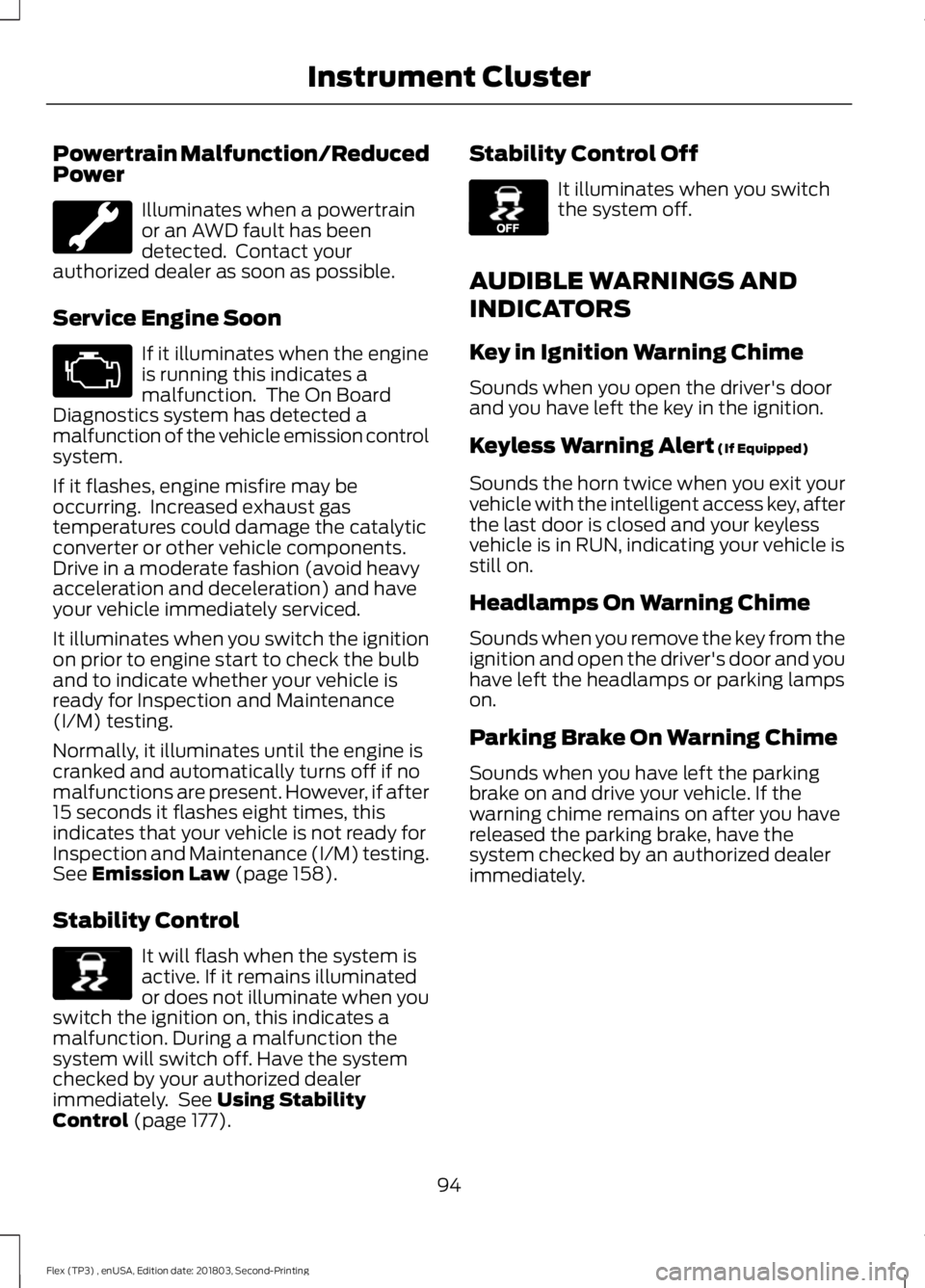
Powertrain Malfunction/Reduced
Power
Illuminates when a powertrain
or an AWD fault has been
detected. Contact your
authorized dealer as soon as possible.
Service Engine Soon If it illuminates when the engine
is running this indicates a
malfunction. The On Board
Diagnostics system has detected a
malfunction of the vehicle emission control
system.
If it flashes, engine misfire may be
occurring. Increased exhaust gas
temperatures could damage the catalytic
converter or other vehicle components.
Drive in a moderate fashion (avoid heavy
acceleration and deceleration) and have
your vehicle immediately serviced.
It illuminates when you switch the ignition
on prior to engine start to check the bulb
and to indicate whether your vehicle is
ready for Inspection and Maintenance
(I/M) testing.
Normally, it illuminates until the engine is
cranked and automatically turns off if no
malfunctions are present. However, if after
15 seconds it flashes eight times, this
indicates that your vehicle is not ready for
Inspection and Maintenance (I/M) testing.
See Emission Law (page 158).
Stability Control It will flash when the system is
active. If it remains illuminated
or does not illuminate when you
switch the ignition on, this indicates a
malfunction. During a malfunction the
system will switch off. Have the system
checked by your authorized dealer
immediately. See
Using Stability
Control (page 177). Stability Control Off It illuminates when you switch
the system off.
AUDIBLE WARNINGS AND
INDICATORS
Key in Ignition Warning Chime
Sounds when you open the driver's door
and you have left the key in the ignition.
Keyless Warning Alert
(If Equipped)
Sounds the horn twice when you exit your
vehicle with the intelligent access key, after
the last door is closed and your keyless
vehicle is in RUN, indicating your vehicle is
still on.
Headlamps On Warning Chime
Sounds when you remove the key from the
ignition and open the driver's door and you
have left the headlamps or parking lamps
on.
Parking Brake On Warning Chime
Sounds when you have left the parking
brake on and drive your vehicle. If the
warning chime remains on after you have
released the parking brake, have the
system checked by an authorized dealer
immediately.
94
Flex (TP3) , enUSA, Edition date: 201803, Second-Printing Instrument Cluster E138639 E130458
Page 103 of 513
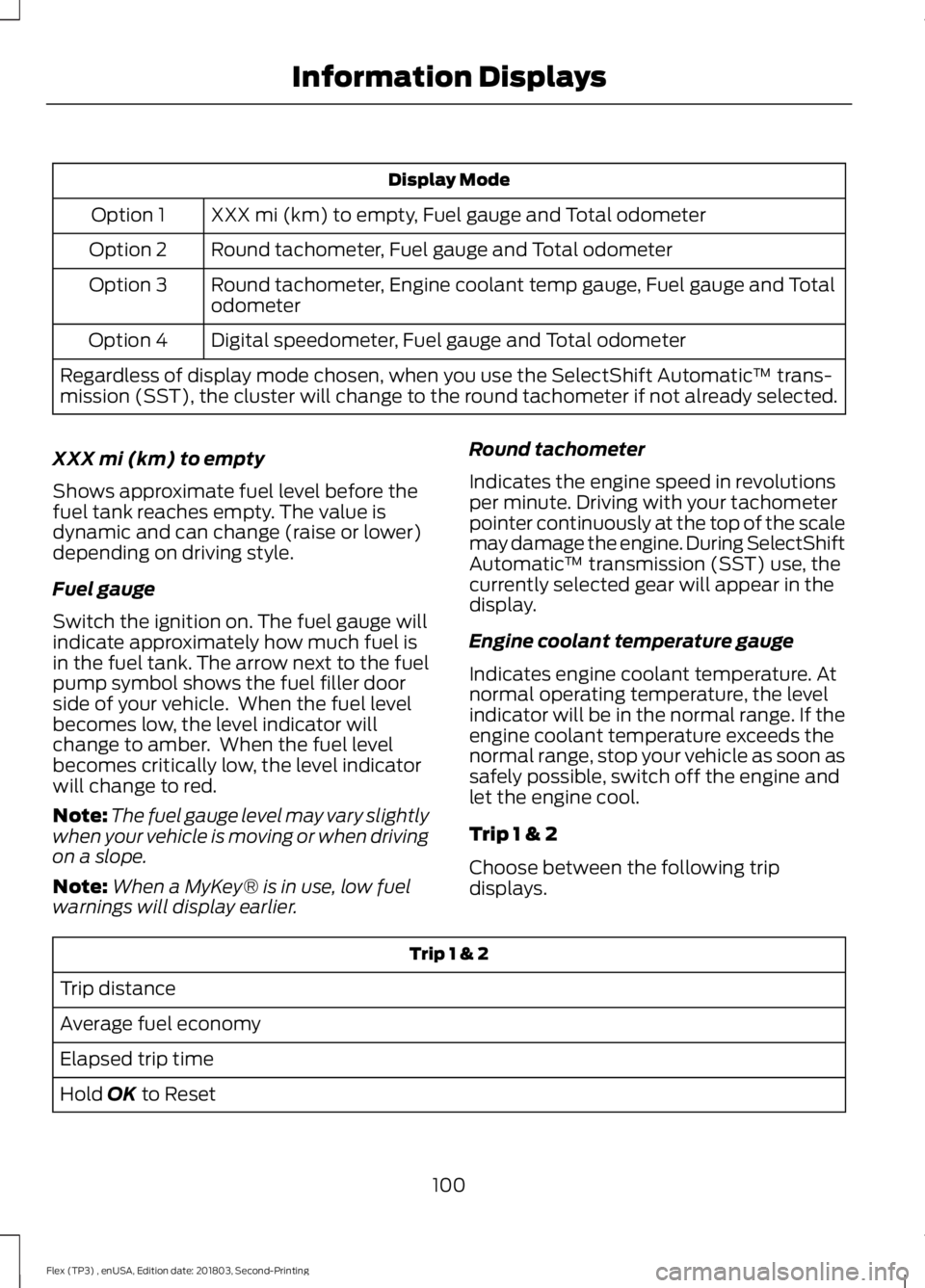
Display Mode
XXX mi (km) to empty, Fuel gauge and Total odometer
Option 1
Round tachometer, Fuel gauge and Total odometer
Option 2
Round tachometer, Engine coolant temp gauge, Fuel gauge and Total
odometer
Option 3
Digital speedometer, Fuel gauge and Total odometer
Option 4
Regardless of display mode chosen, when you use the SelectShift Automatic ™ trans-
mission (SST), the cluster will change to the round tachometer if not already selected.
XXX mi (km) to empty
Shows approximate fuel level before the
fuel tank reaches empty. The value is
dynamic and can change (raise or lower)
depending on driving style.
Fuel gauge
Switch the ignition on. The fuel gauge will
indicate approximately how much fuel is
in the fuel tank. The arrow next to the fuel
pump symbol shows the fuel filler door
side of your vehicle. When the fuel level
becomes low, the level indicator will
change to amber. When the fuel level
becomes critically low, the level indicator
will change to red.
Note: The fuel gauge level may vary slightly
when your vehicle is moving or when driving
on a slope.
Note: When a MyKey® is in use, low fuel
warnings will display earlier. Round tachometer
Indicates the engine speed in revolutions
per minute. Driving with your tachometer
pointer continuously at the top of the scale
may damage the engine. During SelectShift
Automatic
™ transmission (SST) use, the
currently selected gear will appear in the
display.
Engine coolant temperature gauge
Indicates engine coolant temperature. At
normal operating temperature, the level
indicator will be in the normal range. If the
engine coolant temperature exceeds the
normal range, stop your vehicle as soon as
safely possible, switch off the engine and
let the engine cool.
Trip 1 & 2
Choose between the following trip
displays. Trip 1 & 2
Trip distance
Average fuel economy
Elapsed trip time
Hold OK to Reset
100
Flex (TP3) , enUSA, Edition date: 201803, Second-Printing Information Displays
Page 108 of 513
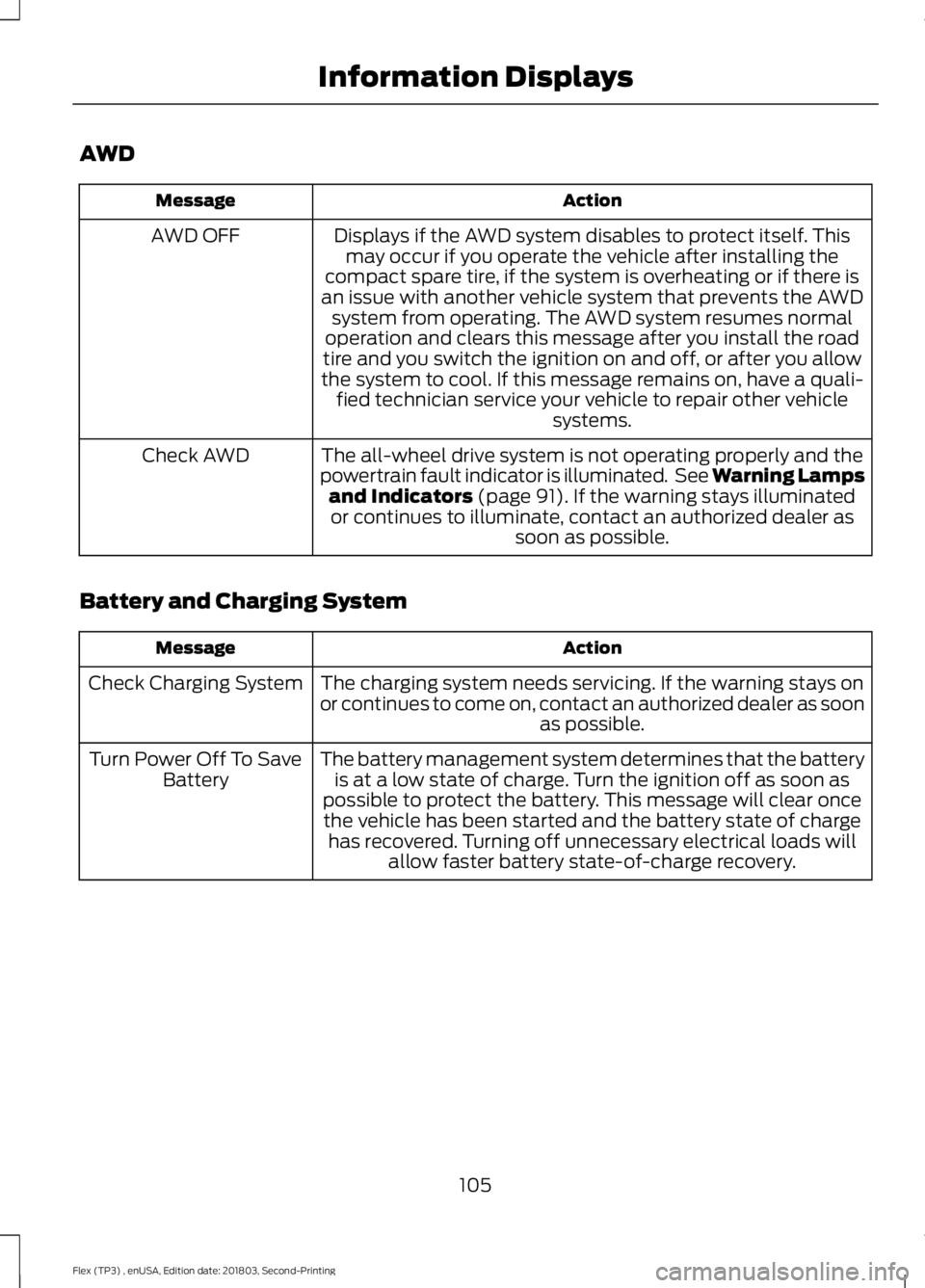
AWD
Action
Message
Displays if the AWD system disables to protect itself. Thismay occur if you operate the vehicle after installing the
compact spare tire, if the system is overheating or if there is
an issue with another vehicle system that prevents the AWD system from operating. The AWD system resumes normal
operation and clears this message after you install the road
tire and you switch the ignition on and off, or after you allow
the system to cool. If this message remains on, have a quali- fied technician service your vehicle to repair other vehicle systems.
AWD OFF
The all-wheel drive system is not operating properly and the
powertrain fault indicator is illuminated. See Warning Lamps and Indicators (page 91). If the warning stays illuminated
or continues to illuminate, contact an authorized dealer as soon as possible.
Check AWD
Battery and Charging System Action
Message
The charging system needs servicing. If the warning stays on
or continues to come on, contact an authorized dealer as soon as possible.
Check Charging System
The battery management system determines that the batteryis at a low state of charge. Turn the ignition off as soon as
possible to protect the battery. This message will clear once the vehicle has been started and the battery state of charge has recovered. Turning off unnecessary electrical loads will allow faster battery state-of-charge recovery.
Turn Power Off To Save
Battery
105
Flex (TP3) , enUSA, Edition date: 201803, Second-Printing Information Displays
Page 111 of 513
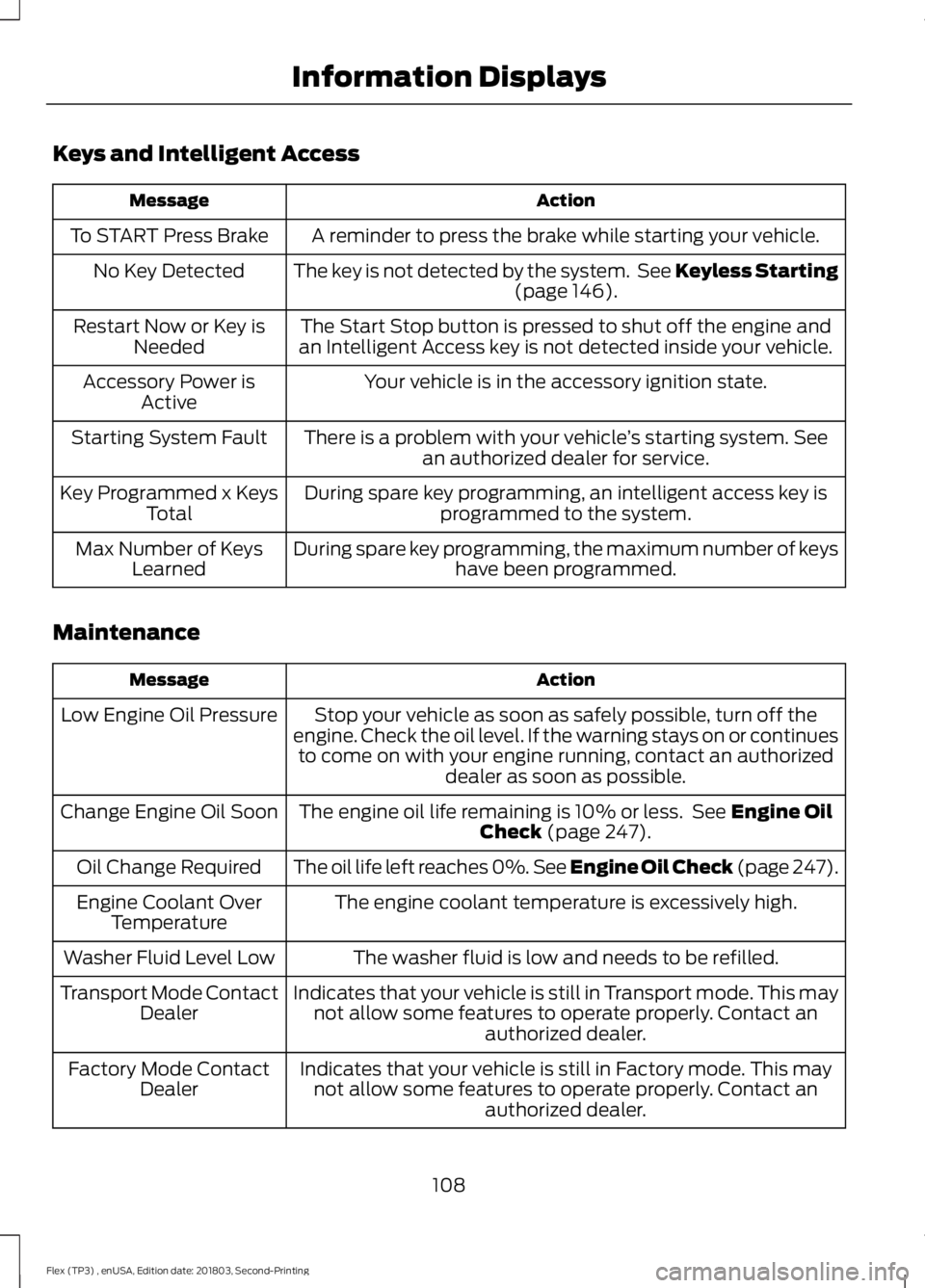
Keys and Intelligent Access
Action
Message
A reminder to press the brake while starting your vehicle.
To START Press Brake
The key is not detected by the system. See Keyless Starting(page 146).
No Key Detected
The Start Stop button is pressed to shut off the engine and
an Intelligent Access key is not detected inside your vehicle.
Restart Now or Key is
Needed
Your vehicle is in the accessory ignition state.
Accessory Power is
Active
There is a problem with your vehicle ’s starting system. See
an authorized dealer for service.
Starting System Fault
During spare key programming, an intelligent access key isprogrammed to the system.
Key Programmed x Keys
Total
During spare key programming, the maximum number of keys have been programmed.
Max Number of Keys
Learned
Maintenance Action
Message
Stop your vehicle as soon as safely possible, turn off the
engine. Check the oil level. If the warning stays on or continues to come on with your engine running, contact an authorized dealer as soon as possible.
Low Engine Oil Pressure
The engine oil life remaining is 10% or less. See
Engine Oil
Check (page 247).
Change Engine Oil Soon
The oil life left reaches 0%. See Engine Oil Check (page 247
).
Oil Change Required
The engine coolant temperature is excessively high.
Engine Coolant Over
Temperature
The washer fluid is low and needs to be refilled.
Washer Fluid Level Low
Indicates that your vehicle is still in Transport mode. This maynot allow some features to operate properly. Contact an authorized dealer.
Transport Mode Contact
Dealer
Indicates that your vehicle is still in Factory mode. This maynot allow some features to operate properly. Contact an authorized dealer.
Factory Mode Contact
Dealer
108
Flex (TP3) , enUSA, Edition date: 201803, Second-Printing Information Displays
Page 123 of 513
CABIN AIR FILTER
Your vehicle is equipped with a cabin air
filter, which gives you and your passengers
the following benefits:
•
It improves your driving comfort by
reducing particle concentration.
• It improves the interior compartment
cleanliness.
• It protects the climate control
components from particle deposits.
You can locate the cabin air filter behind
the glove box.
Note: Make sure you have a cabin air filter
installed at all times. This prevents foreign
objects from entering the system. Running
the system without a filter in place could
result in degradation or damage to the
system.
Replace the filter at regular intervals. See
Scheduled Maintenance (page 442).
For additional cabin air filter information,
or to replace the filter, see an authorized
dealer.
REMOTE START
(If Equipped)
The system adjusts the interior
temperature depending on your chosen
settings during remote start.
You cannot adjust the climate control
setting during remote start operation.
When you switch the ignition on, the
climate control system returns to the
previous settings. You can now make
adjustments.
Some features may remain on if they turn
on during remote start:
• Driver heated seat.
• Driver cooled seat.
• Heated steering wheel. •
Heated mirrors.
• Heated rear window.
Note: If the passenger heated or cooled
seats are on when you switch the vehicle
off, they default to the driver setting when
you switch the vehicle on.
You can adjust the default remote start
settings using the information display
controls. See
Information Displays
(page 95).
Automatic Settings
In hot weather, the system is set to
72°F
(22°C). The cooled seats are set to high
(if available, and you select AUTO in the
information display).
In moderate weather, the system either
heats or cools (based on pre-selected
settings). The rear defroster, heated
mirrors and heated or cooled seats do not
turn on.
In cold weather, the system is set to
72°F
(22°C). The heated seats and heated
steering wheel are set to high (if available,
and you select
AUTO in the information
display). The rear defroster and heated
mirrors turn on.
120
Flex (TP3) , enUSA, Edition date: 201803, Second-Printing Climate Control
Page 129 of 513
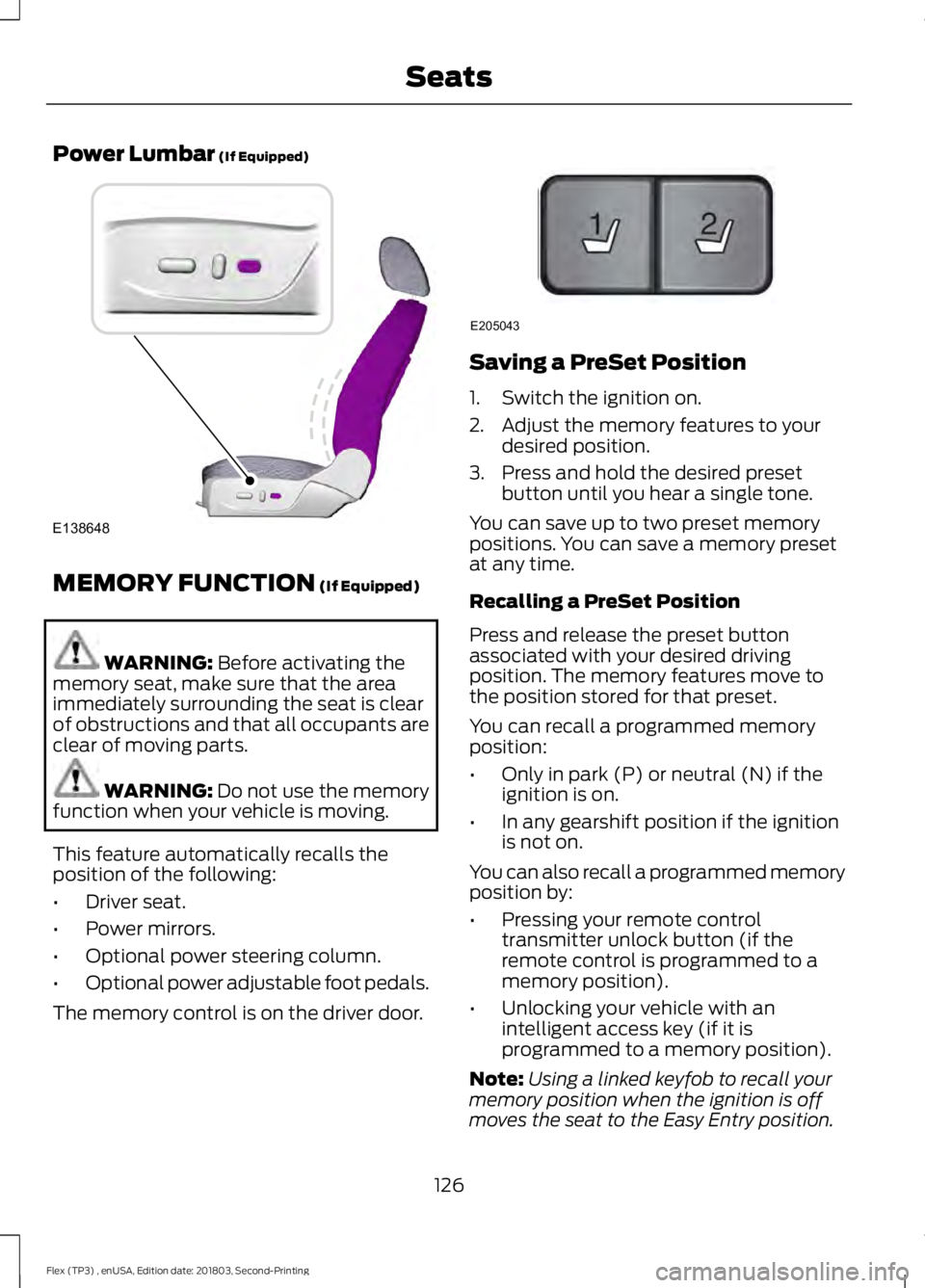
Power Lumbar (If Equipped)
MEMORY FUNCTION
(If Equipped)
WARNING:
Before activating the
memory seat, make sure that the area
immediately surrounding the seat is clear
of obstructions and that all occupants are
clear of moving parts. WARNING:
Do not use the memory
function when your vehicle is moving.
This feature automatically recalls the
position of the following:
• Driver seat.
• Power mirrors.
• Optional power steering column.
• Optional power adjustable foot pedals.
The memory control is on the driver door. Saving a PreSet Position
1. Switch the ignition on.
2. Adjust the memory features to your
desired position.
3. Press and hold the desired preset button until you hear a single tone.
You can save up to two preset memory
positions. You can save a memory preset
at any time.
Recalling a PreSet Position
Press and release the preset button
associated with your desired driving
position. The memory features move to
the position stored for that preset.
You can recall a programmed memory
position:
• Only in park (P) or neutral (N) if the
ignition is on.
• In any gearshift position if the ignition
is not on.
You can also recall a programmed memory
position by:
• Pressing your remote control
transmitter unlock button (if the
remote control is programmed to a
memory position).
• Unlocking your vehicle with an
intelligent access key (if it is
programmed to a memory position).
Note: Using a linked keyfob to recall your
memory position when the ignition is off
moves the seat to the Easy Entry position.
126
Flex (TP3) , enUSA, Edition date: 201803, Second-Printing SeatsE138648 21
E205043
Page 130 of 513
Note:
Adjusting any active memory feature
or pressing a memory switch during a
memory recall cancels the operation.
Linking a PreSet Position to your
Remote Control or Intelligent
Access Key Fob
Your vehicle can save the preset memory
positions for up to two remote controls.
1. With the ignition on, move the memory
features to the desired positions.
2. Press and hold the desired preset button for about five seconds. A tone
sounds after about two seconds.
Continue holding until you hear a
second tone.
3. Within three seconds, press the lock button on the remote control you are
linking.
To unlink a remote control, follow the
same procedure – except in step 3, press
the unlock button on the remote control.
Note: If more than one linked remote
control or intelligent access key is in range,
the memory function moves to the settings
of the first key to initiate a memory recall.
Easy Entry and Exit Feature
This feature adjusts the position of the seat
and steering column to allow easier exit
and entry to the vehicle.
The driver seat automatically moves 2 in
(5 cm) rearward when the transmission is
in park (P) and you remove the key from
the ignition or you switch the ignition off.
The driver seat and steering wheel return
to their previous positions when you put
the key in the ignition or switch the ignition
on.
You can enable or disable this feature
through the information display. See
Information Displays
(page 95). REAR SEATS
Adjusting the Rear Seats
Second Row Seats
WARNING:
Always drive and ride
with your seatback upright and the lap belt
snug and low across the hips. WARNING:
Reclining the seatback
can cause an occupant to slide under the
seat's seatbelt, resulting in severe personal
injuries in the event of a crash.
Recline Adjustment Note:
For the bench seat only, make sure
the center seatbelt is unbuckled before
folding the seatback.
Lift the handle to adjust the seatback
rearward or forward. You can also fold the
seatback forward until it is flat.
127
Flex (TP3) , enUSA, Edition date: 201803, Second-Printing SeatsE209847
Page 131 of 513
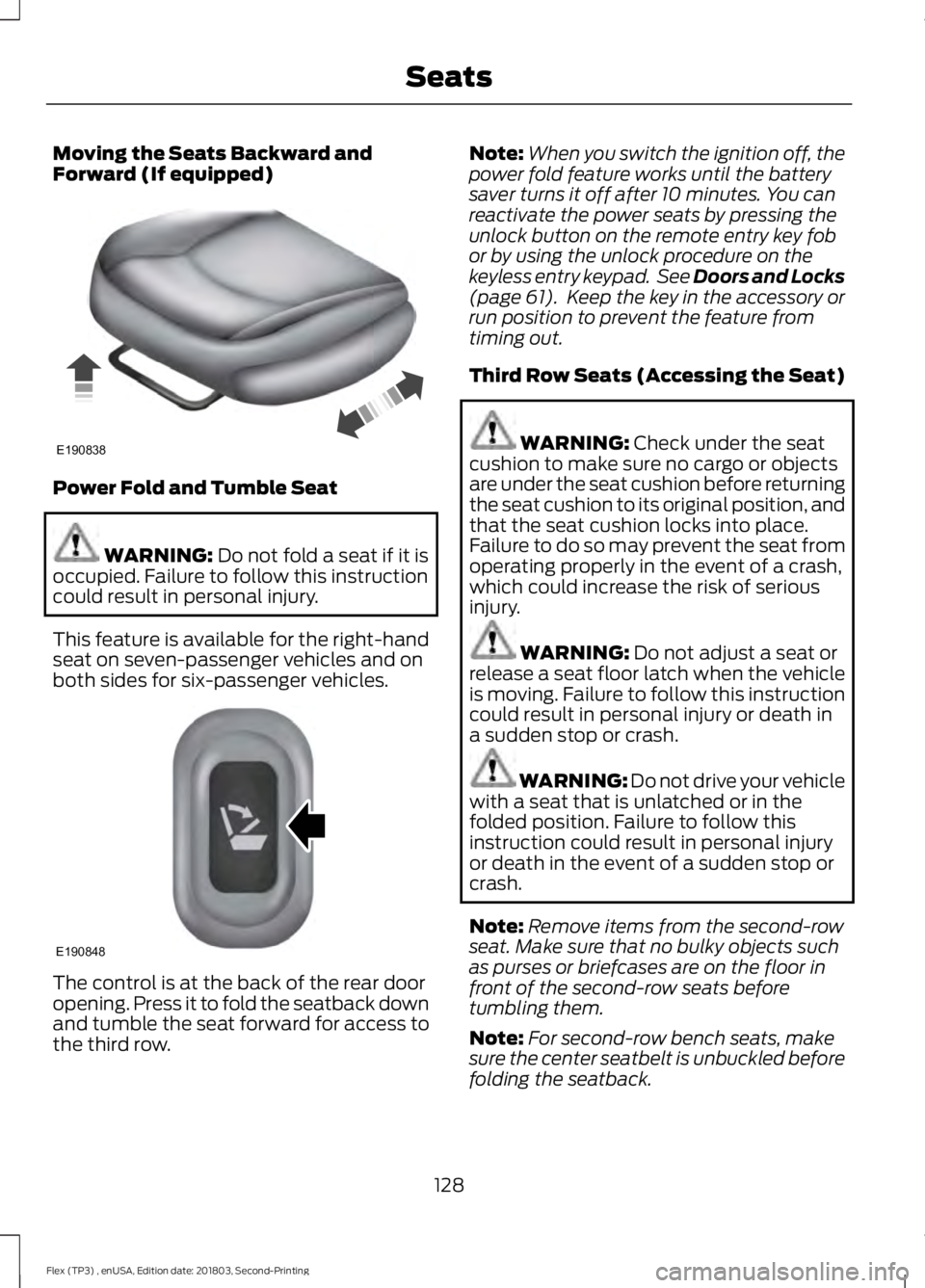
Moving the Seats Backward and
Forward (If equipped)
Power Fold and Tumble Seat
WARNING: Do not fold a seat if it is
occupied. Failure to follow this instruction
could result in personal injury.
This feature is available for the right-hand
seat on seven-passenger vehicles and on
both sides for six-passenger vehicles. The control is at the back of the rear door
opening. Press it to fold the seatback down
and tumble the seat forward for access to
the third row. Note:
When you switch the ignition off, the
power fold feature works until the battery
saver turns it off after 10 minutes. You can
reactivate the power seats by pressing the
unlock button on the remote entry key fob
or by using the unlock procedure on the
keyless entry keypad. See Doors and Locks
(page 61). Keep the key in the accessory or
run position to prevent the feature from
timing out.
Third Row Seats (Accessing the Seat) WARNING:
Check under the seat
cushion to make sure no cargo or objects
are under the seat cushion before returning
the seat cushion to its original position, and
that the seat cushion locks into place.
Failure to do so may prevent the seat from
operating properly in the event of a crash,
which could increase the risk of serious
injury. WARNING:
Do not adjust a seat or
release a seat floor latch when the vehicle
is moving. Failure to follow this instruction
could result in personal injury or death in
a sudden stop or crash. WARNING: Do not drive your vehicle
with a seat that is unlatched or in the
folded position. Failure to follow this
instruction could result in personal injury
or death in the event of a sudden stop or
crash.
Note: Remove items from the second-row
seat. Make sure that no bulky objects such
as purses or briefcases are on the floor in
front of the second-row seats before
tumbling them.
Note: For second-row bench seats, make
sure the center seatbelt is unbuckled before
folding the seatback.
128
Flex (TP3) , enUSA, Edition date: 201803, Second-Printing SeatsE190838 E190848
Page 135 of 513
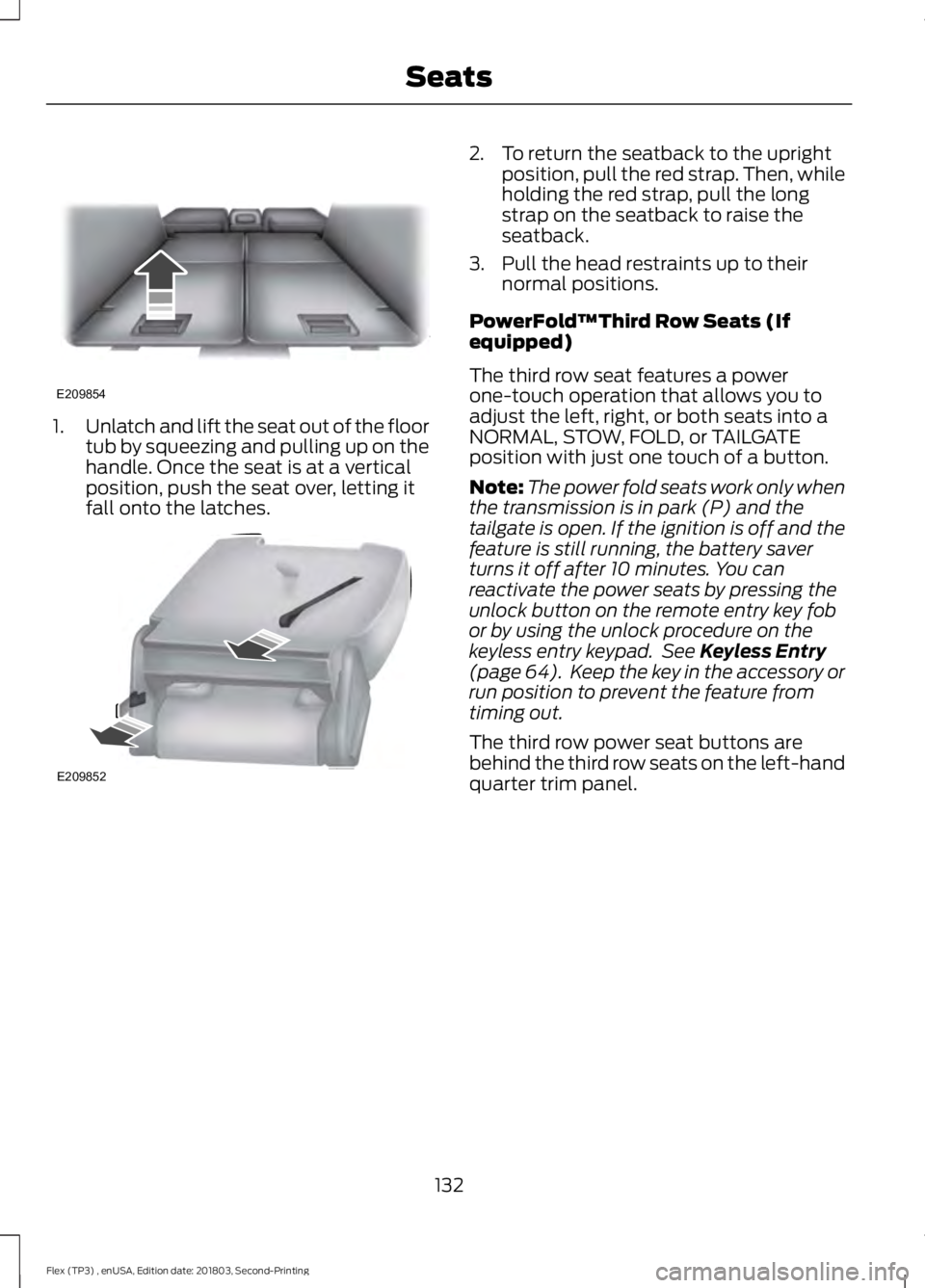
1.
Unlatch and lift the seat out of the floor
tub by squeezing and pulling up on the
handle. Once the seat is at a vertical
position, push the seat over, letting it
fall onto the latches. 2. To return the seatback to the upright
position, pull the red strap. Then, while
holding the red strap, pull the long
strap on the seatback to raise the
seatback.
3. Pull the head restraints up to their normal positions.
PowerFold™Third Row Seats (If
equipped)
The third row seat features a power
one-touch operation that allows you to
adjust the left, right, or both seats into a
NORMAL, STOW, FOLD, or TAILGATE
position with just one touch of a button.
Note: The power fold seats work only when
the transmission is in park (P) and the
tailgate is open. If the ignition is off and the
feature is still running, the battery saver
turns it off after 10 minutes. You can
reactivate the power seats by pressing the
unlock button on the remote entry key fob
or by using the unlock procedure on the
keyless entry keypad. See Keyless Entry
(page 64). Keep the key in the accessory or
run position to prevent the feature from
timing out.
The third row power seat buttons are
behind the third row seats on the left-hand
quarter trim panel.
132
Flex (TP3) , enUSA, Edition date: 201803, Second-Printing SeatsE209854 E209852
Page 137 of 513
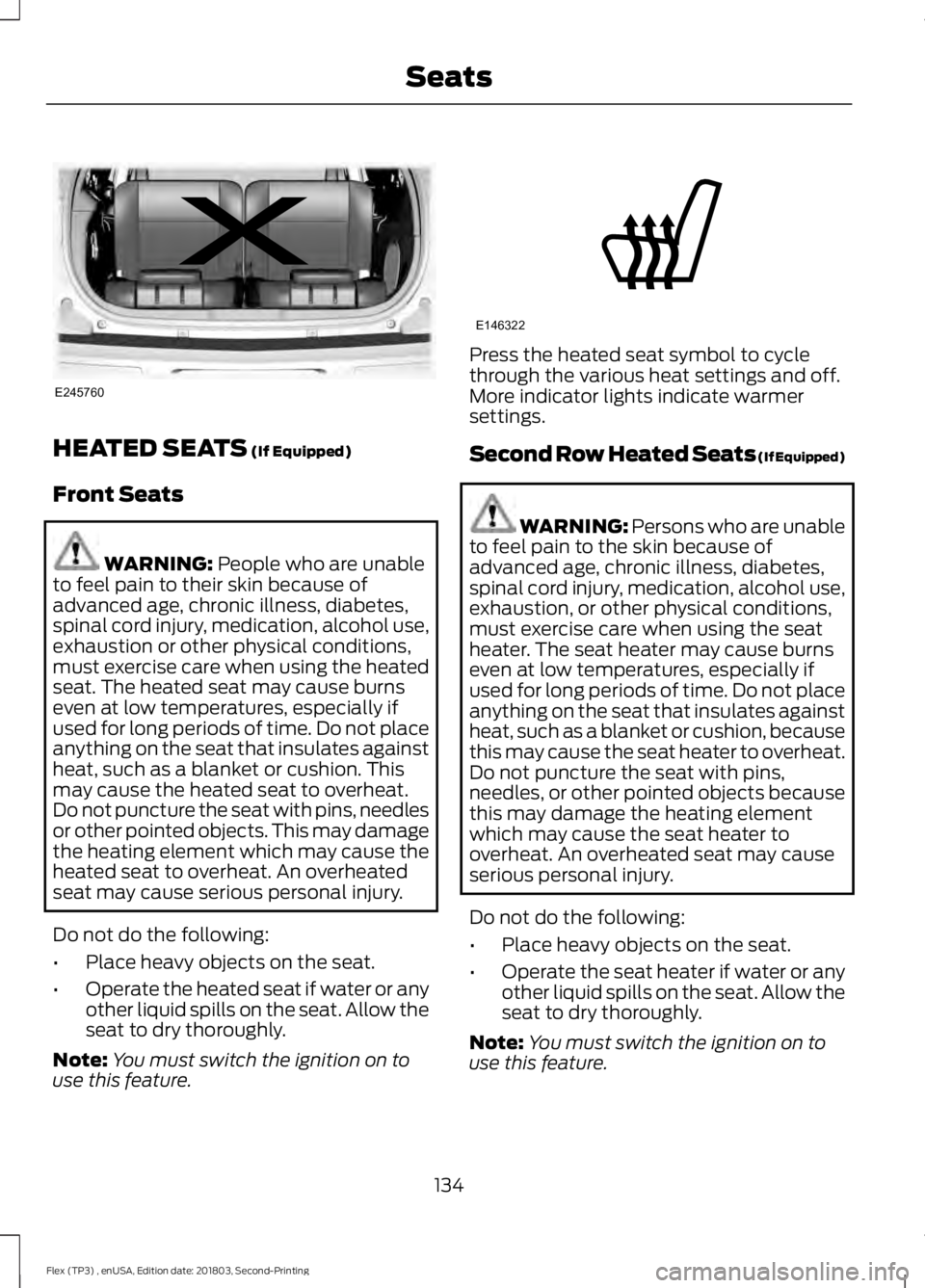
HEATED SEATS (If Equipped)
Front Seats WARNING:
People who are unable
to feel pain to their skin because of
advanced age, chronic illness, diabetes,
spinal cord injury, medication, alcohol use,
exhaustion or other physical conditions,
must exercise care when using the heated
seat. The heated seat may cause burns
even at low temperatures, especially if
used for long periods of time. Do not place
anything on the seat that insulates against
heat, such as a blanket or cushion. This
may cause the heated seat to overheat.
Do not puncture the seat with pins, needles
or other pointed objects. This may damage
the heating element which may cause the
heated seat to overheat. An overheated
seat may cause serious personal injury.
Do not do the following:
• Place heavy objects on the seat.
• Operate the heated seat if water or any
other liquid spills on the seat. Allow the
seat to dry thoroughly.
Note: You must switch the ignition on to
use this feature. Press the heated seat symbol to cycle
through the various heat settings and off.
More indicator lights indicate warmer
settings.
Second Row Heated Seats (If Equipped)
WARNING:
Persons who are unable
to feel pain to the skin because of
advanced age, chronic illness, diabetes,
spinal cord injury, medication, alcohol use,
exhaustion, or other physical conditions,
must exercise care when using the seat
heater. The seat heater may cause burns
even at low temperatures, especially if
used for long periods of time. Do not place
anything on the seat that insulates against
heat, such as a blanket or cushion, because
this may cause the seat heater to overheat.
Do not puncture the seat with pins,
needles, or other pointed objects because
this may damage the heating element
which may cause the seat heater to
overheat. An overheated seat may cause
serious personal injury.
Do not do the following:
• Place heavy objects on the seat.
• Operate the seat heater if water or any
other liquid spills on the seat. Allow the
seat to dry thoroughly.
Note: You must switch the ignition on to
use this feature.
134
Flex (TP3) , enUSA, Edition date: 201803, Second-Printing SeatsE245760 E146322