display FORD FOCUS 2008 2.G User Guide
[x] Cancel search | Manufacturer: FORD, Model Year: 2008, Model line: FOCUS, Model: FORD FOCUS 2008 2.GPages: 256, PDF Size: 2.13 MB
Page 28 of 256
GENERAL AUDIO INFORMATION
Radio frequencies:
AM and FM frequencies are established by the Federal Communications
Commission (FCC) and the Canadian Radio and Telecommunications
Commission (CRTC). Those frequencies are:
AM: 530, 540–1700, 1710 kHz
FM: 87.7, 87.9–107.7, 107.9 MHz
Radio reception factors:
There are three factors that can affect radio reception:
•Distance/strength: The further you travel from an FM station, the
weaker the signal and the weaker the reception.
•Terrain: Hills, mountains, tall buildings, power lines, electric fences,
traffic lights and thunderstorms can interfere with your reception.
•Station overload: When you pass a broadcast tower, a stronger signal
may overtake a weaker one and play while the weak station frequency
is displayed.
CD/CD player care
Do:
•Handle discs by their edges only. Never touch the playing surface.
•Inspect discs before playing. Clean only with an approved CD cleaner
and wipe from the center out.
Don’t:
•Expose discs to direct sunlight or heat sources for extended periods
of time.
•Clean using a circular motion.
CD units are designed to play commercially pressed 4.75 in (12 cm)
audio compact discs only. Due to technical incompatibility, certain
recordable and re-recordable compact discs may not function
correctly when used in Ford CD players. Dirty, warped or
damaged CDs, irregular shaped CDs, CDs with a scratch
protection film attached, and CDs with homemade paper
(adhesive) labels should not be inserted into the CD player. The
label may peel and cause the CD to become jammed. It is
recommended that homemade CDs be identified with permanent
felt tip marker rather than adhesive labels. Ballpoint pens may
damage CDs. Please contact your authorized dealer for further
information.
2008 Focus(foc)
Owners Guide (post-2002-fmt)
USA(fus)
Entertainment Systems
28
Page 29 of 256
Audio system warranty and service
Refer to theWarranty Guidefor audio system warranty information. If
service is necessary, see your dealer or qualified technician.
Satellite radio information (if equipped)
Satellite radio channels:SIRIUS broadcasts a variety of music, news,
sports, weather, traffic and entertainment satellite radio channels. For
more information and a complete list of SIRIUS satellite radio channels,
visit www.sirius.com in the United States, www.sirius-canada.ca in
Canada, or call SIRIUS at 1–888–539–7474.
Satellite radio reception factors:To receive the satellite signal, your
vehicle has been equipped with a satellite radio antenna located on the
roof of your vehicle. The vehicle roof provides the best location for an
unobstructed, open view of the sky, a requirement of a satellite radio
system. Like AM/FM, there are several factors that can affect satellite
radio reception performance:
•Antenna obstructions: For optimal reception performance, keep the
antenna clear of snow and ice build-up and keep luggage and other
material as far away from the antenna as possible.
•Terrain: Hills, mountains, tall buildings, bridges, tunnels, freeway
overpasses, parking garages, dense tree foliage and thunderstorms can
interfere with your reception.
•Station overload: When you pass a ground based broadcast repeating
tower, a stronger signal may overtake a weaker one and result in an
audio mute.
Unlike AM/FM audible static, you will hear an audio mute when there is
a satellite radio signal interference. Your radio display may display NO
SIGNAL to indicate the interference.
SIRIUS satellite radio service:SIRIUS Satellite Radio is a subscription
based satellite radio service that broadcasts music, sports, news and
entertainment programming. A service fee is required in order to receive
SIRIUS service. Vehicles that are equipped with a factory installed
SIRIUS Satellite Radio system include:
•Hardware and limited subscription term, which begins on the date of
sale or lease of the vehicle.
•Online media player providing access to all 65 SIRIUS music channels
over the internet (U.S. customers only).
For information on extended subscription terms, contact SIRIUS at
1–888–539–7474.
2008 Focus(foc)
Owners Guide (post-2002-fmt)
USA(fus)
Entertainment Systems
29
Page 30 of 256
Note:SIRIUS reserves the unrestricted right to change, rearrange, add
or delete programming including canceling, moving or adding particular
channels, and its prices, at any time, with or without notice to you. Ford
Motor Company shall not be responsible for any such programming
changes.
Satellite Radio Electronic Serial Number (ESN):This 12–digit
Satellite Serial Number is needed to activate, modify or track your
satellite radio account. You will need this number when communicating
with SIRIUS. While in Satellite Radio mode, you can view this number on
the radio display by pressing AUX and Preset 1 control simultaneously.
Radio Display Condition Action Required
ACQUIRING Radio requires more
than two seconds to
produce audio for
the selected
channel.No action required. This
message should disappear
shortly.
SAT FAULT Internal module or
system failure
present.If this message does not
clear within a short period
of time, or with an ignition
key cycle, your receiver
may have a fault. See your
authorized dealer for
service.
INVALID CHNL Channel no longer
available.This previously available
channel is no longer
available. Tune to another
channel. If the channel was
one of your presets, you
may choose another
channel for that preset
button.
UNSUBSCRIBED Subscription not
available for this
channel.Contact SIRIUS at
1–888–539–7474 to
subscribe to the channel or
tune to another channel.
2008 Focus(foc)
Owners Guide (post-2002-fmt)
USA(fus)
Entertainment Systems
30
Page 31 of 256
Radio Display Condition Action Required
NO TEXT Artist information
not available.Artist information not
available at this time on
this channel. The system is
working properly.
NO TEXT Song title
information not
available.Song title information not
available at this time on
this channel. The system is
working properly.
NO TEXT Category
information not
available.Category information not
available at this time on
this channel. The system is
working properly.
NO SIGNAL Loss of signal from
the SIRIUS satellite
or SIRIUS tower to
the vehicle antenna.You are in a location that is
blocking the SIRIUS signal
(i.e., tunnel, under an
overpass, dense foliage,
etc). The system is
working properly. When
you move into an open
area, the signal should
return.
UPDATING Update of channel
programming in
progress.No action required. The
process may take up to
three minutes.
CALL SIRIUS
1–888–539–7474Satellite service has
been deactivated by
SIRIUS Satellite
Radio.Call SIRIUS at
1–888–539–7474 to
re-activate or resolve
subscription issues.
SYNC SYSTEM (LATE AVAILABILITY — IF EQUIPPED)
Your vehicle may be equipped with SYNC, a multi-media system with
special phone and media features. Refer to yourSYNC supplementfor
further information.
2008 Focus(foc)
Owners Guide (post-2002-fmt)
USA(fus)
Entertainment Systems
31
Page 36 of 256
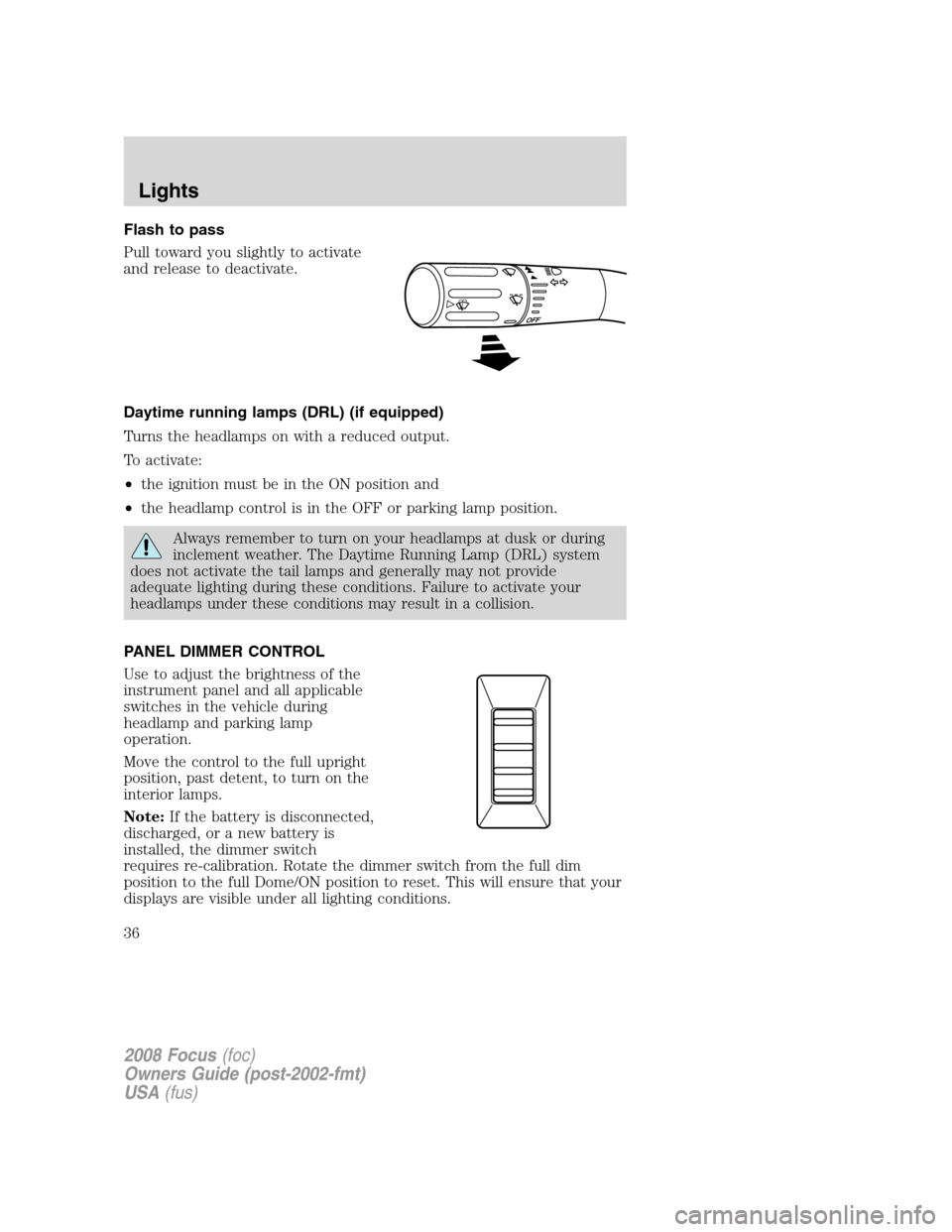
Flash to pass
Pull toward you slightly to activate
and release to deactivate.
Daytime running lamps (DRL) (if equipped)
Turns the headlamps on with a reduced output.
To activate:
•the ignition must be in the ON position and
•the headlamp control is in the OFF or parking lamp position.
Always remember to turn on your headlamps at dusk or during
inclement weather. The Daytime Running Lamp (DRL) system
does not activate the tail lamps and generally may not provide
adequate lighting during these conditions. Failure to activate your
headlamps under these conditions may result in a collision.
PANEL DIMMER CONTROL
Use to adjust the brightness of the
instrument panel and all applicable
switches in the vehicle during
headlamp and parking lamp
operation.
Move the control to the full upright
position, past detent, to turn on the
interior lamps.
Note:If the battery is disconnected,
discharged, or a new battery is
installed, the dimmer switch
requires re-calibration. Rotate the dimmer switch from the full dim
position to the full Dome/ON position to reset. This will ensure that your
displays are visible under all lighting conditions.
2008 Focus(foc)
Owners Guide (post-2002-fmt)
USA(fus)
Lights
36
Page 53 of 256
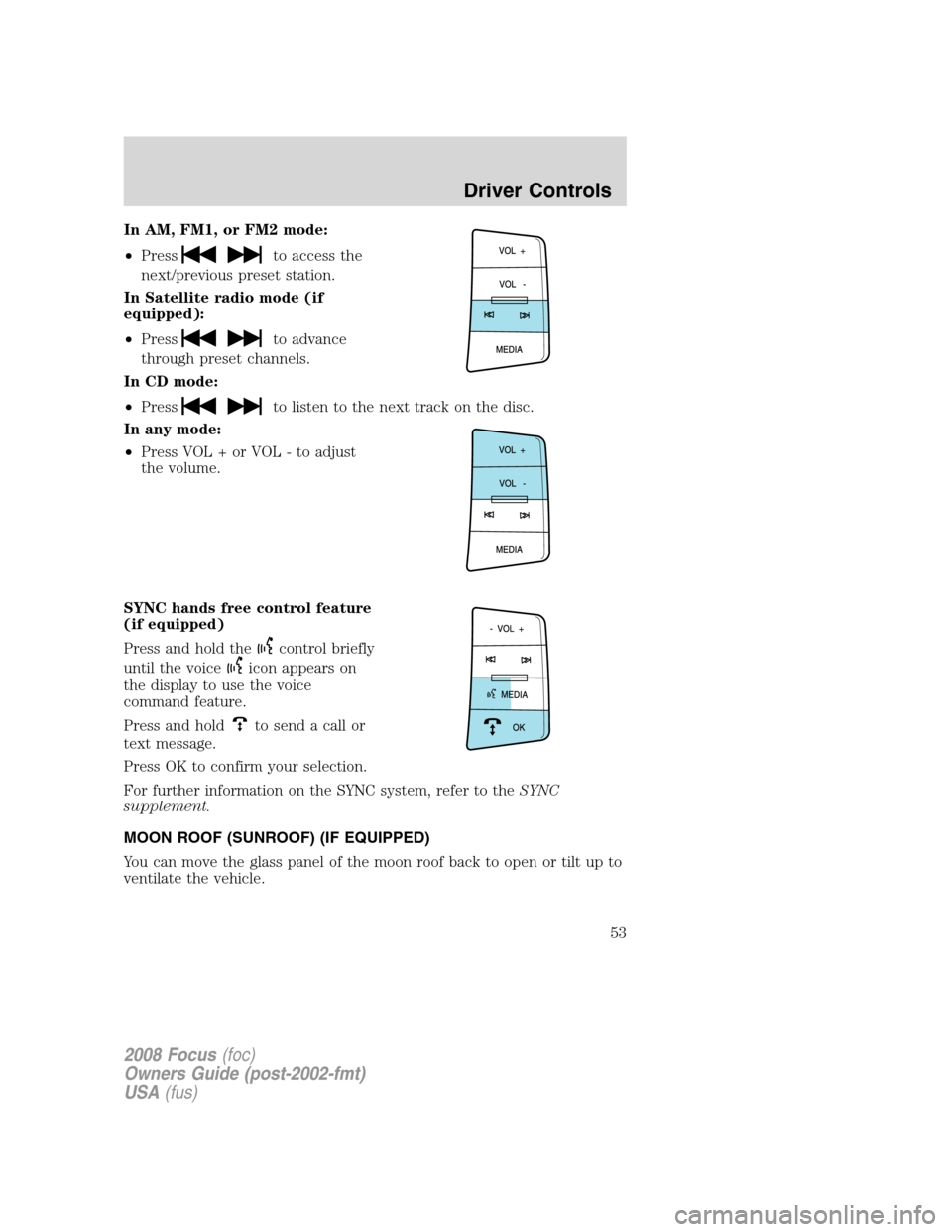
In AM, FM1, or FM2 mode:
•Press
to access the
next/previous preset station.
In Satellite radio mode (if
equipped):
•Press
to advance
through preset channels.
In CD mode:
•Press
to listen to the next track on the disc.
In any mode:
•Press VOL + or VOL - to adjust
the volume.
SYNC hands free control feature
(if equipped)
Press and hold the
control briefly
until the voice
icon appears on
the display to use the voice
command feature.
Press and hold
to send a call or
text message.
Press OK to confirm your selection.
For further information on the SYNC system, refer to theSYNC
supplement.
MOON ROOF (SUNROOF) (IF EQUIPPED)
You can move the glass panel of the moon roof back to open or tilt up to
ventilate the vehicle.
2008 Focus(foc)
Owners Guide (post-2002-fmt)
USA(fus)
Driver Controls
53
Page 55 of 256
Do not let children play with the moon roof or leave children
unattended in the vehicle. They may seriously hurt themselves.
Relearning function:In case the moon roof does not close properly
anymore, follow this relearning procedure.
•Tilt the moon roof into the vent position as far as possible. Release the
switch.
•Press and hold the same switch again for 30 seconds until you see the
moon roof move.
•Release the switch and immediately press and hold it again. The moon
roof will close, open fully and then close again. Do not release the
switch before the moon roof has reached the closed position for the
second time.
Safety mode:If the system detects a malfunction, it enters a safety
mode. The moon roof will move about 0.5 seconds at a time and then
stop again. Press the switch repeatedly until the moon roof is closed.
Have the system checked by your authorized dealer immediately.
MESSAGE CENTER (IF EQUIPPED)
With the ignition in the RUN
position, the message center,
located on your instrument cluster,
displays important vehicle
informationthrough a constant
monitor of vehicle systems.Yo u
may select display features on the message center for a display of status.
The system will also notify you of potential vehicle problems with a
display of system warnings followed by a long indicator chime.
Selectable features
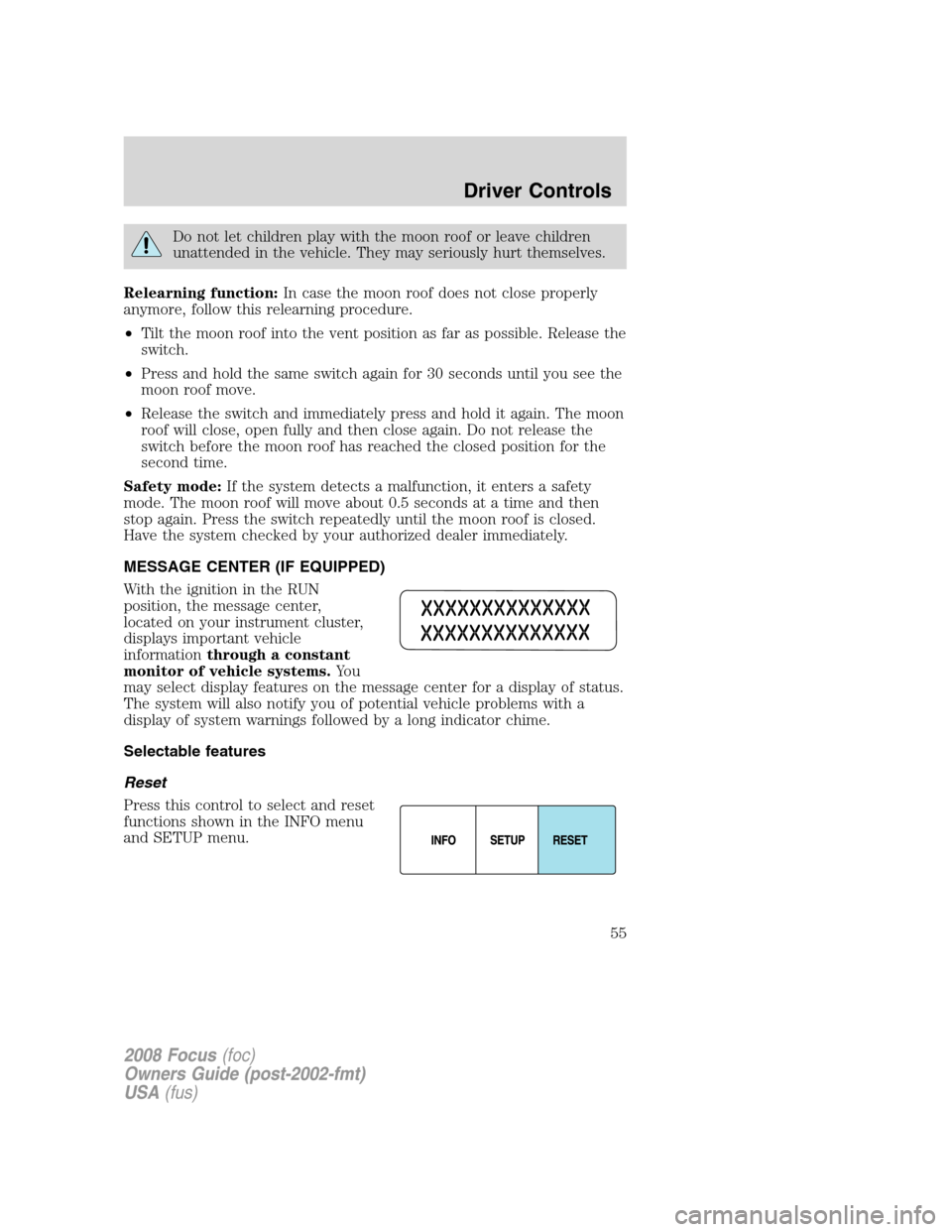
Reset
Press this control to select and reset
functions shown in the INFO menu
and SETUP menu.
2008 Focus(foc)
Owners Guide (post-2002-fmt)
USA(fus)
Driver Controls
55
Page 56 of 256
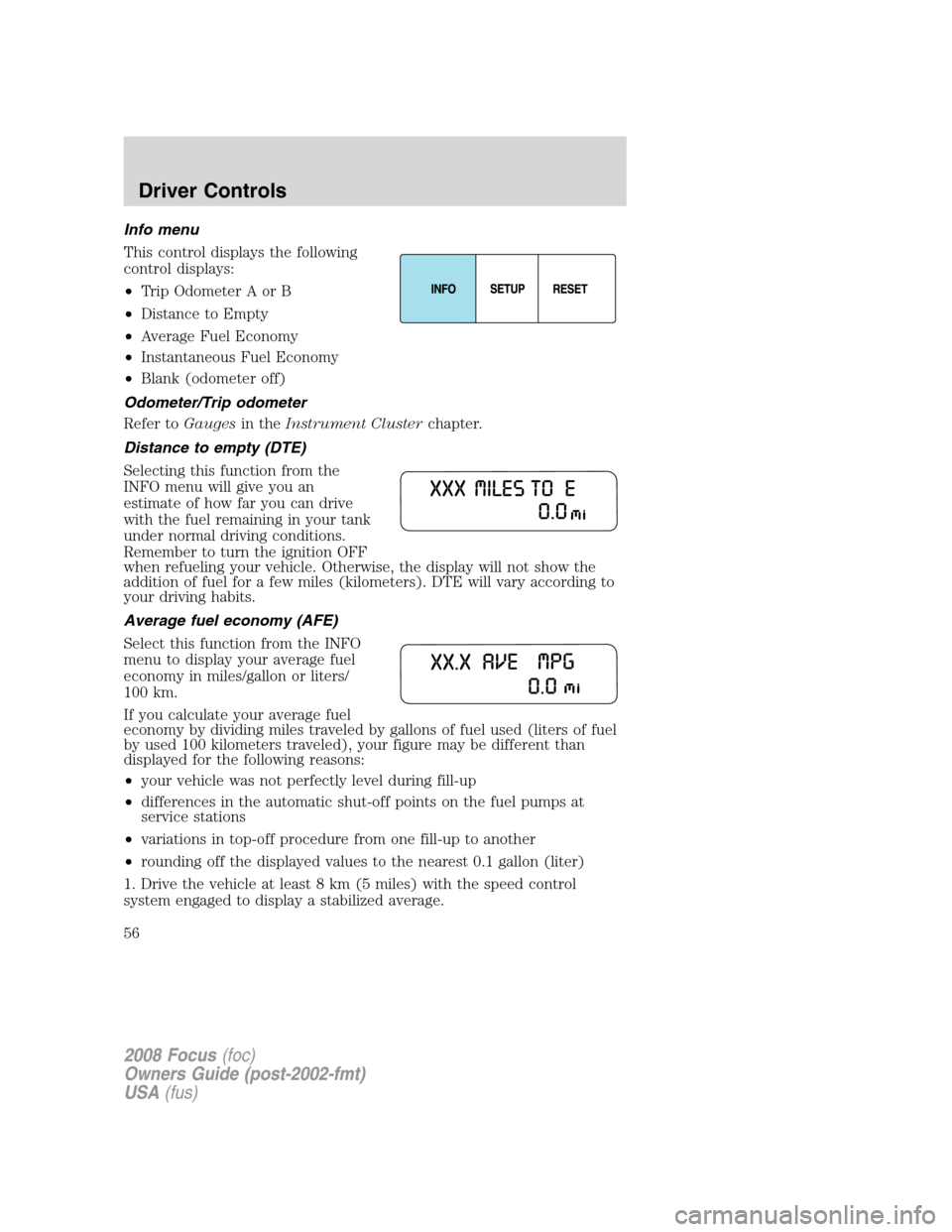
Info menu
This control displays the following
control displays:
•Trip Odometer A or B
•Distance to Empty
•Average Fuel Economy
•Instantaneous Fuel Economy
•Blank (odometer off)
Odometer/Trip odometer
Refer toGaugesin theInstrument Clusterchapter.
Distance to empty (DTE)
Selecting this function from the
INFO menu will give you an
estimate of how far you can drive
with the fuel remaining in your tank
under normal driving conditions.
Remember to turn the ignition OFF
when refueling your vehicle. Otherwise, the display will not show the
addition of fuel for a few miles (kilometers). DTE will vary according to
your driving habits.
Average fuel economy (AFE)
Select this function from the INFO
menu to display your average fuel
economy in miles/gallon or liters/
100 km.
If you calculate your average fuel
economy by dividing miles traveled by gallons of fuel used (liters of fuel
by used 100 kilometers traveled), your figure may be different than
displayed for the following reasons:
•your vehicle was not perfectly level during fill-up
•differences in the automatic shut-off points on the fuel pumps at
service stations
•variations in top-off procedure from one fill-up to another
•rounding off the displayed values to the nearest 0.1 gallon (liter)
1. Drive the vehicle at least 8 km (5 miles) with the speed control
system engaged to display a stabilized average.
2008 Focus(foc)
Owners Guide (post-2002-fmt)
USA(fus)
Driver Controls
56
Page 57 of 256
2. Record the highway fuel economy for future reference.
It is important to press the RESET control after setting the speed
control to get accurate highway fuel economy readings.
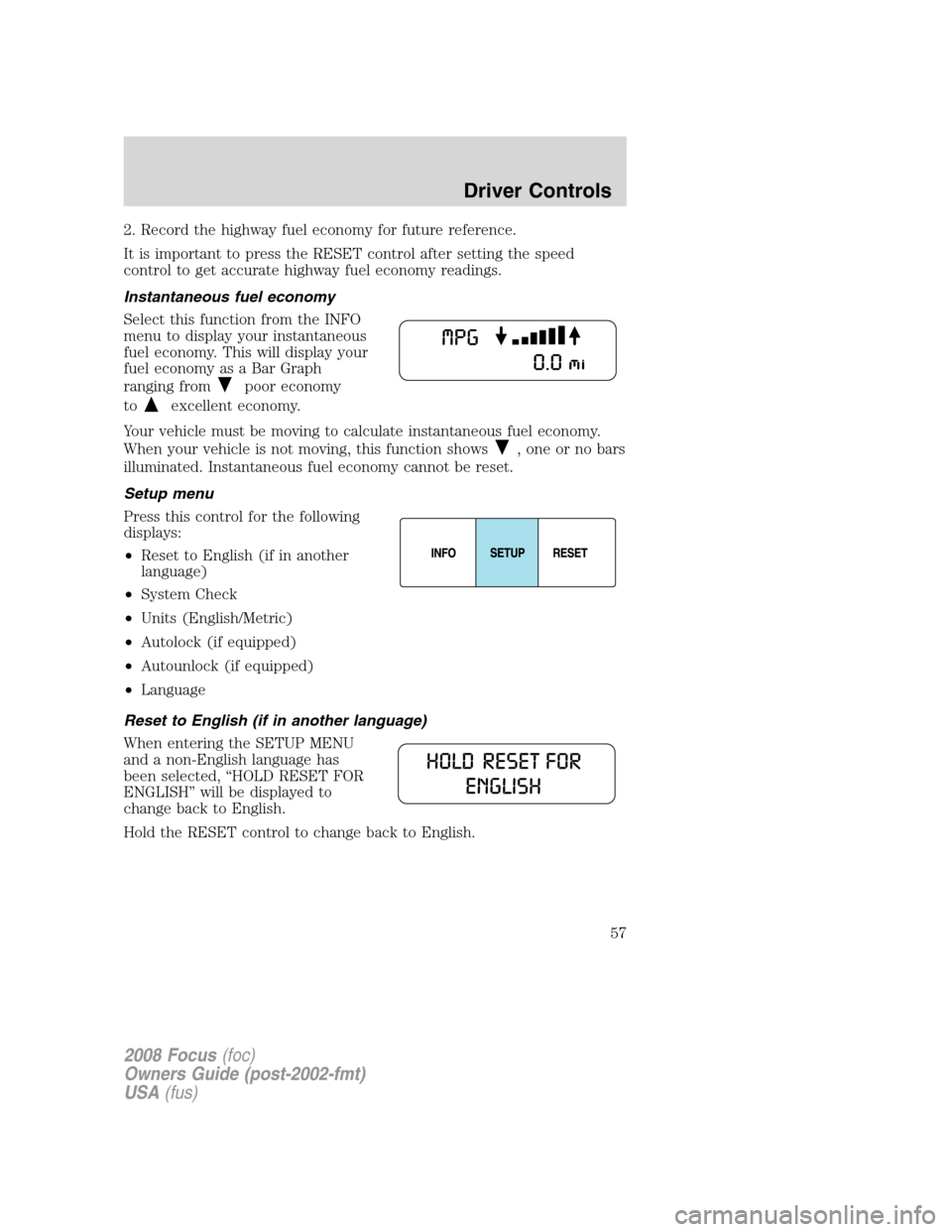
Instantaneous fuel economy
Select this function from the INFO
menu to display your instantaneous
fuel economy. This will display your
fuel economy as a Bar Graph
ranging from
poor economy
to
excellent economy.
Your vehicle must be moving to calculate instantaneous fuel economy.
When your vehicle is not moving, this function shows
, one or no bars
illuminated. Instantaneous fuel economy cannot be reset.
Setup menu
Press this control for the following
displays:
•Reset to English (if in another
language)
•System Check
•Units (English/Metric)
•Autolock (if equipped)
•Autounlock (if equipped)
•Language
Reset to English (if in another language)
When entering the SETUP MENU
and a non-English language has
been selected, “HOLD RESET FOR
ENGLISH” will be displayed to
change back to English.
Hold the RESET control to change back to English.
2008 Focus(foc)
Owners Guide (post-2002-fmt)
USA(fus)
Driver Controls
57
Page 58 of 256
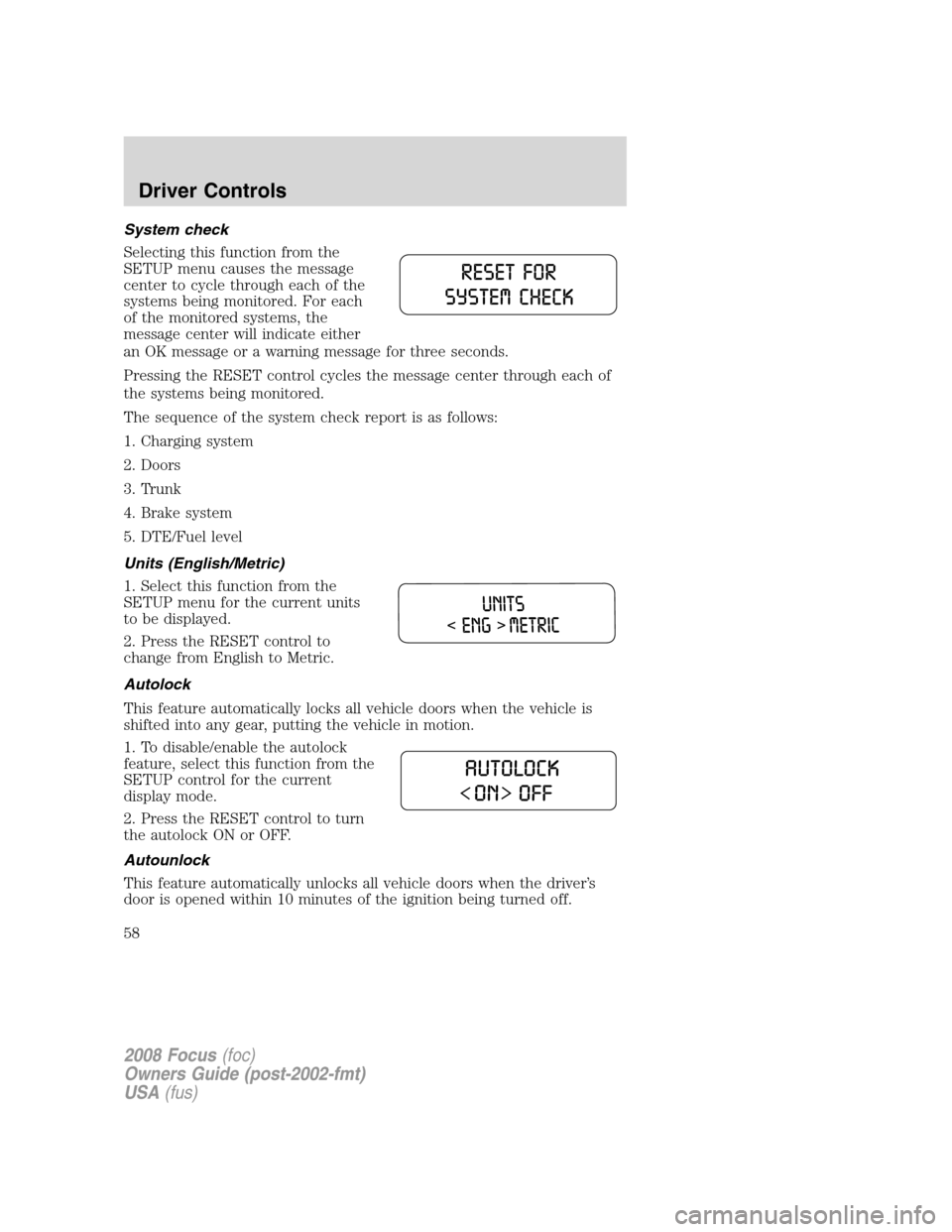
System check
Selecting this function from the
SETUP menu causes the message
center to cycle through each of the
systems being monitored. For each
of the monitored systems, the
message center will indicate either
an OK message or a warning message for three seconds.
Pressing the RESET control cycles the message center through each of
the systems being monitored.
The sequence of the system check report is as follows:
1. Charging system
2. Doors
3. Trunk
4. Brake system
5. DTE/Fuel level
Units (English/Metric)
1. Select this function from the
SETUP menu for the current units
to be displayed.
2. Press the RESET control to
change from English to Metric.
Autolock
This feature automatically locks all vehicle doors when the vehicle is
shifted into any gear, putting the vehicle in motion.
1. To disable/enable the autolock
feature, select this function from the
SETUP control for the current
display mode.
2. Press the RESET control to turn
the autolock ON or OFF.
Autounlock
This feature automatically unlocks all vehicle doors when the driver’s
door is opened within 10 minutes of the ignition being turned off.
2008 Focus(foc)
Owners Guide (post-2002-fmt)
USA(fus)
Driver Controls
58