display FORD FOCUS 2008 2.G Owner's Manual
[x] Cancel search | Manufacturer: FORD, Model Year: 2008, Model line: FOCUS, Model: FORD FOCUS 2008 2.GPages: 256, PDF Size: 2.13 MB
Page 59 of 256
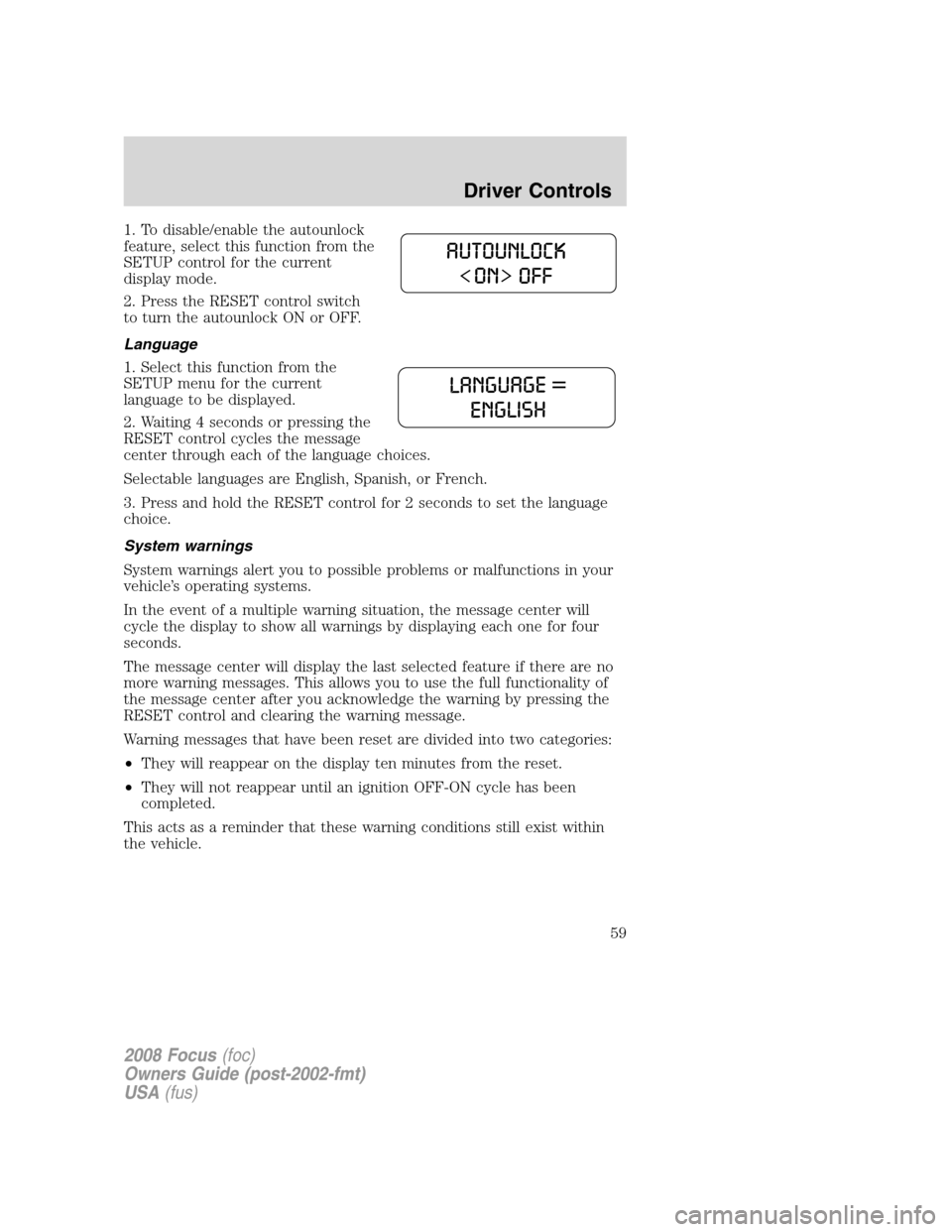
1. To disable/enable the autounlock
feature, select this function from the
SETUP control for the current
display mode.
2. Press the RESET control switch
to turn the autounlock ON or OFF.
Language
1. Select this function from the
SETUP menu for the current
language to be displayed.
2. Waiting 4 seconds or pressing the
RESET control cycles the message
center through each of the language choices.
Selectable languages are English, Spanish, or French.
3. Press and hold the RESET control for 2 seconds to set the language
choice.
System warnings
System warnings alert you to possible problems or malfunctions in your
vehicle’s operating systems.
In the event of a multiple warning situation, the message center will
cycle the display to show all warnings by displaying each one for four
seconds.
The message center will display the last selected feature if there are no
more warning messages. This allows you to use the full functionality of
the message center after you acknowledge the warning by pressing the
RESET control and clearing the warning message.
Warning messages that have been reset are divided into two categories:
•They will reappear on the display ten minutes from the reset.
•They will not reappear until an ignition OFF-ON cycle has been
completed.
This acts as a reminder that these warning conditions still exist within
the vehicle.
2008 Focus(foc)
Owners Guide (post-2002-fmt)
USA(fus)
Driver Controls
59
Page 60 of 256
Warnings Status
Driver door ajar Warning cannot be reset
Passenger door ajar
Rear left door ajar (if
equipped)
Rear right door ajar (if
equipped)
Park brake engaged Warning returns after 10 minutes if
condition still exists
XXX miles (km) to empty fuel
level low
Check brake system Warning returns after the ignition key
is turned from OFF to RUN.
Low brake fluid
Low tire pressure
Tire pressure monitor fault
Tire pressure sensor fault
DRIVER DOOR AJAR.Displayed when the driver door is not
completely closed.
PASSENGER DOOR AJAR.Displayed when the passenger door is not
completely closed.
REAR LEFT DOOR AJAR (if equipped).Displayed when the rear left
door is not completely closed.
REAR RIGHT DOOR AJAR (if equipped).Displayed when the rear
right door is not completely closed.
PARK BRAKE ENGAGED.
Displayed when the manual park brake is set,
the engine is running and the vehicle is driven more than 3 mph (5 km). If
the warning stays on after the park brake is released, contact your
authorized dealer as soon as possible.
XXX MILES TO EMPTY FUEL LEVEL LOW.Displayed as an early
reminder of a low fuel condition.
CHECK BRAKE SYSTEM.Displayed when the braking system is not
operating properly. If the warning stays on or continues to come on,
contact your authorized dealer as soon as possible.
LOW BRAKE FLUID.Indicates the brake fluid level is low and the
brake system should be inspected immediately. Refer toBrake fluid
reservoirin theMaintenance and Specificationschapter.
2008 Focus(foc)
Owners Guide (post-2002-fmt)
USA(fus)
Driver Controls
60
Page 61 of 256
LOW TIRE PRESSURE.Displayed when one or more tires on your
vehicle have low tire pressure. Refer toInflating your tiresin theTires,
Wheels and Loadingchapter.
TIRE PRESSURE MONITOR FAULT.Displayed when the Tire
Pressure Monitoring System is malfunctioning. If the warning stays on or
continues to come on, have the system inspected by your authorized
dealer.
TIRE PRESSURE SENSOR FAULT.Displayed when a tire pressure
sensor is malfunctioning, or your spare tire is in use. For more
information on how the system operates under these conditions, refer to
Tire pressure monitoring systemin theTires, Wheels and Loading
chapter. If the warning stays on or continues to come on, have the
system inspected by your authorized dealer.
POSITIVE RETENTION FLOOR MAT
Do not install additional floor mats on top of the factory installed
floor mats as they may interfere with the accelerator or the
brake pedals.
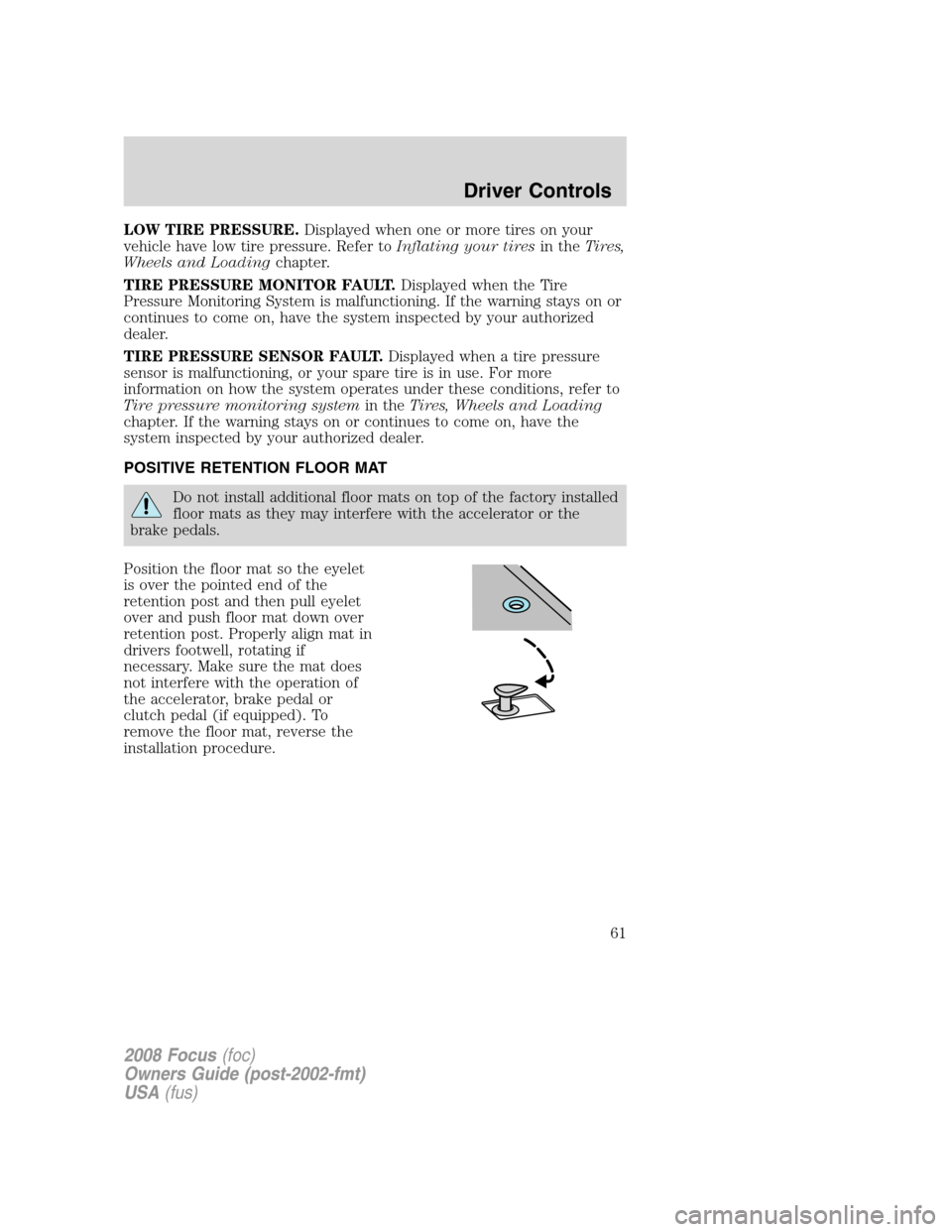
Position the floor mat so the eyelet
is over the pointed end of the
retention post and then pull eyelet
over and push floor mat down over
retention post. Properly align mat in
drivers footwell, rotating if
necessary. Make sure the mat does
not interfere with the operation of
the accelerator, brake pedal or
clutch pedal (if equipped). To
remove the floor mat, reverse the
installation procedure.
2008 Focus(foc)
Owners Guide (post-2002-fmt)
USA(fus)
Driver Controls
61