instrument panel FORD FOCUS 2015 3.G Owner's Manual
[x] Cancel search | Manufacturer: FORD, Model Year: 2015, Model line: FOCUS, Model: FORD FOCUS 2015 3.GPages: 453, PDF Size: 5.32 MB
Page 291 of 453
Action
Condition
Message
Contact SIRIUS at 1-888-
539-7474 to resolve
subscription issues.
Your satellite service is no
longer available.
Questions? Call
1-888-539-7474
Use the channel guide to
turn off the Lock or Skip
function on that station.
All the channels in the
selected category are either
skipped or locked.
None found
Check Channel Guide
No action required.
SIRIUS has updated the
channels available for your
vehicle.
Subscription Updated
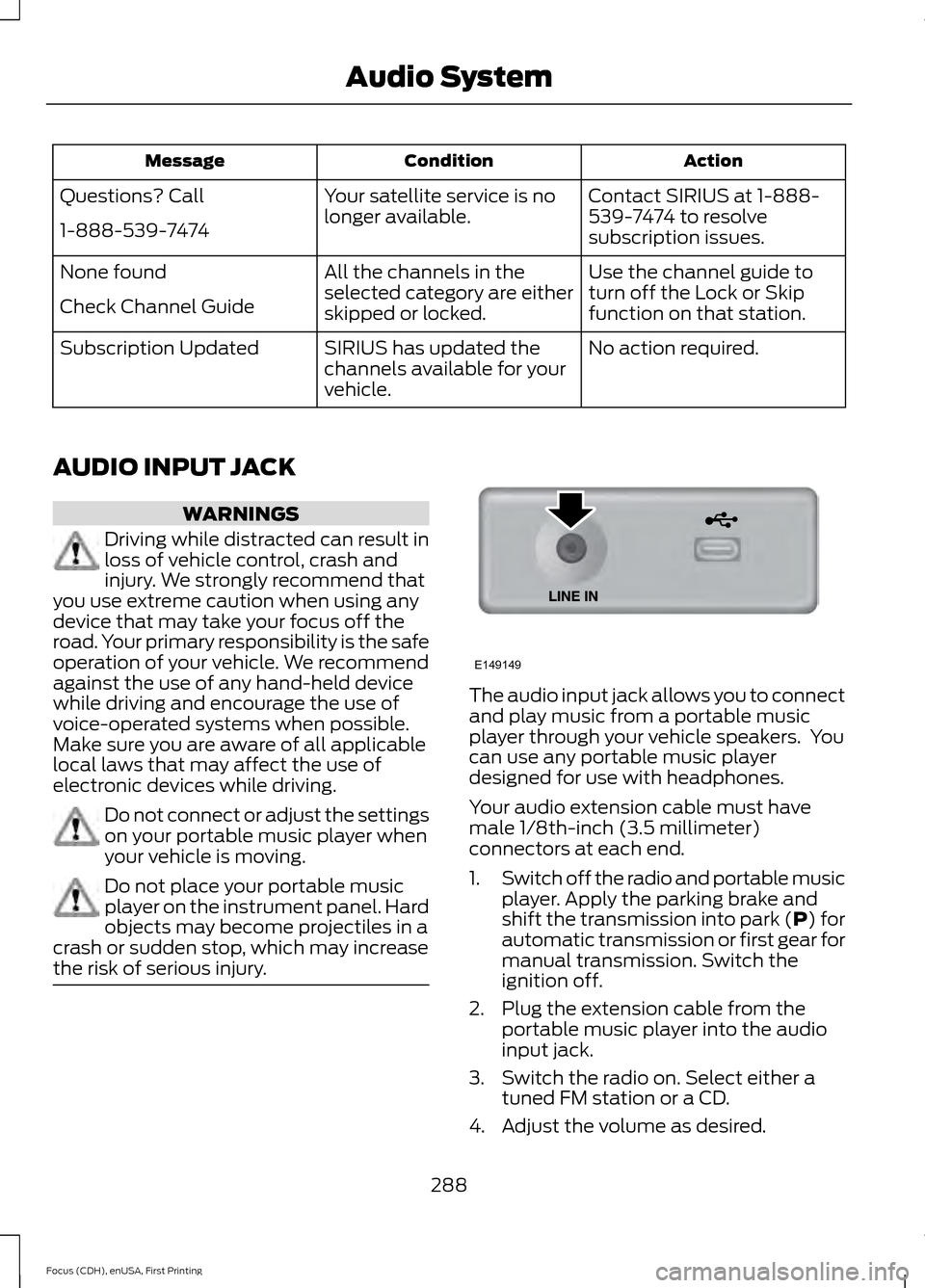
AUDIO INPUT JACK WARNINGS
Driving while distracted can result in
loss of vehicle control, crash and
injury. We strongly recommend that
you use extreme caution when using any
device that may take your focus off the
road. Your primary responsibility is the safe
operation of your vehicle. We recommend
against the use of any hand-held device
while driving and encourage the use of
voice-operated systems when possible.
Make sure you are aware of all applicable
local laws that may affect the use of
electronic devices while driving. Do not connect or adjust the settings
on your portable music player when
your vehicle is moving.
Do not place your portable music
player on the instrument panel. Hard
objects may become projectiles in a
crash or sudden stop, which may increase
the risk of serious injury. The audio input jack allows you to connect
and play music from a portable music
player through your vehicle speakers. You
can use any portable music player
designed for use with headphones.
Your audio extension cable must have
male 1/8th-inch (3.5 millimeter)
connectors at each end.
1.
Switch off the radio and portable music
player. Apply the parking brake and
shift the transmission into park (P) for
automatic transmission or first gear for
manual transmission. Switch the
ignition off.
2. Plug the extension cable from the portable music player into the audio
input jack.
3. Switch the radio on. Select either a tuned FM station or a CD.
4. Adjust the volume as desired.
288
Focus (CDH), enUSA, First Printing Audio SystemE149149
Page 319 of 453
Description and Action
Display
2. Scroll to select the desired genre, and then press the
OK button.
Browse all supported media files on your media player
connected to the USB port. You can only view media files
that are compatible with SYNC. (Other files are not
visible.)
Browse USB
1. Press the
OK button to select.
2. Scroll to browse indexed media files on the device, and
then press the
OK button.
Resets the USB index. After the new indexing is complete,
you can choose what to play from the USB song library.
Reset USB
* You can use the buttons at the bottom of the audio display to jump to a certain
alphabetical category quickly. You can also use the letters on the audio system's numeric
keypad to jump in the list.
Using Voice Commands
You can access and view your USB songs
using voice commands.
Plug the device into your vehicle's USB
port.
Press the voice button and when
prompted, say any of the following
commands: Accessing and Viewing USB Media
(browse | search | show) all (album |
albums)
(browse | search | show) all (artist |
artists)
(browse | search | show) all (genre |
genres)
(browse | search | show) all (playlist |
playlists)
(browse | search | show) all (song | songs
| title | titles | file | files | track | tracks)
Browse album
Browse artist
Browse genre
Browse playlist
USB 2
(If Equipped)
Your vehicle may come equipped with an
additional USB port. If so, USB 1 is located
at the front of the vehicle at the bottom of
the instrument panel. USB 2 is located
inside the storage compartment of the
vehicle's center console.
You can plug in an additional USB device
into the second USB port.
Note: SYNC only supports one connected
iOS (Apple) devices at a time (whichever
one you plug in first). When you connect a
second iOS device, the systems charges it,
but does not support playback from it.
316
Focus (CDH), enUSA, First Printing SYNC™
Page 385 of 453
Recirculated air: Touch to turn the recirculated air on or off which may reduce
the amount of time needed to cool down the interior and help reduce odors
from reaching the interior. Recirculated air also engages automatically when
MAX A/C or MAX defrost is selected and may be engaged manually in any
airflow mode except defrost. It may also turn off in all airflow modes except
MAX A/C and MAX defrost to reduce fog potential.
E
MAX A/C: Touch to cool your vehicle with recirculated air. Touch again for
normal A/C operation. MAX A/C distributes air through instrument panel vents
and may help reduce odors from entering your vehicle. MAX A/C is more
economical and efficient than normal A/C mode.
F
A/C:
Touch to turn the air conditioning on or off. Use A/C with recirculated air
to improve cooling performance and efficiency. A/C engages automatically in
MAX A/C, defrost and footwell/defrost.
G
AUTO:
Touch to engage automatic operation, then set the temperature using
the temperature control. The system automatically controls fan speed, airflow
distribution, A/C on or off and the use of fresh or recirculated air.
H
MAX Defrost:
Distributes outside air through the windshield air vents and
automatically switches the air conditioning on. The fan is set to the highest
speed and the temperature to HI. When the air distribution is set in this position,
you are unable to select recirculated air or manually adjust the fan speed and
temperature control.
I
Manual airflow distribution controls:
Airflow can be directed into the
following locations:
J
Footwell and Defrost: Distributes air through the windshield defroster vents,
demister vents, floor vents and rear seat floor vents, and provides outside air
to reduce window fogging.
Panel:
Distributes air through the instrument panel vents.
Panel and Floor:
Distributes air through the instrument panel vents, demister
vents, floor vents and rear seat floor vents.
Floor:
Distributes air through the demister vents, floor vents and rear seat floor
vents.
Defrost:
Touch to clear the windshield of fog and thin ice. Touch again to return
to the previous airflow selection. When on, defrost provides outside air to reduce
window fogging and distributes air through the windshield defroster vents and
demister vents.
Driver settings:
Touch + or – adjust the temperature.
K
382
Focus (CDH), enUSA, First Printing MyFord Touch
™
Page 445 of 453
Booster Seats..................................................28
Types of Booster Seats...................................... 28
Brake Fluid Check.........................................216
Brakes...............................................................148 General Information.......................................... 148
Breaking-In.....................................................186
Bulb Specification Chart...........................227
C
Cabin Air Filter.................................................112
California Proposition 65..............................11
Capacities and Specifications - 1.0L EcoBoost™.................................................266
Specifications...................................................... 267
Capacities and Specifications - 2.0L Duratec-HE (MI4)
....................................269
Specifications..................................................... 270
Capacities and Specifications.................261
Car Wash See: Cleaning the Exterior.............................. 230
Center Console
...............................................121
Changing a Bulb...........................................222 Replacing Fog Lamp Bulbs............................ 224
Replacing Headlamp Bulbs........................... 222
Replacing HID Headlamp Bulbs................... 222
Replacing LED Rear Lamps........................... 226
Replacing Licence Plate and High Mounted Brake Lamp Bulbs......................................... 227
Replacing Rear Lamps - 4 Door................... 224
Replacing Rear Lamps - 5 Door.................... 225
Changing a Fuse..........................................209 Fuses...................................................................... 209
Changing a Road Wheel...........................256 Dissimilar Spare Wheel and Tire Assembly
Information..................................................... 256
Tire Change Procedure..................................... 257
Changing the 12V Battery...........................217
Changing the Engine Air Filter.................229
Changing the Wiper Blades
......................219
Checking MyKey System Status................61
Checking the Wiper Blades.......................219
Child Restraint and Safety Belt Maintenance.................................................39
Child Safety......................................................20 General Information............................................ 20Child Safety Locks...........................................31
Left-Hand Side...................................................... 32
Right-Hand Side................................................... 32
Child Seat Positioning
..................................30
Cleaning Leather Seats.............................233
Cleaning Products.......................................230
Cleaning the Alloy Wheels.......................234
Cleaning the Engine.....................................231
Cleaning the Exterior..................................230 Body Paintwork Preservation......................... 231
Cleaning the Chrome Trim............................. 230
Cleaning the Headlamps................................ 230
Cleaning the Rear Window............................ 230
Cleaning the Instrument Panel and Instrument Cluster Lens.........................232
Cleaning the Interior....................................232 Instrument Cluster Screens, LCD Screens
and Radio Screens........................................ 232
Rear Windows..................................................... 232
Safety Belts.......................................................... 232
Cleaning the Windows and Wiper Blades............................................................232
Clearing All MyKeys......................................60
Climate.............................................................381 Climate Control Voice Commands.............383
Climate Control
.............................................107
Clutch Fluid Check - Manual Transmission................................................217
Cold Weather Precautions
........................186
Coolant Check See: Engine Coolant Check............................. 214
Crash Sensors and Airbag Indicator.......48
Creating a MyKey...........................................59 Programming/Changing Configurable
Settings............................................................... 59
Cruise Control
..................................................75
Principle of Operation....................................... 162
Cruise control See: Using Cruise Control................................ 162
Customer Assistance
..................................194
D
Data Recording
..................................................9
Event Data Recording........................................... 9
Service Data Recording........................................ 9
442
Focus (CDH), enUSA, First Printing Index
Page 448 of 453
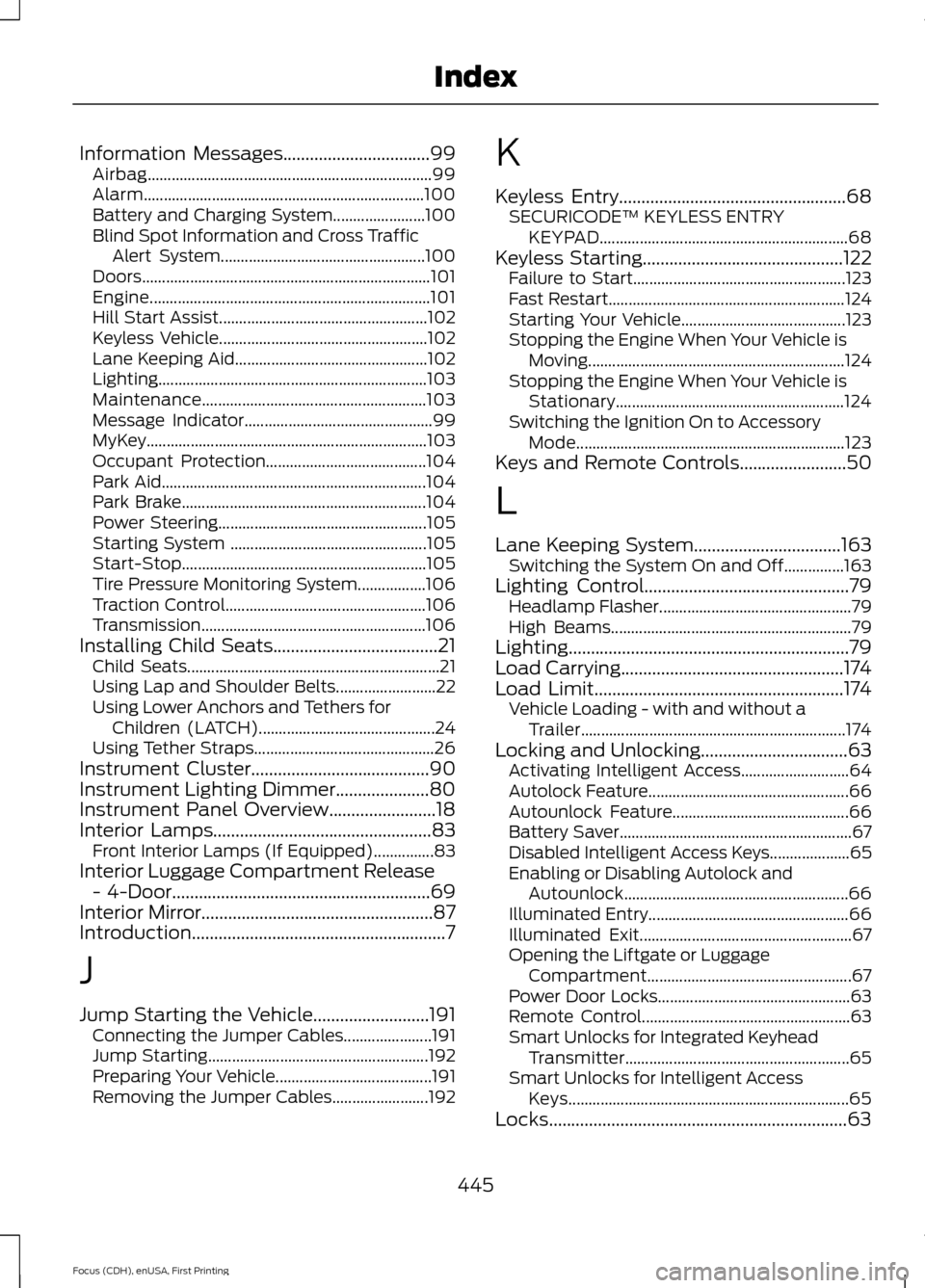
Information Messages.................................99
Airbag....................................................................... 99
Alarm...................................................................... 100
Battery and Charging System....................... 100
Blind Spot Information and Cross Traffic Alert System................................................... 100
Doors........................................................................\
101
Engine...................................................................... 101
Hill Start Assist.................................................... 102
Keyless Vehicle.................................................... 102
Lane Keeping Aid................................................ 102
Lighting................................................................... 103
Maintenance........................................................ 103
Message Indicator............................................... 99
MyKey......................................................................103
Occupant Protection........................................ 104
Park Aid.................................................................. 104
Park Brake............................................................. 104
Power Steering.................................................... 105
Starting System ................................................. 105
Start-Stop............................................................. 105
Tire Pressure Monitoring System.................106
Traction Control.................................................. 106
Transmission ........................................................ 106
Installing Child Seats
.....................................21
Child Seats............................................................... 21
Using Lap and Shoulder Belts......................... 22
Using Lower Anchors and Tethers for Children (LATCH)............................................ 24
Using Tether Straps............................................. 26
Instrument Cluster
........................................90
Instrument Lighting Dimmer.....................80
Instrument Panel Overview
........................18
Interior Lamps.................................................83
Front Interior Lamps (If Equipped)...............83
Interior Luggage Compartment Release - 4-Door
..........................................................69
Interior Mirror....................................................87
Introduction.........................................................7
J
Jump Starting the Vehicle..........................191 Connecting the Jumper Cables...................... 191
Jump Starting....................................................... 192
Preparing Your Vehicle....................................... 191
Removing the Jumper Cables........................ 192K
Keyless Entry
...................................................68
SECURICODE™ KEYLESS ENTRY
KEYPAD.............................................................. 68
Keyless Starting
.............................................122
Failure to Start..................................................... 123
Fast Restart........................................................... 124
Starting Your Vehicle......................................... 123
Stopping the Engine When Your Vehicle is Moving................................................................ 124
Stopping the Engine When Your Vehicle is Stationary......................................................... 124
Switching the Ignition On to Accessory Mode................................................................... 123
Keys and Remote Controls........................50
L
Lane Keeping System.................................163 Switching the System On and Off...............163
Lighting Control
..............................................79
Headlamp Flasher................................................ 79
High Beams............................................................ 79
Lighting
...............................................................79
Load Carrying..................................................174
Load Limit........................................................174
Vehicle Loading - with and without a
Trailer.................................................................. 174
Locking and Unlocking.................................63 Activating Intelligent Access........................... 64
Autolock Feature.................................................. 66
Autounlock Feature............................................ 66
Battery Saver.......................................................... 67
Disabled Intelligent Access Keys.................... 65
Enabling or Disabling Autolock and Autounlock........................................................ 66
Illuminated Entry.................................................. 66
Illuminated Exit..................................................... 67
Opening the Liftgate or Luggage Compartment................................................... 67
Power Door Locks................................................ 63
Remote Control.................................................... 63
Smart Unlocks for Integrated Keyhead Transmitter........................................................ 65
Smart Unlocks for Intelligent Access Keys...................................................................... 65
Locks...................................................................63
445
Focus (CDH), enUSA, First Printing Index