brake light FORD FOCUS 2018 Owner's Manual
[x] Cancel search | Manufacturer: FORD, Model Year: 2018, Model line: FOCUS, Model: FORD FOCUS 2018Pages: 473, PDF Size: 39.91 MB
Page 266 of 473
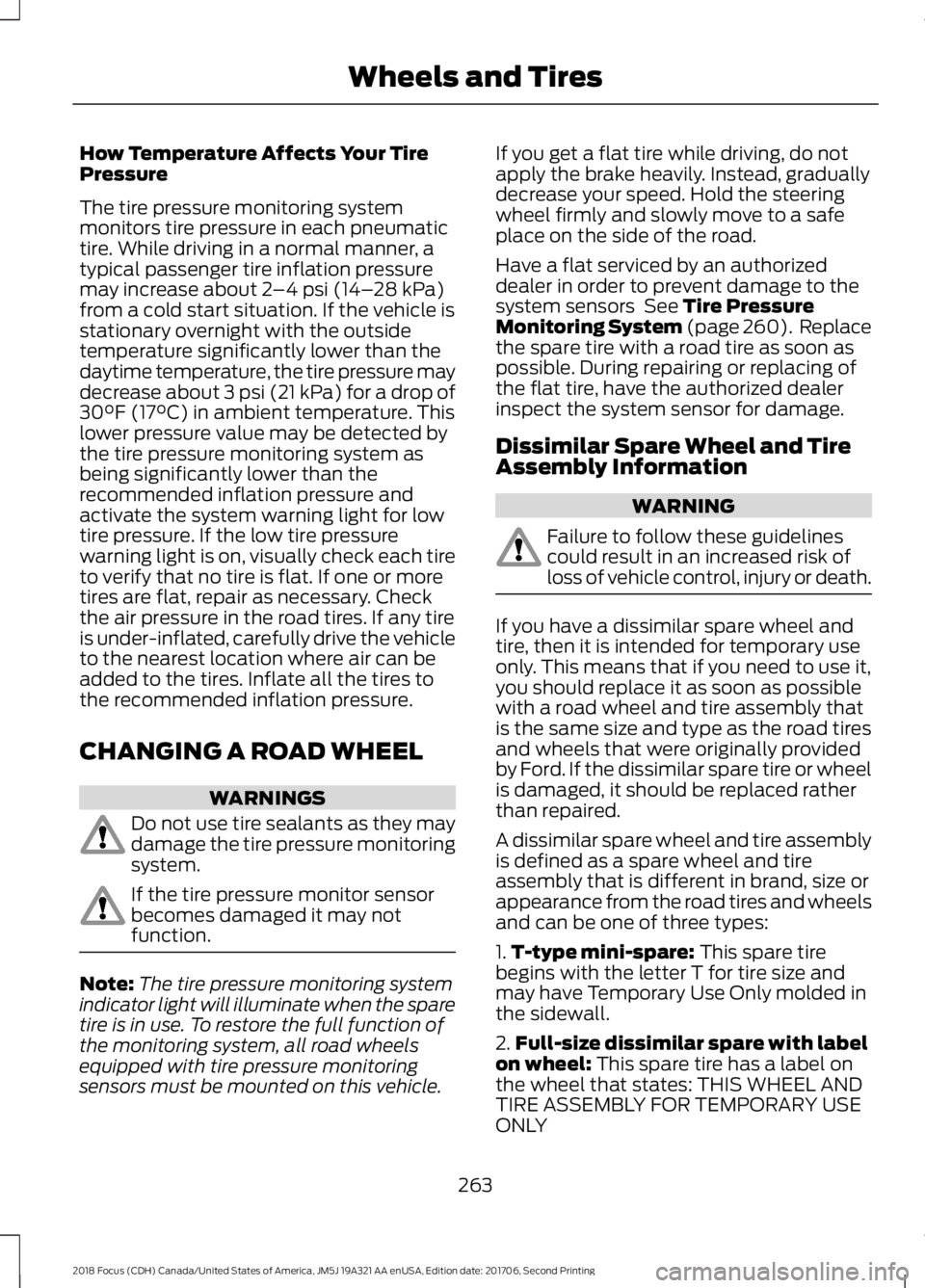
How Temperature Affects Your TirePressure
The tire pressure monitoring systemmonitors tire pressure in each pneumatictire. While driving in a normal manner, atypical passenger tire inflation pressuremay increase about 2–4 psi (14–28 kPa)from a cold start situation. If the vehicle isstationary overnight with the outsidetemperature significantly lower than thedaytime temperature, the tire pressure maydecrease about 3 psi (21 kPa) for a drop of30°F (17°C) in ambient temperature. Thislower pressure value may be detected bythe tire pressure monitoring system asbeing significantly lower than therecommended inflation pressure andactivate the system warning light for lowtire pressure. If the low tire pressurewarning light is on, visually check each tireto verify that no tire is flat. If one or moretires are flat, repair as necessary. Checkthe air pressure in the road tires. If any tireis under-inflated, carefully drive the vehicleto the nearest location where air can beadded to the tires. Inflate all the tires tothe recommended inflation pressure.
CHANGING A ROAD WHEEL
WARNINGS
Do not use tire sealants as they maydamage the tire pressure monitoringsystem.
If the tire pressure monitor sensorbecomes damaged it may notfunction.
Note:The tire pressure monitoring systemindicator light will illuminate when the sparetire is in use. To restore the full function ofthe monitoring system, all road wheelsequipped with tire pressure monitoringsensors must be mounted on this vehicle.
If you get a flat tire while driving, do notapply the brake heavily. Instead, graduallydecrease your speed. Hold the steeringwheel firmly and slowly move to a safeplace on the side of the road.
Have a flat serviced by an authorizeddealer in order to prevent damage to thesystem sensors See Tire PressureMonitoring System (page 260). Replacethe spare tire with a road tire as soon aspossible. During repairing or replacing ofthe flat tire, have the authorized dealerinspect the system sensor for damage.
Dissimilar Spare Wheel and TireAssembly Information
WARNING
Failure to follow these guidelinescould result in an increased risk ofloss of vehicle control, injury or death.
If you have a dissimilar spare wheel andtire, then it is intended for temporary useonly. This means that if you need to use it,you should replace it as soon as possiblewith a road wheel and tire assembly thatis the same size and type as the road tiresand wheels that were originally providedby Ford. If the dissimilar spare tire or wheelis damaged, it should be replaced ratherthan repaired.
A dissimilar spare wheel and tire assemblyis defined as a spare wheel and tireassembly that is different in brand, size orappearance from the road tires and wheelsand can be one of three types:
1.T-type mini-spare: This spare tirebegins with the letter T for tire size andmay have Temporary Use Only molded inthe sidewall.
2.Full-size dissimilar spare with labelon wheel: This spare tire has a label onthe wheel that states: THIS WHEEL ANDTIRE ASSEMBLY FOR TEMPORARY USEONLY
2632018 Focus (CDH) Canada/United States of America, JM5J 19A321 AA enUSA, Edition date: 201706, Second PrintingWheels and Tires
Page 462 of 473
A
A/CSee: Climate Control.........................................104About This Manual...........................................7ABSSee: Brakes............................................................147ABS driving hintsSee: Hints on Driving With Anti-LockBrakes................................................................148Accessories...................................................405Exterior style.......................................................405Interior style.........................................................405Lifestyle.................................................................405Peace of mind....................................................405AccessoriesSee: Replacement PartsRecommendation............................................12Active Park Assist.........................................155Deactivating the Active Park AssistFeature...............................................................157Parallel Parking Assist......................................155Troubleshooting the System..........................158Adjusting the Headlamps.........................225Horizontal Aim Adjustment...........................226Vertical Aim Adjustment.................................225Adjusting the Steering Wheel.....................71Airbag Disposal..............................................46Air ConditioningSee: Climate Control.........................................104Air FilterSee: Changing the Engine Air Filter.............234AlarmSee: Anti-Theft Alarm........................................70Ambient Lighting.............................................81Anti-Theft Alarm............................................70Arming the Alarm.................................................70Disarming the Alarm...........................................70Appendices....................................................427Apps..................................................................376...................................................................................376SiriusXM Traffic and Travel Link...................378Audible Warnings and Indicators............90Fasten Safety Belt................................................91Headlamps On Warning Chime.....................90Key in Ignition Warning Chime........................90Keyless Warning Alert........................................90Low Fuel Minder....................................................91
Parking Brake On Warning Chime...................91Audio Control....................................................71Seek, Next or Previous........................................72Audio System.................................................281General Information..........................................281Audio Unit - Vehicles With: SatelliteRadio.............................................................289Audio Unit - Vehicles With: Sony AudioSystem..........................................................285Menu Structure..................................................286Audio Unit - Vehicles With: SYNC.........282Autolamps.........................................................77Windshield Wiper ActivatedHeadlamps.........................................................77Automatic Climate Control......................105Dual Zone Temperature Control...................107Single Zone Temperature Control...............106Temperature Control........................................106Automatic High Beam Control..................79Automatic High Beam Indicator....................80Overriding the System.......................................80Switching the System On and Off.................79Automatic Transmission............................142Automatic Transmission AdaptiveLearning............................................................146Brake-Shift Interlock.........................................145If Your Vehicle Gets Stuck In Mud orSnow..................................................................146SelectShift Automatic™Transmission...................................................143Understanding the Positions of YourAutomatic Transmission.............................143Automatic Transmission FluidCheck..............................................................221Auto-Start-Stop............................................127Limitations of Use..............................................128Switching the System On and Off...............128Using Auto-Start-Stop with a ManualTransmission....................................................127Using Auto-Start-Stop with an AutomaticTransmission....................................................127Auxiliary Power Points..................................11712 Volt DC Power Point.......................................117Location...................................................................117
4592018 Focus (CDH) Canada/United States of America, JM5J 19A321 AA enUSA, Edition date: 201706, Second PrintingIndex
Page 466 of 473
Tilting Head Restraints .....................................112Heated Seats..................................................116Heated Steering Wheel................................73Heated Windows and Mirrors..................109Heated Exterior Mirrors....................................109Heated Rear Window.......................................109HeatingSee: Climate Control.........................................104Hill Start Assist..............................................148Switching the System On and Off...............149Using Hill Start Assist.......................................149Hints on Controlling the InteriorClimate..........................................................107Cooling the Interior Quickly............................108General Hints........................................................107Heating the Interior Quickly............................107Recommended Settings for Cooling .........108Recommended Settings for Heating..........108Side Window Defogging in ColdWeather............................................................109Hints on Driving With Anti-LockBrakes............................................................148Home Screen................................................346Hood LockSee: Opening and Closing the Hood............211
I
Ignition Switch................................................119In California (U.S. Only).............................194Information Display Control.......................72Information Displays.....................................92General Information............................................92Information Messages.................................96Installing Child Restraints.............................17Child Restraints......................................................17Using Lap and Shoulder Belts..........................18Using Lower Anchors and Tethers forChildren (LATCH)............................................20Using Tether Straps.............................................22Instrument Cluster........................................86Instrument Lighting Dimmer......................77Interior Lamps.................................................80Front Interior Lamps (If Equipped)...............80Interior Luggage Compartment Release- 4-Door..........................................................66Interior Mirror...................................................84Introduction.........................................................7
J
Jump Starting the Vehicle.........................190Connecting the Jumper Cables....................190Jump Starting........................................................191Preparing Your Vehicle.....................................190Removing the Jumper Cables.........................191
K
Keyless Entry....................................................65SECURICODE™ KEYLESS ENTRYKEYPAD..............................................................65Keyless Starting.............................................119Failure to Start.....................................................120Fast Restart............................................................121Starting Your Vehicle.........................................120Stopping the Engine When Your Vehicle isMoving.................................................................121Stopping the Engine When Your Vehicle isStationary..........................................................121Switching the Ignition On to AccessoryMode..................................................................120Keys and Remote Controls.........................47
L
Lane Keeping System.................................165Switching the System On and Off...............166Lighting Control..............................................76Headlamp Flasher................................................77High Beams............................................................76Parking Lamps.......................................................76Lighting...............................................................76General Information............................................76Load Carrying.................................................176Load Limit........................................................176Special Loading Instructions for Owners ofPick-up Trucks and Utility-typeVehicles..............................................................181Vehicle Loading - with and without aTrailer..................................................................176Locking and Unlocking................................60Activating Intelligent Access.............................61Autolock...................................................................62Autounlock.............................................................63Battery Saver.........................................................63Disabled Intelligent Access Keys....................62
4632018 Focus (CDH) Canada/United States of America, JM5J 19A321 AA enUSA, Edition date: 201706, Second PrintingIndex
Page 471 of 473
Voice Commands for Audio Sources.........325Using SYNC™ With Your Phone.............301Accessing Features through the PhoneMenu.................................................................306Accessing Your Phone Settings...................309Bluetooth Devices..............................................310Making Calls........................................................305Pairing a Phone for the First Time...............302Pairing Subsequent Phones..........................303Phone Options during an Active Call.........305Phone Voice Commands................................303Receiving Calls...................................................305System Settings...................................................311Text Messaging...................................................307Using Traction Control...............................150Switching the System Off...............................150System Indicator Lights andMessages..........................................................150Using a Switch.....................................................150Using the Information DisplayControls.............................................................150Using Voice Recognition...........................299Audio Voice Commands.................................348Initiating a Voice Session................................299Mobile App Voice Commands.......................351Navigation Voice Commands.......................350Phone Voice Commands................................349SiriusXM Traffic and Travel Link VoiceCommands......................................................352System Interaction and Feedback.............300Voice Settings Commands............................352Utilizing the Mediation/ArbitrationProgram (Canada Only).........................196
V
Vehicle Care...................................................236General Information.........................................236Vehicle Certification Label........................273Vehicle Identification Number.................272Vehicle Storage..............................................241Battery....................................................................242Body........................................................................242Brakes.....................................................................242Cooling system...................................................242Engine.....................................................................242Fuel system..........................................................242General...................................................................241
Miscellaneous.....................................................242Removing Vehicle From Storage..................242Tires.........................................................................242VentilationSee: Climate Control.........................................104VINSee: Vehicle Identification Number.............272Voice Control....................................................72
W
Warning Lamps and Indicators.................87Adaptive Cruise Control Indicator..................87Airbag Warning Lamp.........................................87Anti-Lock Brake System WarningLamp....................................................................87Auto-Start-Stop Indicator................................88Battery Charging Condition WarningLamp...................................................................88Blind Spot Information SystemIndicator.............................................................88Brake System Warning Lamp.........................88Cruise Control Indicator.....................................88Direction Indicator...............................................88Door Ajar Warning Lamp..................................89Engine Warning Lamps.....................................89Fasten Seatbelt Warning Lamp.....................89Front Fog Lamp Indicator.................................89Headlamp High Beam Indicator....................89Lamps on Indicator.............................................89Lane Keeping System Warning Lamp..........89Liftgate Ajar Warning Lamp.............................89Low Fuel Level Warning Lamp.......................89Low Tire Pressure Warning Lamp.................90Low Washer Fluid Level WarningLamp...................................................................90Message Center Indicator.................................90Oil Pressure Warning Lamp.............................90Stability Control and Traction ControlIndicator.............................................................90Stability Control and Traction Control OffWarning Lamp.................................................90Washer Fluid Check.....................................222WashersSee: Cleaning the Exterior...............................237See: Wipers and Washers..................................74Waxing.............................................................238
4682018 Focus (CDH) Canada/United States of America, JM5J 19A321 AA enUSA, Edition date: 201706, Second PrintingIndex