warning lights FORD FUSION 2020 User Guide
[x] Cancel search | Manufacturer: FORD, Model Year: 2020, Model line: FUSION, Model: FORD FUSION 2020Pages: 497, PDF Size: 6.64 MB
Page 227 of 497
ESSENTIAL TOWING CHECKS
Follow these guidelines for safe towing:
•
Do not tow a trailer until you drive your
vehicle at least 1,000 mi (1,600 km).
• Consult your local motor vehicle laws
for towing a trailer.
• See the instructions included with
towing accessories for the proper
installation and adjustment
specifications.
• Service your vehicle more frequently if
you tow a trailer. See your scheduled
maintenance information.
• If you use a rental trailer, follow the
instructions the rental agency gives
you.
You can find information on load
specification terms found on the tire label
and Safety Compliance label as well as
instructions on calculating your vehicle's
load in the Load Carrying chapter. See
Load Limit
(page 217).
Remember to account for the trailer
tongue weight as part of your vehicle load
when calculating the total vehicle weight.
Hitches
Do not use a hitch that either clamps onto
the bumper or attaches to the axle.
Distribute the trailer load so 10-15% of the
total trailer weight is on the tongue.
Safety Chains
Note: Never attach safety chains to the
bumper.
Always connect the safety chains to the
hook retainers of your vehicle hitch.
To connect the safety chains, cross them
under the trailer tongue and allow enough
slack for turning tight corners. Do not allow
the chains to drag on the ground. Trailer Brakes WARNING:
Do not connect a
trailer's hydraulic brake system directly
to your vehicle's brake system. Your
vehicle may not have enough braking
power and your chances of having a
collision greatly increase.
Electric brakes and manual, automatic or
surge-type trailer brakes are safe if you
install them properly and adjust them to
the manufacturer's specifications. The
trailer brakes must meet local and federal
regulations.
The rating for the tow vehicle's braking
system operation is at the gross vehicle
weight rating, not the gross combined
weight rating.
Separate functioning brake systems
are required for safe control of towed
vehicles and trailers weighing more
than 1500 lb (680 kg) when load.
Trailer Lamps WARNING:
Never connect any
trailer lamp wiring to the vehicle's tail
lamp wiring; this may damage the
electrical system resulting in fire. Contact
your authorized dealer as soon as
possible for assistance in proper trailer
tow wiring installation. Additional
electrical equipment may be required.
Trailer lamps are required on most towed
vehicles. Make sure all running lights, brake
lights, turn signals and hazard lights are
working.
224
Fusion (CC7) Canada/United States of America, enUSA, Edition date: 201905, Second-Printing Towing
Page 232 of 497
•
Avoid adding particular accessories to
your vehicle (e.g. bug deflectors,
rollbars/light bars, running boards, ski
racks).
• Avoid driving with the wheels out of
alignment.
BREAKING-IN
You need to break in new tires for
approximately 300 mi (480 km). During
this time, your vehicle may exhibit some
unusual driving characteristics.
Avoid driving too fast during the first
1,000 mi (1,600 km)
. Vary your speed
frequently and change up through the
gears early. Do not labor the engine.
Do not tow during the first
1,000 mi
(1,600 km).
DRIVING THROUGH WATER WARNING:
Do not drive through
flowing or deep water as you may lose
control of your vehicle.
Note: Driving through standing water can
cause vehicle damage.
Note: Engine damage can occur if water
enters the air filter.
Before driving through standing water,
check the depth. Never drive through water
that is higher than the bottom of the front
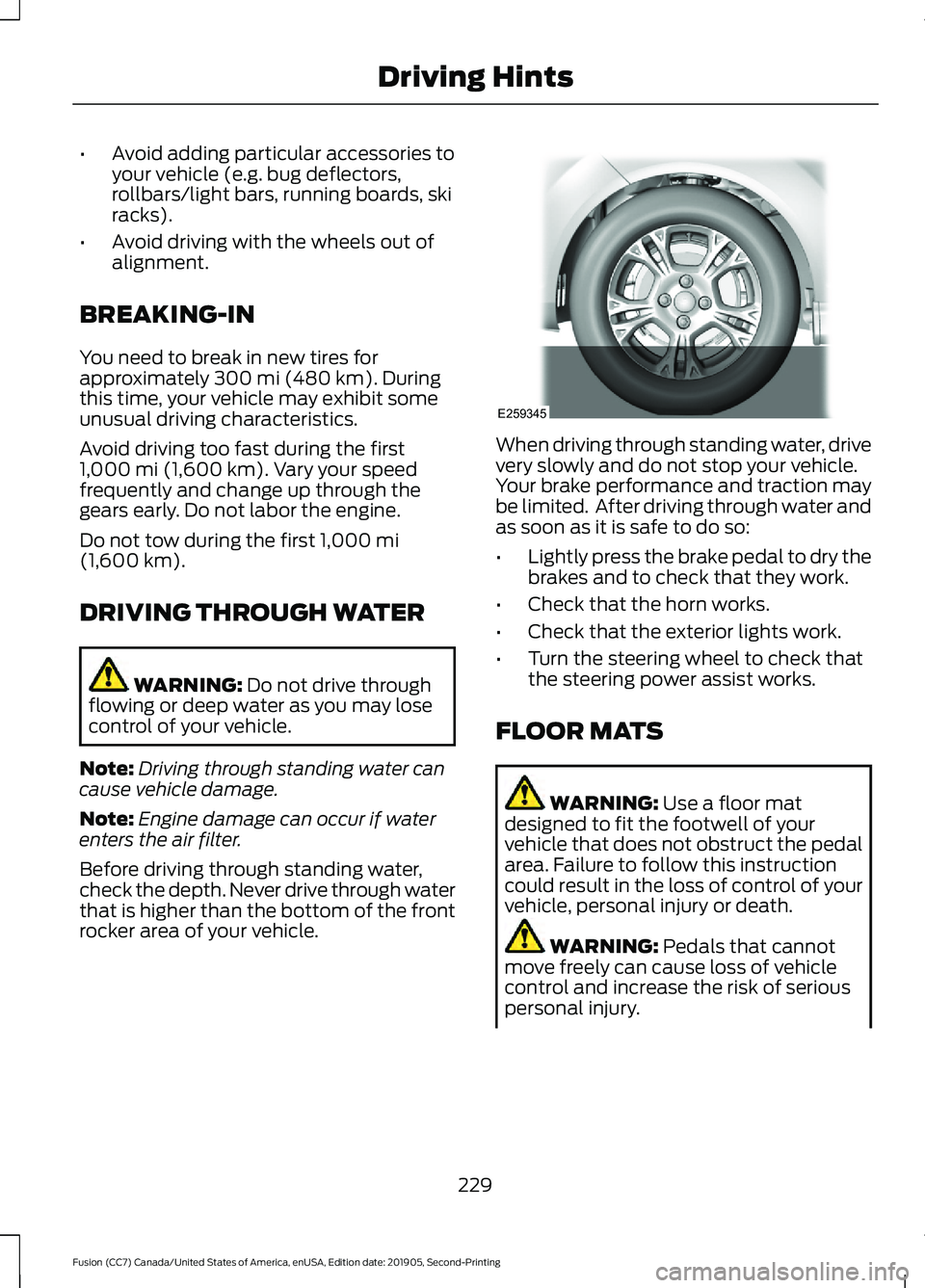
rocker area of your vehicle. When driving through standing water, drive
very slowly and do not stop your vehicle.
Your brake performance and traction may
be limited. After driving through water and
as soon as it is safe to do so:
•
Lightly press the brake pedal to dry the
brakes and to check that they work.
• Check that the horn works.
• Check that the exterior lights work.
• Turn the steering wheel to check that
the steering power assist works.
FLOOR MATS WARNING:
Use a floor mat
designed to fit the footwell of your
vehicle that does not obstruct the pedal
area. Failure to follow this instruction
could result in the loss of control of your
vehicle, personal injury or death. WARNING:
Pedals that cannot
move freely can cause loss of vehicle
control and increase the risk of serious
personal injury.
229
Fusion (CC7) Canada/United States of America, enUSA, Edition date: 201905, Second-Printing Driving HintsE259345
Page 496 of 497
Changing the Set Speed.................................
199
Detection Issues................................................ 200
Following a Vehicle............................................ 197
Following a Vehicle to a Complete Stop.................................................................... 198
Hilly Condition Usage...................................... 200
Overriding the Set Speed................................ 199
Park Brake Application................................... 200
Resuming the Set Speed................................. 199
Setting the Adaptive Cruise Speed..............197
Setting the Adaptive Cruise Speed When Your Vehicle is Stationary........................... 197
Setting the Gap Distance................................ 198
Switching Adaptive Cruise Control Off...................................................................... 200
Switching Adaptive Cruise Control On........................................................................\
197
Switching to Normal Cruise Control...........202
System Not Available....................................... 201
Using All-Wheel Drive................................168 Driving In Special Conditions With
All-Wheel Drive (AWD)............................... 168
Using MyKey With Remote Start Systems..........................................................59
Using Snow Chains.....................................303
Using Stability Control................................179
Using Summer Tires...................................303
Using SYNC™ With Your Media Player.............................................................375
Audio Voice Commands.................................. 376
Media Sources..................................................... 375
Using SYNC™ With Your Phone.............371 Accessing Features through the Phone
Menu.................................................................. 372
Pairing a Phone.................................................... 371
Phone Controls................................................... 372
Phone Voice Commands................................. 371
Using Traction Control.................................177 Switching the System Off................................ 177
System Indicator Lights and Messages........................................................... 177
Using a Switch...................................................... 177
Using the Information Display Controls.............................................................. 177
Using Voice Recognition
...........................369
Apps........................................................................\
392
Automatic Blower Motor Speed Reduction........................................................ 393Climate..................................................................
389
Entertainment.................................................... 388
General.................................................................. 387
Initiating a Voice Session................................ 369
Navigation............................................................. 391
Phone.................................................................... 390
SiriusXM Traffic and Travel Link................... 392
System Interaction and Feedback..............370
Voice Settings..................................................... 393
Utilizing the Mediation/Arbitration Program (Canada Only)........................240
V
Vehicle Care
..................................................280
General Information......................................... 280
Vehicle Certification Label.......................325
Vehicle Identification Number................324
Vehicle Storage
............................................285
Body........................................................................\
285
Brakes.................................................................... 286
Cooling system................................................... 286
Disconnecting Your 12 Volt Battery.............286
Engine.................................................................... 286
Fuel system......................................................... 286
General.................................................................. 285
Miscellaneous..................................................... 286
Removing Vehicle From Storage.................286
Tires........................................................................\
286
Ventilation See: Climate Control.......................................... 118
VIN See: Vehicle Identification Number............324
Voice Control
.....................................................71
W
Warning Lamps and Indicators
................90
Adaptive Cruise Control.................................... 90
Anti-Lock Braking System................................ 90
Auto Start-stop.................................................... 90
Battery..................................................................... 90
Blind Spot Monitor.............................................. 90
Brake System Warning Lamp......................... 90
Cruise Control......................................................... 91
Direction Indicator................................................ 91
Door Ajar................................................................... 91
Electric Park Brake................................................ 91
493
Fusion (CC7) Canada/United States of America, enUSA, Edition date: 201905, Second-Printing Index