key battery FORD MAVERICK 2023 Owner's Manual
[x] Cancel search | Manufacturer: FORD, Model Year: 2023, Model line: MAVERICK, Model: FORD MAVERICK 2023Pages: 556, PDF Size: 14.79 MB
Page 286 of 556
ROADSIDE ASSISTANCE
Vehicles Sold in the United States:Getting Roadside Assistance
To fully assist you should you have avehicle concern, Ford Motor Companyoffers a complimentary roadsideassistance program. This program isseparate from the New Vehicle LimitedWarranty.
The service is available:
•24 hours a day, seven days a week.
•For the coverage period supplied withyour vehicle.
Roadside Assistance covers:
•A flat tire change with a good spare(except vehicles supplied with a tireinflation kit).
•Battery jump start.
•Lock-out assistance (key replacementcost is the customer's responsibility).
•Fuel delivery — independent servicecontractors, if not prohibited by state,local or municipal law, shall deliver upto 2 gal (8 L) of gasoline or 5 gal (20 L)of diesel fuel to a disabled vehicle.Roadside assistance limits fuel deliveryservice to two no-charge occurrenceswithin a 12-month period.
•Winch out — available within 100 ft(30 m) of a paved or countymaintained road, no recoveries.
•Towing — independent servicecontractors, if not prohibited by state,local or municipal law, shall tow Fordeligible vehicles to an authorized dealerwithin 35 mi (56 km) of thedisablement location or to the nearestauthorized dealer. If a memberrequests a tow to an authorized dealerthat is more than 35 mi (56 km) fromthe disablement location, the membershall be responsible for any mileagecosts in excess of 35 mi (56 km).
•Roadside Assistance includes up to$200 for a towed trailer if the disabledeligible vehicle requires service at thenearest authorized dealer. If the towingvehicle is operational but the trailer isnot, then the trailer does not qualify forany roadside services.
Vehicles Sold in the United States:Using Roadside Assistance
Complete the roadside assistanceidentification card and place it in yourwallet for quick reference. This card is inthe Owner's Manual kit.
United States vehicle customers whorequire Roadside Assistance, call1-800-241-3673.
If you need to arrange roadside assistancefor yourself, Ford Motor Companyreimburses a reasonable amount fortowing to the nearest dealership within35 mi (56 km). To obtain reimbursementinformation, United States vehiclecustomers call 1-800-241-3673.Customers need to submit their originalreceipts.
282
2023 Maverick (CFE) Canada/United States of America, enUSA, Edition date: 202208, First-PrintingCrash and Breakdown Information
Page 287 of 556
Vehicles Sold in Canada: GettingRoadside Assistance
To fully assist you should you have avehicle concern, Ford Motor Company ofCanada, Limited offers a complimentaryroadside assistance program. Thisprogram is eligible within Canada or thecontinental United States.
The service is available 24 hours a day,seven days a week.
This program is separate from the NewVehicle Limited Warranty, but the coverageis concurrent with the powertrain coverageperiod of your vehicle. Canadian roadsidecoverage and benefits may differ from theU.S. coverage.
If you require more information, please callus in Canada at 1-800-665-2006, or visitour website at www.ford.ca.
HIGH VOLTAGE BATTERY
VEHICLE PRECAUTIONS -
HYBRID ELECTRIC VEHICLE
(HEV)
In the event of damage or fire involving anelectric vehicle or hybrid-electric vehicle:
•Assume the high-voltage battery andassociated components are energizedand fully charged.
•Exposed electrical components, wiresand high-voltage batteries presentpotential high-voltage shock hazards.
•Venting high-voltage battery vaporsare potentially toxic and flammable.
•Physical damage to the vehicle orhigh-voltage battery could result inimmediate or delayed release of toxic,flammable gases and fire.
Vehicle information and general safetypractices include reviewing the owner'smanual and becoming familiar with yourvehicle's safety information andrecommended safety practices.
Crashes
A crash or impact significant enough torequire an emergency response forconventional vehicles would also requirethe same response for an electric orhybrid-electric vehicle.
If Possible:
1.Move your vehicle to a safe, nearbylocation and remain on the scene.
2.Roll down the windows before youswitch your vehicle off.
3.Place your vehicle in park (P), set theparking brake, switch off the vehicle,activate the hazard flashers and moveyour key(s) at least 16 ft (5 m) awayfrom the vehicle.
Always:
•Call emergency assistance if neededand advise that an electric orhybrid-electric vehicle is involved.
•Avoid contact with leaking fluids andgases, and remain out of the way ofoncoming traffic until emergencyresponders arrive.
•When emergency responders arrive,tell them that the vehicle involved is anelectric vehicle or hybrid-electricvehicle.
Fires
As with any vehicle, call emergencyassistance immediately if you see sparks,smoke or flames coming from the vehicle.Remain a safe distance from the vehicleand try to stay clear of the smoke.
283
2023 Maverick (CFE) Canada/United States of America, enUSA, Edition date: 202208, First-PrintingCrash and Breakdown Information
Page 288 of 556
1.Exit the vehicle immediately.
2.Advise emergency assistance that anelectric or hybrid-electric vehicle isinvolved.
3.As with any vehicle fire, do not inhalesmoke, vapors or gas from the vehicle,as they may be hazardous.
Post-Incident
1.Do not store a severely damagedvehicle with a lithium-ion battery insidea structure or within 49 ft (15 m) of anystructure or vehicle.
2.Make sure that passenger and luggagecompartments remain ventilated.
3.Call emergency assistance if youobserve leaking fluids, sparks, smokeor flames, or hear gurgling or bubblingfrom the high-voltage battery.
SWITCHING THE HAZARD
FLASHERS ON AND OFF
The hazard flasher button is onthe instrument panel. Press thebutton to switch the hazardflashers on if your vehicle is creating asafety hazard for other road users.
When you switch the hazard flashers on,all front and rear direction indicators flash.
Note:The hazard flashers operate whenthe ignition is in any position, or if the key isnot in the ignition. The battery loses chargeand could have insufficient power to restartyour vehicle.
Press the button again to switch them off.
JUMP STARTING THE VEHICLE
JUMP STARTING PRECAUTIONS
WARNING: Batteries normallyproduce explosive gases which cancause personal injury. Therefore, do notallow flames, sparks or lightedsubstances to come near the battery.When working near the battery, alwaysshield your face and protect your eyes.Always provide correct ventilation.
WARNING: Keep batteries out ofreach of children. Batteries containsulfuric acid. Avoid contact with skin,eyes or clothing. Shield your eyes whenworking near the battery to protectagainst possible splashing of acidsolution. In case of acid contact with skinor eyes, flush immediately with water fora minimum of 15 minutes and get promptmedical attention. If acid is swallowed,call a physician immediately.
WARNING: Use only adequatelysized cables with insulated clamps.
WARNING: Make sure that thecables are clear of any moving parts andfuel delivery system parts.
WARNING: Connect batteries withonly the same nominal voltage.
WARNING: If the engine is runningwhile the hood is open, stay clear ofmoving engine components. Failure tofollow this warning could result in seriouspersonal injury or death.
Do not attempt to push-start an automatictransmission vehicle. This could causetransmission damage.
284
2023 Maverick (CFE) Canada/United States of America, enUSA, Edition date: 202208, First-PrintingCrash and Breakdown InformationE75790
Page 297 of 556
Note:If your vehicle has an ignition key, youcannot remove the key from the ignitionwhen the transmission is in neutral (N) andyour vehicle is off.
Note:Start the engine and allow it to runfor a few minutes at the beginning of eachday, and every six hours or fewer. With theengine running and your foot on the brake,shift into drive (D) and then into reverse (R)before shifting back into neutral (N). Beforecontinuing to tow, switch neutral tow on.
EMERGENCY TOWING -
GASOLINE
If you need to tow your vehicle, contact aprofessional towing service or, if you are amember of a roadside assistance program,your roadside assistance service provider.
EMERGENCY TOWING -
HYBRID ELECTRIC VEHICLE
(HEV)
If your vehicle becomes inoperable withoutaccess to wheel dollies or a vehicletransport trailer, it can be flat-towed withall wheels on the ground, regardless of thepowertrain and transmission configuration,under the following conditions:
•Your vehicle is facing forward fortowing in a forward direction.
•You switch Neutral Tow on.
•You release the parking brake.
•Maximum speed is 35 mph (55 km/h).
•Maximum distance is 50 mi (80 km).
Switching Neutral Tow On
1.Switch your vehicle on in accessorymode.
2.Press the menu button on the steeringwheel to enter the instrument clusterdisplay main menu.
3.Select Settings.
4.Select Neutral Tow.
5.Follow the instructions on theinformation display.
6.Fully press the brake pedal.
7.Shift into neutral (N).
8.Switch the ignition off.
Note:Failure to follow these instructionscould result in damage to the transmission.
Note:Switching neutral tow on requiresbattery power.
Note: Put your climate control system inrecirculated air mode to prevent exhaustfumes from entering your vehicle. SeeClimate Control (page 125).
Switching Neutral Tow Off
1.Switch your vehicle on in accessorymode.
2.Fully press the brake pedal.
3.Shift into park (P).
293
2023 Maverick (CFE) Canada/United States of America, enUSA, Edition date: 202208, First-PrintingTowing Your Vehicle
Page 542 of 556
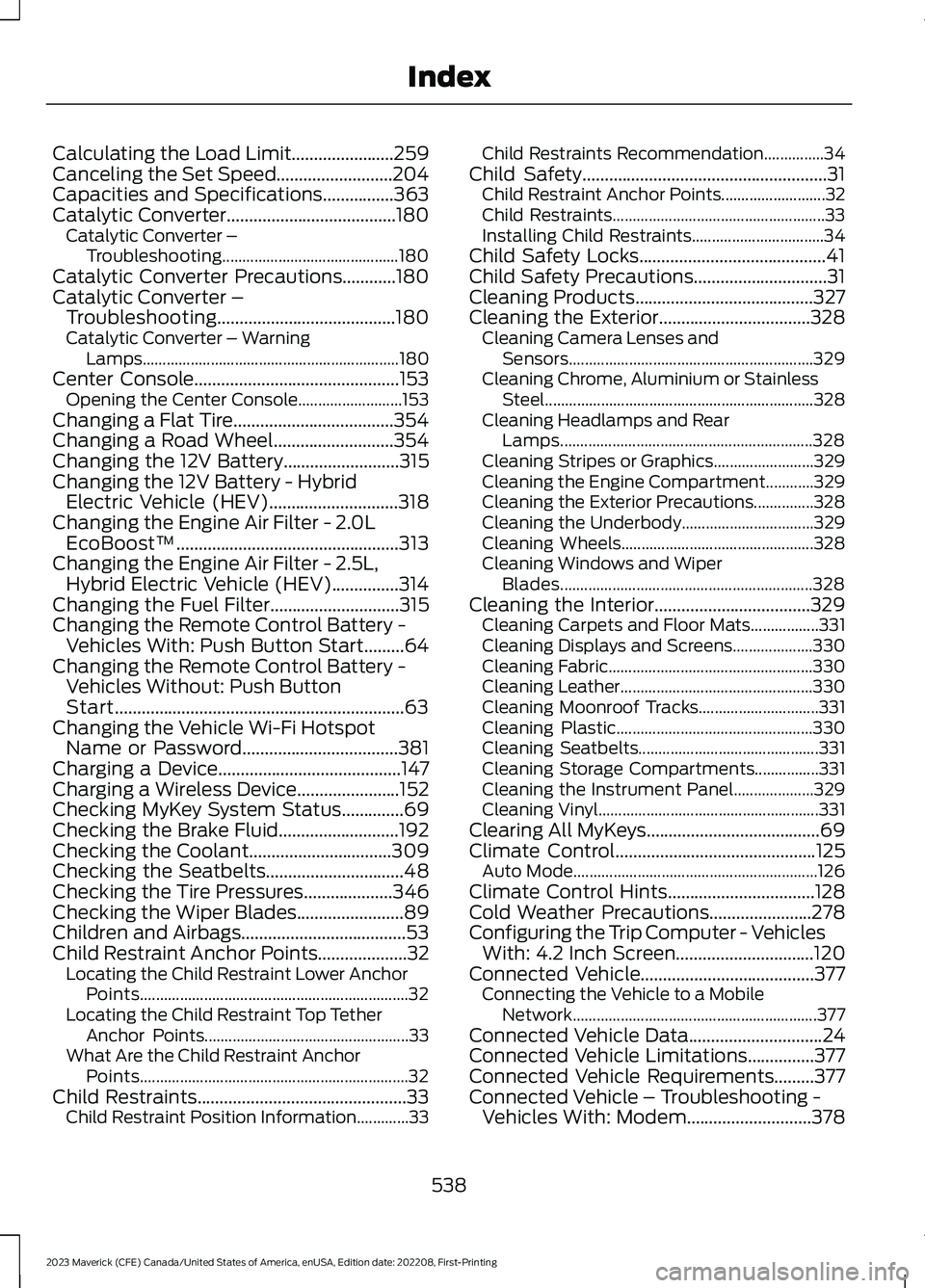
Calculating the Load Limit.......................259Canceling the Set Speed..........................204Capacities and Specifications................363Catalytic Converter......................................180Catalytic Converter –Troubleshooting............................................180Catalytic Converter Precautions............180Catalytic Converter –Troubleshooting........................................180Catalytic Converter – WarningLamps................................................................180Center Console..............................................153Opening the Center Console..........................153Changing a Flat Tire....................................354Changing a Road Wheel...........................354Changing the 12V Battery..........................315Changing the 12V Battery - HybridElectric Vehicle (HEV).............................318Changing the Engine Air Filter - 2.0LEcoBoost™..................................................313Changing the Engine Air Filter - 2.5L,Hybrid Electric Vehicle (HEV)...............314Changing the Fuel Filter.............................315Changing the Remote Control Battery -Vehicles With: Push Button Start.........64Changing the Remote Control Battery -Vehicles Without: Push ButtonStart.................................................................63Changing the Vehicle Wi-Fi HotspotName or Password...................................381Charging a Device.........................................147Charging a Wireless Device.......................152Checking MyKey System Status..............69Checking the Brake Fluid...........................192Checking the Coolant................................309Checking the Seatbelts...............................48Checking the Tire Pressures....................346Checking the Wiper Blades........................89Children and Airbags.....................................53Child Restraint Anchor Points....................32Locating the Child Restraint Lower AnchorPoints...................................................................32Locating the Child Restraint Top TetherAnchor Points...................................................33What Are the Child Restraint AnchorPoints...................................................................32Child Restraints...............................................33Child Restraint Position Information.............33
Child Restraints Recommendation...............34Child Safety.......................................................31Child Restraint Anchor Points..........................32Child Restraints.....................................................33Installing Child Restraints.................................34Child Safety Locks..........................................41Child Safety Precautions..............................31Cleaning Products........................................327Cleaning the Exterior..................................328Cleaning Camera Lenses andSensors.............................................................329Cleaning Chrome, Aluminium or StainlessSteel...................................................................328Cleaning Headlamps and RearLamps...............................................................328Cleaning Stripes or Graphics.........................329Cleaning the Engine Compartment............329Cleaning the Exterior Precautions...............328Cleaning the Underbody.................................329Cleaning Wheels................................................328Cleaning Windows and WiperBlades...............................................................328Cleaning the Interior...................................329Cleaning Carpets and Floor Mats.................331Cleaning Displays and Screens....................330Cleaning Fabric...................................................330Cleaning Leather................................................330Cleaning Moonroof Tracks..............................331Cleaning Plastic.................................................330Cleaning Seatbelts.............................................331Cleaning Storage Compartments................331Cleaning the Instrument Panel....................329Cleaning Vinyl.......................................................331Clearing All MyKeys.......................................69Climate Control.............................................125Auto Mode.............................................................126Climate Control Hints.................................128Cold Weather Precautions.......................278Configuring the Trip Computer - VehiclesWith: 4.2 Inch Screen...............................120Connected Vehicle.......................................377Connecting the Vehicle to a MobileNetwork.............................................................377Connected Vehicle Data..............................24Connected Vehicle Limitations...............377Connected Vehicle Requirements.........377Connected Vehicle – Troubleshooting -Vehicles With: Modem............................378
538
2023 Maverick (CFE) Canada/United States of America, enUSA, Edition date: 202208, First-PrintingIndex
Page 551 of 556
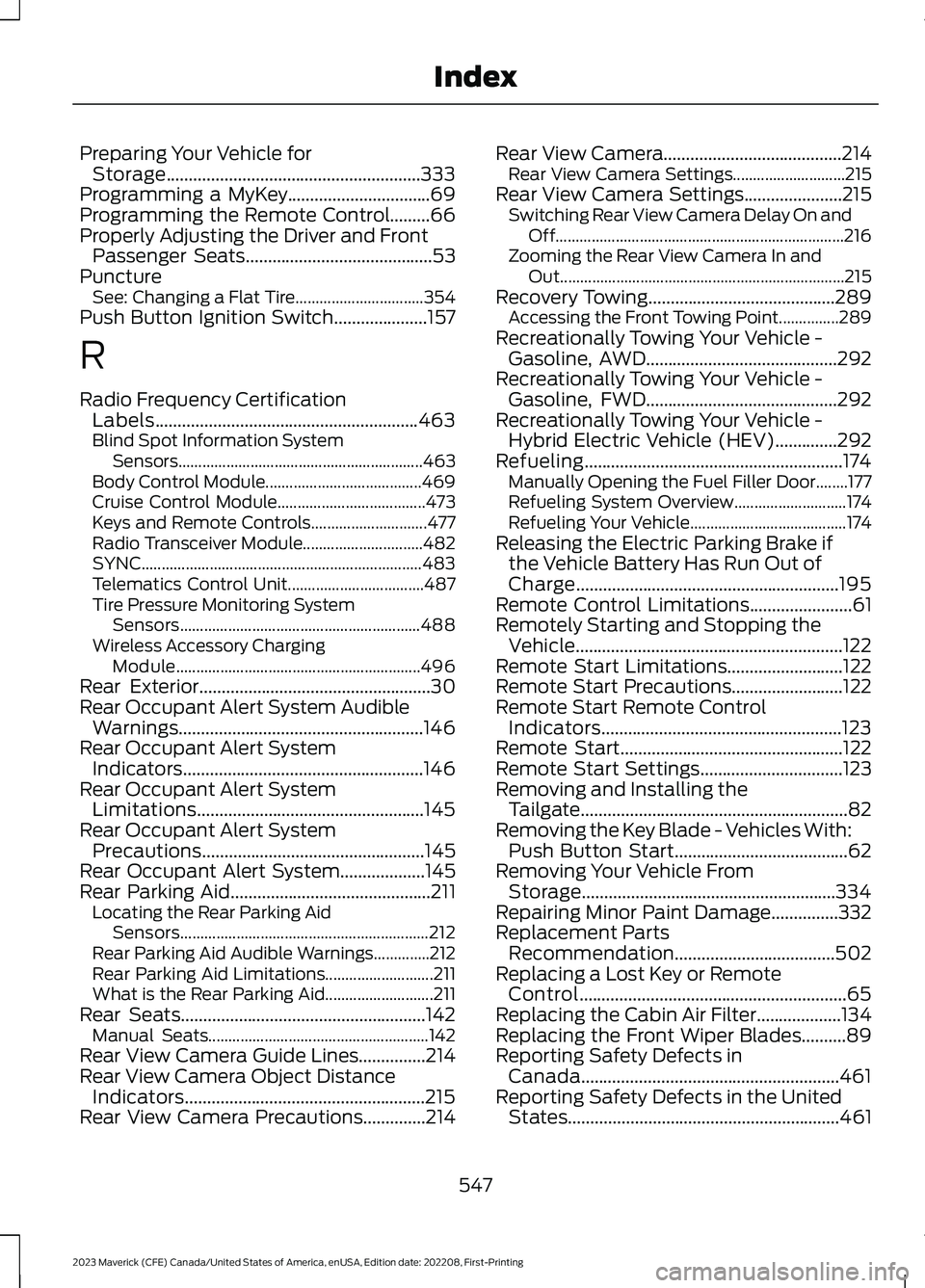
Preparing Your Vehicle forStorage.........................................................333Programming a MyKey................................69Programming the Remote Control.........66Properly Adjusting the Driver and FrontPassenger Seats..........................................53PunctureSee: Changing a Flat Tire................................354Push Button Ignition Switch.....................157
R
Radio Frequency CertificationLabels...........................................................463Blind Spot Information SystemSensors.............................................................463Body Control Module.......................................469Cruise Control Module.....................................473Keys and Remote Controls.............................477Radio Transceiver Module..............................482SYNC......................................................................483Telematics Control Unit..................................487Tire Pressure Monitoring SystemSensors............................................................488Wireless Accessory ChargingModule.............................................................496Rear Exterior....................................................30Rear Occupant Alert System AudibleWarnings.......................................................146Rear Occupant Alert SystemIndicators......................................................146Rear Occupant Alert SystemLimitations...................................................145Rear Occupant Alert SystemPrecautions..................................................145Rear Occupant Alert System...................145Rear Parking Aid.............................................211Locating the Rear Parking AidSensors..............................................................212Rear Parking Aid Audible Warnings..............212Rear Parking Aid Limitations...........................211What is the Rear Parking Aid...........................211Rear Seats.......................................................142Manual Seats.......................................................142Rear View Camera Guide Lines...............214Rear View Camera Object DistanceIndicators......................................................215Rear View Camera Precautions..............214
Rear View Camera........................................214Rear View Camera Settings............................215Rear View Camera Settings......................215Switching Rear View Camera Delay On andOff........................................................................216Zooming the Rear View Camera In andOut.......................................................................215Recovery Towing..........................................289Accessing the Front Towing Point...............289Recreationally Towing Your Vehicle -Gasoline, AWD...........................................292Recreationally Towing Your Vehicle -Gasoline, FWD...........................................292Recreationally Towing Your Vehicle -Hybrid Electric Vehicle (HEV)..............292Refueling..........................................................174Manually Opening the Fuel Filler Door........177Refueling System Overview............................174Refueling Your Vehicle.......................................174Releasing the Electric Parking Brake ifthe Vehicle Battery Has Run Out ofCharge...........................................................195Remote Control Limitations.......................61Remotely Starting and Stopping theVehicle............................................................122Remote Start Limitations..........................122Remote Start Precautions.........................122Remote Start Remote ControlIndicators......................................................123Remote Start..................................................122Remote Start Settings................................123Removing and Installing theTailgate............................................................82Removing the Key Blade - Vehicles With:Push Button Start.......................................62Removing Your Vehicle FromStorage.........................................................334Repairing Minor Paint Damage...............332Replacement PartsRecommendation....................................502Replacing a Lost Key or RemoteControl............................................................65Replacing the Cabin Air Filter...................134Replacing the Front Wiper Blades..........89Reporting Safety Defects inCanada..........................................................461Reporting Safety Defects in the UnitedStates.............................................................461
547
2023 Maverick (CFE) Canada/United States of America, enUSA, Edition date: 202208, First-PrintingIndex
Page 556 of 556
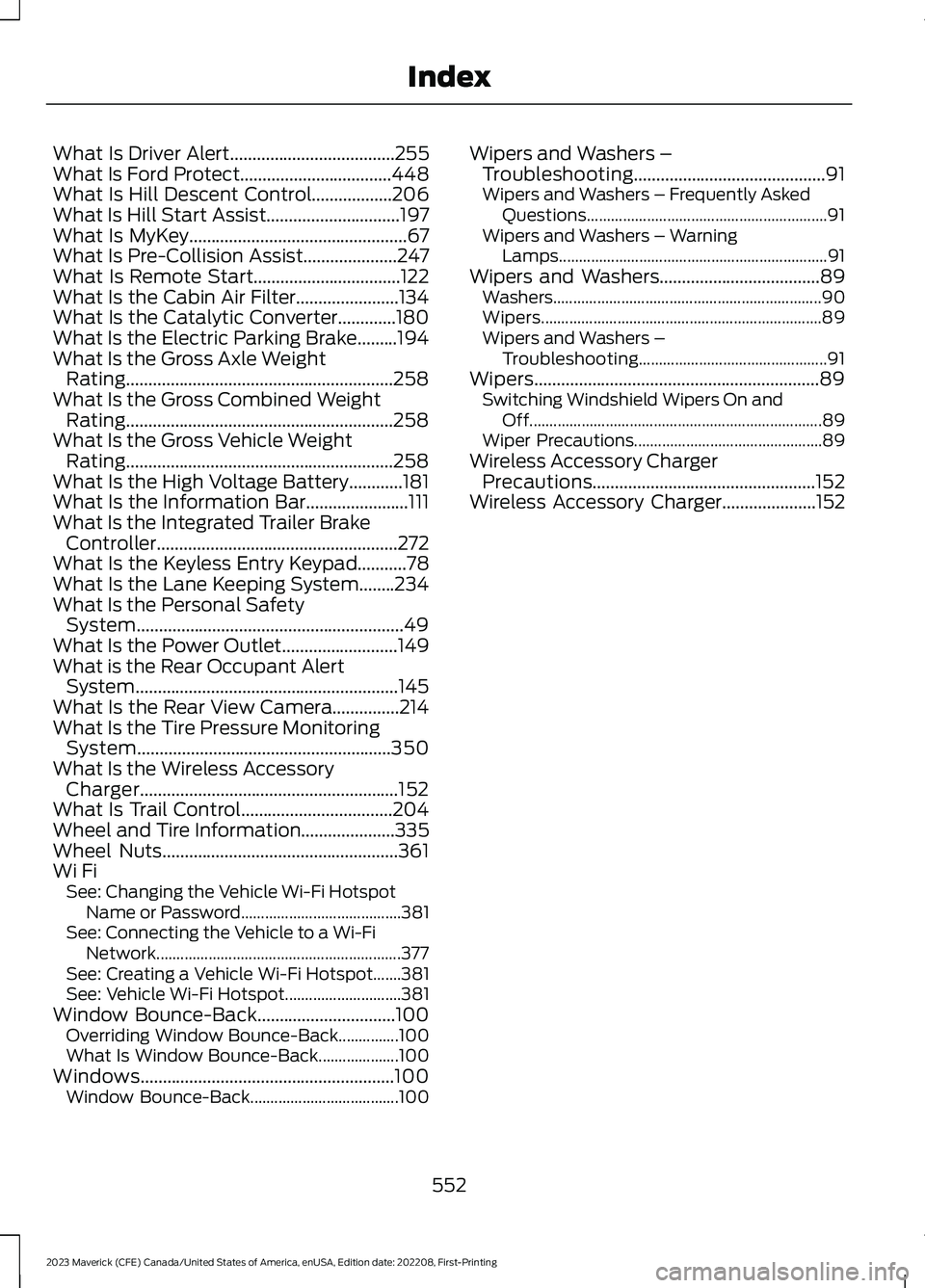
What Is Driver Alert.....................................255What Is Ford Protect..................................448What Is Hill Descent Control..................206What Is Hill Start Assist..............................197What Is MyKey.................................................67What Is Pre-Collision Assist.....................247What Is Remote Start.................................122What Is the Cabin Air Filter.......................134What Is the Catalytic Converter.............180What Is the Electric Parking Brake.........194What Is the Gross Axle WeightRating............................................................258What Is the Gross Combined WeightRating............................................................258What Is the Gross Vehicle WeightRating............................................................258What Is the High Voltage Battery............181What Is the Information Bar.......................111What Is the Integrated Trailer BrakeController......................................................272What Is the Keyless Entry Keypad...........78What Is the Lane Keeping System........234What Is the Personal SafetySystem............................................................49What Is the Power Outlet..........................149What is the Rear Occupant AlertSystem...........................................................145What Is the Rear View Camera...............214What Is the Tire Pressure MonitoringSystem.........................................................350What Is the Wireless AccessoryCharger..........................................................152What Is Trail Control..................................204Wheel and Tire Information.....................335Wheel Nuts.....................................................361Wi FiSee: Changing the Vehicle Wi-Fi HotspotName or Password........................................381See: Connecting the Vehicle to a Wi-FiNetwork.............................................................377See: Creating a Vehicle Wi-Fi Hotspot.......381See: Vehicle Wi-Fi Hotspot.............................381Window Bounce-Back...............................100Overriding Window Bounce-Back...............100What Is Window Bounce-Back....................100Windows.........................................................100Window Bounce-Back.....................................100
Wipers and Washers –Troubleshooting...........................................91Wipers and Washers – Frequently AskedQuestions............................................................91Wipers and Washers – WarningLamps...................................................................91Wipers and Washers....................................89Washers...................................................................90Wipers......................................................................89Wipers and Washers –Troubleshooting...............................................91Wipers................................................................89Switching Windshield Wipers On andOff.........................................................................89Wiper Precautions...............................................89Wireless Accessory ChargerPrecautions..................................................152Wireless Accessory Charger.....................152
552
2023 Maverick (CFE) Canada/United States of America, enUSA, Edition date: 202208, First-PrintingIndex