clock FORD MUSTANG 1998 4.G Owners Manual
[x] Cancel search | Manufacturer: FORD, Model Year: 1998, Model line: MUSTANG, Model: FORD MUSTANG 1998 4.GPages: 192, PDF Size: 1.67 MB
Page 5 of 192
POWERAUDIO
VOLUMEAM/FMREWFFPLAYEJCT12345CLOCKAUTOPRESETPROGAUTOMATIC
DNR CrO2SCAN
TUNE
SEEKFM1ST
LO
HIOFF
FLOOR
MIX VENT
NORM
A/C
MAX
A/C
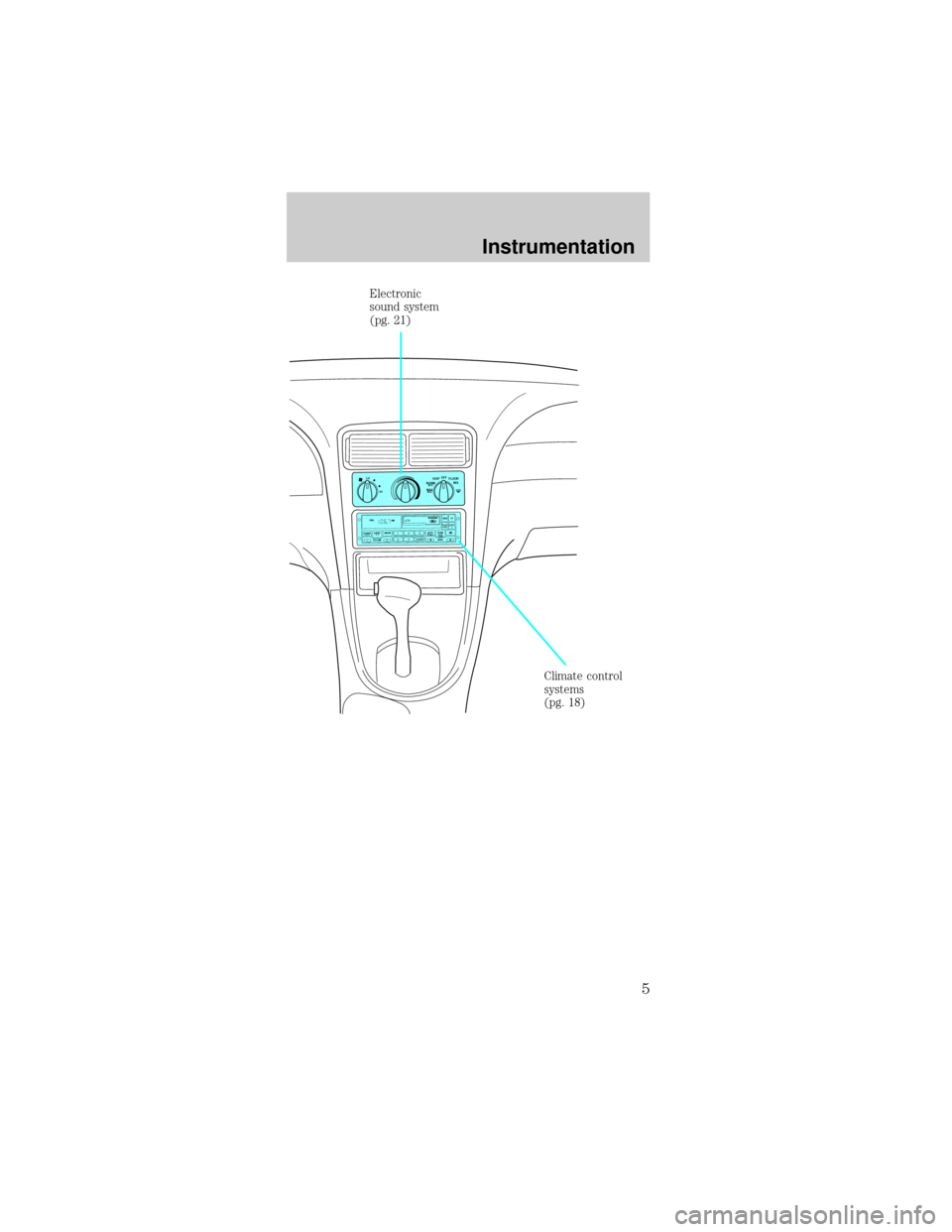
Climate control
systems
(pg. 18) Electronic
sound system
(pg. 21)
Instrumentation
5
Page 17 of 192
PANEL DIMMER CONTROL
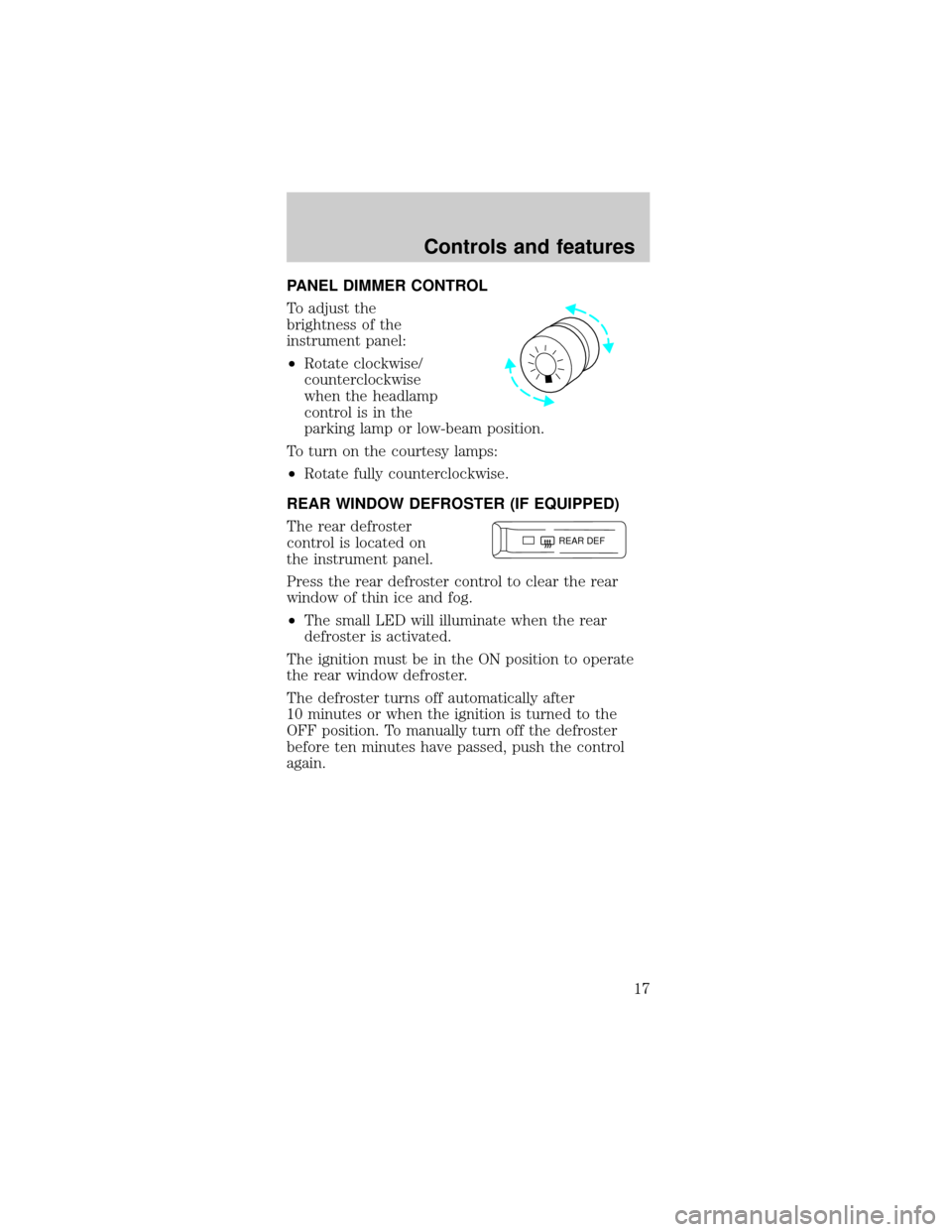
To adjust the
brightness of the
instrument panel:
²Rotate clockwise/
counterclockwise
when the headlamp
control is in the
parking lamp or low-beam position.
To turn on the courtesy lamps:
²Rotate fully counterclockwise.
REAR WINDOW DEFROSTER (IF EQUIPPED)
The rear defroster
control is located on
the instrument panel.
Press the rear defroster control to clear the rear
window of thin ice and fog.
²The small LED will illuminate when the rear
defroster is activated.
The ignition must be in the ON position to operate
the rear window defroster.
The defroster turns off automatically after
10 minutes or when the ignition is turned to the
OFF position. To manually turn off the defroster
before ten minutes have passed, push the control
again.
REAR DEF
Controls and features
17
Page 21 of 192
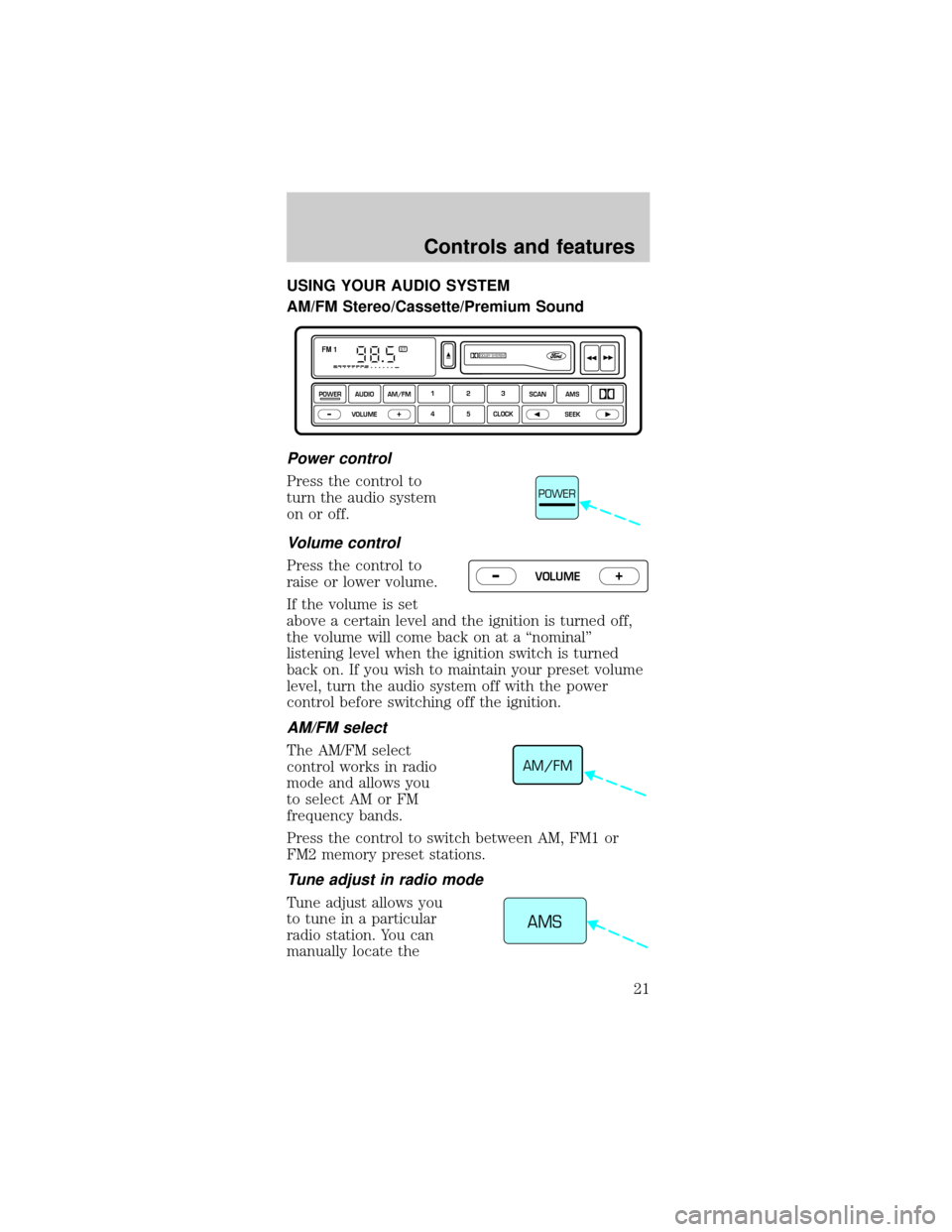
USING YOUR AUDIO SYSTEM
AM/FM Stereo/Cassette/Premium Sound
Power control
Press the control to
turn the audio system
on or off.
Volume control
Press the control to
raise or lower volume.
If the volume is set
above a certain level and the ignition is turned off,
the volume will come back on at a ªnominalº
listening level when the ignition switch is turned
back on. If you wish to maintain your preset volume
level, turn the audio system off with the power
control before switching off the ignition.
AM/FM select
The AM/FM select
control works in radio
mode and allows you
to select AM or FM
frequency bands.
Press the control to switch between AM, FM1 or
FM2 memory preset stations.
Tune adjust in radio mode
Tune adjust allows you
to tune in a particular
radio station. You can
manually locate the
DOLBY SYSTEMSTFM 1
123
4 5 CLOCKAMS SCAN
SEEK
VOLUME
POWERAUDIO AM/FM
–+
POWER
VOLUME+ –
AM/FM
AMS
Controls and features
21
Page 26 of 192
Tape eject
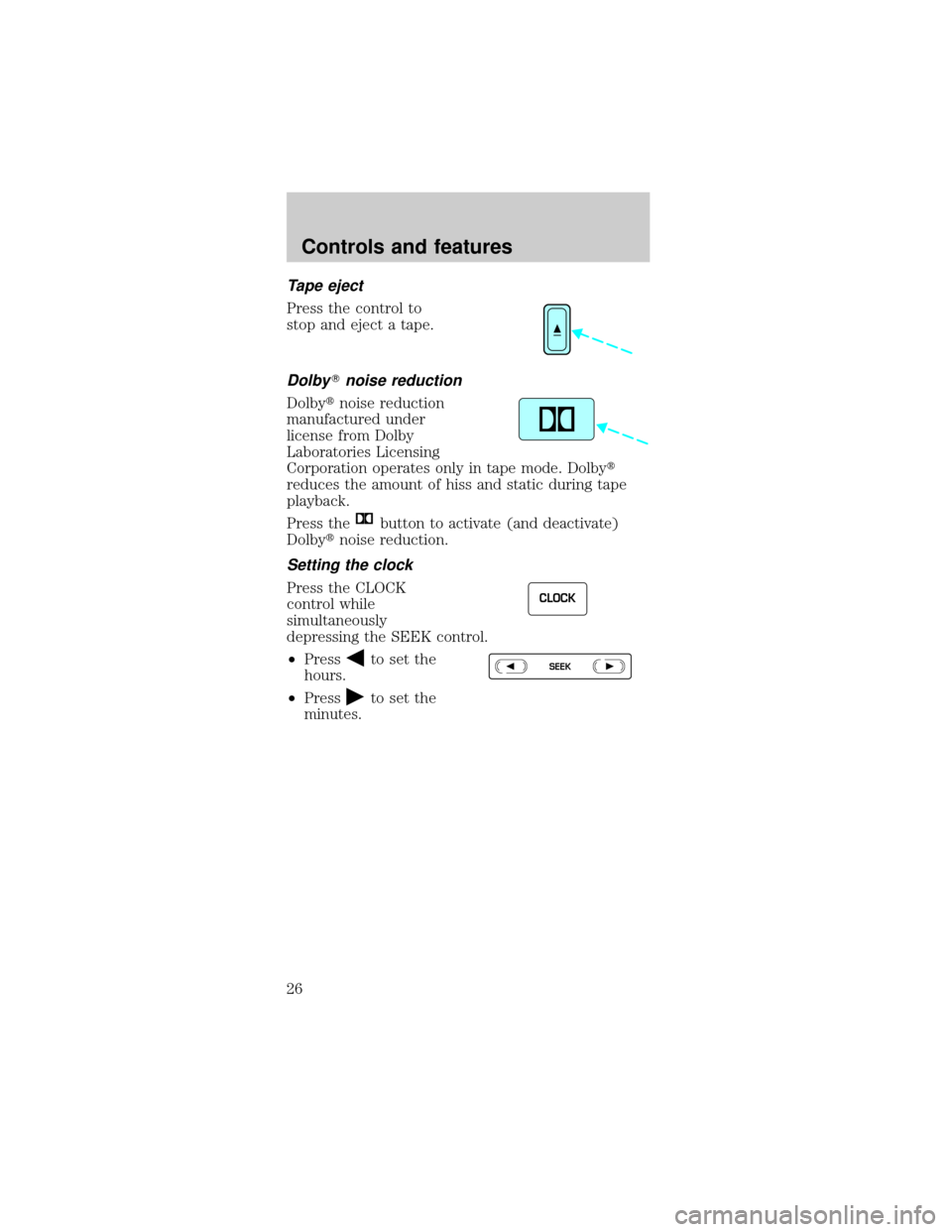
Press the control to
stop and eject a tape.
DolbyTnoise reduction
Dolbytnoise reduction
manufactured under
license from Dolby
Laboratories Licensing
Corporation operates only in tape mode. Dolbyt
reduces the amount of hiss and static during tape
playback.
Press the
button to activate (and deactivate)
Dolbytnoise reduction.
Setting the clock
Press the CLOCK
control while
simultaneously
depressing the SEEK control.
²Press
to set the
hours.
²Press
to set the
minutes.
CLOCK
SEEK
Controls and features
26
Page 27 of 192
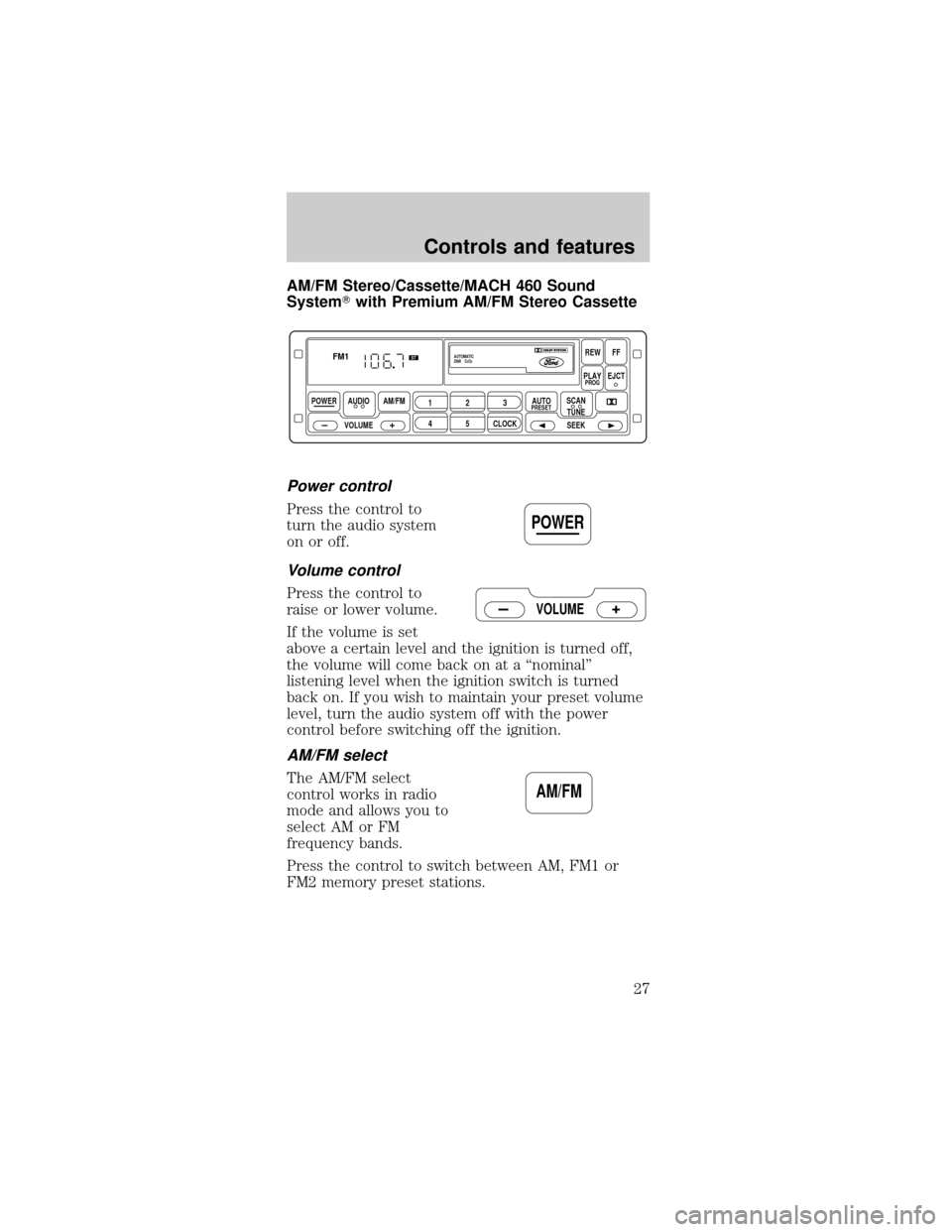
AM/FM Stereo/Cassette/MACH 460 Sound
SystemTwith Premium AM/FM Stereo Cassette
Power control
Press the control to
turn the audio system
on or off.
Volume control
Press the control to
raise or lower volume.
If the volume is set
above a certain level and the ignition is turned off,
the volume will come back on at a ªnominalº
listening level when the ignition switch is turned
back on. If you wish to maintain your preset volume
level, turn the audio system off with the power
control before switching off the ignition.
AM/FM select
The AM/FM select
control works in radio
mode and allows you to
select AM or FM
frequency bands.
Press the control to switch between AM, FM1 or
FM2 memory preset stations.
POWER AUDIO
VOLUMEAM/FM
REWFF
PLAYEJCT
123
45CLOCK
AUTOPRESETPROG
AUTOMATIC
DNR CrO2
SCAN
TUNE
SEEK
FM1ST
POWER
VOLUME
AM/FM
Controls and features
27
Page 33 of 192
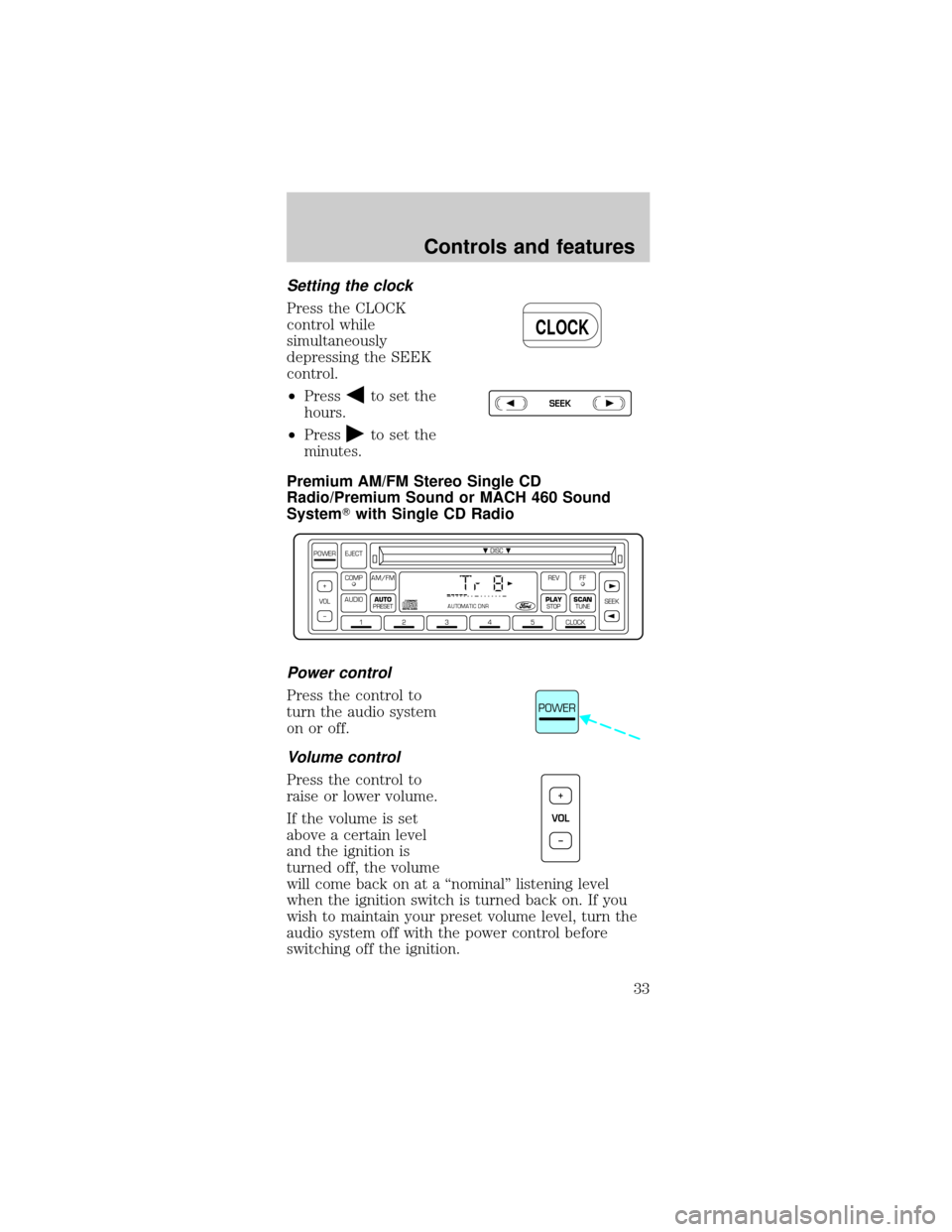
Setting the clock
Press the CLOCK
control while
simultaneously
depressing the SEEK
control.
²Press
to set the
hours.
²Press
to set the
minutes.
Premium AM/FM Stereo Single CD
Radio/Premium Sound or MACH 460 Sound
SystemTwith Single CD Radio
Power control
Press the control to
turn the audio system
on or off.
Volume control
Press the control to
raise or lower volume.
If the volume is set
above a certain level
and the ignition is
turned off, the volume
will come back on at a ªnominalº listening level
when the ignition switch is turned back on. If you
wish to maintain your preset volume level, turn the
audio system off with the power control before
switching off the ignition.
CLOCK
SEEK
DISC
12345CLOCK
VOL+
–SEEK
FFREV
PLAY
STOPSCANTUNE
AM/FMCOMP
AUDIOAUTO
PRESET
POWER EJECT
AUTOMATIC DNR
POWER
VOL+
–
Controls and features
33
Page 35 of 192
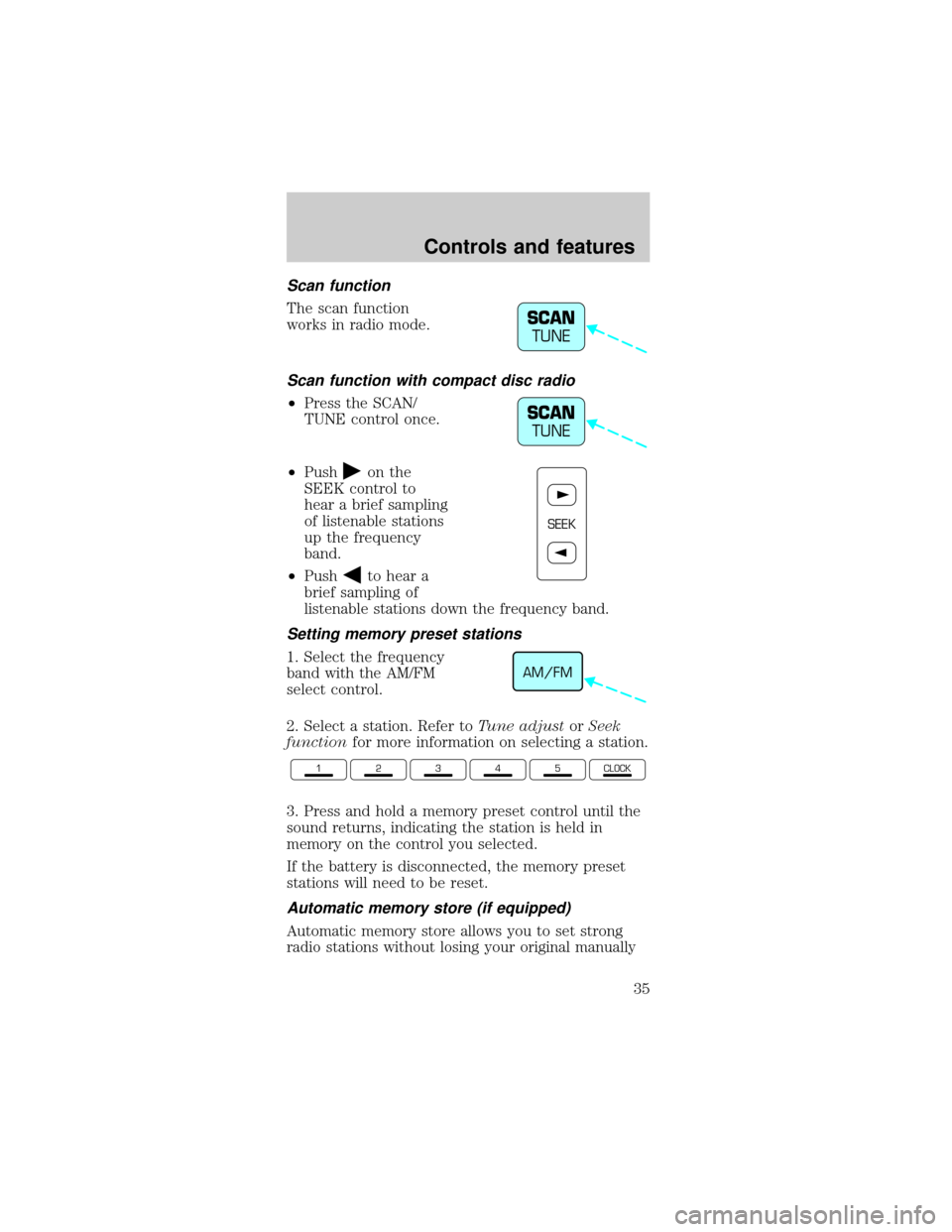
Scan function
The scan function
works in radio mode.
Scan function with compact disc radio
²Press the SCAN/
TUNE control once.
²Push
on the
SEEK control to
hear a brief sampling
of listenable stations
up the frequency
band.
²Push
to hear a
brief sampling of
listenable stations down the frequency band.
Setting memory preset stations
1. Select the frequency
band with the AM/FM
select control.
2. Select a station. Refer toTune adjustorSeek
functionfor more information on selecting a station.
3. Press and hold a memory preset control until the
sound returns, indicating the station is held in
memory on the control you selected.
If the battery is disconnected, the memory preset
stations will need to be reset.
Automatic memory store (if equipped)
Automatic memory store allows you to set strong
radio stations without losing your original manually
SCAN
TUNE
SCAN
TUNE
SEEK
AM/FM
12345CLOCK
Controls and features
35
Page 38 of 192
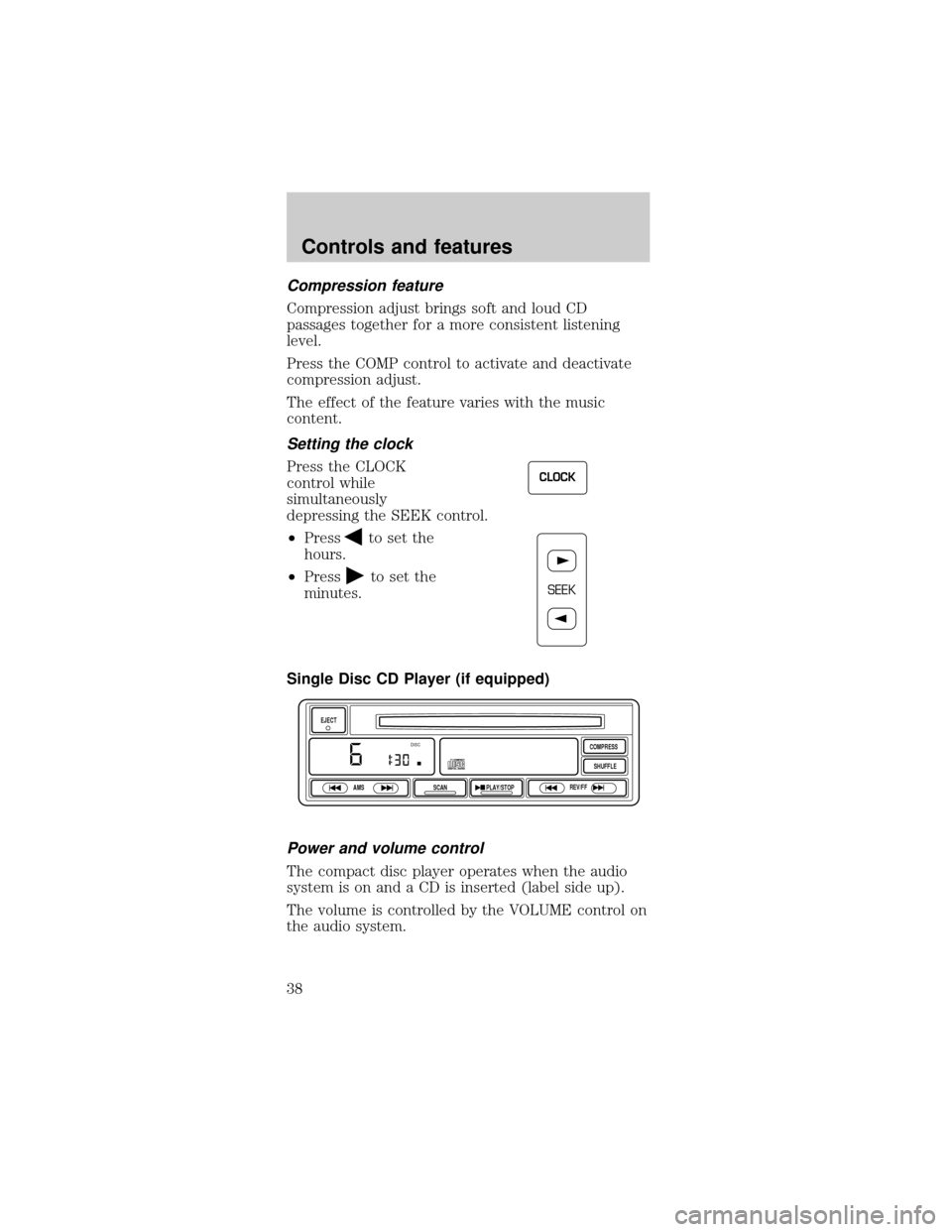
Compression feature
Compression adjust brings soft and loud CD
passages together for a more consistent listening
level.
Press the COMP control to activate and deactivate
compression adjust.
The effect of the feature varies with the music
content.
Setting the clock
Press the CLOCK
control while
simultaneously
depressing the SEEK control.
²Press
to set the
hours.
²Press
to set the
minutes.
Single Disc CD Player (if equipped)
Power and volume control
The compact disc player operates when the audio
system is on and a CD is inserted (label side up).
The volume is controlled by the VOLUME control on
the audio system.
CLOCK
SEEK
EJECT
AMS
SCANPLAY/STOPREV/FFSHUFFLE COMPRESS
DISC
Controls and features
38
Page 117 of 192
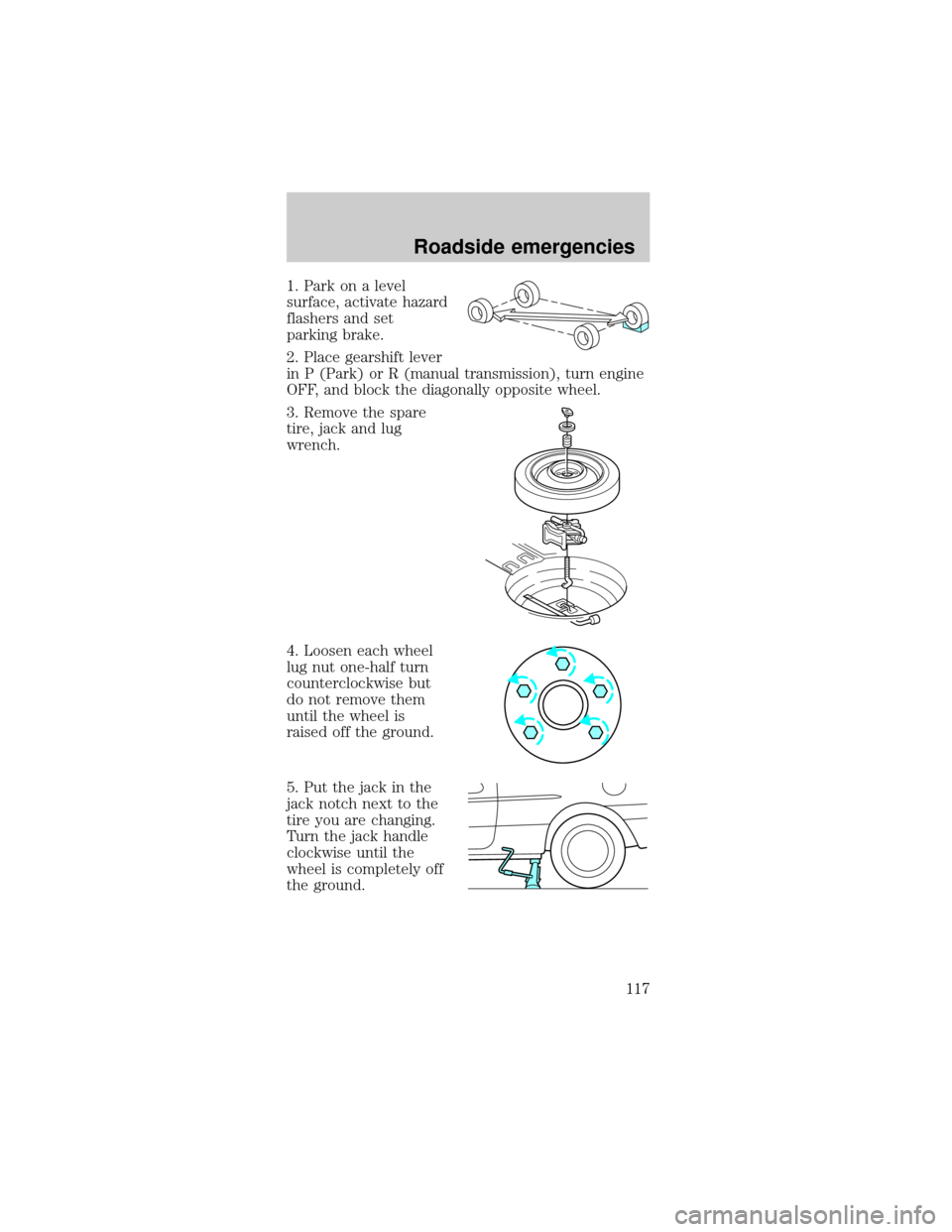
1. Park on a level
surface, activate hazard
flashers and set
parking brake.
2. Place gearshift lever
in P (Park) or R (manual transmission), turn engine
OFF, and block the diagonally opposite wheel.
3. Remove the spare
tire, jack and lug
wrench.
4. Loosen each wheel
lug nut one-half turn
counterclockwise but
do not remove them
until the wheel is
raised off the ground.
5. Put the jack in the
jack notch next to the
tire you are changing.
Turn the jack handle
clockwise until the
wheel is completely off
the ground.
Roadside emergencies
117
Page 118 of 192
Never use the rear
differential as a
jacking point.
To lessen the
risk of personal
injury, do not put any
part of your body
under the vehicle
while changing a tire.
Do not start the
engine when your
vehicle is on the jack.
The jack is only
meant for changing
the tire.
6. Remove the lug nuts with the lug wrench.
7. Replace the flat tire with the spare tire, making
sure the valve stem is facing outward. Reinstall lug
nuts until the wheel is snug against the hub. Do not
fully tighten the lug nuts until the wheel has been
lowered.
If you are using a temporary tire, the lug nut
washers will not appear to be flush with the rim.
This is normal when using the temporary spare tire
only.
8. Lower the wheel by turning the jack handle
counterclockwise.
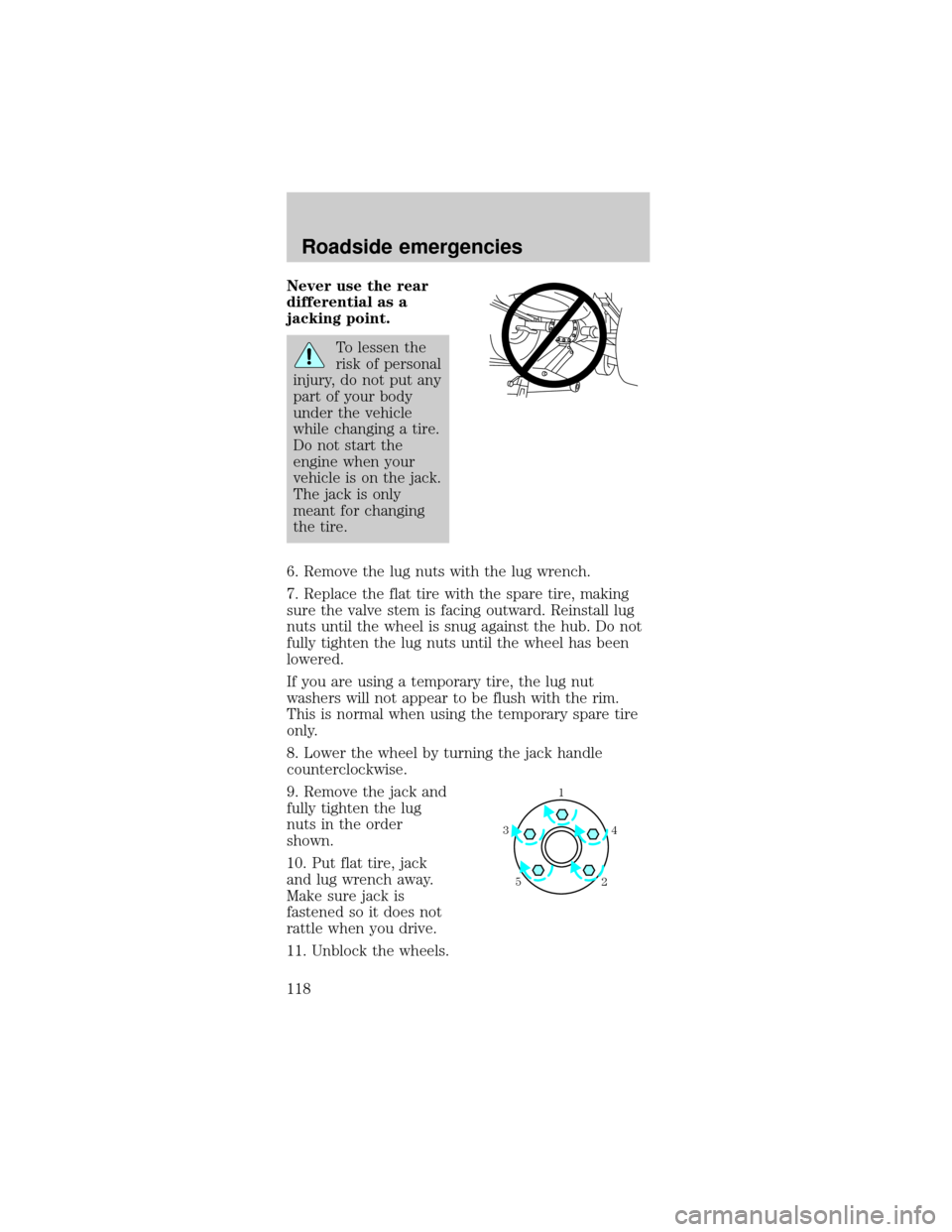
9. Remove the jack and
fully tighten the lug
nuts in the order
shown.
10. Put flat tire, jack
and lug wrench away.
Make sure jack is
fastened so it does not
rattle when you drive.
11. Unblock the wheels.
1
4 3
52
Roadside emergencies
118