ignition FORD MUSTANG 2000 4.G User Guide
[x] Cancel search | Manufacturer: FORD, Model Year: 2000, Model line: MUSTANG, Model: FORD MUSTANG 2000 4.GPages: 224, PDF Size: 1.86 MB
Page 29 of 224
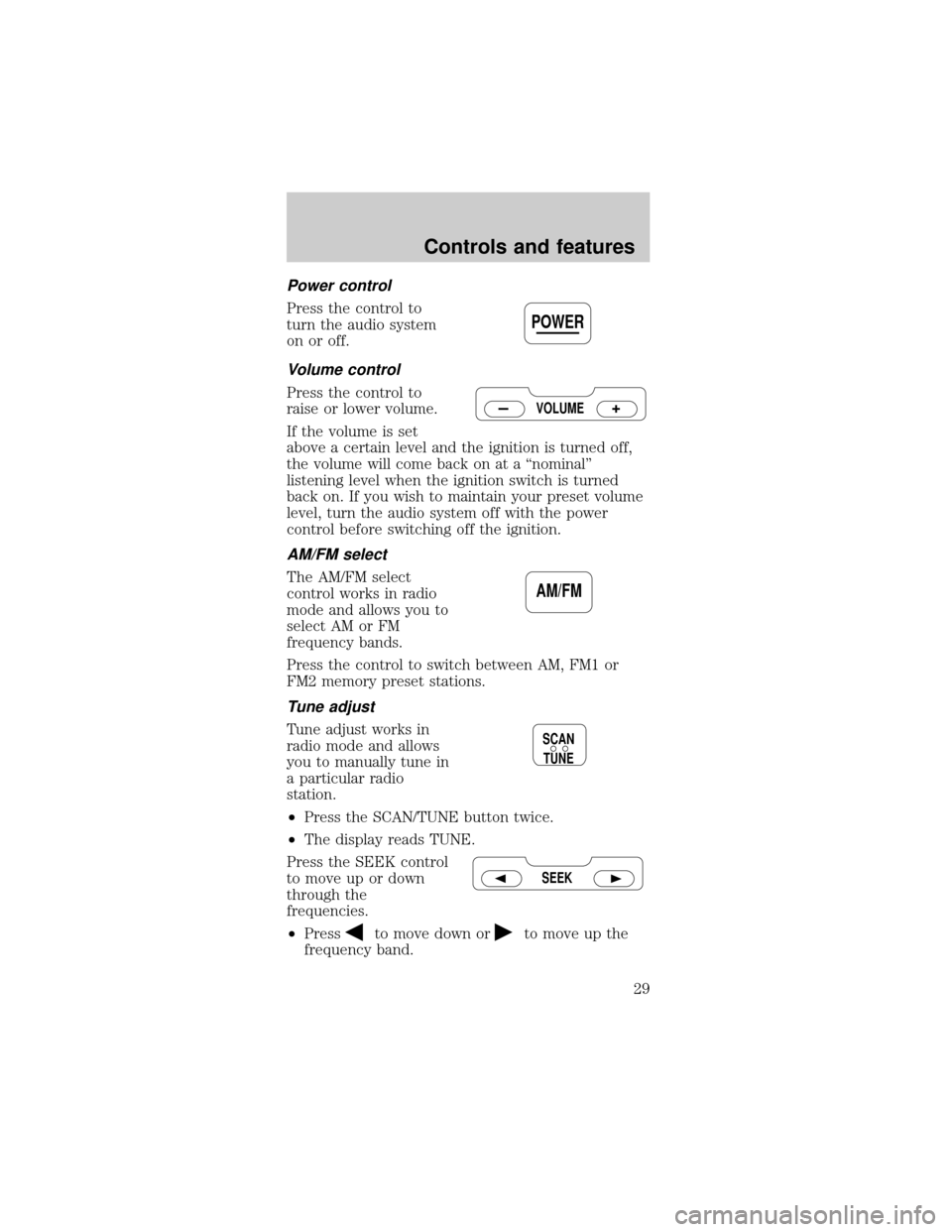
Power control
Press the control to
turn the audio system
on or off.
Volume control
Press the control to
raise or lower volume.
If the volume is set
above a certain level and the ignition is turned off,
the volume will come back on at a ªnominalº
listening level when the ignition switch is turned
back on. If you wish to maintain your preset volume
level, turn the audio system off with the power
control before switching off the ignition.
AM/FM select
The AM/FM select
control works in radio
mode and allows you to
select AM or FM
frequency bands.
Press the control to switch between AM, FM1 or
FM2 memory preset stations.
Tune adjust
Tune adjust works in
radio mode and allows
you to manually tune in
a particular radio
station.
²Press the SCAN/TUNE button twice.
²The display reads TUNE.
Press the SEEK control
to move up or down
through the
frequencies.
²Press
to move down orto move up the
frequency band.
POWER
VOLUME
AM/FM
SCAN
TUNE
SEEK
Controls and features
29
Page 41 of 224
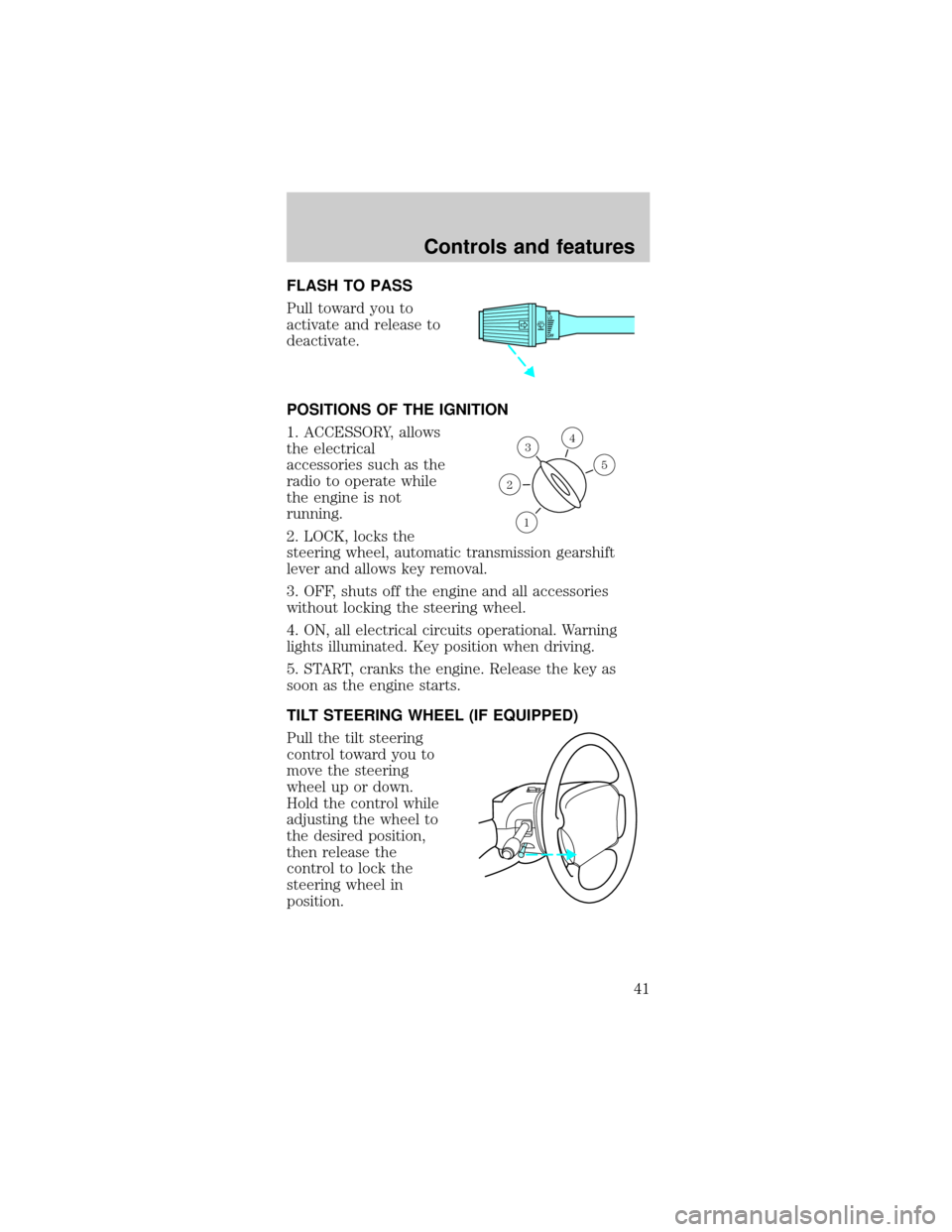
FLASH TO PASS
Pull toward you to
activate and release to
deactivate.
POSITIONS OF THE IGNITION
1. ACCESSORY, allows
the electrical
accessories such as the
radio to operate while
the engine is not
running.
2. LOCK, locks the
steering wheel, automatic transmission gearshift
lever and allows key removal.
3. OFF, shuts off the engine and all accessories
without locking the steering wheel.
4. ON, all electrical circuits operational. Warning
lights illuminated. Key position when driving.
5. START, cranks the engine. Release the key as
soon as the engine starts.
TILT STEERING WHEEL (IF EQUIPPED)
Pull the tilt steering
control toward you to
move the steering
wheel up or down.
Hold the control while
adjusting the wheel to
the desired position,
then release the
control to lock the
steering wheel in
position.
OFFHI
LO
3
1
2
5
4
Controls and features
41
Page 42 of 224
Never adjust the steering wheel when the
vehicle is moving.
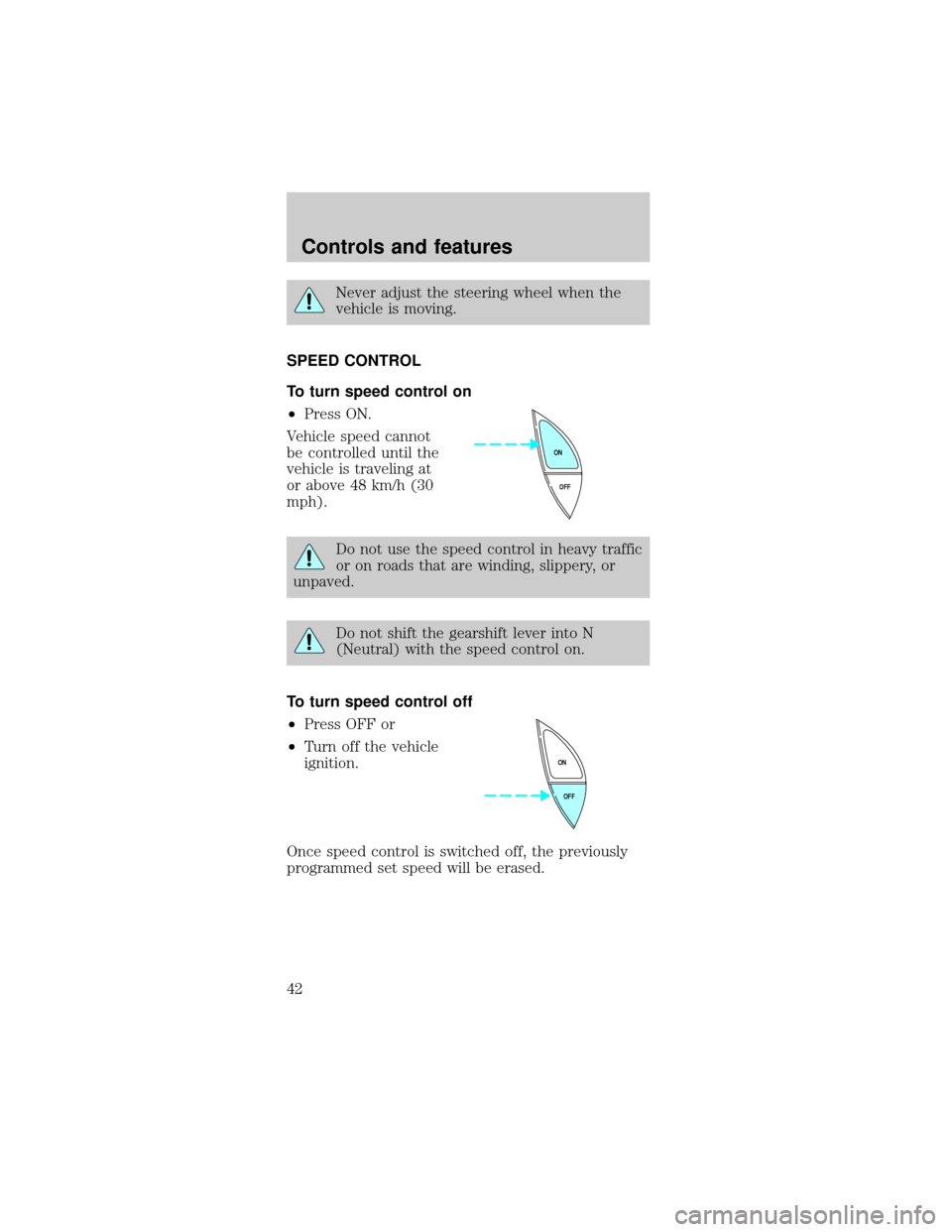
SPEED CONTROL
To turn speed control on
²Press ON.
Vehicle speed cannot
be controlled until the
vehicle is traveling at
or above 48 km/h (30
mph).
Do not use the speed control in heavy traffic
or on roads that are winding, slippery, or
unpaved.
Do not shift the gearshift lever into N
(Neutral) with the speed control on.
To turn speed control off
²Press OFF or
²Turn off the vehicle
ignition.
Once speed control is switched off, the previously
programmed set speed will be erased.
OFF ON
OFF ON
Controls and features
42
Page 53 of 224
The transmission will operate in all gears except
overdrive. To return to normal overdrive mode, press
the Transmission Control Switch again. The O/D
OFF indicator light will no longer be illuminated.
When you shut off and re-start your vehicle, the
transmission will automatically return to normal
(Overdrive) mode.
For additional information about the gearshift and
the transmission control switch operation refer to
theAutomatic Transmission Operationsection of
theDrivingchapter.
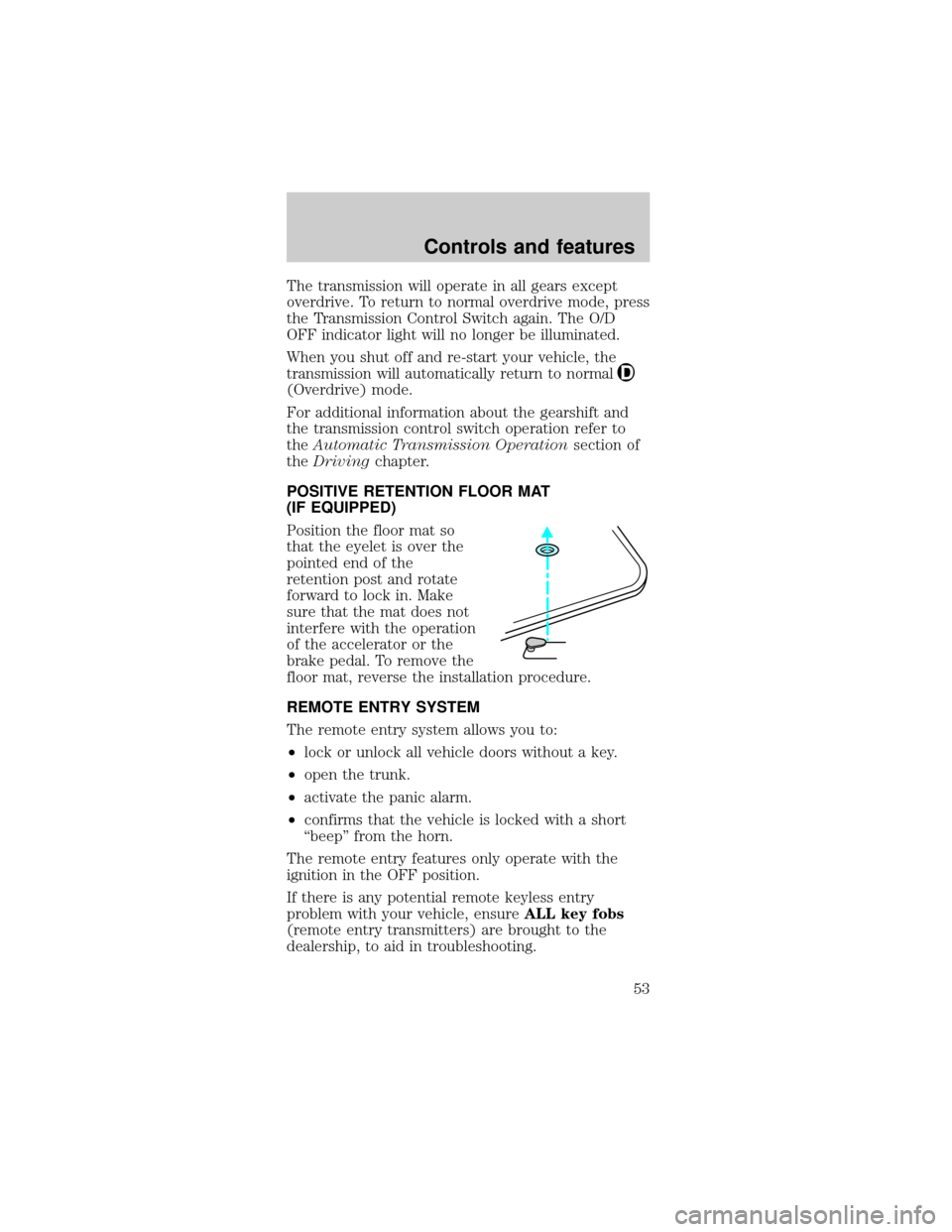
POSITIVE RETENTION FLOOR MAT
(IF EQUIPPED)
Position the floor mat so
that the eyelet is over the
pointed end of the
retention post and rotate
forward to lock in. Make
sure that the mat does not
interfere with the operation
of the accelerator or the
brake pedal. To remove the
floor mat, reverse the installation procedure.
REMOTE ENTRY SYSTEM
The remote entry system allows you to:
²lock or unlock all vehicle doors without a key.
²open the trunk.
²activate the panic alarm.
²confirms that the vehicle is locked with a short
ªbeepº from the horn.
The remote entry features only operate with the
ignition in the OFF position.
If there is any potential remote keyless entry
problem with your vehicle, ensureALL key fobs
(remote entry transmitters) are brought to the
dealership, to aid in troubleshooting.
Controls and features
53
Page 55 of 224
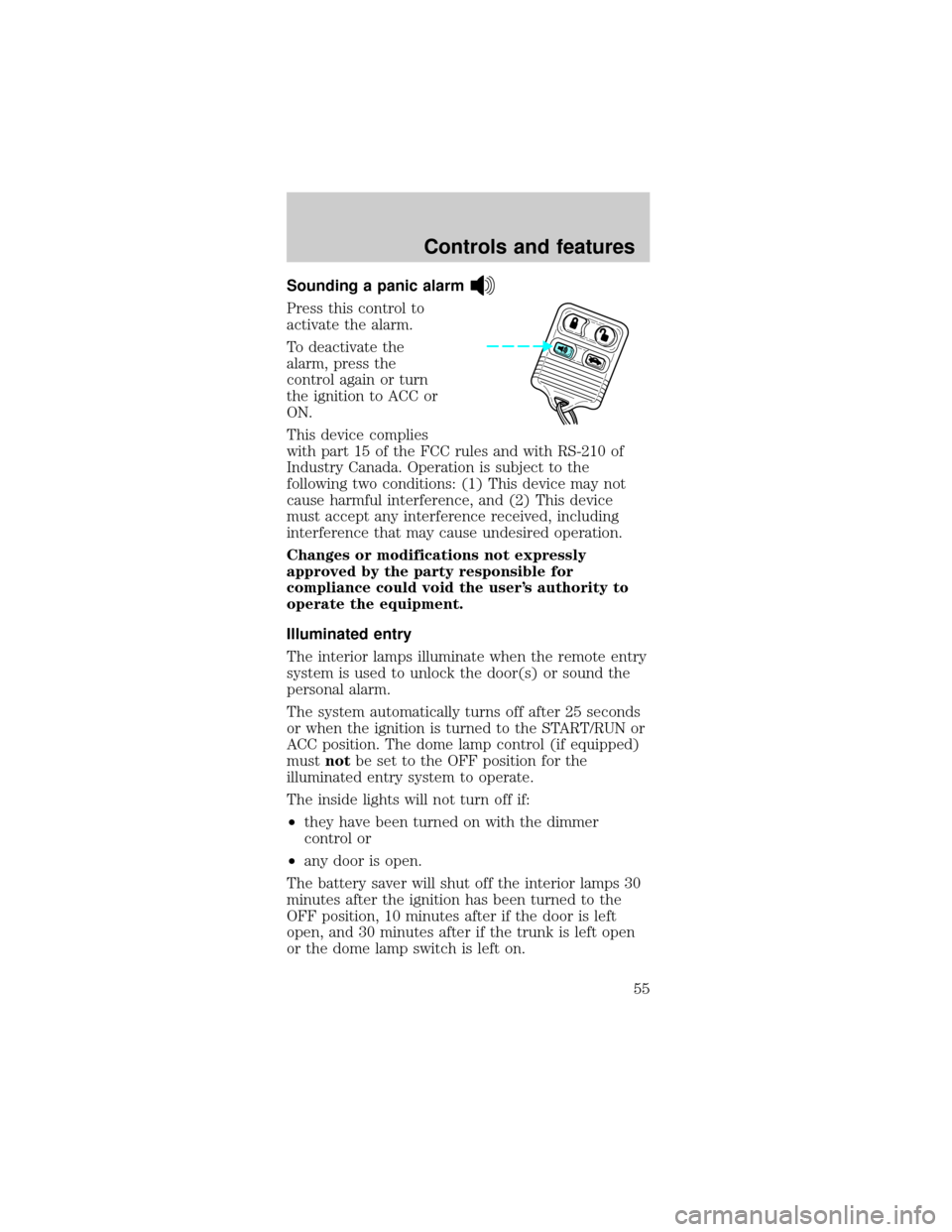
Sounding a panic alarm
Press this control to
activate the alarm.
To deactivate the
alarm, press the
control again or turn
the ignition to ACC or
ON.
This device complies
with part 15 of the FCC rules and with RS-210 of
Industry Canada. Operation is subject to the
following two conditions: (1) This device may not
cause harmful interference, and (2) This device
must accept any interference received, including
interference that may cause undesired operation.
Changes or modifications not expressly
approved by the party responsible for
compliance could void the user's authority to
operate the equipment.
Illuminated entry
The interior lamps illuminate when the remote entry
system is used to unlock the door(s) or sound the
personal alarm.
The system automatically turns off after 25 seconds
or when the ignition is turned to the START/RUN or
ACC position. The dome lamp control (if equipped)
mustnotbe set to the OFF position for the
illuminated entry system to operate.
The inside lights will not turn off if:
²they have been turned on with the dimmer
control or
²any door is open.
The battery saver will shut off the interior lamps 30
minutes after the ignition has been turned to the
OFF position, 10 minutes after if the door is left
open, and 30 minutes after if the trunk is left open
or the dome lamp switch is left on.
Controls and features
55
Page 56 of 224
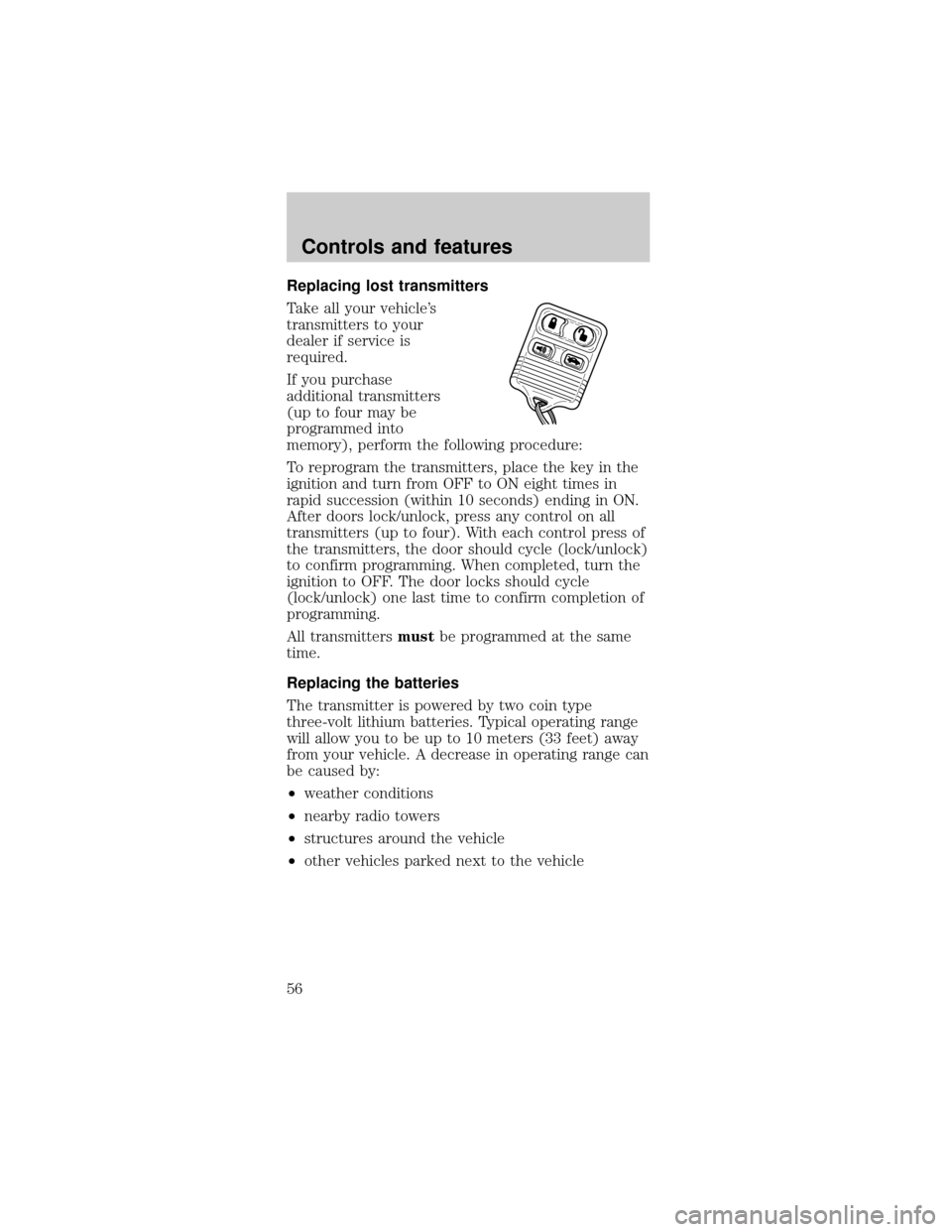
Replacing lost transmitters
Take all your vehicle's
transmitters to your
dealer if service is
required.
If you purchase
additional transmitters
(up to four may be
programmed into
memory), perform the following procedure:
To reprogram the transmitters, place the key in the
ignition and turn from OFF to ON eight times in
rapid succession (within 10 seconds) ending in ON.
After doors lock/unlock, press any control on all
transmitters (up to four). With each control press of
the transmitters, the door should cycle (lock/unlock)
to confirm programming. When completed, turn the
ignition to OFF. The door locks should cycle
(lock/unlock) one last time to confirm completion of
programming.
All transmittersmustbe programmed at the same
time.
Replacing the batteries
The transmitter is powered by two coin type
three-volt lithium batteries. Typical operating range
will allow you to be up to 10 meters (33 feet) away
from your vehicle. A decrease in operating range can
be caused by:
²weather conditions
²nearby radio towers
²structures around the vehicle
²other vehicles parked next to the vehicle
Controls and features
56
Page 58 of 224

used to purchase gasoline or similar items on the
same key ring as the PATS ignition key may cause
vehicle starting problems. If present, you need to
keep these objects from touching the PATS ignition
key while starting the engine. These objects cannot
damage the PATS ignition key, but can cause a
momentary problem if they are too close to the key
during engine start. If a problem occurs, turn the
ignition OFF and restart the engine with all other
objects on the key ring held away from the ignition
key. Check to make sure the encoded ignition key is
an approved Ford encoded ignition key.
Spare SecuriLockykeys can be purchased from
your dealership and programmed to your
SecuriLockypassive anti-theft system. Refer to
Programming spare SecuriLockykeysfor more
information.
If one or both of your SecuriLockykeys are lost or
stolen and you want to ensure the lost or stolen key
will not operate your vehicle, bring your vehicle and
all available SecuriLockykeys to your dealership for
reinitialization.
Theft indicator
The theft indicator on the instrument cluster will
operate as follows:
²When the ignition is OFF, the theft indicator will
flash briefly every two seconds to indicate the
SecuriLockysystem is protecting your vehicle.
²When the ignition is turned to ON or START, the
theft indicator will light for three seconds and
then go out. If the theft indicator stays on for an
extended period of time or flashes rapidly, have
the system serviced by your dealership or a
qualified technician.
Programming spare SecuriLockYkeys
Spare SecuriLockykeys can be purchased from
your dealership and programmed to your
SecuriLockypassive anti-theft system (up to a total
Controls and features
58
Page 59 of 224

of eight keys). Your dealership can program your
new SecuriLockykey(s) to your vehicle or you can
do it yourself using the following simple procedure.
To program a new SecuriLockykey yourself, you
will need two previously programmed SecuriLocky
keys (keys that already operate your vehicle's
engine). If two previously programmed SecuriLocky
keys are not available (one or both of your original
keys were lost or stolen), you must bring your
vehicle to your dealership to have the spare
SecuriLockykey(s) programmed.
Procedure to program spare SecuriLockYkeys
to your vehicle
New SecuriLockykeys must have the correct
mechanical key cut for your vehicle.
Conventional (non-SecuriLocky) keyscannotbe
programmed to your vehicle.
You will need to have two previously programmed
SecuriLockykeys and the new unprogrammed
SecuriLockykey readily accessible for the
procedure. Please read and understand the entire
procedure before you begin.
1. Insert the first previously programmed
SecuriLockykey into the ignition and turn the
ignition from OFF to ON (maintain ignition in ON
for at least one second).
2. Turn ignition to OFF and remove the first
SecuriLockykey from the ignition.
3. Within five seconds of turning the ignition to OFF,
insert the second previously programmed
SecuriLockykey into the ignition and turn the
ignition from OFF to ON (maintain ignition in ON
for at least one second but no more than five
seconds).
4. Turn the ignition to OFF and remove the second
SecuriLockykey from the ignition.
5. Within 10 seconds of turning the ignition to OFF,
insert the unprogrammed SecuriLockykey (new
Controls and features
59
Page 60 of 224

key/valet key) into the ignition and turn the ignition
from OFF to ON (maintain ignition in ON for at least
one second). This step will program your new
SecuriLockykey.
6. To program additional SecuriLockykey(s), repeat
this procedure from step 1.
If the programming procedure was successful, the
new SecuriLockykey(s) will start the vehicle's
engine. The theft indicator (located on the
instrument cluster) will light for three seconds and
then go out.
If the programming procedure was not successful,
the new SecuriLockykey(s) will not operate the
vehicle's engine. The theft indicator will flash on and
off. Wait at least one minute and then repeat the
procedure from step 1. If failure repeats, bring your
vehicle to your dealership to have the spare
SecuriLockykey(s) programmed.
INTERIOR LUGGAGE COMPARTMENT
RELEASE (IF EQUIPPED)
Your vehicle is equipped with a mechanical interior
luggage compartment release handle that provides a
means of escape for children and adults in the event
they become locked inside the luggage
compartment.
Adults are advised to familiarize themselves with the
operation and location of the release handle.
Controls and features
60
Page 70 of 224
Safety belt extension assembly
If the safety belt assembly is too short, even when
fully extended, 20 cm (8 inches) can be added to
the safety belt assembly by adding a safety belt
extension assembly (part number 611C22). Safety
belt extension assemblies can be obtained from your
dealer at no cost.
Use only extensions manufactured by the same
supplier as the safety belt. Manufacturer
identification is located at the end of the webbing on
the label. Also, use the safety belt extension only if
the safety belt is too short for you when fully
extended. Do not use extensions to change the fit of
the shoulder belt across the torso.
Safety belt warning light and indicator
chime
The seat belt warning light illuminates in the
instrument cluster and a chime sounds to remind
the occupants to fasten their safety belts.
Conditions of operation
If... Then...
The driver's safety belt is not
buckled before the ignition
switch is turned to the ON
position...The safety belt warning light
illuminates1-2 minutes and
the warning chime sounds
4-8 seconds.
The driver's safety belt is
buckled while the indicator
light is illuminated and the
warning chime is sounding...The safety belt warning light
and warning chime turn off.
The driver's safety belt is
buckled before the ignition
switch is turned to the ON
position...The safety belt warning light
will turn on for 3 seconds
and then turn off. The
indicator chime will remain
off.
Seating and safety restraints
70