fuel FORD MUSTANG 2001 4.G User Guide
[x] Cancel search | Manufacturer: FORD, Model Year: 2001, Model line: MUSTANG, Model: FORD MUSTANG 2001 4.GPages: 240, PDF Size: 2.11 MB
Page 111 of 240
Always set the parking brake fully and make
sure that the gearshift is securely latched in
P (Park) (automatic transmission) or in 1 (First
Gear) (manual transmission).
The parking brake is not recommended to stop a
moving vehicle. However, if the normal brakes fail,
the parking brake can be used to stop your vehicle
in an emergency. Since the parking brake applies
only the rear brakes, the vehicle's stopping distance
will increase greatly and the handling of your vehicle
will be adversely affected.
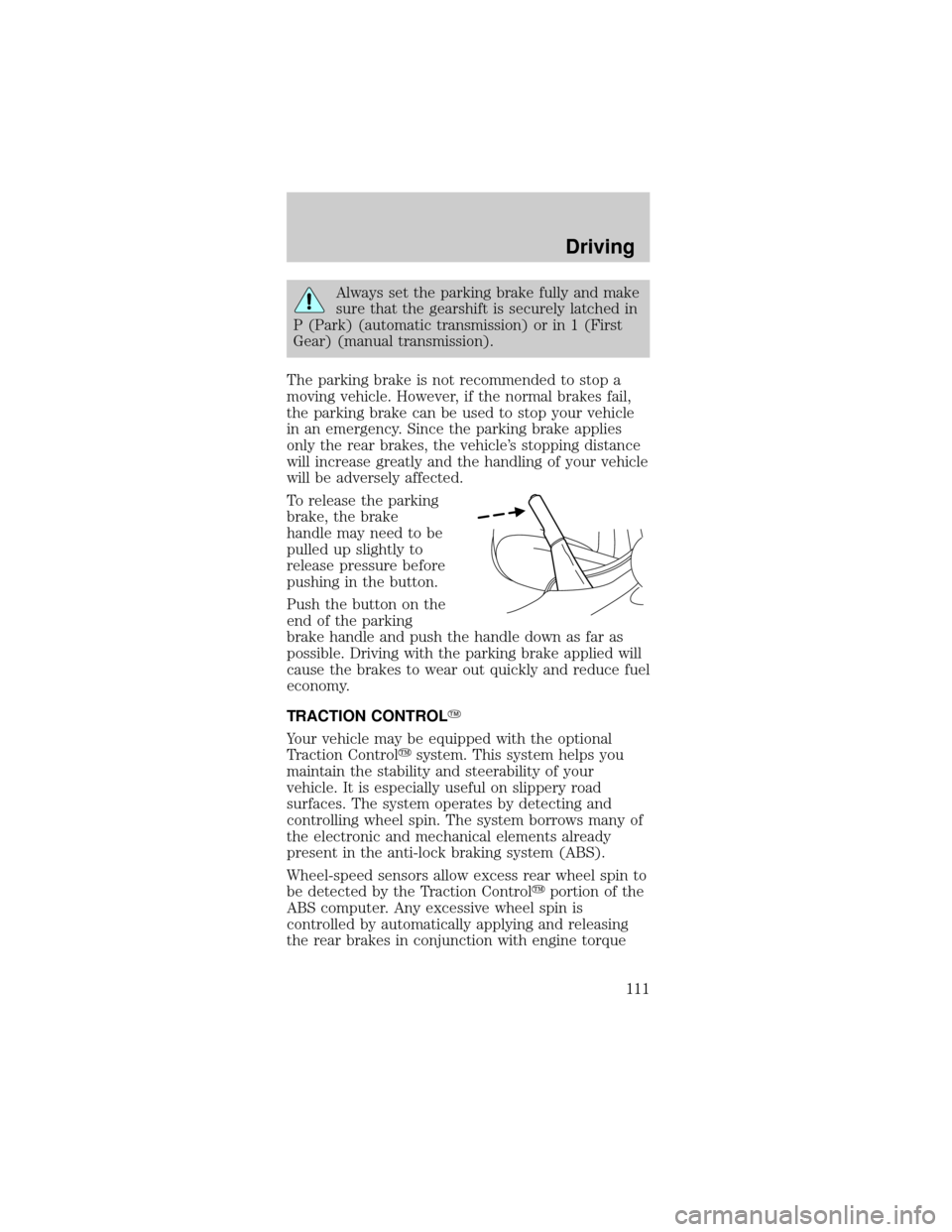
To release the parking
brake, the brake
handle may need to be
pulled up slightly to
release pressure before
pushing in the button.
Push the button on the
end of the parking
brake handle and push the handle down as far as
possible. Driving with the parking brake applied will
cause the brakes to wear out quickly and reduce fuel
economy.
TRACTION CONTROLY
Your vehicle may be equipped with the optional
Traction Controlysystem. This system helps you
maintain the stability and steerability of your
vehicle. It is especially useful on slippery road
surfaces. The system operates by detecting and
controlling wheel spin. The system borrows many of
the electronic and mechanical elements already
present in the anti-lock braking system (ABS).
Wheel-speed sensors allow excess rear wheel spin to
be detected by the Traction Controlyportion of the
ABS computer. Any excessive wheel spin is
controlled by automatically applying and releasing
the rear brakes in conjunction with engine torque
Driving
111
Page 112 of 240
reductions. Engine torque reduction is realized via
the fully electronic spark and fuel injection systems.
This process is very sensitive to driving conditions
and very fast acting. The rear wheels ªsearchº for
optimum traction several times a second and
adjustments are made accordingly.
The Traction Controlysystem will allow your
vehicle to make better use of available traction on
slippery surfaces. The system is a driver aid which
makes your vehicle easier to handle primarily on
snow, ice covered and gravel roads.
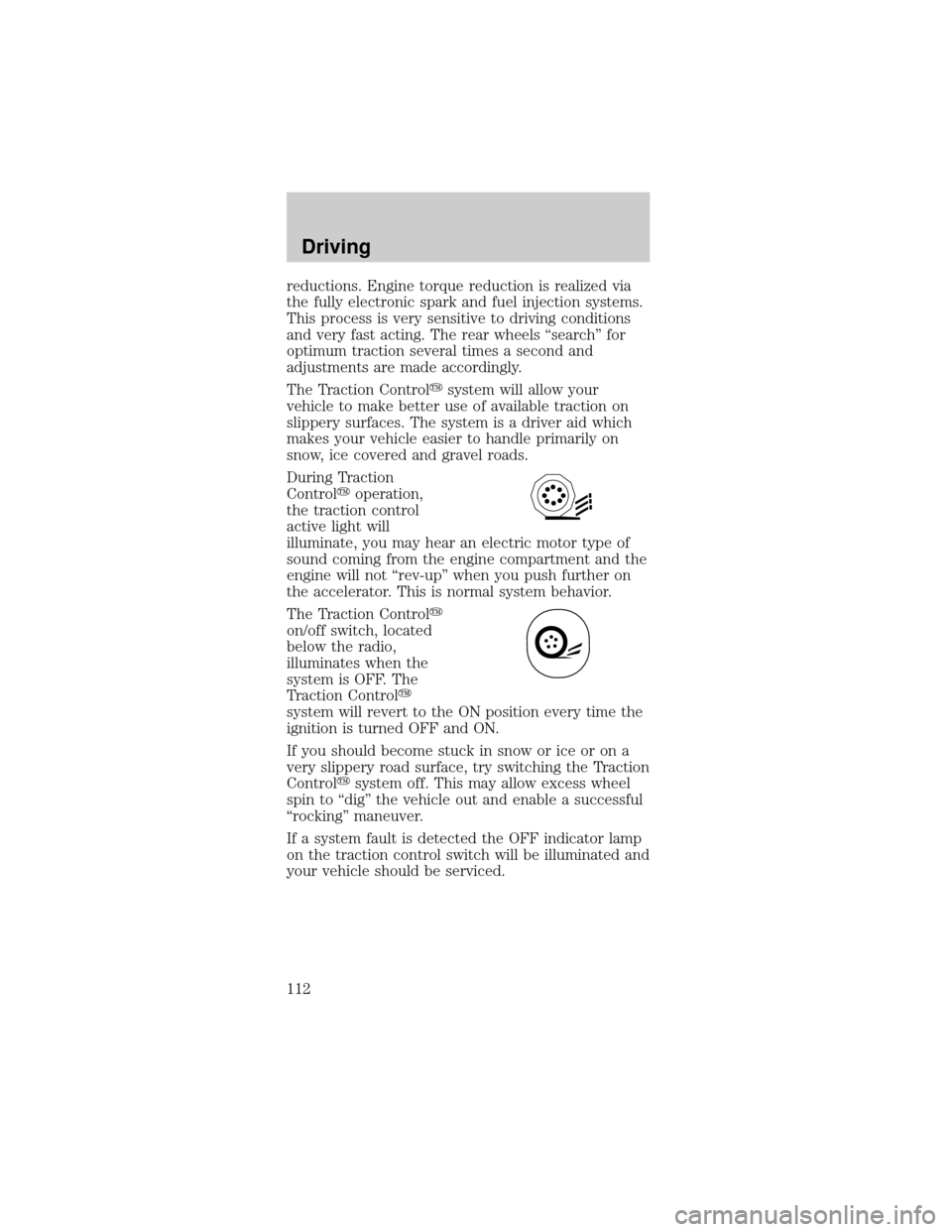
During Traction
Controlyoperation,
the traction control
active light will
illuminate, you may hear an electric motor type of
sound coming from the engine compartment and the
engine will not ªrev-upº when you push further on
the accelerator. This is normal system behavior.
The Traction Controly
on/off switch, located
below the radio,
illuminates when the
system is OFF. The
Traction Controly
system will revert to the ON position every time the
ignition is turned OFF and ON.
If you should become stuck in snow or ice or on a
very slippery road surface, try switching the Traction
Controlysystem off. This may allow excess wheel
spin to ªdigº the vehicle out and enable a successful
ªrockingº maneuver.
If a system fault is detected the OFF indicator lamp
on the traction control switch will be illuminated and
your vehicle should be serviced.
Driving
112
Page 115 of 240
Driving with an automatic overdrive
transmission with console gearshift and O/D off
switch
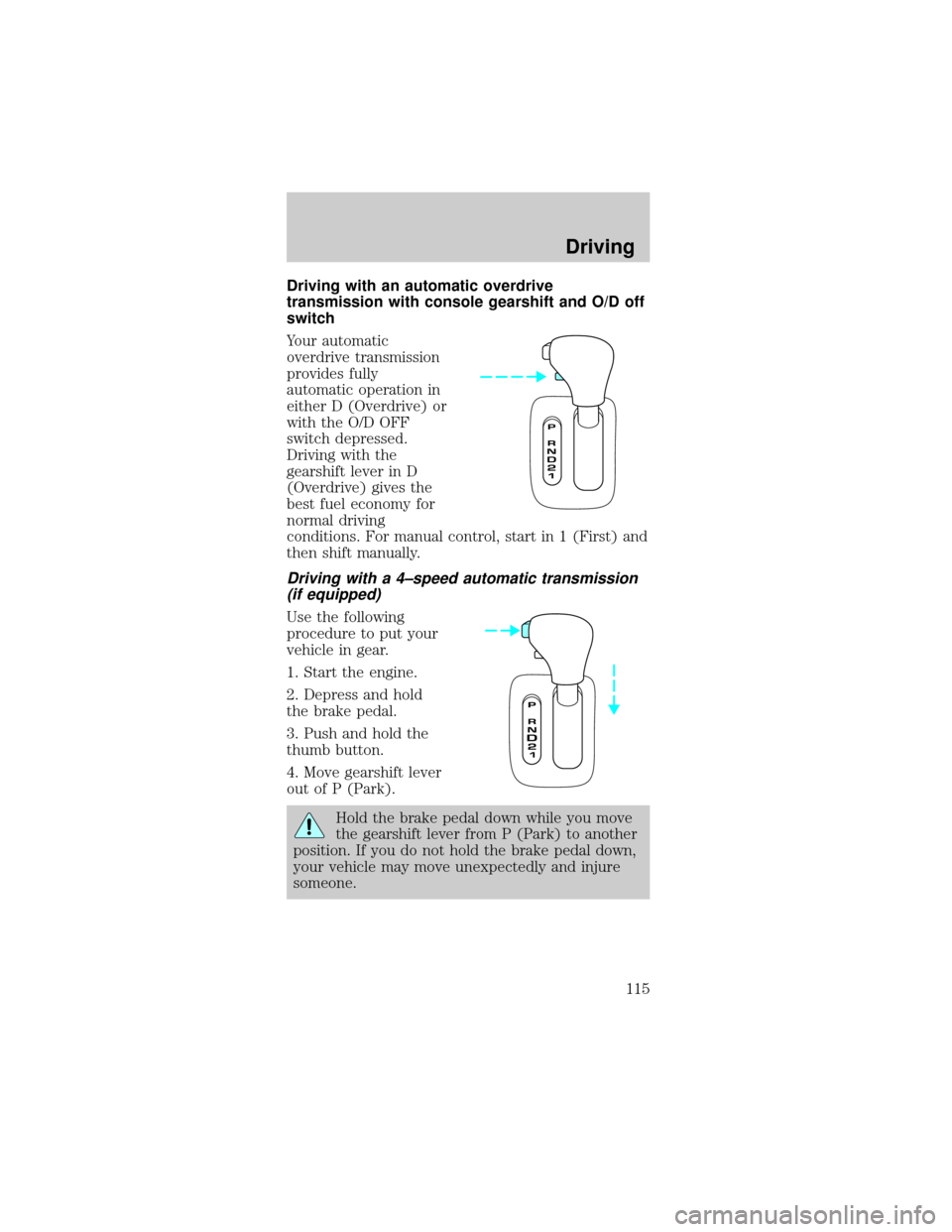
Your automatic
overdrive transmission
provides fully
automatic operation in
either D (Overdrive) or
with the O/D OFF
switch depressed.
Driving with the
gearshift lever in D
(Overdrive) gives the
best fuel economy for
normal driving
conditions. For manual control, start in 1 (First) and
then shift manually.
Driving with a 4±speed automatic transmission
(if equipped)
Use the following
procedure to put your
vehicle in gear.
1. Start the engine.
2. Depress and hold
the brake pedal.
3. Push and hold the
thumb button.
4. Move gearshift lever
out of P (Park).
Hold the brake pedal down while you move
the gearshift lever from P (Park) to another
position. If you do not hold the brake pedal down,
your vehicle may move unexpectedly and injure
someone.
Driving
115
Page 117 of 240
(Overdrive)
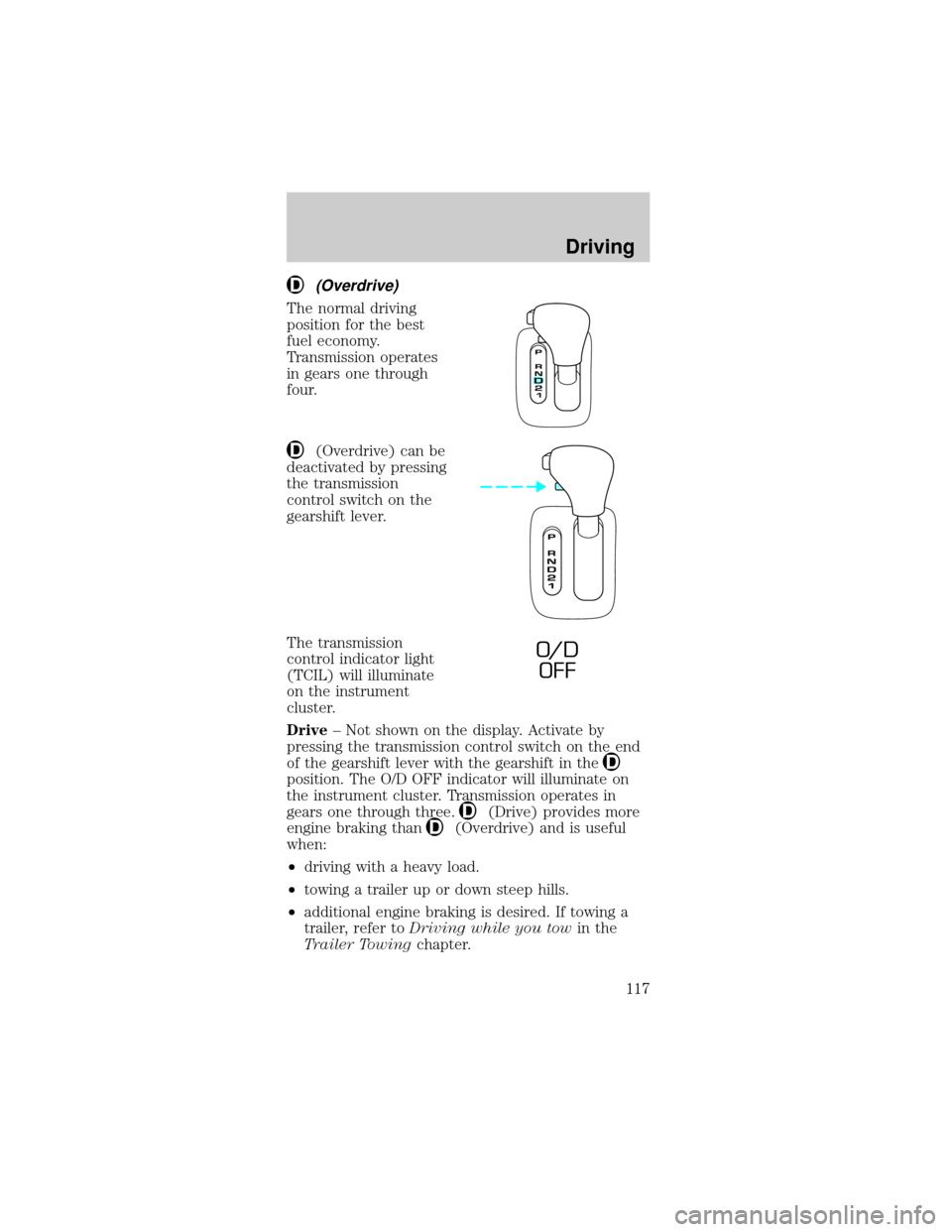
The normal driving
position for the best
fuel economy.
Transmission operates
in gears one through
four.
(Overdrive) can be
deactivated by pressing
the transmission
control switch on the
gearshift lever.
The transmission
control indicator light
(TCIL) will illuminate
on the instrument
cluster.
Drive± Not shown on the display. Activate by
pressing the transmission control switch on the end
of the gearshift lever with the gearshift in the
position. The O/D OFF indicator will illuminate on
the instrument cluster. Transmission operates in
gears one through three.
(Drive) provides more
engine braking than
(Overdrive) and is useful
when:
²driving with a heavy load.
²towing a trailer up or down steep hills.
²additional engine braking is desired. If towing a
trailer, refer toDriving while you towin the
Trailer Towingchapter.
O/ D
OFF
Driving
117
Page 120 of 240
²Do not drive with your foot resting on the clutch
pedal and do not use the clutch to hold your
vehicle at a standstill while waiting on a hill.
These actions will greatly reduce clutch life.
Recommended shift speeds
Do not downshift into 1 (first) when your
vehicle is moving faster then 24 km/h (15 mph).
This will damage the clutch.
Upshift according to the following chart:
Upshifts when accelerating
(recommended for best fuel economy)
Shift from:
1 - 2 18 km/h (11 mph)
2 - 3 31 km/h (19 mph)
3 - 4 48 km/h (30 mph)
4 - 5 64 km/h (40 mph)
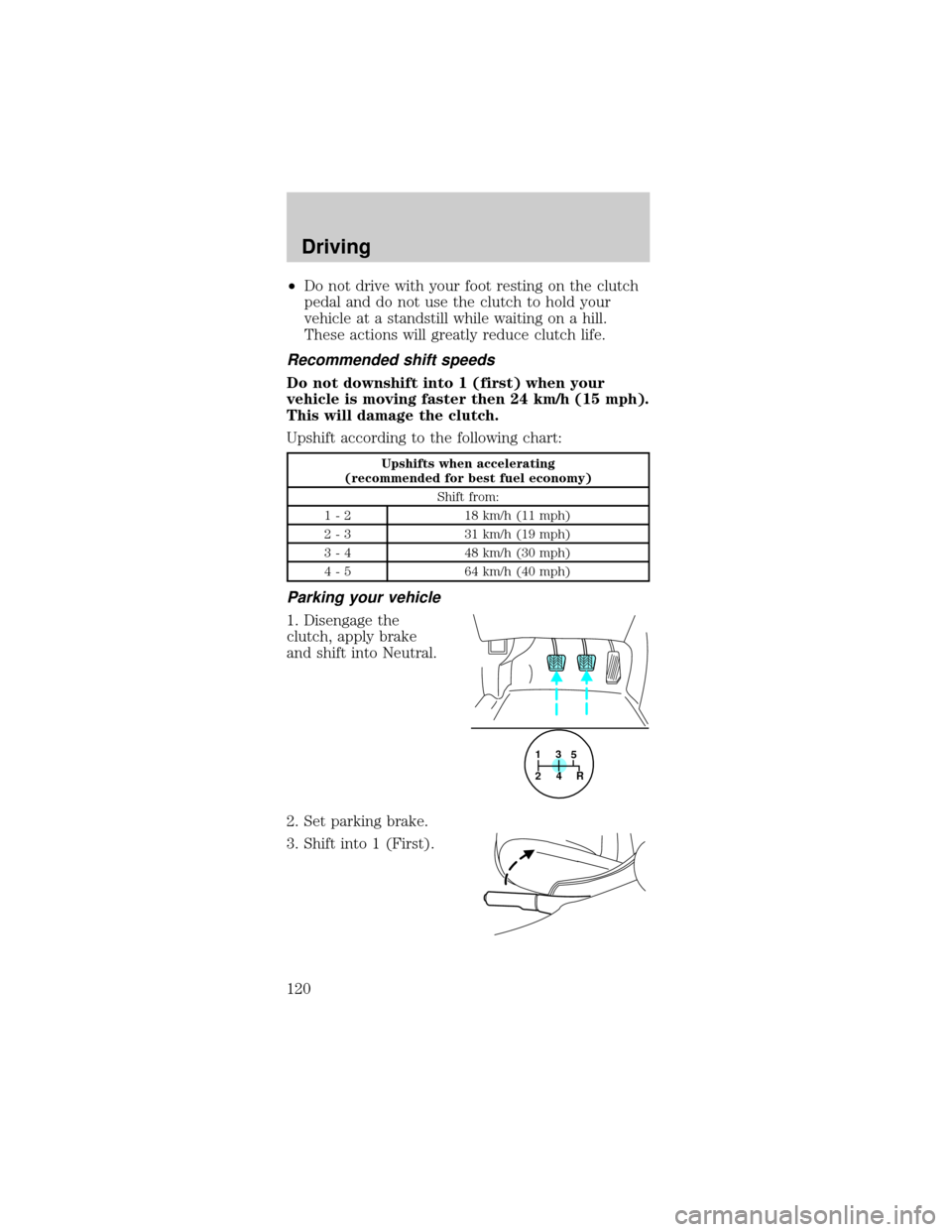
Parking your vehicle
1. Disengage the
clutch, apply brake
and shift into Neutral.
2. Set parking brake.
3. Shift into 1 (First).
1
24R3
5
Driving
120
Page 126 of 240
Do not connect a trailer's hydraulic brake
system directly to your vehicle's brake
system. Your vehicle may not have enough braking
power and your chances of having a collision
greatly increase.
The braking system of the tow vehicle is rated for
operation at the GVWR not GCWR.
Trailer lamps
Trailer lamps are required on most towed vehicles.
Make sure your trailer lamps conform to local and
Federal regulations. See your dealer or trailer rental
agency for proper instructions and equipment for
hooking up trailer lamps.
Driving while you tow
When towing a trailer:
²Ensure that you turn off your speed control. The
speed control may shut off automatically when
you are towing on long, steep grades.
²Consult your local motor vehicle speed regulations
for towing a trailer.
²Use a lower gear when towing up or down steep
hills. This will eliminate excessive downshifting
and upshifting for optimum fuel economy and
transmission cooling.
²Anticipate stops and brake gradually.
Exceeding the GCWR rating may cause internal
transmission damage and void your warranty
coverage.
Servicing after towing
If you tow a trailer for long distances, your vehicle
will require more frequent service intervals. Refer to
your scheduled maintenance guide for more
information.
Driving
126
Page 129 of 240

GETTING ROADSIDE ASSISTANCE
To fully assist you should you have a vehicle concern,
Ford offers a complimentary roadside assistance
program. This program is separate from the New
Vehicle Limited Warranty. The service is available:
²24±hours, seven days a week
²for the Basic warranty period (Canada) or New
Vehicle Limited Warranty period (U.S.) of three
years or 60 000 km (36 000 miles), whichever
comes first on Ford and Mercury vehicles, and
four years or 80 000 km (50 000 miles) on Lincoln
vehicles
Roadside assistance will cover:
²changing a flat tire
²jump-starts
²lock-out assistance
²fuel delivery
²towing of your disabled vehicle up to 56.3 kms
(35 miles) from the point of pickup (this can
include to the nearest Ford dealership, or your
selling dealer if within the specified distance.)
One tow per disablement. Even non-warranty
related tows, like accidents or getting stuck in the
mud or snow, are covered (some exclusions apply,
such as impound towing or repossession).
Using roadside assistance
Complete the roadside assistance identification card
and place it in your wallet for quick reference. In the
United States, this card is found in the Owner Guide
portfolio in the glove compartment in Ford vehicles
and is mailed to you if you own a Mercury or
Lincoln. In Canada, the card is found in the
Roadside Assistance book in the glove compartment.
To receive roadside assistance in the United States
for Ford or Mercury vehicles, call 1±800±241±3673
or if you own a Lincoln vehicle, call
1±800±521±4140. In Canada call 1±800±665±2006.
Roadside emergencies
129
Page 130 of 240
Should you need to arrange roadside assistance for
yourself, Ford will reimburse a reasonable amount.
To obtain information about reimbursement, call
1±800±241±3673 in the United States for Ford or
Mercury vehicles; or if you own a Lincoln vehicle,
call 1±800±521±4140. Call 1±800±665±2006 in
Canada.
Roadside coverage beyond basic warranty
In the United States, you may purchase additional
roadside assistance coverage beyond this period
through the Ford Auto Club by contacting your Ford
or Lincoln Mercury dealer.
Similarly in Canada, you may purchase additional
coverage beyond the basic coverage period by
consulting the Ford Roadside Assistance Club
brochure or by calling 1±877±294±CLUB
(1±877±294±2582).
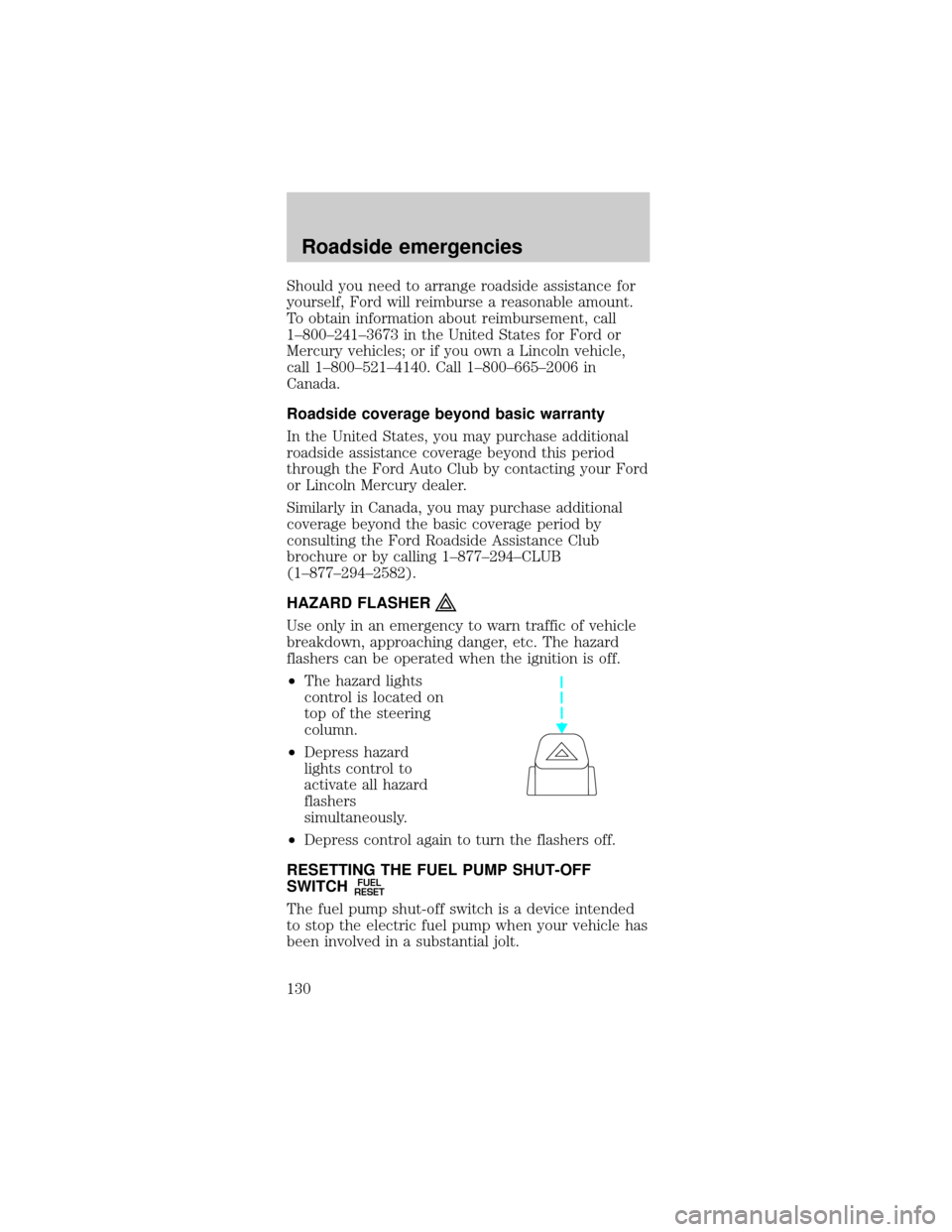
HAZARD FLASHER
Use only in an emergency to warn traffic of vehicle
breakdown, approaching danger, etc. The hazard
flashers can be operated when the ignition is off.
²The hazard lights
control is located on
top of the steering
column.
²Depress hazard
lights control to
activate all hazard
flashers
simultaneously.
²Depress control again to turn the flashers off.
RESETTING THE FUEL PUMP SHUT-OFF
SWITCH
FUEL
RESET
The fuel pump shut-off switch is a device intended
to stop the electric fuel pump when your vehicle has
been involved in a substantial jolt.
Roadside emergencies
130
Page 131 of 240
After a collision, if the engine cranks but does not
start, the fuel pump shut-off switch may have been
activated.
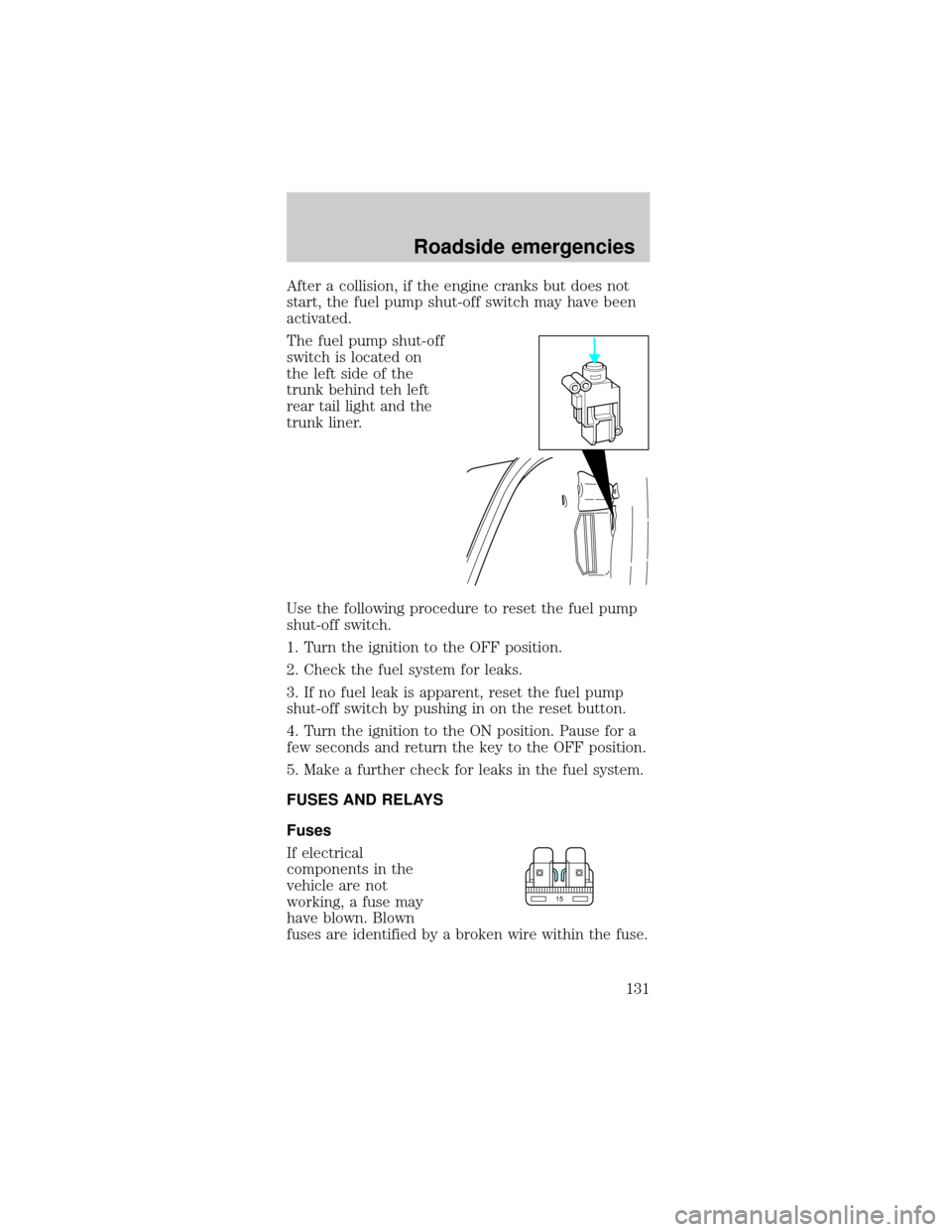
The fuel pump shut-off
switch is located on
the left side of the
trunk behind teh left
rear tail light and the
trunk liner.
Use the following procedure to reset the fuel pump
shut-off switch.
1. Turn the ignition to the OFF position.
2. Check the fuel system for leaks.
3. If no fuel leak is apparent, reset the fuel pump
shut-off switch by pushing in on the reset button.
4. Turn the ignition to the ON position. Pause for a
few seconds and return the key to the OFF position.
5. Make a further check for leaks in the fuel system.
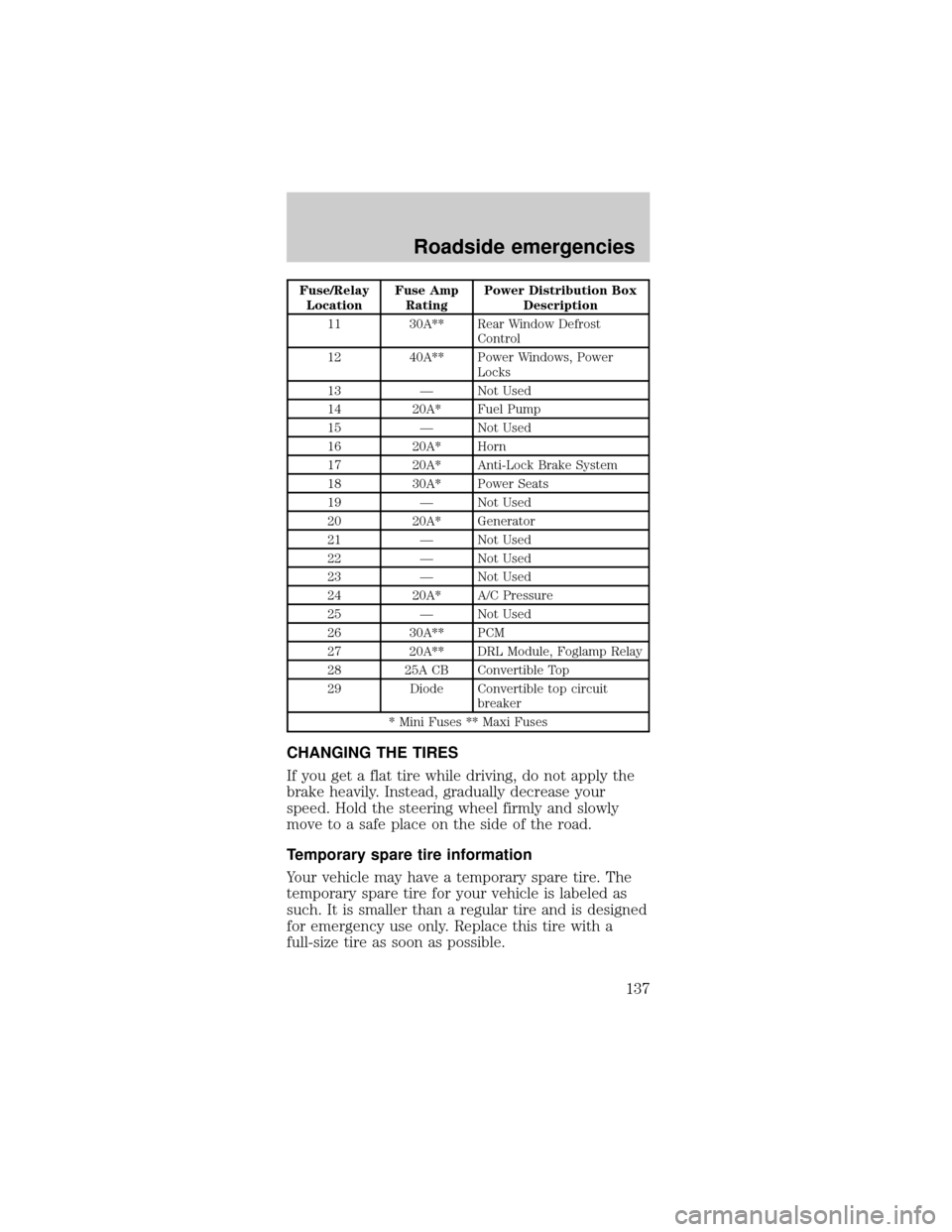
FUSES AND RELAYS
Fuses
If electrical
components in the
vehicle are not
working, a fuse may
have blown. Blown
fuses are identified by a broken wire within the fuse.
15
Roadside emergencies
131
Page 137 of 240
Fuse/Relay
LocationFuse Amp
RatingPower Distribution Box
Description
11 30A** Rear Window Defrost
Control
12 40A** Power Windows, Power
Locks
13 Ð Not Used
14 20A* Fuel Pump
15 Ð Not Used
16 20A* Horn
17 20A* Anti-Lock Brake System
18 30A* Power Seats
19 Ð Not Used
20 20A* Generator
21 Ð Not Used
22 Ð Not Used
23 Ð Not Used
24 20A* A/C Pressure
25 Ð Not Used
26 30A** PCM
27 20A** DRL Module, Foglamp Relay
28 25A CB Convertible Top
29 Diode Convertible top circuit
breaker
* Mini Fuses ** Maxi Fuses
CHANGING THE TIRES
If you get a flat tire while driving, do not apply the
brake heavily. Instead, gradually decrease your
speed. Hold the steering wheel firmly and slowly
move to a safe place on the side of the road.
Temporary spare tire information
Your vehicle may have a temporary spare tire. The
temporary spare tire for your vehicle is labeled as
such. It is smaller than a regular tire and is designed
for emergency use only. Replace this tire with a
full-size tire as soon as possible.
Roadside emergencies
137