reset FORD MUSTANG 2001 4.G User Guide
[x] Cancel search | Manufacturer: FORD, Model Year: 2001, Model line: MUSTANG, Model: FORD MUSTANG 2001 4.GPages: 240, PDF Size: 2.11 MB
Page 38 of 240
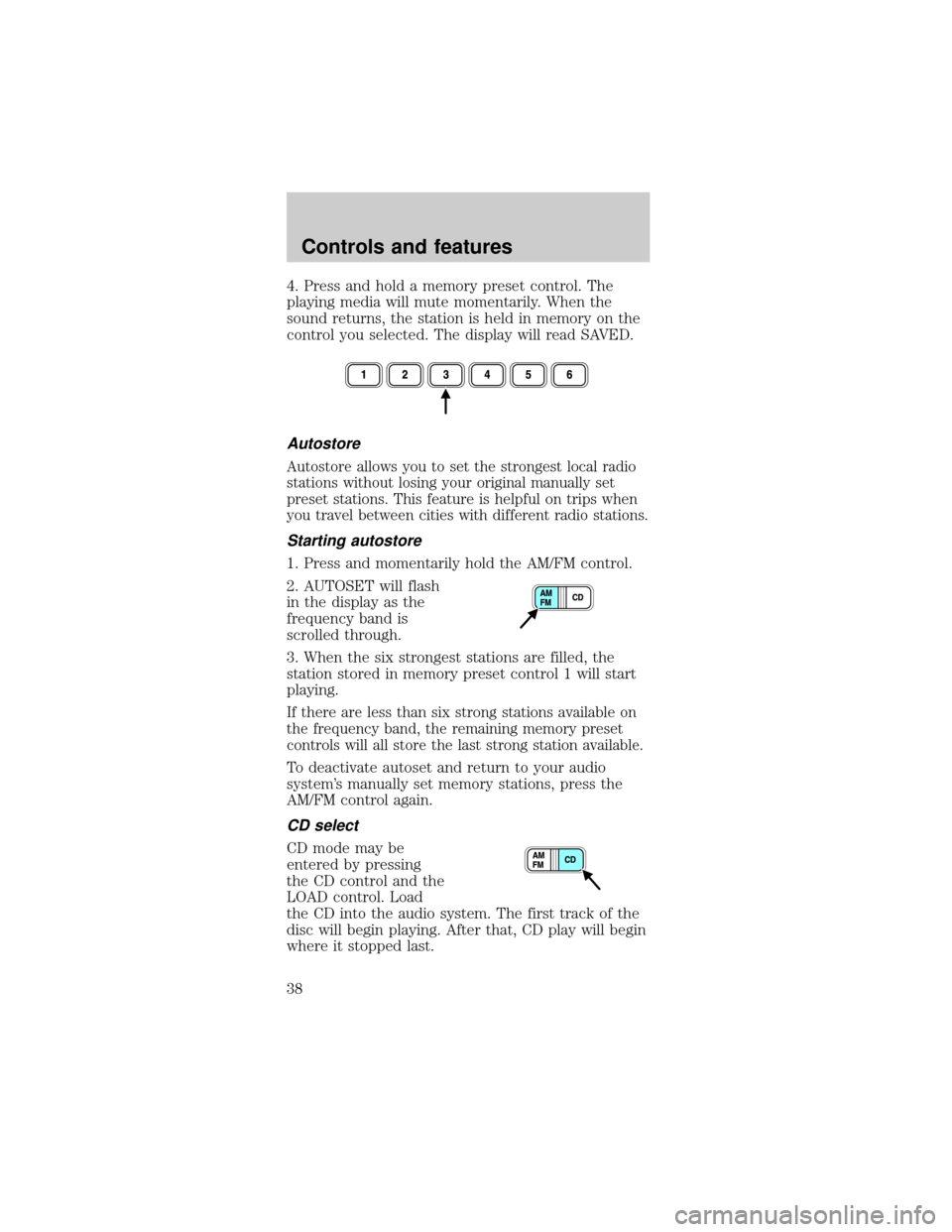
4. Press and hold a memory preset control. The
playing media will mute momentarily. When the
sound returns, the station is held in memory on the
control you selected. The display will read SAVED.
Autostore
Autostore allows you to set the strongest local radio
stations without losing your original manually set
preset stations. This feature is helpful on trips when
you travel between cities with different radio stations.
Starting autostore
1. Press and momentarily hold the AM/FM control.
2. AUTOSET will flash
in the display as the
frequency band is
scrolled through.
3. When the six strongest stations are filled, the
station stored in memory preset control 1 will start
playing.
If there are less than six strong stations available on
the frequency band, the remaining memory preset
controls will all store the last strong station available.
To deactivate autoset and return to your audio
system's manually set memory stations, press the
AM/FM control again.
CD select
CD mode may be
entered by pressing
the CD control and the
LOAD control. Load
the CD into the audio system. The first track of the
disc will begin playing. After that, CD play will begin
where it stopped last.
Controls and features
38
Page 39 of 240
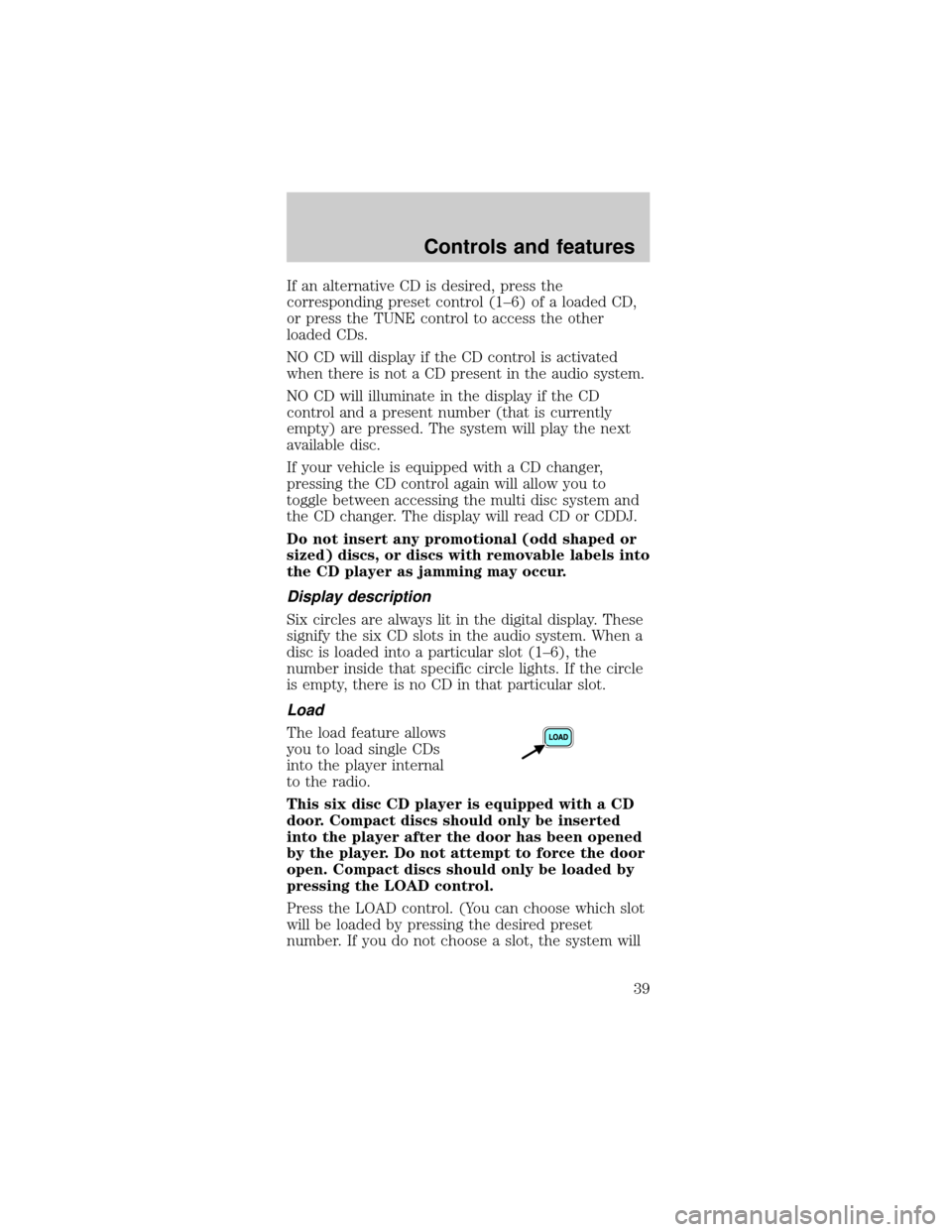
If an alternative CD is desired, press the
corresponding preset control (1±6) of a loaded CD,
or press the TUNE control to access the other
loaded CDs.
NO CD will display if the CD control is activated
when there is not a CD present in the audio system.
NO CD will illuminate in the display if the CD
control and a present number (that is currently
empty) are pressed. The system will play the next
available disc.
If your vehicle is equipped with a CD changer,
pressing the CD control again will allow you to
toggle between accessing the multi disc system and
the CD changer. The display will read CD or CDDJ.
Do not insert any promotional (odd shaped or
sized) discs, or discs with removable labels into
the CD player as jamming may occur.
Display description
Six circles are always lit in the digital display. These
signify the six CD slots in the audio system. When a
disc is loaded into a particular slot (1±6), the
number inside that specific circle lights. If the circle
is empty, there is no CD in that particular slot.
Load
The load feature allows
you to load single CDs
into the player internal
to the radio.
This six disc CD player is equipped with a CD
door. Compact discs should only be inserted
into the player after the door has been opened
by the player. Do not attempt to force the door
open. Compact discs should only be loaded by
pressing the LOAD control.
Press the LOAD control. (You can choose which slot
will be loaded by pressing the desired preset
number. If you do not choose a slot, the system will
Controls and features
39
Page 40 of 240
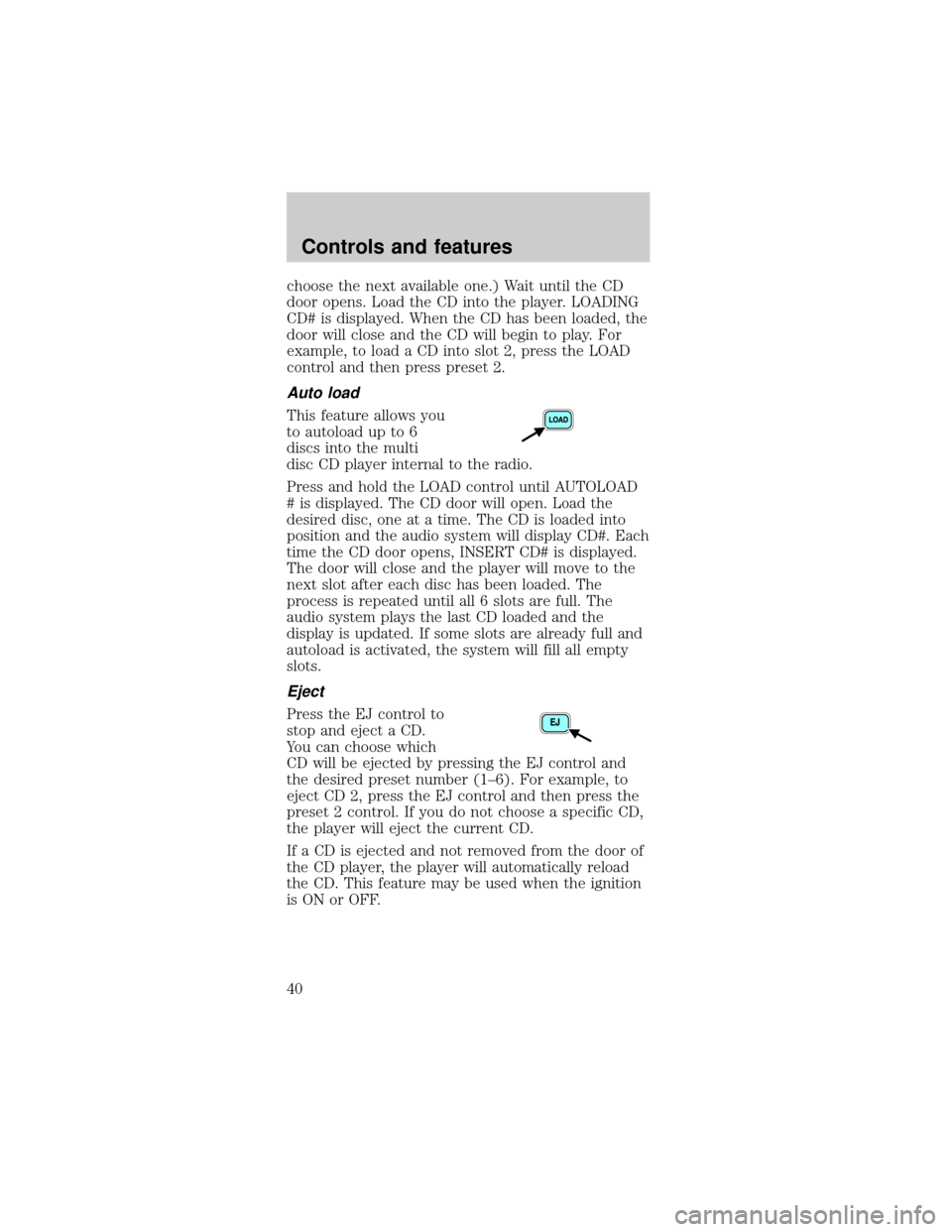
choose the next available one.) Wait until the CD
door opens. Load the CD into the player. LOADING
CD# is displayed. When the CD has been loaded, the
door will close and the CD will begin to play. For
example, to load a CD into slot 2, press the LOAD
control and then press preset 2.
Auto load
This feature allows you
to autoload up to 6
discs into the multi
disc CD player internal to the radio.
Press and hold the LOAD control until AUTOLOAD
# is displayed. The CD door will open. Load the
desired disc, one at a time. The CD is loaded into
position and the audio system will display CD#. Each
time the CD door opens, INSERT CD# is displayed.
The door will close and the player will move to the
next slot after each disc has been loaded. The
process is repeated until all 6 slots are full. The
audio system plays the last CD loaded and the
display is updated. If some slots are already full and
autoload is activated, the system will fill all empty
slots.
Eject
Press the EJ control to
stop and eject a CD.
You can choose which
CD will be ejected by pressing the EJ control and
the desired preset number (1±6). For example, to
eject CD 2, press the EJ control and then press the
preset 2 control. If you do not choose a specific CD,
the player will eject the current CD.
If a CD is ejected and not removed from the door of
the CD player, the player will automatically reload
the CD. This feature may be used when the ignition
is ON or OFF.
Controls and features
40
Page 105 of 240
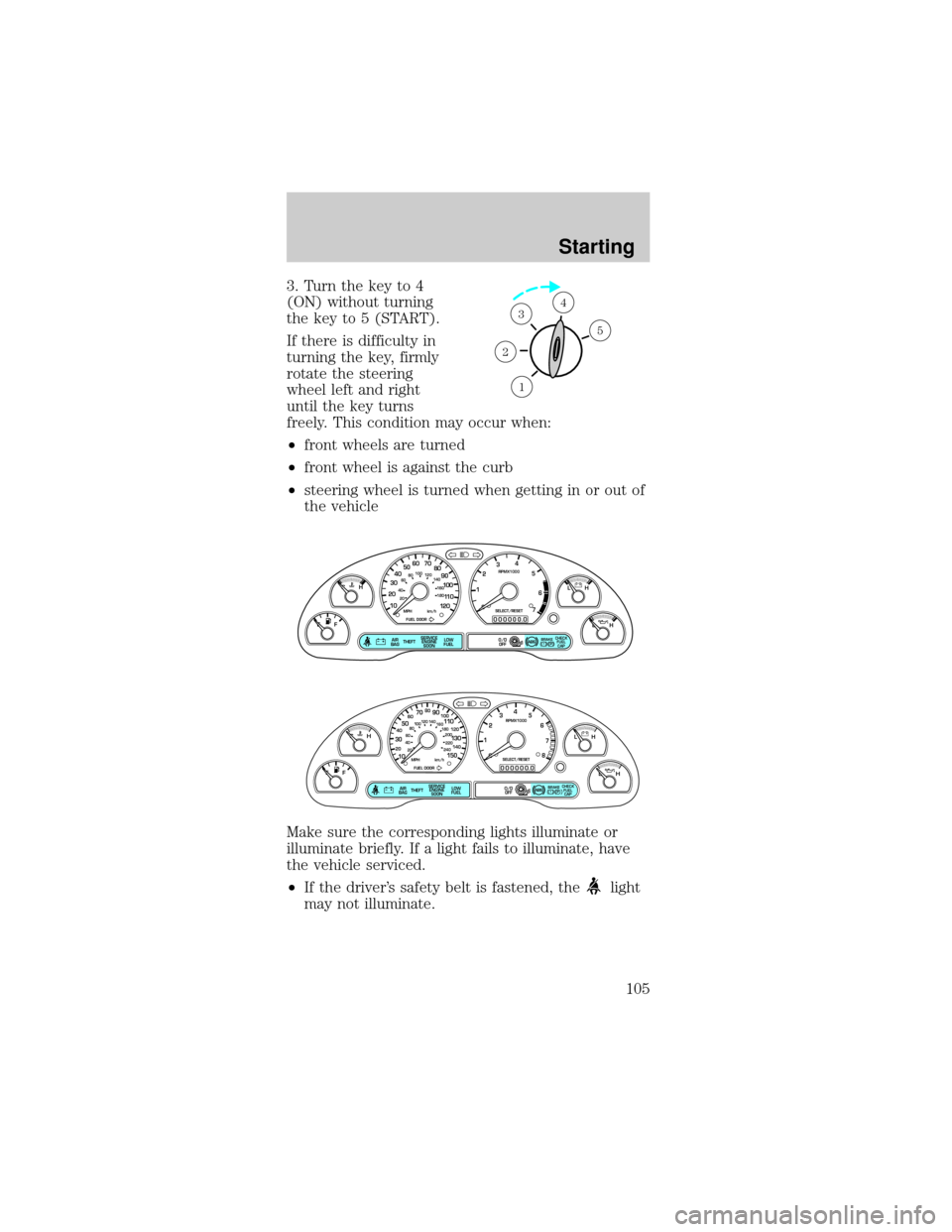
3. Turn the key to 4
(ON) without turning
the key to 5 (START).
If there is difficulty in
turning the key, firmly
rotate the steering
wheel left and right
until the key turns
freely. This condition may occur when:
²front wheels are turned
²front wheel is against the curb
²steering wheel is turned when getting in or out of
the vehicle
Make sure the corresponding lights illuminate or
illuminate briefly. If a light fails to illuminate, have
the vehicle serviced.
²If the driver's safety belt is fastened, the
light
may not illuminate.
1
2
34
5
P! BRAKE
L
0
00000 00
C
E
FH
LH
10 203020 406080100
120
140
160
180
405060 70
80
90
100
11 0
1204
5
6
7 3
2
1
H
THEFT
RPMX1000
FUEL DOORSELECT/RESET
LOW
FUELO/D
OFF AIR
BAGSERVICE
ENGINE
SOON
MPH km/h
ABS
.
CHECK
FUEL
CAP
P! BRAKE
L
0
00000 00
C
E
FH
LH
102040608020 40608010 012 0 14 0
160
180
200
220
240
100
120
140
305070 90
110
13 0
1504
5
6
7
8 3
2
1
H
THEFT
RPMX1000
FUEL DOORSELECT/RESET
LOW
FUELO/D
OFF AIR
BAGSERVICE
ENGINE
SOON
MPH km/h
ABS
.
CHECK
FUEL
CAP
Starting
105
Page 130 of 240
Should you need to arrange roadside assistance for
yourself, Ford will reimburse a reasonable amount.
To obtain information about reimbursement, call
1±800±241±3673 in the United States for Ford or
Mercury vehicles; or if you own a Lincoln vehicle,
call 1±800±521±4140. Call 1±800±665±2006 in
Canada.
Roadside coverage beyond basic warranty
In the United States, you may purchase additional
roadside assistance coverage beyond this period
through the Ford Auto Club by contacting your Ford
or Lincoln Mercury dealer.
Similarly in Canada, you may purchase additional
coverage beyond the basic coverage period by
consulting the Ford Roadside Assistance Club
brochure or by calling 1±877±294±CLUB
(1±877±294±2582).
HAZARD FLASHER
Use only in an emergency to warn traffic of vehicle
breakdown, approaching danger, etc. The hazard
flashers can be operated when the ignition is off.
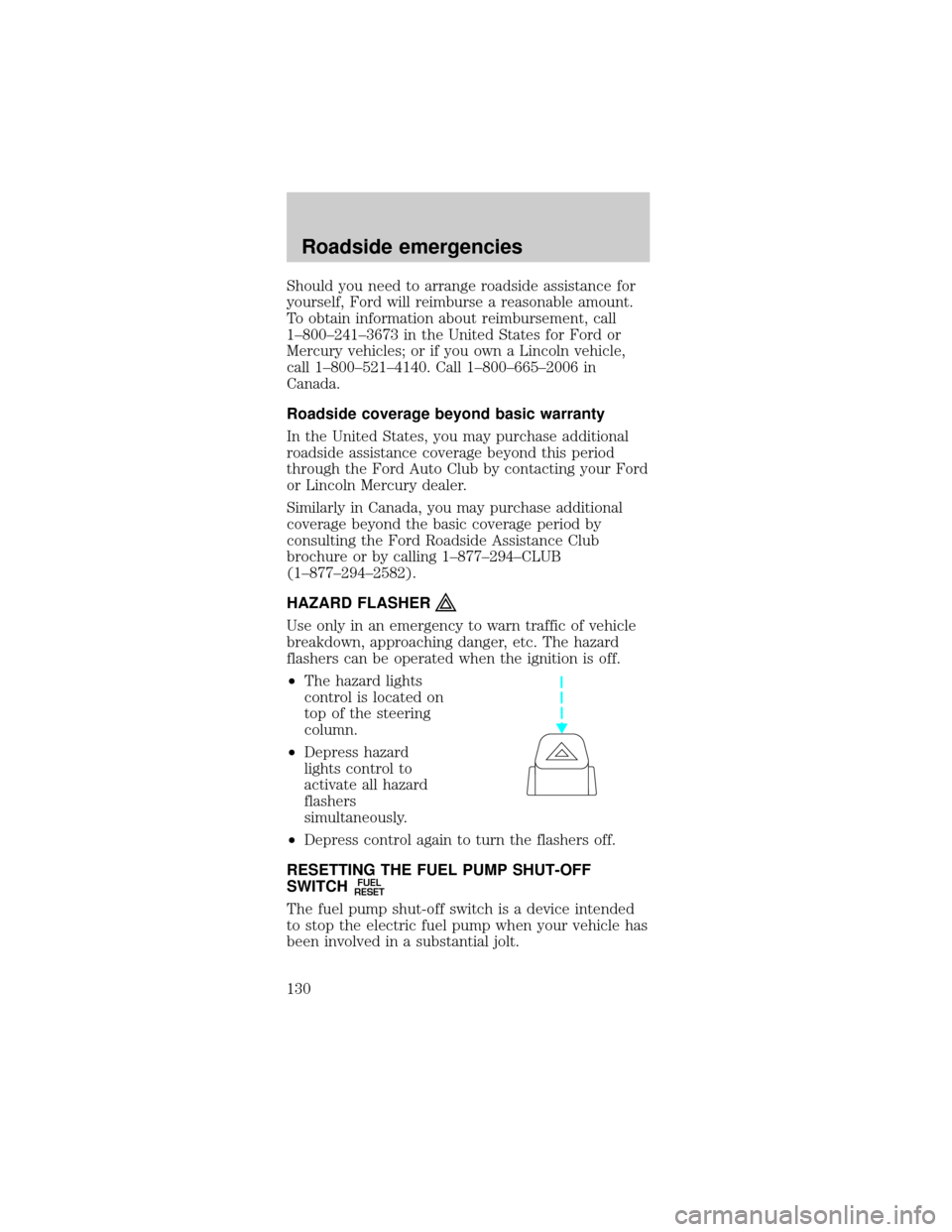
²The hazard lights
control is located on
top of the steering
column.
²Depress hazard
lights control to
activate all hazard
flashers
simultaneously.
²Depress control again to turn the flashers off.
RESETTING THE FUEL PUMP SHUT-OFF
SWITCH
FUEL
RESET
The fuel pump shut-off switch is a device intended
to stop the electric fuel pump when your vehicle has
been involved in a substantial jolt.
Roadside emergencies
130
Page 131 of 240
After a collision, if the engine cranks but does not
start, the fuel pump shut-off switch may have been
activated.
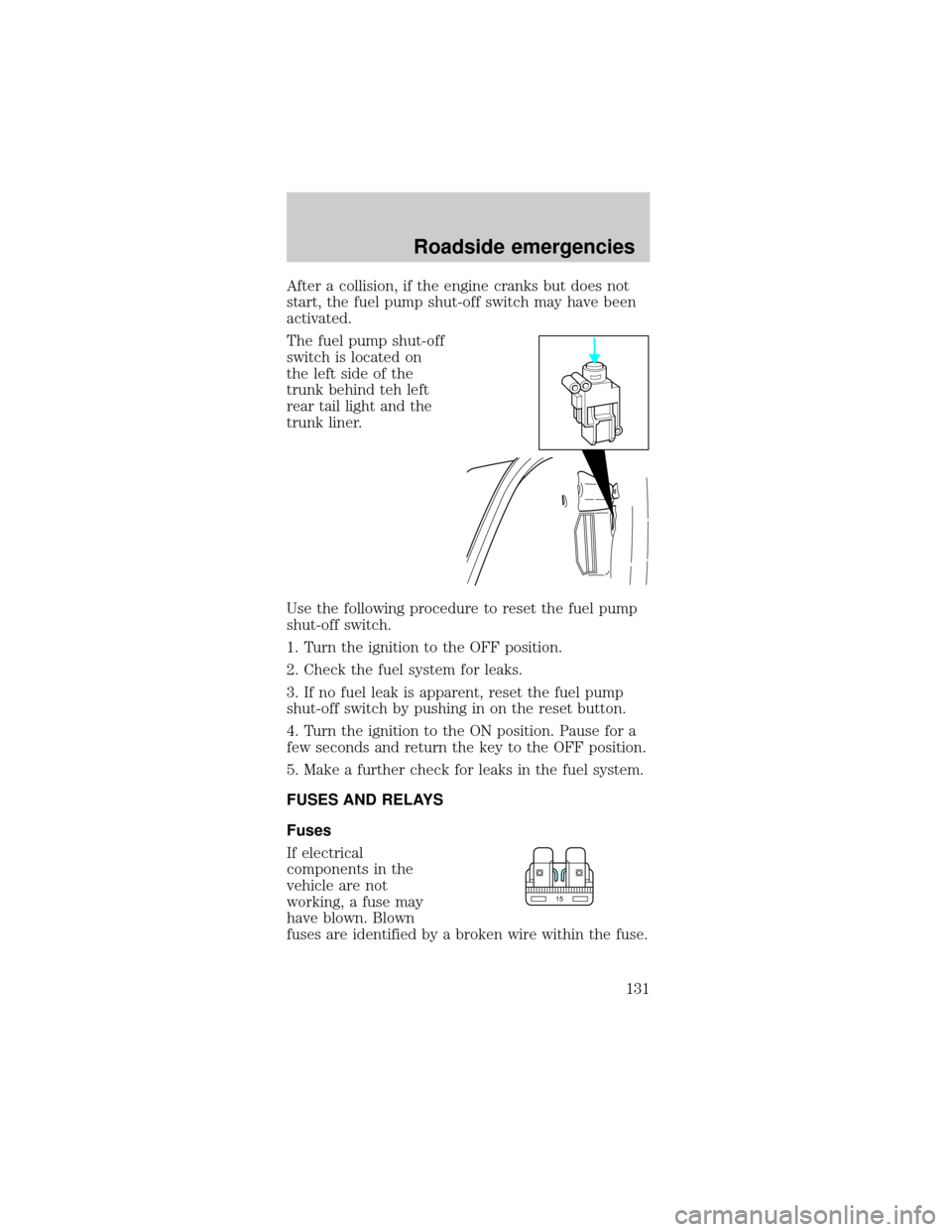
The fuel pump shut-off
switch is located on
the left side of the
trunk behind teh left
rear tail light and the
trunk liner.
Use the following procedure to reset the fuel pump
shut-off switch.
1. Turn the ignition to the OFF position.
2. Check the fuel system for leaks.
3. If no fuel leak is apparent, reset the fuel pump
shut-off switch by pushing in on the reset button.
4. Turn the ignition to the ON position. Pause for a
few seconds and return the key to the OFF position.
5. Make a further check for leaks in the fuel system.
FUSES AND RELAYS
Fuses
If electrical
components in the
vehicle are not
working, a fuse may
have blown. Blown
fuses are identified by a broken wire within the fuse.
15
Roadside emergencies
131
Page 173 of 240
2. Put the gearshift in P (Park), turn off all
accessories and start the engine.
3. Run the engine until it reaches normal operating
temperature.
4. Allow the engine to idle for at least one minute.
5. Turn the A/C on and allow the engine to idle for
at least one minute.
6. Drive the vehicle to complete the relearning
process.
²The vehicle may need to be driven to relearn the
idle and fuel trim strategy.
²If you do not allow the engine to relearn its
idle trim, the idle quality of your vehicle may
be adversely affected until the idle trim is
eventually relearned.
When the battery is disconnected or a new battery
installed, the transmission must relearn its adaptive
strategy. As a result of this, the transmission may
shift firmly. This operation is considered normal and
will not affect function or durability of the
transmission. Over time the adaptive learning
process will fully update transmission operation to
its optimum shift feel.
If the battery has been disconnected or a new
battery has been installed, the clock and the preset
radio stations must be reset once the battery is
reconnected.
²Always dispose of
automotive batteries
in a responsible
manner. Follow your
local authorized
standards for
disposal. Call your
local authorized
recycling center to find out more about recycling
automotive batteries.
LEAD
RETURN
RECYCLE
Maintenance and care
173
Page 192 of 240

If the vehicle's powertrain system or its battery has
just been serviced, the on-board diagnostics system
is reset to a ªnot ready for I/M testº condition. To
ready the on-board diagnostics system for I/M
testing, a minimum of 30 minutes of city and
highway driving is necessary as described below:
²First, at least 10 minutes of driving on an
expressway or highway.
²Next, at least 20 minutes driving in stop-and-go,
city-type traffic with at least four idle periods.
Allow the vehicle to sit for at least eight hours
without starting the engine. Then, start the engine
and complete the above driving cycle. The engine
must warm up to its normal operating temperature.
Once started, do not turn off the engine until the
above driving cycle is complete.
BULBS
Replacing exterior bulbs
Check the operation of the following lamps
frequently:
²Headlamps
²Tail lamps
²Brakelamps
²High-mount brakelamp
²Turn signals
²Backup lamps
²License plate lamp
Do not remove lamp bulbs unless they will be
replaced immediately. If a bulb is removed for an
extended period of time, contaminants may enter
the lamp housings and affect performance.
Maintenance and care
192