tow FORD MUSTANG 2001 4.G Owners Manual
[x] Cancel search | Manufacturer: FORD, Model Year: 2001, Model line: MUSTANG, Model: FORD MUSTANG 2001 4.GPages: 240, PDF Size: 2.11 MB
Page 2 of 240
The following warning may be required by California
law:
CALIFORNIA Proposition 65 Warning
WARNING:Engine exhaust, some of its
constituents, and certain vehicle
components contain or emit chemicals known to
the State of California to cause cancer and birth
defects or other reproductive harm. In addition,
certain fluids contained in vehicles and certain
products of component wear contain or emit
chemicals known to the State of California to
cause cancer and birth defects or other
reproductive harm.
ICONS
Indicates a safety alert.
Read the following
section onWarnings.
Indicates vehicle
information related to
recycling and other
environmental
concerns will follow.
Correct vehicle usage and the authorized disposal of
waste cleaning and lubrication materials are
significant steps towards protecting the environment.
Indicates a message
regarding child safety
restraints. Refer to
Seating and safety
restraintsfor more information.
Indicates that this
Owner Guide contains
information on this
subject. Please refer to
the Index to locate the appropriate section which
will provide you more information.
Introduction
2
Page 10 of 240

TheService Engine Soonindicator light illuminates
when the ignition is first turned to the ON position
to check the bulb. If it comes on after the engine is
started, one of the engine's emission control systems
may be malfunctioning. The light may illuminate
without a driveability concern being noted. The
vehicle will usually be drivable and will not require
towing.
What you should do if the Service Engine Soon
light illuminates
Light turns on solid:
This means that the OBD II system has detected a
malfunction.
Temporary malfunctions may cause yourService
Engine Soonlight to illuminate. Examples are:
1. The vehicle has run out of fuel. (The engine may
misfire or run poorly.)
2. Poor fuel quality or water in the fuel.
3. The fuel cap may not have been properly installed
and securely tightened.
These temporary malfunctions can be corrected by
filling the fuel tank with high quality fuel of the
recommended octane and/or properly installing and
securely tightening the gas cap. After three driving
cycles without these or any other temporary
malfunctions present, theService Engine Soonlight
should turn off. (A driving cycle consists of a cold
engine startup followed by mixed city/highway
driving.) No additional vehicle service is required.
If theService Engine Soonlight remains on, have
your vehicle serviced at the first available opportunity.
Light is blinking:
Engine misfire is occurring which could damage your
catalytic converter. You should drive in a moderate
fashion (avoid heavy acceleration and deceleration)
and have your vehicle serviced at the first available
opportunity.
Instrumentation
10
Page 18 of 240
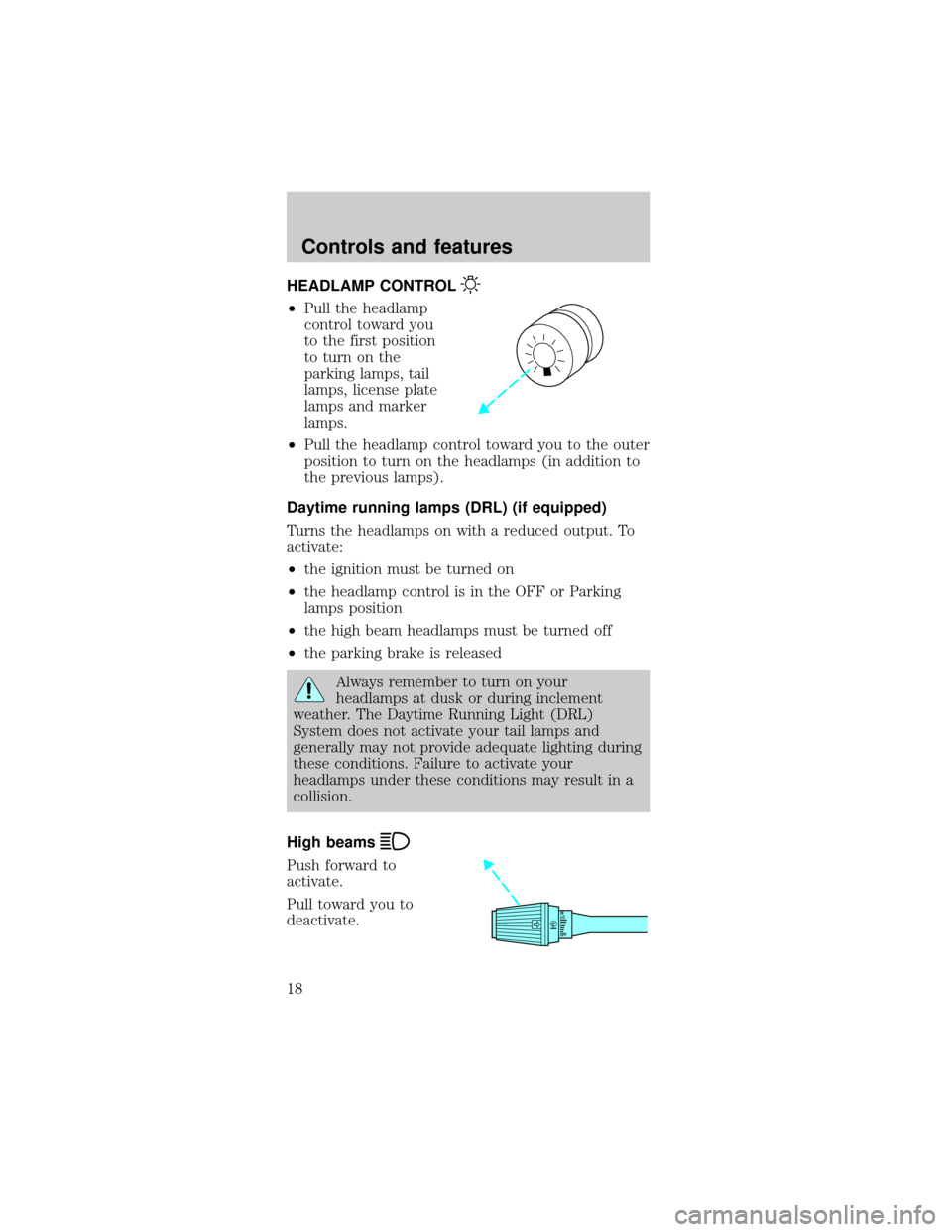
HEADLAMP CONTROL
²Pull the headlamp
control toward you
to the first position
to turn on the
parking lamps, tail
lamps, license plate
lamps and marker
lamps.
²Pull the headlamp control toward you to the outer
position to turn on the headlamps (in addition to
the previous lamps).
Daytime running lamps (DRL) (if equipped)
Turns the headlamps on with a reduced output. To
activate:
²the ignition must be turned on
²the headlamp control is in the OFF or Parking
lamps position
²the high beam headlamps must be turned off
²the parking brake is released
Always remember to turn on your
headlamps at dusk or during inclement
weather. The Daytime Running Light (DRL)
System does not activate your tail lamps and
generally may not provide adequate lighting during
these conditions. Failure to activate your
headlamps under these conditions may result in a
collision.
High beams
Push forward to
activate.
Pull toward you to
deactivate.
OFFHI
LO
Controls and features
18
Page 23 of 240
cooling the vehicle if driven for two or three
minutes with the windows open. This will force
most of the hot, stale air out of the vehicle. Once
the vehicle has been ªaired outº, operate the
climate control system as desired.
²Do not place objects under the front seat that
may interfere with the airflow to the rear seats.
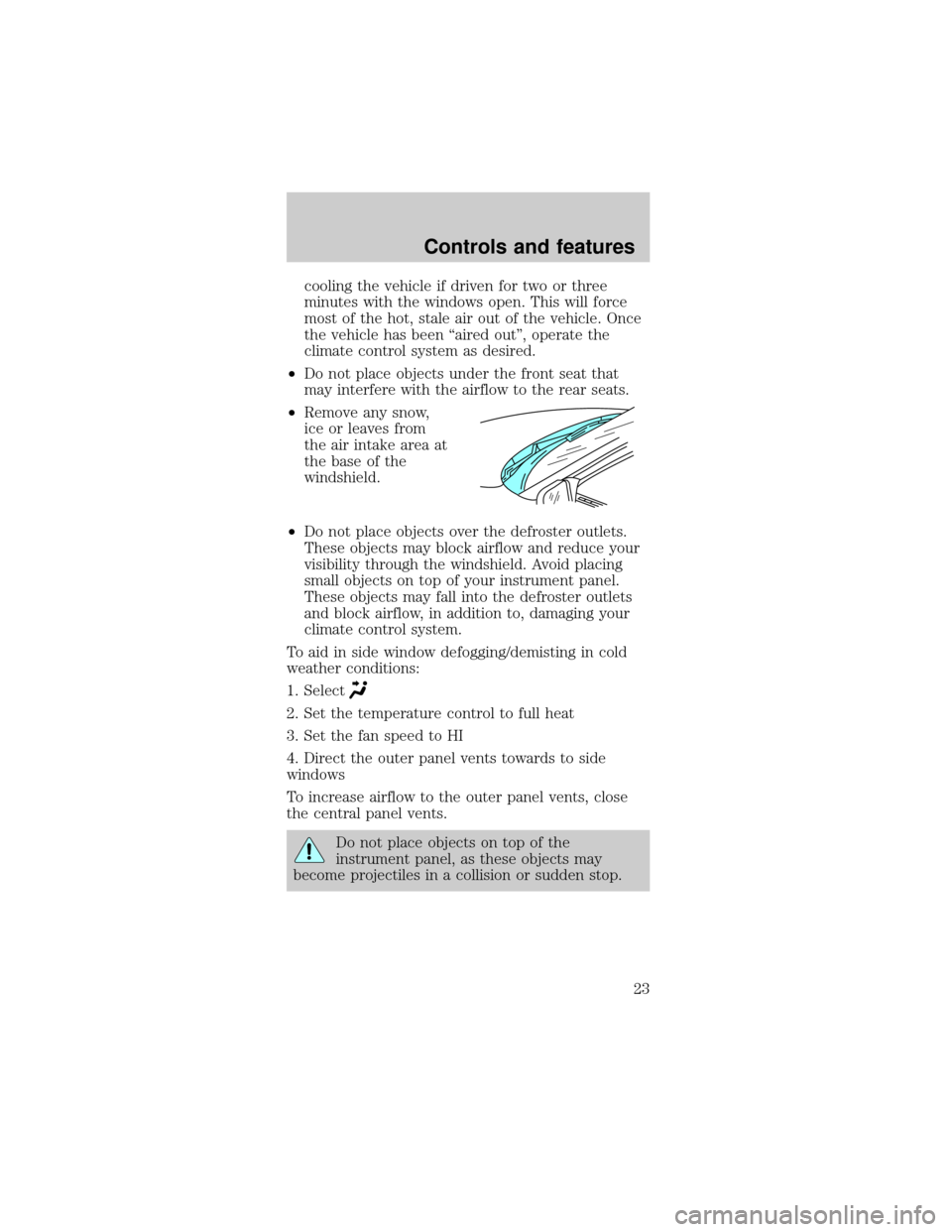
²Remove any snow,
ice or leaves from
the air intake area at
the base of the
windshield.
²Do not place objects over the defroster outlets.
These objects may block airflow and reduce your
visibility through the windshield. Avoid placing
small objects on top of your instrument panel.
These objects may fall into the defroster outlets
and block airflow, in addition to, damaging your
climate control system.
To aid in side window defogging/demisting in cold
weather conditions:
1. Select
2. Set the temperature control to full heat
3. Set the fan speed to HI
4. Direct the outer panel vents towards to side
windows
To increase airflow to the outer panel vents, close
the central panel vents.
Do not place objects on top of the
instrument panel, as these objects may
become projectiles in a collision or sudden stop.
Controls and features
23
Page 50 of 240
²Terrain.Hills, mountains and tall buildings
between your vehicle's antenna and the radio
station signal can cause FM reception problems.
Static can be caused on AM stations by power
lines, electric fences, traffic lights and
thunderstorms. Moving away from an interfering
structure (out of its ªshadowº) returns your
reception to normal.
²Station overload.Weak signals are sometimes
captured by stronger signals when you pass a
broadcast tower. A stronger signal may
temporarily overtake a weaker signal and play
while the weak station frequency is displayed.
The audio system automatically switches to single
channel reception if it will improve the reception of
a station normally received in stereo.
Audio system warranties and service
Refer to theWarranty Guidefor audio system
warranty information.
If service is necessary, see your dealer or a qualified
technician.
TRACTION CONTROLY
This control can be
used to turn the
Traction Controlyon
or off. Refer to the
Traction Controly
section of theDrivingchapter for more information.
TRUNK REMOTE CONTROL
The remote trunk release control is located in the
glove compartment. Press to open trunk.
Controls and features
50
Page 51 of 240
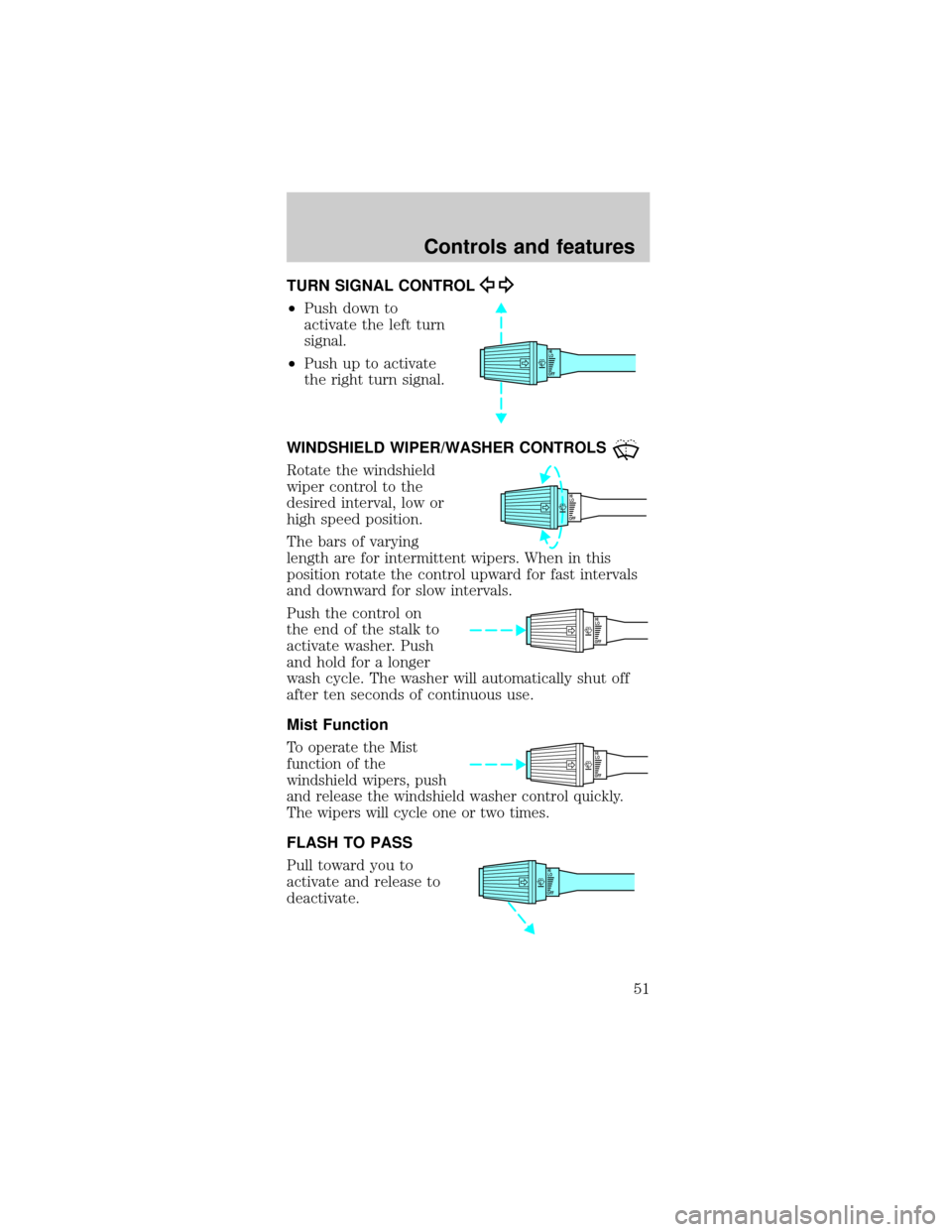
TURN SIGNAL CONTROL
²Push down to
activate the left turn
signal.
²Push up to activate
the right turn signal.
WINDSHIELD WIPER/WASHER CONTROLS
Rotate the windshield
wiper control to the
desired interval, low or
high speed position.
The bars of varying
length are for intermittent wipers. When in this
position rotate the control upward for fast intervals
and downward for slow intervals.
Push the control on
the end of the stalk to
activate washer. Push
and hold for a longer
wash cycle. The washer will automatically shut off
after ten seconds of continuous use.
Mist Function
To operate the Mist
function of the
windshield wipers, push
and release the windshield washer control quickly.
The wipers will cycle one or two times.
FLASH TO PASS
Pull toward you to
activate and release to
deactivate.
OFFHI
LO
OFFHI
LO
OFFHI
LO
OFFHI
LO
OFFHI
LO
Controls and features
51
Page 52 of 240
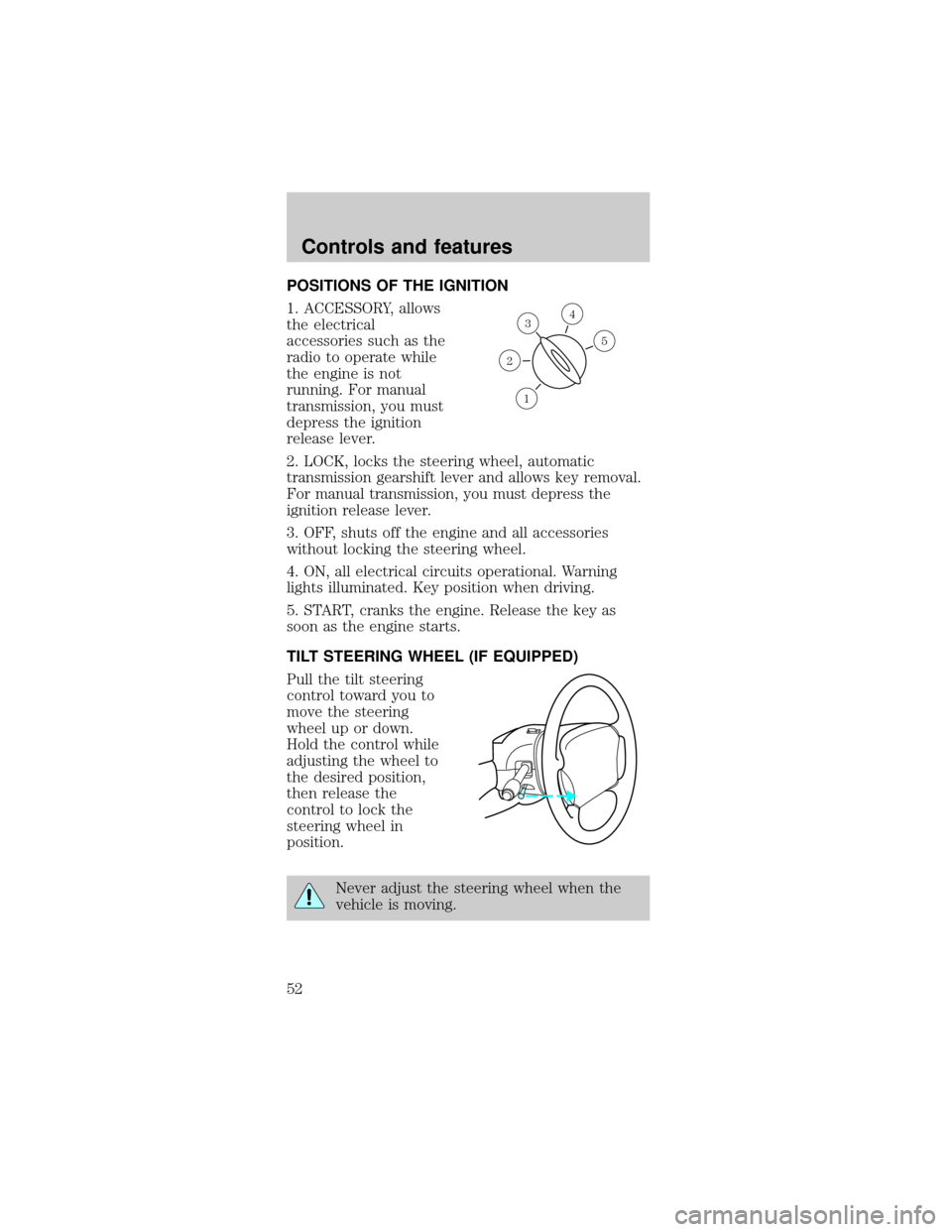
POSITIONS OF THE IGNITION
1. ACCESSORY, allows
the electrical
accessories such as the
radio to operate while
the engine is not
running. For manual
transmission, you must
depress the ignition
release lever.
2. LOCK, locks the steering wheel, automatic
transmission gearshift lever and allows key removal.
For manual transmission, you must depress the
ignition release lever.
3. OFF, shuts off the engine and all accessories
without locking the steering wheel.
4. ON, all electrical circuits operational. Warning
lights illuminated. Key position when driving.
5. START, cranks the engine. Release the key as
soon as the engine starts.
TILT STEERING WHEEL (IF EQUIPPED)
Pull the tilt steering
control toward you to
move the steering
wheel up or down.
Hold the control while
adjusting the wheel to
the desired position,
then release the
control to lock the
steering wheel in
position.
Never adjust the steering wheel when the
vehicle is moving.
3
1
2
5
4
Controls and features
52
Page 61 of 240
CONVERTIBLE (IF EQUIPPED)
Do not store articles behind rear seat. Articles
stored in the convertible top stowage compartment
may break the rear glass window when the top is
lowered.
Lowering the convertible top
The convertible top can be lowered with the side
windows either up or down.
The convertible top will not operate unless the
parking brake is engaged. Do not lower the top while
the vehicle is moving because the top may be
severely damaged. Also, do not lower the top when
the top material is wet.
To lower the convertible top:
1. Bring vehicle to a complete stop. Engage the
parking brake. Key must be in the ON position.
2. Check the convertible top stowage compartment
behind the rear seat to be sure it is empty and ready
to receive the top.
3. Unclamp the top from the windshield header at
both the right and left sides by pulling each clamp
rearward until the hook in the windshield header is
free. The clamps are flush with the header when in
the closed position.
4. Close the windshield header clamps immediately
after disengagement, to avoid cutting the top
material and to permit installation of the vinyl boot.
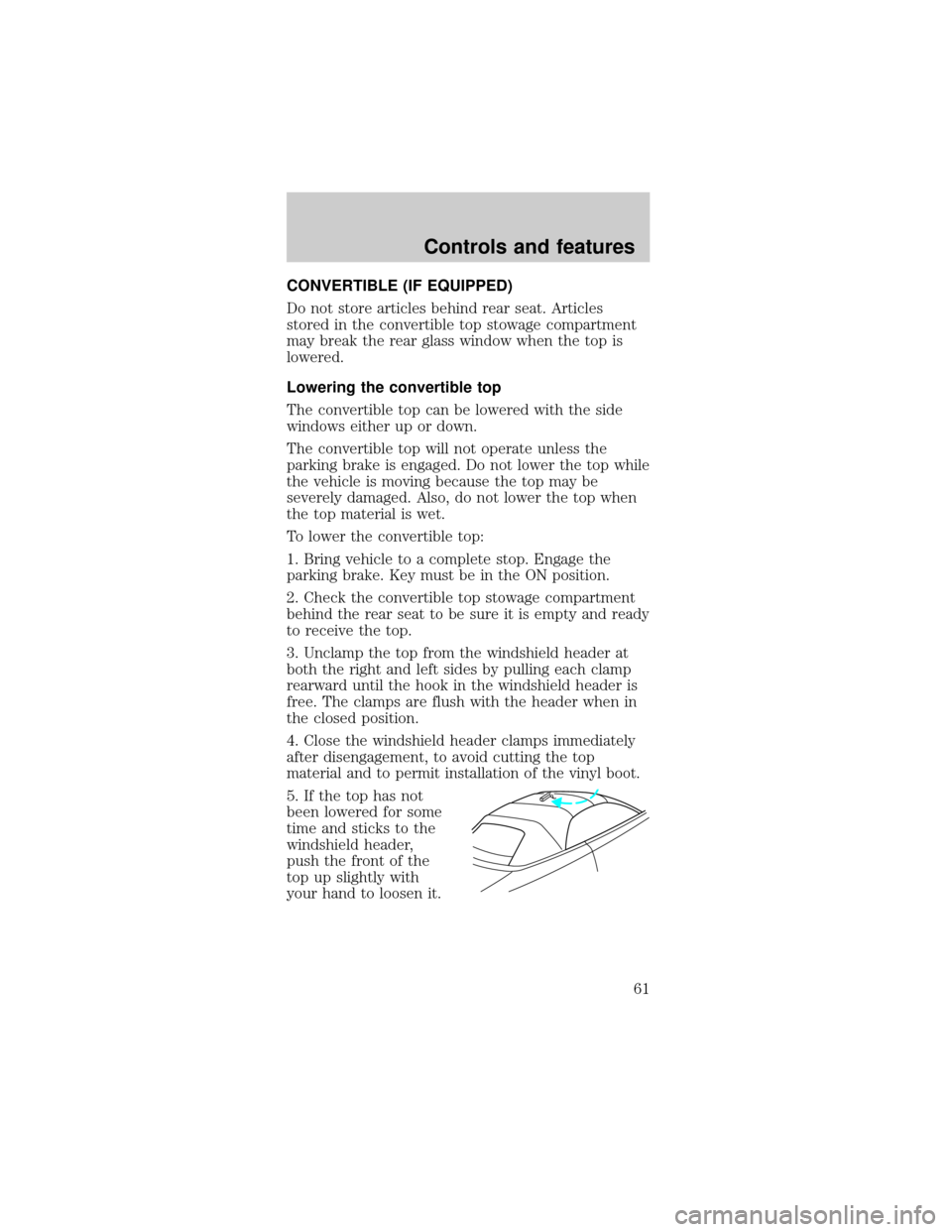
5. If the top has not
been lowered for some
time and sticks to the
windshield header,
push the front of the
top up slightly with
your hand to loosen it.
Controls and features
61
Page 63 of 240
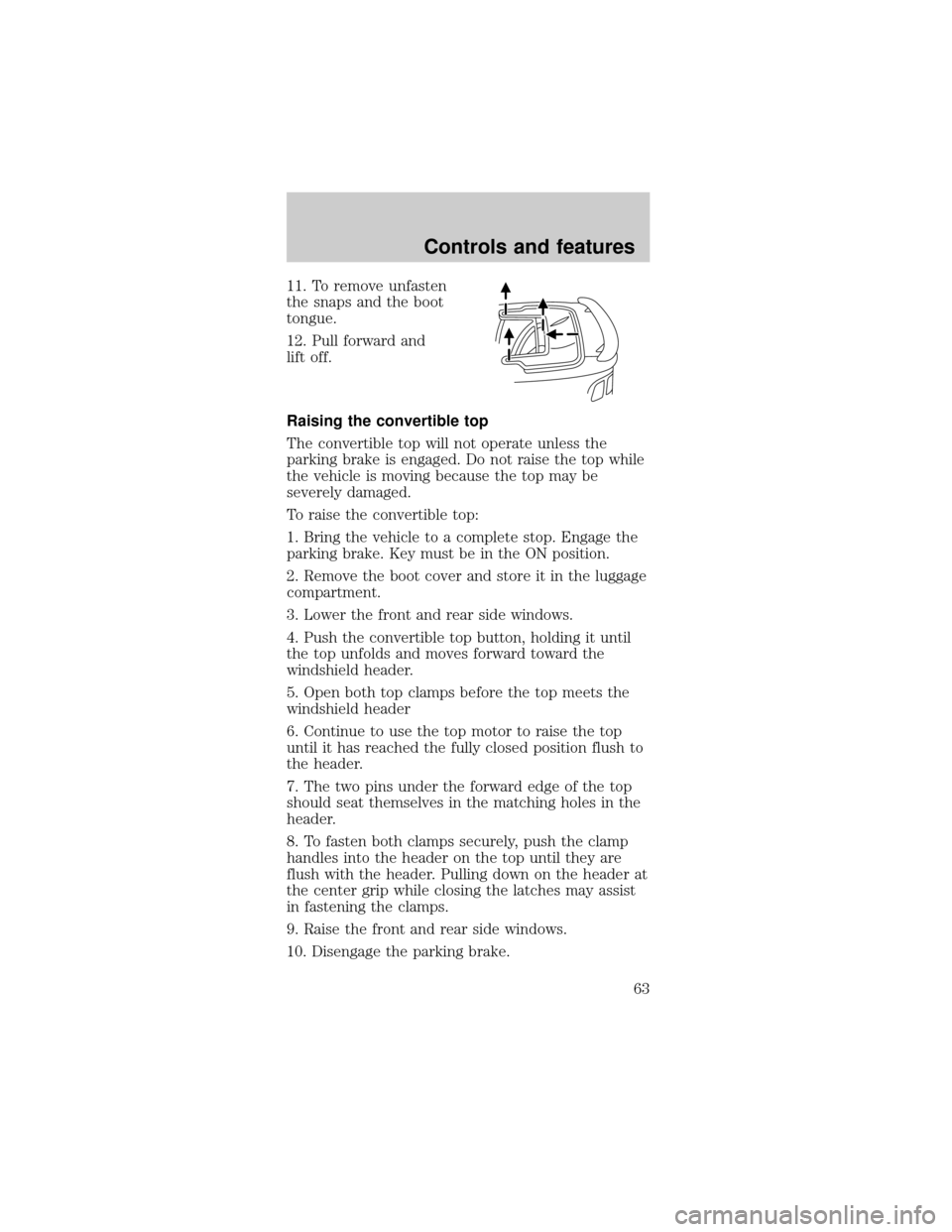
11. To remove unfasten
the snaps and the boot
tongue.
12. Pull forward and
lift off.
Raising the convertible top
The convertible top will not operate unless the
parking brake is engaged. Do not raise the top while
the vehicle is moving because the top may be
severely damaged.
To raise the convertible top:
1. Bring the vehicle to a complete stop. Engage the
parking brake. Key must be in the ON position.
2. Remove the boot cover and store it in the luggage
compartment.
3. Lower the front and rear side windows.
4. Push the convertible top button, holding it until
the top unfolds and moves forward toward the
windshield header.
5. Open both top clamps before the top meets the
windshield header
6. Continue to use the top motor to raise the top
until it has reached the fully closed position flush to
the header.
7. The two pins under the forward edge of the top
should seat themselves in the matching holes in the
header.
8. To fasten both clamps securely, push the clamp
handles into the header on the top until they are
flush with the header. Pulling down on the header at
the center grip while closing the latches may assist
in fastening the clamps.
9. Raise the front and rear side windows.
10. Disengage the parking brake.
Controls and features
63
Page 67 of 240
Replacing the batteries
The transmitter is powered by two coin type
three-volt lithium batteries. Typical operating range
will allow you to be up to 10 meters (33 feet) away
from your vehicle. A decrease in operating range can
be caused by:
²weather conditions
²nearby radio towers
²structures around the vehicle
²other vehicles parked next to the vehicle
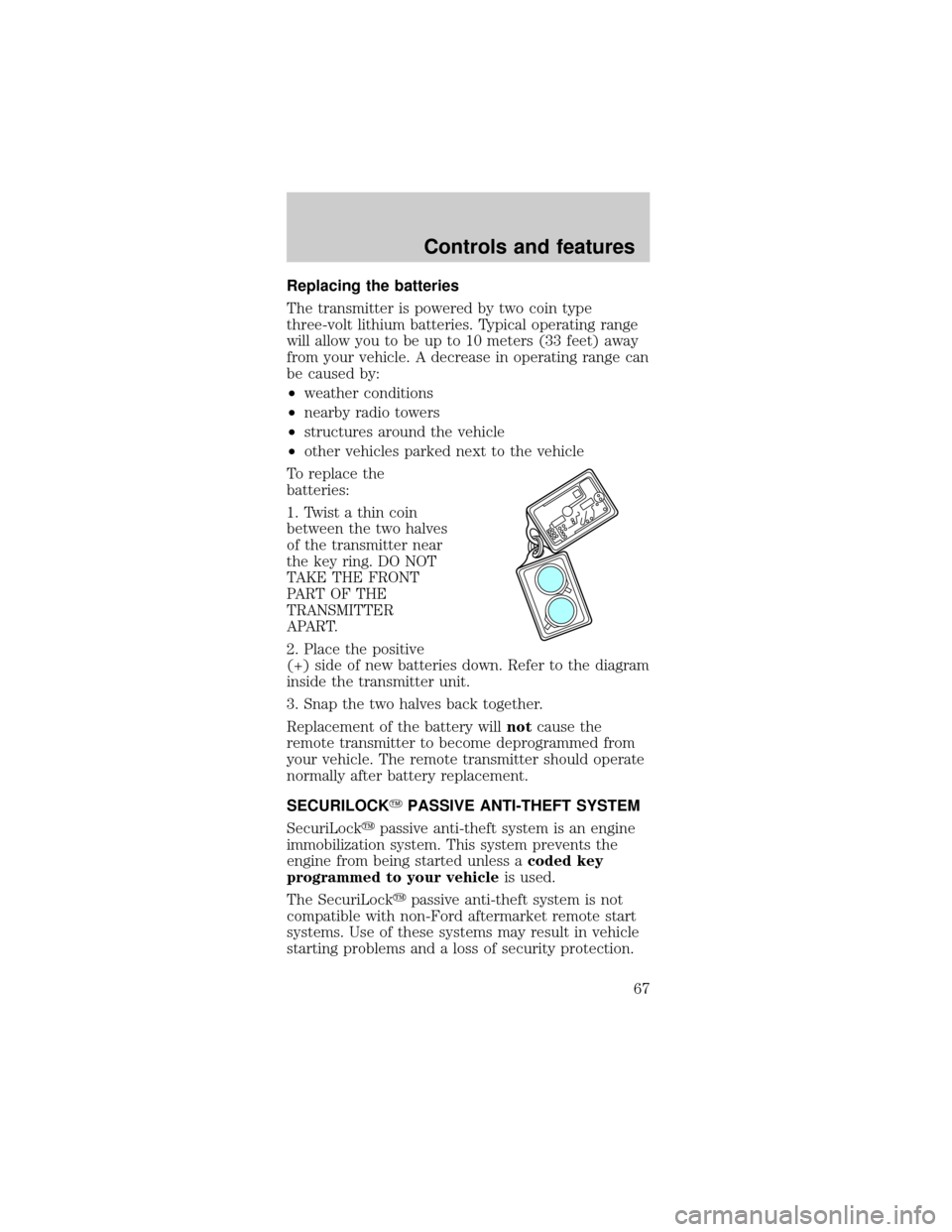
To replace the
batteries:
1. Twist a thin coin
between the two halves
of the transmitter near
the key ring. DO NOT
TAKE THE FRONT
PART OF THE
TRANSMITTER
APART.
2. Place the positive
(+) side of new batteries down. Refer to the diagram
inside the transmitter unit.
3. Snap the two halves back together.
Replacement of the battery willnotcause the
remote transmitter to become deprogrammed from
your vehicle. The remote transmitter should operate
normally after battery replacement.
SECURILOCKYPASSIVE ANTI-THEFT SYSTEM
SecuriLockypassive anti-theft system is an engine
immobilization system. This system prevents the
engine from being started unless acoded key
programmed to your vehicleis used.
The SecuriLockypassive anti-theft system is not
compatible with non-Ford aftermarket remote start
systems. Use of these systems may result in vehicle
starting problems and a loss of security protection.
Controls and features
67