brake FORD MUSTANG 2002 4.G User Guide
[x] Cancel search | Manufacturer: FORD, Model Year: 2002, Model line: MUSTANG, Model: FORD MUSTANG 2002 4.GPages: 264, PDF Size: 2.56 MB
Page 87 of 264
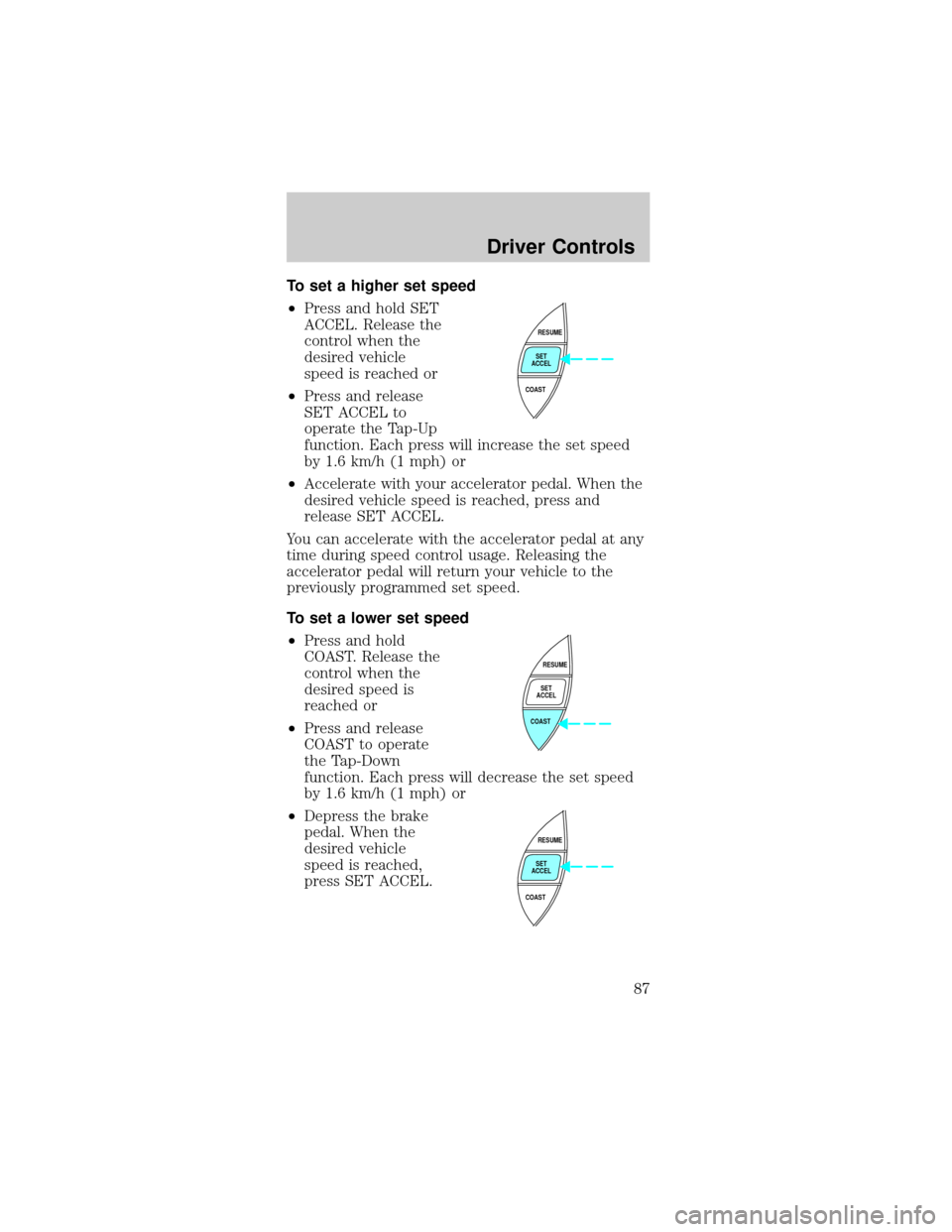
To set a higher set speed
²Press and hold SET
ACCEL. Release the
control when the
desired vehicle
speed is reached or
²Press and release
SET ACCEL to
operate the Tap-Up
function. Each press will increase the set speed
by 1.6 km/h (1 mph) or
²Accelerate with your accelerator pedal. When the
desired vehicle speed is reached, press and
release SET ACCEL.
You can accelerate with the accelerator pedal at any
time during speed control usage. Releasing the
accelerator pedal will return your vehicle to the
previously programmed set speed.
To set a lower set speed
²Press and hold
COAST. Release the
control when the
desired speed is
reached or
²Press and release
COAST to operate
the Tap-Down
function. Each press will decrease the set speed
by 1.6 km/h (1 mph) or
²Depress the brake
pedal. When the
desired vehicle
speed is reached,
press SET ACCEL.
RESUME
SET
ACCEL
COAST
RESUME
SET
ACCEL
COAST
RESUME
SET
ACCEL
COAST
Driver Controls
87
Page 88 of 264
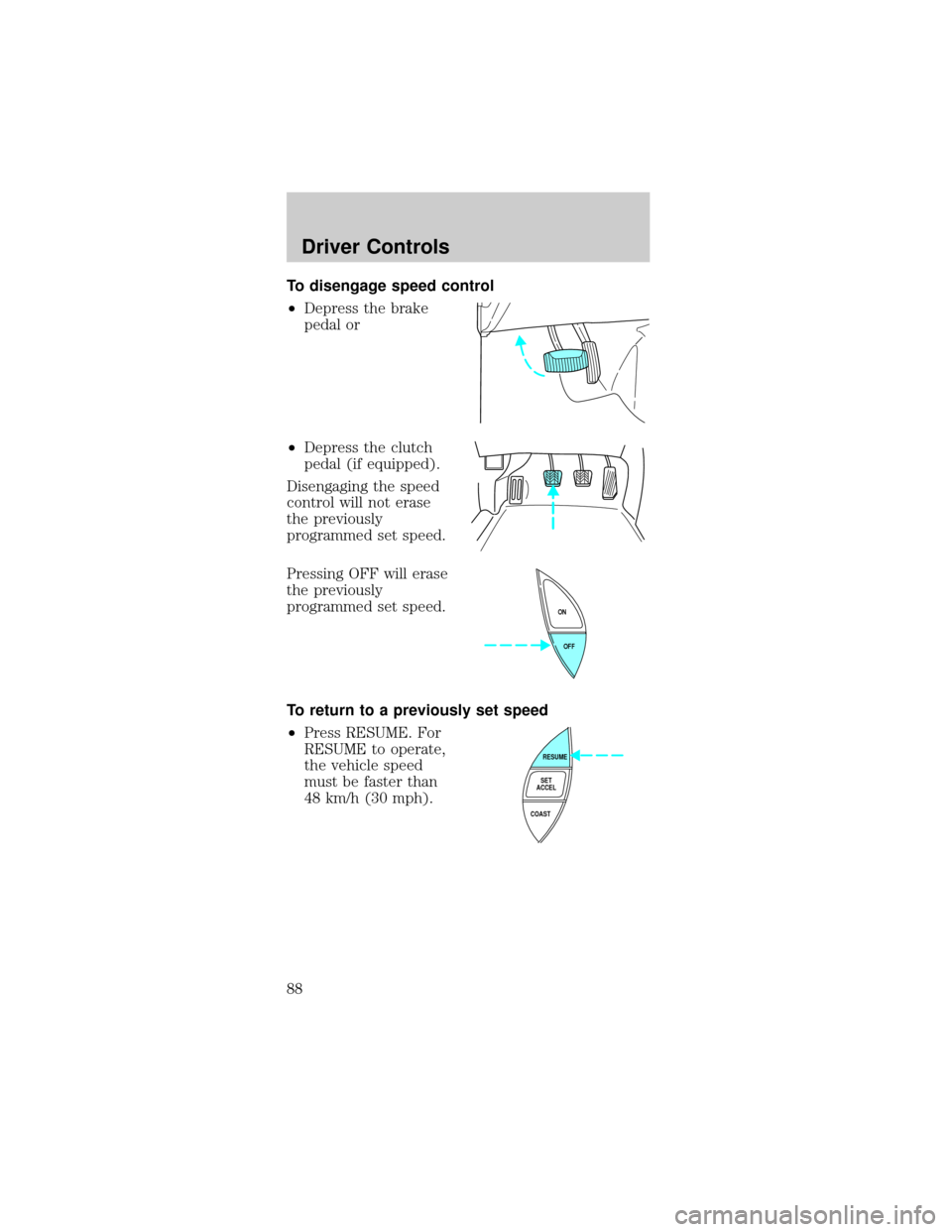
To disengage speed control
²Depress the brake
pedal or
²Depress the clutch
pedal (if equipped).
Disengaging the speed
control will not erase
the previously
programmed set speed.
Pressing OFF will erase
the previously
programmed set speed.
To return to a previously set speed
²Press RESUME. For
RESUME to operate,
the vehicle speed
must be faster than
48 km/h (30 mph).
OFF ON
RESUME
SET
ACCEL
COAST
Driver Controls
88
Page 90 of 264
²Convertible top control (if equipped)
Use only soft cups in the cupholder. Hard
objects can injure you in a collision.
POSITIVE RETENTION FLOOR MAT
(IF EQUIPPED)
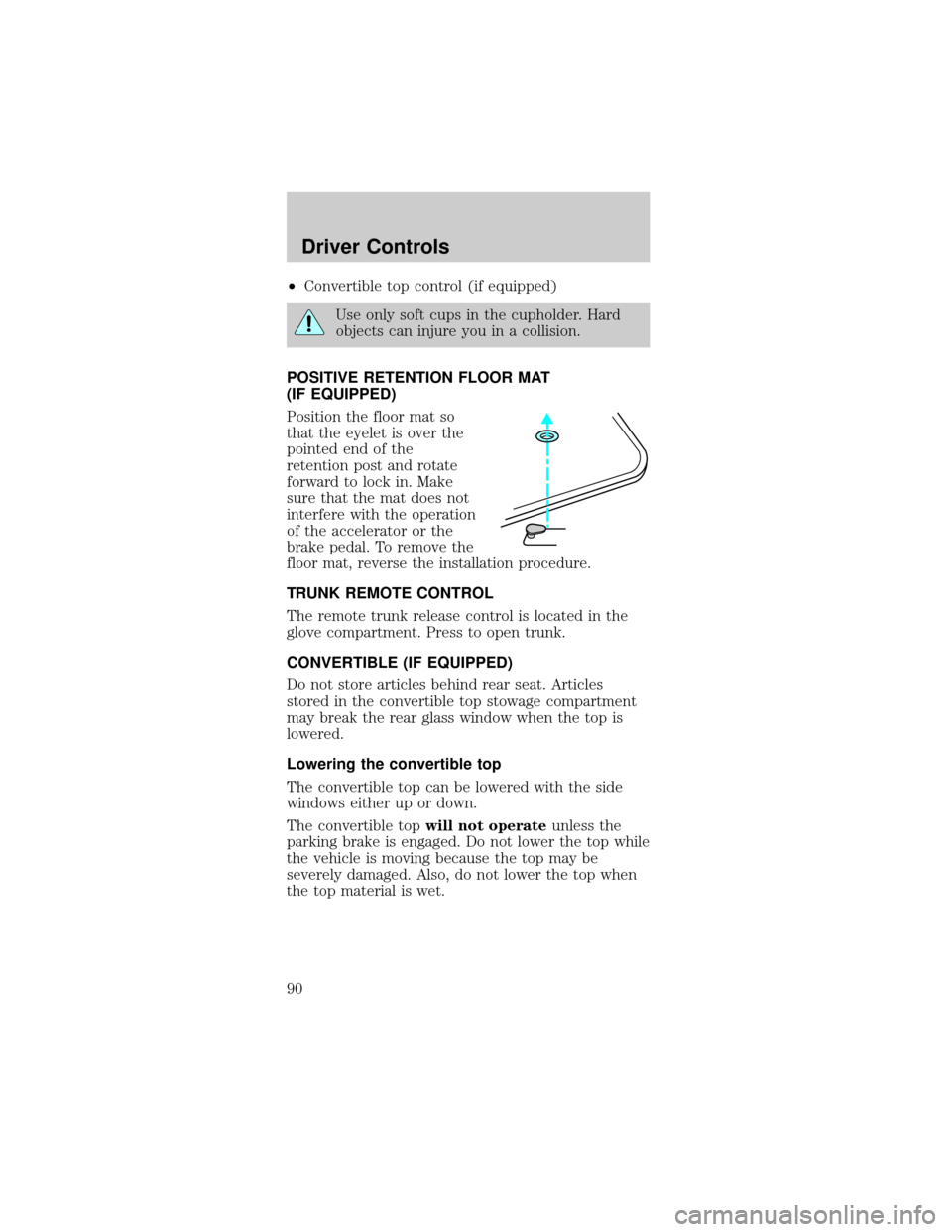
Position the floor mat so
that the eyelet is over the
pointed end of the
retention post and rotate
forward to lock in. Make
sure that the mat does not
interfere with the operation
of the accelerator or the
brake pedal. To remove the
floor mat, reverse the installation procedure.
TRUNK REMOTE CONTROL
The remote trunk release control is located in the
glove compartment. Press to open trunk.
CONVERTIBLE (IF EQUIPPED)
Do not store articles behind rear seat. Articles
stored in the convertible top stowage compartment
may break the rear glass window when the top is
lowered.
Lowering the convertible top
The convertible top can be lowered with the side
windows either up or down.
The convertible topwill not operateunless the
parking brake is engaged. Do not lower the top while
the vehicle is moving because the top may be
severely damaged. Also, do not lower the top when
the top material is wet.
Driver Controls
90
Page 91 of 264
To lower the convertible top:
1. Bring vehicle to a complete stop. Engage the
parking brake. Key must be in the ON position.
2. Check the convertible top stowage compartment
behind the rear seat to be sure it is empty and ready
to receive the top.
3. Unclamp the top from the windshield header at
both the right and left sides by pulling each clamp
rearward until the hook in the windshield header is
free. The clamps are flush with the header when in
the closed position.
4. Close the windshield header clamps immediately
after disengagement, to avoid cutting the top
material and to permit installation of the vinyl boot.
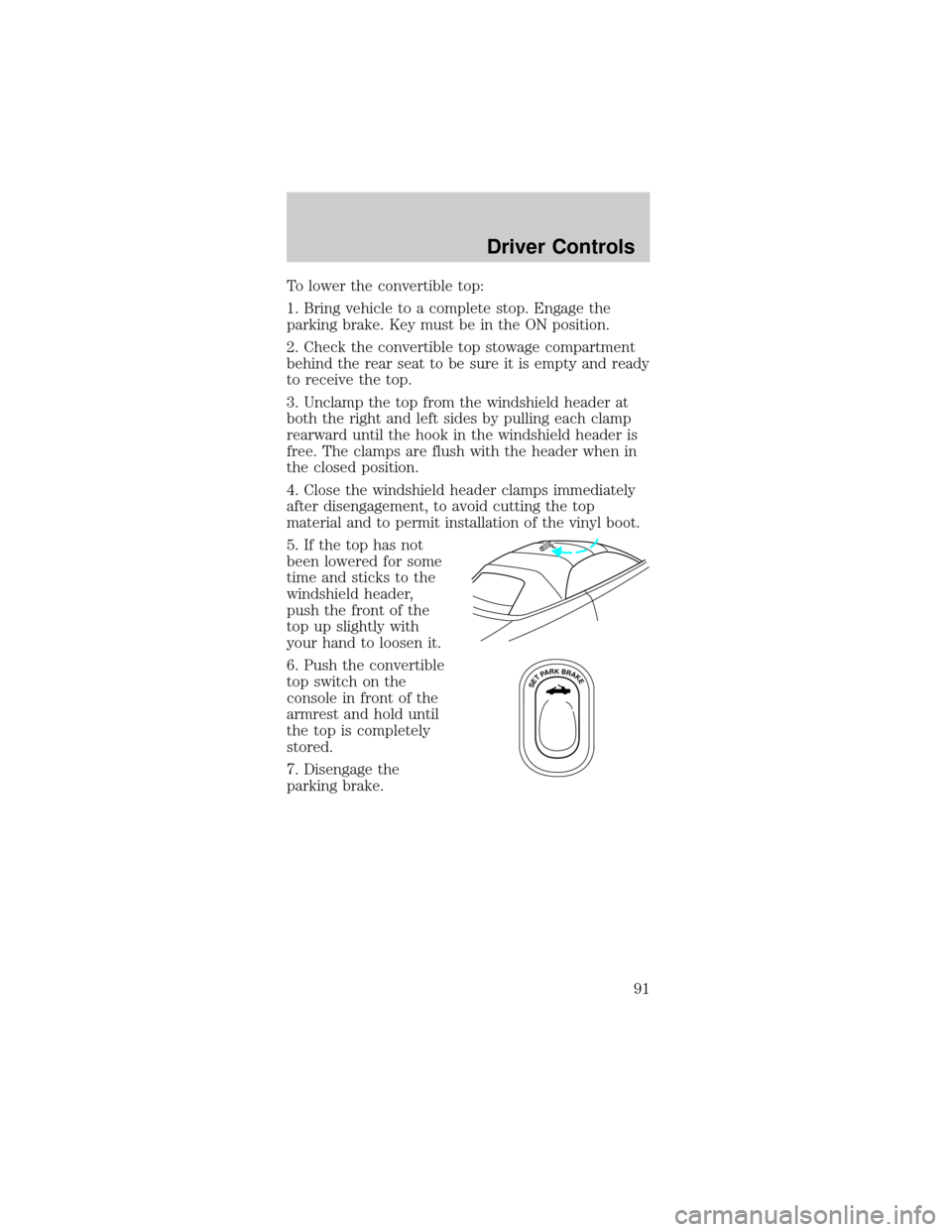
5. If the top has not
been lowered for some
time and sticks to the
windshield header,
push the front of the
top up slightly with
your hand to loosen it.
6. Push the convertible
top switch on the
console in front of the
armrest and hold until
the top is completely
stored.
7. Disengage the
parking brake.
SETPARKBRAKE
Driver Controls
91
Page 93 of 264

Raising the convertible top
The convertible topwill not operateunless the
parking brake is engaged. Do not raise the top while
the vehicle is moving because the top may be
severely damaged.
To raise the convertible top:
1. Bring the vehicle to a complete stop. Engage the
parking brake. Key must be in the ON position.
2. Remove the boot cover and store it in the luggage
compartment.
3. Lower the front and rear side windows.
4. Push the convertible top button, holding it until
the top unfolds and moves forward toward the
windshield header.
5. Open both top clamps before the top meets the
windshield header
6. Continue to use the top motor to raise the top
until it has reached the fully closed position flush to
the header.
7. The two pins under the forward edge of the top
should seat themselves in the matching holes in the
header.
8. To fasten both clamps securely, push the clamp
handles into the header on the top until they are
flush with the header. Pulling down on the header at
the center grip while closing the latches may assist
in fastening the clamps.
9. Raise the front and rear side windows.
10. Disengage the parking brake.
Driver Controls
93
Page 111 of 264
Failure to replace the Belt and Retractor
assembly could increase the risk of injury in
collisions.
Vehicle sensitive mode
The vehicle sensitive mode is the normal retractor
mode, allowing free shoulder belt length adjustment
to your movements and locking in response to
vehicle movement. For example, if the driver brakes
suddenly or turns a corner sharply, or the vehicle
receives an impact of approximately 8 km/h (5 mph)
or more, the combination safety belts will lock to
help reduce forward movement of the driver and
passengers.
The safety belt system can also be made to lock
manually by quickly pulling on the shoulder belt.
Automatic locking mode
In this mode, the shoulder belt is automatically
pre-locked. The belt will still retract to remove any
slack in the shoulder belt.
The automatic locking mode is not available on the
driver safety belt.
When to use the automatic locking mode
²Any timea child safety seat is installed in a
passenger front or outboard rear seating position
(if equipped). Children 12 years old and under
should be properly restrained in the rear seat
whenever possible. Refer toSafety Restraints for
ChildrenorSafety Seats for Childrenlater in
this chapter.
Seating and Safety Restraints
111
Page 117 of 264
The BeltMinder feature can be deactivated/activated
by performing the following procedure:
Before following the procedure, make sure that:
²The parking brake is set.
²The gearshift is in P (Park) (automatic
transmission) or the neutral position (manual
transmission).
²The ignition switch is in the OFF position.
²All vehicle doors are closed.
²The driver's safety belt is unbuckled.
²The parklamps/headlamps are in OFF position (If
vehicle is equipped with Autolamps, this will not
affect the procedure).
To reduce the risk of injury, do not
deactivate/activate the Belt Minder feature
while driving the vehicle.
1. Turn the ignition switch to the RUN (or ON)
position. (DO NOT START THE ENGINE.)
2. Wait until the safety belt warning light turns off.
(Approximately 1±2 minutes.)
²Steps 3±5 must be completed within 60 seconds
or the procedure will have to be repeated.
3. Buckle then unbuckle the safety belt three times,
ending with the safety belt unbuckled. This can be
done before or during BeltMinder warning activation.
4. Turn on the parklamps/headlamps, turn off the
parklamps/headlamps.
5. Buckle then unbuckle the safety belt three times,
ending with the safety belt unbuckled.
²After step 5 the safety belt warning light will be
turned on for three seconds.
6. Within seven seconds of the safety belt warning
light turning off, buckle then unbuckle the safety
belt.
Seating and Safety Restraints
117
Page 136 of 264
STARTING
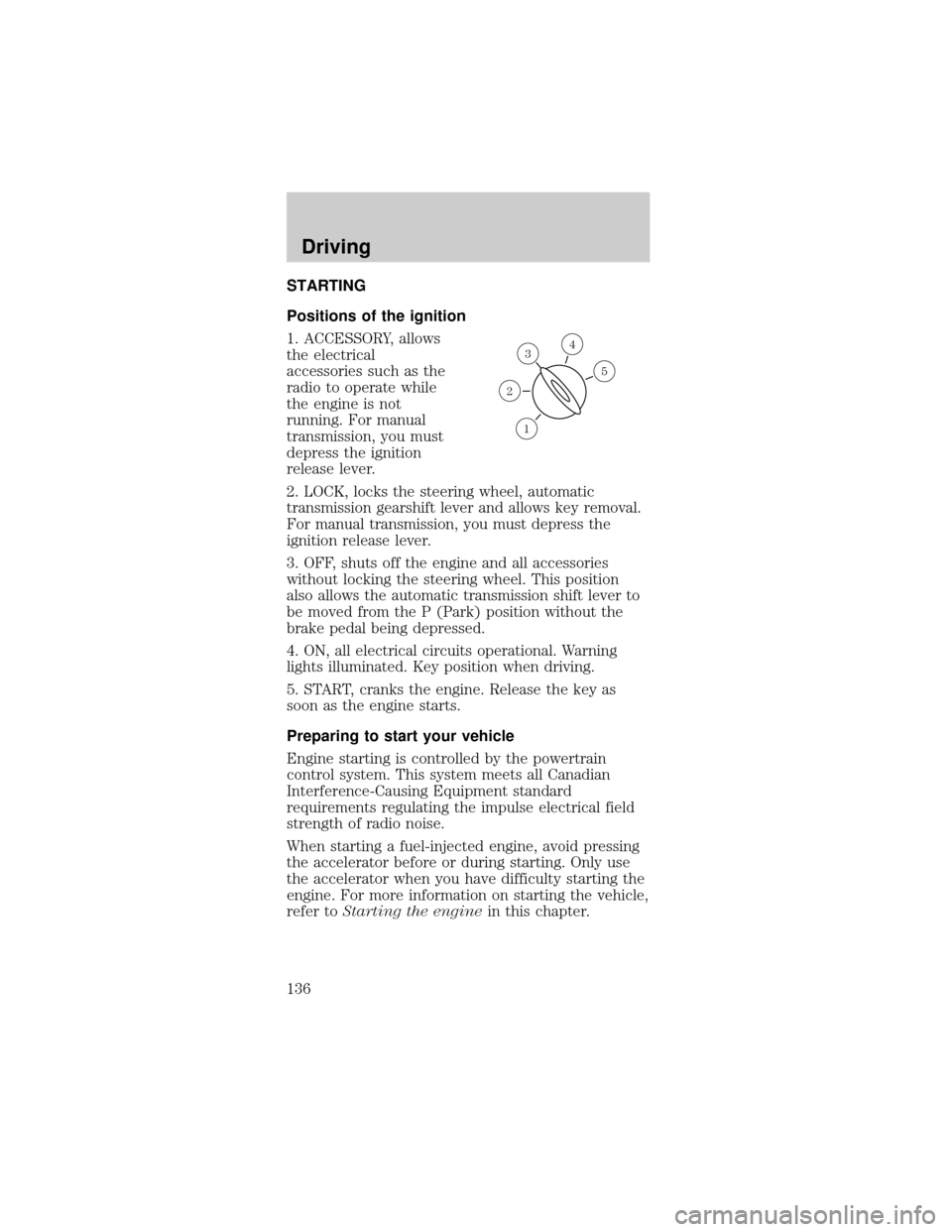
Positions of the ignition
1. ACCESSORY, allows
the electrical
accessories such as the
radio to operate while
the engine is not
running. For manual
transmission, you must
depress the ignition
release lever.
2. LOCK, locks the steering wheel, automatic
transmission gearshift lever and allows key removal.
For manual transmission, you must depress the
ignition release lever.
3. OFF, shuts off the engine and all accessories
without locking the steering wheel. This position
also allows the automatic transmission shift lever to
be moved from the P (Park) position without the
brake pedal being depressed.
4. ON, all electrical circuits operational. Warning
lights illuminated. Key position when driving.
5. START, cranks the engine. Release the key as
soon as the engine starts.
Preparing to start your vehicle
Engine starting is controlled by the powertrain
control system. This system meets all Canadian
Interference-Causing Equipment standard
requirements regulating the impulse electrical field
strength of radio noise.
When starting a fuel-injected engine, avoid pressing
the accelerator before or during starting. Only use
the accelerator when you have difficulty starting the
engine. For more information on starting the vehicle,
refer toStarting the enginein this chapter.
3
1
2
5
4
Driving
136
Page 138 of 264
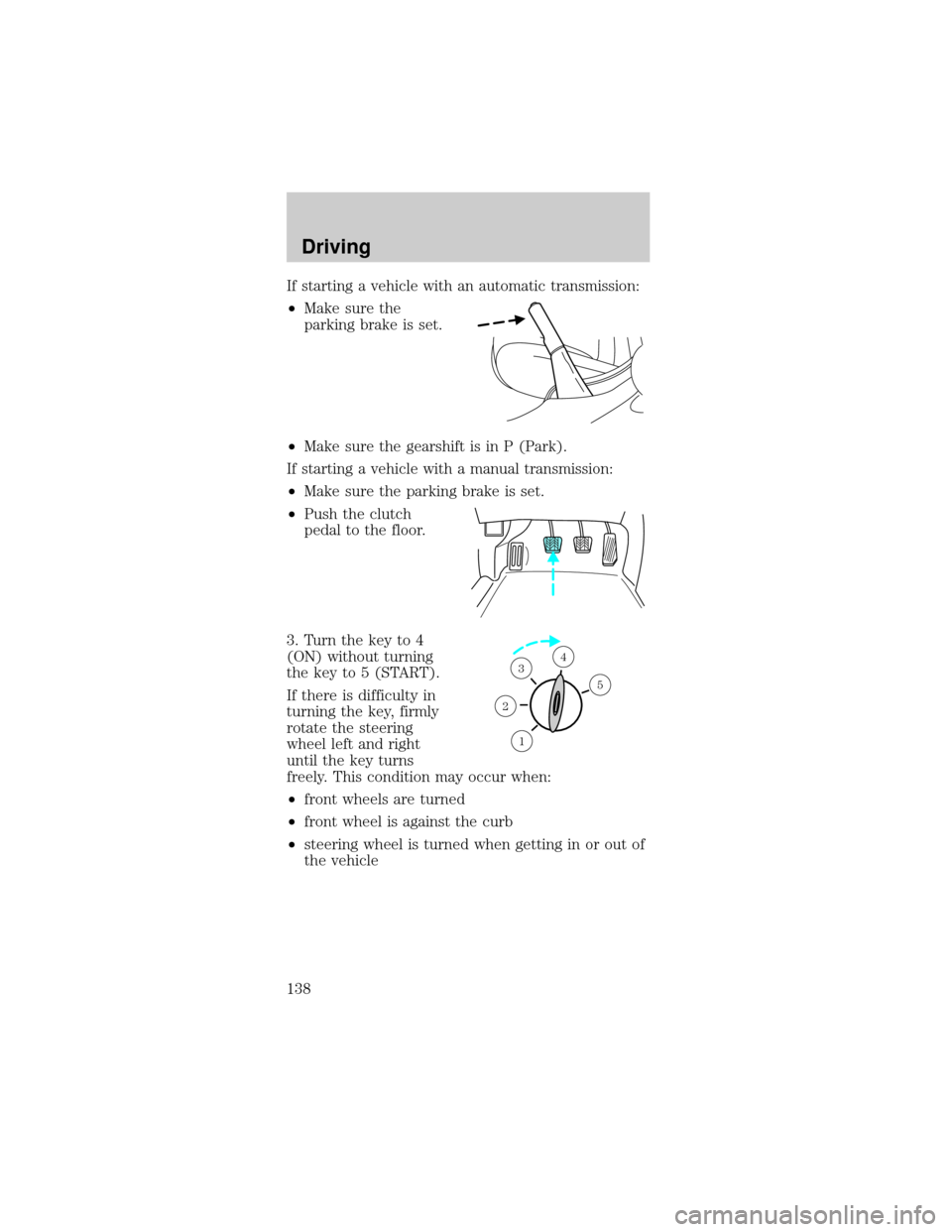
If starting a vehicle with an automatic transmission:
²Make sure the
parking brake is set.
²Make sure the gearshift is in P (Park).
If starting a vehicle with a manual transmission:
²Make sure the parking brake is set.
²Push the clutch
pedal to the floor.
3. Turn the key to 4
(ON) without turning
the key to 5 (START).
If there is difficulty in
turning the key, firmly
rotate the steering
wheel left and right
until the key turns
freely. This condition may occur when:
²front wheels are turned
²front wheel is against the curb
²steering wheel is turned when getting in or out of
the vehicle
1
2
34
5
Driving
138
Page 139 of 264
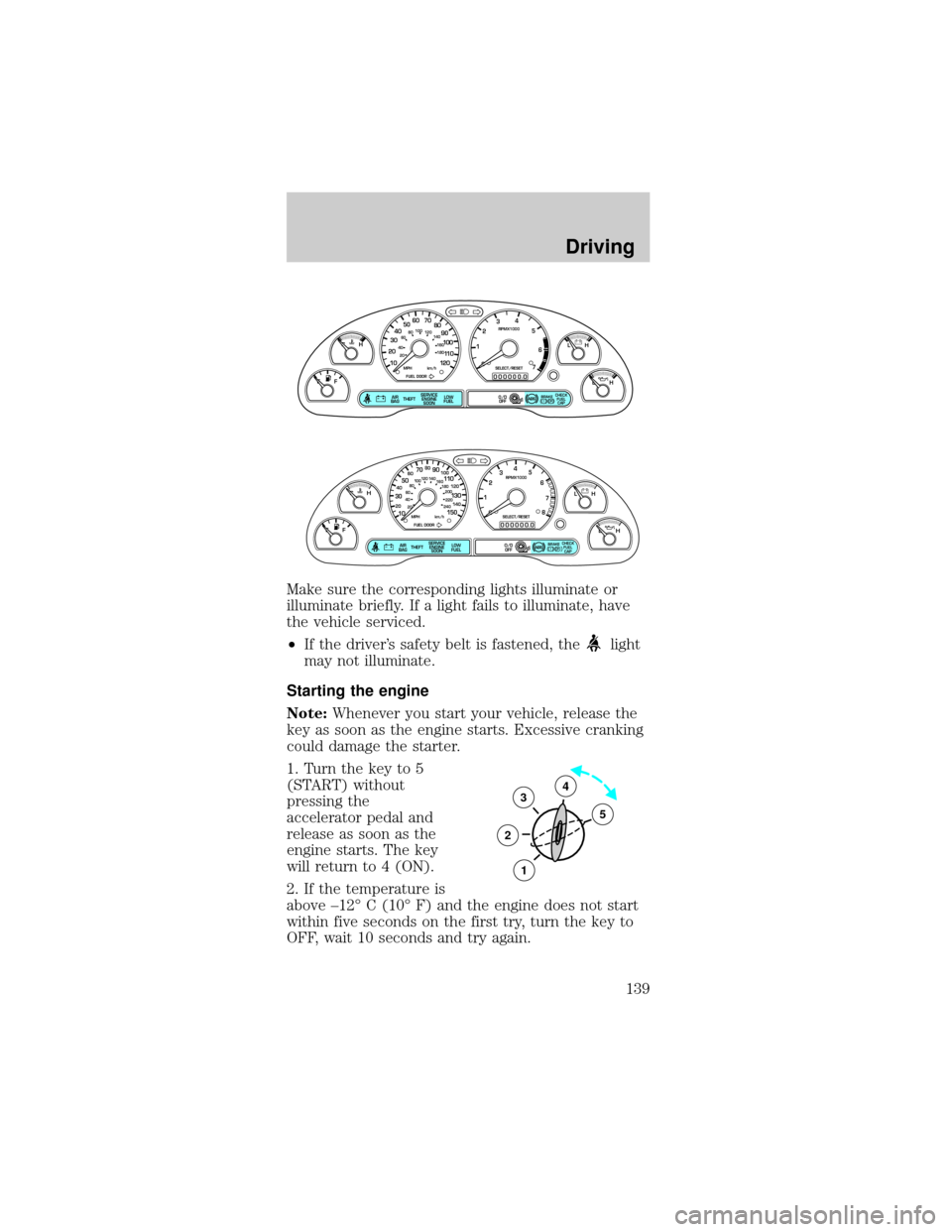
Make sure the corresponding lights illuminate or
illuminate briefly. If a light fails to illuminate, have
the vehicle serviced.
²If the driver's safety belt is fastened, the
light
may not illuminate.
Starting the engine
Note:Whenever you start your vehicle, release the
key as soon as the engine starts. Excessive cranking
could damage the starter.
1. Turn the key to 5
(START) without
pressing the
accelerator pedal and
release as soon as the
engine starts. The key
will return to 4 (ON).
2. If the temperature is
above ±12É C (10É F) and the engine does not start
within five seconds on the first try, turn the key to
OFF, wait 10 seconds and try again.
P! BRAKE
L
0
00000 00
C
E
FH
LH
10 203020 406080100
120
140
160
180
405060 70
80
90
100
11 0
1204
5
6
7 3
2
1
H
THEFT
RPMX1000
FUEL DOORSELECT/RESET
LOW
FUELO/D
OFF AIR
BAGSERVICE
ENGINE
SOON
MPH km/h
ABS
.
CHECK
FUEL
CAP
P! BRAKE
L
0
00000 00
C
E
FH
LH
102040608020 40608010 012 0 14 0
160
180
200
220
240
100
120
140
305070 90
110
13 0
1504
5
6
7
8 3
2
1
H
THEFT
RPMX1000
FUEL DOORSELECT/RESET
LOW
FUELO/D
OFF AIR
BAGSERVICE
ENGINE
SOON
MPH km/h
ABS
.
CHECK
FUEL
CAP
3
2
1
5
4
Driving
139