ignition FORD MUSTANG 2009 5.G Owner's Manual
[x] Cancel search | Manufacturer: FORD, Model Year: 2009, Model line: MUSTANG, Model: FORD MUSTANG 2009 5.GPages: 292, PDF Size: 2.66 MB
Page 79 of 292
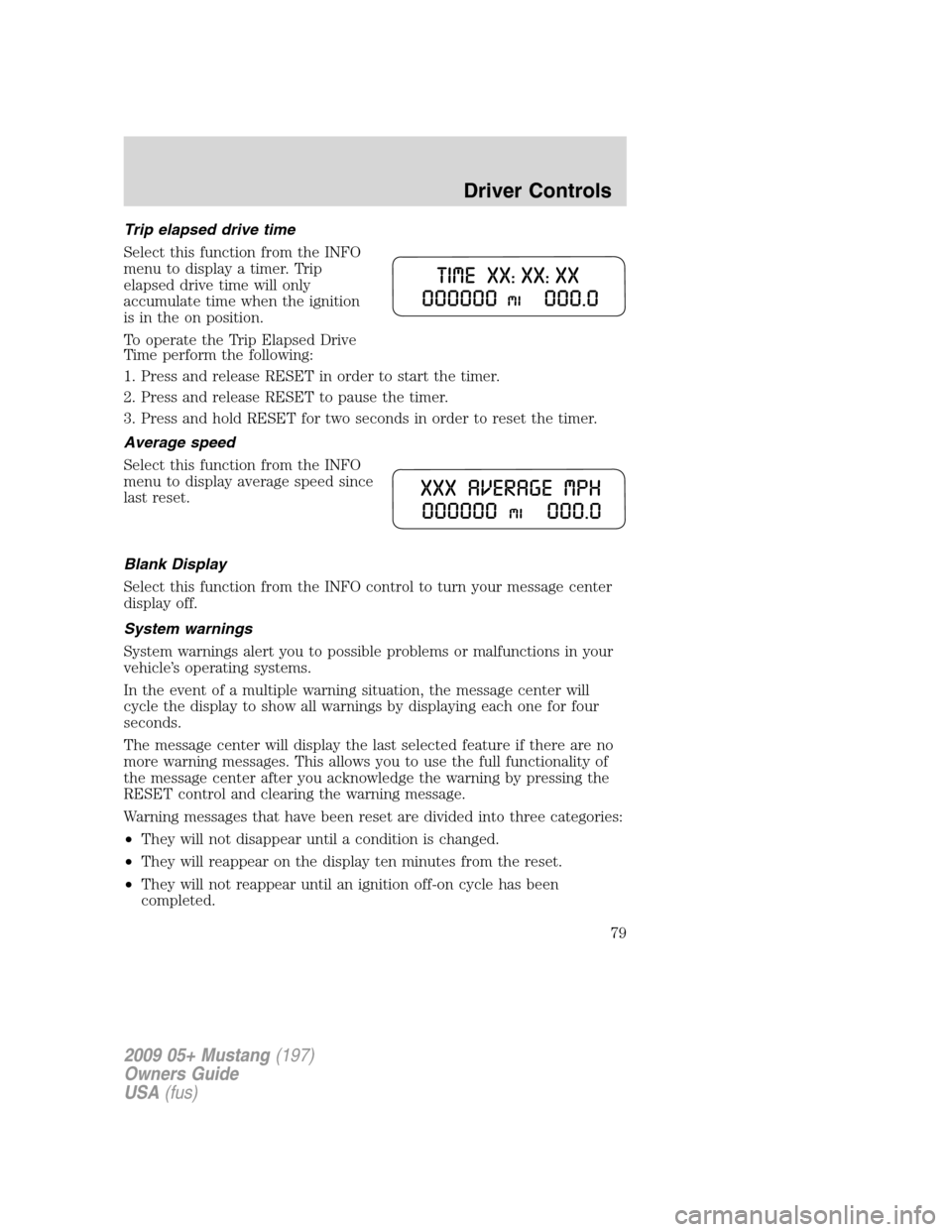
Trip elapsed drive time
Select this function from the INFO
menu to display a timer. Trip
elapsed drive time will only
accumulate time when the ignition
is in the on position.
To operate the Trip Elapsed Drive
Time perform the following:
1. Press and release RESET in order to start the timer.
2. Press and release RESET to pause the timer.
3. Press and hold RESET for two seconds in order to reset the timer.
Average speed
Select this function from the INFO
menu to display average speed since
last reset.
Blank Display
Select this function from the INFO control to turn your message center
display off.
System warnings
System warnings alert you to possible problems or malfunctions in your
vehicle’s operating systems.
In the event of a multiple warning situation, the message center will
cycle the display to show all warnings by displaying each one for four
seconds.
The message center will display the last selected feature if there are no
more warning messages. This allows you to use the full functionality of
the message center after you acknowledge the warning by pressing the
RESET control and clearing the warning message.
Warning messages that have been reset are divided into three categories:
•They will not disappear until a condition is changed.
•They will reappear on the display ten minutes from the reset.
•They will not reappear until an ignition off-on cycle has been
completed.
2009 05+ Mustang(197)
Owners Guide
USA(fus)
Driver Controls
79
Page 80 of 292
This acts as a reminder that these warning conditions still exist within
the vehicle.
Warning display Status
Driver door ajar Warning cannot be reset
Passenger door ajar
Oil pressure low Warning returns after 10 minutes
Check charging system
Check Traction Control™
Check fuel cap
Fuel level low
Check brake system Warning returns after the ignition key
is turned from off to on.
Low tire pressure
Tire pressure monitor fault
Tire pressure sensor fault
Security event occurred
Brake fluid level low
DRIVER DOOR AJAR— Displayed when the driver’s door is not
completely closed.
PASSENGER DOOR AJAR— Displayed when the passenger side door
is not completely closed.
OIL PRESSURE LOW— Displayed when the engine oil pressure is low.
If this warning message is displayed, check the level of the engine oil.
Refer toEngine oilin theMaintenance and Specificationschapter for
information about adding engine oil. If the oil level is OK and this
warning persists, shut down the engine immediately and contact your
authorized dealer for service.
CHECK CHARGING SYSTEM— Displayed when the electrical system
is not maintaining proper voltage. If you are operating electrical
accessories when the engine is idling at a low speed, turn off as many of
the electrical loads as soon as possible. If the warning stays on or comes
on when the engine is operating at normal speeds, have the electrical
system checked as soon as possible.
CHECK TRACTION CONTROL (if equipped)— Displayed when the
Traction Control™ system is not operating properly. If this message is
displayed on the message center the Traction Control™ system will be
partially operable. If this warning stays on, contact your authorized
dealer for service as soon as possible. For further information, refer to
Traction Control™in theDrivingchapter.
2009 05+ Mustang(197)
Owners Guide
USA(fus)
Driver Controls
80
Page 81 of 292
CHECK FUEL CAP— Displayed when the fuel filler cap is not
properly installed. Check the fuel filler cap for proper installation. Refer
toFuel filler capin theMaintenance and Specificationschapter.
FUEL LEVEL LOW— Displayed as an early reminder of a low fuel
condition.
CHECK BRAKE SYSTEM— Displayed when the braking system is not
operating properly. If the warning stays on or continues to come on,
contact your authorized dealer as soon as possible.
LOW TIRE PRESSURE— Displayed when one or more tires on your
vehicle have low tire pressure. Refer toInflating your tiresin theTires,
Wheels and Loadingchapter.
TIRE PRESSURE MONITOR FAULT— Displayed when the Tire
Pressure Monitoring System is malfunctioning. If the warning stays on or
continues to come on, have the system inspected by your authorized
dealer.
TIRE PRESSURE SENSOR FAULT— Displayed when a tire pressure
sensor is malfunctioning, or your spare tire is in use. For more
information on how the system operates under these conditions, refer to
Understanding your tire pressure monitoring system (TPMS)in the
Tires, Wheels and Loadingchapter. If the warning stays on or
continues to come on, have the system inspected by your authorized
dealer
SECURITY EVENT OCCURRED(if equipped)— Displayed when the
active anti-theft system (if equipped) was activated since the prior
ignition cycle.
BRAKE FLUID LEVEL LOW— Indicates the brake fluid level is low
and the brake system should be inspected immediately. Refer to
Brake/clutch fluidin theMaintenance and Specificationschapter.
2009 05+ Mustang(197)
Owners Guide
USA(fus)
Driver Controls
81
Page 83 of 292
KEYS
One key operates all the locks and starts the vehicle. Always carry a
spare key with you in case of an emergency.
Your keys are programmed to your vehicle; using a non-programmed key
will not permit your vehicle to start. If you lose your authorized dealer
supplied keys, replacement keys are available through your authorized
dealer. Refer to theSecuriLock™ passive anti-theft systemsection
later in this chapter for more information.
POWER DOOR LOCKS
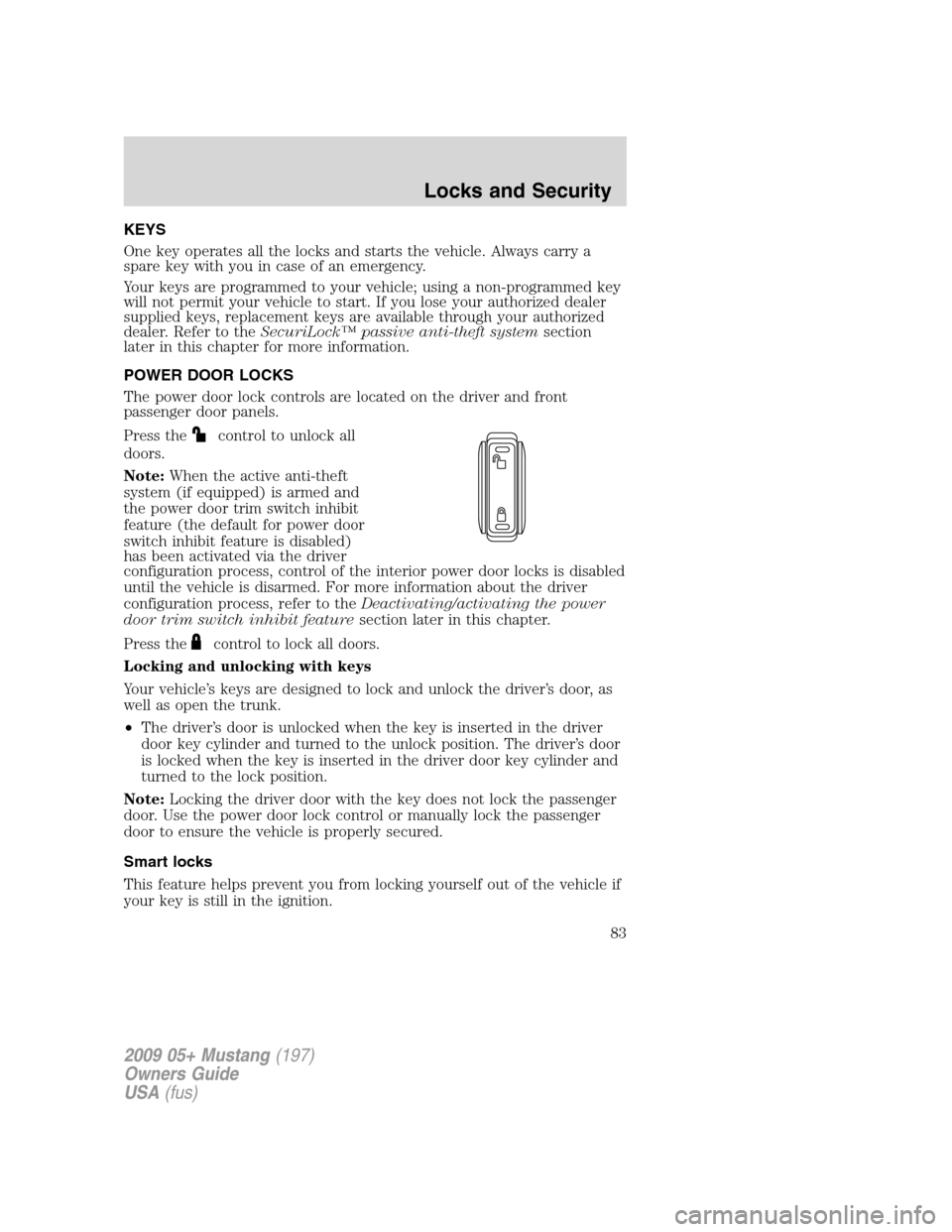
The power door lock controls are located on the driver and front
passenger door panels.
Press the
control to unlock all
doors.
Note:When the active anti-theft
system (if equipped) is armed and
the power door trim switch inhibit
feature (the default for power door
switch inhibit feature is disabled)
has been activated via the driver
configuration process, control of the interior power door locks is disabled
until the vehicle is disarmed. For more information about the driver
configuration process, refer to theDeactivating/activating the power
door trim switch inhibit featuresection later in this chapter.
Press the
control to lock all doors.
Locking and unlocking with keys
Your vehicle’s keys are designed to lock and unlock the driver’s door, as
well as open the trunk.
•The driver’s door is unlocked when the key is inserted in the driver
door key cylinder and turned to the unlock position. The driver’s door
is locked when the key is inserted in the driver door key cylinder and
turned to the lock position.
Note:Locking the driver door with the key does not lock the passenger
door. Use the power door lock control or manually lock the passenger
door to ensure the vehicle is properly secured.
Smart locks
This feature helps prevent you from locking yourself out of the vehicle if
your key is still in the ignition.
2009 05+ Mustang(197)
Owners Guide
USA(fus)
Locks and Security
83
Page 84 of 292
When you open the driver’s door and you lock the vehicle with the
power door lock control, all the doors will lock, then the driver’s door
will automatically unlock reminding you that your key is still in the
ignition.
The vehicle can still be locked, with the key in the ignition, using the
manual lock button on the door, locking the driver’s door with a key or
using the lock button on the remote entry transmitter.
Power door trim switch inhibit (if equipped)
This feature disables the power door lock controls if all the doors are
locked and the active anti-theft system (if equipped) becomes armed.
For more information concerning the active anti-theft system, refer to
Active anti-theft systemlater in this chapter.
Once the power door trim switches are disabled, they can only become
active when a valid electronic unlock event (i.e., using the remote entry
transmitter) occurs.
Deactivating/activating the power door trim switch inhibit feature
Before following the procedure, make sure that the ignition is in the off
position and all vehicle doors are closed.
You must complete Steps 1-7 within 30 seconds or the procedure will
have to be repeated. If the procedure needs to be repeated, you must
wait 30 seconds.
1. Turn the ignition to the on
position.
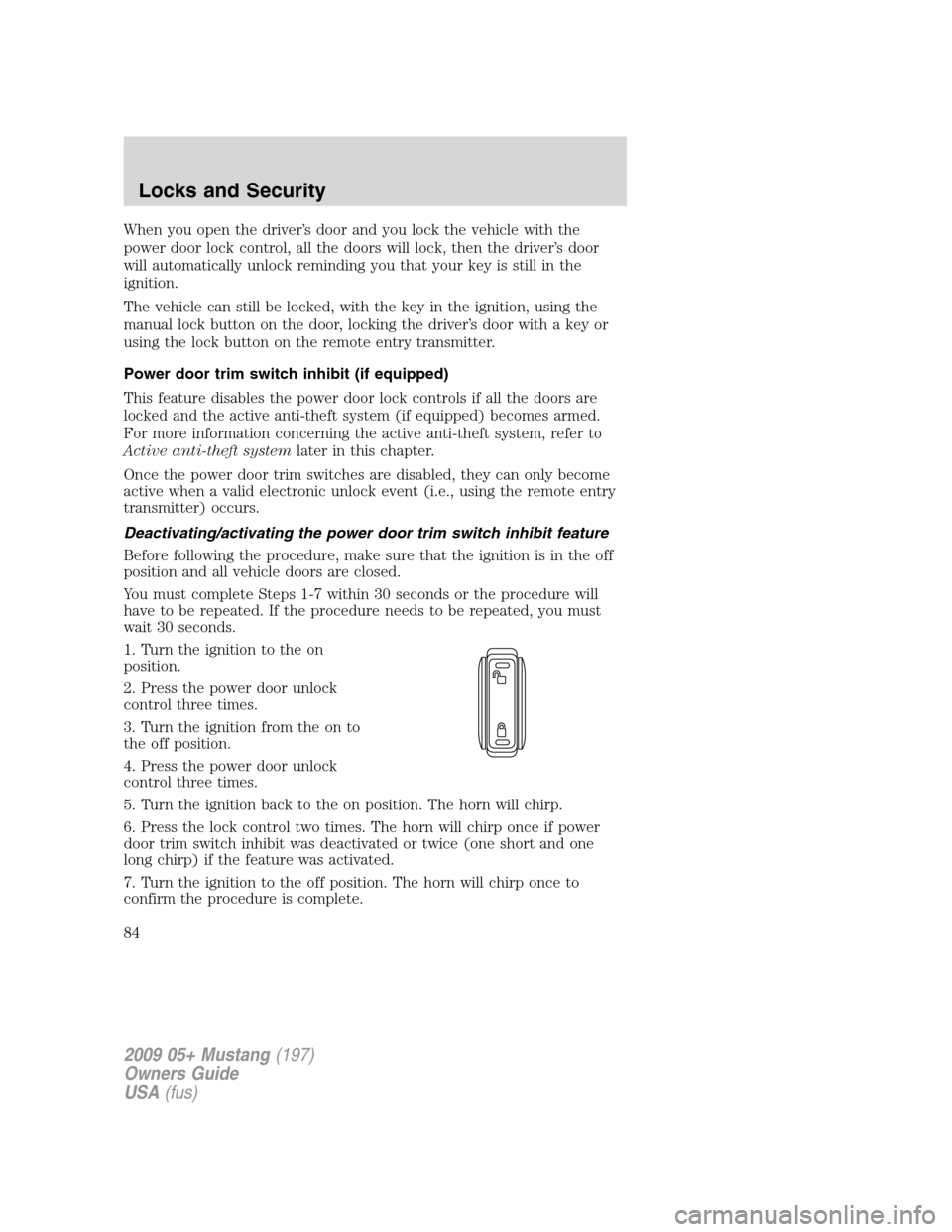
2. Press the power door unlock
control three times.
3. Turn the ignition from the on to
the off position.
4. Press the power door unlock
control three times.
5. Turn the ignition back to the on position. The horn will chirp.
6. Press the lock control two times. The horn will chirp once if power
door trim switch inhibit was deactivated or twice (one short and one
long chirp) if the feature was activated.
7. Turn the ignition to the off position. The horn will chirp once to
confirm the procedure is complete.
2009 05+ Mustang(197)
Owners Guide
USA(fus)
Locks and Security
84
Page 85 of 292
Autolock (if equipped)
On vehicles equipped with an automatic transmission, this feature
automatically locks all vehicle doors when:
•all doors are closed,
•the ignition is in the on position,
•the brake is pressed before reaching 5 mph (8 km/h), and
•the vehicle increases to more than 5 mph (8 km/h).
Relock
The autolock feature repeats when:
•an “autolock” occurrence has already taken place,
•the brake is depressed while vehicle speed is less than 5 mph
(8 km/h),
•any vehicle door is opened and then all doors become closed again,
and
•the vehicle increases to more than 5 mph (8 km/h).
Deactivating/activating the autolock feature
Before following the procedure, make sure that the ignition is in the off
position and all vehicle doors are closed.
You must complete Steps 1-7 within 30 seconds or the procedure will
have to be repeated. If the procedure needs to be repeated, you must
wait 30 seconds.
1. Turn the ignition to the on position.
2. Press the power door unlock control three times.
3. Turn the ignition from the on to the off position.
4. Press the power door unlock control three times.
5. Turn the ignition back to the on position. The horn will chirp.
6. Press the unlock control, then press the lock control. The horn will
chirp once if autolock was deactivated or twice (one short and one long
chirp) if autolock was activated.
7. Turn the ignition to the off position. The horn will chirp once to
confirm the procedure is complete.
INTERIOR LUGGAGE COMPARTMENT RELEASE
Your vehicle is equipped with a mechanical interior luggage compartment
release handle that provides a means of escape for children and adults in
the event they become locked inside the luggage compartment.
2009 05+ Mustang(197)
Owners Guide
USA(fus)
Locks and Security
85
Page 88 of 292
Locking the doors
1. Pressand release to lock all the doors.Note:The interior lamps
will turn off (unless the dome lamp control is in the full-up position),
and the turn signal lamps will flash if all doors, trunk and hood (if
equipped with active anti-theft system) are closed and locked. If the
vehicle is not equipped with the active anti-theft system, the turn signal
lamps will flash if all doors and the trunk are closed and locked.
2. Press
and release again within three seconds to confirm that all
the doors are closed and locked.Note:The doors will lock again, the
horn will chirp once and the turn signal lamps will flash once more.
If any of the doors, trunk or hood (if equipped with active anti-theft
system) are not properly closed the horn will make two quick chirps and
the turn signal lamps will not flash. If the vehicle is not equipped with
the active anti-theft system, the horn will make two quick chirps and the
turn signal lamps will not flash if the doors and the trunk are not closed
and locked.
Car finder
Press
twice within three seconds. The horn will chirp and the turn
lamps will flash. It is recommended that this method be used to locate
your vehicle, rather than using the panic alarm.
Sounding a panic alarm
Press
to activate the alarm. The horn will sound and the turn signal
and interior lamps will flash for a maximum of approximately three
minutes. Press again or turn the ignition to the accessory or on position
to deactivate, or wait for the alarm to time-out in three minutes.
Note:The panic alarm will only operate when the ignition is in the off
position.
Opening the trunk
Press
once to open the trunk.
•Ensure that the trunk is closed and latched before driving your
vehicle. Failure to properly latch the trunk may cause objects to fall
out or block the driver’s rear view.
The remote entry system allows you to open the trunk while the ignition
is in any position. However, if the ignition is in the on position and the
vehicle is in motion, the trunk will not open if the vehicle is moving
3 mph (5 km/h) or faster.
2009 05+ Mustang(197)
Owners Guide
USA(fus)
Locks and Security
88
Page 90 of 292
How to reprogram your remote entry transmitters
You must haveall remote entry transmitters(maximum of six)
available before beginning this procedure.
Note:Ensure the brake pedal is not depressed during this sequence.
To reprogram the remote entry
transmitters:
1. Ensure the vehicle is
electronically unlocked.
2. Put the key in the ignition.
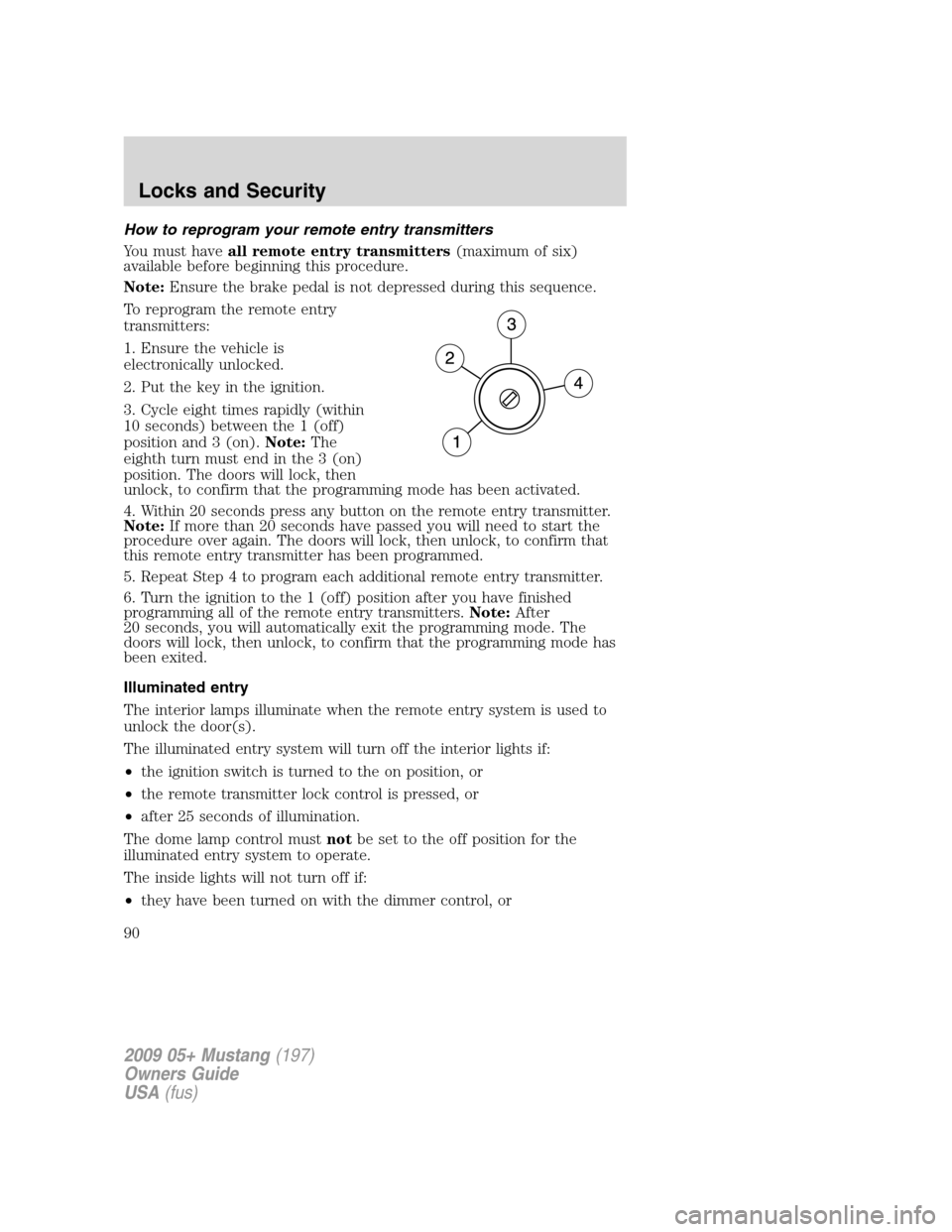
3. Cycle eight times rapidly (within
10 seconds) between the 1 (off)
position and 3 (on).Note:The
eighth turn must end in the 3 (on)
position. The doors will lock, then
unlock, to confirm that the programming mode has been activated.
4. Within 20 seconds press any button on the remote entry transmitter.
Note:If more than 20 seconds have passed you will need to start the
procedure over again. The doors will lock, then unlock, to confirm that
this remote entry transmitter has been programmed.
5. Repeat Step 4 to program each additional remote entry transmitter.
6. Turn the ignition to the 1 (off) position after you have finished
programming all of the remote entry transmitters.Note:After
20 seconds, you will automatically exit the programming mode. The
doors will lock, then unlock, to confirm that the programming mode has
been exited.
Illuminated entry
The interior lamps illuminate when the remote entry system is used to
unlock the door(s).
The illuminated entry system will turn off the interior lights if:
•the ignition switch is turned to the on position, or
•the remote transmitter lock control is pressed, or
•after 25 seconds of illumination.
The dome lamp control mustnotbe set to the off position for the
illuminated entry system to operate.
The inside lights will not turn off if:
•they have been turned on with the dimmer control, or
2009 05+ Mustang(197)
Owners Guide
USA(fus)
Locks and Security
90
Page 91 of 292
•any door is open.
The battery saver will shut off the interior lamps 10 minutes after the
ignition has been turned to the off position and a door is left open, and
in 30 minutes if the dome lamp control is left on and the ignition has
been turned to the off position. The battery saver will also shut off the
trunk lamps in 30 minutes if the trunk is left open.
Perimeter lighting feature (if equipped)
The perimeter lighting feature illuminates the exterior of the vehicle in
order to provide better visibility to the user while he or she approaches
and enters the vehicle.
The perimeter lighting feature activates the head lamps, park lamps and
side marker lamps when:
•the user activates an unlock feature by using the remote keyless
transmitter or
•when the vehicle is unlocked, by using the driver’s door key lock
cylinder.
The perimeter lighting feature will turn off if:
•the vehicle is locked using the remote entry transmitter, or
•the ignition is turned to the on position, or
•after 25 seconds of illumination.
Enabling/disabling the perimeter lighting feature
Your vehicle comes with the perimeter lighting feature enabled. You may
enable/disable this feature by having your vehicle serviced by your
authorized dealer.
You may also perform the following power door lock sequence to
enable/disable the perimeter lamps feature. All vehicle doors must be
closed before beginning the procedure. You must complete Steps 1–3
within 30 seconds, or the procedure will have to be repeated.
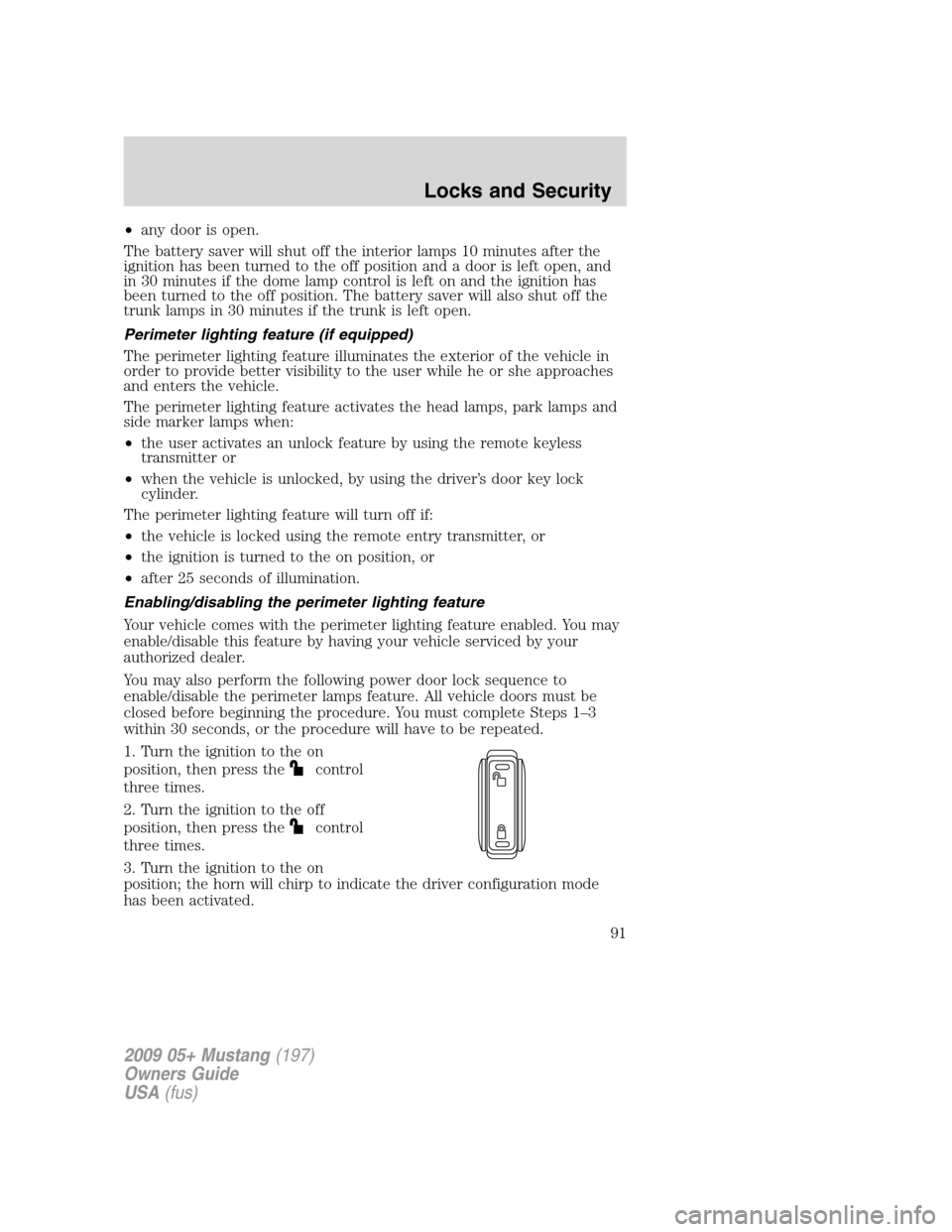
1. Turn the ignition to the on
position, then press the
control
three times.
2. Turn the ignition to the off
position, then press the
control
three times.
3. Turn the ignition to the on
position; the horn will chirp to indicate the driver configuration mode
has been activated.
2009 05+ Mustang(197)
Owners Guide
USA(fus)
Locks and Security
91
Page 92 of 292
Activating or deactivating the perimeter lighting once in program mode is
accomplished by:
•pressing the trim panel power door unlock control
twice within
five seconds.
At this point, perimeter lighting will be activated if it was previously
deactivated, and deactivated if it was previously activated. Confirmation
of perimeter lighting being activated is provided by a short horn chirp
followed by a long horn sound; Confirmation of perimeter lighting being
deactivated is provided by a short horn chirp only.
Exiting the program mode is accomplished by turning the ignition to any
position other than the on position, or two minutes elapsing since the
program mode was entered.
SECURILOCK™ PASSIVE ANTI-THEFT SYSTEM
SecuriLock™ passive anti-theft system is an engine immobilization
system. This system is designed to help prevent the engine from being
started unless acoded key programmed to your vehicleis used. The
use of the wrong type of coded key may lead to a “no-start” condition.
Your vehicle comes with two coded keys; additional coded keys may be
purchased from your authorized dealer. The authorized dealer can
program your spare keys to your vehicle or you can program the keys
yourself. Refer toProgramming spare keysfor instructions on how to
program the coded key.
Note:The SecuriLock™ passive anti-theft system is not compatible with
non-Ford aftermarket remote start systems. Use of these systems may
result in vehicle starting problems and a loss of security protection.
Note:Large metallic objects, electronic devices that are used to
purchase gasoline or similar items, or a second coded key on the same
key chain may cause vehicle starting issues. You need to prevent these
objects from touching the coded key while starting the engine. These
objects will not cause damage to the coded key, but may cause a
momentary issue if they are too close to the key when starting the
engine. If a problem occurs, turn the ignition off, remove all objects on
the key chain away from the coded key and restart the engine.
Note: Do not leave a duplicate coded key in the vehicle. Always
take your keys and lock all doors when leaving the vehicle.
2009 05+ Mustang(197)
Owners Guide
USA(fus)
Locks and Security
92