reset FORD SUPER DUTY 2008 2.G User Guide
[x] Cancel search | Manufacturer: FORD, Model Year: 2008, Model line: SUPER DUTY, Model: FORD SUPER DUTY 2008 2.GPages: 368, PDF Size: 3.46 MB
Page 41 of 368
Satellite radio reception factors:To receive the satellite signal, your
vehicle has been equipped with a satellite radio antenna located on the
roof of your vehicle. The vehicle roof provides the best location for an
unobstructed, open view of the sky, a requirement of a satellite radio
system. Like AM/FM, there are several factors that can affect satellite
radio reception performance:
•Antenna Obstructions: For optimal reception performance, keep the
antenna clear of snow and ice build-up and keep luggage and other
material as far away from the antenna as possible.
•Terrain: Hills, mountains, tall buildings, bridges, tunnels, freeway
overpasses, parking garages, dense tree foliage and thunderstorms can
interfere with your reception.
•Station overload: When you pass a ground based broadcast repeating
tower, a stronger signal may overtake a weaker one and result in an
audio mute.
Unlike AM/FM audible static, you will hear an audio mute when there is
a satellite radio signal interference. Your radio display may display NO
SIGNAL to indicate the interference.
SIRIUS satellite radio service:SIRIUS Satellite Radio is a continental
U.S. based satellite radio service that broadcasts over 120 channels of
music, sports, news and entertainment coast-to-coast. A service fee is
required in order to receive SIRIUS service. Vehicles that are equipped
with a factory installed SIRIUS Satellite Radio system include:
•Hardware and limited subscription term, which begins on the date of
sale or lease of the vehicle.
•SIRIUS online media player access: providing access to all 100%
commercial-free music channels over the internet. Call SIRIUS at
1–888–539–7474 to obtain login instructions and your password.
For information on extended subscription terms, contact SIRIUS at
1–888–539–7474.
Note:SIRIUS reserves the unrestricted right to change, rearrange, add
or delete programming including canceling, moving or adding particular
channels, and its prices, at any time, with or without notice to you. Ford
Motor Company shall not be responsible for any such programming
changes.
Satellite Radio Electronic Serial Number (ESN):This12digit
Satellite Serial Number is needed to activate, modify or track your
satellite radio account. You will need this number when communicating
with SIRIUS. While in Satellite Radio mode, you can view this number on
the radio display by pressing AUX and Preset 1 control simultaneously.
2008 F-250/350/450/550(f23)
Owners Guide (post-2002-fmt)
USA(fus)
Entertainment Systems
41
Page 42 of 368
Radio Display Condition Action Required
ACQUIRING Radio requires more
than two seconds to
produce audio for the
selected channel.No action required.
This message should
disappear shortly.
SAT FAULT Internal module or
system failure
present.If this message does
not clear within a short
period of time, or with
an ignition key cycle,
your receiver may have
a fault. See your
authorized dealer for
service.
INVALID CHNL Channel no longer
available.This previously
available channel is no
longer available. Tune
to another channel. If
the channel was one of
your presets, you may
choose another channel
for that preset button.
UNSUBSCRIBED Subscription not
available for this
channel.Contact SIRIUS at
1–888–539–7474 to
subscribe to the
channel, or tune to
another channel.
NO TEXT Artist information not
available.Artist information not
available at this time on
this channel. The
system is working
properly.
2008 F-250/350/450/550(f23)
Owners Guide (post-2002-fmt)
USA(fus)
Entertainment Systems
42
Page 66 of 368
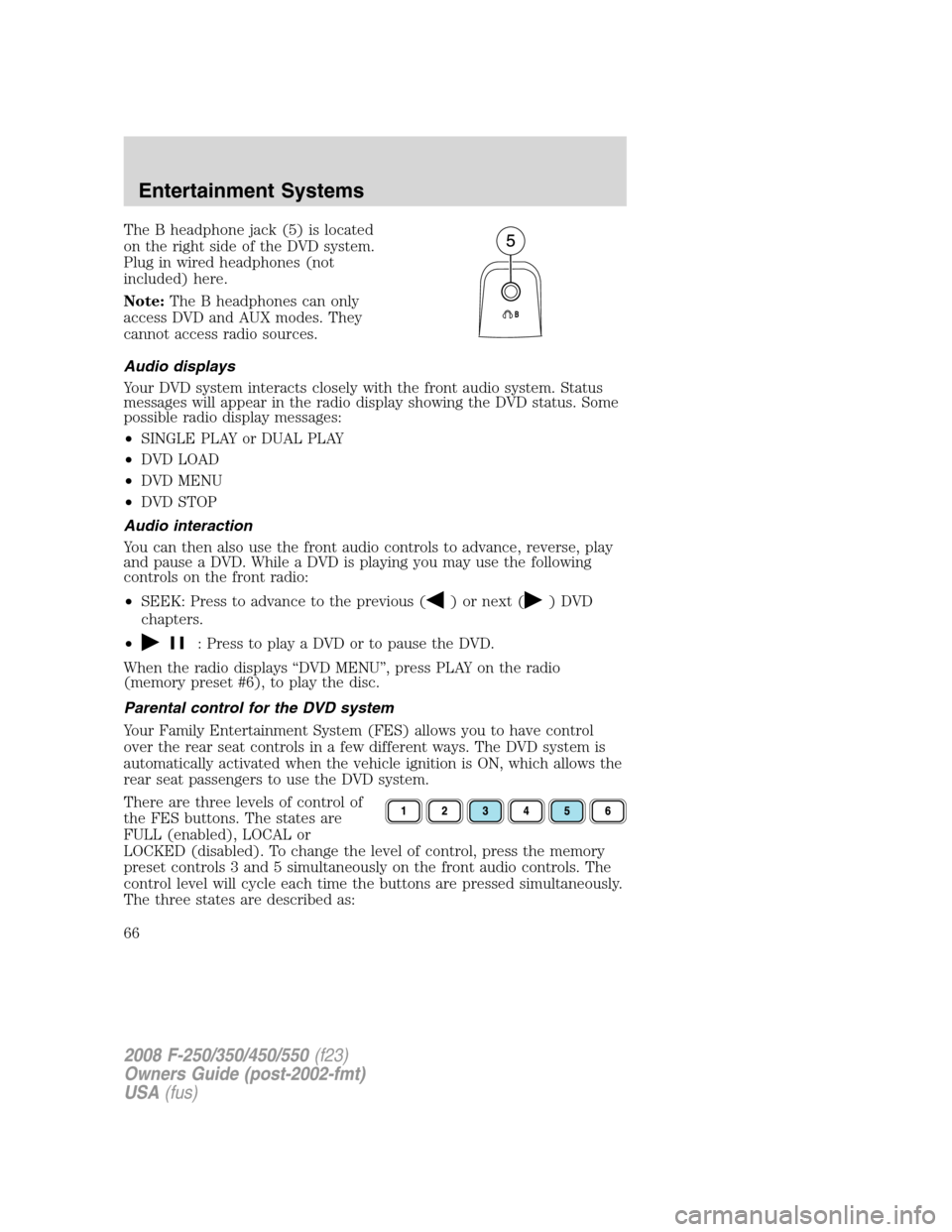
The B headphone jack (5) is located
on the right side of the DVD system.
Plug in wired headphones (not
included) here.
Note:The B headphones can only
access DVD and AUX modes. They
cannot access radio sources.
Audio displays
Your DVD system interacts closely with the front audio system. Status
messages will appear in the radio display showing the DVD status. Some
possible radio display messages:
•SINGLE PLAY or DUAL PLAY
•DVD LOAD
•DVD MENU
•DVD STOP
Audio interaction
You can then also use the front audio controls to advance, reverse, play
and pause a DVD. While a DVD is playing you may use the following
controls on the front radio:
•SEEK: Press to advance to the previous (
) or next () DVD
chapters.
•
: Press to play a DVD or to pause the DVD.
When the radio displays “DVD MENU”, press PLAY on the radio
(memory preset #6), to play the disc.
Parental control for the DVD system
Your Family Entertainment System (FES) allows you to have control
over the rear seat controls in a few different ways. The DVD system is
automatically activated when the vehicle ignition is ON, which allows the
rear seat passengers to use the DVD system.
There are three levels of control of
the FES buttons. The states are
FULL (enabled), LOCAL or
LOCKED (disabled). To change the level of control, press the memory
preset controls 3 and 5 simultaneously on the front audio controls. The
control level will cycle each time the buttons are pressed simultaneously.
The three states are described as:
2008 F-250/350/450/550(f23)
Owners Guide (post-2002-fmt)
USA(fus)
Entertainment Systems
66
Page 67 of 368
FULL(enabled): The FES has control over the primary (speaker) and
secondary (headphone) audio sources.
LOCAL: The FES has control over the secondary source (headphones)
only. The radio will ignore button presses that affect the primary
(speaker) audio source.
LOCKED(disabled): The FES buttons are locked and all FES button
presses are ignored by the radio and the FES except for load and eject.
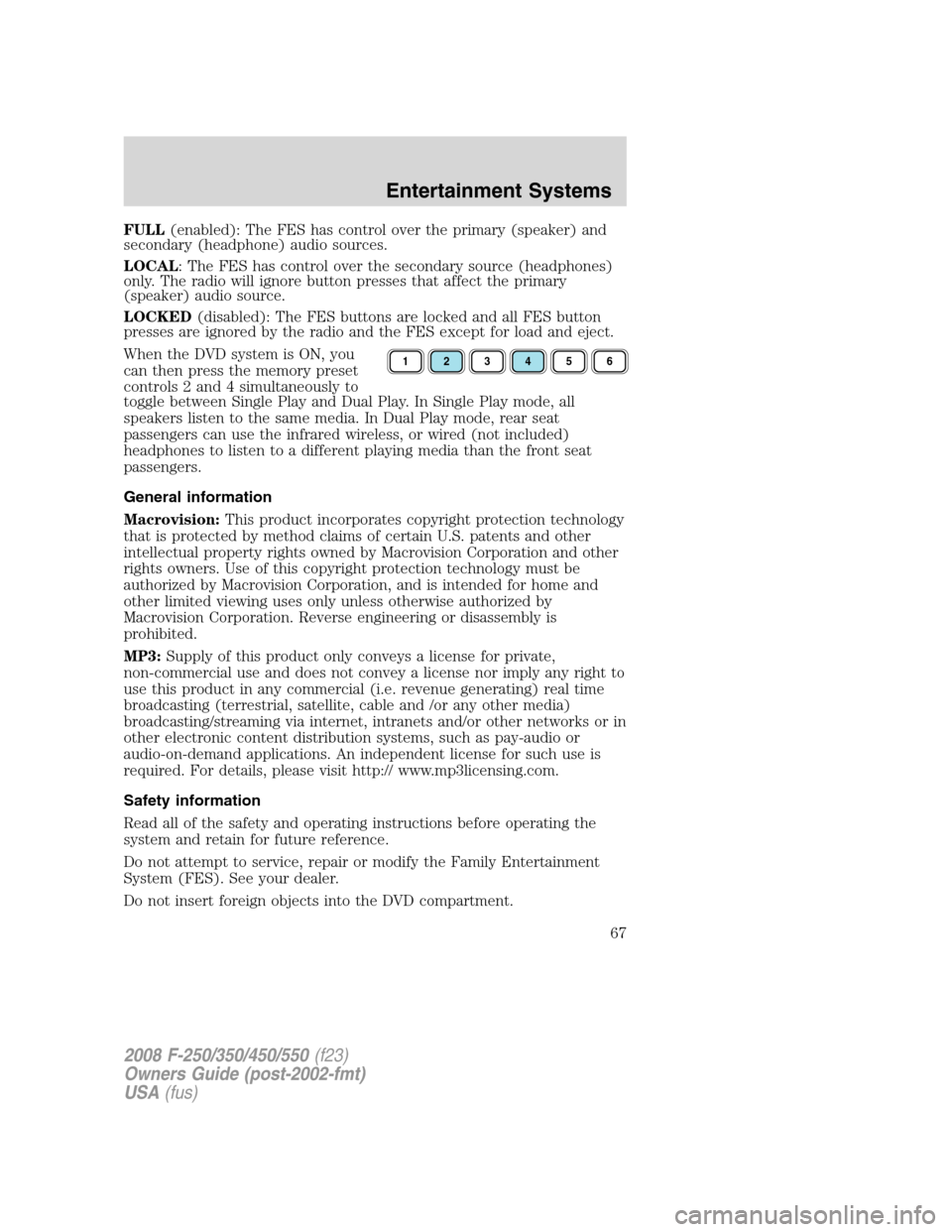
When the DVD system is ON, you
can then press the memory preset
controls 2 and 4 simultaneously to
toggle between Single Play and Dual Play. In Single Play mode, all
speakers listen to the same media. In Dual Play mode, rear seat
passengers can use the infrared wireless, or wired (not included)
headphones to listen to a different playing media than the front seat
passengers.
General information
Macrovision:This product incorporates copyright protection technology
that is protected by method claims of certain U.S. patents and other
intellectual property rights owned by Macrovision Corporation and other
rights owners. Use of this copyright protection technology must be
authorized by Macrovision Corporation, and is intended for home and
other limited viewing uses only unless otherwise authorized by
Macrovision Corporation. Reverse engineering or disassembly is
prohibited.
MP3:Supply of this product only conveys a license for private,
non-commercial use and does not convey a license nor imply any right to
use this product in any commercial (i.e. revenue generating) real time
broadcasting (terrestrial, satellite, cable and /or any other media)
broadcasting/streaming via internet, intranets and/or other networks or in
other electronic content distribution systems, such as pay-audio or
audio-on-demand applications. An independent license for such use is
required. For details, please visit http:// www.mp3licensing.com.
Safety information
Read all of the safety and operating instructions before operating the
system and retain for future reference.
Do not attempt to service, repair or modify the Family Entertainment
System (FES). See your dealer.
Do not insert foreign objects into the DVD compartment.
123456
2008 F-250/350/450/550(f23)
Owners Guide (post-2002-fmt)
USA(fus)
Entertainment Systems
67
Page 101 of 368
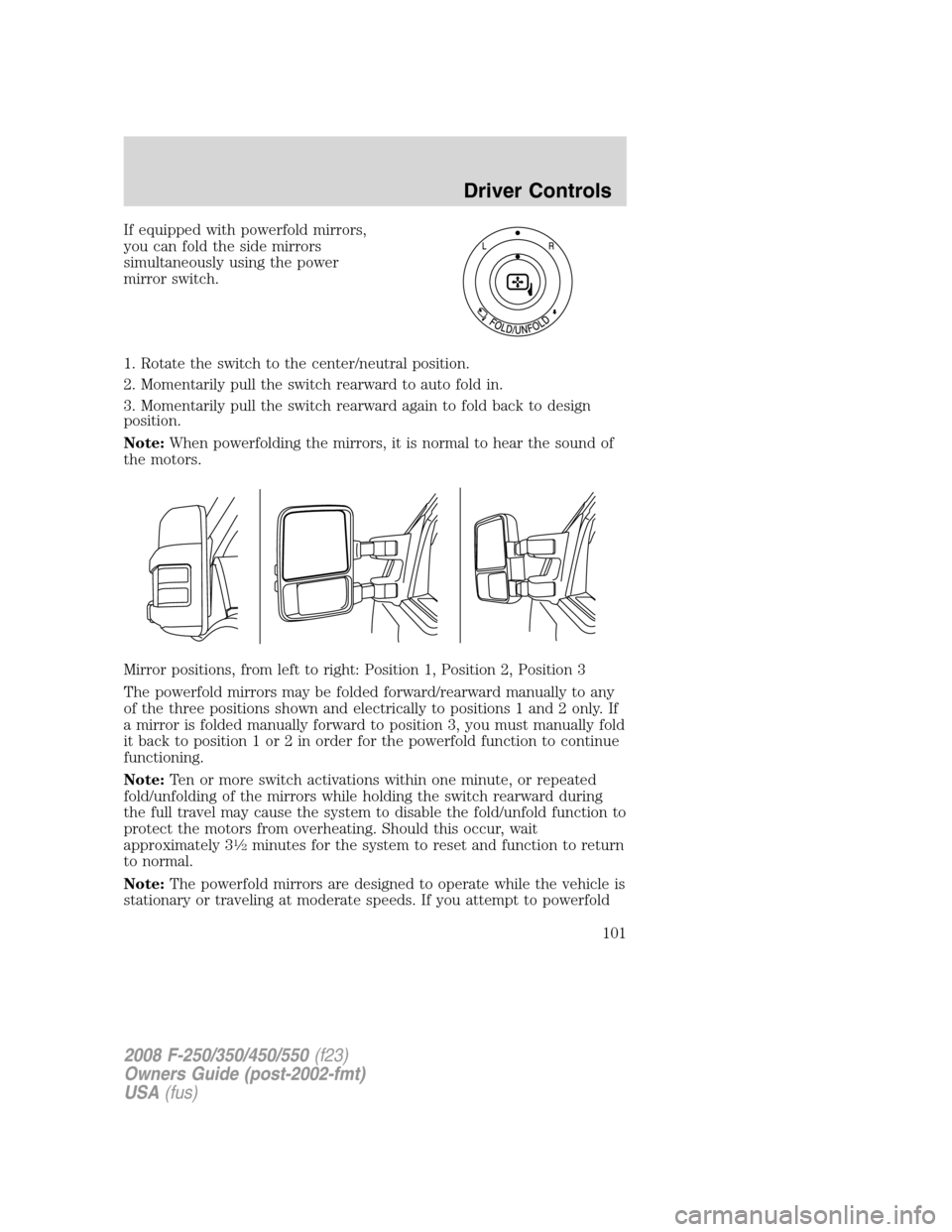
If equipped with powerfold mirrors,
you can fold the side mirrors
simultaneously using the power
mirror switch.
1. Rotate the switch to the center/neutral position.
2. Momentarily pull the switch rearward to auto fold in.
3. Momentarily pull the switch rearward again to fold back to design
position.
Note:When powerfolding the mirrors, it is normal to hear the sound of
the motors.
Mirror positions, from left to right: Position 1, Position 2, Position 3
The powerfold mirrors may be folded forward/rearward manually to any
of the three positions shown and electrically to positions 1 and 2 only. If
a mirror is folded manually forward to position 3, you must manually fold
it back to position 1 or 2 in order for the powerfold function to continue
functioning.
Note:Ten or more switch activations within one minute, or repeated
fold/unfolding of the mirrors while holding the switch rearward during
the full travel may cause the system to disable the fold/unfold function to
protect the motors from overheating. Should this occur, wait
approximately 3
12minutes for the system to reset and function to return
to normal.
Note:The powerfold mirrors are designed to operate while the vehicle is
stationary or traveling at moderate speeds. If you attempt to powerfold
2008 F-250/350/450/550(f23)
Owners Guide (post-2002-fmt)
USA(fus)
Driver Controls
101
Page 108 of 368

In AM, FM1, or FM2 mode:
•Press
SEEKto
select preset stations within the
selected radio band or press and
hold to select the next/previous
radio frequency.
In Satellite radio mode
(if equipped):
•Press
SEEKto
advance through preset channels or subscribed channels.
In CD mode:
•Press
SEEKto select the next selection on the CD or
press and hold to forward or reverse the CD.
In any mode:
•Press VOL + or to adjust
volume.
Climate control features (if equipped)
Press TEMP + or - to adjust
temperature.
2008 F-250/350/450/550(f23)
Owners Guide (post-2002-fmt)
USA(fus)
Driver Controls
108
Page 116 of 368
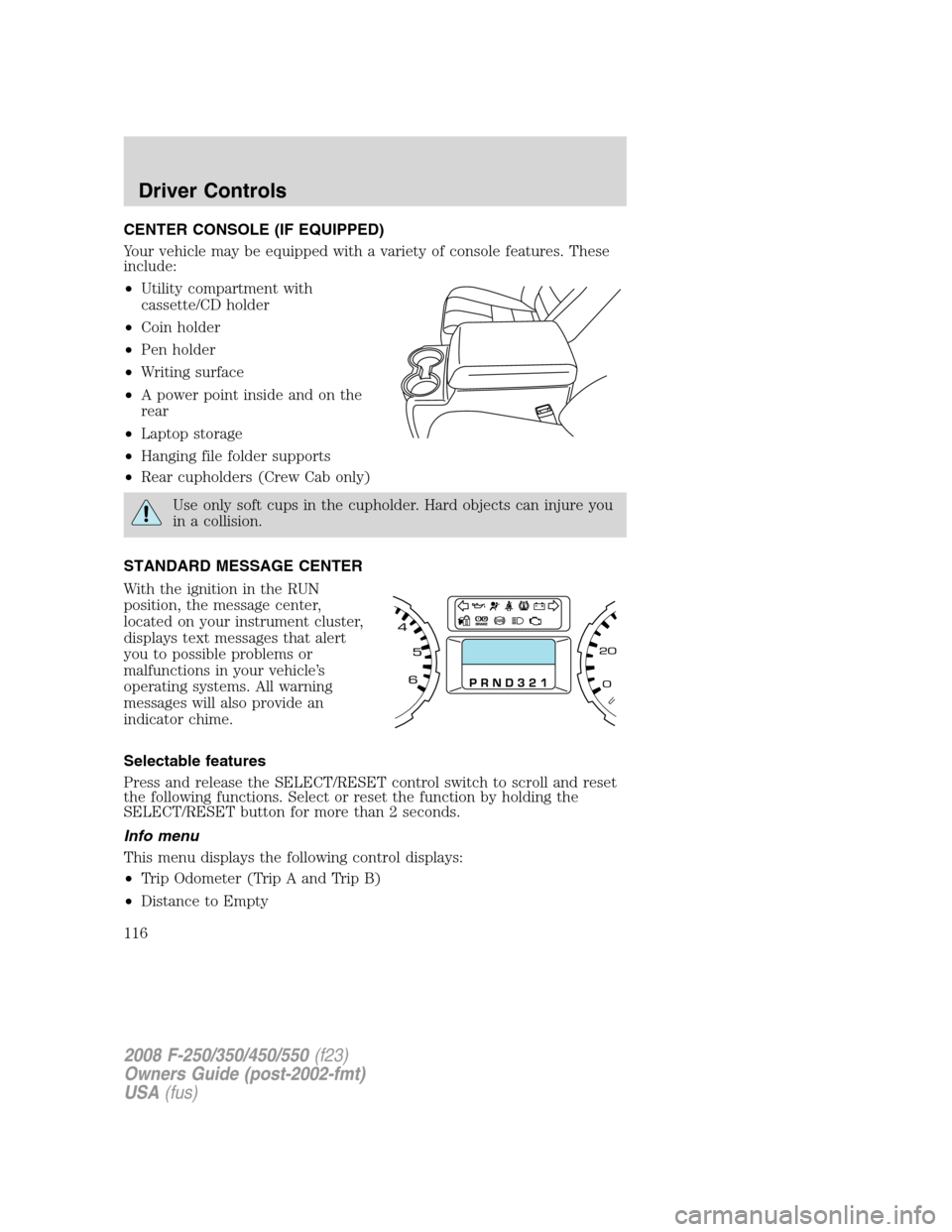
CENTER CONSOLE (IF EQUIPPED)
Your vehicle may be equipped with a variety of console features. These
include:
•Utility compartment with
cassette/CD holder
•Coin holder
•Pen holder
•Writing surface
•A power point inside and on the
rear
•Laptop storage
•Hanging file folder supports
•Rear cupholders (Crew Cab only)
Use only soft cups in the cupholder. Hard objects can injure you
in a collision.
STANDARD MESSAGE CENTER
With the ignition in the RUN
position, the message center,
located on your instrument cluster,
displays text messages that alert
you to possible problems or
malfunctions in your vehicle’s
operating systems. All warning
messages will also provide an
indicator chime.
Selectable features
Press and release the SELECT/RESET control switch to scroll and reset
the following functions. Select or reset the function by holding the
SELECT/RESET button for more than 2 seconds.
Info menu
This menu displays the following control displays:
•Trip Odometer (Trip A and Trip B)
•Distance to Empty
2008 F-250/350/450/550(f23)
Owners Guide (post-2002-fmt)
USA(fus)
Driver Controls
116
Page 117 of 368
•Average Fuel Economy
•Setup Menu
•System check
•Blank (Odometer and compass, if equipped, off)
Odometer/Trip odometer
Refer toGaugesin theInstrument Clusterchapter.
Distance to empty (DTE)
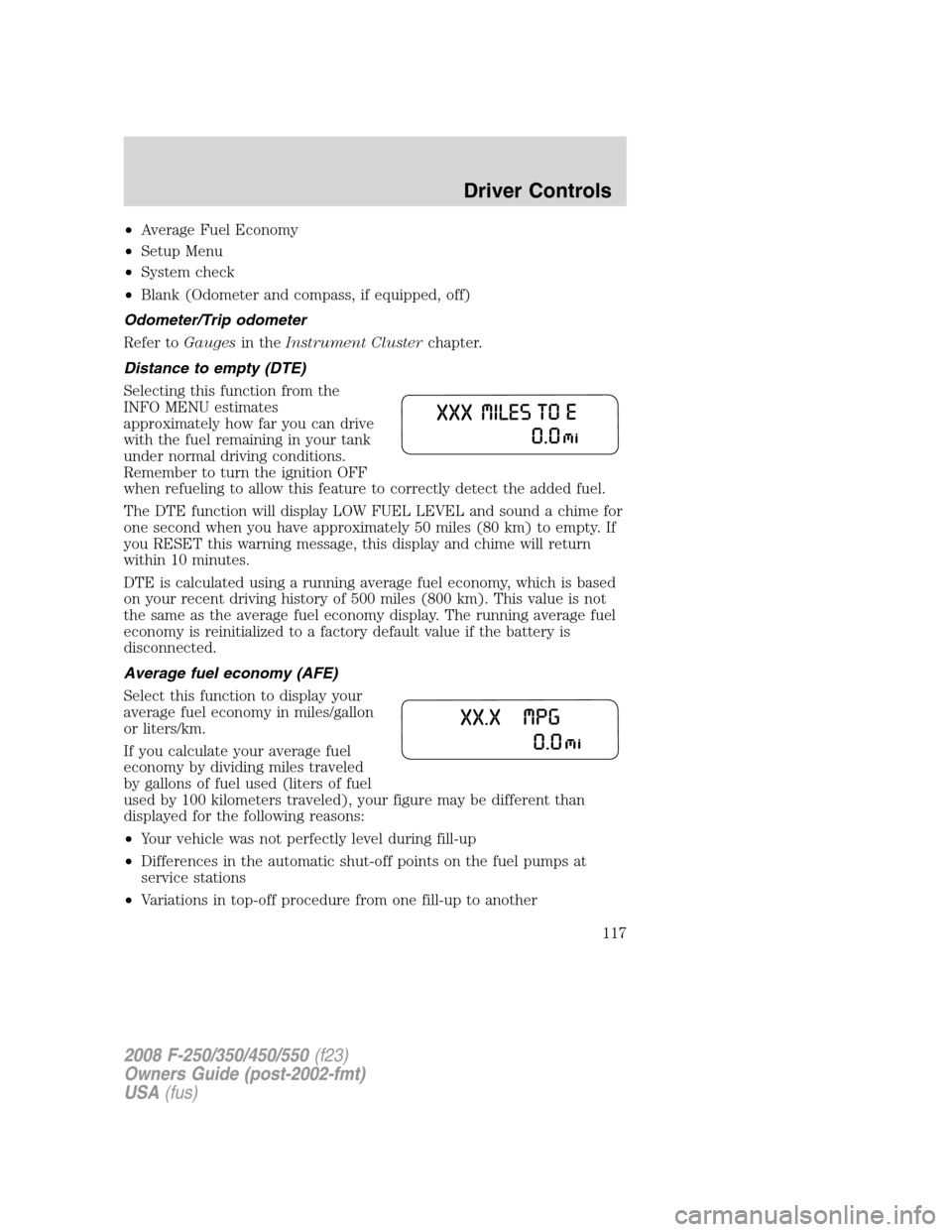
Selecting this function from the
INFO MENU estimates
approximately how far you can drive
with the fuel remaining in your tank
under normal driving conditions.
Remember to turn the ignition OFF
when refueling to allow this feature to correctly detect the added fuel.
The DTE function will display LOW FUEL LEVEL and sound a chime for
one second when you have approximately 50 miles (80 km) to empty. If
you RESET this warning message, this display and chime will return
within 10 minutes.
DTE is calculated using a running average fuel economy, which is based
on your recent driving history of 500 miles (800 km). This value is not
the same as the average fuel economy display. The running average fuel
economy is reinitialized to a factory default value if the battery is
disconnected.
Average fuel economy (AFE)
Select this function to display your
average fuel economy in miles/gallon
or liters/km.
If you calculate your average fuel
economy by dividing miles traveled
by gallons of fuel used (liters of fuel
used by 100 kilometers traveled), your figure may be different than
displayed for the following reasons:
•Your vehicle was not perfectly level during fill-up
•Differences in the automatic shut-off points on the fuel pumps at
service stations
•Variations in top-off procedure from one fill-up to another
2008 F-250/350/450/550(f23)
Owners Guide (post-2002-fmt)
USA(fus)
Driver Controls
117
Page 118 of 368
•Rounding of the displayed values to the nearest 0.1 gallon (liter)
1. Drive the vehicle at least 5 miles (8 km) with the speed control
system engaged to display a stabilized average.
2. Record the highway fuel economy for future reference.
It is important to press the SELECT/RESET control switch (press and
hold for 2 seconds in order to reset the function) after setting the speed
control to get accurate highway fuel economy readings.
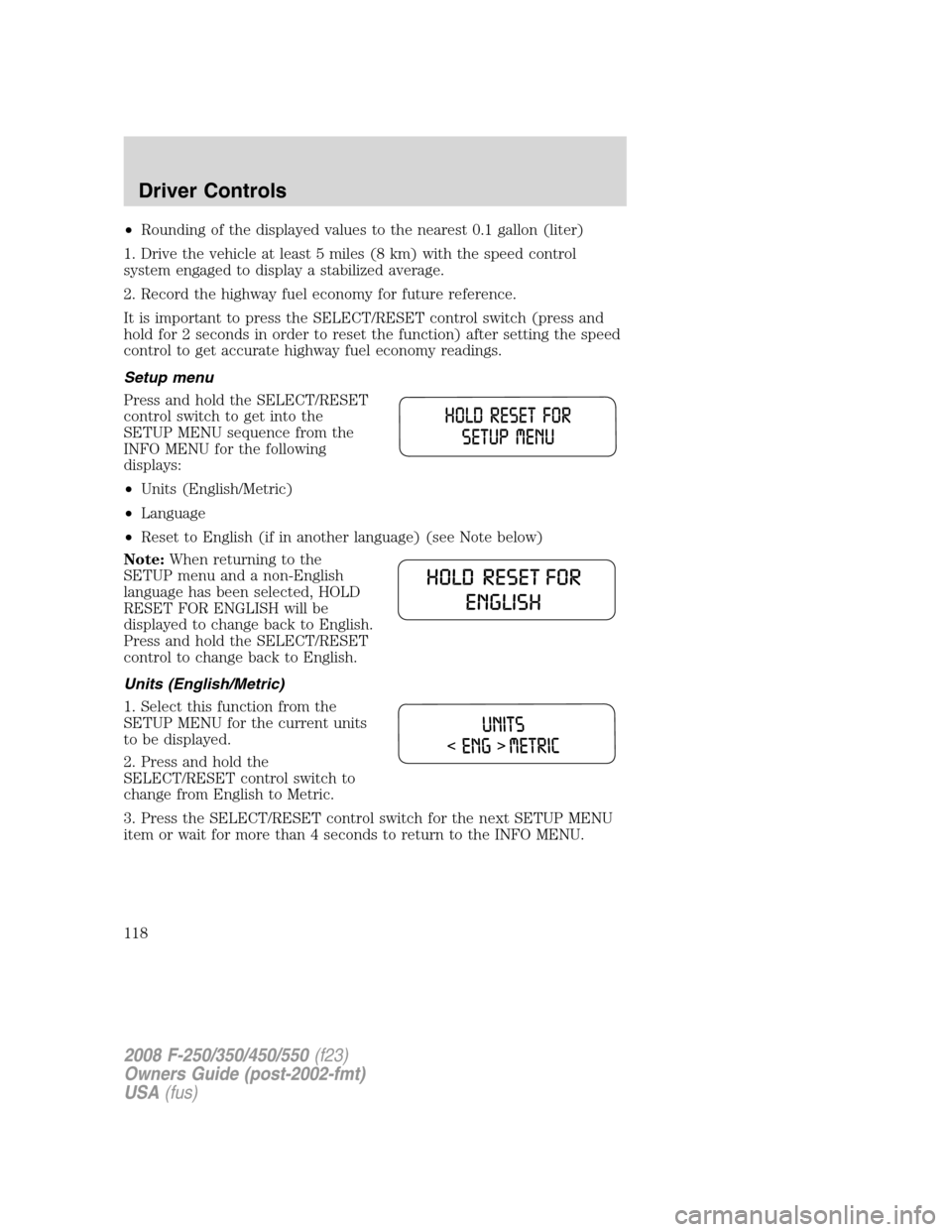
Setup menu
Press and hold the SELECT/RESET
control switch to get into the
SETUP MENU sequence from the
INFO MENU for the following
displays:
•Units (English/Metric)
•Language
•Reset to English (if in another language) (see Note below)
Note:When returning to the
SETUP menu and a non-English
language has been selected, HOLD
RESET FOR ENGLISH will be
displayed to change back to English.
Press and hold the SELECT/RESET
control to change back to English.
Units (English/Metric)
1. Select this function from the
SETUP MENU for the current units
to be displayed.
2. Press and hold the
SELECT/RESET control switch to
change from English to Metric.
3. Press the SELECT/RESET control switch for the next SETUP MENU
item or wait for more than 4 seconds to return to the INFO MENU.
2008 F-250/350/450/550(f23)
Owners Guide (post-2002-fmt)
USA(fus)
Driver Controls
118
Page 119 of 368
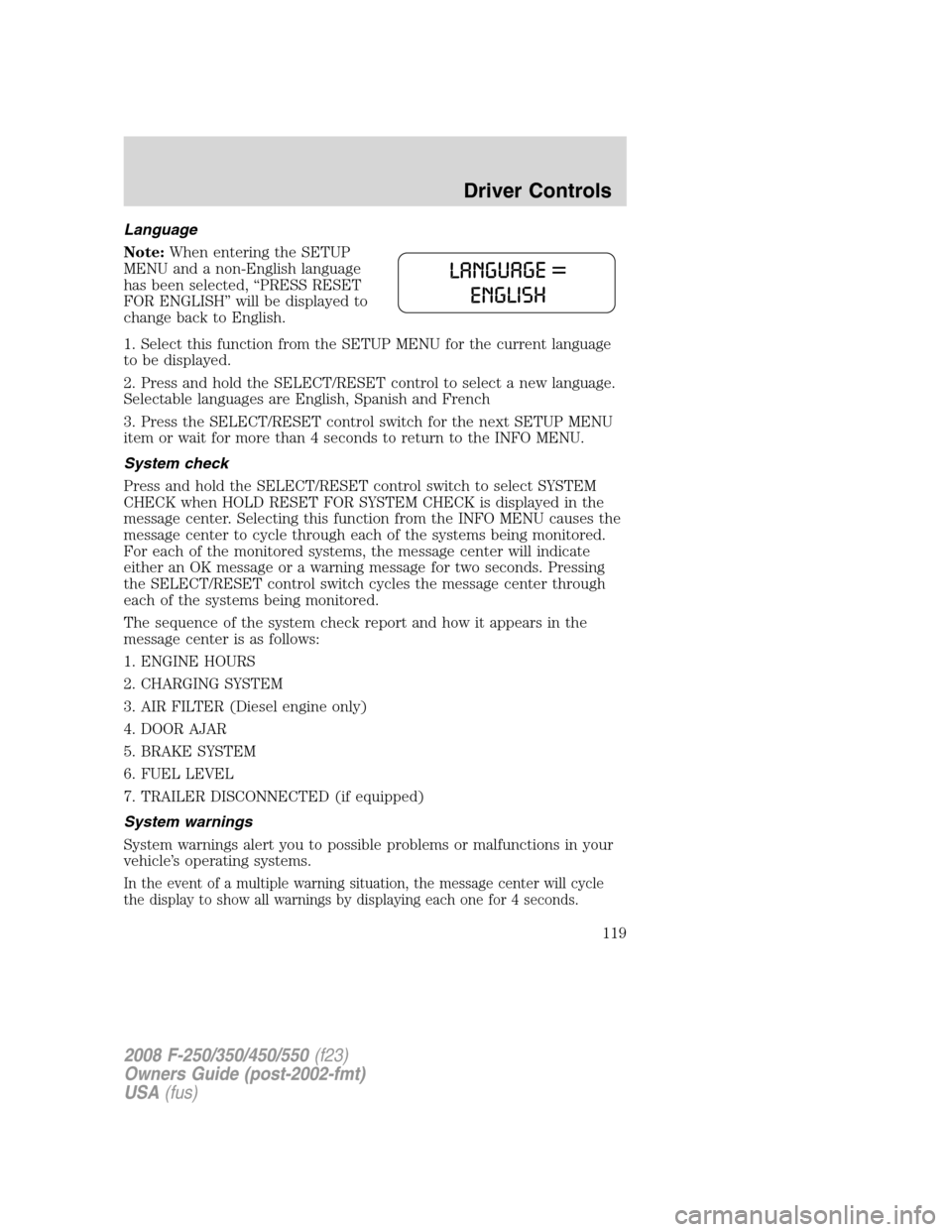
Language
Note:When entering the SETUP
MENU and a non-English language
has been selected, “PRESS RESET
FOR ENGLISH” will be displayed to
change back to English.
1. Select this function from the SETUP MENU for the current language
to be displayed.
2. Press and hold the SELECT/RESET control to select a new language.
Selectable languages are English, Spanish and French
3. Press the SELECT/RESET control switch for the next SETUP MENU
item or wait for more than 4 seconds to return to the INFO MENU.
System check
Press and hold the SELECT/RESET control switch to select SYSTEM
CHECK when HOLD RESET FOR SYSTEM CHECK is displayed in the
message center. Selecting this function from the INFO MENU causes the
message center to cycle through each of the systems being monitored.
For each of the monitored systems, the message center will indicate
either an OK message or a warning message for two seconds. Pressing
the SELECT/RESET control switch cycles the message center through
each of the systems being monitored.
The sequence of the system check report and how it appears in the
message center is as follows:
1. ENGINE HOURS
2. CHARGING SYSTEM
3. AIR FILTER (Diesel engine only)
4. DOOR AJAR
5. BRAKE SYSTEM
6. FUEL LEVEL
7. TRAILER DISCONNECTED (if equipped)
System warnings
System warnings alert you to possible problems or malfunctions in your
vehicle’s operating systems.
In the event of a multiple warning situation, the message center will cycle
the display to show all warnings by displaying each one for 4 seconds.
2008 F-250/350/450/550(f23)
Owners Guide (post-2002-fmt)
USA(fus)
Driver Controls
119