CD player FORD TRANSIT 2015 5.G Owner's Manual
[x] Cancel search | Manufacturer: FORD, Model Year: 2015, Model line: TRANSIT, Model: FORD TRANSIT 2015 5.GPages: 461, PDF Size: 5.82 MB
Page 388 of 461
Voice command
All songs *
All TV shows
*
All video playlists
*
All video podcasts
*
All videos
Artist
Audiobook
Author
Composer
Folder
Genre
Playlist
Podcast
*
TV show
*
Video
*
Video playlist
*
Video podcast
Help
* This command is only available in USB
mode and is device-dependent.
Supported Media Players, Formats
and Metadata Information
SYNC is capable of hosting nearly any
digital media player, including iPod,
Zune ™, plays from device players, and
most USB drives. Supported audio formats
include MP3, WMA, WAV and AAC. It is also able to organize your indexed
media from your playing device by
metadata tags. Metadata tags, which are
descriptive software identifiers embedded
in the media files, provide information
about the file.
If your indexed media files contain no
information embedded in these metadata
tags, SYNC may classify the empty
metadata tags as unknown.
In order to playback video from your iPod
or iPhone, you must have a special
combination USB/RCA composite video
cable (which you can buy from Apple).
When you connect the cable to your iPod
or iPhone, plug the other end into both the
RCA jacks and the USB port.
Bluetooth Audio
The system allows you to stream audio
over your vehicle's speakers from your
connected, Bluetooth-enabled cell phone.
To access, press the lower left corner
on the touchscreen, then select:
Message
BT Stereo
Bluetooth Audio Voice Commands 385
Transit (TTH) Canada/United States of America, enUSA, Edition date: 03/2014 MyFord Touch
™E142611 E142599
Page 389 of 461
![FORD TRANSIT 2015 5.G Owners Manual Press the voice button and when
prompted say:
Voice command
Next song
play
pause
[play] previous track
A/V Inputs WARNINGS
Driving while distracted can result in
loss of vehicle control, crash and
inj](/img/11/5392/w960_5392-388.png "FORD TRANSIT 2015 5.G Owners Manual Press the voice button and when
prompted say:
Voice command
Next song
play
pause
[play] previous track
A/V Inputs WARNINGS
Driving while distracted can result in
loss of vehicle control, crash and
inj")
Press the voice button and when
prompted say:
Voice command
Next song
play
pause
[play] previous track
A/V Inputs WARNINGS
Driving while distracted can result in
loss of vehicle control, crash and
injury. We strongly recommend that
you use extreme caution when using any
device that may take your focus off the
road. Your primary responsibility is the safe
operation of your vehicle. We recommend
against the use of any handheld device
while driving and encourage the use of
voice-operated systems when possible.
Make sure you are aware of all applicable
local laws that may affect the use of
electronic devices while driving. For safety reasons, do not connect
or adjust the settings on your
portable music player while your
vehicle is moving. Store the portable music player in a
secure location, for example the
center console or the glove box,
when your vehicle is moving. Hard objects
may become projectiles in a crash or
sudden stop, which may increase the risk
of serious injury. The audio extension cable
must be long enough to allow the portable
music player to be safely stored while your
vehicle is moving. The A/V inputs allow you to connect an
auxiliary audio/video source (for example
gaming systems or a personal camcorder)
by connecting RCA cords (not included)
to these input jacks. The jacks are yellow,
red and white and are located either
behind a small access door on the
instrument panel or in your center console.
You can also use the A/V inputs as an
auxiliary input jack to play music from your
portable music player over your vehicle's
speakers. Plug in your 1/8 inch (3.5
millimeter) RCA adapter into the two left
A/V input jacks (red and white).
Press the lower left corner of the
touchscreen, and then select A/V In.
To use the auxiliary input jack feature,
make sure that your portable music player
is designed for use with headphones and
that it is fully charged. You also need an
audio extension cable with stereo male
1/8-inch (3.5 millimeter) connectors at one
end and a RCA jack at the other.
1. Switch off the engine, radio and portable music player. Set the parking
brake and put the transmission in park
(P).
2. Attach one end of the audio extension
cable to the headphone output of your
player and the other end into the
adapter in one of the two left A/V input
jacks (white or red) inside the center
console.
386 Transit (TTH) Canada/United States of America, enUSA, Edition date: 03/2014 MyFord Touch
™E142622
Page 390 of 461
3. Press the lower left corner on the
touchscreen. Select a tuned FM station.
4. Adjust the volume as desired.
5. Turn the portable music player on and adjust the volume to ½ the maximum.
6. Press the lower left corner on the touchscreen. Select the A/V In tab.
(You should hear audio from your
portable music player although it may
be low.)
7. Adjust the sound on your portable music player until it reaches the level
of the FM station by switching back and
forth between the controls.
In order to playback video from your iPod
or iPhone, you must have a special
combination USB/RCA composite video
cable (which you can buy from Apple).
When you connect the cable to your iPod
or iPhone, plug the other end into both the
RCA jacks and the USB port. Troubleshooting
•
Do not connect the audio input jack to
a line level output. The jack only works
correctly with devices that have a
headphone output with a volume
control.
• Do not set the portable music player's
volume level higher than is necessary
to match the volume of the FM radio
as this causes distortion and reduces
sound quality.
• If the music sounds distorted at lower
listening levels, turn the portable music
player volume down. If the problem
persists, replace or recharge the
batteries in the portable media player.
• Control the portable media player in
the same manner when used with
headphones, as the auxiliary input jack
does not provide control (for example
Play or Pause) over the attached
portable media player.
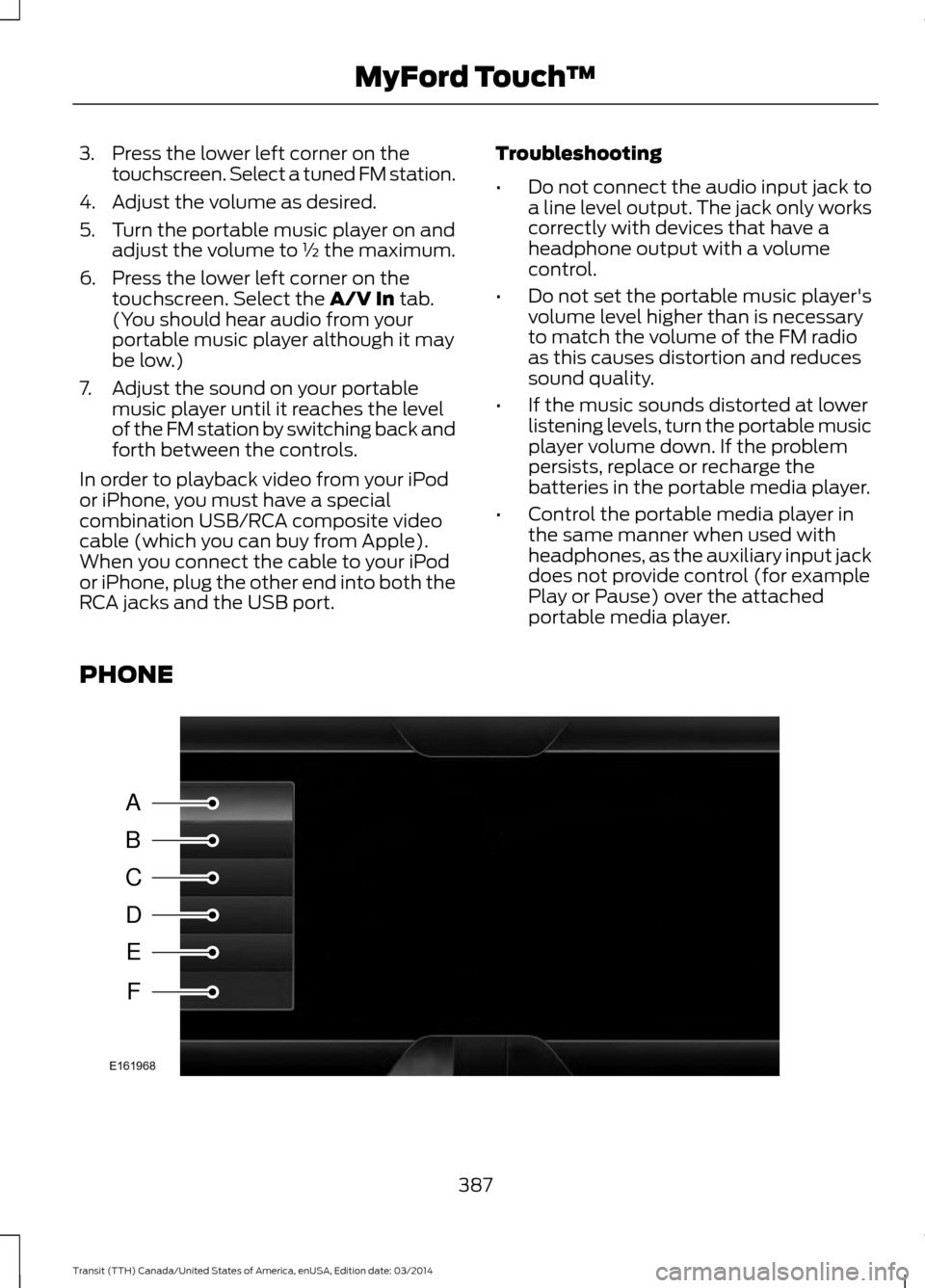
PHONE 387
Transit (TTH) Canada/United States of America, enUSA, Edition date: 03/2014 MyFord Touch
™A
B
C
D
E
F
E161968
Page 423 of 461
TRADEMARKS: This EULA does not grant
you any rights in connection with any
trademarks or service marks of FORD
MOTOR COMPANY, MS, Microsoft
Corporation, third party software or service
providers, their affiliates or suppliers.
PRODUCT SUPPORT: Product support
for the SOFTWARE is not provided by MS,
its parent corporation Microsoft
Corporation, or their affiliates or
subsidiaries. For product support, please
refer to FORD MOTOR COMPANY
instructions provided in the documentation
for the DEVICE. Should you have any
questions concerning this EULA, or if you
desire to contact FORD MOTOR
COMPANY for any other reason, please
refer to the address provided in the
documentation for the DEVICE.
No Liability for Certain Damages:
EXCEPT AS PROHIBITED BY LAW, FORD
MOTOR COMPANY, ANY THIRD PARTY
SOFTWARE OR SERVICES SUPPLIERS,
MS, MICROSOFT CORPORATION AND
THEIR AFFILIATES SHALL HAVE NO
LIABILITY FOR ANY INDIRECT, SPECIAL,
CONSEQUENTIAL OR INCIDENTAL
DAMAGES ARISING FROM OR IN
CONNECTION WITH THE USE OR
PERFORMANCE OF THE SOFTWARE. THIS
LIMITATION SHALL APPLY EVEN IF ANY
REMEDY FAILS OF ITS ESSENTIAL
PURPOSE. IN NO EVENT SHALL MS,
MICROSOFT CORPORATION AND/OR
THEIR AFFILIATES BE LIABLE FOR ANY
AMOUNT IN EXCESS OF U.S. TWO
HUNDRED FIFTY DOLLARS (U.S.
$250.00).
• THERE ARE NO WARRANTIES OTHER
THAN THOSE THAT MAY EXPRESSLY
BE PROVIDED FOR YOUR NEW
VEHICLE. Adobe
Contains Adobe® [Flash® Player] or
[AIR®] technology by Adobe Systems
Incorporated. This [Licensee Product]
contains [Adobe® Flash® Player]
[Adobe® AIR®] software under license
from Adobe Systems Incorporated,
Copyright ©1995-2009 Adobe
Macromedia Software LLC. All rights
reserved. Adobe, Flash and AIR are
trademarks of Adobe Systems
Incorporated.
End User Notice
Microsoft® Windows® Mobile for
Automotive Important Safety
Information
This system Ford SYNC contains software
that is licensed to Manufacturer FORD
MOTOR COMPANY by an affiliate of
Microsoft Corporation pursuant to a license
agreement. Any removal, reproduction,
reverse engineering or other unauthorized
use of the software from this system in
violation of the license agreement is strictly
prohibited and may subject you to legal
action.
Read and follow instructions:
Before
using your Windows Automotive- based
system, read and follow all instructions
and safety information provided in this end
user manual ("User's Guide"). Not
following precautions found in this User's
Guide can lead to an accident or other
serious consequences.
Keep User's Guide in vehicle: When kept
in the vehicle, the User's Guide will be a
ready reference for you and other users
unfamiliar with the Windows
Automotive-based system. Please make
certain that before using the system for
the first time, all persons have access to
the User's Guide and read its instructions
and safety information carefully.
420 Transit (TTH) Canada/United States of America, enUSA, Edition date: 03/2014 Appendices
Page 454 of 461
Climate Control..............................................89
Principle of Operation........................................ 89
Cold Weather Precautions
.........................174
Coolant Check See: Engine Coolant Check........................... 206
Crash Sensors and Airbag Indicator........42
Creating a MyKey............................................47 Programming/Changing Configurable
Settings............................................................... 48
Cruise Control
..................................................63
Principle of Operation....................................... 147
Cruise control See: Using Cruise Control................................ 147
Cup Holders....................................................105
C
ustomer Assistance...................................181
D
Data Recording..................................................9
Daytime Running Lamps
............................68
Diesel Particulate Filter..............................108 R
egeneration........................................................ 109
Digital Radio..................................................
292
HD Radio Reception and Station
Troubleshooting............................................ 293
Direction Indicators.......................................69
DPF See: Diesel Particulate Filter.......................... 108
Draining the Fuel Filter Water Trap........210 Changing the Fuel Filter.................................... 211
Purging Air From the Fuel System................212
Driver Alert
......................................................149
Principle of Operation....................................... 149
Using Driver Alert................................................ 149
Driver and Passenger Airbags...................34 Children and Airbags.......................................... 39
Passenger Airbag On and Off Switch ..........34
Proper Driver and Front Passenger Seating Adjustment........................................................ 39
Driving Aids.....................................................149
Driving Hints
....................................................173
Driving Through Water................................174
DRL S
ee: Daytime Running Lamps........................68
E
Economical Driving
.......................................173 Emission Control System...........................122
Diesel Exhaust System: Oxidation Catalyst
And Diesel Particulate Filter System
........................................................................\
...... 124
Noise Emissions Warranty, Prohibited Tampering Acts and Maintenance..........132
On-Board Diagnostics (OBD-II).................... 123
Readiness for Inspection/Maintenance (I/M) Testing.................................................... 124
Tampering With a Noise Control System................................................................ 131
End User License Agreement..................416 SYNC End User License Agreement
(EULA)............................................................... 416
Engine Block Heater....................................109 Using the Engine Block Heater....................... 110
Engine Coolant Check...............................206 Adding Engine Coolant................................... 206
Checking the Engine Coolant....................... 206
Recycled Engine Coolant................................ 207
Severe Climates................................................. 208
What You Should Know About Fail-Safe Cooling............................................................. 208
Engine Immobilizer See: Passive Anti-Theft System.....................59
Engine Oil Check..........................................204 Adding Engine Oil.............................................. 205
Engine Oil Dipstick - 3.2L Power Stroke Diesel............................................................204
Engine Oil Dipstick - 3.5L.........................204
Engine Oil Dipstick - 3.7L..........................204
Engine Specifications - 3.2L Power Stroke Diesel..............................................266
Drivebelt Routing............................................... 266
Engine Specifications - 3.5L....................265 Driv
ebelt Routing............................................... 265
Engine Specifications - 3.7L....................265 Drivebelt Routing............................................... 266
Entertainment..............................................368 A/V Inputs............................................................ 386
AM/FM Radio...................................................... 370
Bluetooth Audio................................................. 385
Browsing Device Content............................... 369
SD Card Slot and USB Port............................ 381
SIRIUS® Satellite Radio (If Activated)........................................................ 376
Supported Media Players, Formats and Metadata Information................................ 385
451 Transit (TTH) Canada/United States of America, enUSA, Edition date: 03/2014 Index
Page 460 of 461
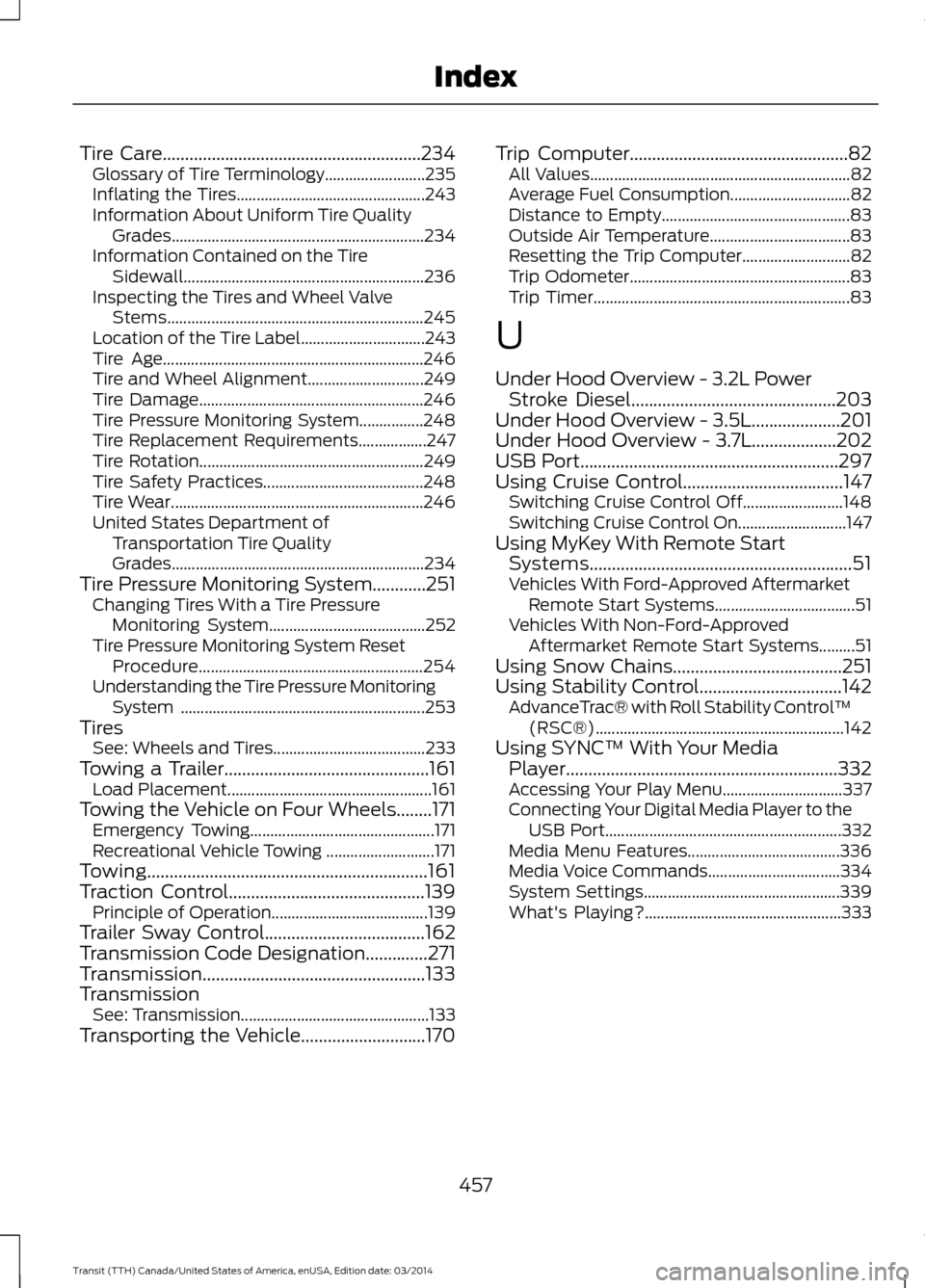
Tire Care..........................................................234
Gl
ossary of Tire Terminology......................... 235
Inflating the Tires............................................... 243
Information About Uniform Tire Quality Grades............................................................... 234
Information Contained on the Tire Sidewall............................................................ 236
Inspecting the Tires and Wheel Valve Stems................................................................ 245
Location of the Tire Label............................... 243
Tire Age................................................................. 246
Tire and Wheel Alignment............................. 249
Tire Damage........................................................ 246
Tire Pressure Monitoring System................248
Tire Replacement Requirements.................247
Tire Rotation........................................................ 249
Tire Safety Practices........................................ 248
Tire Wear............................................................... 246
United States Department of Transportation Tire Quality
Grades............................................................... 234
Tire Pressure Monitoring System............251 Changing Tires With a Tire Pressure
Monitoring System....................................... 252
Tire Pressure Monitoring System Reset Procedure........................................................ 254
Understanding the Tire Pressure Monitoring System ............................................................. 253
Tires See: Wheels and Tires...................................... 233
Towing a Trailer..............................................161 L
oad Placement................................................... 161
Towing the Vehicle on Four Wheels........171 Emergency Towing.............................................. 171
Recreational Vehicle Towing ........................... 171
Towing...............................................................161
Traction Control............................................139 Principle of Operation....................................... 139
Trailer Sway Control
....................................162
Transmission Code Designation..............271
T
ransmission..................................................133
Transmission See: Transmission............................................... 133
Transporting the Vehicle............................170 Trip Computer.................................................82
A
ll Values................................................................. 82
Average Fuel Consumption.............................. 82
Distance to Empty............................................... 83
Outside Air Temperature................................... 83
Resetting the Trip Computer........................... 82
Trip Odometer....................................................... 83
Trip Timer................................................................ 83
U
Under Hood Overview - 3.2L Power Stroke Diesel
..............................................203
Under Hood Overview - 3.5L....................201
Under Hood Overview - 3.7L...................202
USB Port..........................................................297
Using Cruise Control
....................................147
Switching Cruise Control Off.........................148
Switching Cruise Control On........................... 147
Using MyKey With Remote Start Systems
...........................................................51
Vehicles With Ford-Approved Aftermarket
Remote Start Systems................................... 51
Vehicles With Non-Ford-Approved Aftermarket Remote Start Systems.........51
Using Snow Chains......................................251
Using Stability Control................................142 A
dvanceTrac® with Roll Stability Control ™
(RSC®).............................................................. 142
Using SYNC
™ With Your Media
Player.............................................................332
Accessing Your Play Menu.............................. 337
Connecting Your Digital Media Player to the USB Port........................................................... 332
Media Menu Features...................................... 336
Media Voice Commands................................. 334
System Settings................................................. 339
What's Playing?................................................. 333
457 Transit (TTH) Canada/United States of America, enUSA, Edition date: 03/2014 Index