parking brake FORD TRANSIT 2018 Owners Manual
[x] Cancel search | Manufacturer: FORD, Model Year: 2018, Model line: TRANSIT, Model: FORD TRANSIT 2018Pages: 521, PDF Size: 8.65 MB
Page 6 of 521
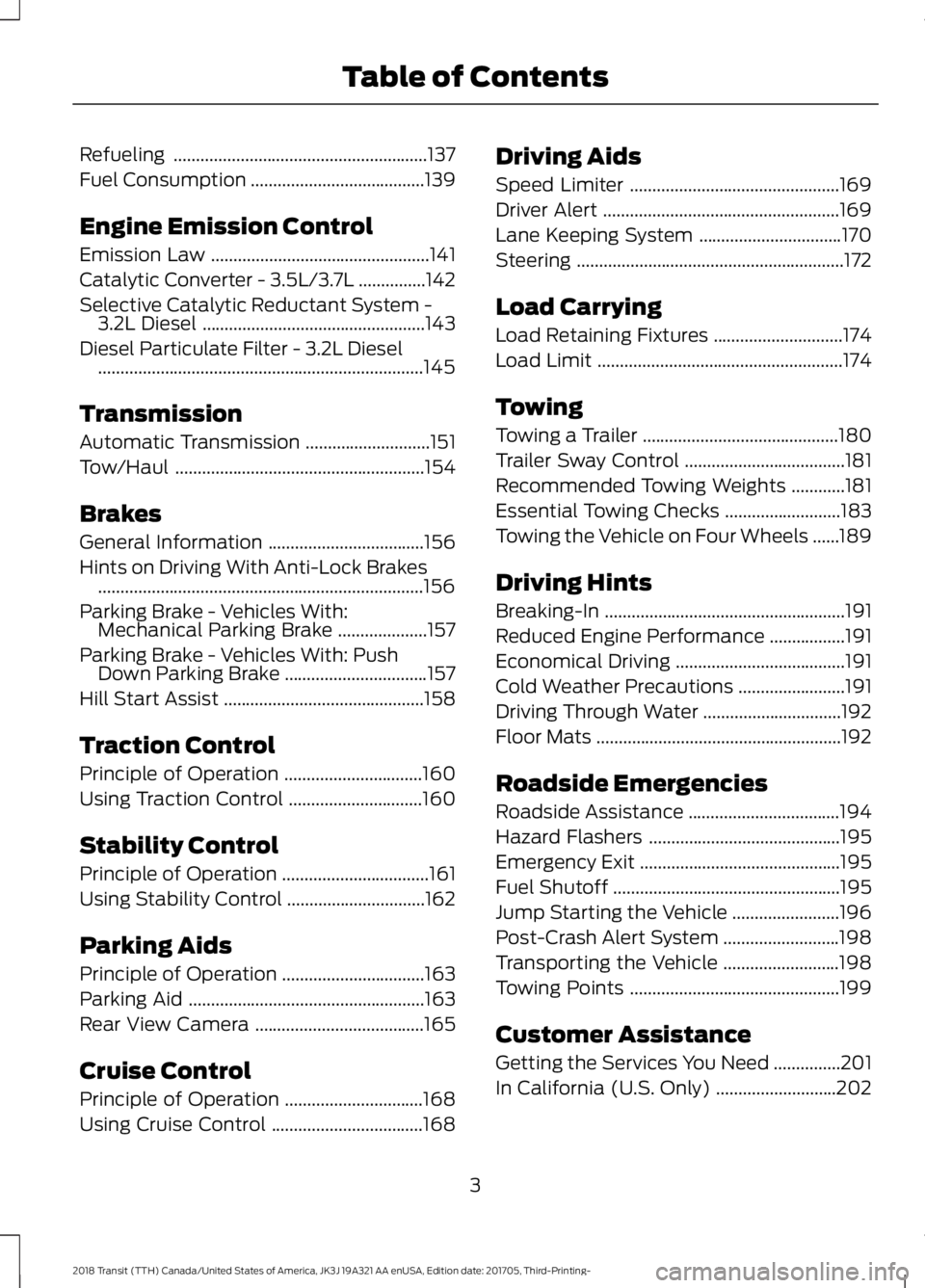
Refueling
.........................................................137
Fuel Consumption .......................................
139
Engine Emission Control
Emission Law .................................................
141
Catalytic Converter - 3.5L/3.7L ...............
142
Selective Catalytic Reductant System - 3.2L Diesel ..................................................
143
Diesel Particulate Filter - 3.2L Diesel ........................................................................\
.
145
Transmission
Automatic Transmission ............................
151
Tow/Haul ........................................................
154
Brakes
General Information ...................................
156
Hints on Driving With Anti-Lock Brakes ........................................................................\
.
156
Parking Brake - Vehicles With: Mechanical Parking Brake ....................
157
Parking Brake - Vehicles With: Push Down Parking Brake ................................
157
Hill Start Assist .............................................
158
Traction Control
Principle of Operation ...............................
160
Using Traction Control ..............................
160
Stability Control
Principle of Operation .................................
161
Using Stability Control ...............................
162
Parking Aids
Principle of Operation ................................
163
Parking Aid .....................................................
163
Rear View Camera ......................................
165
Cruise Control
Principle of Operation ...............................
168
Using Cruise Control ..................................
168Driving Aids
Speed Limiter
...............................................
169
Driver Alert .....................................................
169
Lane Keeping System ................................
170
Steering ............................................................
172
Load Carrying
Load Retaining Fixtures .............................
174
Load Limit .......................................................
174
Towing
Towing a Trailer ............................................
180
Trailer Sway Control ....................................
181
Recommended Towing Weights ............
181
Essential Towing Checks ..........................
183
Towing the Vehicle on Four Wheels ......
189
Driving Hints
Breaking-In ......................................................
191
Reduced Engine Performance .................
191
Economical Driving ......................................
191
Cold Weather Precautions ........................
191
Driving Through Water ...............................
192
Floor Mats .......................................................
192
Roadside Emergencies
Roadside Assistance ..................................
194
Hazard Flashers ...........................................
195
Emergency Exit .............................................
195
Fuel Shutoff ...................................................
195
Jump Starting the Vehicle ........................
196
Post-Crash Alert System ..........................
198
Transporting the Vehicle ..........................
198
Towing Points ...............................................
199
Customer Assistance
Getting the Services You Need ...............
201
In California (U.S. Only) ...........................
202
3
2018 Transit (TTH) Canada/United States of America, JK3J 19A321 AA enUSA, Edition date: 201705, Third-Printing- Table of Contents
Page 12 of 521
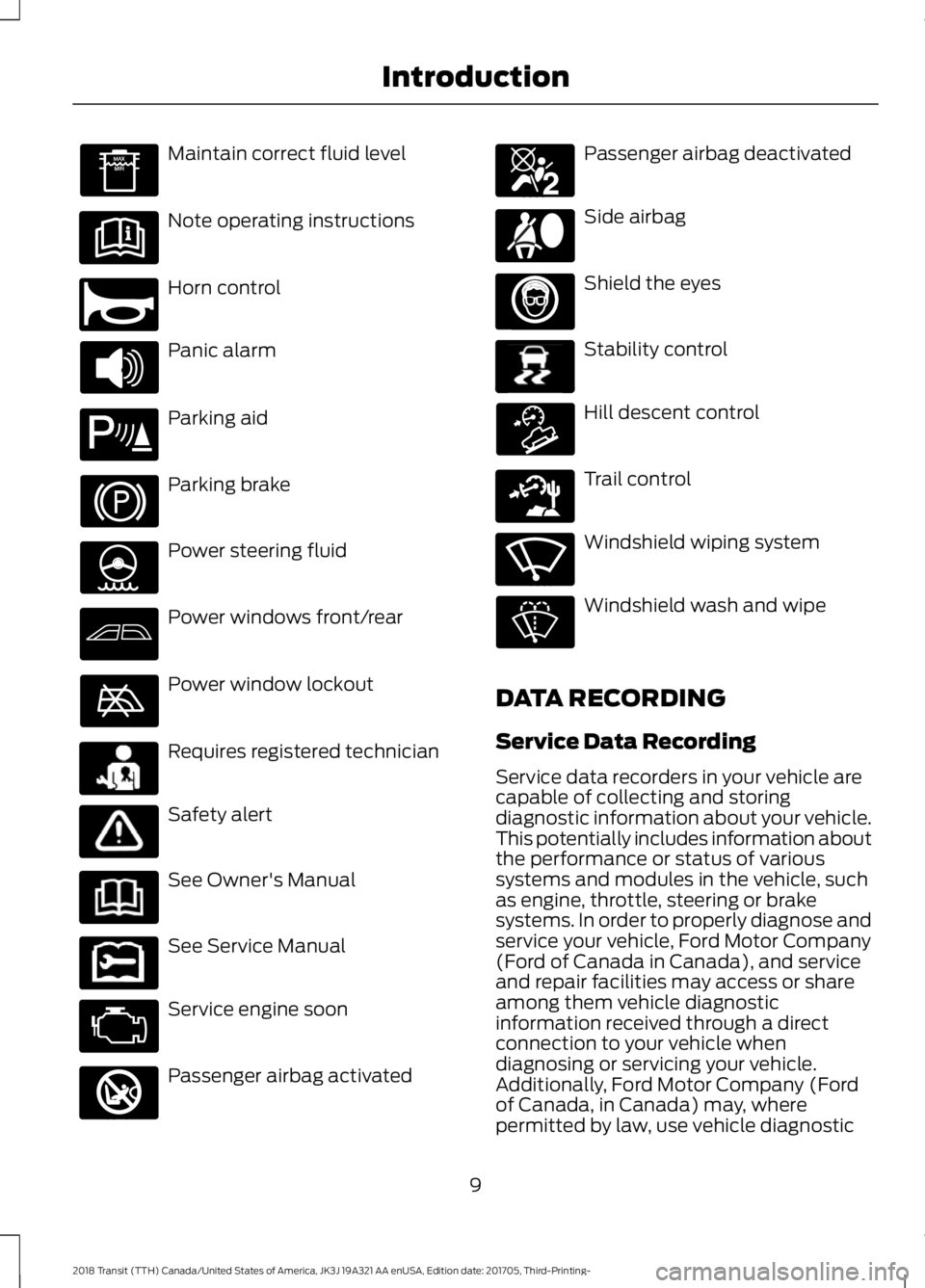
Maintain correct fluid level
Note operating instructions
Horn control
Panic alarm
Parking aid
Parking brake
Power steering fluid
Power windows front/rear
Power window lockout
Requires registered technician
Safety alert
See Owner's Manual
See Service Manual
Service engine soon
Passenger airbag activated Passenger airbag deactivated
Side airbag
Shield the eyes
Stability control
Hill descent control
Trail control
Windshield wiping system
Windshield wash and wipe
DATA RECORDING
Service Data Recording
Service data recorders in your vehicle are
capable of collecting and storing
diagnostic information about your vehicle.
This potentially includes information about
the performance or status of various
systems and modules in the vehicle, such
as engine, throttle, steering or brake
systems. In order to properly diagnose and
service your vehicle, Ford Motor Company
(Ford of Canada in Canada), and service
and repair facilities may access or share
among them vehicle diagnostic
information received through a direct
connection to your vehicle when
diagnosing or servicing your vehicle.
Additionally, Ford Motor Company (Ford
of Canada, in Canada) may, where
permitted by law, use vehicle diagnostic
9
2018 Transit (TTH) Canada/United States of America, JK3J 19A321 AA enUSA, Edition date: 201705, Third-Printing- Introduction E270945 E139213 E231159 E231158 E270849 E270850 E167012 E138639 E163957 E271982 E270969
Page 47 of 521
Switching the Belt-Minder on and off
WARNING: While the system allows
you to switch it off, this system is designed
to improve your chances of being safely
belted and surviving a crash. We
recommend you leave the system
switched on. To reduce the risk of injury,
do not switch the system on or off while
driving your vehicle.
Read Steps 1 - 4 thoroughly before
proceeding with the programming
procedure.
The system can be switched on and off by
carrying out the following procedure:
Before following the procedure, make sure
that:
• The parking brake is set.
• The transmission selector lever is in
position park (
P).
• The ignition is switched off.
• The driver seatbelt is unbuckled.
1. Switch the ignition on. Do not start the
engine.
2. Wait until the seatbelt warning light turns off (about one minute). After
Step 2, wait an additional five seconds
before proceeding with Step 3. Once
Step 3 is started, the procedure must
be completed within 30 seconds.
3. Buckle then unbuckle the driver seatbelt three times at a moderate
speed, ending in the unbuckled state.
After Step 3, the seatbelt warning light
will illuminate.
4. While the seatbelt warning light is illuminated, buckle then unbuckle the
driver seatbelt. After Step 4, the
seatbelt warning light will flash for
confirmation. •
This will disable the feature if it is
currently enabled.
• This will enable the feature if it is
currently disabled.
CHILD RESTRAINT AND
SEATBELT MAINTENANCE
Inspect the vehicle seatbelts and child
safety seat systems periodically to make
sure they work properly and are not
damaged. Inspect the vehicle and child
restraint seatbelts to make sure there are
no nicks, tears or cuts. Replace if
necessary. All vehicle seatbelt assemblies,
including retractors, buckles, front seatbelt
buckle assemblies, buckle support
assemblies (slide bar-if equipped),
shoulder belt height adjusters (if
equipped), shoulder belt guide on seat
backrest (if equipped), child safety seat
LATCH and tether anchors, and attaching
hardware, should be inspected after a
crash. Read the child restraint
manufacturer's instructions for additional
inspection and maintenance information
specific to the child restraint.
We recommend that all seatbelt
assemblies in use in vehicles involved in a
crash be replaced. However, if the crash
was minor and an authorized dealer finds
that the belts do not show damage and
continue to operate properly, they do not
need to be replaced. Seatbelt assemblies
not in use during a crash should also be
inspected and replaced if either damage
or improper operation is noted.
Properly care for seatbelts. See
Vehicle
Care (page 260).
44
2018 Transit (TTH) Canada/United States of America, JK3J 19A321 AA enUSA, Edition date: 201705, Third-Printing- Seatbelts
Page 90 of 521
Note:
If you switch autolamps and
autowipers on, the headlamps will
automatically turn on when the windshield
wipers continuously operate.
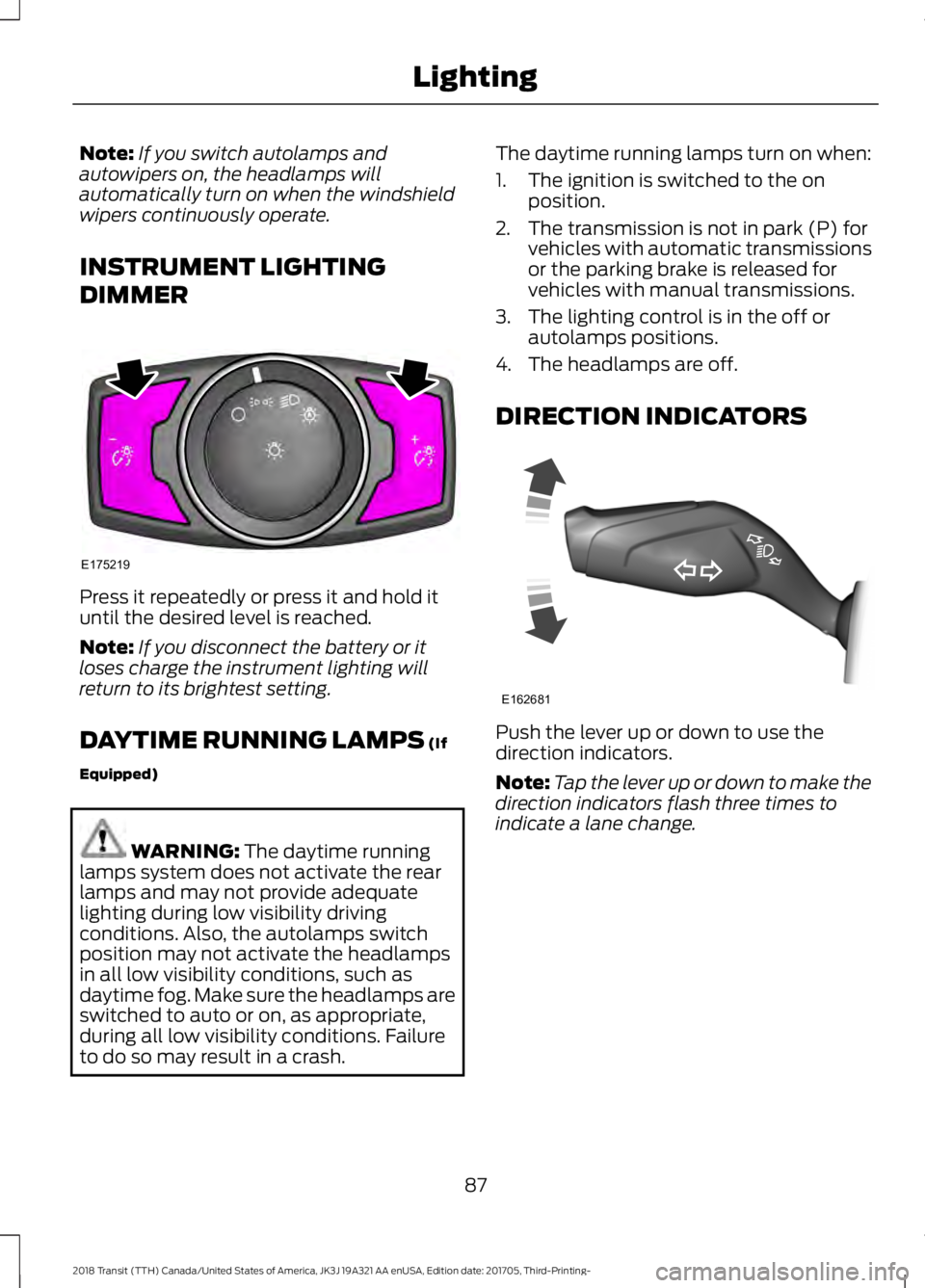
INSTRUMENT LIGHTING
DIMMER Press it repeatedly or press it and hold it
until the desired level is reached.
Note:
If you disconnect the battery or it
loses charge the instrument lighting will
return to its brightest setting.
DAYTIME RUNNING LAMPS (If
Equipped) WARNING:
The daytime running
lamps system does not activate the rear
lamps and may not provide adequate
lighting during low visibility driving
conditions. Also, the autolamps switch
position may not activate the headlamps
in all low visibility conditions, such as
daytime fog. Make sure the headlamps are
switched to auto or on, as appropriate,
during all low visibility conditions. Failure
to do so may result in a crash. The daytime running lamps turn on when:
1. The ignition is switched to the on
position.
2. The transmission is not in park (P) for vehicles with automatic transmissions
or the parking brake is released for
vehicles with manual transmissions.
3. The lighting control is in the off or autolamps positions.
4. The headlamps are off.
DIRECTION INDICATORS Push the lever up or down to use the
direction indicators.
Note:
Tap the lever up or down to make the
direction indicators flash three times to
indicate a lane change.
87
2018 Transit (TTH) Canada/United States of America, JK3J 19A321 AA enUSA, Edition date: 201705, Third-Printing- LightingE175219 E162681
Page 98 of 521
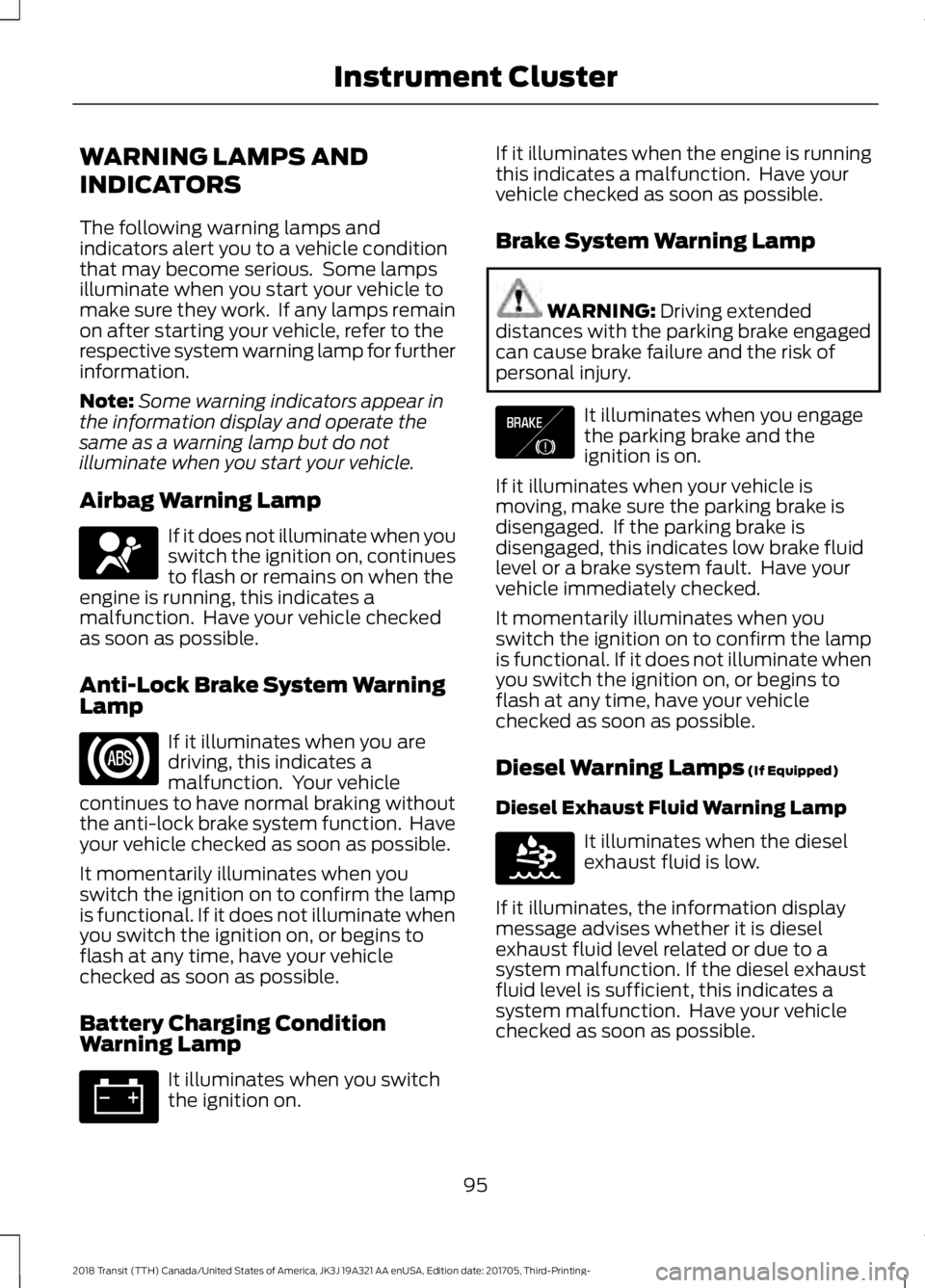
WARNING LAMPS AND
INDICATORS
The following warning lamps and
indicators alert you to a vehicle condition
that may become serious. Some lamps
illuminate when you start your vehicle to
make sure they work. If any lamps remain
on after starting your vehicle, refer to the
respective system warning lamp for further
information.
Note:
Some warning indicators appear in
the information display and operate the
same as a warning lamp but do not
illuminate when you start your vehicle.
Airbag Warning Lamp If it does not illuminate when you
switch the ignition on, continues
to flash or remains on when the
engine is running, this indicates a
malfunction. Have your vehicle checked
as soon as possible.
Anti-Lock Brake System Warning
Lamp If it illuminates when you are
driving, this indicates a
malfunction. Your vehicle
continues to have normal braking without
the anti-lock brake system function. Have
your vehicle checked as soon as possible.
It momentarily illuminates when you
switch the ignition on to confirm the lamp
is functional. If it does not illuminate when
you switch the ignition on, or begins to
flash at any time, have your vehicle
checked as soon as possible.
Battery Charging Condition
Warning Lamp It illuminates when you switch
the ignition on. If it illuminates when the engine is running
this indicates a malfunction. Have your
vehicle checked as soon as possible.
Brake System Warning Lamp
WARNING: Driving extended
distances with the parking brake engaged
can cause brake failure and the risk of
personal injury. It illuminates when you engage
the parking brake and the
ignition is on.
If it illuminates when your vehicle is
moving, make sure the parking brake is
disengaged. If the parking brake is
disengaged, this indicates low brake fluid
level or a brake system fault. Have your
vehicle immediately checked.
It momentarily illuminates when you
switch the ignition on to confirm the lamp
is functional. If it does not illuminate when
you switch the ignition on, or begins to
flash at any time, have your vehicle
checked as soon as possible.
Diesel Warning Lamps
(If Equipped)
Diesel Exhaust Fluid Warning Lamp It illuminates when the diesel
exhaust fluid is low.
If it illuminates, the information display
message advises whether it is diesel
exhaust fluid level related or due to a
system malfunction. If the diesel exhaust
fluid level is sufficient, this indicates a
system malfunction. Have your vehicle
checked as soon as possible.
95
2018 Transit (TTH) Canada/United States of America, JK3J 19A321 AA enUSA, Edition date: 201705, Third-Printing- Instrument ClusterE67017 E138644 E163176
Page 101 of 521
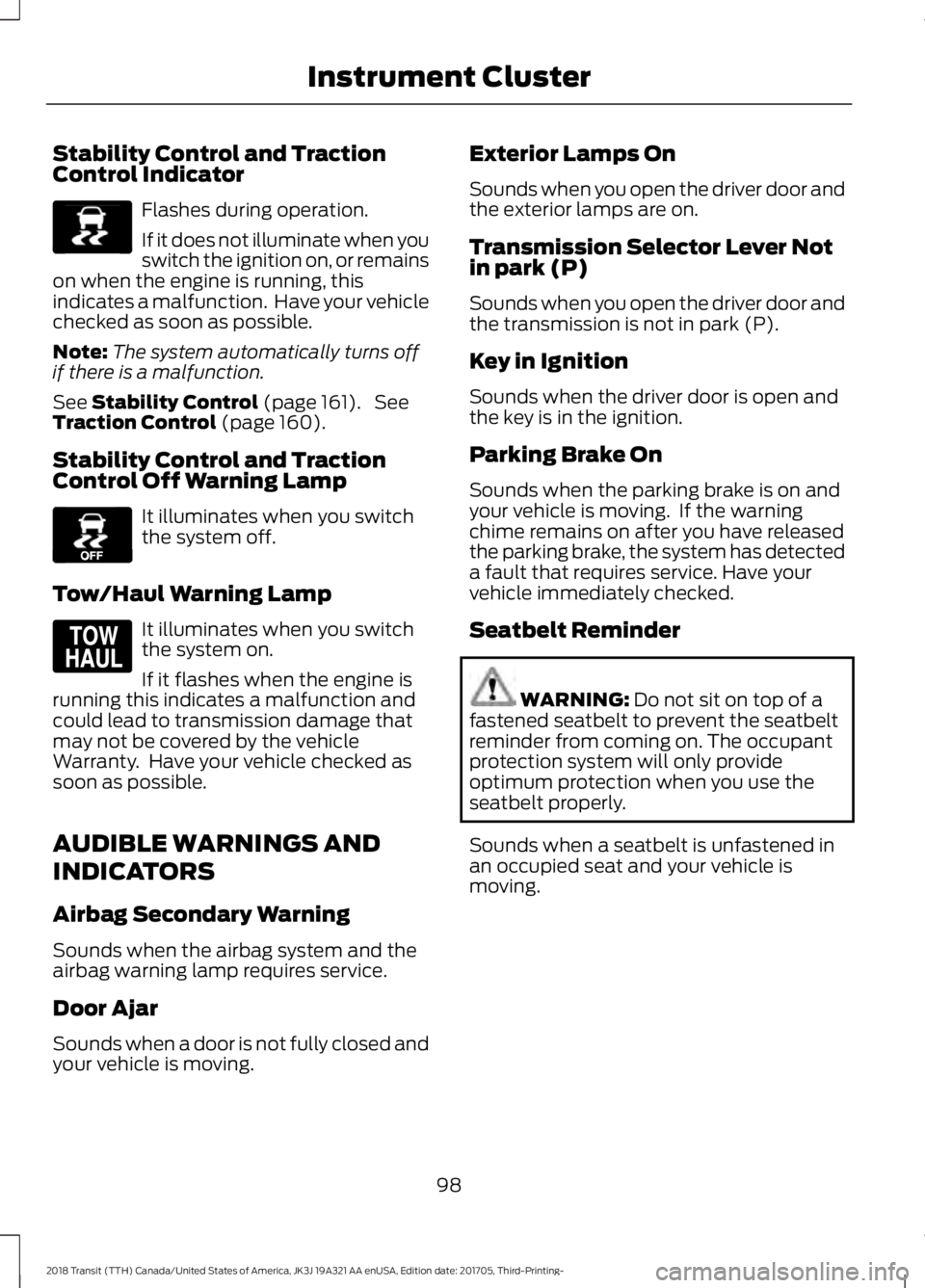
Stability Control and Traction
Control Indicator
Flashes during operation.
If it does not illuminate when you
switch the ignition on, or remains
on when the engine is running, this
indicates a malfunction. Have your vehicle
checked as soon as possible.
Note: The system automatically turns off
if there is a malfunction.
See Stability Control (page 161). See
Traction Control (page 160).
Stability Control and Traction
Control Off Warning Lamp It illuminates when you switch
the system off.
Tow/Haul Warning Lamp It illuminates when you switch
the system on.
If it flashes when the engine is
running this indicates a malfunction and
could lead to transmission damage that
may not be covered by the vehicle
Warranty. Have your vehicle checked as
soon as possible.
AUDIBLE WARNINGS AND
INDICATORS
Airbag Secondary Warning
Sounds when the airbag system and the
airbag warning lamp requires service.
Door Ajar
Sounds when a door is not fully closed and
your vehicle is moving. Exterior Lamps On
Sounds when you open the driver door and
the exterior lamps are on.
Transmission Selector Lever Not
in park (P)
Sounds when you open the driver door and
the transmission is not in park (P).
Key in Ignition
Sounds when the driver door is open and
the key is in the ignition.
Parking Brake On
Sounds when the parking brake is on and
your vehicle is moving. If the warning
chime remains on after you have released
the parking brake, the system has detected
a fault that requires service. Have your
vehicle immediately checked.
Seatbelt Reminder
WARNING:
Do not sit on top of a
fastened seatbelt to prevent the seatbelt
reminder from coming on. The occupant
protection system will only provide
optimum protection when you use the
seatbelt properly.
Sounds when a seatbelt is unfastened in
an occupied seat and your vehicle is
moving.
98
2018 Transit (TTH) Canada/United States of America, JK3J 19A321 AA enUSA, Edition date: 201705, Third-Printing- Instrument ClusterE138639 E130458 E161509
Page 108 of 521
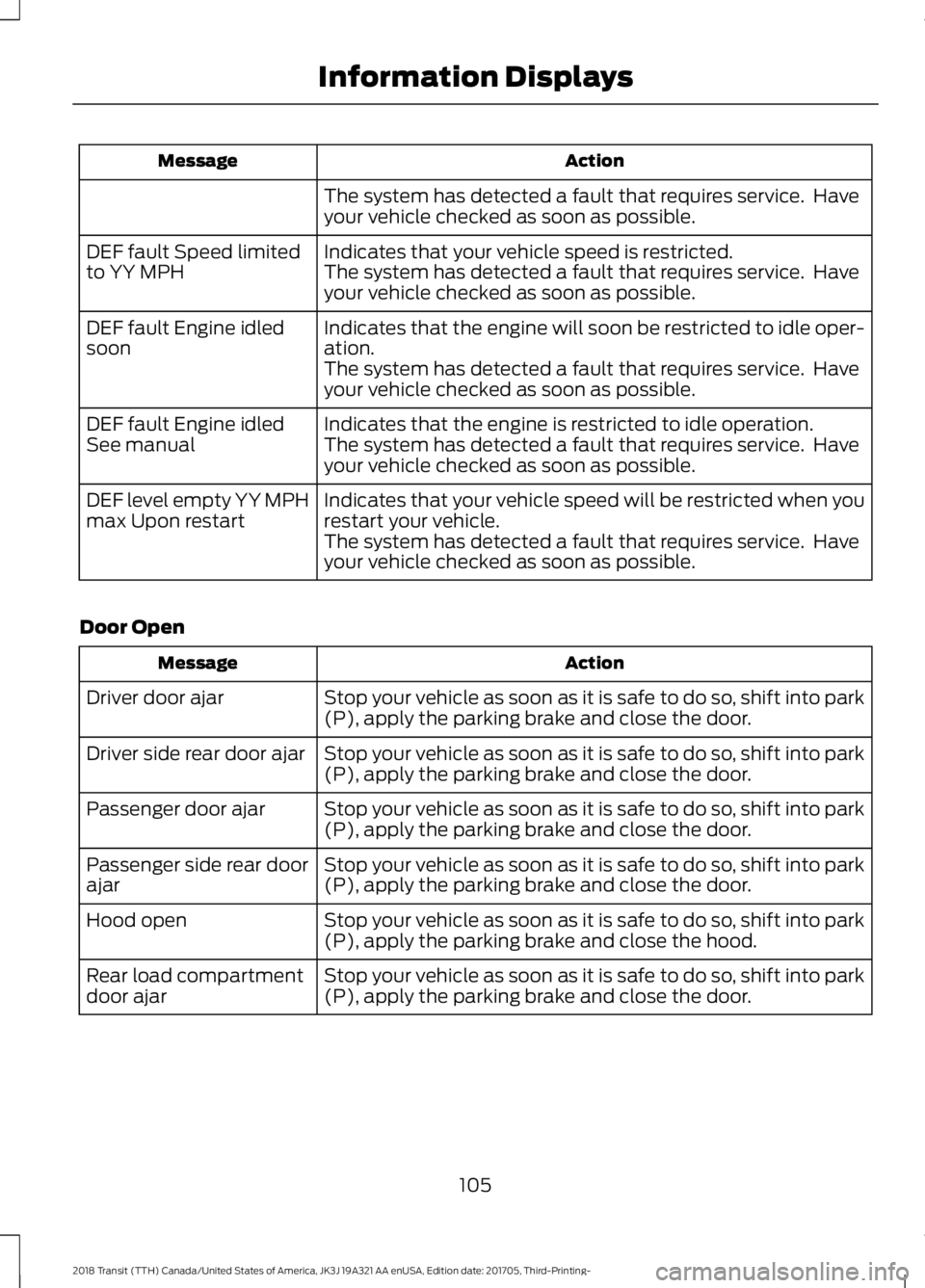
Action
Message
The system has detected a fault that requires service. Have
your vehicle checked as soon as possible.
Indicates that your vehicle speed is restricted.
DEF fault Speed limited
to YY MPH The system has detected a fault that requires service. Have
your vehicle checked as soon as possible.
Indicates that the engine will soon be restricted to idle oper-
ation.
DEF fault Engine idled
soon
The system has detected a fault that requires service. Have
your vehicle checked as soon as possible.
Indicates that the engine is restricted to idle operation.
DEF fault Engine idled
See manual The system has detected a fault that requires service. Have
your vehicle checked as soon as possible.
Indicates that your vehicle speed will be restricted when you
restart your vehicle.
DEF level empty YY MPH
max Upon restart
The system has detected a fault that requires service. Have
your vehicle checked as soon as possible.
Door Open Action
Message
Stop your vehicle as soon as it is safe to do so, shift into park
(P), apply the parking brake and close the door.
Driver door ajar
Stop your vehicle as soon as it is safe to do so, shift into park
(P), apply the parking brake and close the door.
Driver side rear door ajar
Stop your vehicle as soon as it is safe to do so, shift into park
(P), apply the parking brake and close the door.
Passenger door ajar
Stop your vehicle as soon as it is safe to do so, shift into park
(P), apply the parking brake and close the door.
Passenger side rear door
ajar
Stop your vehicle as soon as it is safe to do so, shift into park
(P), apply the parking brake and close the hood.
Hood open
Stop your vehicle as soon as it is safe to do so, shift into park
(P), apply the parking brake and close the door.
Rear load compartment
door ajar
105
2018 Transit (TTH) Canada/United States of America, JK3J 19A321 AA enUSA, Edition date: 201705, Third-Printing- Information Displays
Page 110 of 521
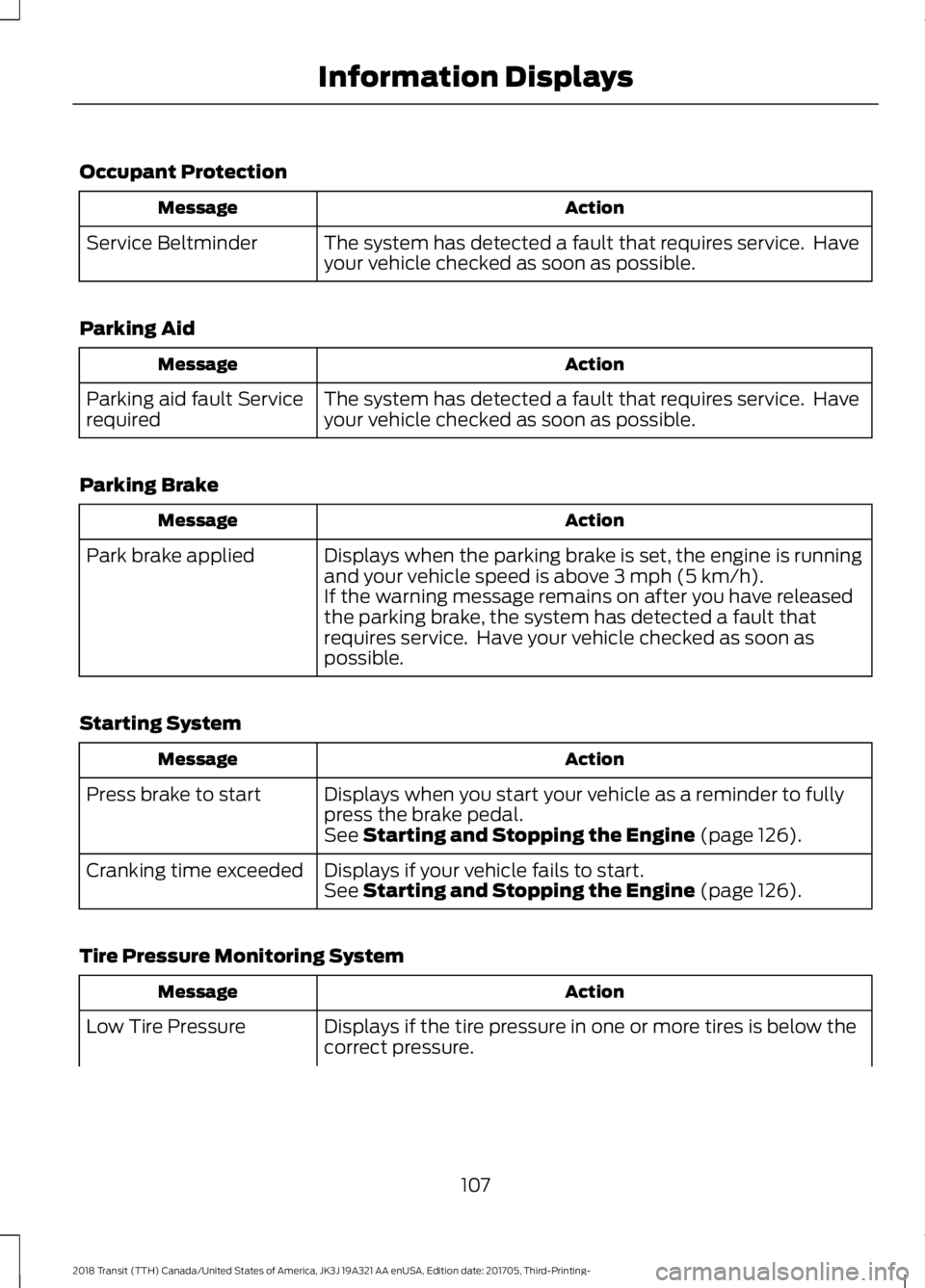
Occupant Protection
Action
Message
The system has detected a fault that requires service. Have
your vehicle checked as soon as possible.
Service Beltminder
Parking Aid Action
Message
The system has detected a fault that requires service. Have
your vehicle checked as soon as possible.
Parking aid fault Service
required
Parking Brake Action
Message
Displays when the parking brake is set, the engine is running
and your vehicle speed is above 3 mph (5 km/h).
Park brake applied
If the warning message remains on after you have released
the parking brake, the system has detected a fault that
requires service. Have your vehicle checked as soon as
possible.
Starting System Action
Message
Displays when you start your vehicle as a reminder to fully
press the brake pedal.
Press brake to start
See
Starting and Stopping the Engine (page 126).
Displays if your vehicle fails to start.
Cranking time exceeded
See
Starting and Stopping the Engine (page 126).
Tire Pressure Monitoring System Action
Message
Displays if the tire pressure in one or more tires is below the
correct pressure.
Low Tire Pressure
107
2018 Transit (TTH) Canada/United States of America, JK3J 19A321 AA enUSA, Edition date: 201705, Third-Printing- Information Displays
Page 113 of 521
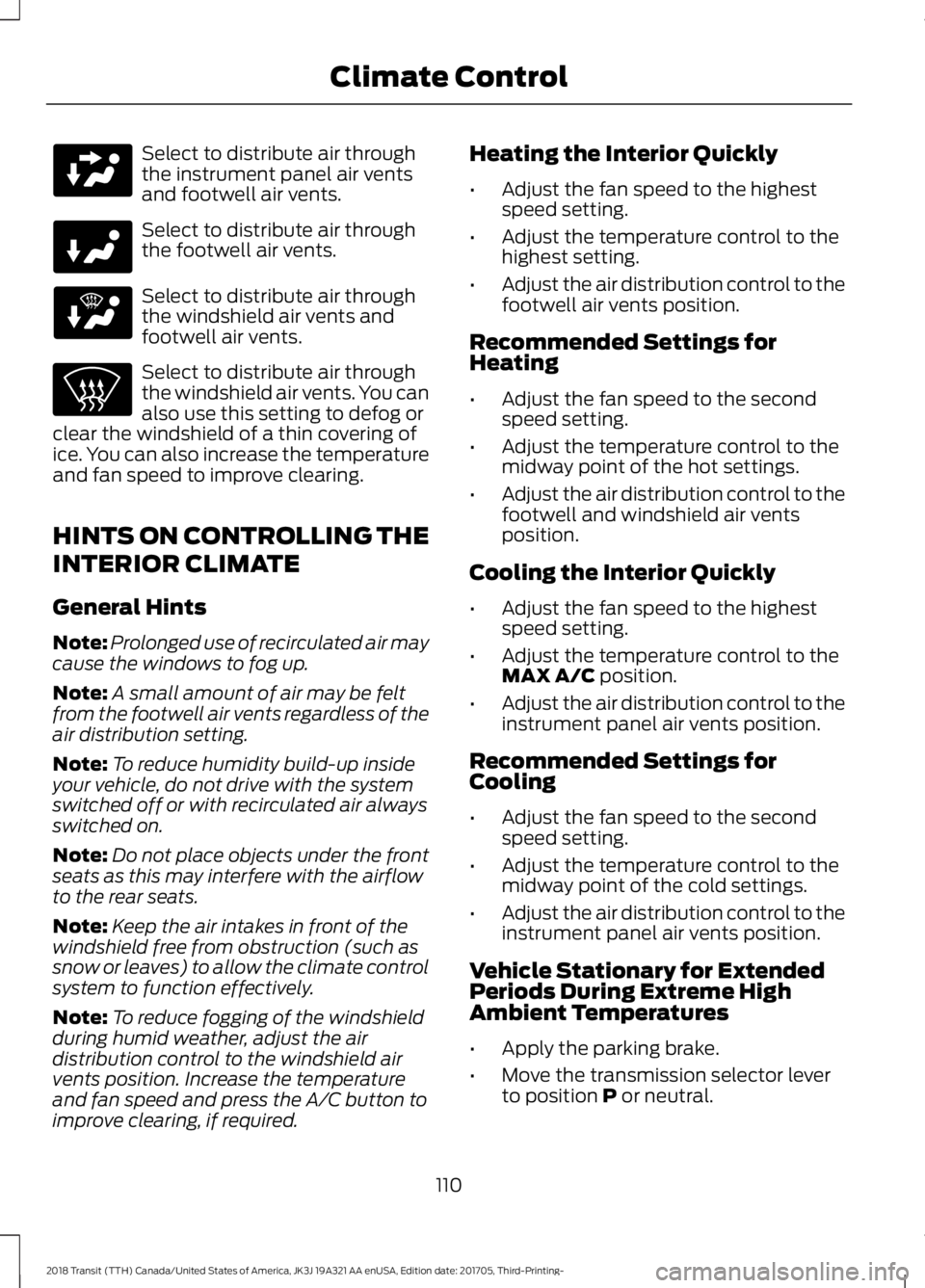
Select to distribute air through
the instrument panel air vents
and footwell air vents.
Select to distribute air through
the footwell air vents.
Select to distribute air through
the windshield air vents and
footwell air vents.
Select to distribute air through
the windshield air vents. You can
also use this setting to defog or
clear the windshield of a thin covering of
ice. You can also increase the temperature
and fan speed to improve clearing.
HINTS ON CONTROLLING THE
INTERIOR CLIMATE
General Hints
Note: Prolonged use of recirculated air may
cause the windows to fog up.
Note: A small amount of air may be felt
from the footwell air vents regardless of the
air distribution setting.
Note: To reduce humidity build-up inside
your vehicle, do not drive with the system
switched off or with recirculated air always
switched on.
Note: Do not place objects under the front
seats as this may interfere with the airflow
to the rear seats.
Note: Keep the air intakes in front of the
windshield free from obstruction (such as
snow or leaves) to allow the climate control
system to function effectively.
Note: To reduce fogging of the windshield
during humid weather, adjust the air
distribution control to the windshield air
vents position. Increase the temperature
and fan speed and press the A/C button to
improve clearing, if required. Heating the Interior Quickly
•
Adjust the fan speed to the highest
speed setting.
• Adjust the temperature control to the
highest setting.
• Adjust the air distribution control to the
footwell air vents position.
Recommended Settings for
Heating
• Adjust the fan speed to the second
speed setting.
• Adjust the temperature control to the
midway point of the hot settings.
• Adjust the air distribution control to the
footwell and windshield air vents
position.
Cooling the Interior Quickly
• Adjust the fan speed to the highest
speed setting.
• Adjust the temperature control to the
MAX A/C position.
• Adjust the air distribution control to the
instrument panel air vents position.
Recommended Settings for
Cooling
• Adjust the fan speed to the second
speed setting.
• Adjust the temperature control to the
midway point of the cold settings.
• Adjust the air distribution control to the
instrument panel air vents position.
Vehicle Stationary for Extended
Periods During Extreme High
Ambient Temperatures
• Apply the parking brake.
• Move the transmission selector lever
to position
P or neutral.
110
2018 Transit (TTH) Canada/United States of America, JK3J 19A321 AA enUSA, Edition date: 201705, Third-Printing- Climate Control
Page 126 of 521
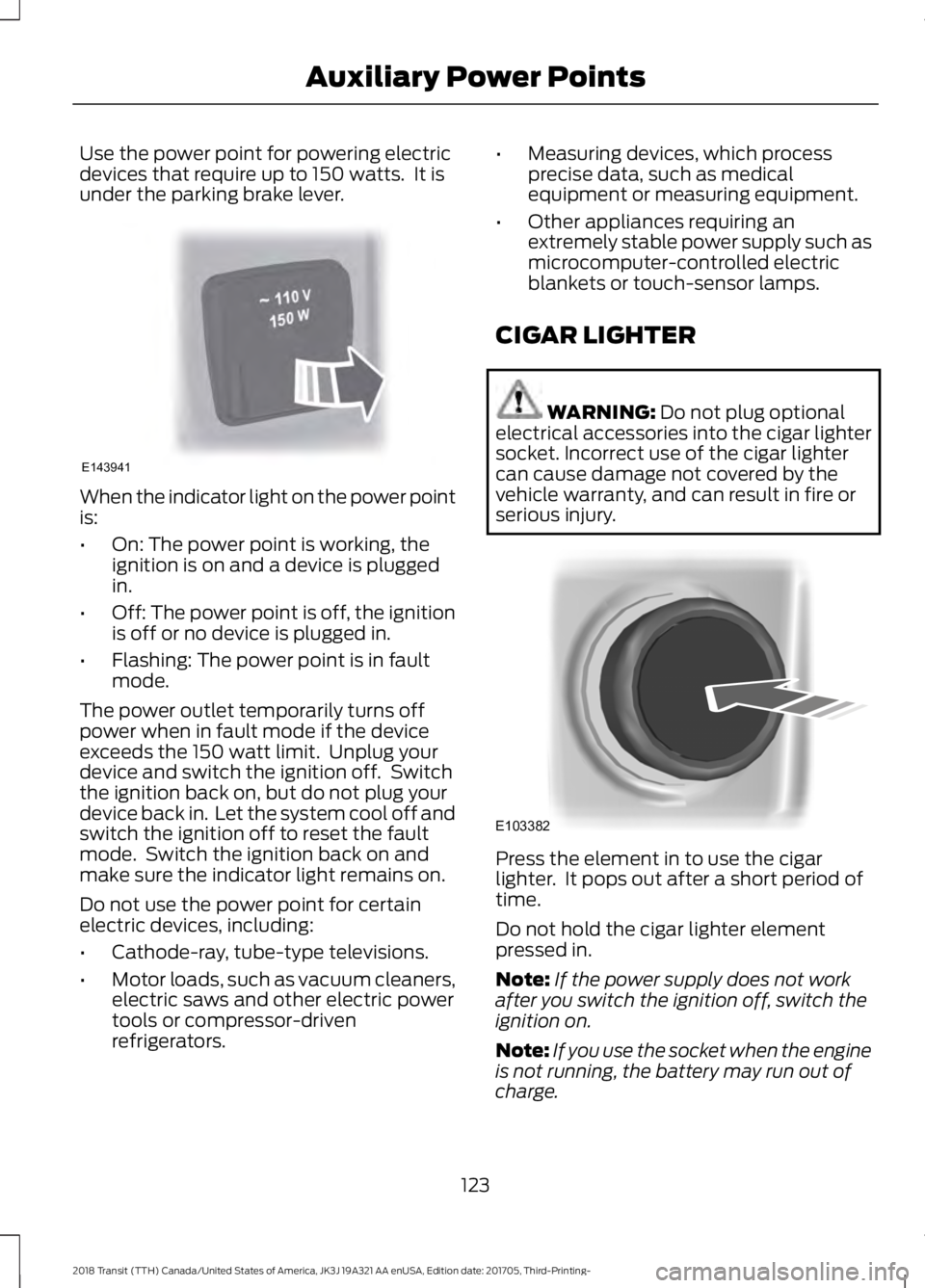
Use the power point for powering electric
devices that require up to 150 watts. It is
under the parking brake lever.
When the indicator light on the power point
is:
•
On: The power point is working, the
ignition is on and a device is plugged
in.
• Off: The power point is off, the ignition
is off or no device is plugged in.
• Flashing: The power point is in fault
mode.
The power outlet temporarily turns off
power when in fault mode if the device
exceeds the 150 watt limit. Unplug your
device and switch the ignition off. Switch
the ignition back on, but do not plug your
device back in. Let the system cool off and
switch the ignition off to reset the fault
mode. Switch the ignition back on and
make sure the indicator light remains on.
Do not use the power point for certain
electric devices, including:
• Cathode-ray, tube-type televisions.
• Motor loads, such as vacuum cleaners,
electric saws and other electric power
tools or compressor-driven
refrigerators. •
Measuring devices, which process
precise data, such as medical
equipment or measuring equipment.
• Other appliances requiring an
extremely stable power supply such as
microcomputer-controlled electric
blankets or touch-sensor lamps.
CIGAR LIGHTER WARNING: Do not plug optional
electrical accessories into the cigar lighter
socket. Incorrect use of the cigar lighter
can cause damage not covered by the
vehicle warranty, and can result in fire or
serious injury. Press the element in to use the cigar
lighter. It pops out after a short period of
time.
Do not hold the cigar lighter element
pressed in.
Note:
If the power supply does not work
after you switch the ignition off, switch the
ignition on.
Note: If you use the socket when the engine
is not running, the battery may run out of
charge.
123
2018 Transit (TTH) Canada/United States of America, JK3J 19A321 AA enUSA, Edition date: 201705, Third-Printing- Auxiliary Power PointsE143941 E103382