instrument panel GMC ACADIA 2007 Workshop Manual
[x] Cancel search | Manufacturer: GMC, Model Year: 2007, Model line: ACADIA, Model: GMC ACADIA 2007Pages: 554, PDF Size: 2.76 MB
Page 247 of 554
ENGINE OVERHEATED STOP ENGINE
Notice:If you drive your vehicle while the
engine is overheating, severe engine damage
may occur. If an overheat warning appears on
the instrument panel cluster and/or DIC, stop
the vehicle as soon as possible. SeeEngine
Overheating on page 410for more information.
This message displays and a chime sounds
if the engine cooling system reaches unsafe
temperatures for operation. Stop and turn off the
vehicle as soon as it is safe to do so to avoid
severe damage. This message clears when the
engine has cooled to a safe operating temperature.
ENGINE POWER IS REDUCED
This message displays and a chime sounds when
the cooling system temperature gets too hot
and the engine further enters the engine coolant
protection mode. SeeEngine Overheating on
page 410for further information.This message also displays when the vehicle’s
engine power is reduced. Reduced engine power
can affect the vehicle’s ability to accelerate.
If this message is on, but there is no reduction
in performance, proceed to your destination.
The performance may be reduced the next time
the vehicle is driven. The vehicle may be driven at
a reduced speed while this message is on, but
acceleration and speed may be reduced. Anytime
this message stays on, the vehicle should be
taken to your dealer/retailer for service as soon
as possible.
FUEL LEVEL LOW
This message displays and a chime sounds if
the fuel level is low. Refuel as soon as possible.
SeeFuel Gage on page 231andFuel on page 387
for more information.
247
Page 251 of 554
SERVICE BATTERY CHARGING
SYSTEM
On some vehicles, this message displays if there
is a problem with the battery charging system.
Under certain conditions, the charging system light
may also turn on in the instrument panel cluster.
SeeCharging System Light on page 220.
Driving with this problem could drain the battery.
Turn off all unnecessary accessories. Have
the electrical system checked as soon as possible.
See your dealer/retailer.
SERVICE BRAKE SYSTEM
This message displays along with the brake
system warning light if there is a problem with
the brake system. SeeBrake System Warning
Light on page 222. If this message appears, stop
as soon as possible and turn off the vehicle.
Restart the vehicle and check for the message on
the DIC display. If the message is still displayed
or appears again when you begin driving, the
brake system needs service as soon as possible.
See your dealer/retailer.
SERVICE PARK ASSIST
If your vehicle has the Ultrasonic Rear Parking
Assist (URPA) system, this message displays
if there is a problem with the URPA system.
Do not use this system to help you park. See
Ultrasonic Rear Parking Assist (URPA) on
page 194for more information. See your
dealer/retailer for service.
SERVICE POWER STEERING
This message displays when a problem is
detected with the power steering system. When
this message is displayed, you may notice that
the effort required to steer the vehicle increases
or feels heavier, but you will still be able to
steer the vehicle. Have your vehicle serviced
by your dealer/retailer immediately.
251
Page 253 of 554
SERVICE TRANSMISSION
This message displays when there is a problem
with the transmission. See your dealer/retailer
for service.
SERVICE VEHICLE SOON
This message displays when a non-emissions
related malfunction occurs. Have the vehicle
serviced by your dealer/retailer as soon as
possible.
SPEED LIMITED TO XXX MPH (KM/H)
This message displays when your vehicle speed
is limited to 80 mph (128 km/h) because the
vehicle detects a problem in the speed variable
assist steering system. Have your vehicle serviced
by your dealer/retailer.
STARTING DISABLED SERVICE
THROTTLE
This message displays when your vehicle’s throttle
system is not functioning properly. Have your
vehicle serviced by your dealer/retailer.
THEFT ATTEMPTED
This message displays if the content theft-deterrent
system has detected a break-in attempt while
you were away from your vehicle. SeeContent
Theft-Deterrent on page 118for more information.
TIGHTEN GAS CAP
This message may display along with the check
engine light on the instrument panel cluster if
the vehicle’s fuel cap is not tightened properly.
SeeMalfunction Indicator Lamp on page 226.
Reinstall the fuel cap fully. SeeFilling the Tank
on page 390. The diagnostic system can determine
if the fuel cap has been left off or improperly
installed. A loose or missing fuel cap allows fuel
to evaporate into the atmosphere. A few driving
trips with the cap properly installed should turn
this light and message off.
253
Page 254 of 554
TIRE LEARNING ACTIVE
This message displays when the Tire Pressure
Monitor (TPM) system is re-learning the tire
positions on your vehicle. SeeDIC Operation and
Displays (With DIC Buttons) on page 233orDIC
Operation and Displays (Without DIC Buttons) on
page 239for more information. The tire positions
must be re-learned after rotating the tires or after
replacing a tire or sensor. SeeTire Inspection and
Rotation on page 448,Tire Pressure Monitor
System on page 444, andInflation - Tire Pressure
on page 442for more information.
TRACTION CONTROL OFF
This message displays when the Traction Control
System (TCS) is turned off. Adjust your driving
accordingly. SeeStabiliTrak
®System on page 337
for more information. This message clears itself
after 10 seconds.
TRANSMISSION HOT IDLE ENGINE
Notice:If you drive your vehicle while the
transmission uid is overheating and the
transmission temperature warning is displayed
on the instrument panel cluster and/or DIC, you
can damage the transmission. This could lead
to costly repairs that would not be covered by
your warranty. Do not drive your vehicle with
overheated transmission uid or while the
transmission temperature warning is displayed.
This message displays along with a continuous
chime if the transmission uid in the vehicle
gets hot. Driving with the transmission uid
temperature high can cause damage to the
vehicle. Stop the vehicle and let it idle to allow
the transmission to cool. This message clears
and the chime stops when the uid temperature
reaches a safe level.
254
Page 337 of 554
StabiliTrak®System
Your vehicle has the StabiliTrak®system which
combines antilock brake, traction and stability
control systems and helps the driver maintain
directional control of the vehicle in most driving
conditions.
When you rst start your vehicle and begin to
drive away, the system performs several
diagnostic checks to ensure there are no
problems. You may hear or feel the system
working. This is normal and does not mean
there is a problem with your vehicle. The system
should initialize before the vehicle reaches
20 mph (32 km/h). In some cases, it may take
approximately two miles of driving before the
system initializes.
If the system fails to turn on or activate, the
StabiliTrak
®light along with one of the following
messages will be displayed on the Driver
Information Center (DIC): TRACTION CONTROL
OFF, SERVICE TRACTION CONTROL,
SERVICE STABILITRAK. If you see these
conditions, turn the vehicle off, wait 15 seconds,
and then turn it back on again to reset the system.If any of these messages still appear on the Driver
Information Center (DIC), your vehicle should
be taken in for service. For more information on
the DIC messages, seeDriver Information
Center (DIC) on page 232.
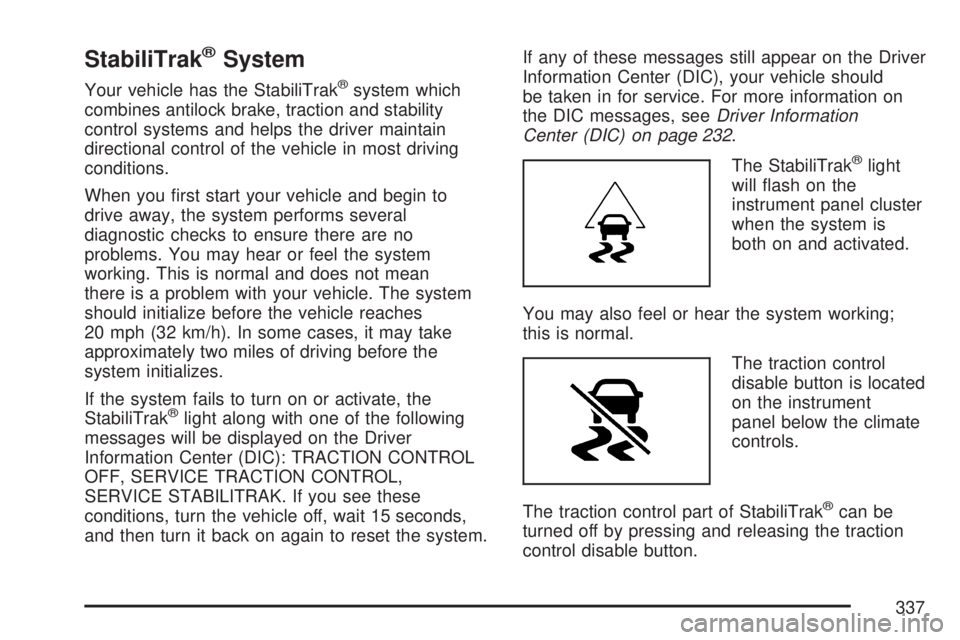
The StabiliTrak
®light
will ash on the
instrument panel cluster
when the system is
both on and activated.
You may also feel or hear the system working;
this is normal.
The traction control
disable button is located
on the instrument
panel below the climate
controls.
The traction control part of StabiliTrak
®can be
turned off by pressing and releasing the traction
control disable button.
337
Page 373 of 554
Tow/Haul Mode
Tow/Haul is a feature that assists when pulling a
heavy trailer or a large or heavy load. The purpose
of the Tow/Haul mode is to:
Reduce the frequency and improve the
predictability of transmission shifts when pulling
a heavy trailer or a large or heavy load.
Provide the same solid shift feel when pulling a
heavy trailer or a large or heavy load as when
the vehicle is unloaded.
Improve control of vehicle speed while requiring
less throttle pedal activity when pulling a heavy
trailer or a large or heavy load.
Increase the charging system voltage to assist
in recharging a battery installed in a trailer.
Press this button on
the console to
enable/disable the
tow/haul mode.A light on the instrument
panel will come on to
indicate that tow/haul
mode has been
selected.
Tow/Haul may be turned off by pressing the
button again, at which time the indicator light on
the instrument panel will turn off. The vehicle
will automatically turn off Tow/Haul every time
it is started.
Tow/Haul is designed to be most effective when
the vehicle and trailer combined weight is at
least 75 percent of the vehicle’s Gross Combined
Weight Rating (GCWR). See Weight of the Trailer
later in this section. Tow/Haul is most useful
under the following driving conditions:
When pulling a heavy trailer or a large or
heavy load through rolling terrain.
When pulling a heavy trailer or a large or
heavy load in stop and go traffic.
When pulling a heavy trailer or a large or heavy
load in busy parking lots where improved low
speed control of the vehicle is desired.
373
Page 379 of 554
Passing
You’ll need more passing distance up ahead when
you’re towing a trailer. And, because you’re a
good deal longer, you’ll need to go much farther
beyond the passed vehicle before you can
return to your lane.
Backing Up
Hold the bottom of the steering wheel with
one hand. Then, to move the trailer to the left,
just move that hand to the left. To move the trailer
to the right, move your hand to the right. Always
back up slowly and, if possible, have someone
guide you.
Making Turns
Notice:Making very sharp turns while
trailering could cause the trailer to come in
contact with the vehicle. Your vehicle could
be damaged. Avoid making very sharp turns
while trailering.When you’re turning with a trailer, make wider
turns than normal. Do this so your trailer
won’t strike soft shoulders, curbs, road signs,
trees or other objects. Avoid jerky or sudden
maneuvers. Signal well in advance.
Turn Signals When Towing a Trailer
When you tow a trailer, your vehicle may need a
different turn signal asher and/or extra wiring.
Check with your dealer/retailer. The arrows
on your instrument panel will ash whenever you
signal a turn or lane change. Properly hooked
up, the trailer lamps will also ash, telling other
drivers you’re about to turn, change lanes or stop.
When towing a trailer, the arrows on your
instrument panel will ash for turns even if the
bulbs on the trailer are burned out. Thus, you may
think drivers behind you are seeing your signal
when they are not. It’s important to check
occasionally to be sure the trailer bulbs are
still working.
379
Page 384 of 554
Buying New Tires...................................... 450
Different Size Tires and Wheels................ 452
Uniform Tire Quality Grading..................... 453
Wheel Alignment and Tire Balance............ 454
Wheel Replacement.................................. 454
Tire Chains............................................... 456
If a Tire Goes Flat.................................... 457
Changing a Flat Tire................................. 458
Removing the Spare Tire and Tools.......... 459
Removing the Flat Tire and Installing
the Spare Tire....................................... 463
Secondary Latch System........................... 468
Storing a Flat or Spare Tire and Tools...... 472
Compact Spare Tire.................................. 477
Appearance Care........................................ 478
Cleaning the Inside of Your Vehicle.......... 478
Fabric/Carpet............................................. 480
Leather...................................................... 481
Instrument Panel, Vinyl, and Other
Plastic Surfaces..................................... 481
Care of Safety Belts.................................. 482
Weatherstrips............................................ 482
Washing Your Vehicle............................... 482
Cleaning Exterior Lamps/Lenses................ 483Finish Care............................................... 483
Windshield, Backglass, and
Wiper Blades......................................... 484
Aluminum or Chrome-Plated Wheels
and Trim................................................ 484
Tires......................................................... 485
Sheet Metal Damage................................. 486
Finish Damage.......................................... 486
Underbody Maintenance............................ 486
Chemical Paint Spotting............................ 486
Vehicle Care/Appearance Materials............ 487
Vehicle Identication.................................. 488
Vehicle Identication Number (VIN)........... 488
Service Parts Identication Label............... 488
Electrical System........................................ 489
High Voltage Devices and Wiring.............. 489
Add-On Electrical Equipment..................... 489
Windshield Wiper Fuses............................ 490
Power Windows and Other
Power Options....................................... 490
Fuses and Circuit Breakers....................... 490
Instrument Panel Fuse Block..................... 490
Underhood Fuse Block.............................. 493
Capacities and Specications.................... 497
Section 5 Service and Appearance Care
384
Page 395 of 554
Hood Release
To open the hood, do the following:
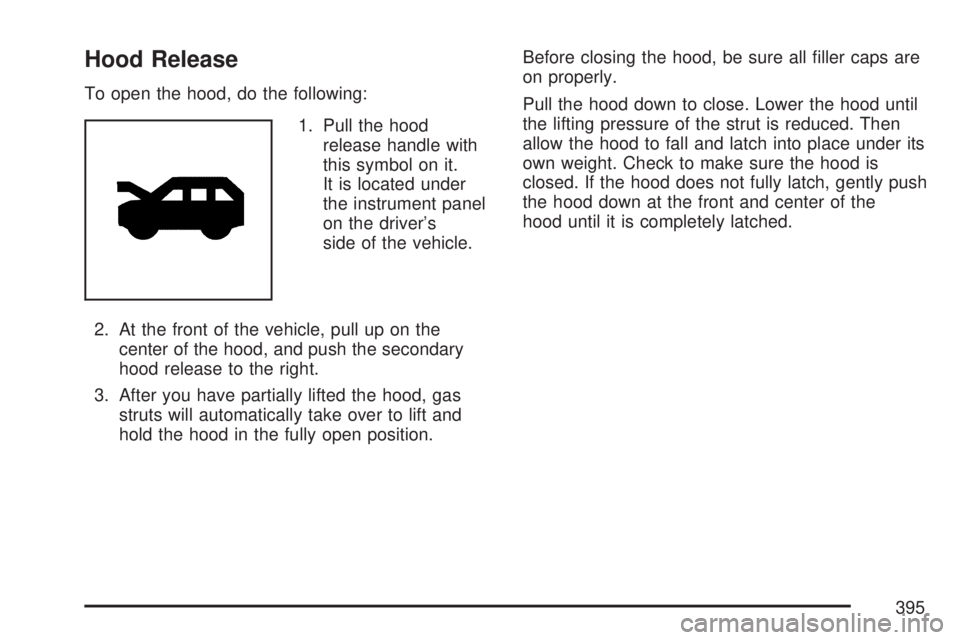
1. Pull the hood
release handle with
this symbol on it.
It is located under
the instrument panel
on the driver’s
side of the vehicle.
2. At the front of the vehicle, pull up on the
center of the hood, and push the secondary
hood release to the right.
3. After you have partially lifted the hood, gas
struts will automatically take over to lift and
hold the hood in the fully open position.Before closing the hood, be sure all ller caps are
on properly.
Pull the hood down to close. Lower the hood until
the lifting pressure of the strut is reduced. Then
allow the hood to fall and latch into place under its
own weight. Check to make sure the hood is
closed. If the hood does not fully latch, gently push
the hood down at the front and center of the
hood until it is completely latched.
395
Page 410 of 554
Radiator Pressure Cap
Notice:If the pressure cap is not tightly
installed, coolant loss and possible engine
damage may occur. Be sure the cap is properly
and tightly secured.
SeeEngine Compartment Overview on page 396
for more information on location.
Engine Overheating
There is an engine coolant temperature gage on
your vehicle’s instrument panel. SeeEngine
Coolant Temperature Gage on page 225.
Your vehicle may also have an ENGINE
OVERHEATED IDLE ENGINE and ENGINE
OVERHEATED STOP ENGINE message
displayed in the Driver Information Center (DIC).
SeeDIC Warnings and Messages on page 244.
If Steam Is Coming From Your Engine
{CAUTION:
Steam from an overheated engine can
burn you badly, even if you just open the
hood. Stay away from the engine if you
see or hear steam coming from it. Turn it
off and get everyone away from the
vehicle until it cools down. Wait until
there is no sign of steam or coolant
before you open the hood.
CAUTION: (Continued)
410