instrument panel GMC ACADIA 2007 Repair Manual
[x] Cancel search | Manufacturer: GMC, Model Year: 2007, Model line: ACADIA, Model: GMC ACADIA 2007Pages: 554, PDF Size: 2.76 MB
Page 444 of 554
Tire Pressure Monitor System
The Tire Pressure Monitor System (TPMS) uses
radio and sensor technology to check tire pressure
levels. TPMS sensors are mounted onto each
tire and wheel assembly, except the spare
tire. TPMS sensors monitor the air pressure in
your vehicle’s tires and transmit tire pressure
readings to a receiver located in the vehicle.
The TPMS is designed to alert the driver, if a low
tire pressure condition exists. If your vehicle has the
Driver Information Center (DIC), the driver can also
check tire pressure levels using the DIC.
When a low tire pressure condition is detected,
the TPMS illuminates the low tire pressure warning
symbol located on the instrument panel cluster.
If your vehicle has the DIC feature, a message
to check the pressure in a specic tire also
appears on the DIC display. The low tire pressure
warning symbol on the instrument panel cluster
and the CHECK TIRE PRESSURE warning
message on the DIC display appears at each
ignition cycle until the tires are inated tothe correct ination pressure. For additional
information and details about the DIC operation
and displays seeDIC Operation and Displays
(With DIC Buttons) on page 233orDIC Operation
and Displays (Without DIC Buttons) on page 239
andDIC Warnings and Messages on page 244.
You may notice, during cooler weather conditions,
the tire pressure monitor light, located on the
instrument panel cluster, and the CHECK TIRE
PRESSURE message appears when the vehicle
is rst started and then turn off as you start to drive
the vehicle. This could be an early indicator that
the tire pressures are getting low and need to
be inated to the proper pressure.
Each tire, including the spare (if provided), should
be checked monthly when cold and inated to
the ination pressure recommended by the vehicle
manufacturer on the vehicle placard or tire
ination pressure label. (If your vehicle has tires of
a different size than the size indicated on the
vehicle placard or tire ination pressure label,
you should determine the proper tire ination
pressure for those tires.)
444
Page 447 of 554
The TPMS sensor matching process is outlined
below:
1. Set the parking brake.
2. Turn the ignition switch to ON with the
engine off.
3. Using the DIC, press the vehicle information
button until the PRESS
VTO RELEARN TIRE
POSITIONS message displays. If your vehicle
does not have the DIC buttons, press the trip
odometer reset stem located on the instrument
panel cluster until the RELEARN TIRE
POSITIONS message displays.
4. If your vehicle has the DIC buttons, press the
set/reset button. The horn sounds twice to
indicate the TPMS receiver is ready, and the
TIRE LEARNING ACTIVE message
displays. If your vehicle does not have the
DIC buttons, press and hold the trip odometer
reset stem until the horn chirps twice and
the TIRE LEARNING ACTIVE message
is displayed.
5. Start with the driver side front tire. The driver
side front turn signal lamp is on.6. Remove the valve cap from the valve stem.
Activate the TPMS sensor by increasing
or decreasing the tire’s air pressure for
ve seconds, or until a horn chirp sounds.
The horn chirp, which may take up to
30 seconds to sound, conrms that the sensor
identication code has been matched to this
tire and wheel position.
7. Proceed to the passenger side front tire.
The passenger side front turn signal lamp is on.
Repeat the procedure in Step 6.
8. Proceed to the passenger side rear tire.
The passenger side rear turn signal lamp is on.
Repeat the procedure in Step 6.
9. Proceed to the driver side rear tire. The driver
side rear turn signal lamp is on. Repeat the
procedure in Step 6. Instead of a single horn
chirp a double horn chirp signals the TPMS
sensor has been matched to this tire and wheel
position and the matching process is no longer
active.
10. Turn the ignition switch to OFF.
11. Set all four tires to the recommended air
pressure level as indicated on the Tire and
Loading Information label.
12. Put the valve caps back on the valve stems.
447
Page 481 of 554
Leather
A soft cloth dampened with water may be used to
remove dust. If a more thorough cleaning is
necessary, a soft cloth dampened with a mild soap
solution can be used. Allow the leather to dry
naturally. Do not use heat to dry. Never use steam
to clean leather. Never use spot lifters or spot
removers on leather. Many commercial leather
cleaners and coatings that are sold to preserve
and protect leather may permanently change
the appearance and feel of your leather and are
not recommended. Do not use silicone or
wax-based products, or those containing organic
solvents to clean your vehicle’s interior because
they can alter the appearance by increasing
the gloss in a non-uniform manner. Never use
shoe polish on your leather.
Instrument Panel, Vinyl, and Other
Plastic Surfaces
A soft cloth dampened with water may be used to
remove dust. If a more thorough cleaning is
necessary, a clean soft cloth dampened with a
mild soap solution can be used to gently remove
dust and dirt. Never use spot lifters or removers
on plastic surfaces. Many commercial cleaners and
coatings that are sold to preserve and protect
soft plastic surfaces may permanently change the
appearance and feel of your interior and are
not recommended. Do not use silicone or
wax-based products, or those containing organic
solvents to clean your vehicle’s interior because
they can alter the appearance by increasing
the gloss in a non-uniform manner.
Some commercial products may increase gloss on
your instrument panel. The increase in gloss
may cause annoying reections in the windshield
and even make it difficult to see through the
windshield under certain conditions.
481
Page 488 of 554
Vehicle Identication
Vehicle Identication Number (VIN)
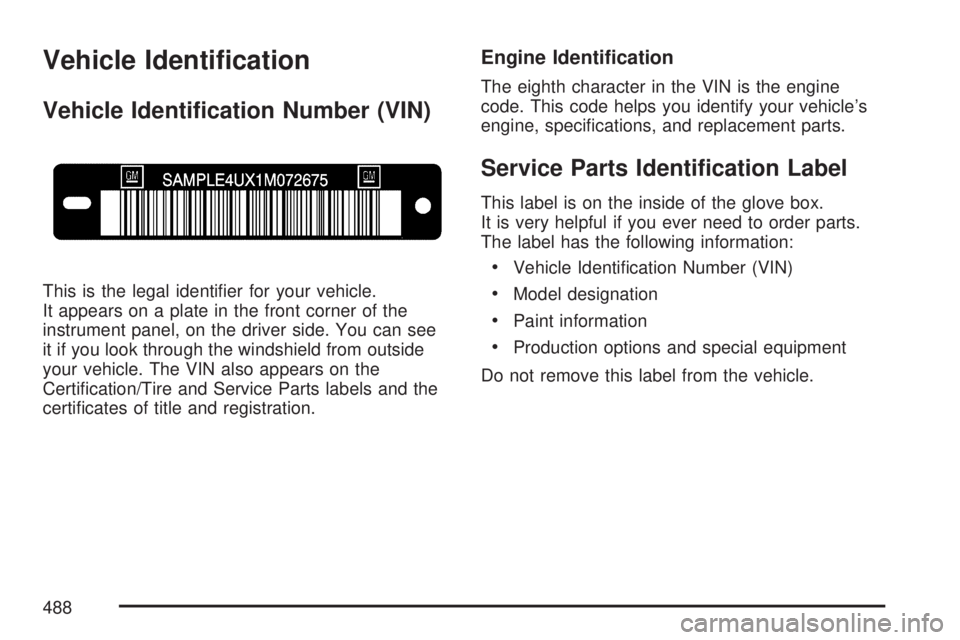
This is the legal identier for your vehicle.
It appears on a plate in the front corner of the
instrument panel, on the driver side. You can see
it if you look through the windshield from outside
your vehicle. The VIN also appears on the
Certication/Tire and Service Parts labels and the
certicates of title and registration.
Engine Identication
The eighth character in the VIN is the engine
code. This code helps you identify your vehicle’s
engine, specications, and replacement parts.
Service Parts Identication Label
This label is on the inside of the glove box.
It is very helpful if you ever need to order parts.
The label has the following information:
Vehicle Identication Number (VIN)
Model designation
Paint information
Production options and special equipment
Do not remove this label from the vehicle.
488
Page 490 of 554
Windshield Wiper Fuses
The windshield wiper motor is protected by a
circuit breaker and a fuse. If the motor overheats
due to heavy snow or ice, the wiper will stop
until the motor cools. If the overload is caused by
some electrical problem, have it xed.
Power Windows and Other Power
Options
Circuit breakers in the fuse panel protect the
power windows and other power accessories.
When the current load is too heavy, the circuit
breaker opens and closes, protecting the circuit
until the problem is xed.
Fuses and Circuit Breakers
The wiring circuits in your vehicle are protected
from short circuits by a combination of fuses,
circuit breakers and fusible thermal links.
This greatly reduces the chance of res caused by
electrical problems.Look at the silver-colored band inside the fuse.
If the band is broken or melted, replace the fuse.
Be sure you replace a bad fuse with a new
one of the identical size and rating.
If you ever have a problem on the road and do not
have a spare fuse, you can borrow one that has
the same amperage. Just pick some feature
of your vehicle that you can get along without, like
the radio or cigarette lighter, and use its fuse if
it is the correct amperage. Replace it as soon as
you can.
Instrument Panel Fuse Block
The instrument panel fuse block is located under
the instrument panel on the passenger side of
the vehicle. Pull down on the cover to access the
fuse block.
490
Page 518 of 554
Customer Assistance and
Information
Customer Satisfaction Procedure
Your satisfaction and goodwill are important
to your dealer and to GMC. Normally, any
concerns with the sales transaction or the
operation of the vehicle will be resolved by your
dealer’s sales or service departments. Sometimes,
however, despite the best intentions of all
concerned, misunderstandings can occur. If your
concern has not been resolved to your
satisfaction, the following steps should be taken:
STEP ONE:Discuss your concern with a member
of dealership management. Normally, concerns
can be quickly resolved at that level. If the matter
has already been reviewed with the sales,
service or parts manager, contact the owner of the
dealership or the general manager.STEP TWO:If after contacting a member of
dealership management, it appears your concern
cannot be resolved by the dealership without
further help, in the U.S., contact the GMC
Consumer Relations Manager by calling
1-800-GMC-8782 (1-800-462-8782, Customer
Assistance prompt). In Canada, contact General
Motors of Canada Customer Communication
by calling 1-800-263-3777 (English) or
1-800-263-7854 (French).
We encourage you to call the toll-free number in
order to give your inquiry prompt attention. Please
have the following information available to give
the Customer Assistance Representative:
Vehicle Identication Number (VIN). This is
available from the vehicle registration or
title, or the plate at the top left of the
instrument panel and visible through the
windshield.
Dealership name and location.
Vehicle delivery date and present mileage.
518
Page 539 of 554
A
Accessories and Modications..................... 385
Adding Equipment to Your
Airbag-Equipped Vehicle............................ 91
Additives, Fuel............................................ 389
Add-On Electrical Equipment....................... 489
Air Cleaner/Filter, Engine............................. 402
Air Conditioning..................................199, 203
Airbag
Passenger Status Indicator....................... 218
Readiness Light....................................... 217
Airbag System............................................... 76
What Will You See After an
Airbag Inates?...................................... 84
When Should an Airbag Inate?................. 81
Where Are the Airbags?............................. 79
Airbag Systems
Adding Equipment to Your
Airbag-Equipped Vehicle......................... 91
How Does an Airbag Restrain?.................. 83
Passenger Sensing System....................... 85
Servicing Your Airbag-Equipped Vehicle..... 90
What Makes an Airbag Inate?.................. 83All-Wheel Drive........................................... 430
All-Wheel-Drive (AWD) System.................... 339
Anti-Lock Brake System.............................. 335
Anti-Lock Brake, System Warning Light....... 223
Appearance Care
Aluminum or Chrome-Plated Wheels........ 484
Care of Safety Belts................................ 482
Chemical Paint Spotting........................... 486
Cleaning Exterior Lamps/Lenses.............. 483
Cleaning the Inside of Your Vehicle.......... 478
Fabric/Carpet........................................... 480
Finish Care.............................................. 483
Finish Damage......................................... 486
Instrument Panel, Vinyl, and
Other Plastic Surfaces.......................... 481
Leather.................................................... 481
Sheet Metal Damage............................... 486
Tires........................................................ 485
Underbody Maintenance........................... 486
Vehicle Care/Appearance Materials.......... 487
Washing Your Vehicle.............................. 482
Weatherstrips........................................... 482
Windshield, Backglass,
and Wiper Blades................................. 484
539
Page 541 of 554
C
Calibration................................................... 140
California Fuel............................................. 388
California Proposition 65 Warning................ 386
Canadian Owners........................................... 3
Capacities and Specications...................... 497
Carbon Monoxide..............110, 138, 356, 371
Care of
Safety Belts............................................. 482
Your CD and DVD Player........................ 328
Your CDs and DVDs................................ 328
Cargo Cover............................................... 163
Cargo Management System........................ 164
Cargo Tie Downs........................................ 163
CD, MP3 ............................................295, 301
Center Console Storage Area...................... 161
Chains, Tire................................................. 456
Charging System Light................................ 220
Check
Engine Light............................................ 226
Checking Things Under the Hood................ 394
Chemical Paint Spotting.............................. 486Child Restraints
Child Restraint Systems............................. 55
Infants and Young Children........................ 51
Lower Anchors and Tethers for Children..... 61
Older Children........................................... 48
Securing a Child Restraint in a
Rear Seat Position ................................. 69
Securing a Child Restraint in the
Right Front Seat Position........................ 72
Where to Put the Restraint........................ 60
Cleaning
Aluminum or Chrome-Plated Wheels........ 484
Exterior Lamps/Lenses............................. 483
Fabric/Carpet........................................... 480
Finish Care.............................................. 483
Inside of Your Vehicle.............................. 478
Instrument Panel, Vinyl,
and Other Plastic Surfaces................... 481
Leather.................................................... 481
Tires........................................................ 485
Underbody Maintenance........................... 486
Washing Your Vehicle.............................. 482
Weatherstrips........................................... 482
Windshield, Backglass,
and Wiper Blades................................. 484
541
Page 543 of 554
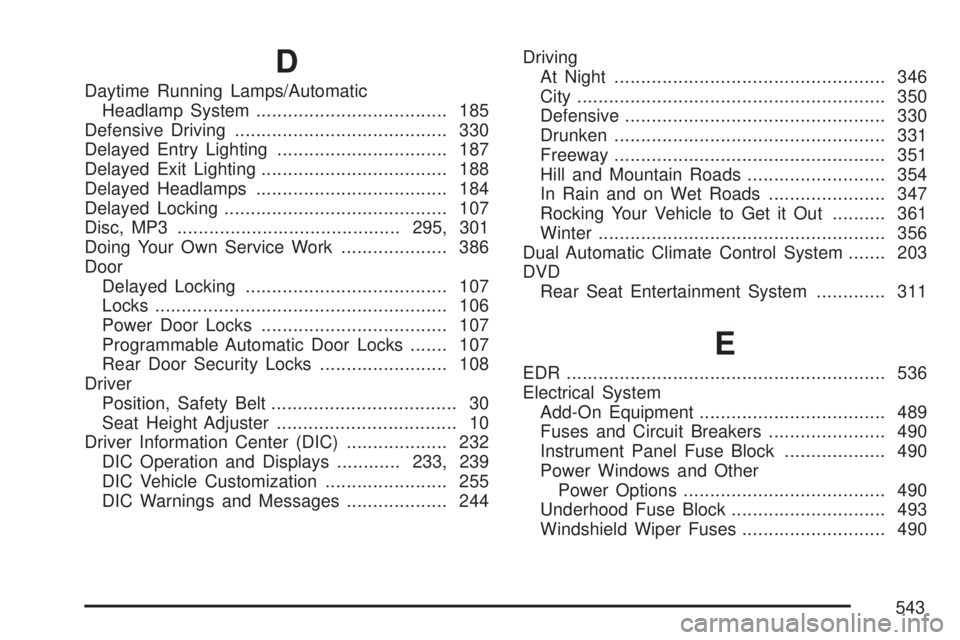
D
Daytime Running Lamps/Automatic
Headlamp System.................................... 185
Defensive Driving........................................ 330
Delayed Entry Lighting................................ 187
Delayed Exit Lighting................................... 188
Delayed Headlamps.................................... 184
Delayed Locking.......................................... 107
Disc, MP3..........................................295, 301
Doing Your Own Service Work.................... 386
Door
Delayed Locking...................................... 107
Locks....................................................... 106
Power Door Locks................................... 107
Programmable Automatic Door Locks....... 107
Rear Door Security Locks........................ 108
Driver
Position, Safety Belt................................... 30
Seat Height Adjuster.................................. 10
Driver Information Center (DIC)................... 232
DIC Operation and Displays............233, 239
DIC Vehicle Customization....................... 255
DIC Warnings and Messages................... 244Driving
At Night................................................... 346
City.......................................................... 350
Defensive................................................. 330
Drunken................................................... 331
Freeway................................................... 351
Hill and Mountain Roads.......................... 354
In Rain and on Wet Roads...................... 347
Rocking Your Vehicle to Get it Out.......... 361
Winter...................................................... 356
Dual Automatic Climate Control System....... 203
DVD
Rear Seat Entertainment System............. 311
E
EDR ............................................................ 536
Electrical System
Add-On Equipment................................... 489
Fuses and Circuit Breakers...................... 490
Instrument Panel Fuse Block................... 490
Power Windows and Other
Power Options...................................... 490
Underhood Fuse Block............................. 493
Windshield Wiper Fuses........................... 490
543
Page 544 of 554
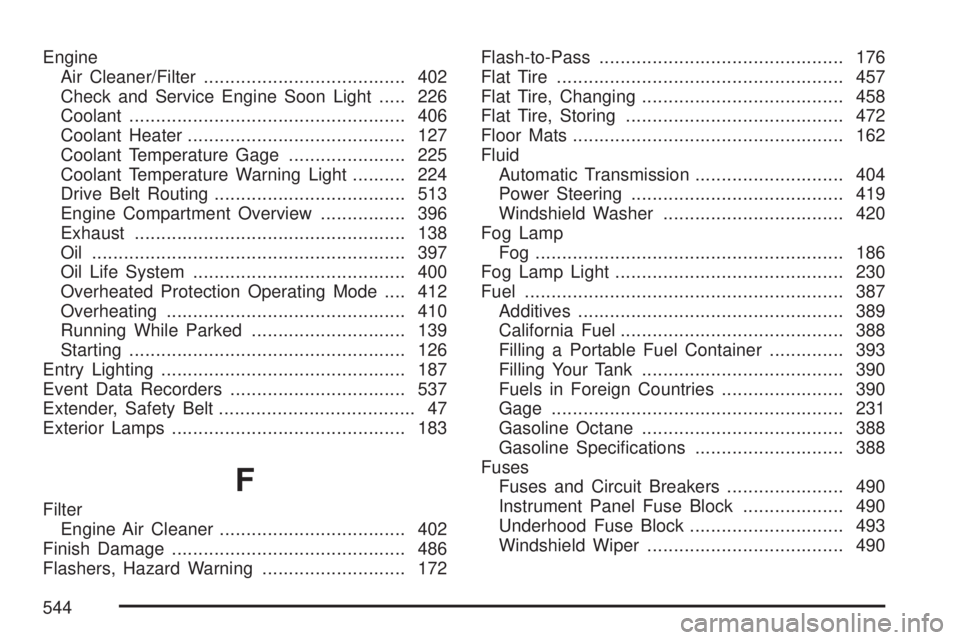
Engine
Air Cleaner/Filter...................................... 402
Check and Service Engine Soon Light..... 226
Coolant.................................................... 406
Coolant Heater......................................... 127
Coolant Temperature Gage...................... 225
Coolant Temperature Warning Light.......... 224
Drive Belt Routing.................................... 513
Engine Compartment Overview................ 396
Exhaust................................................... 138
Oil ........................................................... 397
Oil Life System........................................ 400
Overheated Protection Operating Mode.... 412
Overheating............................................. 410
Running While Parked............................. 139
Starting.................................................... 126
Entry Lighting.............................................. 187
Event Data Recorders................................. 537
Extender, Safety Belt..................................... 47
Exterior Lamps............................................ 183
F
Filter
Engine Air Cleaner................................... 402
Finish Damage............................................ 486
Flashers, Hazard Warning........................... 172Flash-to-Pass.............................................. 176
Flat Tire...................................................... 457
Flat Tire, Changing...................................... 458
Flat Tire, Storing......................................... 472
Floor Mats................................................... 162
Fluid
Automatic Transmission............................ 404
Power Steering........................................ 419
Windshield Washer.................................. 420
Fog Lamp
Fog .......................................................... 186
Fog Lamp Light........................................... 230
Fuel............................................................ 387
Additives.................................................. 389
California Fuel.......................................... 388
Filling a Portable Fuel Container.............. 393
Filling Your Tank...................................... 390
Fuels in Foreign Countries....................... 390
Gage....................................................... 231
Gasoline Octane...................................... 388
Gasoline Specications............................ 388
Fuses
Fuses and Circuit Breakers...................... 490
Instrument Panel Fuse Block................... 490
Underhood Fuse Block............................. 493
Windshield Wiper..................................... 490
544