service GMC CANYON 2009 Owner's Guide
[x] Cancel search | Manufacturer: GMC, Model Year: 2009, Model line: CANYON, Model: GMC CANYON 2009Pages: 414, PDF Size: 2.48 MB
Page 154 of 414
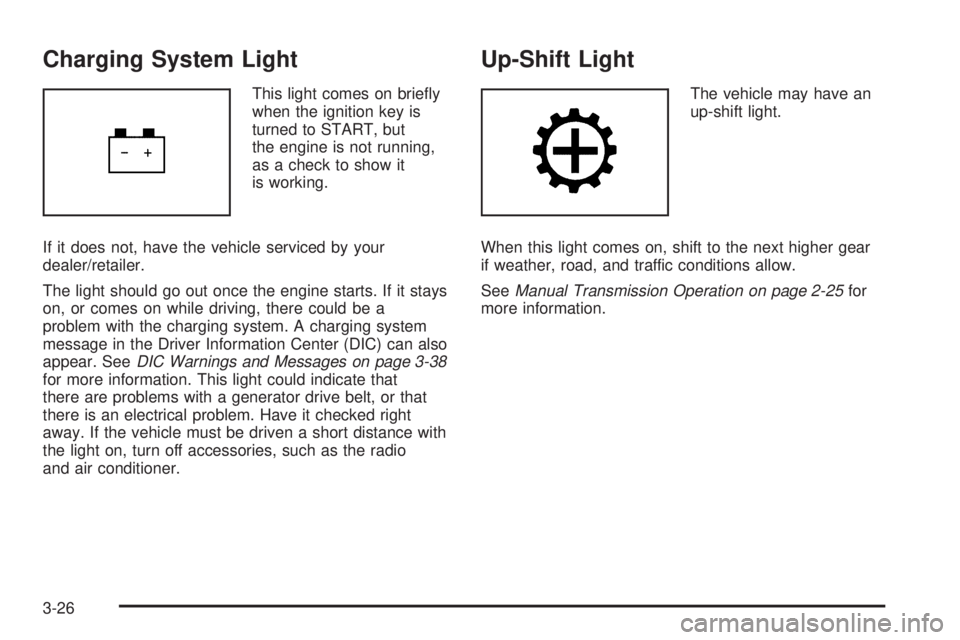
Charging System Light
This light comes on briey
when the ignition key is
turned to START, but
the engine is not running,
as a check to show it
is working.
If it does not, have the vehicle serviced by your
dealer/retailer.
The light should go out once the engine starts. If it stays
on, or comes on while driving, there could be a
problem with the charging system. A charging system
message in the Driver Information Center (DIC) can also
appear. SeeDIC Warnings and Messages on page 3-38
for more information. This light could indicate that
there are problems with a generator drive belt, or that
there is an electrical problem. Have it checked right
away. If the vehicle must be driven a short distance with
the light on, turn off accessories, such as the radio
and air conditioner.
Up-Shift Light
The vehicle may have an
up-shift light.
When this light comes on, shift to the next higher gear
if weather, road, and traffic conditions allow.
SeeManual Transmission Operation on page 2-25for
more information.
3-26
Page 155 of 414
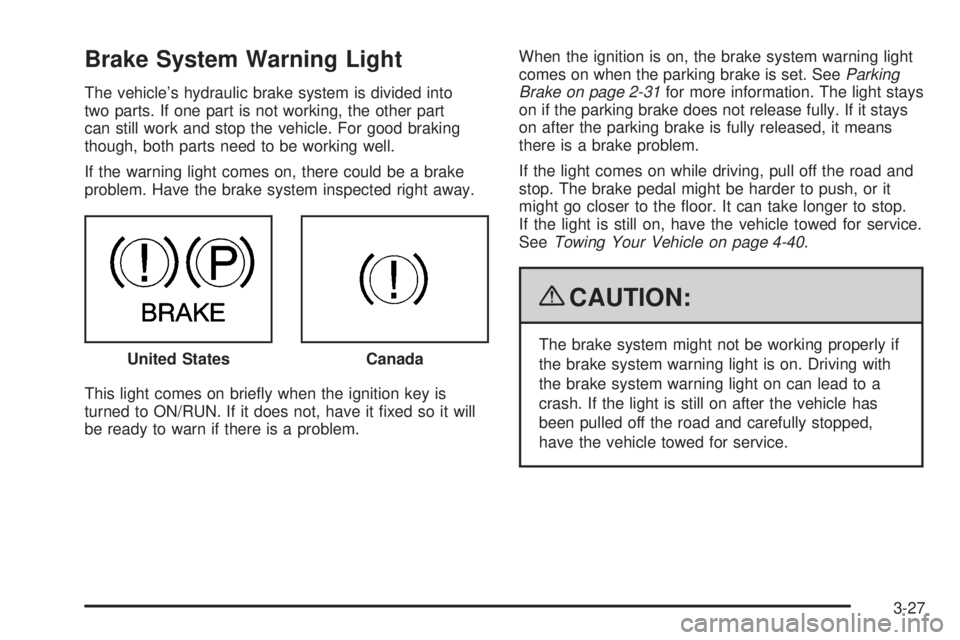
Brake System Warning Light
The vehicle’s hydraulic brake system is divided into
two parts. If one part is not working, the other part
can still work and stop the vehicle. For good braking
though, both parts need to be working well.
If the warning light comes on, there could be a brake
problem. Have the brake system inspected right away.
This light comes on briey when the ignition key is
turned to ON/RUN. If it does not, have it xed so it will
be ready to warn if there is a problem.When the ignition is on, the brake system warning light
comes on when the parking brake is set. SeeParking
Brake on page 2-31for more information. The light stays
on if the parking brake does not release fully. If it stays
on after the parking brake is fully released, it means
there is a brake problem.
If the light comes on while driving, pull off the road and
stop. The brake pedal might be harder to push, or it
might go closer to the oor. It can take longer to stop.
If the light is still on, have the vehicle towed for service.
SeeTowing Your Vehicle on page 4-40.
{CAUTION:
The brake system might not be working properly if
the brake system warning light is on. Driving with
the brake system warning light on can lead to a
crash. If the light is still on after the vehicle has
been pulled off the road and carefully stopped,
have the vehicle towed for service. United StatesCanada
3-27
Page 156 of 414
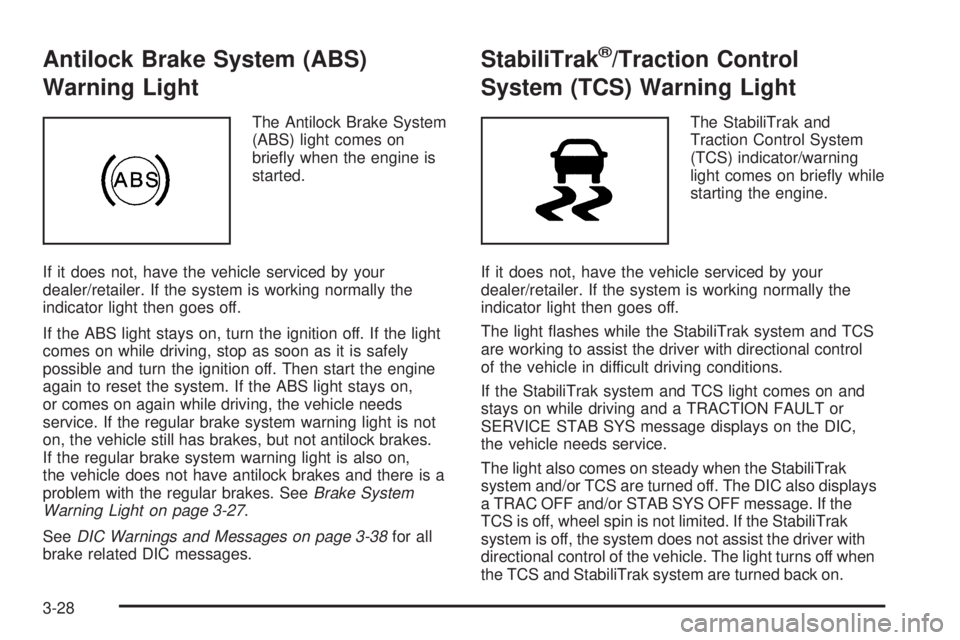
Antilock Brake System (ABS)
Warning Light
The Antilock Brake System
(ABS) light comes on
briey when the engine is
started.
If it does not, have the vehicle serviced by your
dealer/retailer. If the system is working normally the
indicator light then goes off.
If the ABS light stays on, turn the ignition off. If the light
comes on while driving, stop as soon as it is safely
possible and turn the ignition off. Then start the engine
again to reset the system. If the ABS light stays on,
or comes on again while driving, the vehicle needs
service. If the regular brake system warning light is not
on, the vehicle still has brakes, but not antilock brakes.
If the regular brake system warning light is also on,
the vehicle does not have antilock brakes and there is a
problem with the regular brakes. SeeBrake System
Warning Light on page 3-27.
SeeDIC Warnings and Messages on page 3-38for all
brake related DIC messages.
StabiliTrak®/Traction Control
System (TCS) Warning Light
The StabiliTrak and
Traction Control System
(TCS) indicator/warning
light comes on briey while
starting the engine.
If it does not, have the vehicle serviced by your
dealer/retailer. If the system is working normally the
indicator light then goes off.
The light ashes while the StabiliTrak system and TCS
are working to assist the driver with directional control
of the vehicle in difficult driving conditions.
If the StabiliTrak system and TCS light comes on and
stays on while driving and a TRACTION FAULT or
SERVICE STAB SYS message displays on the DIC,
the vehicle needs service.
The light also comes on steady when the StabiliTrak
system and/or TCS are turned off. The DIC also displays
a TRAC OFF and/or STAB SYS OFF message. If the
TCS is off, wheel spin is not limited. If the StabiliTrak
system is off, the system does not assist the driver with
directional control of the vehicle. The light turns off when
the TCS and StabiliTrak system are turned back on.
3-28
Page 158 of 414
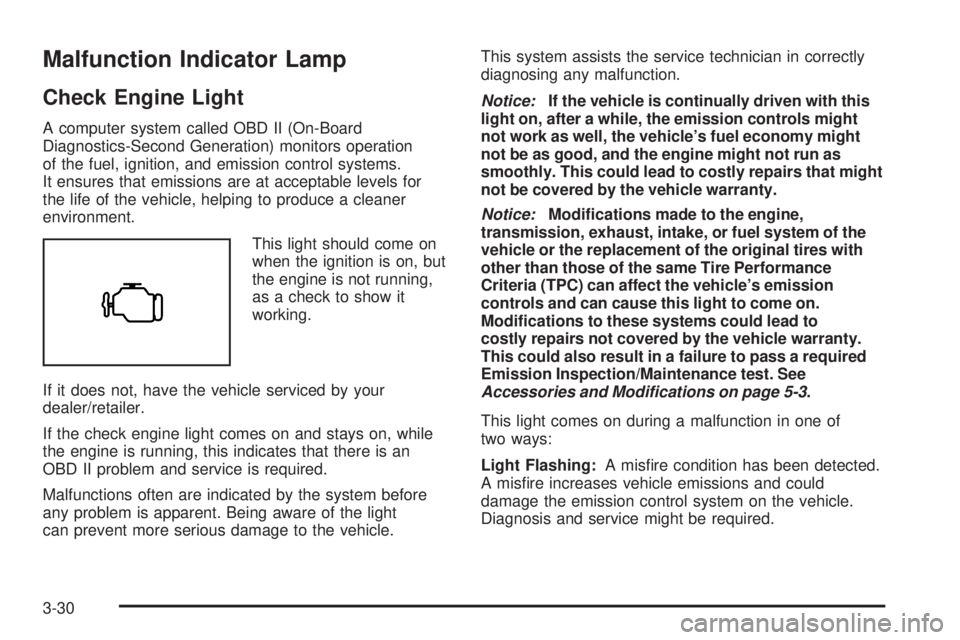
Malfunction Indicator Lamp
Check Engine Light
A computer system called OBD II (On-Board
Diagnostics-Second Generation) monitors operation
of the fuel, ignition, and emission control systems.
It ensures that emissions are at acceptable levels for
the life of the vehicle, helping to produce a cleaner
environment.
This light should come on
when the ignition is on, but
the engine is not running,
as a check to show it
working.
If it does not, have the vehicle serviced by your
dealer/retailer.
If the check engine light comes on and stays on, while
the engine is running, this indicates that there is an
OBD II problem and service is required.
Malfunctions often are indicated by the system before
any problem is apparent. Being aware of the light
can prevent more serious damage to the vehicle.This system assists the service technician in correctly
diagnosing any malfunction.
Notice:If the vehicle is continually driven with this
light on, after a while, the emission controls might
not work as well, the vehicle’s fuel economy might
not be as good, and the engine might not run as
smoothly. This could lead to costly repairs that might
not be covered by the vehicle warranty.
Notice:Modications made to the engine,
transmission, exhaust, intake, or fuel system of the
vehicle or the replacement of the original tires with
other than those of the same Tire Performance
Criteria (TPC) can affect the vehicle’s emission
controls and can cause this light to come on.
Modications to these systems could lead to
costly repairs not covered by the vehicle warranty.
This could also result in a failure to pass a required
Emission Inspection/Maintenance test. See
Accessories and Modifications on page 5-3.
This light comes on during a malfunction in one of
two ways:
Light Flashing:A misre condition has been detected.
A misre increases vehicle emissions and could
damage the emission control system on the vehicle.
Diagnosis and service might be required.
3-30
Page 159 of 414
To prevent more serious damage to the vehicle:
Reduce vehicle speed.
Avoid hard accelerations.
Avoid steep uphill grades.
If towing a trailer, reduce the amount of cargo being
hauled as soon as it is possible.
If the light continues to ash, when it is safe to do so, stop
the vehicle. Find a safe place to park the vehicle. Turn the
key off, wait at least 10 seconds, and restart the engine.
If the light is still ashing, follow the previous steps and
see your dealer/retailer for service as soon as possible.
Light On Steady:An emission control system
malfunction has been detected on the vehicle.
Diagnosis and service might be required.
An emission system malfunction might be corrected by
doing the following:
Make sure the fuel cap is fully installed. SeeFilling
the Tank on page 5-8. The diagnostic system can
determine if the fuel cap has been left off or
improperly installed. A loose or missing fuel cap
allows fuel to evaporate into the atmosphere. A few
driving trips with the cap properly installed should
turn the light off.
If the vehicle has been driven through a deep
puddle of water, the vehicle’s electrical system
might be wet. The condition is usually corrected
when the electrical system dries out. A few driving
trips should turn the light off.
Make sure to fuel the vehicle with quality fuel.
Poor fuel quality causes the engine not to run
as efficiently as designed and can cause: stalling
after start-up, stalling when the vehicle is changed
into gear, misring, hesitation on acceleration,
or stumbling on acceleration. These conditions
might go away once the engine is warmed up.
If one or more of these conditions occurs, change
the fuel brand used. It will require at least one
full tank of the proper fuel to turn the light off.
SeeGasoline Octane on page 5-5.
If none of the above have made the light turn off, your
dealer/retailer can check the vehicle. The dealer/retailer
has the proper test equipment and diagnostic tools to
x any mechanical or electrical problems that might have
developed.
3-31
Page 160 of 414
Emissions Inspection and
Maintenance Programs
Some state/provincial and local governments have or
might begin programs to inspect the emission control
equipment on the vehicle. Failure to pass this inspection
could prevent getting a vehicle registration.
Here are some things to know to help the vehicle pass
an inspection:
The vehicle will not pass this inspection if the check
engine light is on with the engine running, or if the
key is in ON/RUN and the light is not on.
The vehicle will not pass this inspection if the
OBD II (on-board diagnostic) system determines
that critical emission control systems have not been
completely diagnosed by the system. The vehicle
would be considered not ready for inspection.
This can happen if the battery has recently been
replaced or if the battery has run down. The
diagnostic system is designed to evaluate critical
emission control systems during normal driving.
This can take several days of routine driving. If this
has been done and the vehicle still does not pass
the inspection for lack of OBD II system readiness,
your dealer/retailer can prepare the vehicle for
inspection.
Oil Pressure Light
{CAUTION:
Do not keep driving if the oil pressure is low.
The engine can become so hot that it catches re.
Someone could be burned. Check the oil as soon
as possible and have the vehicle serviced.
Notice:Lack of proper engine oil maintenance can
damage the engine. The repairs would not be
covered by the vehicle warranty. Always follow the
maintenance schedule in this manual for changing
engine oil.
3-32
Page 161 of 414
This light comes on briey while starting the engine.
If it does not, have the vehicle serviced by your
dealer/retailer. If the system is working normally the
indicator light then goes off.
If the light comes on and stays on, it means that oil is
not owing through the engine properly. The vehicle
could be low on oil and it might have some other
system problem.
Security Light
For information regarding
this light and the vehicle’s
security system, see
Content Theft-Deterrent
on page 2-14.
Cruise Control Light
The cruise control light
comes on whenever the
cruise control is set.
The light goes out when the cruise control is turned off.
SeeCruise Control on page 3-10for more information.
Highbeam On Light
This light comes on when
the high-beam headlamps
are in use.
SeeHeadlamp High/Low-Beam Changer on page 3-8
for more information.
3-33
Page 163 of 414
Driver Information Center (DIC)
The Driver Information Center (DIC) displays information
such as the trip odometer, personalization features,
and warning messages. The DIC display is located on
the instrument panel cluster.
DIC Operation and Displays
The Driver Information Center (DIC) comes on when the
ignition is on.
If a problem is detected, a warning message appears
on the display. Pressing and releasing the trip odometer
reset stem on the DIC acknowledges some current
warnings or service messages. Some messages only
clear after the required action has been taken.
The DIC has different modes which can be accessed by
pressing the trip odometer reset stem on the DIC.
These modes are explained in the following section.
The DIC trip odometer reset stem is located on
the instrument panel cluster next to the DIC display.
To scroll through the available functions, press and
release the reset stem.
Trip Information
Odometer
The odometer is automatically displayed on the DIC
when you start the vehicle. The odometer shows
the total distance the vehicle has been driven in either
miles for the United States or kilometers for Canada.
Trip Odometer
Press and release the reset stem until TRIP appears on
the DIC display. The trip odometer shows the current
distance traveled since the last reset of the trip odometer
in either miles for the United States or kilometers for
Canada.
To reset the trip odometer, press and hold the reset
stem until the display returns to zero.
Engine Oil Life System
With the engine off, turn the key to ON/RUN and
then press the reset stem until OIL LIFE RESET
appears — alternating between OIL LIFE and
RESET — on the DIC display. The CHANGE OIL
message alerts you to change the oil on a schedule
consistent with your driving conditions. Always reset the
OIL LIFE message after an oil change. To reset the
message, seeEngine Oil Life System on page 5-18.
3-35
Page 166 of 414
DIC Warnings and Messages
Messages are displayed on the DIC to notify the driver
that the status of the vehicle has changed and that
some action may be needed by the driver to correct
the condition. Multiple messages may appear
one after another. The messages are displayed for
several seconds each.
Some messages may not require immediate action, but
you should press and release the trip odometer reset
stem to acknowledge that you received the messages
and to clear them from the display. Each message must
be acknowledged individually.
Some messages cannot be cleared from the DIC display
because they are more urgent. These messages require
action before they can be cleared. You should take any
messages that appear on the display seriously and
remember that clearing the messages only makes the
messages disappear, not correct the problem.
The following are the possible messages that can be
displayed and some information about them.
AC (Air Conditioning) OFF
This message displays when the engine coolant
temperature is too high and the air conditioning in your
vehicle needs to be turned off. SeeEngine Overheating
on page 5-32andClimate Control System on
page 3-18for more information. This message displays
along with the ENG HOT message.
ABS (Antilock Brake System) FAULT
This message displays if there is a problem with the
Antilock Brake System (ABS). Check the ABS as soon as
possible and have your vehicle serviced by your dealer/
retailer. SeeBrakes on page 5-36andAntilock Brake
System (ABS) Warning Light on page 3-28for more
information. Press and release the reset stem to
acknowledge the message and clear it from the display.
BRAKES
This message displays if there is a problem with the
brakes. Check the brakes as soon as possible and have
your vehicle serviced by your dealer/retailer. SeeBrakes
on page 5-36andBrake System Warning Light on
page 3-27for more information. Press and release the
reset stem to acknowledge the message and clear it from
the display.
CHANGE OIL
This message displays when the oil needs to be
changed. Check the oil in your vehicle as soon as
possible and have your vehicle serviced by your
dealer/retailer. SeeEngine Oil on page 5-15and
Scheduled Maintenance on page 6-4for more
information. Press and release the reset stem to
acknowledge the message and clear it from the display.
3-38
Page 167 of 414
DOORS
This message displays when one or more of the doors
is ajar. Check all the doors on your vehicle to make
sure they are closed. The message clears from
the display after all of the doors are closed.
ENG (Engine) HOT
This message displays when the engine coolant
temperature is hot. Check the engine coolant
temperature gage. SeeEngine Coolant Temperature
Gage on page 3-29. Have your vehicle serviced by your
dealer/retailer as soon as possible if you suspect the
engine is overheating. SeeEngine Overheating on
page 5-32for more information.
FLUID
This message displays if the brake uid is low. Check
the brake uid as soon as possible and have your
vehicle serviced by your dealer/retailer. SeeBrakes on
page 5-36for more information. Press and release
the reset stem to acknowledge the message and clear it
from the display.
FUEL CAP
This message displays if the vehicle’s fuel cap is either
off or loose. Pull over as soon as possible and check
to see if the fuel cap is secure. You may also see
the check engine light on the instrument panel cluster.
If the check engine light does come on when the
fuel cap was loose, it may take a few driving trips before
the light turns off. SeeMalfunction Indicator Lamp on
page 3-30for more information if the light still remains
on. Press and release the reset stem to acknowledge
the message and clear it from the display.
LOW FUEL
This message displays if the level of fuel in the vehicle
is low. Also check the fuel gage. SeeFuel Gage on
page 3-34for more information. Rell the fuel tank as
soon as possible.
LOW TIRE
This message displays if a low tire pressure is detected in
any of the vehicle’s tires. Press and release the reset
stem to acknowledge the message and clear it from the
display. The message appears at each ignition cycle until
the tires are inated to the correct ination pressure.
SeeTires on page 5-54andInflation - Tire Pressure on
page 5-61for more information on tires and the correct
ination pressures.
3-39