stop GMC ENVOY DENALI 2007 Owner's Manual
[x] Cancel search | Manufacturer: GMC, Model Year: 2007, Model line: ENVOY DENALI, Model: GMC ENVOY DENALI 2007Pages: 562, PDF Size: 2.87 MB
Page 141 of 562
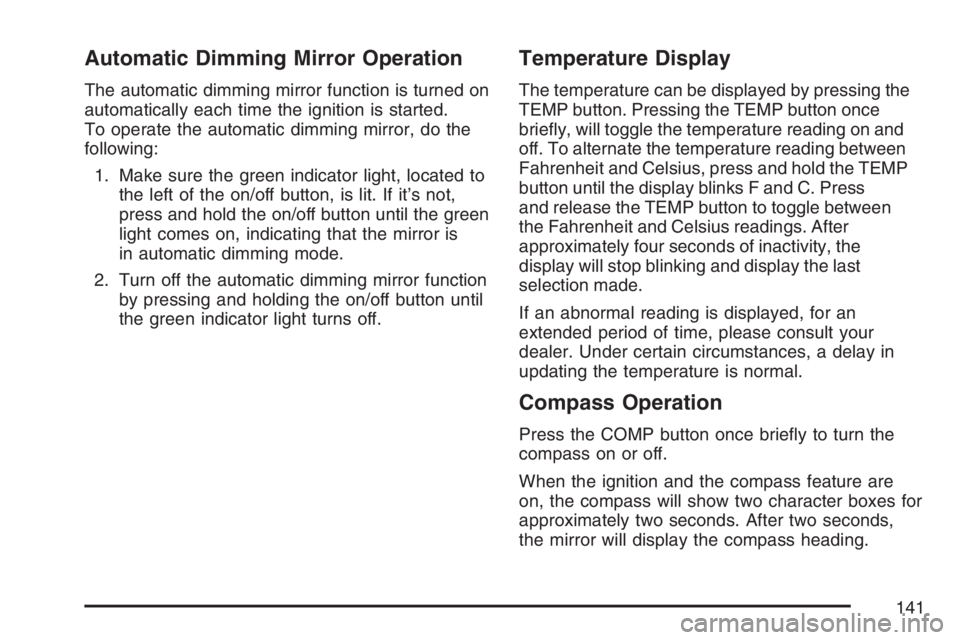
Automatic Dimming Mirror Operation
The automatic dimming mirror function is turned on
automatically each time the ignition is started.
To operate the automatic dimming mirror, do the
following:
1. Make sure the green indicator light, located to
the left of the on/off button, is lit. If it’s not,
press and hold the on/off button until the green
light comes on, indicating that the mirror is
in automatic dimming mode.
2. Turn off the automatic dimming mirror function
by pressing and holding the on/off button until
the green indicator light turns off.
Temperature Display
The temperature can be displayed by pressing the
TEMP button. Pressing the TEMP button once
briey, will toggle the temperature reading on and
off. To alternate the temperature reading between
Fahrenheit and Celsius, press and hold the TEMP
button until the display blinks F and C. Press
and release the TEMP button to toggle between
the Fahrenheit and Celsius readings. After
approximately four seconds of inactivity, the
display will stop blinking and display the last
selection made.
If an abnormal reading is displayed, for an
extended period of time, please consult your
dealer. Under certain circumstances, a delay in
updating the temperature is normal.
Compass Operation
Press the COMP button once briey to turn the
compass on or off.
When the ignition and the compass feature are
on, the compass will show two character boxes for
approximately two seconds. After two seconds,
the mirror will display the compass heading.
141
Page 143 of 562
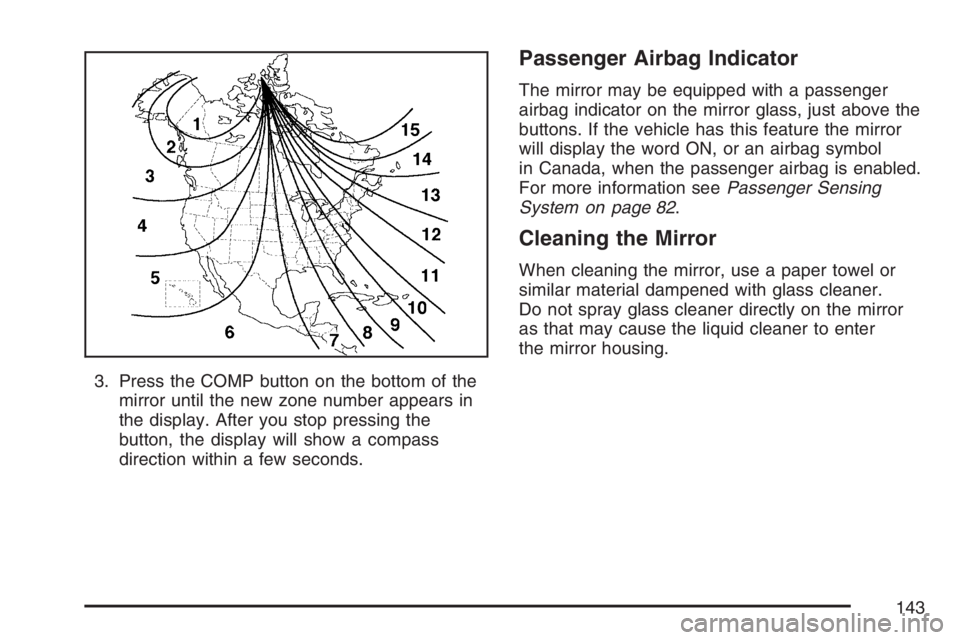
3. Press the COMP button on the bottom of the
mirror until the new zone number appears in
the display. After you stop pressing the
button, the display will show a compass
direction within a few seconds.
Passenger Airbag Indicator
The mirror may be equipped with a passenger
airbag indicator on the mirror glass, just above the
buttons. If the vehicle has this feature the mirror
will display the word ON, or an airbag symbol
in Canada, when the passenger airbag is enabled.
For more information seePassenger Sensing
System on page 82.
Cleaning the Mirror
When cleaning the mirror, use a paper towel or
similar material dampened with glass cleaner.
Do not spray glass cleaner directly on the mirror
as that may cause the liquid cleaner to enter
the mirror housing.
143
Page 144 of 562
Outside Manual Mirrors
If the vehicle has the manual outside mirrors,
adjust each outside mirror so that a little of
the vehicle and the area behind it can be seen
while sitting in a comfortable, driving position.
Both mirrors can be manually folded inward
by pulling them towards the vehicle. Push the
mirrors away from the vehicle, to the normal
position, before driving.
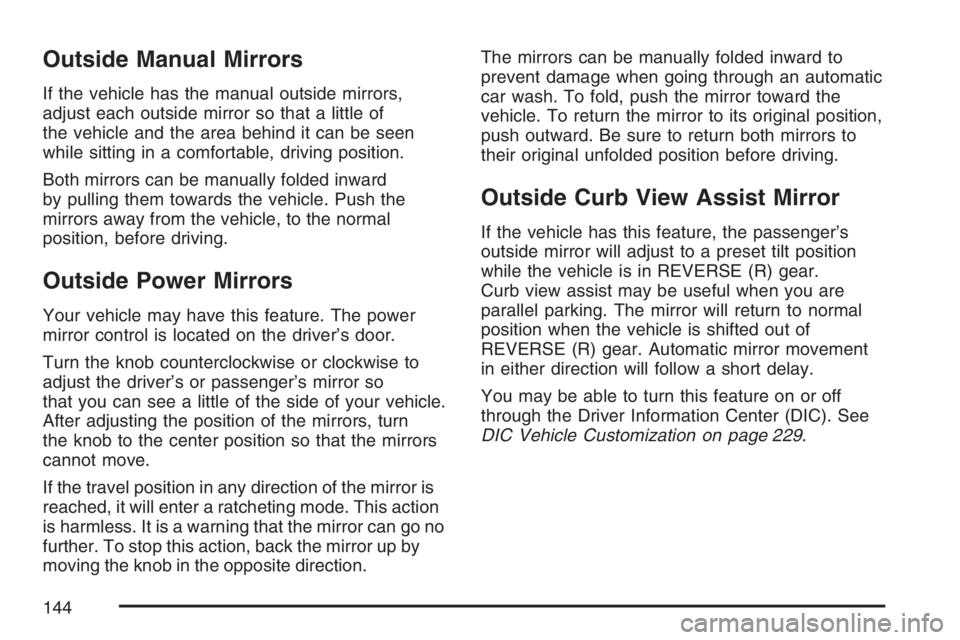
Outside Power Mirrors
Your vehicle may have this feature. The power
mirror control is located on the driver’s door.
Turn the knob counterclockwise or clockwise to
adjust the driver’s or passenger’s mirror so
that you can see a little of the side of your vehicle.
After adjusting the position of the mirrors, turn
the knob to the center position so that the mirrors
cannot move.
If the travel position in any direction of the mirror is
reached, it will enter a ratcheting mode. This action
is harmless. It is a warning that the mirror can go no
further. To stop this action, back the mirror up by
moving the knob in the opposite direction.The mirrors can be manually folded inward to
prevent damage when going through an automatic
car wash. To fold, push the mirror toward the
vehicle. To return the mirror to its original position,
push outward. Be sure to return both mirrors to
their original unfolded position before driving.
Outside Curb View Assist Mirror
If the vehicle has this feature, the passenger’s
outside mirror will adjust to a preset tilt position
while the vehicle is in REVERSE (R) gear.
Curb view assist may be useful when you are
parallel parking. The mirror will return to normal
position when the vehicle is shifted out of
REVERSE (R) gear. Automatic mirror movement
in either direction will follow a short delay.
You may be able to turn this feature on or off
through the Driver Information Center (DIC). See
DIC Vehicle Customization on page 229.
144
Page 151 of 562
This device complies with RSS-210 of Industry
Canada. Operation is subject to the following
two conditions:
1. This device may not cause interference.
2. This device must accept any interference
received, including interference that may
cause undesired operation of the device.
The Canadian Registration ID number is
2791021849A.
Changes or modications to this system by other
than an authorized service facility could void
authorization to use this equipment.Universal Home Remote System
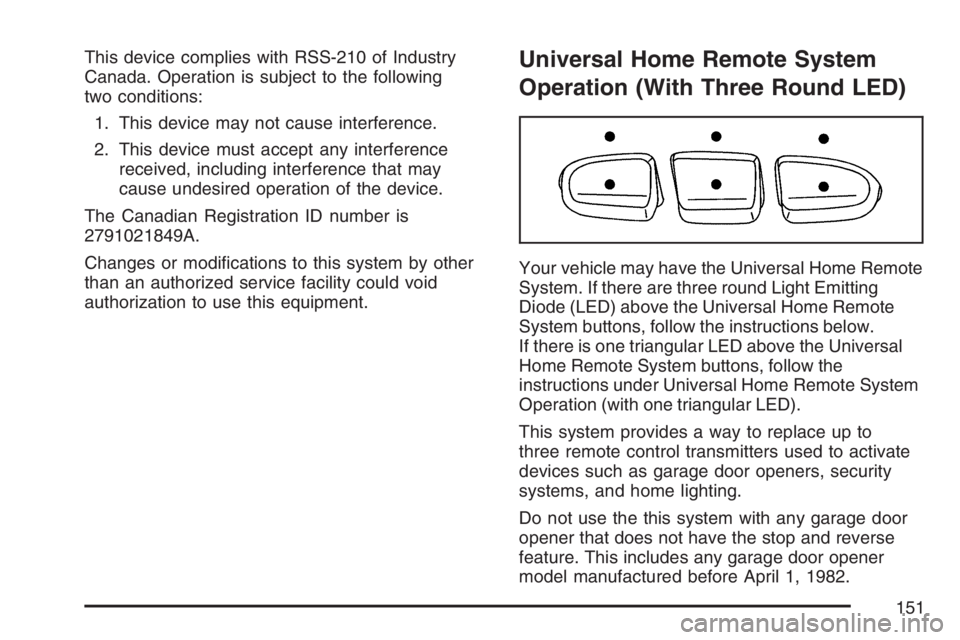
Operation (With Three Round LED)
Your vehicle may have the Universal Home Remote
System. If there are three round Light Emitting
Diode (LED) above the Universal Home Remote
System buttons, follow the instructions below.
If there is one triangular LED above the Universal
Home Remote System buttons, follow the
instructions under Universal Home Remote System
Operation (with one triangular LED).
This system provides a way to replace up to
three remote control transmitters used to activate
devices such as garage door openers, security
systems, and home lighting.
Do not use the this system with any garage door
opener that does not have the stop and reverse
feature. This includes any garage door opener
model manufactured before April 1, 1982.
151
Page 156 of 562
Reprogramming Universal Home
Remote Buttons
You can reprogram any of the three buttons by
repeating the instructions.
Erasing Universal Home Remote
Buttons
You should erase the programmed buttons when
you sell the vehicle or terminate your lease.
To erase either rolling code or xed code on the
Universal Home Remote device, do the following:
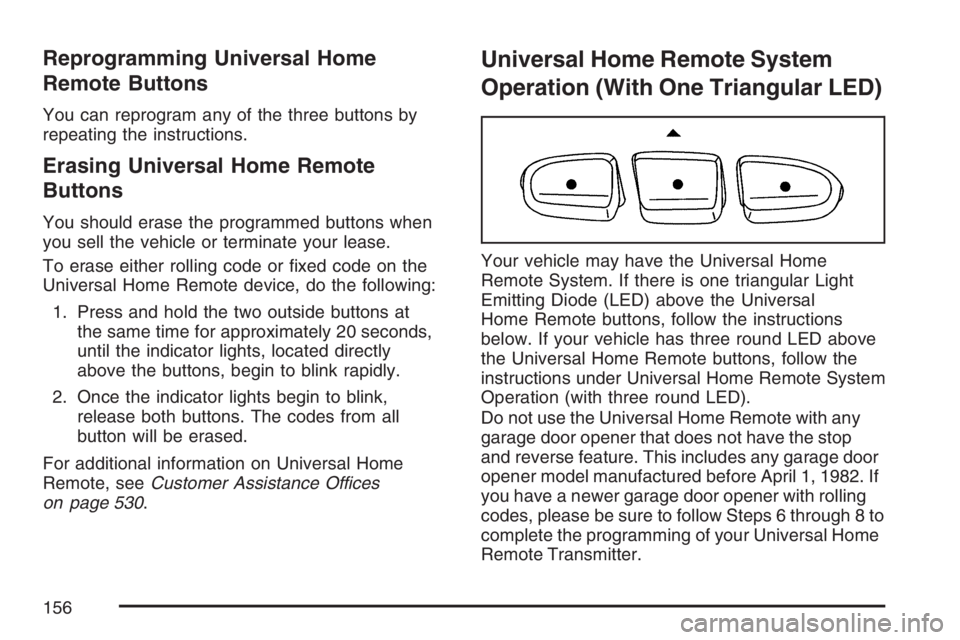
1. Press and hold the two outside buttons at
the same time for approximately 20 seconds,
until the indicator lights, located directly
above the buttons, begin to blink rapidly.
2. Once the indicator lights begin to blink,
release both buttons. The codes from all
button will be erased.
For additional information on Universal Home
Remote, seeCustomer Assistance Offices
on page 530.
Universal Home Remote System
Operation (With One Triangular LED)
Your vehicle may have the Universal Home
Remote System. If there is one triangular Light
Emitting Diode (LED) above the Universal
Home Remote buttons, follow the instructions
below. If your vehicle has three round LED above
the Universal Home Remote buttons, follow the
instructions under Universal Home Remote System
Operation (with three round LED).
Do not use the Universal Home Remote with any
garage door opener that does not have the stop
and reverse feature. This includes any garage door
opener model manufactured before April 1, 1982. If
you have a newer garage door opener with rolling
codes, please be sure to follow Steps 6 through 8 to
complete the programming of your Universal Home
Remote Transmitter.
156
Page 162 of 562
To prevent damage or loss of cargo as you are
driving, check now and then to make sure
the luggage carrier is locked and cargo is still
securely fastened.
When the luggage carrier is not in use, place the
crossrails at the following positions for wind
noise reduction. Place one crossrail at the rear
most point of the vehicle and the other crossrail
above the opening of the rear door.
Rear Floor Storage Lid
{CAUTION:
If any removable convenience item is not
secured properly, it can move around in a
collision or sudden stop. People in the
vehicle could be injured. Be sure to
secure any such item properly.
Your vehicle has a rear cargo area with a
removable storage lid.To remove the rear oor storage lid, do the
following:
1. Press the latch release and lift up the latch
handle.
2. Raise the lid slightly to unhook it.
3. Pull the lid toward you to release it from the
forward mounting tabs.
To reinstall the rear oor storage lid, reverse the
previous steps. Make sure the lid is secure by
applying slight pressure to the latch until you hear
it click.
Convenience Net
Your vehicle may have this feature. A convenience
net in the rear of your vehicle helps keep small
items in place during sharp turns or quick
stops and starts. The net is not designed to retain
these items during off-road use. The net is not
for larger, heavier items.
162
Page 173 of 562
Headlamp High/Low-Beam Changer
To change the headlamps from low to high
beam, push the lever toward the instrument panel.
To return to low-beam headlamps, pull the
multifunction lever toward you. Then release it.
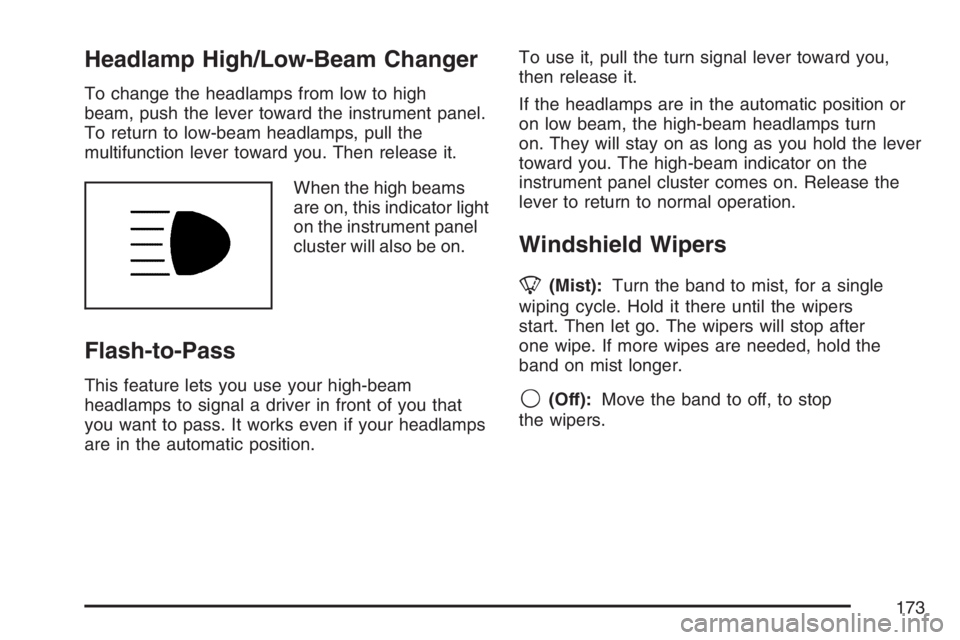
When the high beams
are on, this indicator light
on the instrument panel
cluster will also be on.
Flash-to-Pass
This feature lets you use your high-beam
headlamps to signal a driver in front of you that
you want to pass. It works even if your headlamps
are in the automatic position.To use it, pull the turn signal lever toward you,
then release it.
If the headlamps are in the automatic position or
on low beam, the high-beam headlamps turn
on. They will stay on as long as you hold the lever
toward you. The high-beam indicator on the
instrument panel cluster comes on. Release the
lever to return to normal operation.
Windshield Wipers
8(Mist):Turn the band to mist, for a single
wiping cycle. Hold it there until the wipers
start. Then let go. The wipers will stop after
one wipe. If more wipes are needed, hold the
band on mist longer.
9(Off):Move the band to off, to stop
the wipers.
173
Page 174 of 562
N(Windshield Wipers):Turn the band to
control the windshield wipers.
The wiper speed can be set for a long or short
delay between wipes. This can be very useful in
light rain or snow. Turn the band to choose
the delay time. The closer to the top of the lever,
the shorter the delay.
For steady wiping at low speed, turn the band
away from you to the rst solid band past the delay
settings. For high-speed wiping, turn the band
further, to the second solid band past the
delay settings. To stop the wipers, move the
band to off.
Be sure to clear ice and snow from the wiper
blades before using them. If they are frozen to the
windshield, carefully loosen or thaw them. If the
blades do become worn or damaged, get new
blades or blade inserts.Windshield Washer
L(Windshield Washer):To spray washer uid
on the windshield, press the windshield washer
paddle. The wipers will clear the window and then
either stop or return to your preset speed.
{CAUTION:
In freezing weather, do not use your
washer until the windshield is warmed.
Otherwise the washer uid can form ice
on the windshield, blocking your vision.
Rear Window Wiper/Washer
{CAUTION:
In freezing weather, do not use your
washer until the windshield is warmed.
Otherwise the washer uid can form ice
on the windshield, blocking your vision.
174
Page 206 of 562

Readings in the low warning zone may occur
when a large number of electrical accessories are
operating in the vehicle and the engine is left
idling for an extended period. This condition
is normal since the charging system is not able to
provide full power at engine idle. As engine
speeds are increased, this condition should correct
itself as higher engine speeds allow the charging
system to create maximum power.
You can only drive for a short time with the
reading in either warning zone. If you must drive,
turn off all unnecessary accessories.
Readings in either warning zone indicate a
possible problem in the electrical system. Have
the vehicle serviced as soon as possible.
Brake System Warning Light
When the ignition is on, the brake system warning
light will come on when you set your parking
brake. The light will stay on if your parking brake
does not release fully. If it stays on after your
parking brake is fully released, it means your
vehicle has a brake problem. A chime may also
sound when the light comes on.Your vehicle’s hydraulic brake system is divided
into two parts. If one part is not working, the other
part can still work and stop you. For good
braking, though, you need both parts working well.
If the warning light comes on, there could be a
brake problem. Have your brake system inspected
right away.
This light should come on briey when you turn
the ignition key to RUN. If it does not come
on then, have it xed so it will be ready to warn
you if there is a problem.
If the light comes on while you are driving, pull off
the road and stop carefully. You may notice that the
pedal is harder to push or the pedal may go closer
to the oor. It may take longer to stop. If the light is
still on, have the vehicle towed for service. See
Towing Your Vehicle on page 354.
United StatesCanada
206
Page 207 of 562
{CAUTION:
Your brake system may not be working
properly if the brake system warning light
is on. Driving with the brake system
warning light on can lead to an accident.
If the light is still on after you have pulled
off the road and stopped carefully, have
the vehicle towed for service.
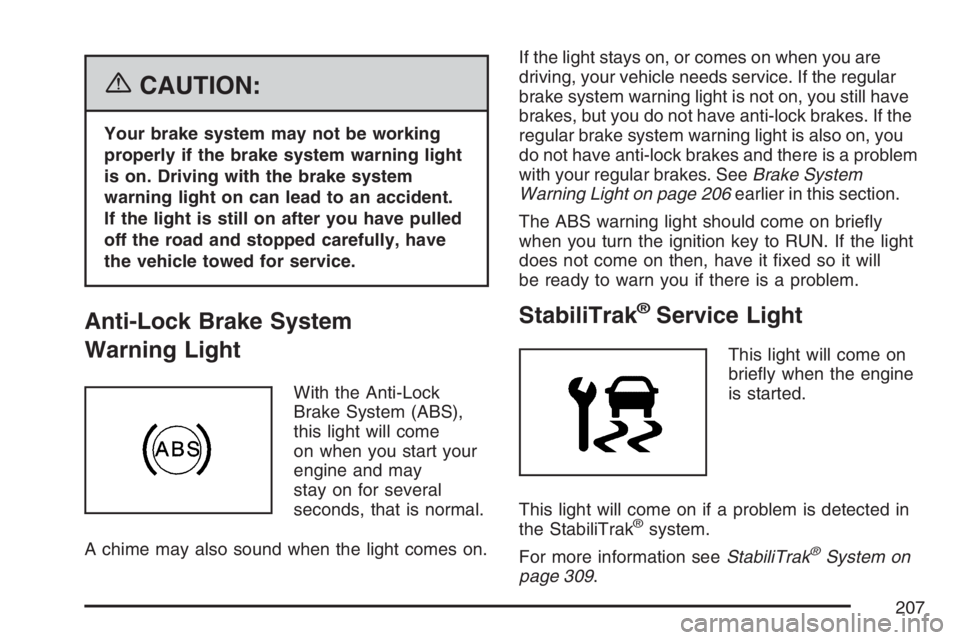
Anti-Lock Brake System
Warning Light
With the Anti-Lock
Brake System (ABS),
this light will come
on when you start your
engine and may
stay on for several
seconds, that is normal.
A chime may also sound when the light comes on.If the light stays on, or comes on when you are
driving, your vehicle needs service. If the regular
brake system warning light is not on, you still have
brakes, but you do not have anti-lock brakes. If the
regular brake system warning light is also on, you
do not have anti-lock brakes and there is a problem
with your regular brakes. SeeBrake System
Warning Light on page 206earlier in this section.
The ABS warning light should come on briey
when you turn the ignition key to RUN. If the light
does not come on then, have it xed so it will
be ready to warn you if there is a problem.
StabiliTrak®Service Light
This light will come on
briey when the engine
is started.
This light will come on if a problem is detected in
the StabiliTrak
®system.
For more information seeStabiliTrak
®System on
page 309.
207