air condition GMC SAVANA 1996 Owners Manual
[x] Cancel search | Manufacturer: GMC, Model Year: 1996, Model line: SAVANA, Model: GMC SAVANA 1996Pages: 372, PDF Size: 18.81 MB
Page 69 of 372
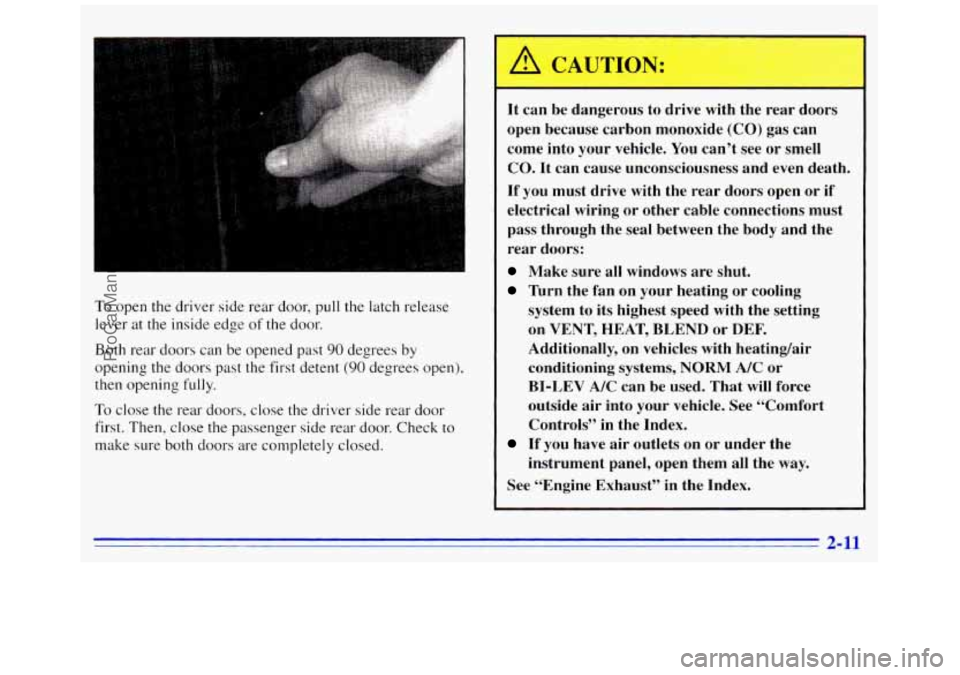
To open the driver side rear door, pull the latch release
lever at the inside edge
of the door.
Both rear doors can be opened past
90 degrees by
opening the doors past the first detent (90 degrees open),
then opening fully.
To close the rear doors, close the driver side rear door
first. Then, close
the passenger side rear door. Check to
make sure both doors are completely closed.
A CAUTION: m$i&
It can be dangerous to drive with the rear doors
open because carbon monoxide
(CO) gas can
come into your vehicle. You can’t see or smell
CO. It can cause unconsciousness and even death.
If you must drive with the rear doors open or if
electrical wiring or other cable connections must
pass through the seal between the body and the
rear doors:
Make sure all windows are shut.
Turn the fan on your heating or cooling
system to its highest speed with the setting
on
VENT, HEAT, BLEND or DEE
Additionally, on vehicles with heating/air
conditioning systems,
NORM A/C or
BI-LEV A/C can be used. That will force
outside air into your vehicle. See “Comfort
Controls” in the Index.
instrument panel, open them all the way.
If you have air outlets on or under the
See “Engine Exhaust” in the Index.
2-11
ProCarManuals.com
Page 86 of 372
-
It can be dangerous to drive with the rear
swing-out windows or rear door@) open because
carbon monoxide (CO) gas can come into your
vehicle. You can’t see or smell CO. It can cause
unconsciousness and even death.
If you must drive with the rear swing-out
windows or rear door@) open or if electrical
wiring or other cable connections must pass
through the seal between the body and the rear
swing-out windows or rear door(s):
Make sure all windows are shut.
CAUTION: (Continued)
Turn the fan on your heating or cooling
system to its highest speed with the setting
on VENT, HEAT, BLEND or
DEF.
Additionally, on vehicles with heatingair
conditioning systems, NORM A/C or
BI-LEV
A/C can be used. That will force
outside air into your vehicle. See “Comfort
Controls’’ in the Index.
instrument panel, open them all the way.
If you have air outlets on or under the
See “Engine Exhaust” in the Index.
Horn
Press one of the horn buttons at each side of the steering
wheel to sound the horn.
2-28
ProCarManuals.com
Page 105 of 372
Air Bag Readiness Light
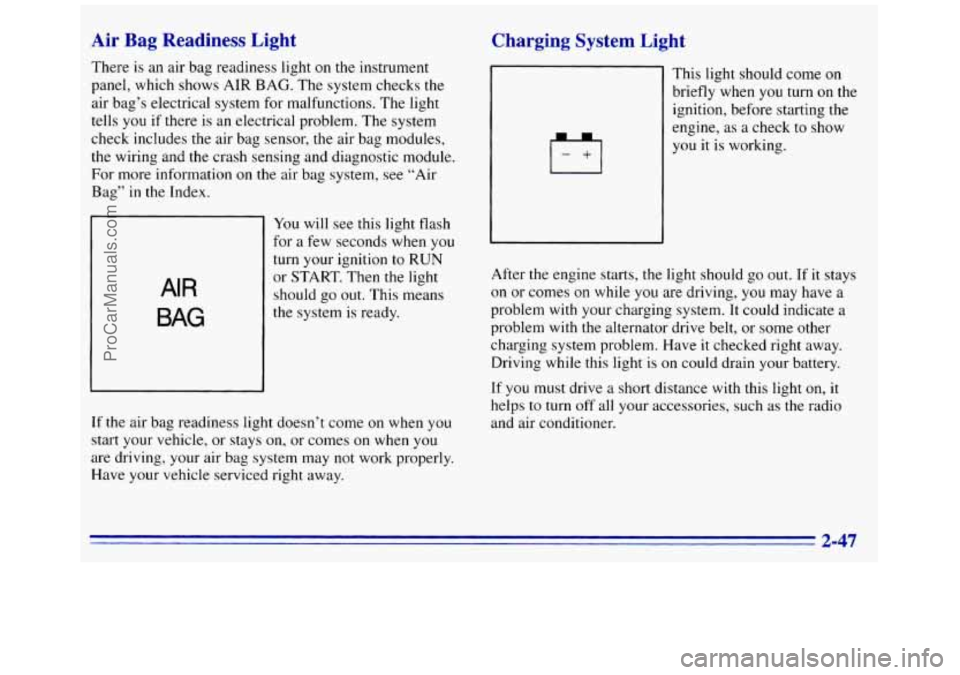
There is an air bag readiness light on the instrument
panel, which shows AIR BAG. The system checks the
air bag’s electrical system for malfunctions. The light
tells
you if there is an electrical problem. The system
check includes
the air bag sensor, the air bag modules,
the wiring and the crash sensing and diagnostic module.
For more information
on the air bag system, see “Air
Bag” in the Index.
AIR
BAG
You will see this light flash
for a few seconds when you
turn your ignition
to RUN
or START. Then the light
should
go out. This means
If the air bag readiness light doesn’t come on when you
start your vehicle, or stays
on, or comes on when you
are driving, your air bag system may not work properly.
Have your vehicle serviced right away.
Charging System Light
Irl
~ This light should come on
1 briefly when you turn on the
ignition, before starting the
1 engine, as a check to show
you it is working.
After the engine starts, the light should go out. If it stays
on or comes
on while you are driving, you may have a
problem with your charging system. It could indicate a
problem with the alternator drive belt, or some other
charging system problem. Have
it checked right away.
Driving while this light is on could drain your battery.
If you must drive a short distance
with this light on, it
helps to turn off all your accessories, such as the radio
and air conditioner.
2-47
ProCarManuals.com
Page 108 of 372
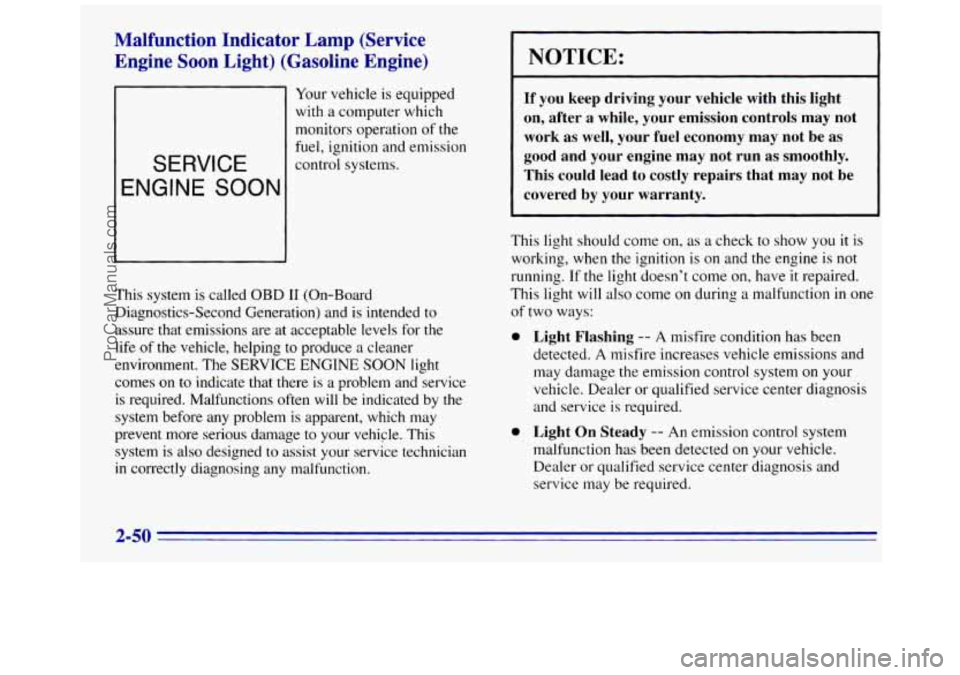
Malfunction Indicator Lamp (Service Engine Soon Light) (Gasoline Engine)
Your vehicle is equipped
with a computer which
monitors operation of the
-
SERVICE
ENGINE SOON
fuel, ignition and emission
control systems.
This system is called
OBD I1 (On-Board
Diagnostics-Second Generation) and is intended to
assure that emissions are at acceptable levels for the
life
of the vehicle, helping to produce a cleaner
environment. The SERVICE ENGINE SOON light
comes on to indicate that there is a problem and service
is required. Malfunctions
often will be indicated by the
system before any problem
is apparent, which may
prevent more serious damage
to your vehicle. This
system is also designed to assist your service technician
in correctly diagnosing any malfunction.
NOTICE:
If you keep driving your vehicle with this light
on, after a while, your emission controls may not
work as well, your fuel economy may not be as
good and your engine may not run as smoothly.
This could lead to costly repairs that may not be
covered by your warranty.
This light should come on, as a check to show you it is
working, when the ignition is on and the engine is not
running.
If the light doesn’t come on, have it repaired.
This light will also come on during a malfunction in
one
of two ways:
0
0
Light Flashing -- A misfire condition has been
detected.
A misfire increases vehicle emissions and
may damage the emission control system on your
vehicle. Dealer or qualified service center diagnosis
and service is required.
Light On Steady -- An emission control system
malfunction has been detected on your vehicle.
Dealer or qualified service center diagnosis and
service may be required.
2-50
ProCarManuals.com
Page 109 of 372
If the Light Is Flashing Are you low on fuel‘?
The following may prevent more serious damage to
your vehicle:
Reduce vehicle speed.
Avoid hard accelerations.
0 Avoid steep uphill grades.
If towing a trailer, reduce the amount of cargo being
hauled as soon as
it is possible.
If the light stops flashing and remains on steady, see “If
the Light Is On Steady“ following.
If the light continues to flash, when it is safe to do so.
stop the vehicle. Put your vehicle in PARK (P). Turn the
key
off, wait at least 10 seconds and restart the engine.
If the light remains on steady, see
“If the Light Is On
Steady” following.
If the light is still flashing follow the
previous steps, and drive the vehicle to your dealer or
qualified service center for service.
If’ the Light Is On Steady
You may be able to correct the emission system
malfunction by considering the following:
Did
you just drive through a deep puddle of water?
If so, your electrical system may be wet. The condition
will usually be c0rrecte.d when the electrical system
dries out. A few driving trips should turn the light off. As
your engine starts to run
out of fuel, your engine may
not run as efficiently as designed since
s~nall amounts of
air are sucked into the fuel line causing a misfire. The
system can detect this. Adding fuel should correct this
condition. Make sure to install the fuel cap properly.
It
will take a few driving trips to turn the light off.
Have you recently changed brands of fuel‘?
If so, be sure to fuel your vehicle with quality fuel (see
“FLE~”
in the Index). Poor fuel quality will cause your
engine not to
run as efficiently as designed. You may
notice this as stalling after start-up, stalling when
you put
the vehicle into gear, misfiring, hesitation on acceleration
or stumbling on acceleration. (These conditions may go
away once the engine is warmed up.) This will be
detected by the system and cause the light to turn on.
If you experience this condition, change the fuel brand
you use. It will require at least one full tank of the
proper fuel to
turn the light off.
If none
of the above steps have made the light turn off,
have your dealer or qualified service center check the
vehicle. Your dealer has the proper test equipment and
diagnostic tools to
fix any mechanical or electrical
problems that
may have developed.
2-51
ProCarManuals.com
Page 117 of 372
Section 3 Comfort Controls and Audio Systems
In this section you’ll find out how to operate the comfort
control and audio systems offered with your vehicle. Be
sure to read about the particular systems supplied with
your vehicle.
Comfort Controls
This section tells you how to make your air system work
for you. Your comfort control system uses
ozone-friendly
R- I34a refrigerant.
With these systems, you can control the heating,
cooling and ventilation
in your van. Your vehicle also
has a flow-through ventilation system described later in
this section.
Heater Controls
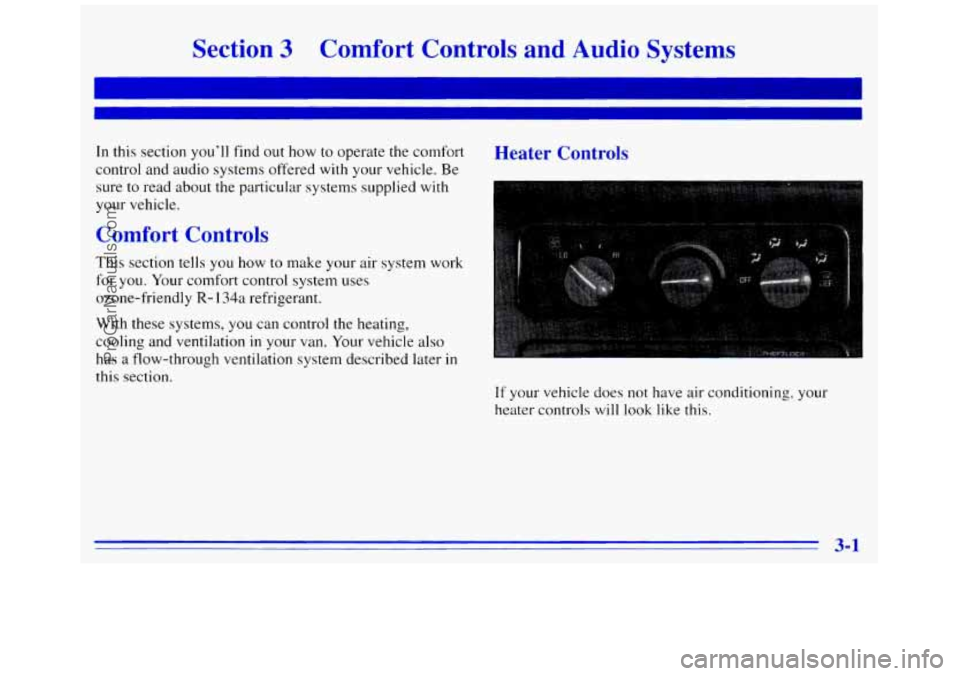
If your vehicle does not have air conditioning, your
heater controls
will look like this.
3-1
ProCarManuals.com
Page 119 of 372
Heater/Air Conditioning Controls
.-
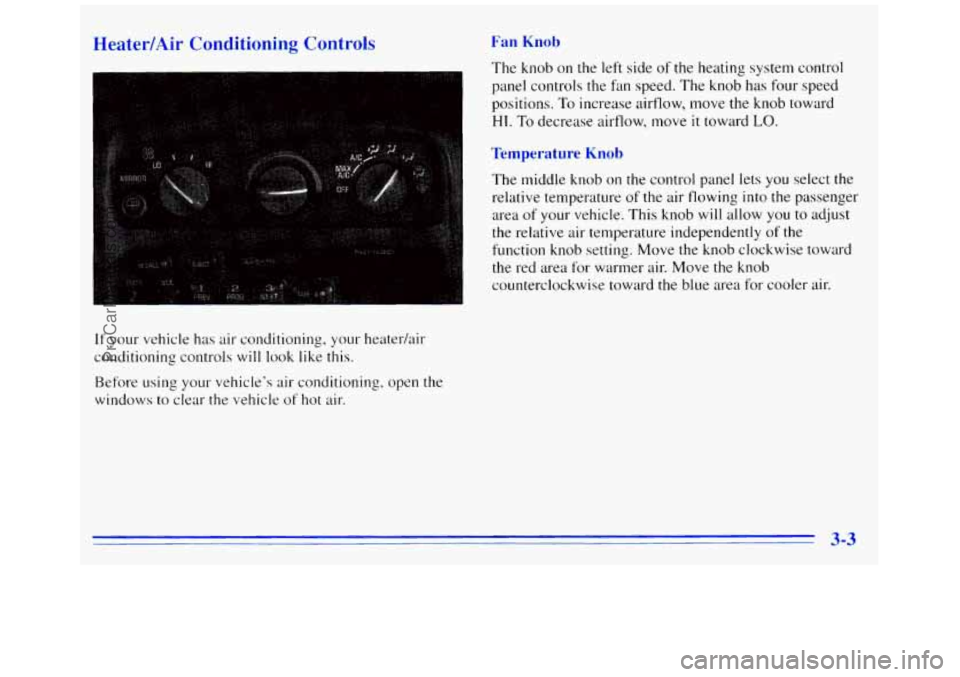
If your vehicle has air conditioning, your heater/air
conditioning controls
will look like this.
Before using your vehicle's air conditioning, open the
windows to clear the vehicle
of hot air.
Fan Knob
The knob on the left side of the heating system control
panel controls the
fdn speed. The knob has four speed
positions.
To increase airflow, move the knob toward
HI. To decrease airflow, move it toward LO.
Temperature Knob
The middle knob on the control panel lets you select the
relative temperature
of the air flowing into the passenger
area
of your vehicle. This knob will allow you to adjust
the relative air temperature independently
of the
function knob setting. Move the
knob clockwise toward
the red area for warmer air. Move the knob
counterclockwise toward the blue area for cooler air.
3-3
ProCarManuals.com
Page 120 of 372
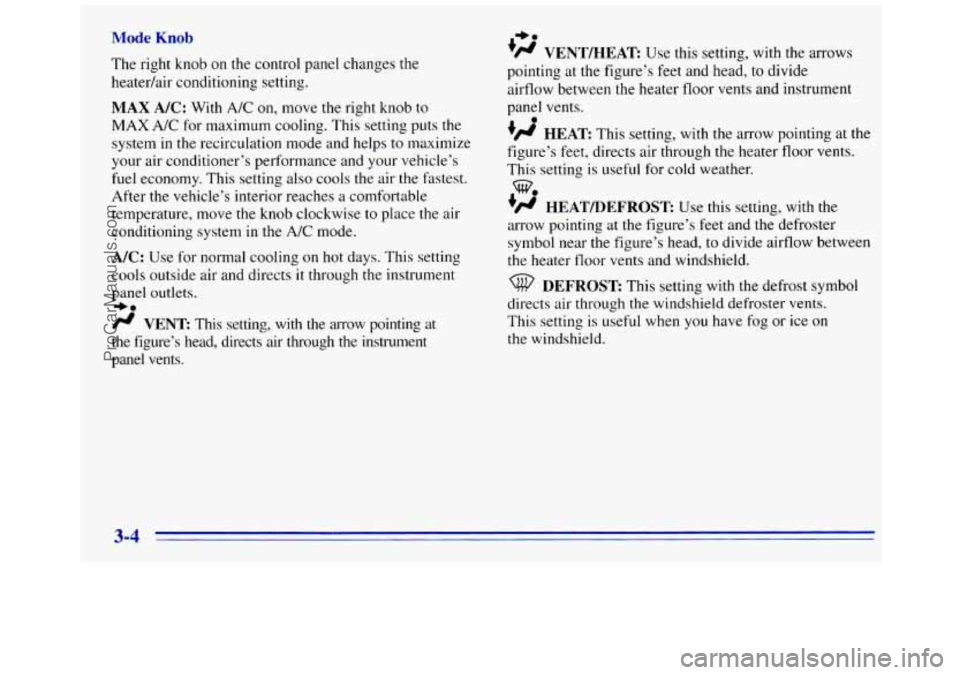
Mode Knob
The right knob on the control panel changes the
heatedair conditioning setting.
MAX NC: With A/C on, move the right knob to
MAX A/C for maximum cooling. This setting puts the
system in the recirculation mode and helps
to maximize
your air conditioner’s performance and your vehicle’s
fuel economy. This setting also cools the air
the fastest.
After the vehicle’s interior reaches
a comfortable
temperature, move the
knob clockwise to place the air
conditioning system in the
A/C mode.
A/C: Use for normal cooling on hot days. This setting
cools outside air and directs
it through the instrument
panel
outlets.
-bo
fl VENT This setting, with the arrow pointing at
the figure’s head, directs
air through the instrument
panel vents.
+e
’# VENT/HEAT Use this setting, with the arrows
pointing at the figure’s feet and head, to divide
airflow between the heater floor vents and instrument
panel vents.
+fl HEAT This setting, with the arrow pointing at the
figure’s feet, directs air through the heater floor vents.
This setting is useful for cold weather.
+’ HEAT/DEFROST Use this setting, with the
arrow pointing at the figure’s feet and
the defroster
symbol near the figure’s head, to divide airflow between
the heater floor
vents and windshield.
e
we
DEFROST This setting with the defrost symbol
directs air through the windshield defroster vents.
This setting is useful when
you have fog or ice on
the windshield.
3-4
ProCarManuals.com
Page 121 of 372
 Rear Air Conditioning a\
nd Rear Heater
If you have a rear heater (without rear air conditioning), If your vehicle has a rear air conditioning")
Rear Heater (Without Air Conditioning) Rear Air Conditioning a\
nd Rear Heater
If you have a rear heater (without rear air conditioning), If your vehicle has a rear air conditioning and rear heater
the control switch is located on the instrument panel.
system combination, controls are provided
to regulate the
temperature, location and speed
of the air flow.
To increase and decrease the flow of heated air to the
rear floor vents, move the switch marked
REAR HEAT
to the blower speed you want.
The knob has three speed positions.
To increase the flow on the right side of the control panel.
Front Passenger Control
To adjust the air temperature, turn the temperature knob
of heated air, move the switch toward HIGH. To turn the For warmer air, the knob clockwise the red
fan off, move the switch to OFF.
area, and for cooler air, turn the knob counterclockwise
-
toward the blue area.
3-5
ProCarManuals.com
Page 122 of 372
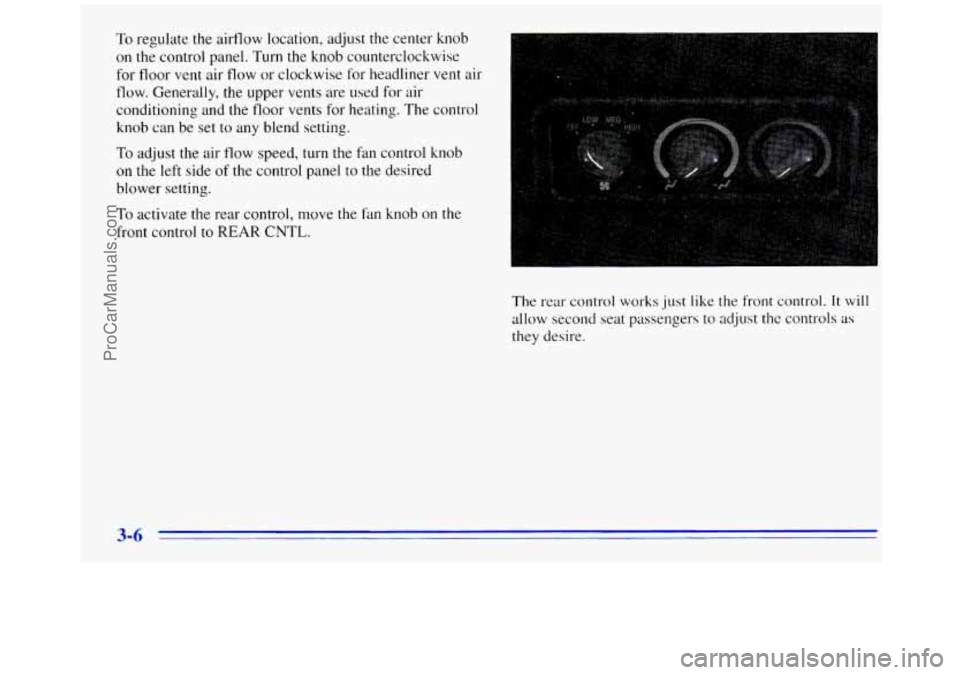
To regulate the airflow location, adjust the center knob
on the control panel. Turn the knob counterclockwise
for floor vent air flow or clockwise
for headliner vent air
flow. Generally, the upper vents are used for air
conditioning and the floor vents for heating. The control
knob can be set to any blend setting.
To adjust the air flow speed, turn the fan control knob
on the left side of the control panel to the desired
blower setting.
To activate the rear control, move the fan knob on the
front control
to REAR CNTL.
The rear control
works just like the front control. It will
allow second seat passengers to adjust the controls as
they desire.
3-6
ProCarManuals.com