lock GMC SAVANA 2003 Owner's Guide
[x] Cancel search | Manufacturer: GMC, Model Year: 2003, Model line: SAVANA, Model: GMC SAVANA 2003Pages: 392, PDF Size: 2.34 MB
Page 114 of 392

Mirrors
Manual Rearview Mirror
Inside Day/Night Rearview Mirror
If you have a cargo van without the rear door glass,
your vehicle may not have a rearview mirror.
Pull the tab under the mirror toward you to reduce glare
from headlamps behind you after dark. Push the tab
away from you to restore the mirror to the original
position.
Outside Manual Mirror
Adjust your outside mirrors so you can see a little of the
side of your vehicle, and have a clear view of objects
behind you. Some mirrors can be folded in to enter
narrow passageways.
Outside Remote Control Mirror
If your vehicle has power mirrors, they can be adjusted
from inside the vehicle.
Select the mirror you want
to move by turning the
knob clockwise to adjust
the passenger’s side mirror
and counterclockwise to
adjust the driver’s side
mirror. The center position
is neutral.
Then, adjust the mirror angle by pushing the knob in the
direction desired until the mirror is adjusted to where
you want it.
2-32
2003 - Savana OM
Page 116 of 392
Outside Power Mirrors
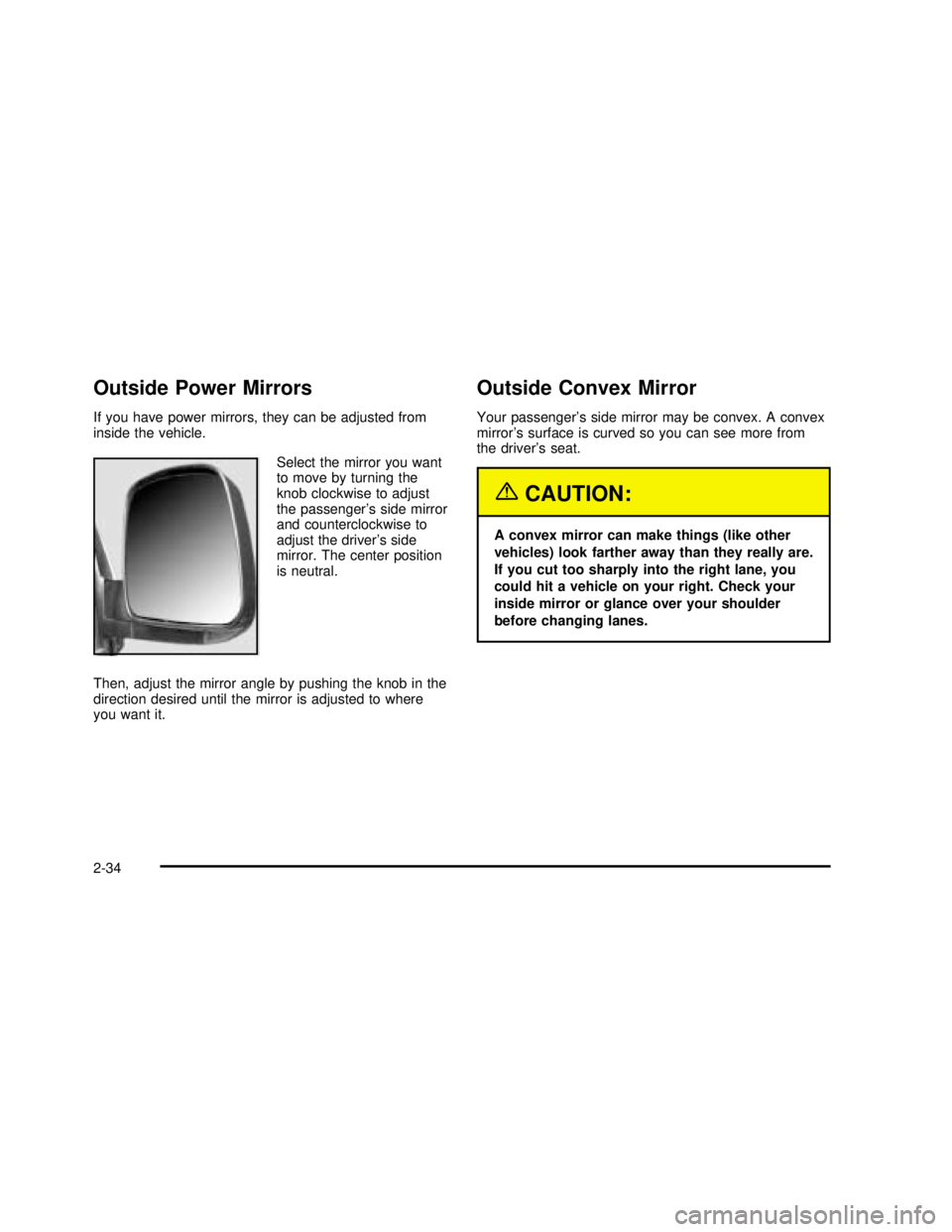
If you have power mirrors, they can be adjusted from
inside the vehicle.
Select the mirror you want
to move by turning the
knob clockwise to adjust
the passenger’s side mirror
and counterclockwise to
adjust the driver’s side
mirror. The center position
is neutral.
Then, adjust the mirror angle by pushing the knob in the
direction desired until the mirror is adjusted to where
you want it.
Outside Convex Mirror
Your passenger’s side mirror may be convex. A convex
mirror’s surface is curved so you can see more from
the driver’s seat.
{CAUTION:
A convex mirror can make things (like other
vehicles) look farther away than they really are.
If you cut too sharply into the right lane, you
could hit a vehicle on your right. Check your
inside mirror or glance over your shoulder
before changing lanes.
2-34
2003 - Savana OM
Page 118 of 392

OnStar®Services
OnStar®provides a number of service plans. Some of
the services currently provided by OnStar®are:
•Automatic Notification of Air Bag Deployment
•Emergency Services
•Roadside Assistance Stolen Vehicle Tracking
•AccidentAssist
•Remote Door Unlock
•Remote Diagnostics
•Online and Personal Concierge Services
•Route Support
•RideAssist
•Information and Convenience Services
OnStar®Personal Calling
With OnStar®Personal Calling, you have a safer way to
stay connected while driving. It’s a hands-free wireless
phone that’s integrated into your vehicle. You can place
calls nationwide using voice-activated dialing with no
contracts, no roaming charges and no access fees.Tofind out more about OnStar
®Personal Calling, refer to
the OnStar®user’s guide in your vehicle’s glove box, or
call OnStar®at 1-888-4-ONSTAR (1-888-466-7827).
OnStar®Virtual Advisor
With OnStar®Virtual Advisor you can listen to the news,
entertainment and informative topics, such as traffic and
weather reports. You are able to listen and reply to your
e-mail through your vehicle’s speakers.
A completed Subscription Service Agreement is required
prior to delivery of OnStar
®services and prepaid calling
minutes are also required for OnStar®Personal Calling
and OnStar®Virtual Advisor use. Terms and conditions of
the Subscription Service Agreement can be found at
www.onstar.com.
Storage Areas
Your front storage compartment is at the center of the
instrument panel extension, by thefloor. To open
the compartment, press down on the inside portion of
the handle. The compartment will open automatically.
Storage compartments may also be included on
the inside of each front door.
2-36
2003 - Savana OM
Page 119 of 392

Instrument Panel Overview...............................3-2
Hazard Warning Flashers................................3-4
Other Warning Devices...................................3-5
Horn .............................................................3-5
Tilt Wheel.....................................................3-5
Turn Signal/Multifunction Lever.........................3-6
Exterior Lamps.............................................3-12
Interior Lamps..............................................3-14
Accessory Power Outlets...............................3-16
Ashtrays and Cigarette Lighter........................3-16
Climate Controls............................................3-17
Climate Control System.................................3-17
Rear Heating System....................................3-18
Rear Air Conditioning and Heating System.......3-19
Warning Lights, Gages and Indicators.............3-23
Instrument Panel Cluster................................3-24
Speedometer...............................................3-25
Safety Belt Reminder Light.............................3-26
Air Bag Readiness Light................................3-27
Air Bag Off Light..........................................3-28
Charging System Light..................................3-29
Voltmeter Gage............................................3-30
Brake System Warning Light..........................3-31
Anti-Lock Brake System Warning Light.............3-32
Engine Coolant Temperature Gage..................3-32
Low Coolant Warning Light............................3-33
Malfunction Indicator Lamp
.............................3-33Oil Pressure Gage........................................3-36
Change Engine Oil Light................................3-37
Security Light...............................................3-38
Cruise Control Light......................................3-38
Daytime Running Lamps Indicator Light...........3-39
Tow/Haul Mode Light....................................3-39
Check Gages Warning Light...........................3-39
Fuel Gage...................................................3-40
Audio System(s).............................................3-41
Setting the Time for Radios without Radio
Data Systems (RDS)..................................3-41
Setting the Time for Radios with Radio
Data Systems (RDS)..................................3-41
AM-FM Radio...............................................3-42
Radio with CD..............................................3-45
Radio with Cassette and CD..........................3-49
Radio with Six-Disc CD.................................3-60
Rear Seat Audio (RSA).................................3-71
Theft-Deterrent Feature (Non-RDS Radios).......3-73
Theft-Deterrent Feature (RDS Radios).............3-73
Understanding Radio Reception......................3-74
Care of Your Cassette Tape Player.................3-74
Care of Your CDs.........................................3-76
Care of Your CD Player................................3-76
Fixed Mast Antenna......................................3-76
Chime Level Adjustment................................3-76
Section 3 Instrument Panel
3-1
2003 - Savana OM
Page 123 of 392
Other Warning Devices
If you carry reflective triangles, you can use them to
warn others. Set one up at the side of the road about
300 feet (100 m) behind your vehicle.
Horn
Press the horn symbol in the middle of the steering
wheel to sound the horn.
Tilt Wheel
A tilt steering wheel allows you to adjust the steering
wheel before you drive. You can also raise it to the
highest level to give your legs more room when
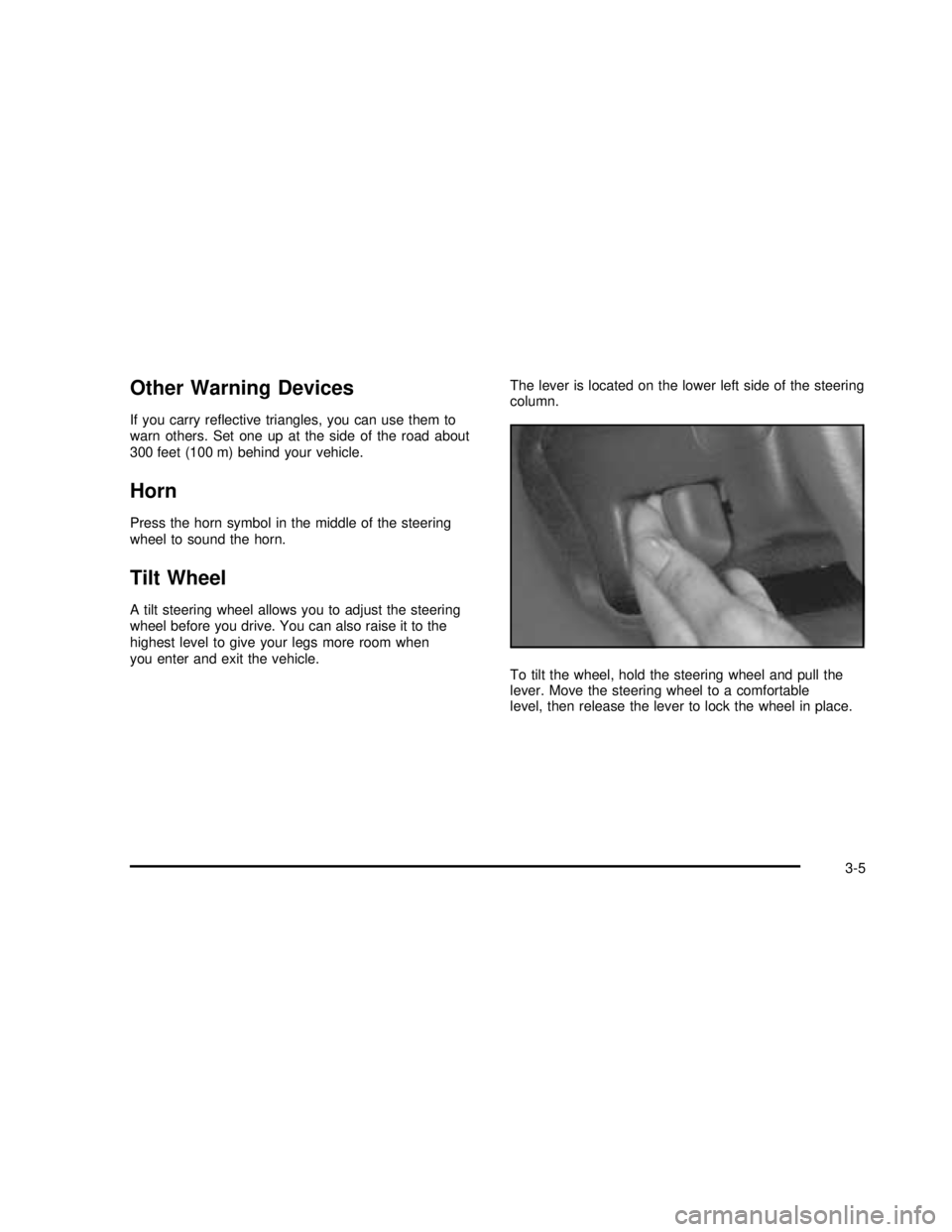
you enter and exit the vehicle.The lever is located on the lower left side of the steering
column.
To tilt the wheel, hold the steering wheel and pull the
lever. Move the steering wheel to a comfortable
level, then release the lever to lock the wheel in place.
3-5
2003 - Savana OM
Page 126 of 392
Windshield Wipers
You control the windshield wipers by turning the band
with the wiper symbol on it.
8(Mist):For a single wiping cycle, turn the band to
mist. Hold it there until the wipers start, then let go.
The wipers will stop after one wipe. If you want more
wipes, hold the band on mist longer.
&(Delay):You can set the wiper speed for a long or
short delay between wipes. This can be very useful
in light rain or snow. Turn the band to choose the delay
time. The closer to the top of the lever, the shorter
the delay.
d(Low Speed):For steady wiping at low speed,
turn the band away from you to thefirst solid band past
the delay settings. position. For high-speed wiping,
turn the band further, to the second solid band past the
delay settings. To stop the wipers, move the band to
off position.
a(High Speed):For high-speed wiping, turn the
band further, to the second solid band past the
delay settings.
9(Off):To stop the wipers, move the band to off.Be sure to clear ice and snow from the wiper blades
before using them. If they’re frozen to the windshield,
carefully loosen or thaw them. If your blades do become
worn or damaged, get new blades or blade inserts.
Windshield Washer
L
(Washer Fluid):There is a paddle marked with the
windshield washer symbol at the top of the multifunction
lever. To spray washerfluid on the windshield, push
the paddle. The wipers will clear the window and then
either stop or return to your preset speed.
{CAUTION:
In freezing weather, don’t use your washer
until the windshield is warmed. Otherwise the
washer fluid can form ice on the windshield,
blocking your vision.
3-8
2003 - Savana OM
Page 130 of 392
Exterior Lamps
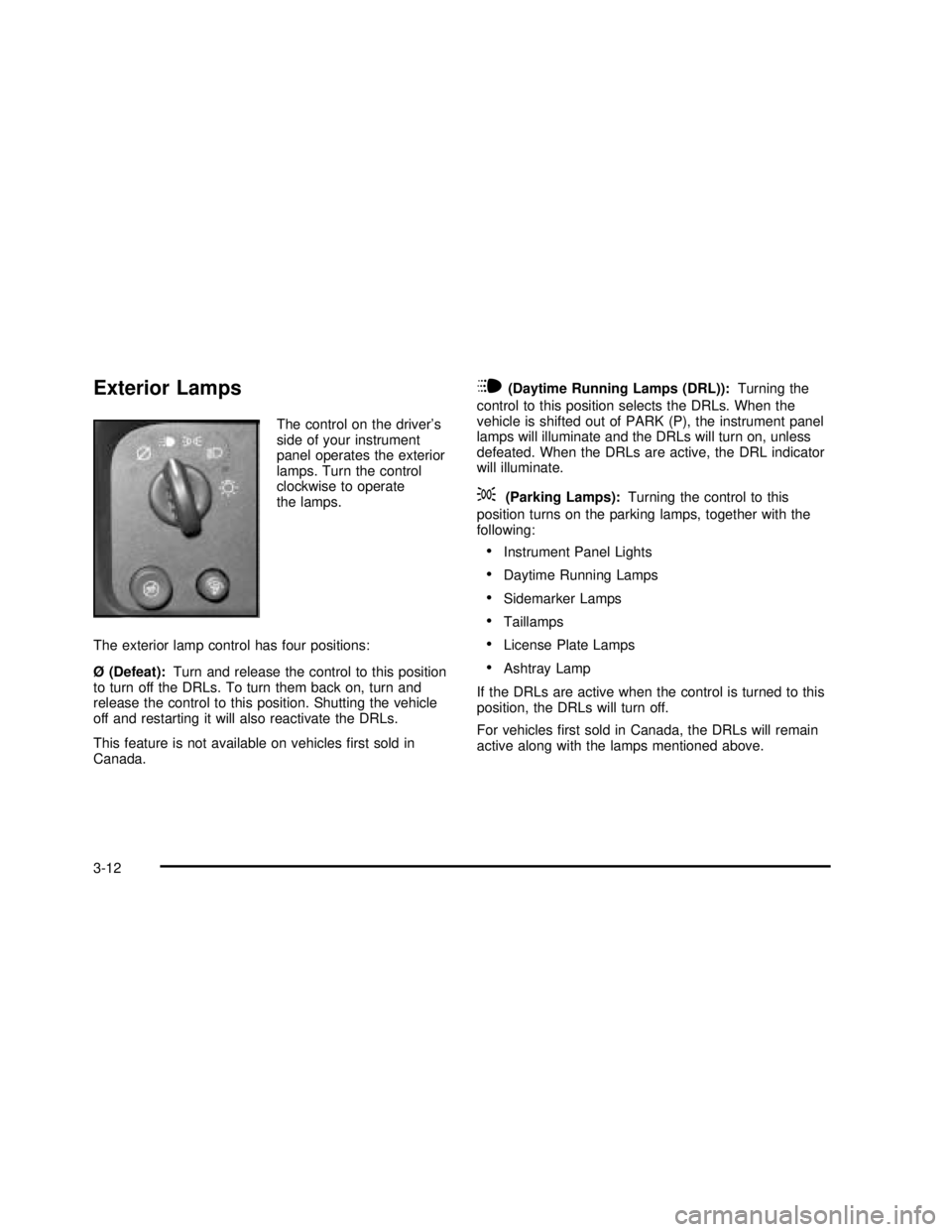
The control on the driver’s
side of your instrument
panel operates the exterior
lamps. Turn the control
clockwise to operate
the lamps.
The exterior lamp control has four positions:
Ø (Defeat):Turn and release the control to this position
to turn off the DRLs. To turn them back on, turn and
release the control to this position. Shutting the vehicle
off and restarting it will also reactivate the DRLs.
This feature is not available on vehiclesfirst sold in
Canada.
i(Daytime Running Lamps (DRL)):Turning the
control to this position selects the DRLs. When the
vehicle is shifted out of PARK (P), the instrument panel
lamps will illuminate and the DRLs will turn on, unless
defeated. When the DRLs are active, the DRL indicator
will illuminate.
;(Parking Lamps):Turning the control to this
position turns on the parking lamps, together with the
following:
•Instrument Panel Lights
•Daytime Running Lamps
•Sidemarker Lamps
•Taillamps
•License Plate Lamps
•Ashtray Lamp
If the DRLs are active when the control is turned to this
position, the DRLs will turn off.
For vehiclesfirst sold in Canada, the DRLs will remain
active along with the lamps mentioned above.
3-12
2003 - Savana OM
Page 132 of 392
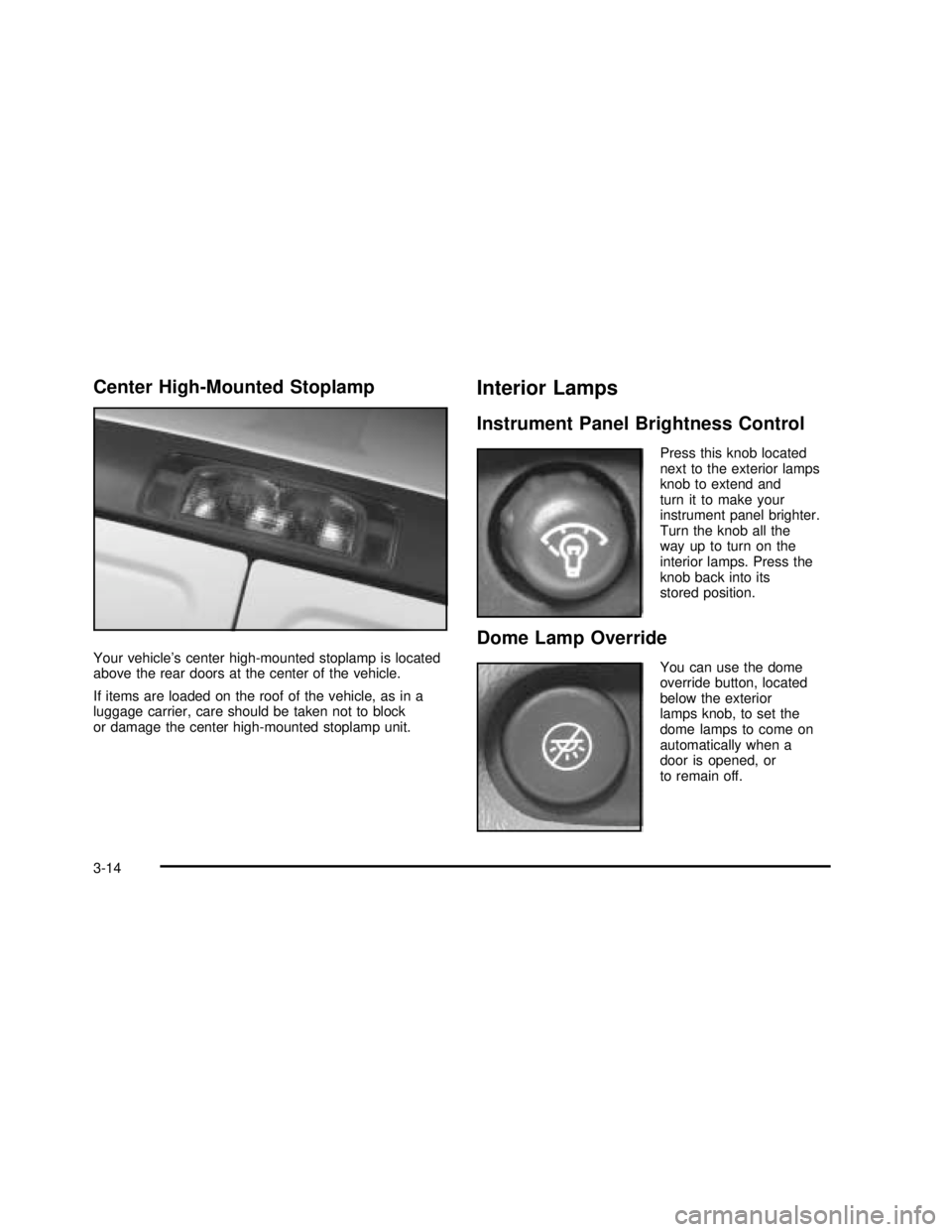
Center High-Mounted Stoplamp
Your vehicle’s center high-mounted stoplamp is located
above the rear doors at the center of the vehicle.
If items are loaded on the roof of the vehicle, as in a
luggage carrier, care should be taken not to block
or damage the center high-mounted stoplamp unit.
Interior Lamps
Instrument Panel Brightness Control
Press this knob located
next to the exterior lamps
knob to extend and
turn it to make your
instrument panel brighter.
Turn the knob all the
way up to turn on the
interior lamps. Press the
knob back into its
stored position.
Dome Lamp Override
You can use the dome
override button, located
below the exterior
lamps knob, to set the
dome lamps to come on
automatically when a
door is opened, or
to remain off.
3-14
2003 - Savana OM
Page 133 of 392

To turn the lamps off press the button. The dome lamps
will remain off when a door is open. To return the lamps
to automatic operation, press the button again. The dome
lamps will come on when you open a door. This will
override the illuminated entry feature unless you use
your keyless entry transmitter to unlock the vehicle.
Exit Lighting
With exit lighting, the interior lamps will come on for a
period of forty seconds when you remove the key
from the ignition. The lights will not come on if the
dome override button is pressed in.
Entry Lighting
Your vehicle is equipped with an illuminated entry
feature.
When a door is opened, the dome lamps will come on
if the dome override button is in the out position. If
the dome override button is pressed in, the lamps will
not come on. When the door is closed, the interior lamps
will remain on for a period offifteen seconds or until
the vehicle is started.
Reading Lamps
To turn on the reading lamps, press the button located
next to each lamp. To turn them off, press the button
again.
Dome Lamps
The dome lamps will come on when you open a door.
You can use the dome override button, located below the
exterior lamps control, to set the dome lamps to come on
automatically when the doors are opened, or remain off.
To turn the lamps off, press the button into the in position.
With the button in this position, the dome lamps will
remain off when the doors are open. To return the lamps
to automatic operation, press the button again and return
it to the out position. With the button in this position, the
dome lamps will come on when you open a door.
Battery Run-Down Protection
This feature shuts off the exterior and interior lamps if
they are left on after the ignition is turned off. All exterior
lamps will shut off after ten minutes. Interior cargo
lamps will shut down after twenty minutes and all other
interior lamps after ten minutes.
3-15
2003 - Savana OM
Page 135 of 392
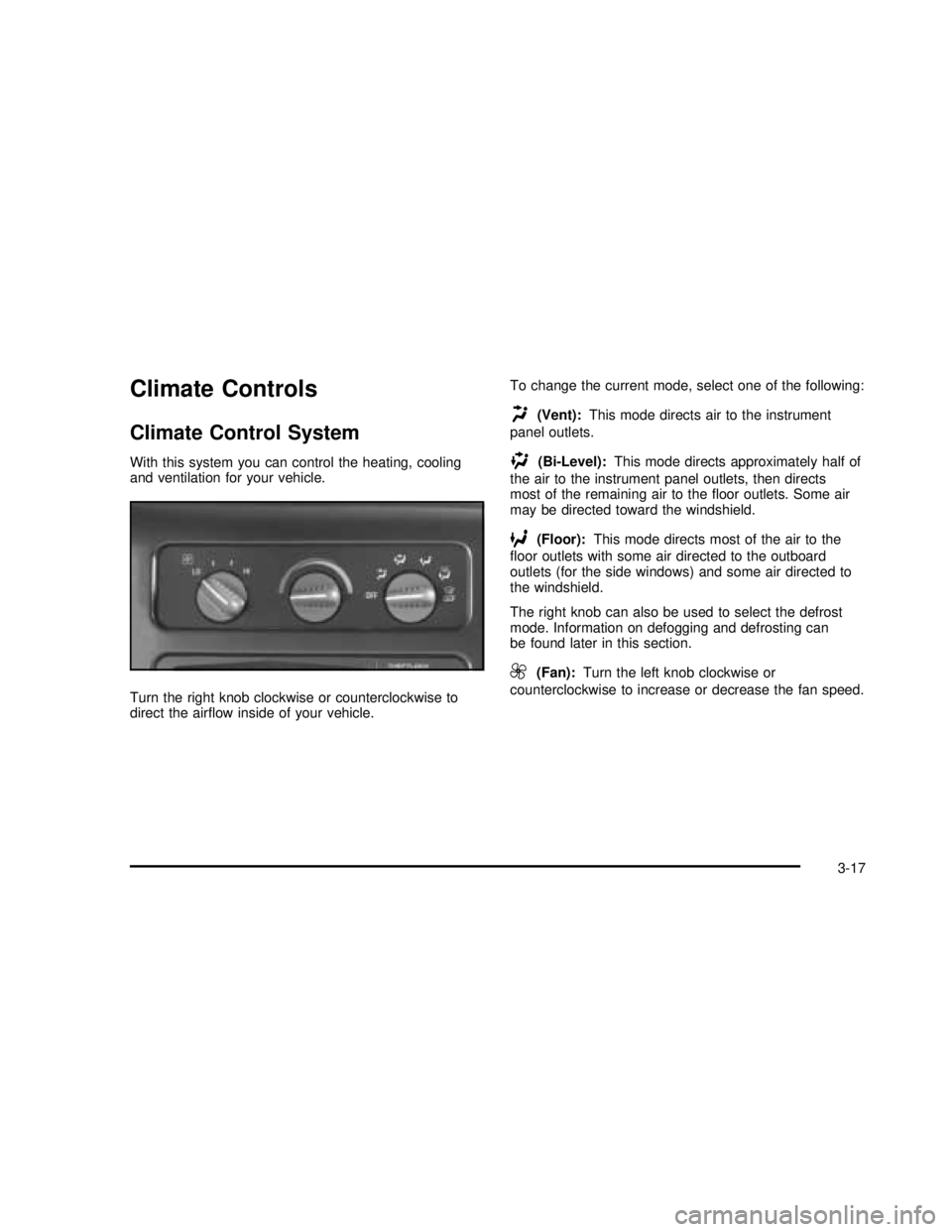
Climate Controls
Climate Control System
With this system you can control the heating, cooling
and ventilation for your vehicle.
Turn the right knob clockwise or counterclockwise to
direct the airflow inside of your vehicle.To change the current mode, select one of the following:
H(Vent):This mode directs air to the instrument
panel outlets.
)(Bi-Level):This mode directs approximately half of
the air to the instrument panel outlets, then directs
most of the remaining air to thefloor outlets. Some air
may be directed toward the windshield.
6(Floor):This mode directs most of the air to the
floor outlets with some air directed to the outboard
outlets (for the side windows) and some air directed to
the windshield.
The right knob can also be used to select the defrost
mode. Information on defogging and defrosting can
be found later in this section.
9(Fan):Turn the left knob clockwise or
counterclockwise to increase or decrease the fan speed.
3-17
2003 - Savana OM