brake light GMC SAVANA 2004 Owner's Manual
[x] Cancel search | Manufacturer: GMC, Model Year: 2004, Model line: SAVANA, Model: GMC SAVANA 2004Pages: 398, PDF Size: 4.4 MB
Page 106 of 398
Passlock®
Your vehicle is equipped with the Passlock®
theft-deterrent system.
Passlock
®is a passive theft-deterrent system. Passlock®
enables fuel if the ignition lock cylinder is turned with
a valid key. If a correct key is not used or the ignition
lock cylinder is tampered with, fuel is disabled.
During normal operation, the SECURITY light will go
off approximately ve seconds after the key is turned
to RUN.
If the engine stalls and the SECURITY light ashes,
wait until the light stops ashing before trying to restart
the engine. Remember to release the key from
START as soon as the engine starts.
If the engine is running and the SECURITY light comes
on, you will be able to restart the engine if you turn
the engine off. However, your Passlock
®system is not
working properly and must be serviced by your
dealer. Your vehicle is not protected by Passlock
®at
this time. You may also want to check the fuse.
SeeFuses and Circuit Breakers on page 5-91. See your
dealer for service.
Starting and Operating Your
Vehicle
New Vehicle Break-In
Notice:Your vehicle does not need an elaborate
“break-in.” But it will perform better in the long run
if you follow these guidelines:
Keep your speed at 55 mph (88 km/h) or less for
the rst 500 miles (805 km).
Do not drive at any one speed — fast or
slow — for the rst 500 miles (805 km). Do not
make full-throttle starts.
Avoid making hard stops for the rst 200 miles
(322 km) or so. During this time your new
brake linings are not yet broken in. Hard stops
with new linings can mean premature wear
and earlier replacement. Follow this breaking-in
guideline every time you get new brake
linings.
Do not tow a trailer during break-in. SeeTowing
a Trailer on page 4-37for more information.
2-20
Page 112 of 398
FIRST (1):This position gives you even more power
but lower fuel economy than SECOND (2). You can use
it on very steep hills, or in deep snow or mud. If the
shift lever is put in FIRST (1), the transmission
won’t shift into rst gear until the vehicle is going slowly
enough.
Notice:Spinning the tires or holding the vehicle in
one place on a hill using only the accelerator
pedal may damage the transmission. If you are
stuck, do not spin the tires. When stopping on a hill,
use the brakes to hold the vehicle in place.
All-Wheel Drive
If your vehicle has all-wheel drive, your engine’s driving
power is sent to all four wheels for extra traction
when needed.
This is like four-wheel drive, but there is no separate
lever or switch to engage or disengage the front axle. It
is fully automatic, and adjusts itself as needed for
road conditions.
You may experience a brief vehicle vibration upon
acceleration when driving in slippery conditions. This is
normal and is an indication that the all-wheel drive
system is functioning properly.
Parking Brake
To set the parking brake, hold the regular brake pedal
down with your right foot. Push down the parking
brake pedal with your left foot.
If the ignition is on, the brake system warning light will
come on.
To release the parking brake, hold the regular brake
pedal down. Pull the handle, located just above
the parking brake pedal, marked BRAKE RELEASE to
release the parking brake.
If the ignition is on when the parking brake is released,
the brake system warning light will go off.
Notice:Driving with the parking brake on can
overheat the brake system and cause premature
wear or damage to brake system parts. Verify that
the parking brake is fully released and the brake
warning light is off before driving.
If you are towing a trailer and are parking on any hill,
seeTowing a Trailer on page 4-37. That section shows
what to do rst to keep the trailer from moving.
2-26
Page 123 of 398
Instrument Panel Overview...............................3-4
Hazard Warning Flashers................................3-6
Other Warning Devices...................................3-7
Horn.............................................................3-7
Tilt Wheel.....................................................3-7
Turn Signal/Multifunction Lever.........................3-8
Exterior Lamps.............................................3-14
Interior Lamps..............................................3-16
Accessory Power Outlets...............................3-18
Ashtrays and Cigarette Lighter........................3-18
Climate Controls............................................3-19
Climate Control System.................................3-19
Outlet Adjustment.........................................3-21
Rear Heating System....................................3-22
Rear Air Conditioning and Heating System.......3-22
Warning Lights, Gages and Indicators.............3-24
Warning Lights, Gages, and Indicators.............3-24
Instrument Panel Cluster................................3-25
Speedometer...............................................3-26
Safety Belt Reminder Light.............................3-27
Air Bag Readiness Light................................3-28
Air Bag Off Light..........................................3-29
Charging System Light..................................3-30
Voltmeter Gage............................................3-31Brake System Warning Light..........................3-32
Anti-Lock Brake System Warning Light.............3-33
Stabilitrak
®Not Ready Light...........................3-33
Stabilitrak®Indicator Light...............................3-33
Engine Coolant Temperature Gage..................3-34
Low Coolant Warning Light............................3-34
Malfunction Indicator Lamp.............................3-35
Oil Pressure Gage........................................3-37
Change Engine Oil Light................................3-38
Security Light...............................................3-39
Cruise Control Light......................................3-39
Reduced Engine Power Light.........................3-40
Daytime Running Lamps Indicator Light...........3-40
Tow/Haul Mode Light....................................3-40
Check Gages Warning Light...........................3-41
Fuel Gage...................................................3-41
Audio System(s).............................................3-42
Setting the Time for Radios without
Radio Data Systems (RDS)........................3-43
Setting the Time for Radios with Radio
Data Systems (RDS)..................................3-43
AM-FM Radio...............................................3-43
Radio with CD..............................................3-46
Radio with Cassette and CD..........................3-50
Section 3 Instrument Panel
3-1
Page 134 of 398
Setting Cruise Control
{CAUTION:
If you leave your cruise control on when you
are not using cruise, you might hit a button
and go into cruise when you do not want to.
You could be startled and even lose control.
Keep the cruise control switch off until you
want to use cruise control.
1. Move the cruise control switch to on.
2. Get up to the speed you want.
3. Press in the set button at the end of the lever and
release it.
4. Take your foot off the accelerator pedal.
The CRUISE light on the instrument panel will illuminate
when the cruise control is engaged.
Resuming a Set Speed
Suppose you set your cruise control at a desired speed
and then you apply the brake. This, of course,
disengages the cruise control. But you don’t need to
reset it.Once you’re going about 25 mph (40 km/h) or more,
you can move the cruise control switch from on to
resume/accelerate briey.
You’ll go right back up to your chosen speed and
stay there.
If you hold the switch at resume/accelerate briey, the
vehicle will keep going faster until you release the switch
or apply the brake. So unless you want to go faster,
don’t hold the switch at resume/accelerate.
Increasing Speed While Using Cruise
Control
There are two ways to go to a higher speed:
Use the accelerator pedal to get to the higher
speed. Press the set button at the end of the lever,
then release the button and the accelerator
pedal. You’ll now cruise at the higher speed.
Move the cruise switch from on to
resume/accelerate. Hold it there until you get up to
the speed you want, and then release the switch.
To increase your speed in very small amounts,
move the switch to resume/accelerate briey. Each
time you do this, your vehicle will go about
1 mph (1.6 km/h) faster.
3-12
Page 135 of 398
Reducing Speed While Using Cruise
Control
Press and hold the set button at the end of the
lever until you reach the lower speed you want, then
release it.
To slow down in very small amounts, press the set
button briey. Each time you do this, you’ll go
about 1 mph (1.6 km/h) slower.
Passing Another Vehicle While Using
Cruise Control
Use the accelerator pedal to increase your speed.
When you take your foot off the pedal, your vehicle will
slow down to the cruise control speed you set earlier.
Using Cruise Control on Hills
How well your cruise control will work on hills depends
upon your speed, load and the steepness of the
hills. When going up steep hills, you may want to step
on the accelerator pedal to maintain your speed.
When going downhill, you may have to brake or shift to
a lower gear to keep your speed down. Of course,
applying the brake takes you out of cruise control. Many
drivers nd this to be too much trouble and don’t use
cruise control on steep hills.
Ending Cruise Control
There are three ways to turn off the cruise control:
Step lightly on the brake pedal.
Move the cruise control switch to off.
If your vehicle has the Stabilitrak®feature, cruise
control will deactivate if road conditions cause
Stabilitrak
®to activate.
Erasing Speed Memory
When you turn off the cruise control or the ignition, your
cruise control set speed memory is erased.
3-13
Page 154 of 398
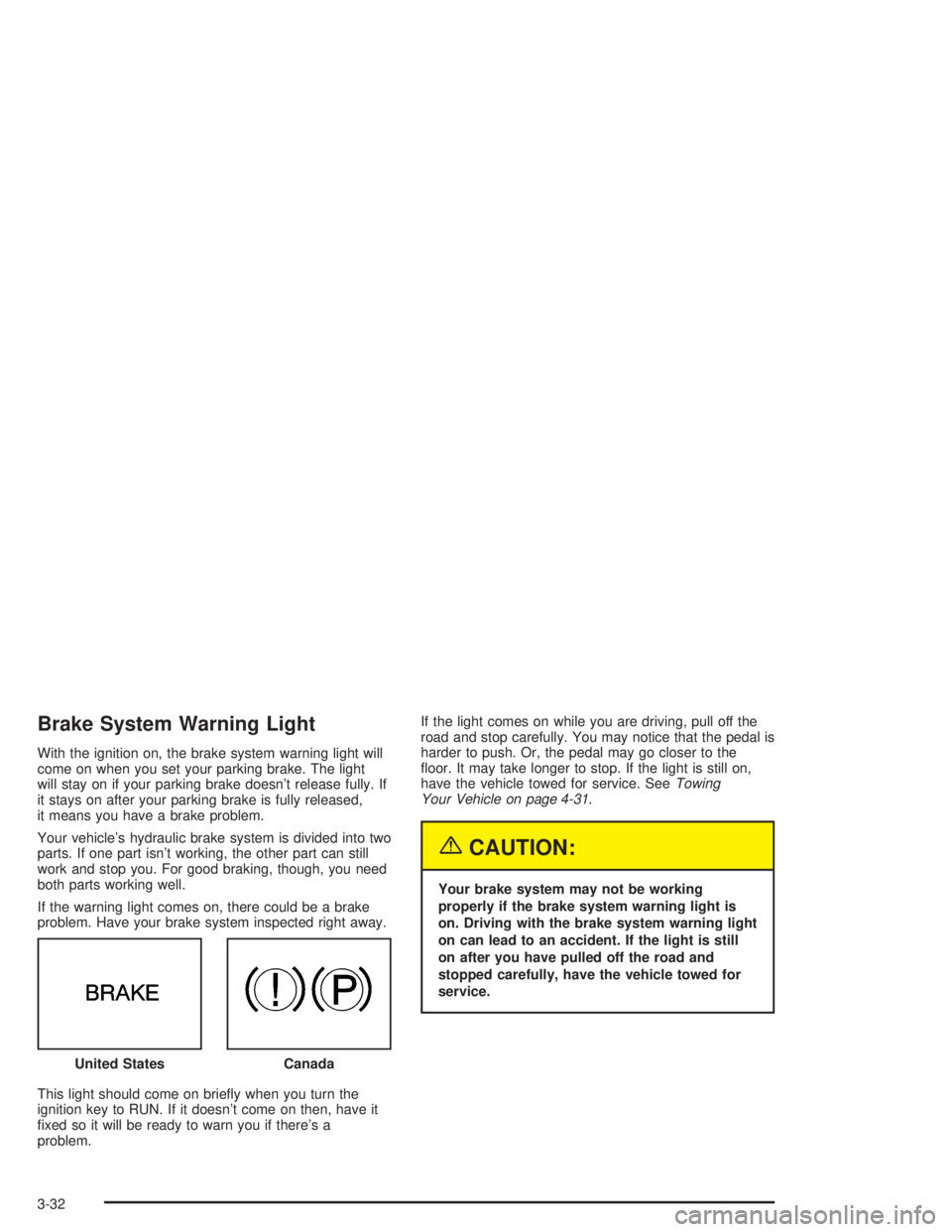
Brake System Warning Light
With the ignition on, the brake system warning light will
come on when you set your parking brake. The light
will stay on if your parking brake doesn’t release fully. If
it stays on after your parking brake is fully released,
it means you have a brake problem.
Your vehicle’s hydraulic brake system is divided into two
parts. If one part isn’t working, the other part can still
work and stop you. For good braking, though, you need
both parts working well.
If the warning light comes on, there could be a brake
problem. Have your brake system inspected right away.
This light should come on briey when you turn the
ignition key to RUN. If it doesn’t come on then, have it
xed so it will be ready to warn you if there’s a
problem.If the light comes on while you are driving, pull off the
road and stop carefully. You may notice that the pedal is
harder to push. Or, the pedal may go closer to the
oor. It may take longer to stop. If the light is still on,
have the vehicle towed for service. SeeTowing
Your Vehicle on page 4-31.
{CAUTION:
Your brake system may not be working
properly if the brake system warning light is
on. Driving with the brake system warning light
on can lead to an accident. If the light is still
on after you have pulled off the road and
stopped carefully, have the vehicle towed for
service.
United States
Canada
3-32
Page 155 of 398
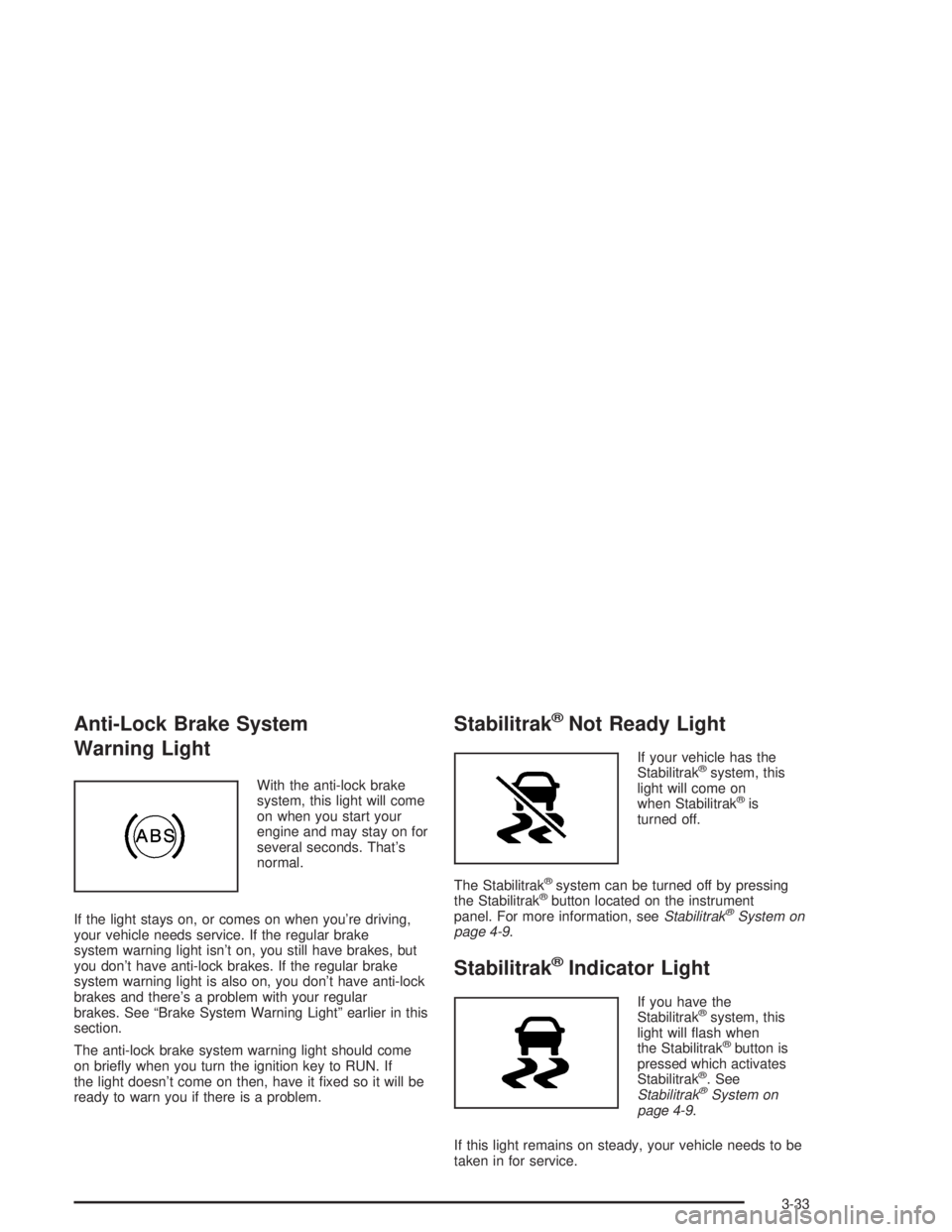
Anti-Lock Brake System
Warning Light
With the anti-lock brake
system, this light will come
on when you start your
engine and may stay on for
several seconds. That’s
normal.
If the light stays on, or comes on when you’re driving,
your vehicle needs service. If the regular brake
system warning light isn’t on, you still have brakes, but
you don’t have anti-lock brakes. If the regular brake
system warning light is also on, you don’t have anti-lock
brakes and there’s a problem with your regular
brakes. See “Brake System Warning Light” earlier in this
section.
The anti-lock brake system warning light should come
on briey when you turn the ignition key to RUN. If
the light doesn’t come on then, have it xed so it will be
ready to warn you if there is a problem.
Stabilitrak®Not Ready Light
If your vehicle has the
Stabilitrak®system, this
light will come on
when Stabilitrak
®is
turned off.
The Stabilitrak
®system can be turned off by pressing
the Stabilitrak®button located on the instrument
panel. For more information, seeStabilitrak®System on
page 4-9.
Stabilitrak®Indicator Light
If you have the
Stabilitrak®system, this
light will ash when
the Stabilitrak
®button is
pressed which activates
Stabilitrak
®. See
Stabilitrak®System on
page 4-9.
If this light remains on steady, your vehicle needs to be
taken in for service.
3-33
Page 203 of 398
Avoid needless heavy braking. Some people drive
in spurts — heavy acceleration followed by heavy
braking — rather than keeping pace with traffic. This is
a mistake. Your brakes may not have time to cool
between hard stops. Your brakes will wear out much
faster if you do a lot of heavy braking. If you keep pace
with the traffic and allow realistic following distances,
you will eliminate a lot of unnecessary braking.
That means better braking and longer brake life.
If your engine ever stops while you are driving, brake
normally but do not pump your brakes. If you do,
the pedal may get harder to push down. If your engine
stops, you will still have some power brake assist.
But you will use it when you brake. Once the power
assist is used up, it may take longer to stop and
the brake pedal will be harder to push.Anti-lock Brake System
Your vehicle has anti-lock brakes. ABS is an advanced
electronic braking system that will help prevent a
braking skid.
When you start your engine and begin to drive away,
your anti-lock brake system will check itself. You
may hear a momentary motor or clicking noise while
this test is going on. This is normal.
If there is a problem with
the anti-lock brake system,
this warning light will
stay on. SeeAnti-Lock
Brake System Warning
Light on page 3-29.
4-7
Page 206 of 398
The following chart describes the Stabilitrak®Not Ready Light and the Stabilitrak®Indicator Light.
Stabilitrak®Not Ready Light Stabilitrak®Indicator Light Meaning
Off Off Stabilitrak®is enabled, but not active.
Off Flashing Stabilitrak®is enabled and active.
On Off Stabilitrak®is disabled.
On/Off On Vehicle needs to be serviced.
For more information, seeStabilitrak
®Not Ready Light
on page 3-33andStabilitrak®Indicator Light on
page 3-33.
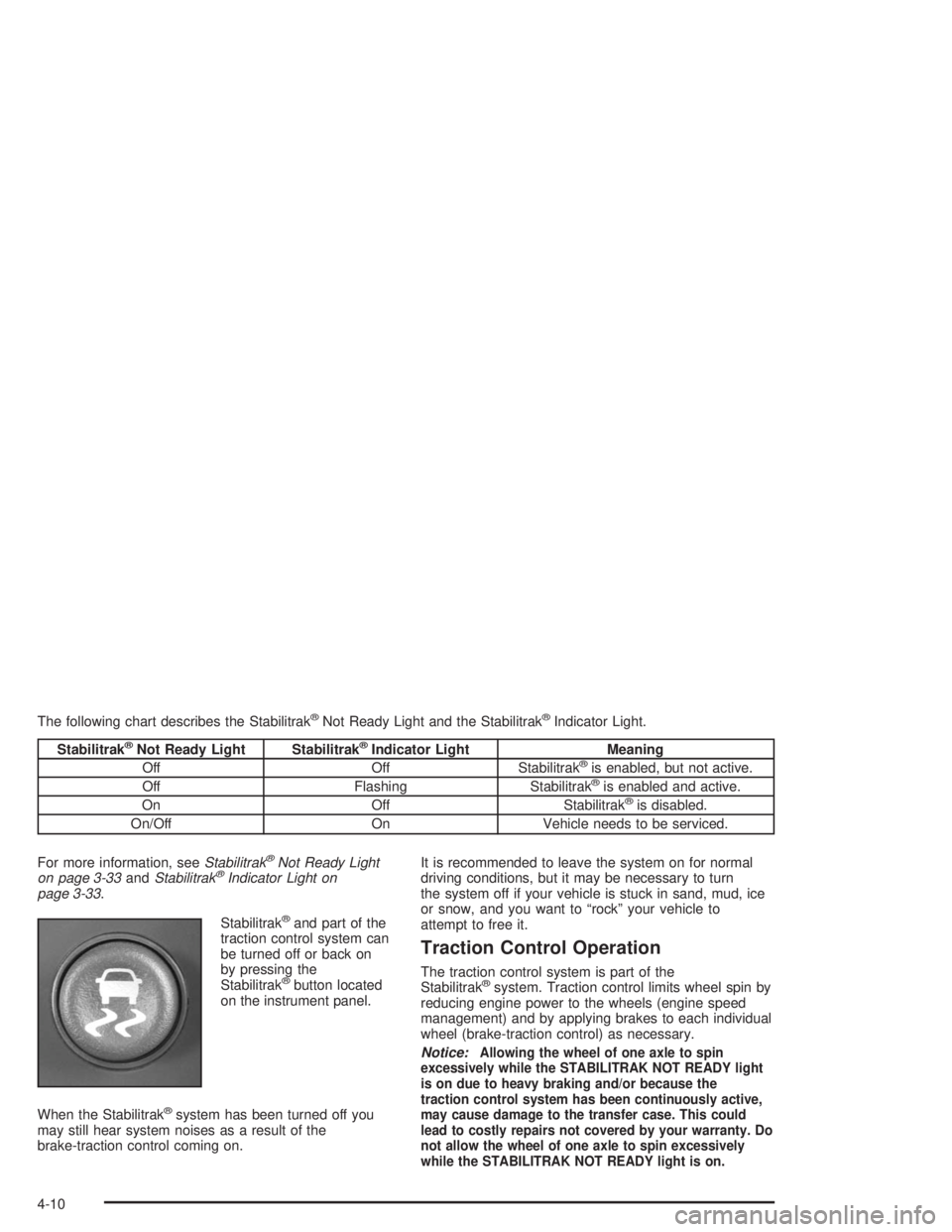
Stabilitrak
®and part of the
traction control system can
be turned off or back on
by pressing the
Stabilitrak
®button located
on the instrument panel.
When the Stabilitrak
®system has been turned off you
may still hear system noises as a result of the
brake-traction control coming on.It is recommended to leave the system on for normal
driving conditions, but it may be necessary to turn
the system off if your vehicle is stuck in sand, mud, ice
or snow, and you want to “rock” your vehicle to
attempt to free it.
Traction Control Operation
The traction control system is part of the
Stabilitrak®system. Traction control limits wheel spin by
reducing engine power to the wheels (engine speed
management) and by applying brakes to each individual
wheel (brake-traction control) as necessary.
Notice:
Allowing the wheel of one axle to spin
excessively while the STABILITRAK NOT READY light
is on due to heavy braking and/or because the
traction control system has been continuously active,
may cause damage to the transfer case. This could
lead to costly repairs not covered by your warranty. Do
not allow the wheel of one axle to spin excessively
while the STABILITRAK NOT READY light is on.
4-10
Page 207 of 398
If the brake-traction control system activates constantly
or if the brakes have heated up due to high speed
braking, the brake-traction control will be automatically
disabled. The system will come back on after the
brakes have cooled. This can take up to two minutes or
longer depending on brake usage.
Notice:If you allow the wheel(s) of one axle to spin
excessively while the traction off, ABS, STABILITRAK
NOT READY and brake warning lights are displayed,
you could damage the transfer case. The repairs
would not be covered by your warranty. Reduce
engine power and do not spin the wheel(s)
excessively while these lights are displayed.
The traction control system may activate on dry or
rough roads or under conditions such as heavy
acceleration while turning or abrupt upshifts/downshifts
of the transmission. When this happens you may
notice a reduction in acceleration, or may hear a noise
or vibration. This is normal.
If your vehicle is in cruise control when the system
activates, a Stabilitrak
®indicator light will appear on the
instrument panel and the cruise control will automatically
disengage. When road conditions allow you to use
cruise again, you may re-engage the cruise control. See
“Cruise Control” underTurn Signal/Multifunction Lever
on page 3-8.Stabilitrak
®may also turn off automatically if it
determines that a problem exists with the system. If the
problem does not clear itself after restarting the
vehicle, you should see your dealer for service.
Steering
Power Steering
If you lose power steering assist because the engine
stops or the system is not functioning, you can steer but
it will take much more effort.
Steering Tips
Driving on Curves
It is important to take curves at a reasonable speed.
A lot of the “driver lost control” accidents mentioned on
the news happen on curves. Here is why:
Experienced driver or beginner, each of us is subject to
the same laws of physics when driving on curves.
The traction of the tires against the road surface makes
it possible for the vehicle to change its path when
you turn the front wheels. If there is no traction, inertia
will keep the vehicle going in the same direction. If
you have ever tried to steer a vehicle on wet ice, you
will understand this.
4-11