tow GMC SAVANA PASSENGER 2008 Owner's Manual
[x] Cancel search | Manufacturer: GMC, Model Year: 2008, Model line: SAVANA PASSENGER, Model: GMC SAVANA PASSENGER 2008Pages: 402, PDF Size: 2.34 MB
Page 116 of 402
Highbeam On Light.......................................3-40
Tow/Haul Mode Light....................................3-40
Fuel Gage...................................................3-41
Driver Information Center (DIC).......................3-42
DIC Operation and Displays...........................3-42
DIC Compass..............................................3-47
DIC Warnings and Messages.........................3-49
DIC Vehicle Customization.............................3-58Audio System(s).............................................3-63
Setting the Clock..........................................3-65
Radio(s)......................................................3-67
Using an MP3..............................................3-77
Theft-Deterrent Feature..................................3-82
Audio Steering Wheel Controls.......................3-82
Radio Reception...........................................3-83
Fixed Mast Antenna......................................3-83
Section 3 Instrument Panel
3-2
Page 119 of 402
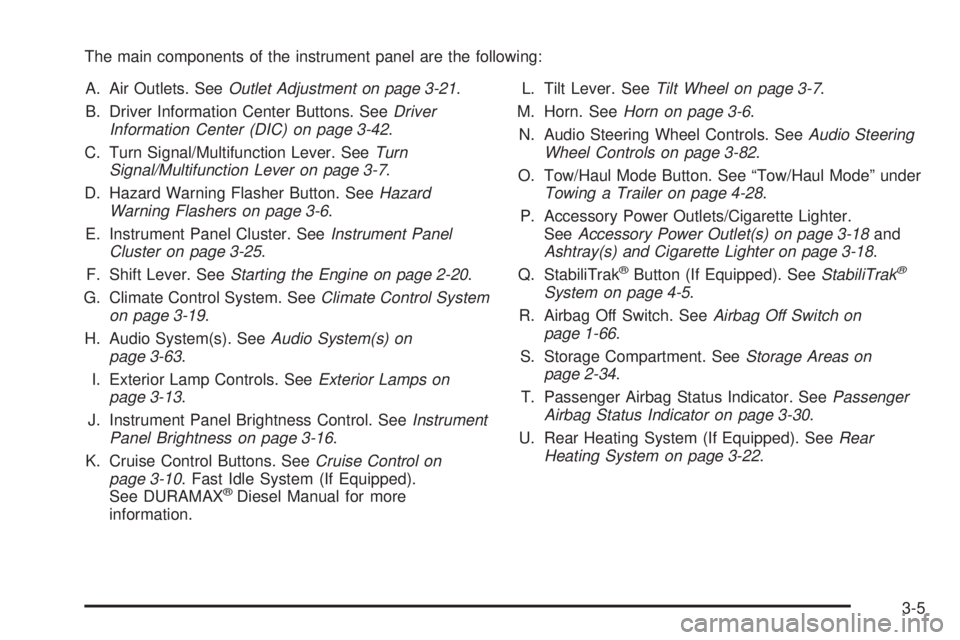
The main components of the instrument panel are the following:
A. Air Outlets. SeeOutlet Adjustment on page 3-21.
B. Driver Information Center Buttons. SeeDriver
Information Center (DIC) on page 3-42.
C. Turn Signal/Multifunction Lever. SeeTurn
Signal/Multifunction Lever on page 3-7.
D. Hazard Warning Flasher Button. SeeHazard
Warning Flashers on page 3-6.
E. Instrument Panel Cluster. SeeInstrument Panel
Cluster on page 3-25.
F. Shift Lever. SeeStarting the Engine on page 2-20.
G. Climate Control System. SeeClimate Control System
on page 3-19.
H. Audio System(s). SeeAudio System(s) on
page 3-63.
I. Exterior Lamp Controls. SeeExterior Lamps on
page 3-13.
J. Instrument Panel Brightness Control. SeeInstrument
Panel Brightness on page 3-16.
K. Cruise Control Buttons. SeeCruise Control on
page 3-10. Fast Idle System (If Equipped).
See DURAMAX
®Diesel Manual for more
information.L. Tilt Lever. SeeTilt Wheel on page 3-7.
M. Horn. SeeHorn on page 3-6.
N. Audio Steering Wheel Controls. SeeAudio Steering
Wheel Controls on page 3-82.
O. Tow/Haul Mode Button. See “Tow/Haul Mode” under
Towing a Trailer on page 4-28.
P. Accessory Power Outlets/Cigarette Lighter.
SeeAccessory Power Outlet(s) on page 3-18and
Ashtray(s) and Cigarette Lighter on page 3-18.
Q. StabiliTrak
®Button (If Equipped). SeeStabiliTrak®
System on page 4-5.
R. Airbag Off Switch. SeeAirbag Off Switch on
page 1-66.
S. Storage Compartment. SeeStorage Areas on
page 2-34.
T. Passenger Airbag Status Indicator. SeePassenger
Airbag Status Indicator on page 3-30.
U. Rear Heating System (If Equipped). SeeRear
Heating System on page 3-22.
3-5
Page 122 of 402
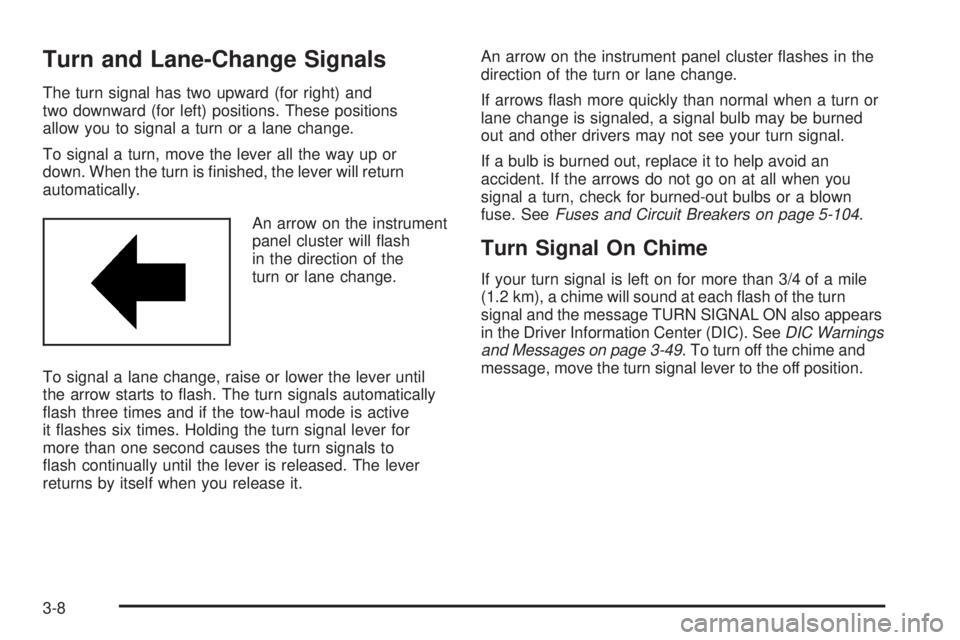
Turn and Lane-Change Signals
The turn signal has two upward (for right) and
two downward (for left) positions. These positions
allow you to signal a turn or a lane change.
To signal a turn, move the lever all the way up or
down. When the turn is finished, the lever will return
automatically.
An arrow on the instrument
panel cluster will flash
in the direction of the
turn or lane change.
To signal a lane change, raise or lower the lever until
the arrow starts to flash. The turn signals automatically
flash three times and if the tow-haul mode is active
it flashes six times. Holding the turn signal lever for
more than one second causes the turn signals to
flash continually until the lever is released. The lever
returns by itself when you release it.An arrow on the instrument panel cluster flashes in the
direction of the turn or lane change.
If arrows flash more quickly than normal when a turn or
lane change is signaled, a signal bulb may be burned
out and other drivers may not see your turn signal.
If a bulb is burned out, replace it to help avoid an
accident. If the arrows do not go on at all when you
signal a turn, check for burned-out bulbs or a blown
fuse. SeeFuses and Circuit Breakers on page 5-104.
Turn Signal On Chime
If your turn signal is left on for more than 3/4 of a mile
(1.2 km), a chime will sound at each flash of the turn
signal and the message TURN SIGNAL ON also appears
in the Driver Information Center (DIC). SeeDIC Warnings
and Messages on page 3-49. To turn off the chime and
message, move the turn signal lever to the off position.
3-8
Page 123 of 402
Headlamp High/Low-Beam Changer
23(Headlamp High/Low-Beam Changer):
To change the headlamps from low to high beam,
pull the multifunction lever all the way toward you.
Then release it.
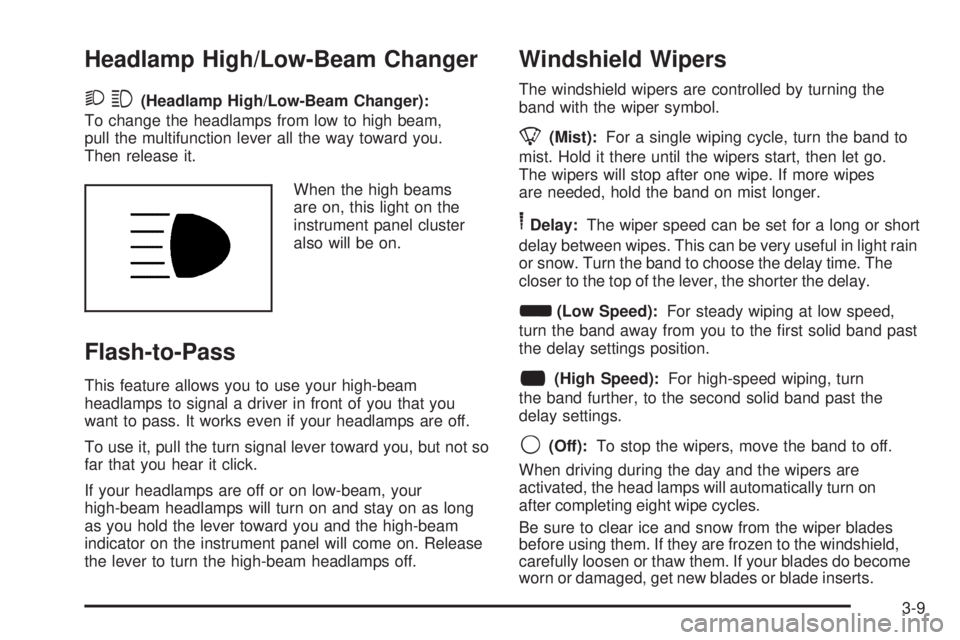
When the high beams
are on, this light on the
instrument panel cluster
also will be on.
Flash-to-Pass
This feature allows you to use your high-beam
headlamps to signal a driver in front of you that you
want to pass. It works even if your headlamps are off.
To use it, pull the turn signal lever toward you, but not so
far that you hear it click.
If your headlamps are off or on low-beam, your
high-beam headlamps will turn on and stay on as long
as you hold the lever toward you and the high-beam
indicator on the instrument panel will come on. Release
the lever to turn the high-beam headlamps off.
Windshield Wipers
The windshield wipers are controlled by turning the
band with the wiper symbol.
8(Mist):For a single wiping cycle, turn the band to
mist. Hold it there until the wipers start, then let go.
The wipers will stop after one wipe. If more wipes
are needed, hold the band on mist longer.
6Delay:The wiper speed can be set for a long or short
delay between wipes. This can be very useful in light rain
or snow. Turn the band to choose the delay time. The
closer to the top of the lever, the shorter the delay.
d(Low Speed):For steady wiping at low speed,
turn the band away from you to the first solid band past
the delay settings position.
a(High Speed):For high-speed wiping, turn
the band further, to the second solid band past the
delay settings.
9(Off):To stop the wipers, move the band to off.
When driving during the day and the wipers are
activated, the head lamps will automatically turn on
after completing eight wipe cycles.
Be sure to clear ice and snow from the wiper blades
before using them. If they are frozen to the windshield,
carefully loosen or thaw them. If your blades do become
worn or damaged, get new blades or blade inserts.
3-9
Page 128 of 402
AUTO (Automatic):Turn the control to this position
to automatically turn on the headlamps at normal
brightness, together with the following:
•Parking Lamps
•Instrument Panel Lights
•Taillamps
•License Plate Lamps
;(Parking Lamps):Turn the control to this position
to turn on the parking lamps together with the
following:
•Instrument Panel Lights
•Taillamps
•License Plate Lamps
2(Headlamps):Turn the control to this position to
turn on the headlamps together with the following lamps
listed below.
•Parking Lamps
•Instrument Panel Lights
•Taillamps
•License Plate LampsWhen the headlamps are turned on while the vehicle is
on, the headlamps will turn off automatically 10 minutes
after the ignition is turned off. When the headlamps are
turned on while the vehicle is off, the headlamps will
continue to stay on. To prevent the battery from being
drained, turn the control to the off position.
A warning chime sounds if the driver’s door is opened
while the ignition switch is off and the headlamps are on.
To change the headlamps from low beam to high
beam, push the turn signal/multifunction lever toward
the instrument panel.
Headlamps on Reminder
If a door is open, a reminder chime sounds when the
headlamps or parking lamps are manually turned on
and the key is out of the ignition. To turn off the chime,
turn the headlamp switch to off or auto and then
back on, or close and re-open the door. In the auto
mode, the headlamps turn off once the ignition is
in LOCK/OFF or may remain on until the headlamp
delay ends, if enabled in the Driver Information
Center (DIC). See “Exit Lighting” underDIC Vehicle
Customization on page 3-58.
3-14
Page 133 of 402
Climate Controls
Climate Control System
The heating, cooling, and ventilation for your vehicle
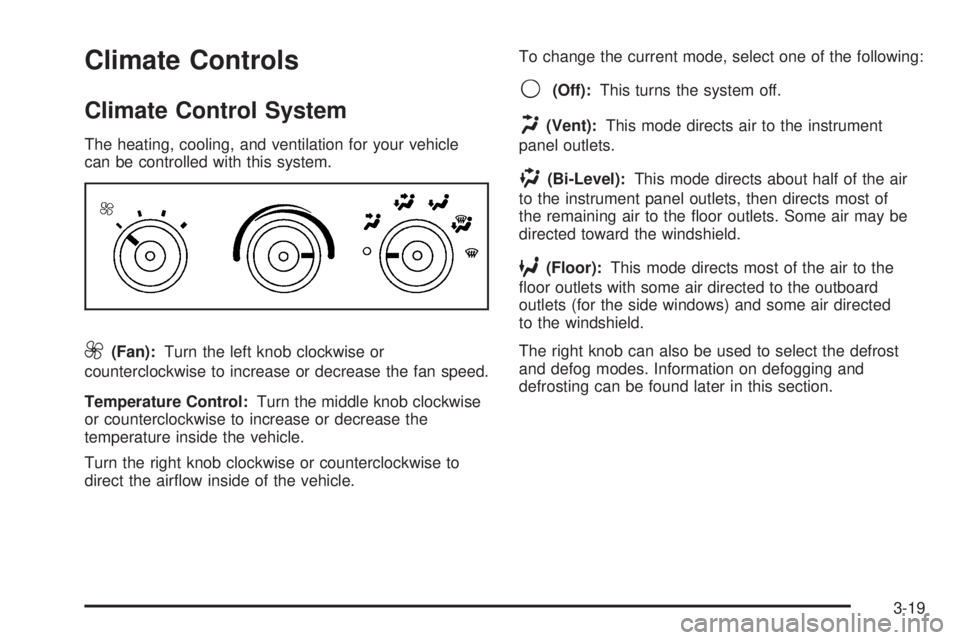
can be controlled with this system.
9(Fan):Turn the left knob clockwise or
counterclockwise to increase or decrease the fan speed.
Temperature Control:Turn the middle knob clockwise
or counterclockwise to increase or decrease the
temperature inside the vehicle.
Turn the right knob clockwise or counterclockwise to
direct the airflow inside of the vehicle.To change the current mode, select one of the following:
9(Off):This turns the system off.
H(Vent):This mode directs air to the instrument
panel outlets.
)(Bi-Level):This mode directs about half of the air
to the instrument panel outlets, then directs most of
the remaining air to the floor outlets. Some air may be
directed toward the windshield.
6(Floor):This mode directs most of the air to the
floor outlets with some air directed to the outboard
outlets (for the side windows) and some air directed
to the windshield.
The right knob can also be used to select the defrost
and defog modes. Information on defogging and
defrosting can be found later in this section.
3-19
Page 134 of 402
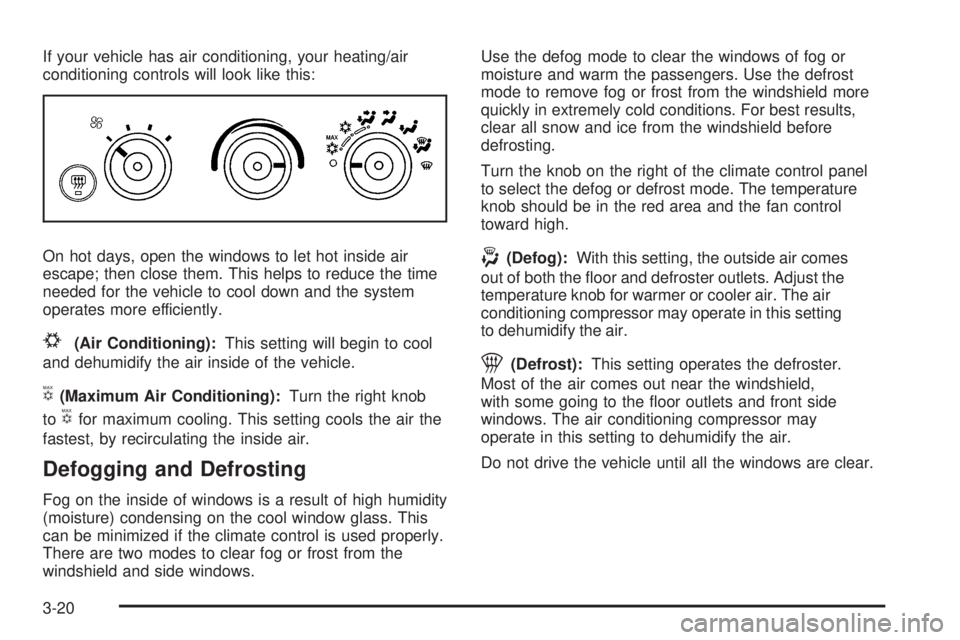
If your vehicle has air conditioning, your heating/air
conditioning controls will look like this:
On hot days, open the windows to let hot inside air
escape; then close them. This helps to reduce the time
needed for the vehicle to cool down and the system
operates more efficiently.
#(Air Conditioning):This setting will begin to cool
and dehumidify the air inside of the vehicle.
V(Maximum Air Conditioning):Turn the right knob
to
Vfor maximum cooling. This setting cools the air the
fastest, by recirculating the inside air.
Defogging and Defrosting
Fog on the inside of windows is a result of high humidity
(moisture) condensing on the cool window glass. This
can be minimized if the climate control is used properly.
There are two modes to clear fog or frost from the
windshield and side windows.Use the defog mode to clear the windows of fog or
moisture and warm the passengers. Use the defrost
mode to remove fog or frost from the windshield more
quickly in extremely cold conditions. For best results,
clear all snow and ice from the windshield before
defrosting.
Turn the knob on the right of the climate control panel
to select the defog or defrost mode. The temperature
knob should be in the red area and the fan control
toward high.
-(Defog):With this setting, the outside air comes
out of both the floor and defroster outlets. Adjust the
temperature knob for warmer or cooler air. The air
conditioning compressor may operate in this setting
to dehumidify the air.
1(Defrost):This setting operates the defroster.
Most of the air comes out near the windshield,
with some going to the floor outlets and front side
windows. The air conditioning compressor may
operate in this setting to dehumidify the air.
Do not drive the vehicle until all the windows are clear.
3-20
Page 147 of 402
You can only drive for a short time with the reading in
either warning zone. If you must drive, turn off all
unnecessary accessories.
Readings in either warning zone indicate a possible
problem in the electrical system. Have the vehicle
serviced as soon as possible.
Brake System Warning Light
Your vehicle’s hydraulic brake system is divided into
two parts. If one part is not working, the other part can
still work and stop you. For good braking, though,
you need both parts working well.
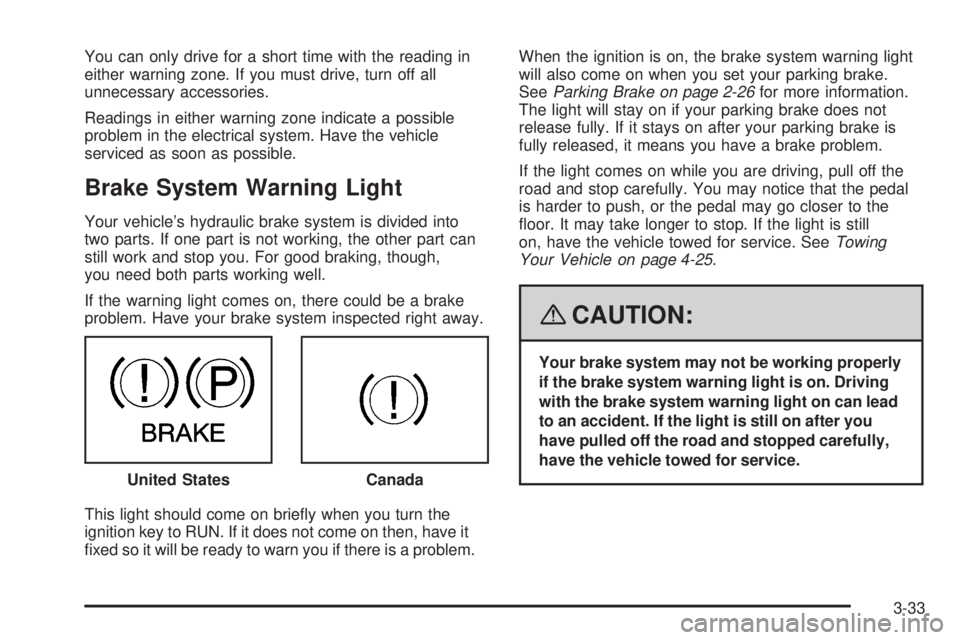
If the warning light comes on, there could be a brake
problem. Have your brake system inspected right away.
This light should come on briefly when you turn the
ignition key to RUN. If it does not come on then, have it
fixed so it will be ready to warn you if there is a problem.When the ignition is on, the brake system warning light
will also come on when you set your parking brake.
SeeParking Brake on page 2-26for more information.
The light will stay on if your parking brake does not
release fully. If it stays on after your parking brake is
fully released, it means you have a brake problem.
If the light comes on while you are driving, pull off the
road and stop carefully. You may notice that the pedal
is harder to push, or the pedal may go closer to the
floor. It may take longer to stop. If the light is still
on, have the vehicle towed for service. SeeTowing
Your Vehicle on page 4-25.
{CAUTION:
Your brake system may not be working properly
if the brake system warning light is on. Driving
with the brake system warning light on can lead
to an accident. If the light is still on after you
have pulled off the road and stopped carefully,
have the vehicle towed for service.
United States
Canada
3-33
Page 151 of 402
If the Light is Flashing
The following can prevent more serious damage to your
vehicle:
•Reduce vehicle speed.
•Avoid hard accelerations.
•Avoid steep uphill grades.
•If you are towing a trailer, reduce the amount of
cargo being hauled as soon as it is possible.
If the light stops flashing and remains on steady,
see “If the Light Is On Steady” following.
If the light continues to flash, when it is safe to do so,
stop the vehicle. Find a safe place to park the vehicle.
Turn the ignition off, wait at least 10 seconds, and restart
the engine. If the light remains on steady, see “If the
Light Is On Steady” following. If the light is still flashing,
follow the previous steps and see your dealer/retailer
for service as soon as possible.
If the Light Is On Steady
You might be able to correct the emission system
malfunction by considering the following:
Did you recently put fuel into your vehicle?
If so, reinstall the fuel cap, making sure to fully
install the cap. SeeFilling the Tank on page 5-10.
The diagnostic system can determine if the fuel cap hasbeen left off or improperly installed. A loose or missing
fuel cap allows fuel to evaporate into the atmosphere.
A few driving trips with the cap properly installed should
turn the light off.
Did you just drive through a deep puddle of water?
If so, your vehicle’s electrical system might be wet.
The condition is usually corrected when the electrical
system dries out. A few driving trips should turn the
light off.
Have you recently changed brands of fuel?
If so, be sure to fuel your vehicle with quality fuel. See
Gasoline Octane on page 5-6. Poor fuel quality causes
the engine not to run as efficiently as designed. You
might notice this as stalling after start-up, stalling when
you put the vehicle into gear, misfiring, hesitation on
acceleration, or stumbling on acceleration — these
conditions might go away once the engine is warmed up.
This will be detected by the system and cause the light to
turn on.
If you experience one or more of these conditions,
change the fuel brand you use. It will require at least
one full tank of the proper fuel to turn the light off.
If none of the above steps have made the light turn off,
your dealer/retailer can check the vehicle. Your dealer/
retailer has the proper test equipment and diagnostic
tools to fix any mechanical or electrical problems that
might have developed.
3-37
Page 154 of 402
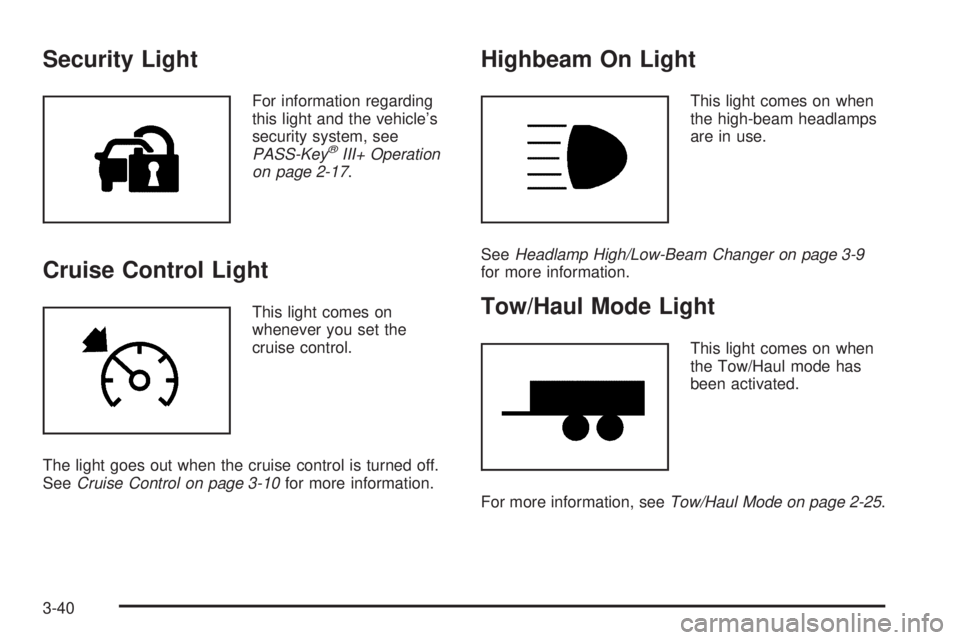
Security Light
For information regarding
this light and the vehicle’s
security system, see
PASS-Key
®III+ Operation
on page 2-17.
Cruise Control Light
This light comes on
whenever you set the
cruise control.
The light goes out when the cruise control is turned off.
SeeCruise Control on page 3-10for more information.
Highbeam On Light
This light comes on when
the high-beam headlamps
are in use.
SeeHeadlamp High/Low-Beam Changer on page 3-9
for more information.
Tow/Haul Mode Light
This light comes on when
the Tow/Haul mode has
been activated.
For more information, seeTow/Haul Mode on page 2-25.
3-40