keyless GMC SIERRA 1500 2012 User Guide
[x] Cancel search | Manufacturer: GMC, Model Year: 2012, Model line: SIERRA 1500, Model: GMC SIERRA 1500 2012Pages: 556, PDF Size: 7.88 MB
Page 181 of 556
Black plate (43,1)GMC Sierra Owner Manual - 2012 - CRC - 11/15/11
Instruments and Controls 5-43
be reduced the next time the vehicle
is driven. The vehicle may be driven
at a reduced speed while this
message is on, but acceleration and
speed may be reduced. Anytime
this message stays on, the vehicle
should be taken to your dealer for
service as soon as possible.
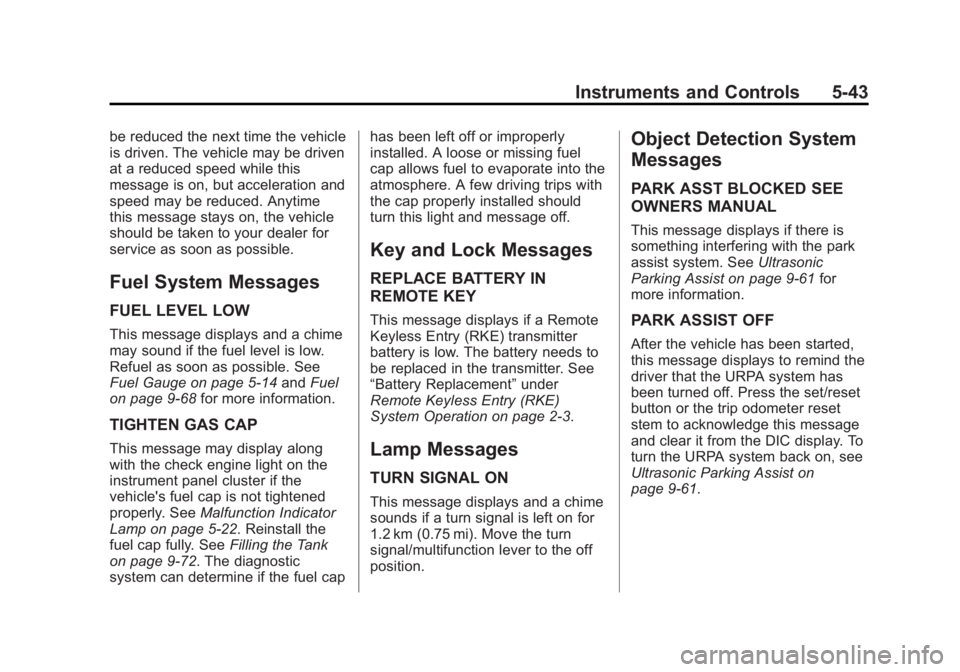
Fuel System Messages
FUEL LEVEL LOW
This message displays and a chime
may sound if the fuel level is low.
Refuel as soon as possible. See
Fuel Gauge on page 5‑14andFuel
on page 9‑68 for more information.
TIGHTEN GAS CAP
This message may display along
with the check engine light on the
instrument panel cluster if the
vehicle's fuel cap is not tightened
properly. SeeMalfunction Indicator
Lamp on page 5‑22. Reinstall the
fuel cap fully. See Filling the Tank
on page 9‑72. The diagnostic
system can determine if the fuel cap has been left off or improperly
installed. A loose or missing fuel
cap allows fuel to evaporate into the
atmosphere. A few driving trips with
the cap properly installed should
turn this light and message off.
Key and Lock Messages
REPLACE BATTERY IN
REMOTE KEY
This message displays if a Remote
Keyless Entry (RKE) transmitter
battery is low. The battery needs to
be replaced in the transmitter. See
“Battery Replacement”
under
Remote Keyless Entry (RKE)
System Operation on page 2‑3.
Lamp Messages
TURN SIGNAL ON
This message displays and a chime
sounds if a turn signal is left on for
1.2 km (0.75 mi). Move the turn
signal/multifunction lever to the off
position.
Object Detection System
Messages
PARK ASST BLOCKED SEE
OWNERS MANUAL
This message displays if there is
something interfering with the park
assist system. See Ultrasonic
Parking Assist on page 9‑61 for
more information.
PARK ASSIST OFF
After the vehicle has been started,
this message displays to remind the
driver that the URPA system has
been turned off. Press the set/reset
button or the trip odometer reset
stem to acknowledge this message
and clear it from the DIC display. To
turn the URPA system back on, see
Ultrasonic Parking Assist on
page 9‑61.
Page 188 of 556
Black plate (50,1)GMC Sierra Owner Manual - 2012 - CRC - 11/15/11
5-50 Instruments and Controls
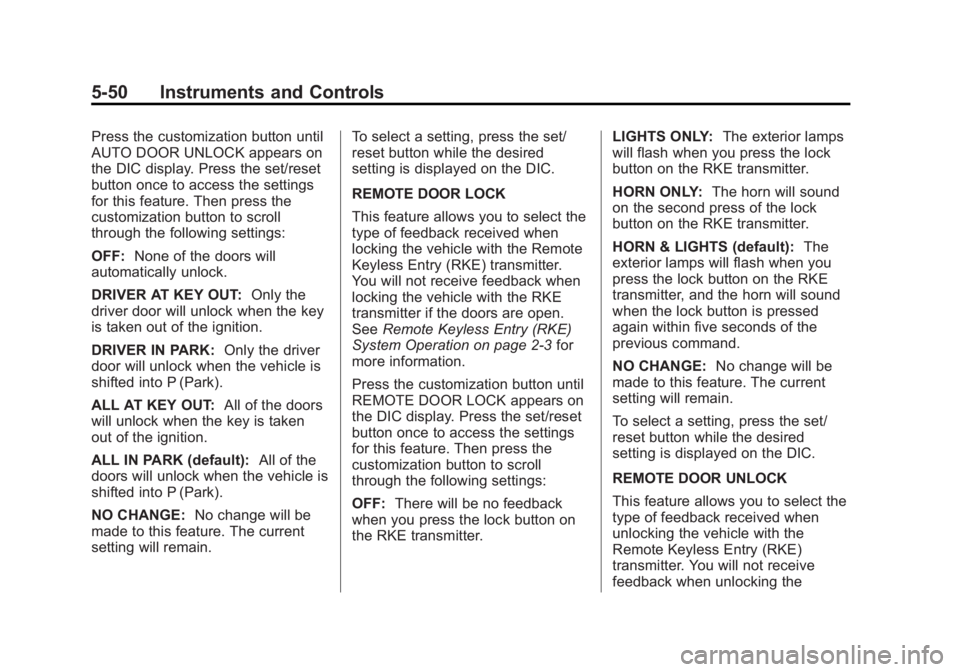
Press the customization button until
AUTO DOOR UNLOCK appears on
the DIC display. Press the set/reset
button once to access the settings
for this feature. Then press the
customization button to scroll
through the following settings:
OFF:None of the doors will
automatically unlock.
DRIVER AT KEY OUT: Only the
driver door will unlock when the key
is taken out of the ignition.
DRIVER IN PARK: Only the driver
door will unlock when the vehicle is
shifted into P (Park).
ALL AT KEY OUT: All of the doors
will unlock when the key is taken
out of the ignition.
ALL IN PARK (default): All of the
doors will unlock when the vehicle is
shifted into P (Park).
NO CHANGE: No change will be
made to this feature. The current
setting will remain. To select a setting, press the set/
reset button while the desired
setting is displayed on the DIC.
REMOTE DOOR LOCK
This feature allows you to select the
type of feedback received when
locking the vehicle with the Remote
Keyless Entry (RKE) transmitter.
You will not receive feedback when
locking the vehicle with the RKE
transmitter if the doors are open.
See
Remote Keyless Entry (RKE)
System Operation on page 2‑3 for
more information.
Press the customization button until
REMOTE DOOR LOCK appears on
the DIC display. Press the set/reset
button once to access the settings
for this feature. Then press the
customization button to scroll
through the following settings:
OFF: There will be no feedback
when you press the lock button on
the RKE transmitter. LIGHTS ONLY:
The exterior lamps
will flash when you press the lock
button on the RKE transmitter.
HORN ONLY: The horn will sound
on the second press of the lock
button on the RKE transmitter.
HORN & LIGHTS (default): The
exterior lamps will flash when you
press the lock button on the RKE
transmitter, and the horn will sound
when the lock button is pressed
again within five seconds of the
previous command.
NO CHANGE: No change will be
made to this feature. The current
setting will remain.
To select a setting, press the set/
reset button while the desired
setting is displayed on the DIC.
REMOTE DOOR UNLOCK
This feature allows you to select the
type of feedback received when
unlocking the vehicle with the
Remote Keyless Entry (RKE)
transmitter. You will not receive
feedback when unlocking the
Page 189 of 556
Black plate (51,1)GMC Sierra Owner Manual - 2012 - CRC - 11/15/11
Instruments and Controls 5-51
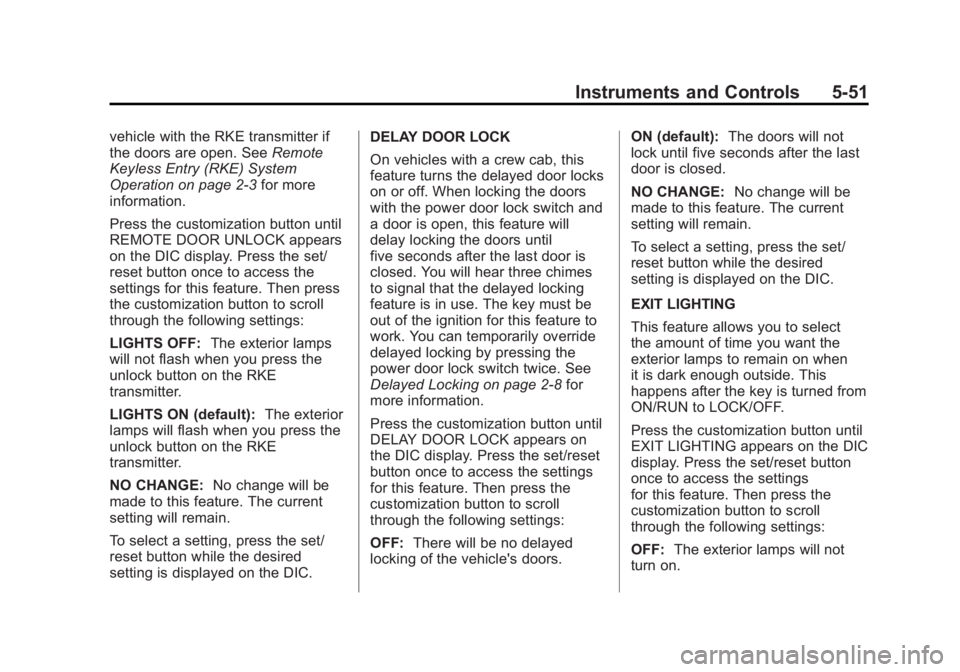
vehicle with the RKE transmitter if
the doors are open. SeeRemote
Keyless Entry (RKE) System
Operation on page 2‑3 for more
information.
Press the customization button until
REMOTE DOOR UNLOCK appears
on the DIC display. Press the set/
reset button once to access the
settings for this feature. Then press
the customization button to scroll
through the following settings:
LIGHTS OFF: The exterior lamps
will not flash when you press the
unlock button on the RKE
transmitter.
LIGHTS ON (default): The exterior
lamps will flash when you press the
unlock button on the RKE
transmitter.
NO CHANGE: No change will be
made to this feature. The current
setting will remain.
To select a setting, press the set/
reset button while the desired
setting is displayed on the DIC. DELAY DOOR LOCK
On vehicles with a crew cab, this
feature turns the delayed door locks
on or off. When locking the doors
with the power door lock switch and
a door is open, this feature will
delay locking the doors until
five seconds after the last door is
closed. You will hear three chimes
to signal that the delayed locking
feature is in use. The key must be
out of the ignition for this feature to
work. You can temporarily override
delayed locking by pressing the
power door lock switch twice. See
Delayed Locking on page 2‑8
for
more information.
Press the customization button until
DELAY DOOR LOCK appears on
the DIC display. Press the set/reset
button once to access the settings
for this feature. Then press the
customization button to scroll
through the following settings:
OFF: There will be no delayed
locking of the vehicle's doors. ON (default):
The doors will not
lock until five seconds after the last
door is closed.
NO CHANGE: No change will be
made to this feature. The current
setting will remain.
To select a setting, press the set/
reset button while the desired
setting is displayed on the DIC.
EXIT LIGHTING
This feature allows you to select
the amount of time you want the
exterior lamps to remain on when
it is dark enough outside. This
happens after the key is turned from
ON/RUN to LOCK/OFF.
Press the customization button until
EXIT LIGHTING appears on the DIC
display. Press the set/reset button
once to access the settings
for this feature. Then press the
customization button to scroll
through the following settings:
OFF: The exterior lamps will not
turn on.
Page 190 of 556
Black plate (52,1)GMC Sierra Owner Manual - 2012 - CRC - 11/15/11
5-52 Instruments and Controls
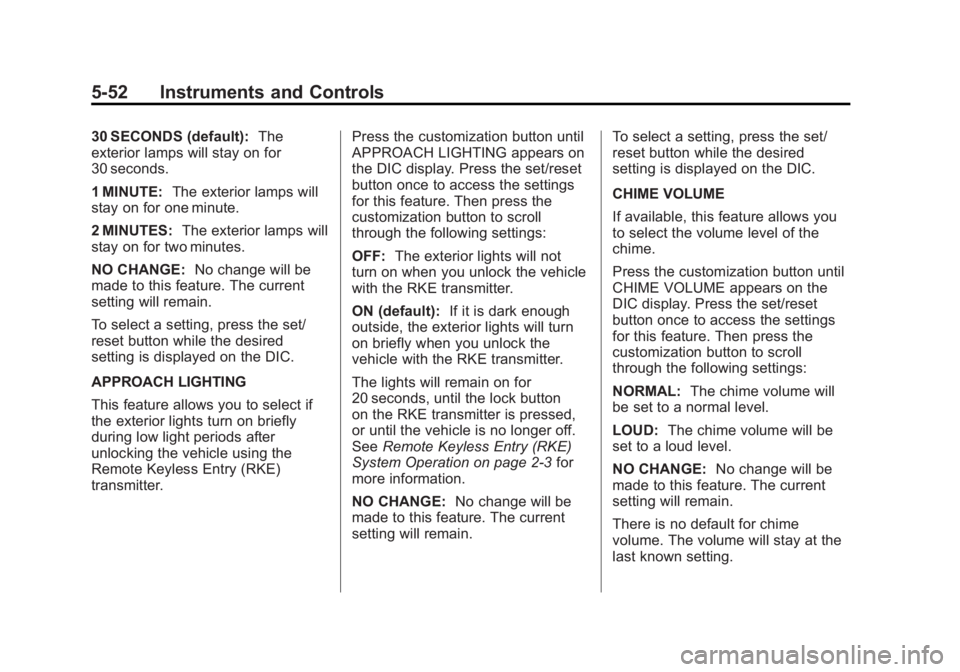
30 SECONDS (default):The
exterior lamps will stay on for
30 seconds.
1 MINUTE: The exterior lamps will
stay on for one minute.
2 MINUTES: The exterior lamps will
stay on for two minutes.
NO CHANGE: No change will be
made to this feature. The current
setting will remain.
To select a setting, press the set/
reset button while the desired
setting is displayed on the DIC.
APPROACH LIGHTING
This feature allows you to select if
the exterior lights turn on briefly
during low light periods after
unlocking the vehicle using the
Remote Keyless Entry (RKE)
transmitter. Press the customization button until
APPROACH LIGHTING appears on
the DIC display. Press the set/reset
button once to access the settings
for this feature. Then press the
customization button to scroll
through the following settings:
OFF:
The exterior lights will not
turn on when you unlock the vehicle
with the RKE transmitter.
ON (default): If it is dark enough
outside, the exterior lights will turn
on briefly when you unlock the
vehicle with the RKE transmitter.
The lights will remain on for
20 seconds, until the lock button
on the RKE transmitter is pressed,
or until the vehicle is no longer off.
See Remote Keyless Entry (RKE)
System Operation on page 2‑3 for
more information.
NO CHANGE: No change will be
made to this feature. The current
setting will remain. To select a setting, press the set/
reset button while the desired
setting is displayed on the DIC.
CHIME VOLUME
If available, this feature allows you
to select the volume level of the
chime.
Press the customization button until
CHIME VOLUME appears on the
DIC display. Press the set/reset
button once to access the settings
for this feature. Then press the
customization button to scroll
through the following settings:
NORMAL:
The chime volume will
be set to a normal level.
LOUD: The chime volume will be
set to a loud level.
NO CHANGE: No change will be
made to this feature. The current
setting will remain.
There is no default for chime
volume. The volume will stay at the
last known setting.
Page 192 of 556
Black plate (54,1)GMC Sierra Owner Manual - 2012 - CRC - 11/15/11
5-54 Instruments and Controls
NO CHANGE:No change will be
made to this feature. The current
setting will remain.
To select a setting, press the set/
reset button while the desired
setting is displayed on the DIC.
EASY EXIT SETUP
If the vehicle has this feature, it
allows you to select which areas will
recall with the automatic easy exit
seat feature. It also allows you to
turn off the automatic easy exit
feature. See Memory Seats on
page 3‑7 and EASY EXIT RECALL
earlier for more information.
Press the customization button until
EASY EXIT SETUP appears on the
DIC display. Press the set/reset
button once to access the settings
for this feature. Then press the
menu up/down button to scroll
through the following settings:
OFF: No automatic seat exit will
recall.
SEAT ONLY (default): The driver
seat will recall. NO CHANGE:
No change will be
made to this feature. The current
setting will remain.
To select a setting, press the set/
reset button while the desired
setting is displayed on the DIC.
MEMORY SEAT RECALL
If the vehicle has this feature, it
allows you to select your preference
for the remote memory seat recall
feature. See Memory Seats on
page 3‑7 for more information.
Press the customization button until
MEMORY SEAT RECALL appears
on the DIC display. Press the set/
reset button once to access the
settings for this feature. Then press
the customization button to scroll
through the following settings:
OFF (default): No remote memory
seat recall will occur.
ON: The driver seat and, on some
vehicles, the outside mirrors will
automatically move to the stored
driving position when the unlock
button on the Remote Keyless Entry (RKE) transmitter is pressed.
On some vehicles with the
adjustable throttle and brake pedal
feature, the pedals will also
automatically move.
NO CHANGE:
No change will be
made to this feature. The current
setting will remain.
To select a setting, press the set/
reset button while the desired
setting is displayed on the DIC.
REMOTE START
If your vehicle has this feature, it
allows you to turn the remote start
off or on. The remote start feature
allows you to start the engine from
outside of the vehicle using the
Remote Keyless Entry (RKE)
transmitter. See Remote Vehicle
Start on page 2‑5 for more
information.
Page 389 of 556
Black plate (3,1)GMC Sierra Owner Manual - 2012 - CRC - 11/15/11
Vehicle Care 10-3
California Proposition
65 Warning
Most motor vehicles, including this
one, contain and/or emit chemicals
known to the State of California to
cause cancer and birth defects or
other reproductive harm. Engine
exhaust, many parts and systems,
many fluids, and some component
wear by-products contain and/or
emit these chemicals.
California Perchlorate
Materials Requirements
Certain types of automotive
applications, such as airbag
initiators, safety belt pretensioners,
and lithium batteries contained in
Remote Keyless Entry transmitters,
may contain perchlorate materials.
Special handling may be necessary.
For additional information, see
www.dtsc.ca.gov/hazardouswaste/
perchlorate.
Accessories and
Modifications
Adding non‐dealer accessories or
making modifications to the vehicle
can affect vehicle performance and
safety, including such things as
airbags, braking, stability, ride and
handling, emissions systems,
aerodynamics, durability, and
electronic systems like antilock
brakes, traction control, and stability
control. These accessories or
modifications could even cause
malfunction or damage not covered
by the vehicle warranty.
Page 435 of 556
Black plate (49,1)GMC Sierra Owner Manual - 2012 - CRC - 11/15/11
Vehicle Care 10-49
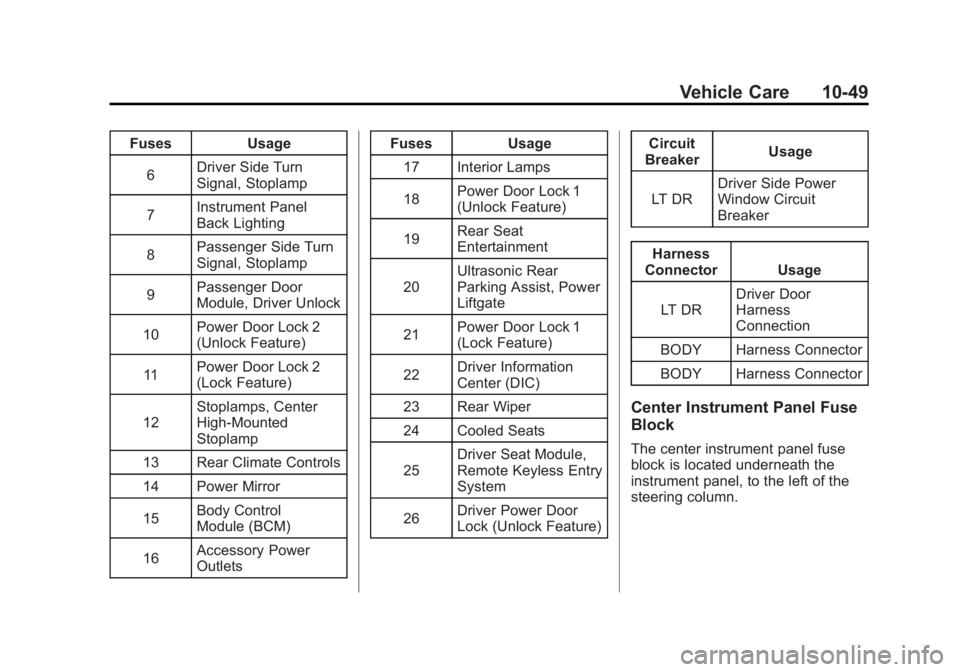
FusesUsage
6 Driver Side Turn
Signal, Stoplamp
7 Instrument Panel
Back Lighting
8 Passenger Side Turn
Signal, Stoplamp
9 Passenger Door
Module, Driver Unlock
10 Power Door Lock 2
(Unlock Feature)
11 Power Door Lock 2
(Lock Feature)
12 Stoplamps, Center
High‐Mounted
Stoplamp
13 Rear Climate Controls
14 Power Mirror
15 Body Control
Module (BCM)
16 Accessory Power
Outlets Fuses
Usage
17 Interior Lamps
18 Power Door Lock 1
(Unlock Feature)
19 Rear Seat
Entertainment
20 Ultrasonic Rear
Parking Assist, Power
Liftgate
21 Power Door Lock 1
(Lock Feature)
22 Driver Information
Center (DIC)
23 Rear Wiper
24 Cooled Seats
25 Driver Seat Module,
Remote Keyless Entry
System
26 Driver Power Door
Lock (Unlock Feature) Circuit
Breaker Usage
LT DR Driver Side Power
Window Circuit
Breaker
Harness
Connector Usage
LT DR Driver Door
Harness
Connection
BODY Harness Connector
BODY Harness Connector
Center Instrument Panel Fuse
Block
The center instrument panel fuse
block is located underneath the
instrument panel, to the left of the
steering column.
Page 450 of 556
Black plate (64,1)GMC Sierra Owner Manual - 2012 - CRC - 11/15/11
10-64 Vehicle Care
The malfunction light and the DIC
message should go off at the next
ignition cycle. The sensors are
matched to the tire/wheel positions,
using a TPMS relearn tool, in the
following order: driver side front tire,
passenger side front tire, passenger
side rear tire, and driver side rear.
See your dealer for service or to
purchase a relearn tool.
There are two minutes to match
the first tire/wheel position, and
five minutes overall to match all
four tire/wheel positions. If it takes
longer, the matching process stops
and must be restarted.
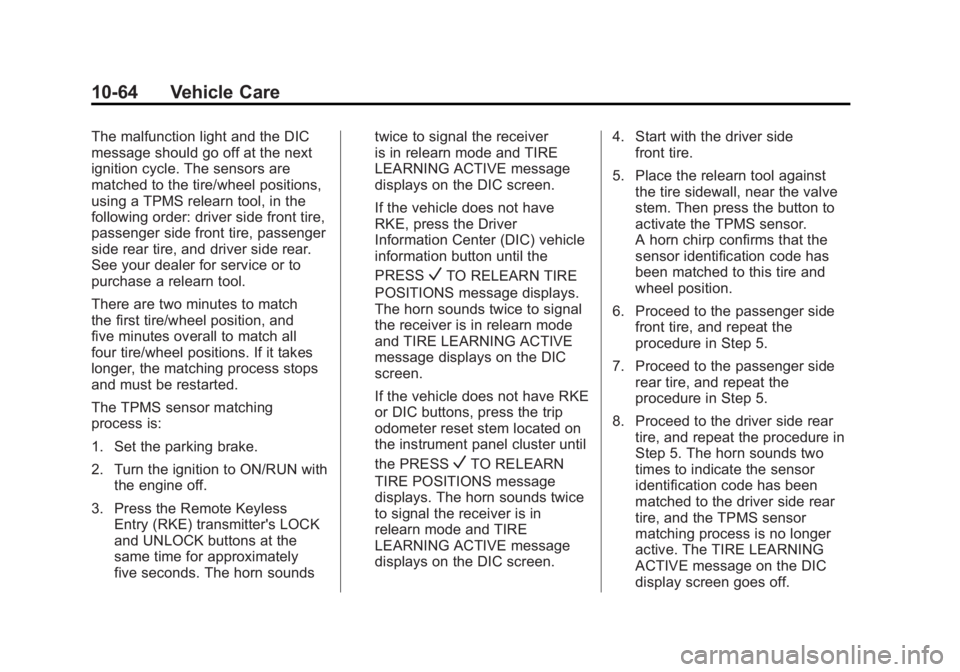
The TPMS sensor matching
process is:
1. Set the parking brake.
2. Turn the ignition to ON/RUN withthe engine off.
3. Press the Remote Keyless Entry (RKE) transmitter's LOCK
and UNLOCK buttons at the
same time for approximately
five seconds. The horn sounds twice to signal the receiver
is in relearn mode and TIRE
LEARNING ACTIVE message
displays on the DIC screen.
If the vehicle does not have
RKE, press the Driver
Information Center (DIC) vehicle
information button until the
PRESS
VTO RELEARN TIRE
POSITIONS message displays.
The horn sounds twice to signal
the receiver is in relearn mode
and TIRE LEARNING ACTIVE
message displays on the DIC
screen.
If the vehicle does not have RKE
or DIC buttons, press the trip
odometer reset stem located on
the instrument panel cluster until
the PRESS
VTO RELEARN
TIRE POSITIONS message
displays. The horn sounds twice
to signal the receiver is in
relearn mode and TIRE
LEARNING ACTIVE message
displays on the DIC screen. 4. Start with the driver side
front tire.
5. Place the relearn tool against the tire sidewall, near the valve
stem. Then press the button to
activate the TPMS sensor.
A horn chirp confirms that the
sensor identification code has
been matched to this tire and
wheel position.
6. Proceed to the passenger side front tire, and repeat the
procedure in Step 5.
7. Proceed to the passenger side rear tire, and repeat the
procedure in Step 5.
8. Proceed to the driver side rear tire, and repeat the procedure in
Step 5. The horn sounds two
times to indicate the sensor
identification code has been
matched to the driver side rear
tire, and the TPMS sensor
matching process is no longer
active. The TIRE LEARNING
ACTIVE message on the DIC
display screen goes off.
Page 549 of 556
Black plate (7,1)GMC Sierra Owner Manual - 2012 - CRC - 11/15/11
INDEX i-7
Heating and AirConditioning . . . . . . . . . . . . . . . 8-1, 8-4
High-Beam On Light . . . . . . . . . . . 5-29
High-Speed Operation . . . . . . . . 10-60
Highway Hypnosis . . . . . . . . . . . . . 9-12
Hill and Mountain Roads . . . . . . . 9-12
Hill Start Assist (HSA) . . . . . . . . . 9-54
Hood . . . . . . . . . . . . . . . . . . . . . . . . . . 10-5
Horn . . . . . . . . . . . . . . . . . . . . . . . . . . . . 5-4
How to Wear Safety Belts Properly . . . . . . . . . . . . . . . . . . . . . . 3-13
I
Idle System
Fast . . . . . . . . . . . . . . . . . . . . . . . . . . 9-29
Ignition Positions . . . . . . . . . . . . . . 9-26
Ignition Transmission Lock Check . . . . . . . . . . . . . . . . . . . . . . . 10-35
Immobilizer . . . . . . . . . . . . . . . . . . . . 2-12
Infants and Young Children, Restraints . . . . . . . . . . . . . . . . . . . . 3-41
Infotainment . . . . . . . . . . . . . . . . . . . . 7-1 Instrument Cluster . . . . . . . . . . . . . 5-12
Instrument Panel
Storage Area . . . . . . . . . . . . . . . . . . 4-1
Introduction . . . . . . . . . . . . . . . . . . . . . . . iii
J
Jump Starting . . . . . . . . . . . . . . . . . 10-88
K
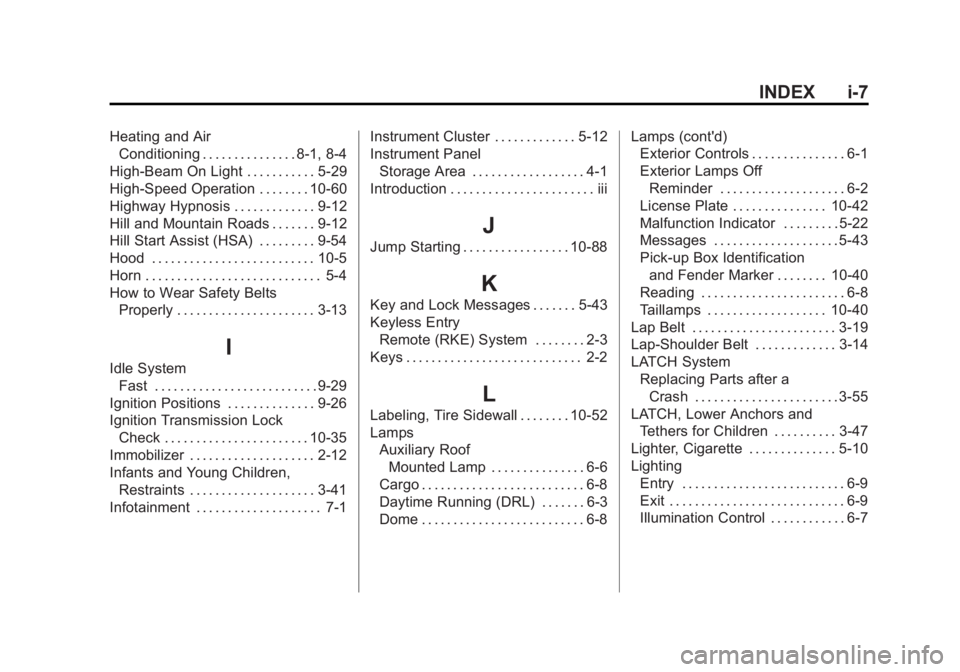
Key and Lock Messages . . . . . . . 5-43
Keyless Entry Remote (RKE) System . . . . . . . . 2-3
Keys . . . . . . . . . . . . . . . . . . . . . . . . . . . . 2-2
L
Labeling, Tire Sidewall . . . . . . . . 10-52
Lamps Auxiliary Roof
Mounted Lamp . . . . . . . . . . . . . . . 6-6
Cargo . . . . . . . . . . . . . . . . . . . . . . . . . . 6-8
Daytime Running (DRL) . . . . . . . 6-3
Dome . . . . . . . . . . . . . . . . . . . . . . . . . . 6-8 Lamps (cont'd)
Exterior Controls . . . . . . . . . . . . . . . 6-1
Exterior Lamps Off
Reminder . . . . . . . . . . . . . . . . . . . . 6-2
License Plate . . . . . . . . . . . . . . . 10-42
Malfunction Indicator . . . . . . . . . 5-22
Messages . . . . . . . . . . . . . . . . . . . . 5-43
Pick-up Box Identification and Fender Marker . . . . . . . . 10-40
Reading . . . . . . . . . . . . . . . . . . . . . . . 6-8
Taillamps . . . . . . . . . . . . . . . . . . . 10-40
Lap Belt . . . . . . . . . . . . . . . . . . . . . . . 3-19
Lap-Shoulder Belt . . . . . . . . . . . . . 3-14
LATCH System Replacing Parts after aCrash . . . . . . . . . . . . . . . . . . . . . . . 3-55
LATCH, Lower Anchors and Tethers for Children . . . . . . . . . . 3-47
Lighter, Cigarette . . . . . . . . . . . . . . 5-10
Lighting Entry . . . . . . . . . . . . . . . . . . . . . . . . . . 6-9
Exit . . . . . . . . . . . . . . . . . . . . . . . . . . . . 6-9
Illumination Control . . . . . . . . . . . . 6-7
Page 552 of 556
Black plate (10,1)GMC Sierra Owner Manual - 2012 - CRC - 11/15/11
i-10 INDEX
ParkingAssist, Ultrasonic . . . . . . . . . . . . . 9-61
Brake . . . . . . . . . . . . . . . . . . . . . . . . . 9-54
Brake and P (Park)
Mechanism Check . . . . . . . . 10-36
Over Things That Burn . . . . . . . 9-32
Passenger Airbag Status
Indicator . . . . . . . . . . . . . . . . . . . . . 5-21
Passenger Sensing System . . . 3-32
Perchlorate Materials Requirements, California . . . . . 10-3
Personalization Vehicle . . . . . . . . . . . . . . . . . . . . . . . 5-48
Phone Bluetooth . . . . . . . . . . . . . . . . . . . . . 7-48
Pick-up Box Identification
and Fender Marker
Lamps . . . . . . . . . . . . . . . . . . . . . . 10-40
Pickup Conversion to Chassis Cab . . . . . . . . . . . . . . . . 9-109
Power
Door Locks . . . . . . . . . . . . . . . . . . . . 2-8
Mirrors . . . . . . . . . . . . . . . . . . . . . . . . 2-15
Outlets . . . . . . . . . . . . . . . . . . . . . . . . 5-9
Protection, Battery . . . . . . . . . . . . 6-10
Retained Accessory (RAP) . . . 9-29 Power (cont'd)
Seat Adjustment . . . . . . . . . . . . . . . 3-4
Steering Fluid . . . . . . . . . . . . . . . 10-25
Windows . . . . . . . . . . . . . . . . . . . . . 2-20
Pregnancy, Using Safety Belts . . . . . . . . . . . . . . . . . . . . . . . . . 3-19
Privacy Radio FrequencyIdentification (RFID) . . . . . . . 13-20
Program Courtesy Transportation . . . . 13-13
Proposition 65 Warning, California . . . . . . . . . . . . . . . . . . . . . 10-3
R
Radio FrequencyIdentification (RFID) . . . . . . . . 13-20
Statement . . . . . . . . . . . . . . . . . . 13-20
Radios AM-FM Radio . . . . . . . . . . . . . . . . . . 7-9
CD/DVD Player . . . . . . . . . . . . . . . 7-21
Reception . . . . . . . . . . . . . . . . . . . . 7-14
Satellite . . . . . . . . . . . . . . . . . . . . . . . 7-11
Reading Lamps . . . . . . . . . . . . . . . . . 6-8
Rear Axle . . . . . . . . . . . . . . . . . . . . . 10-32 Locking . . . . . . . . . . . . . . . . . . . . . . . 9-58 Rear Doors . . . . . . . . . . . . . . . . . . . . . 2-9
Rear Seat Audio (RSA)
System . . . . . . . . . . . . . . . . . . . . . . . 7-46
Rear Seat Entertainment System . . . . . . . . . . . . . . . . . . . . . . . 7-37
Rear Seat Audio (RSA) . . . . . . . 7-46
Rear Seats . . . . . . . . . . . . . . 3-10, 3-11
Rear Vision Camera (RVC) . . . . 9-62
Rear Windows . . . . . . . . . . . . . . . . . 2-21
Rearview Mirrors . . . . . . . . . . . . . . 2-18 Automatic Dimming . . . . . . . . . . . 2-18
Reclining Seatbacks . . . . . . . . . . . . 3-5
Recommended Fuel . . . . . . . . . . . . . . . . . . . . . . . . . . 9-68
Recommended Fluids and Lubricants . . . . . . . . . . . . . . . . . . . 11-12
Records Maintenance . . . . . . . . . . . . . . . . .11-16
Recreational Vehicle Towing . . . . . . . . . . . . . . . . . . . . . . 10-93
Reimbursement Program,
GM Mobility . . . . . . . . . . . . . . . . . . 13-7
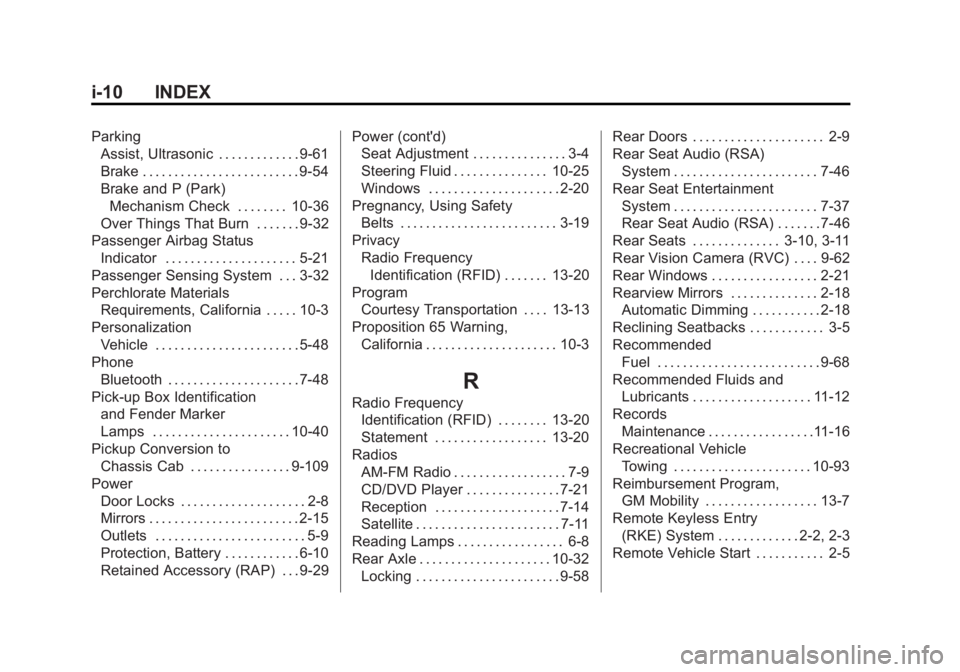
Remote Keyless Entry (RKE) System . . . . . . . . . . . . . 2-2, 2-3
Remote Vehicle Start . . . . . . . . . . . 2-5