light GMC SIERRA 1994 User Guide
[x] Cancel search | Manufacturer: GMC, Model Year: 1994, Model line: SIERRA, Model: GMC SIERRA 1994Pages: 404, PDF Size: 20.91 MB
Page 84 of 404
R (Reverse) - To back up, first press down the clutch pedal. Wait
3-5 seconds for the internal parts to stop spinning and then, shift into
“R.” Let up on the clutch pedal slowly while pressing the accelerator
pedal.
NOTICE:
Shift to “R” (Reverse) only after your vehicle is stopped.
Shifting to
LLR” (Reverse) while your vehicle is moving could
damage your transmission.
Also, use Reverse, along with the parking brake, when turning off your
engine and parking your vehicle.
Shift Light
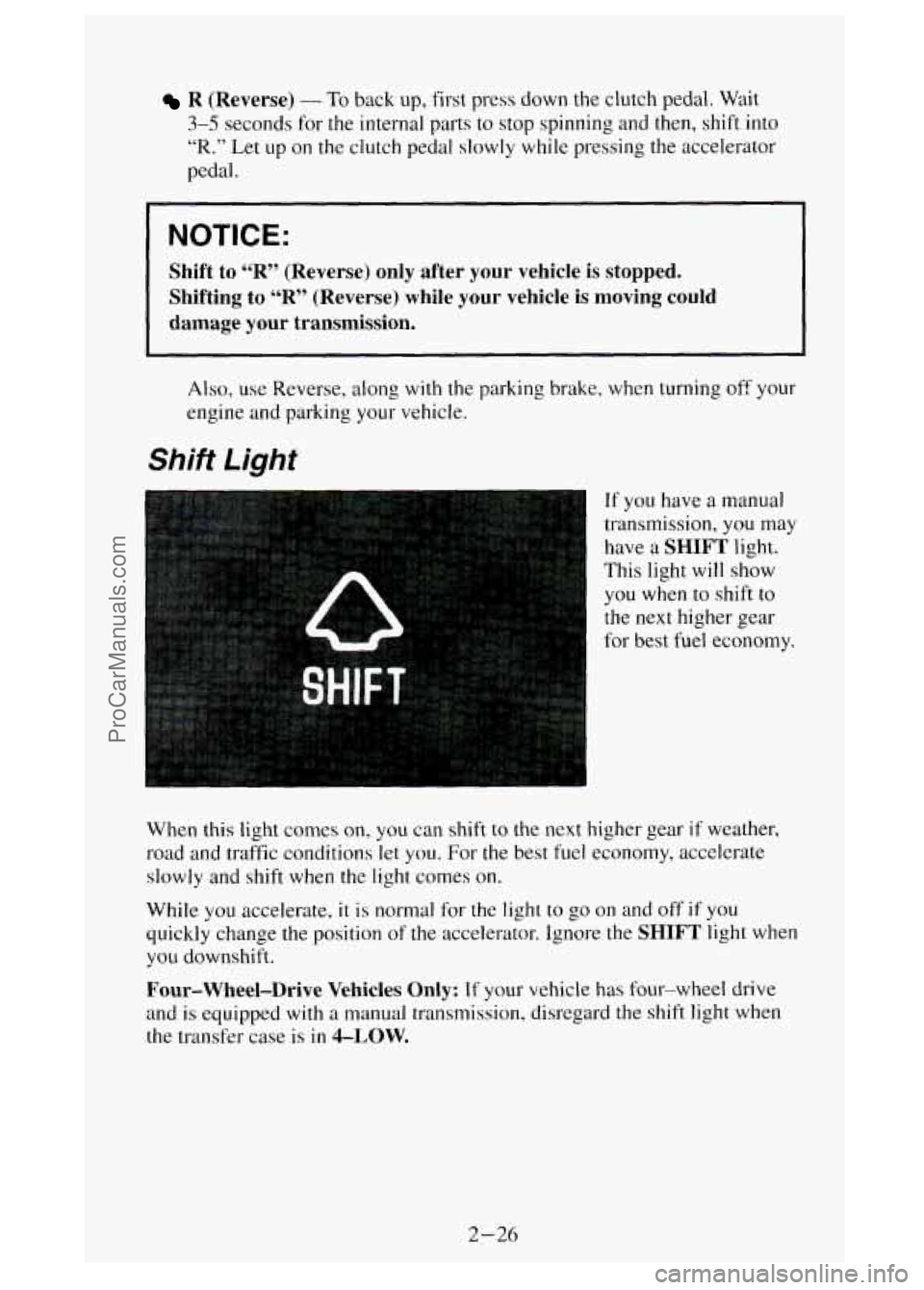
If you have a manual
transmission,
you may
have
a SHIFT light.
This light will show
you when
to shift to
the next higher gear
l for best fuel economy.
I
When this light comes on, you can shift to the next higher gear if weather,
road and traffic conditions let you. For
the best fuel economy, accelerate
slowly and shift when the light comes on.
While you accelerate, it
is normal for the light to go on and off if you
quickly change the position
of the accelerator. Ignore the SHIFT light when
you downshift.
Four-Wheel-Drive Vehicles Only: If your vehicle has four-wheel drive
and is equipped with
a manual transmission, disregard the shift light when
the transfer case is in 4-LOW.
2-26
ProCarManuals.com
Page 86 of 404
Locking Rear Axle
If you have this feature, your rear axle can give you additional traction on
snow, mud, ice, sand or gravel. It works like a standard axle most of the
time, but when one
of the rear wheels has no traction and the other does, the
locking feature will allow the wheel with traction to move the vehicle.
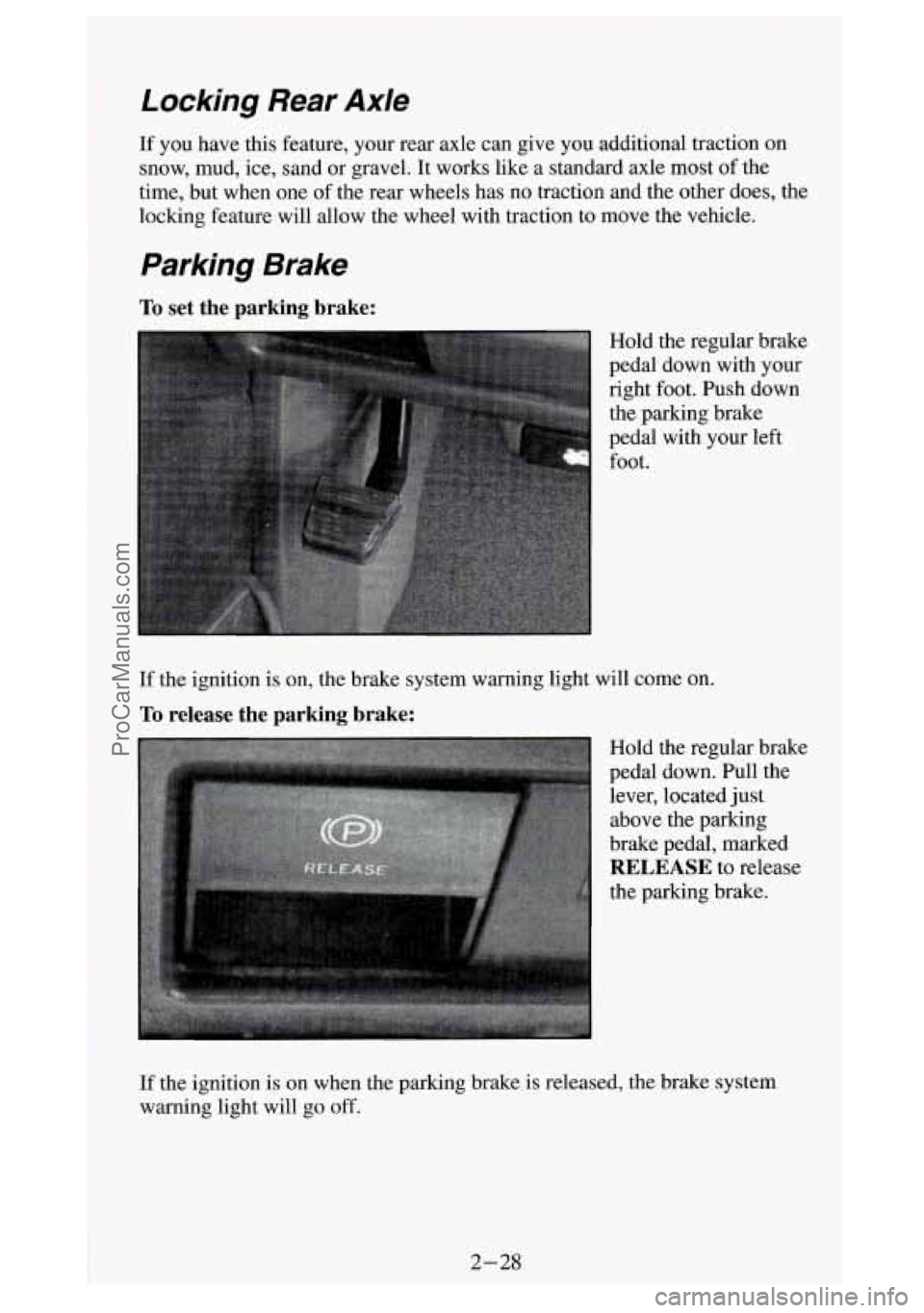
To set the parking brake:
Hold the regular brake
pedal down with your
right foot. Push down the parking brake
pedal with your left
foot.
If the ignition is on, the brake system warning light will come on.
To release the parking brake:
Hold the regular brake
pedal down. Pull the lever, located just
above the parking
brake pedal, marked
RELEASE to release
the parking brake.
-
If the ignition is on when the parking brake is released, the brake system
warning light will
go off.
ProCarManuals.com
Page 93 of 404

NOTICE:
Driving in the 4H or 4L positions for a long time on dry or wet
pavement could shorten the life of your vehicle’s drivetrain.\
Transfer Case
The transfer case shift
lever is on the floor to
the right of the driver.
Use this lever to shift into and out
of
An indicator near the lever shows you the transfer case settings.
The front axle portion
of the indicator
diagram will light up
when you shift into
four-wheel drive.
Some delay between shifting and the indicator’s lighting is normal.
If the
indicator light does not light
up, or if the front axle light does not go out
after you shift out
of four-wheel drive, have your dealer check your system.
2-35
ProCarManuals.com
Page 94 of 404
When your headlights or parking lights are on, rotate the dial to the right of
your headlight switch up
to brighten, or down to dim, your transfer case
indicator light.
2H (2-Wheel High): This setting is for driving in most street and highway
situations. Your front axle is not engaged
in two-wheel drive.
4H (4-Wheel High): This setting engages your front axle to help drive your
vehicle. Use
4H when you need extra traction, such as on wet or icy roads,
or in most off-road situations.
N (Neutral): Shift to this setting only when your vehicle needs to be towed
or when using a power take-off.
4L (4-Wheel Low): This setting also engages your front axle to give you
extra power, but should be used only for off-road driving.
You can shift from
2H to 4H or from 4H to 2H while the vehicle is moving.
Your front axle will engage faster if you take your foot off of the accelerator
for a few seconds after you shift.
In extremely cold weather it may be
necessary to stop or slow the vehicle to shift
out of 2H.
To shift into or out of 4L or “N” (Neutral):
Slow the vehicle to a roll, about 1-3 mph (2-5 kdh) and shift your
transmission into neutral.
0 Shift the transfer case shift lever in one continuous motion.
Don’t pause
in “N” (Neutral) as you shift the transfer case into 4L, or your
gears could clash.
Remember that driving
in 4H or 4L may reduce fuel economy. Also, driving
in four-wheel drive on dry pavement could cause your tires to wear fdster
and make your transfer case harder to shift.
Front Axle Locking Feature
The front axle locks and unlocks automatically when you shift the transfer
case. Some delay
for the axle to lock or unlock is normal. If the outside
temperature is very hot, or the vehicle has been used under hard driving
conditions, there may be
a slight delay for the axle to unlock.
Whenever you are
in four wheel drive, the rear wheel anti-lock brake
system does not operate. The regular brake system operates normally. When
you shift back into two-wheel drive, the anti-lock brake system will
operate.
2-36
ProCarManuals.com
Page 98 of 404
Multifunction Lever
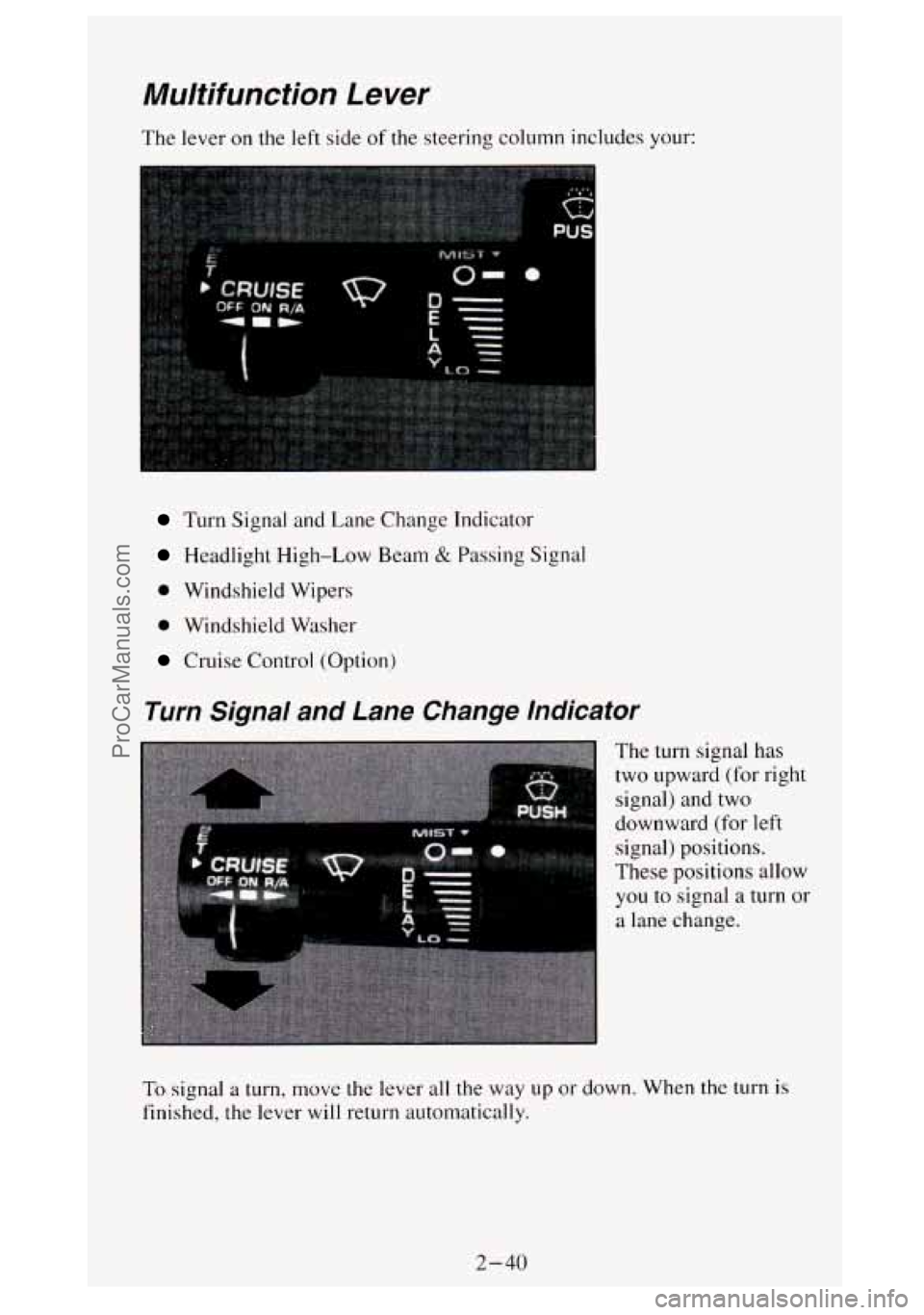
The lever on the left side of the steering column includes your:
Turn Signal and Lane Change Indicator
Headlight High-Low Beam & Passing Signal
0 Windshield Wipers
0 Windshield Washer
Cruise Control (Option)
Turn Signal and Lane Change Indicator
The turn signal has
two upward (for right
signal) and two
downward (for left
signal) positions.
These positions allow
you
to signal a turn or
a lane change.
To signal a turn, move the lever all the way up or down. When the turn is
finished, the lever will return automatically.
2-40
ProCarManuals.com
Page 99 of 404
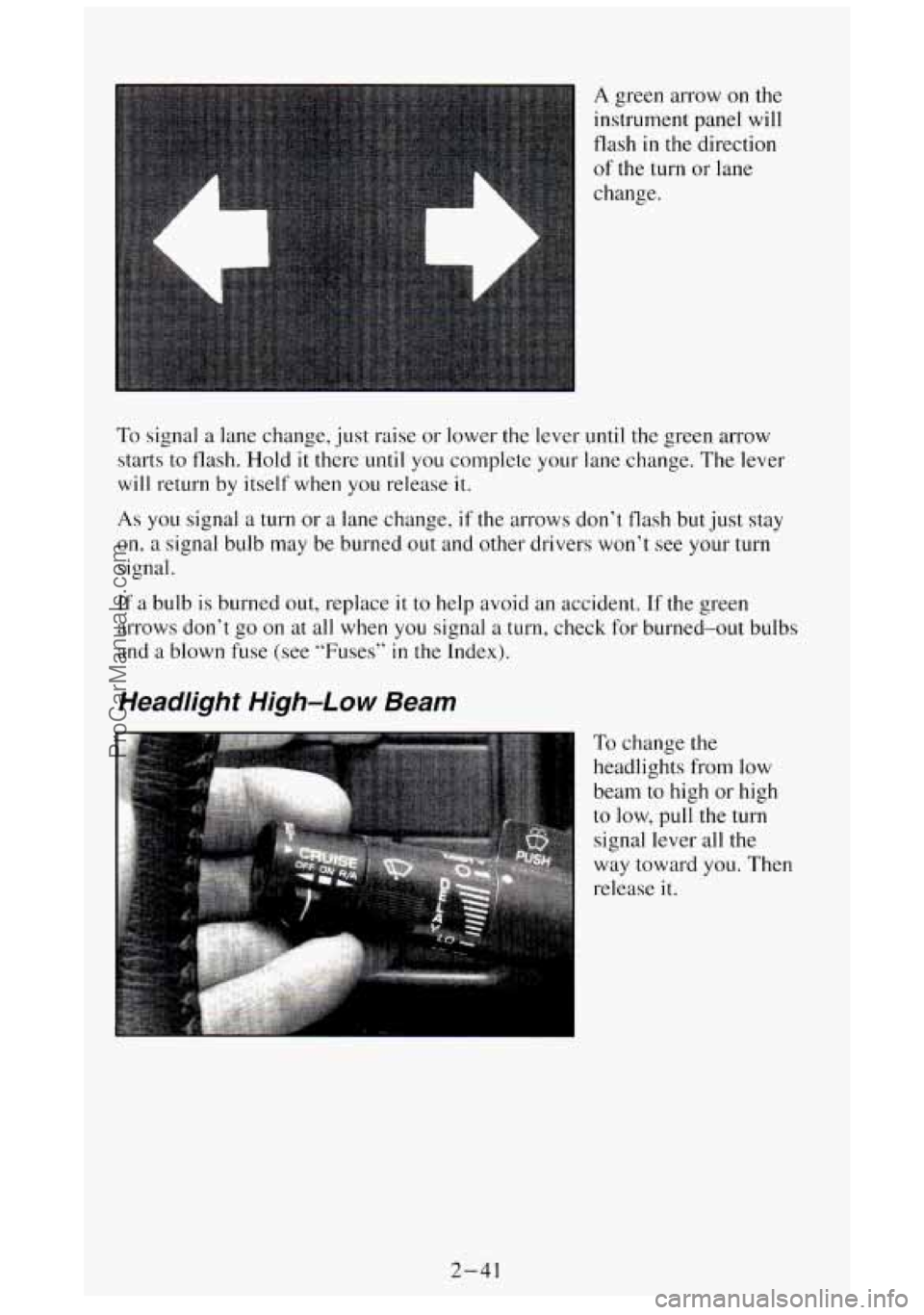
A green arrow on the
instrument panel will
flash
in the direction
of the turn or lane
change.
To signal a lane change, just raise or lower the lever until the green arrow
starts to flash.
Hold it there until you complete your lane change. The lever
will return by itself when you release it.
As you signal a turn or a lane change, if the arrows don’t flash but just stay
on, a signal bulb may be burned out and other drivers won’t see your turn
signal.
If a bulb
is burned out, replace it to help avoid an accident. If the green
arrows don’t go on at all when
you signal a turn, check for burned-out bulbs
and a blown fuse
(see “Fuses” in the Index).
Headlight High-Low Beam
To change the
headlights
from low
beam to high or high
to low, pull the turn
signal lever
all the
way toward
you. Then
release
it.
2-41
ProCarManuals.com
Page 100 of 404
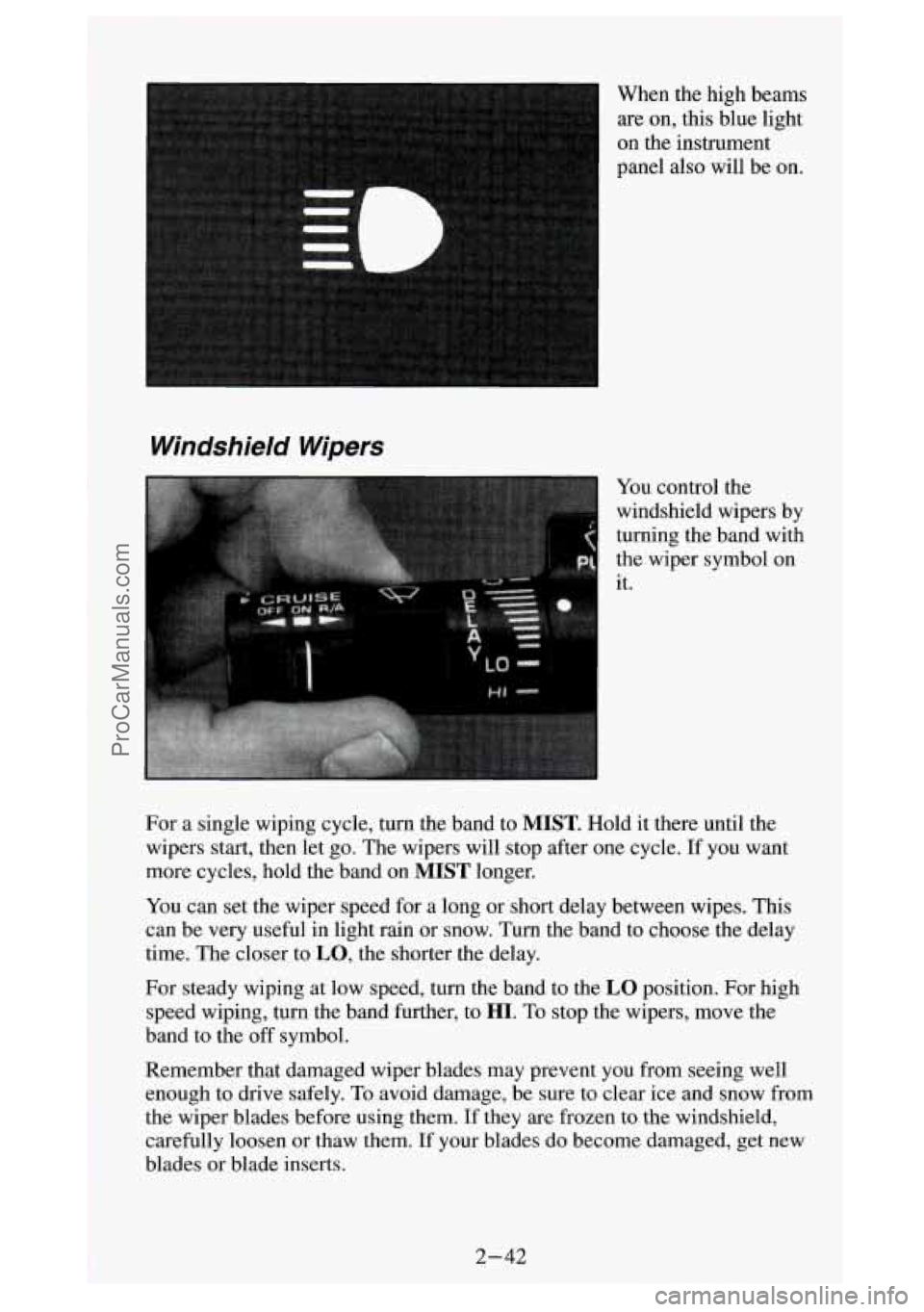
on the instrument
panel also will be on.
Windshield Wipers
turning the band with
the wiper symbol on
it.
For a single wiping cycle, turn the band to
MIST. Hold it there until the
wipers start, then let go. The wipers will stop after one cycle. If you want
more cycles, hold the band on
MIST longer.
You can set the wiper speed for a long or short delay between wipes. This
can be very useful in light rain or snow. Turn the band to choose the delay
time. The closer to
LO, the shorter the delay.
For steady wiping at low speed, turn the band to the
LO position. For high
speed wiping, turn the band further, to
HI. To stop the wipers, move the
band to the
off symbol.
Remember that damaged wiper blades may prevent you from seeing well
enough to drive safely,
To avoid damage, be sure to clear ice and snow from
the wiper blades before using them. If they
are frozen to the windshield,
carefully loosen or thaw them. If your blades do become damaged, get new
blades or blade inserts.
.. . .-
.Y
ProCarManuals.com
Page 106 of 404
Using Cruise Control on Hills
How well your Cruise Control will work on hills depends upon your speed,
load, and the steepness of the hills. When going up steep hills, you may
have to step
on the accelerator pedal to maintain your speed. When going
downhill, you may have to brake or shift to a lower gear to keep your speed
down.
Of course, applying the brake takes you out of Cruise Control. Many
drivers find this to be too much trouble and don’t use Cruise Control on
steep hills.
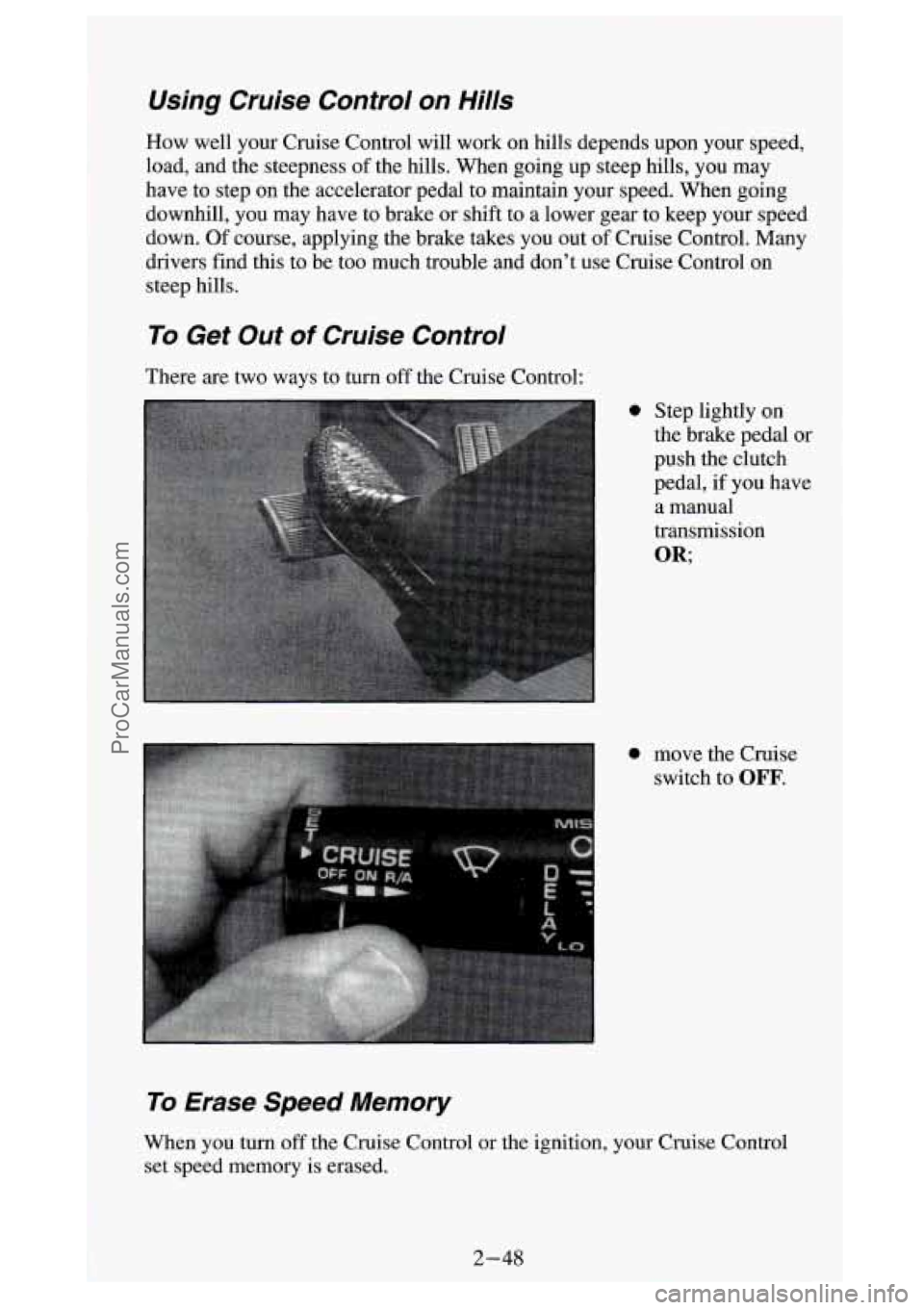
To Get Out of Cruise Control
There are two ways to turn off the Cruise Control:
0 Step lightly on
the brake pedal or
push the clutch
pedal, if you have
a manual
transmission
OR;
0 move the Cruise switch to
OFF.
To Erase Speed Memory
When you turn off the Cruise Control or the ignition, your Cruise Control
set speed memory is erased.
2-48
1
ProCarManuals.com
Page 107 of 404
Headlights and Vehicle Lighting
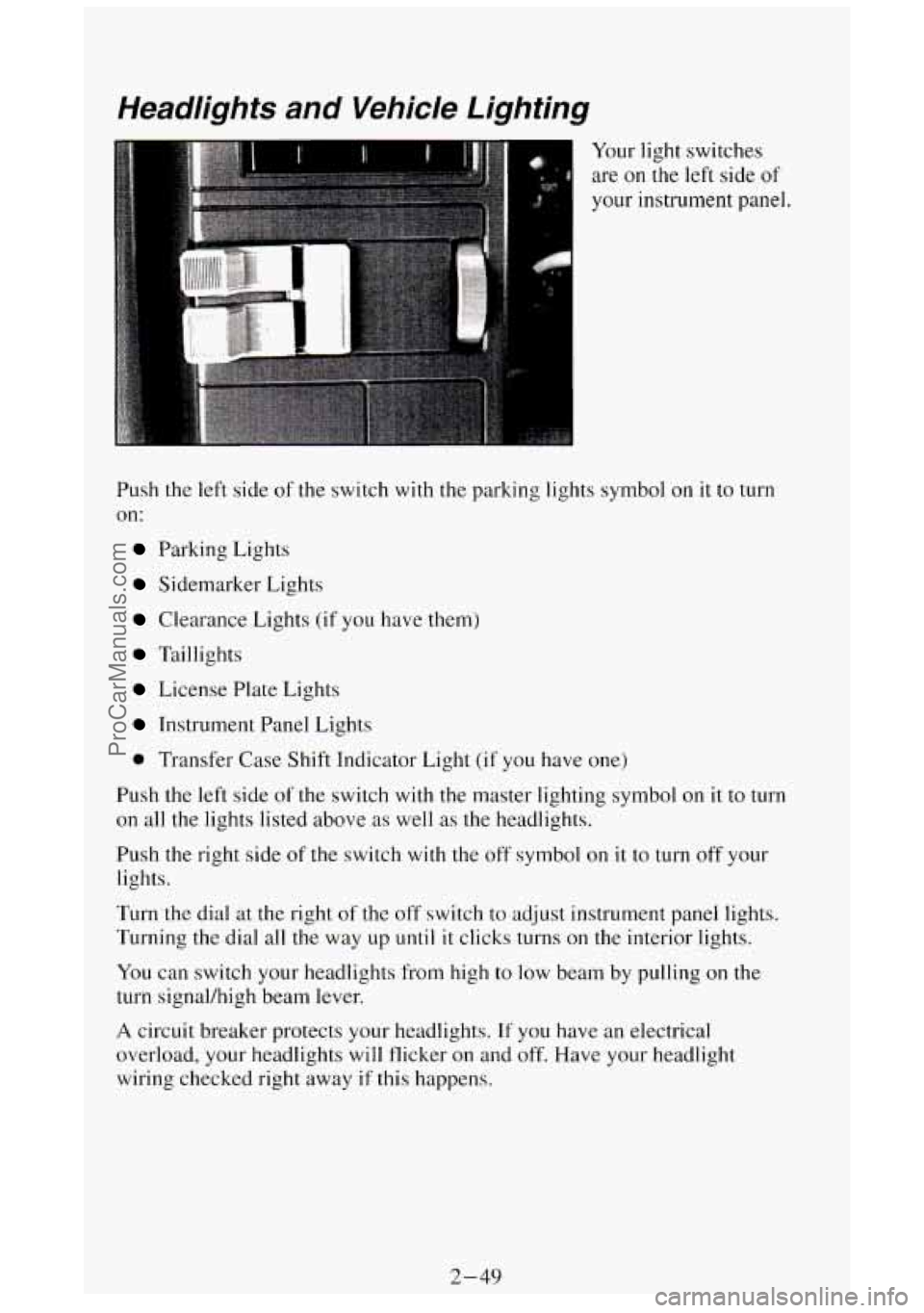
Your light switches
are on
the left side of
your instrument panel.
Push
the left side of the switch with the parking lights symbol on it to turn
on:
Parking Lights
Sidemarker Lights
Clearance Lights (if you have them)
Taillights
License Plate Lights
Instrument Panel Lights
0 Transfer Case Shift Indicator Light (if you have one)
Push the
left side of the switch with the master lighting symbol on it to turn
on all the lights listed above as well as the headlights.
Push the right side of the switch
with the off symbol on it to turn off your
lights.
Turn the dial
at the right of the off switch to adjust instrument panel lights.
Turning the dial all the way up
until it clicks turns on the interior lights.
You can switch your headlights from high to
low beam by pulling on the
turn signal/high beam lever.
A circuit breaker protects your headlights. If you have an electrical
overload, your headlights will flicker on and off. Have your headlight
wiring checked right away
if this happens.
2-49
ProCarManuals.com
Page 108 of 404
Headlights-On Reminder
A buzzer will sound when your headlights are turned on and your ignition is
in
OFF, LOCK or ACC. If you need to use your headlights when the
ignition switch is in
OFE LOCK or ACC, the buzzer can be turned off by
turning the interior light switch dial all the way
off.
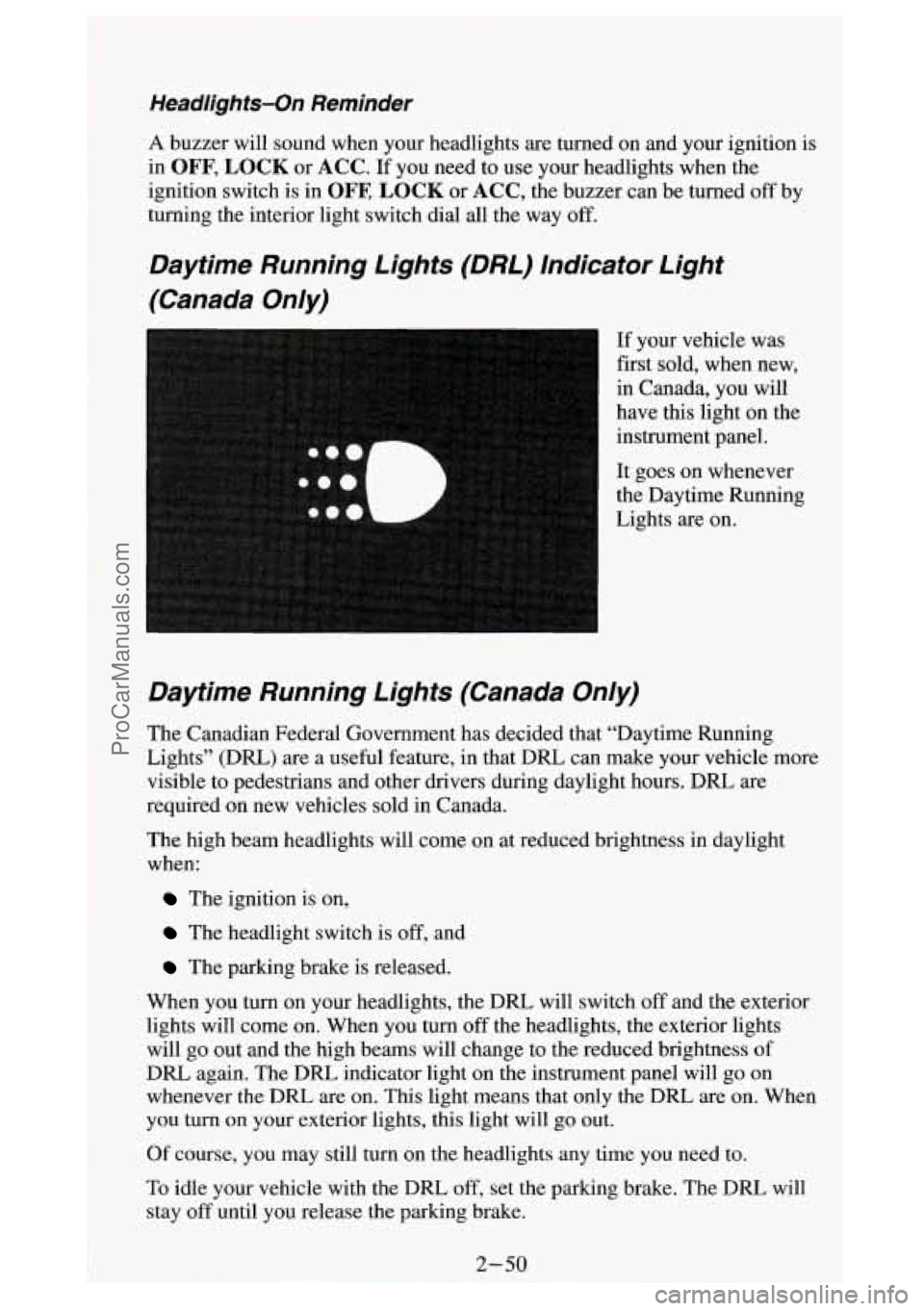
Daytime Running Lights (DRL) Indicator Light
(Canada On/y)
If your vehicle was
first sold, when new,
in Canada, you will
have this light on the
instrument panel.
It goes on whenever
the Daytime Running
Lights are on.
Daytime Running Lights (Canada On/y)
The Canadian Federal Government has decided that “Daytime Running
Lights” (DRL)
are a useful feature, in that DRL can make your vehicle more
visible to pedestrians and other drivers during daylight hours. DRL are
required on new vehicles sold in Canada.
The high beam headlights will come on at reduced brightness in daylight
when:
The ignition is on,
The headlight switch is off, and
The parking brake is released.
When you turn on your headlights, the DRL will switch
off and the exterior
lights will come on. When you turn
off the headlights, the exterior lights
will go out and the high beams will change to the reduced brightness of
DRL again. The
DRL indicator light on the instrument panel will go on
whenever the DRL are on. This light means that only the DRL are on. When
you turn on your exterior lights, this light will go out.
Of course, you may still turn on the headlights any time
you need to.
To idle your vehicle with the DRL
off, set the parking brake. The DRL will
stay
off until you release the parking brake.
ProCarManuals.com