air condition GMC SIERRA 1994 Owners Manual
[x] Cancel search | Manufacturer: GMC, Model Year: 1994, Model line: SIERRA, Model: GMC SIERRA 1994Pages: 404, PDF Size: 20.91 MB
Page 73 of 404
NOTICE:
Your engine is designed to work with the electronics in your
vehicle.
If you add electrical parts or accessories, you could
change the
way the fuel injection system operates. Before adding
electrical equipment, check with your dealer.
If you don’t, your
engine might not perform properly.
If you ever have to have your vehicle towed, see the part of this
manual
that tells how to do it without damaging your vehicle.
See “Towing Your Vehicle” in the Index.
Driving Through Deep Standing Water
NOTICE:
If you drive too quickly through deep puddles or standing water,
water can come in through your engine’s air intake and badly
damage your engine.
If you can’t avoid deep puddles or standing
water, drive through them very slowly.
Driving Through Water (Diesel Engines)
NOTICE:
Never drive through standing water more than 8 inches deep if
your vehicle has a diesel engine. Also, don’t drive through any
standing water faster than
5 mph (8 km/h). If you do, water can
be drawn in through the
air intake, and this can severely
damage your engine.
Driving In Snow (Diesel Engines)
When driving in a heavy snowstorm or in swirling snow with a diesel
engine, snow can get into the
air intake system. If you keep driving in these
conditions the air cleaner may get plugged, causing black smoke and loss of
power. In an emergency,
if the air cleaner gets plugged with snow, you can
remove the air cleaner. Then, drive
to a place of safety as soon as possible
and put the air cleaner back on.
2- 15
ProCarManuals.com
Page 131 of 404
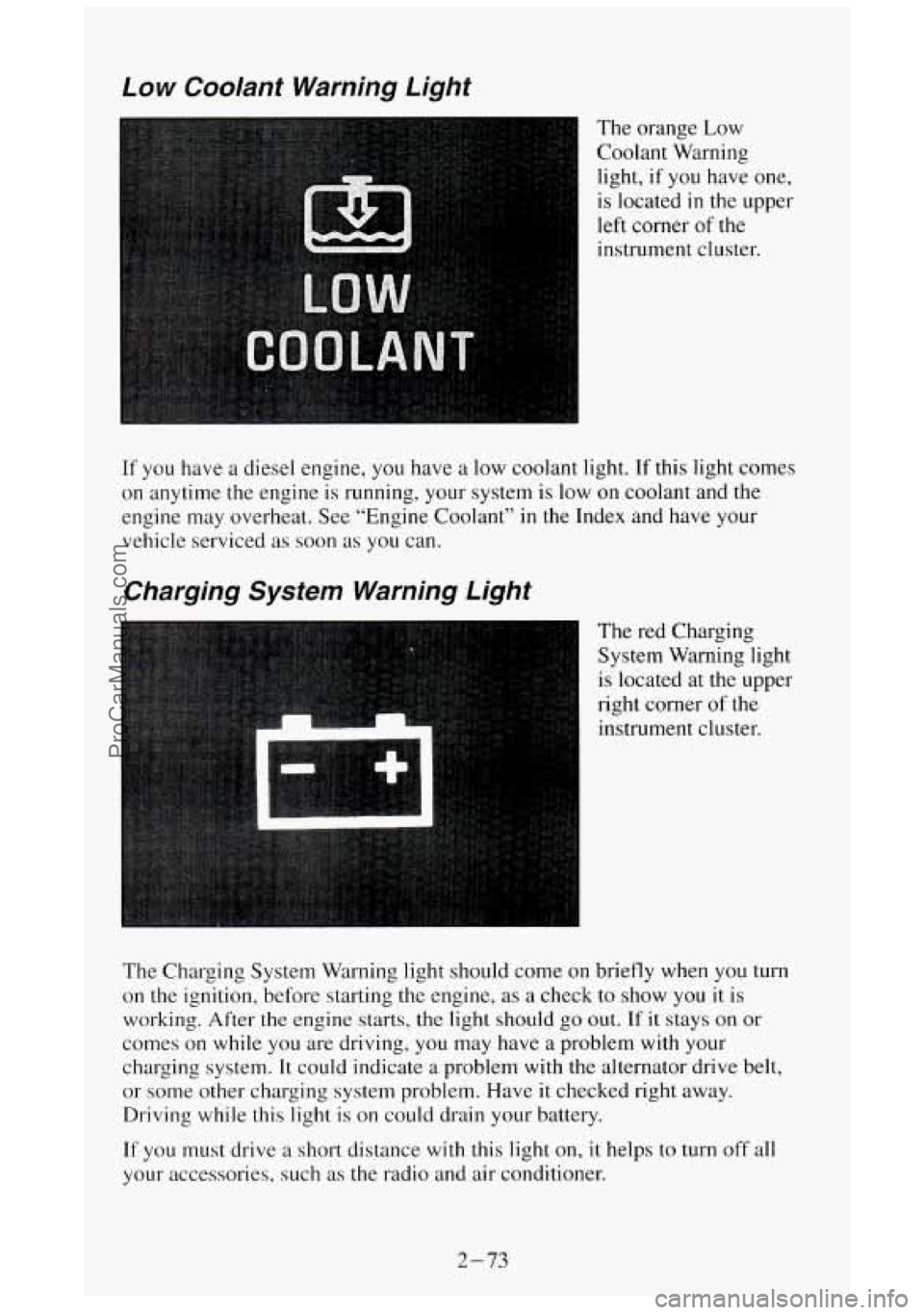
Low Coolant Warning Light
The orange Low
Coolant Warning
light, if you have one,
is located
in the upper
left corner of the
instrument cluster.
If you have
on anytime
engine may a
diesel engine, you have a low coolant light. If this light comes
the engine is running, your system
is low on coolant and the
overheat. See “Engine Coolant”
in the Index and have your
vehicle serviced as soon as you can.
Charging System Warning Light
The red Charging
System Warning light
I is located at the upper
right corner
of the
instrument cluster.
The Charging System Warning light should come on briefly when
you turn
on the ignition, before starting the engine, as a check to show you it is
working. After the engine starts, the light should go
out. If it stays on or
comes on while you are driving, you may have a problem with your
charging system.
It could indicate a problem with the alternator drive belt,
or some other charging system problem.
Have it checked right away.
Driving while this light is on could drain your battery.
If you must drive a short distance with this light on, it helps to turn off all
your accessories, such as the radio and air conditioner.
2-73
ProCarManuals.com
Page 143 of 404
Comfort Controls and Audio Systems
Section
In this section you’ll find out how to operate the comfort control and audio
systems offered with your vehicle
. Be sure to read about the particular
system supplied with your vehicle
.
For explanation of vehicle symbols in this section. refer to “Vehicle
Symbols” in the Introduction
.
Comfort Control System
Flow-Through Ventilation System
........................... 3-2
Heating System (Without Air Conditioning)
................... 3-5
Electronic Heating/Air Conditioning System ................... 3-6
Rear Window Defogger
................................... 3-8
Audiosystems
............................................. 3-9
FMStereo ............................................. 3-10
AM
.................................................. 3-10
AMStereo
............................................. 3-10
How to Operate Your AM ETR@ Radio
...................... 3-11
How to Operate
Your AM-FM Stereo Audio System and Cassette
Deck
............................................... 3-12
How to Operate Your AM-FM Stereo Audio System and Cassette
Deck with Equalizer
.................................. 3-16
Care of Your Cassette Tape Player
.......................... 3-20
Fixed Mast Antenna
........................ ..r . . 3-21
3-1
ProCarManuals.com
Page 144 of 404
Comfort Controls
Flow-Through Ventilation System
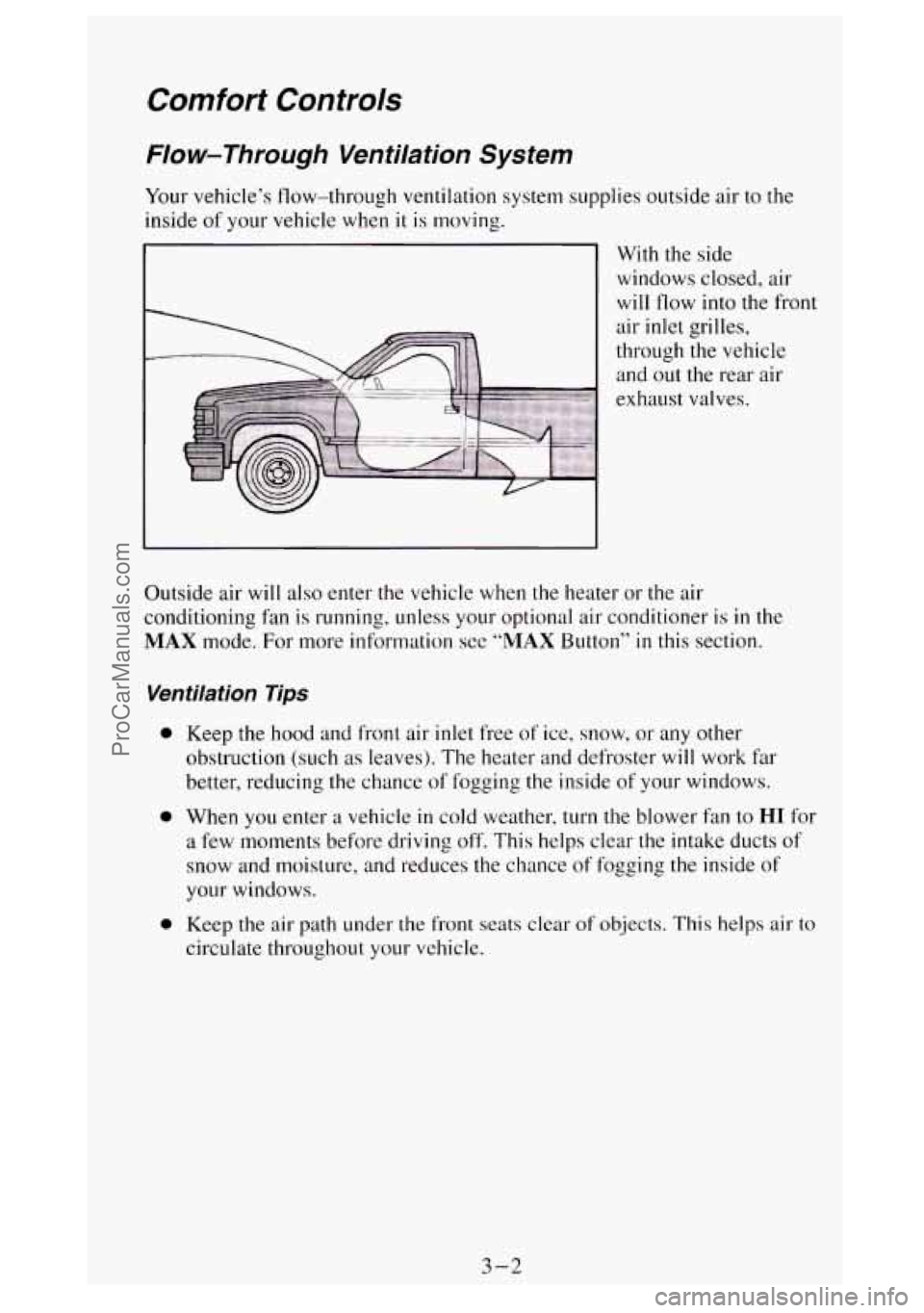
Your vehicle’s flow-through ventilation system supplies outside air to the
inside of your vehicle when
it is moving.
With the side
windows closed, air
will flow into the fro Int
Outside air will also enter the vehicle when the heater or the air
conditioning fan
is running, unless your optional air conditioner is in the
MAX mode. For more information see “MAX Button” in this section.
Ventilation Tips
0 Keep the hood and front air inlet free of ice, snow, or any other
obstruction (such
as leaves). The heater and defroster will work far
better, reducing the chance
of fogging the inside of your windows.
0 When you enter a vehicle in cold weather, turn the blower fan to HI for
a few moments before driving off. This helps clear the intake ducts of
snow and moisture, and reduces the chance of fogging the inside of
your windows.
0 Keep the air path under the front seats clear of objects. This helps air to
circulate throughout your vehicle.
3-2
ProCarManuals.com
Page 145 of 404

Air Vents
If your vehicle does not have air conditioning, there are air vents be\
low the
instrument panel.
- Use the handles below
your steering wheel,
with the vent symbols
on them, to open and
close the vents.
If your vehicle has air
conditioning, you will
find air vents in the center and on the sides
of your instrument
panel.
You can move the vents grilles from side to side or up and down to direct
the flow of air,
or close the vents altogether.
When you close a vent, it will increase the flow of air coming out of any
vents that are open.
3-3
ProCarManuals.com
Page 147 of 404
Weating System (Without Air Conditioning)
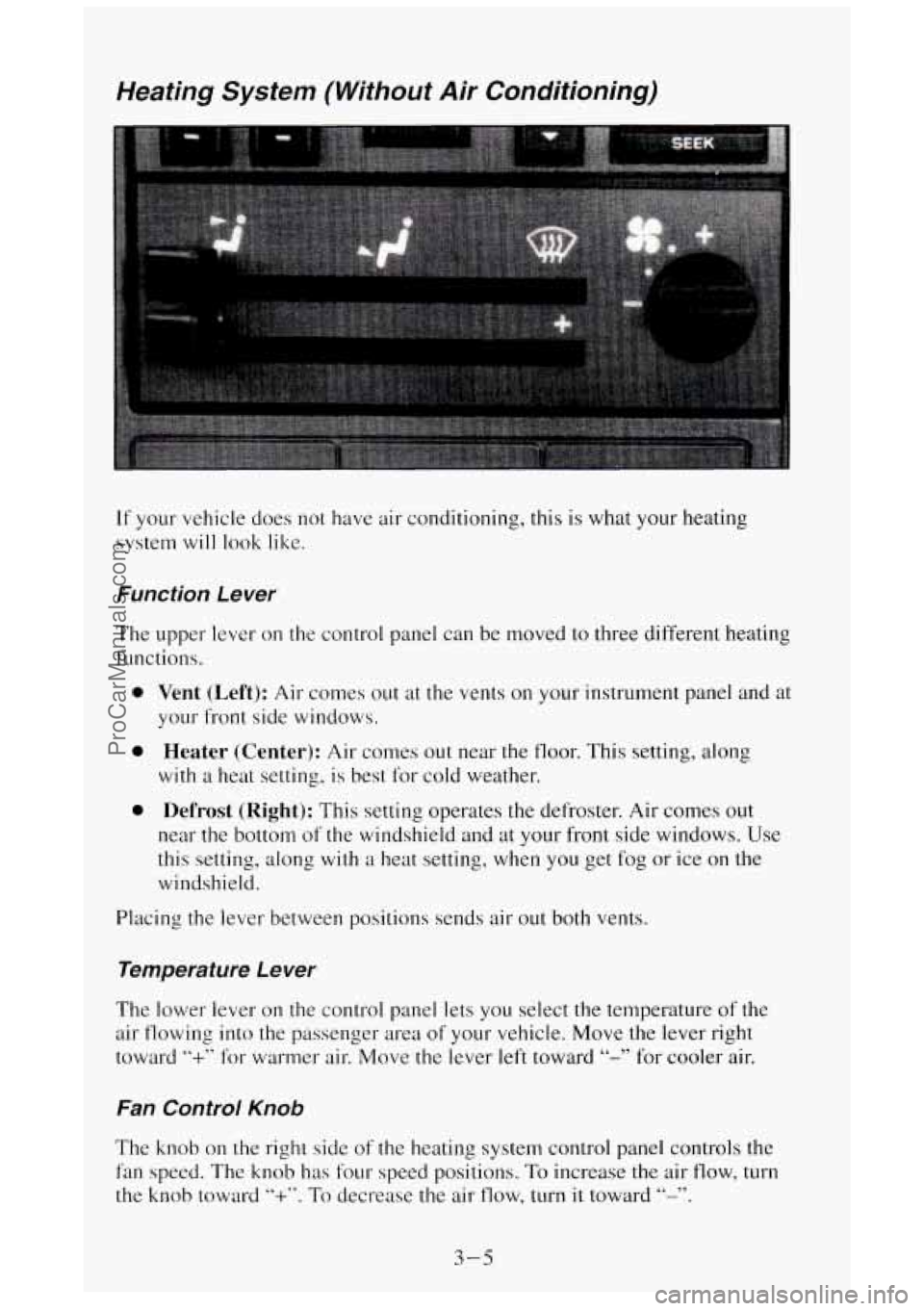
If your vehicle does not have air conditioning, this is what your heating
system
will look like.
Function Le wer
The upper lever on the control panel can be moved to three different heating
functions.
0
0
0
Vent (Left): Air comes out at the vents on your instrument panel and at
your front side windows.
Heater (Center): Air comes out near the floor. This setting, along
with a heat setting, is best for cold weather.
Defrost (Right): This setting operates the defroster. Air comes out
near the bottom of the windshield and at your front side windows. Use
this setting, along
with a heat setting, when you get fog or ice on the
windshield.
Placing the lever between positions sends air out both vents.
Temperature Le wer
The lower lever on the control panel lets you select the temperature of the
air flowing into the passenger area
of your vehicle. Move the lever right
toward
“+” for warmer air. Move the lever left toward “-” for cooler air.
Fan Control Knob
The knob on the right side of the heating system control panel controls the
fan speed. The knob has four speed positions. To increase the air flow, turn
the knob toward
“+”. To decrease the air flow, turn it toward “-”.
3-5
ProCarManuals.com
Page 148 of 404
Electronic Heating/Air Conditioning System
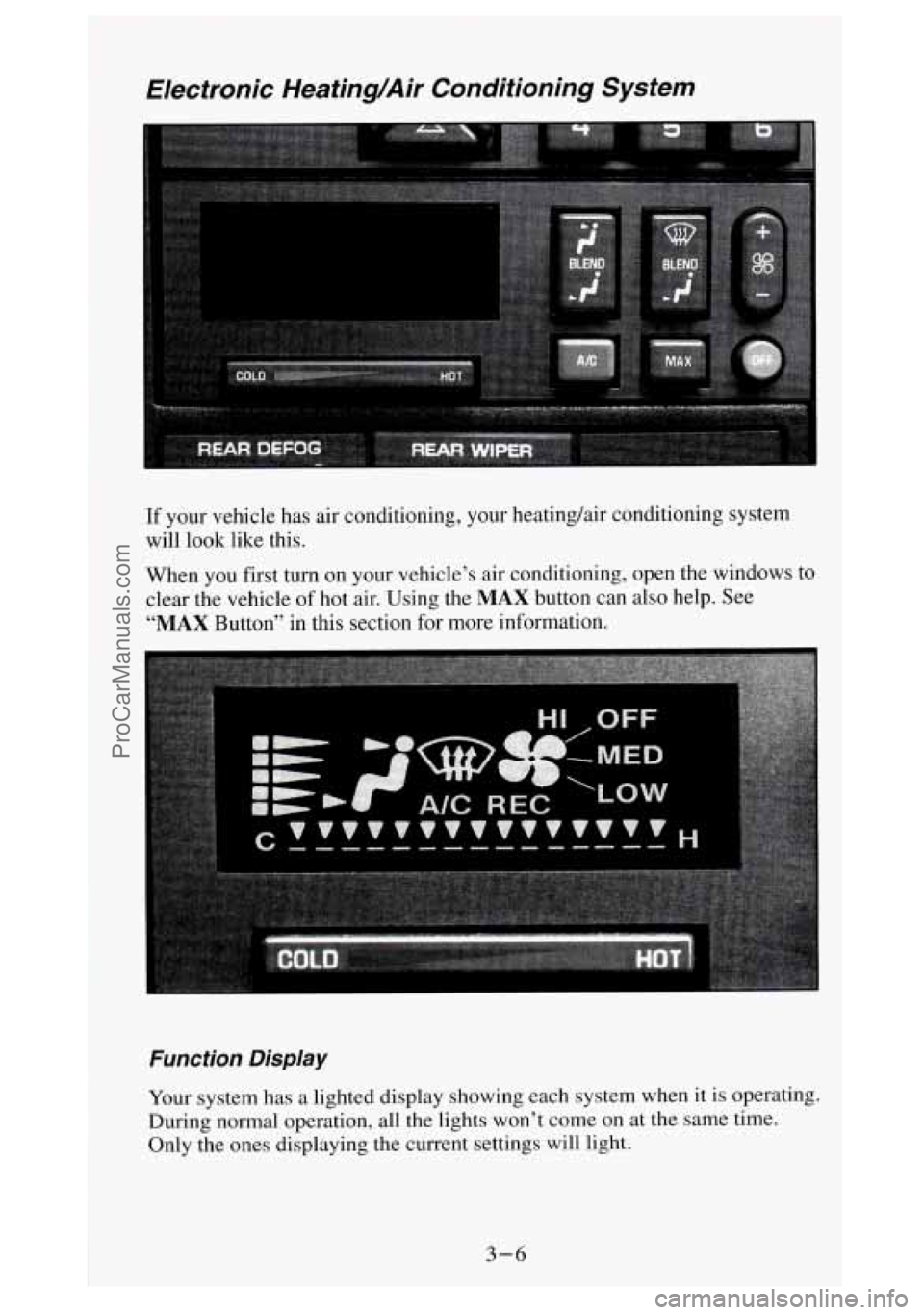
If your vehicle has air conditioning, your heating/air conditioning system
will look like this.
When
you first turn on your vehicle’s air conditioning, open the windows to
clear the vehicle of hot air. Using the
MAX button can also help. See
“MAX Button” in this section for more information.
Function Display
Your system has a lighted display showing each system when it is operating.
During normal operation, all the lights won’t come
on at the same time.
Only the ones displaying the current settings will
light.
3-6
ProCarManuals.com
Page 150 of 404
A/C Button
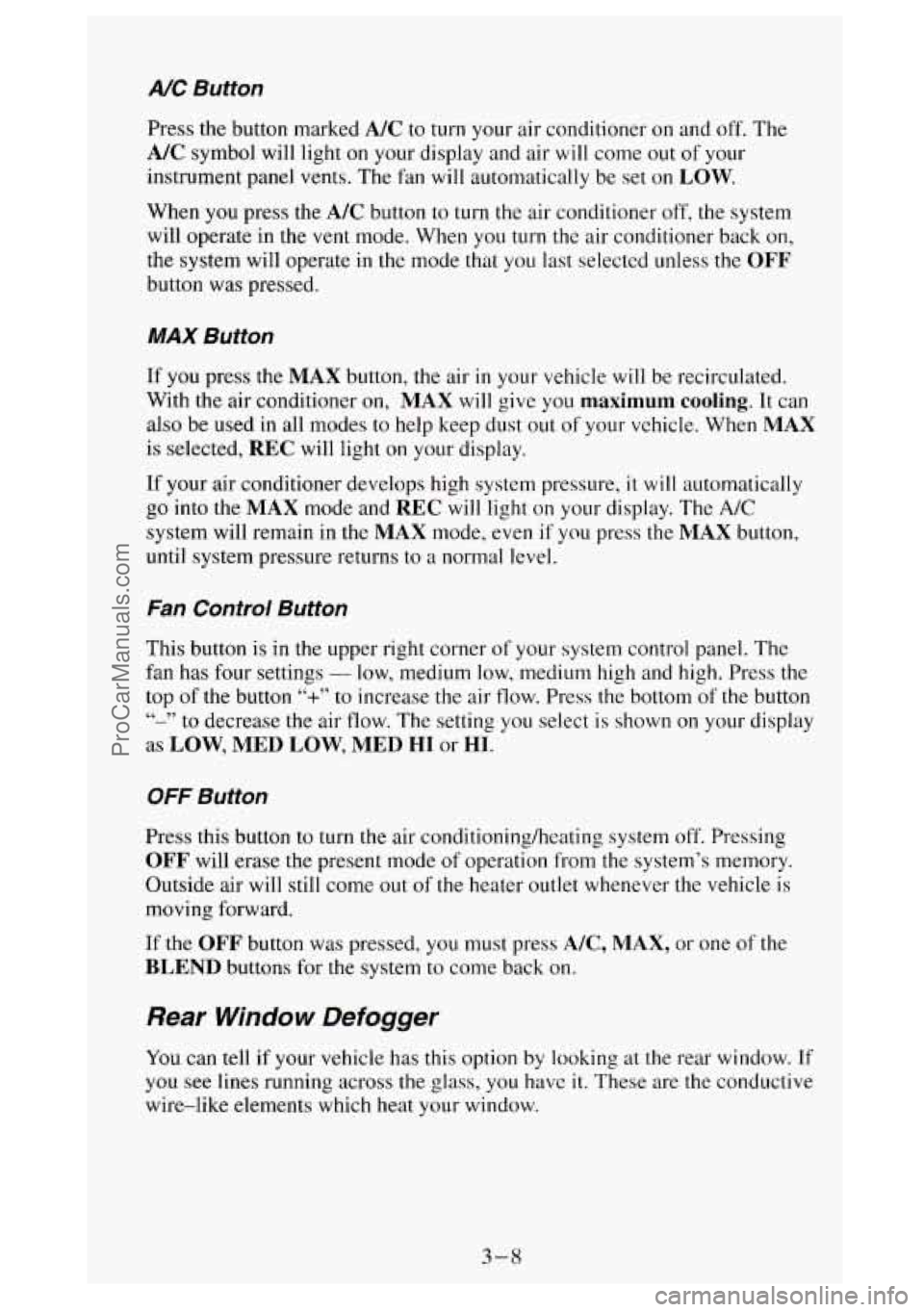
Press the button marked A/C to turn your air conditioner on and off. The
A/C symbol will light on your display and air will come out of your
instrument panel vents. The fan
will automatically be set on LOW.
When you press the A/C button to turn the air conditioner off, the system
will operate in the
vent mode. When you turn the air conditioner back on,
the system will operate
in the mode that you last selectcd unless the OFF
button was pressed.
MAX Button
If you press the MAX button, the air in your vehicle will be recirculated.
With the air conditioner on,
MAX will give you maximum cooling. It can
also be used
in all modes to help keep dust out of your vchicle. When MAX
is selected, REC will light on your display.
If your air conditioner develops high system pressure, it will automatically
go into the
MAX mode and REC will light on your display. The A/C
system will remain in the MAX mode, even if you press the MAX button,
until system pressure returns
to a normal level.
Fan Control Button
This button is in the upper right corner of your system control panel. The
fan has four settings
- low, medium low, medium high and high. Press the
top of the button
“+” to increase the air flow. Press the bottom of the button
“-” to decrease the air flow. The setting you select is shown on your display
as LOW, MED LOW, MED HI or HI.
OFF Button
Press this button to turn the air conditioning/heating system off. Pressing
OFF will erase the present mode of operation from the system’s memory.
Outside air will still come out of
the heater outlet whenever the vehicle is
moving forward.
If the OFF button was pressed, you must press A/C, MAX, or one of the
BLEND buttons for the system to come back on.
Rear Window Defogger
You can tell if your vehicle has this option by looking at the rear window. If
you see lines running across the glass, you have it. These are the conductive
wire-like elements which heat your window.
3-8
ProCarManuals.com
Page 220 of 404
If No Steam Is Coming From Your Engine
If you get the overheat warning but see or hear no steam, the problem may
not be too serious. Sometimes the engine can get a little too hot when you:
Climb a long hill on a hot day.
0 Stop after high speed driving.
Idle for long periods in traffic.
Tow a trailer.
If you get the overheat warning with no sign of steam, try this for
a minute
or
so:
1. If you have an air conditioner, turn it off.
2. Turn on your heater to full hot at the highest fan speed and open the
window as necessary.
3. If you’re in a traffic jam, shift to “N” (Neutral).
If
you no longer have the overheat warning, you can drive. Just to be safe,
drive slower for about ten minutes. If the warning doesn’t come back
on,
you can drive normally.
If the warning continues, pull over, stop, and park your vehicle right away.
If there’s still no sign of steam, push the accelerator
until the engine speed is
about twice
as fast as normal idle speed. Bring the engine speed back to
normal idle speed after two or three minutes.
Now see if the warning stops.
But then,
if you still have the warning, TURN OFF THE ENGINE AND
GET EVERYONE OUT OF THE VEHICLE until it cools down.
You
may decide not to lift the hood but to get service help right away.
5-12
ProCarManuals.com
Page 221 of 404
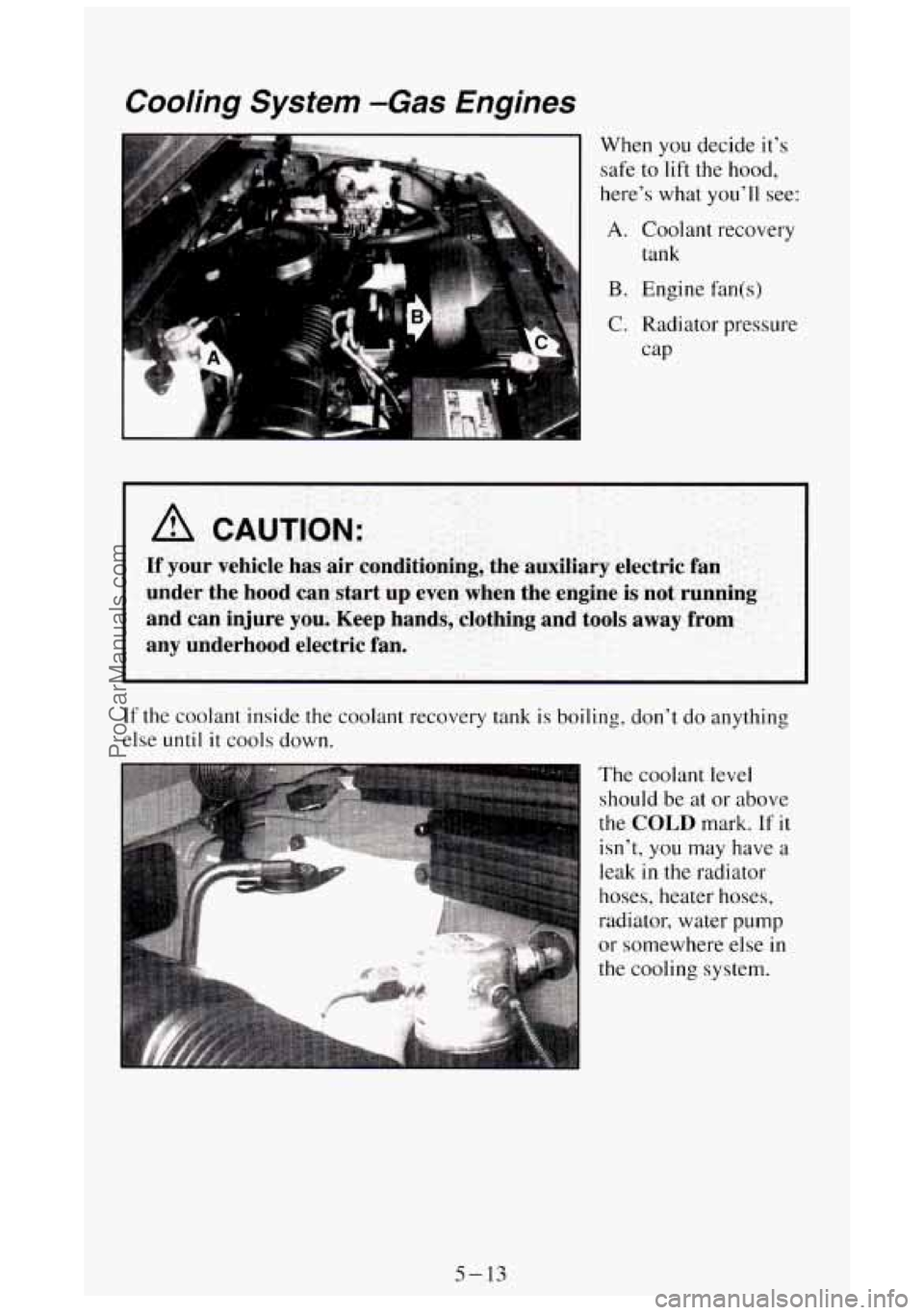
Cooling System -Gas Engines
When you decide it's
safe to lift the hood,
here's what you'll see:
A. Coolant recovery
tank
B. Engine fan(s)
C. Radiator pressure
cap
A CAUTION:
If your vehicle has air conditioning, the auxiliary electric fan
under the hood can start up even when
the engine is not running
and can injure you. Keep hands, clothing and tools away from
any underhood electric fan.
If the coolant inside the coolant recovery tank is boiling, don't do anything
else until it
cools down.
The coolant level
should be at or above
the
COLD mark. If it
isn't, you may have a
leak in the radiator
hoses, heater hoses,
radiator, water
pump
or somewhere else in
the cooling system.
5-13
ProCarManuals.com