tow GMC SIERRA 1995 Owner's Manual
[x] Cancel search | Manufacturer: GMC, Model Year: 1995, Model line: SIERRA, Model: GMC SIERRA 1995Pages: 488, PDF Size: 26.01 MB
Page 102 of 488
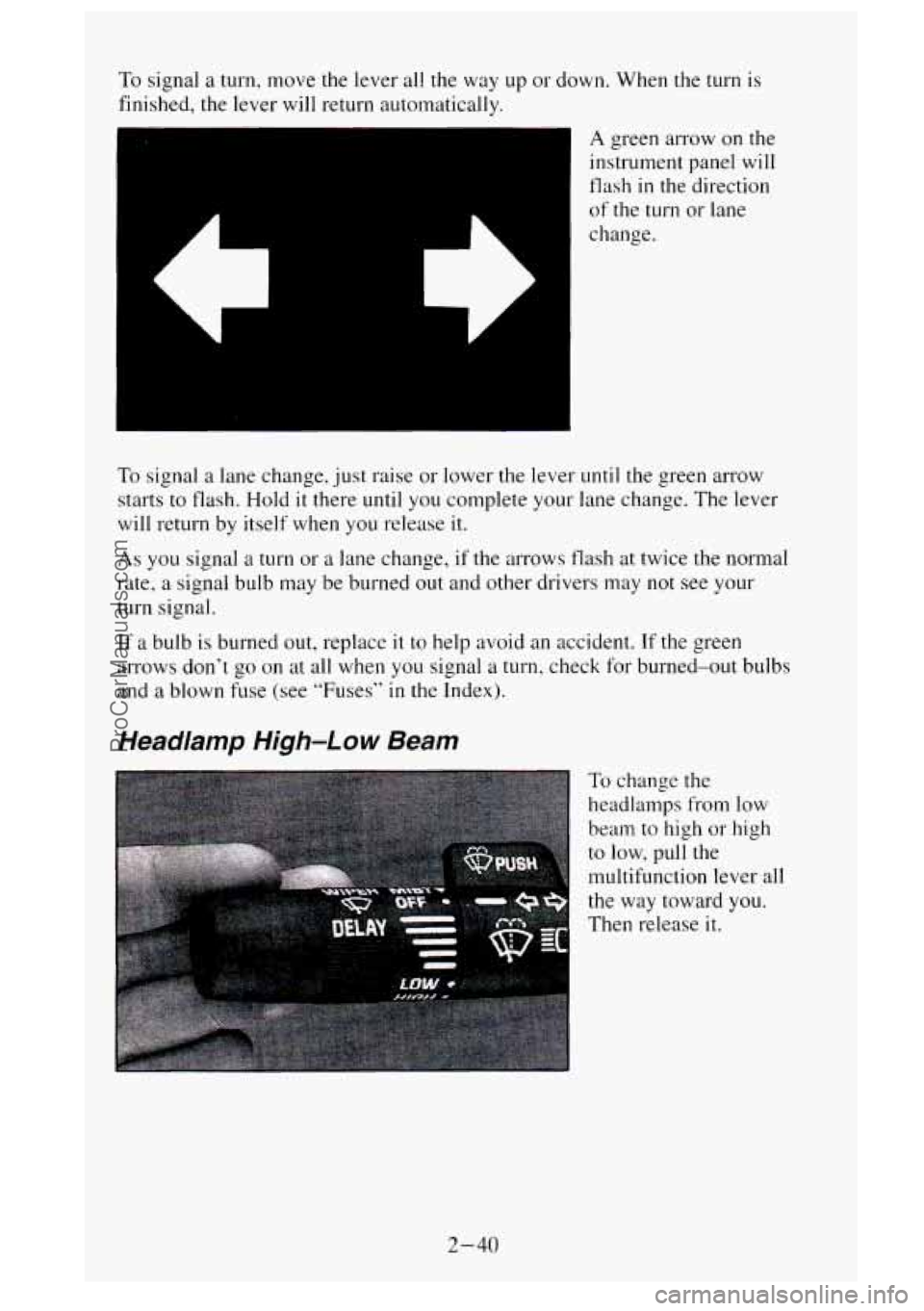
To signal a turn, move the lever all the way up or down. When the turn is
finished, the lever will return auto~natically.
A green arrow on the
instrument panel will
flash in the direction
of the turn or lane
change.
To signal a lane change, just raise or lower the lever until the green arrow
starts to flash. Hold
it there until you complete your lane change. The lever
will return by itself when you release it.
As you signal a turn or a lane change, if the arrows flash at twice the normal
rate,
a signal bulb may be burned out and other drivers may not see your
turn signal.
If a bulb is burned out, replace it to help avoid an accident. If the green
arrows don’t go on at all when
you signal a turn, check for burned-out bulbs
and
a blown fuse (see “Fuses” in the Index).
Headlamp High-Low Beam
To change the
headlamps from low
beam to high or high
to low, pull the
multifunction lever all
the way toward
you.
Then release it.
2-40
ProCarManuals.com
Page 116 of 488
Electrochromic Inside Rearview Mirror with Compass (Option)
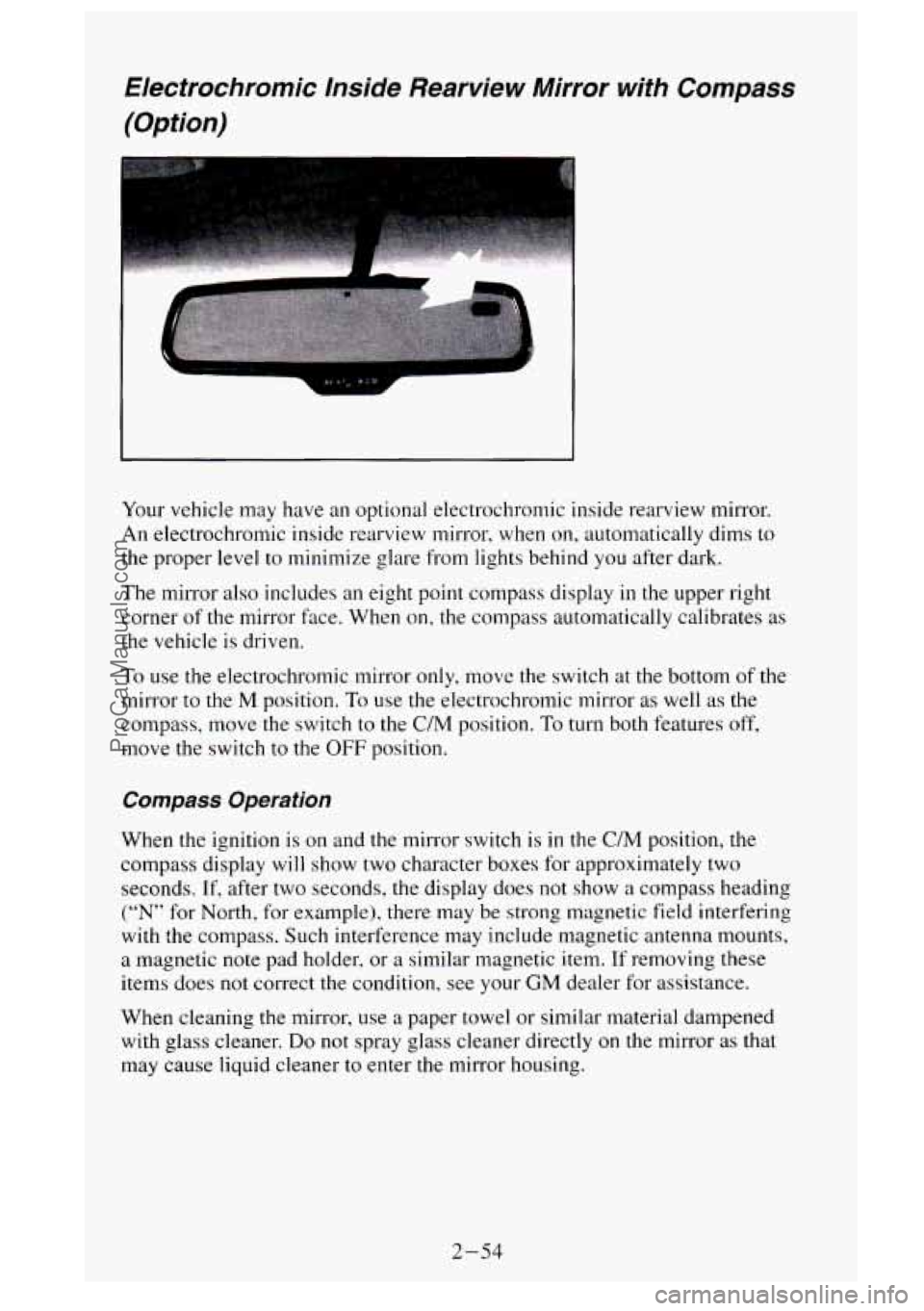
Your vehicle may have an optional electrochromic inside rearview mirror.
An electrochromic inside rearview mirror, when
on, automatically dims to
the proper level to minimize glare from lights behind you after dark.
The mirror also includes an eight point compass display in the upper right
corner
of the mirror face. When on, the compass automatically calibrates as
the vehicle is driven.
To use the electrochromic mirror only, move the switch at the bottom of the
mirror to the
M position. To use the electrochromic mirror as well as the
compass, move the switch to the
C/M position. To turn both features off,
move the switch to the OFF position.
Compass Operation
When the ignition is on and the mirror switch is in the C/M position, the
compass display
will show two character boxes for approximately two
seconds.
If, after two seconds, the display does not show a compass heading
(“N” for North, for example), there may be strong magnetic field interfering
with the compass. Such interference may include magnetic antenna mounts,
a magnetic note pad holder, or a similar magnetic item. If removing these
items does not correct the condition, see your
GM dealer for assistance.
When cleaning
the mirror, use a paper towel or similar material dampened
with glass cleaner.
Do not spray glass cleaner directly on the mirror as that
may cause liquid cleaner to enter the mirror housing.
2-54
ProCarManuals.com
Page 122 of 488
Glove Box
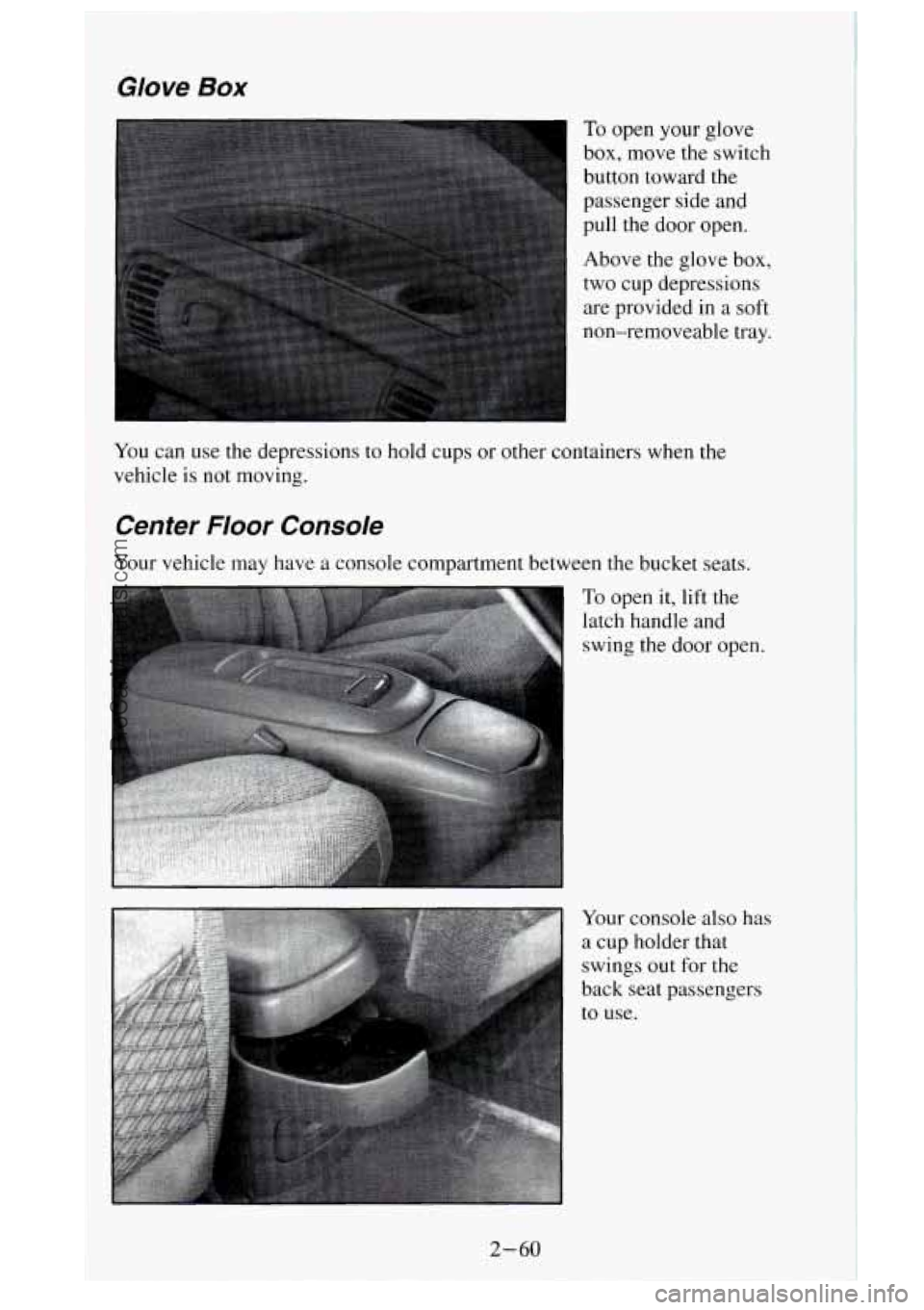
To open your glove
box, move the switch
button toward the
passenger side and
pull the door open.
Above the glove box,
two cup depressions
are provided in a soft
non-removeable tray.
You can use the depressions to hold cups or other containers when the
vehicle
is not moving.
Center Floor Console
Your vehicle may have a console compartment between the bucket seats.
To open it, lift the
latch handle and
swing the door open.
Your console also has
a cup holder that
swings out for the
back seat passengers
to use.
2-60
ProCarManuals.com
Page 134 of 488
You will see this light flash for a few seconds when you turn your ignition
to
RUN or START. Then the light should go out. This means the system is
ready.
If the air bag readiness light doesn’t come on when you start your vehicle,
or stays on, or comes on when you are driving, your air bag system may not
work properly. Have your vehicle serviced right away.
Brake System Warning Light
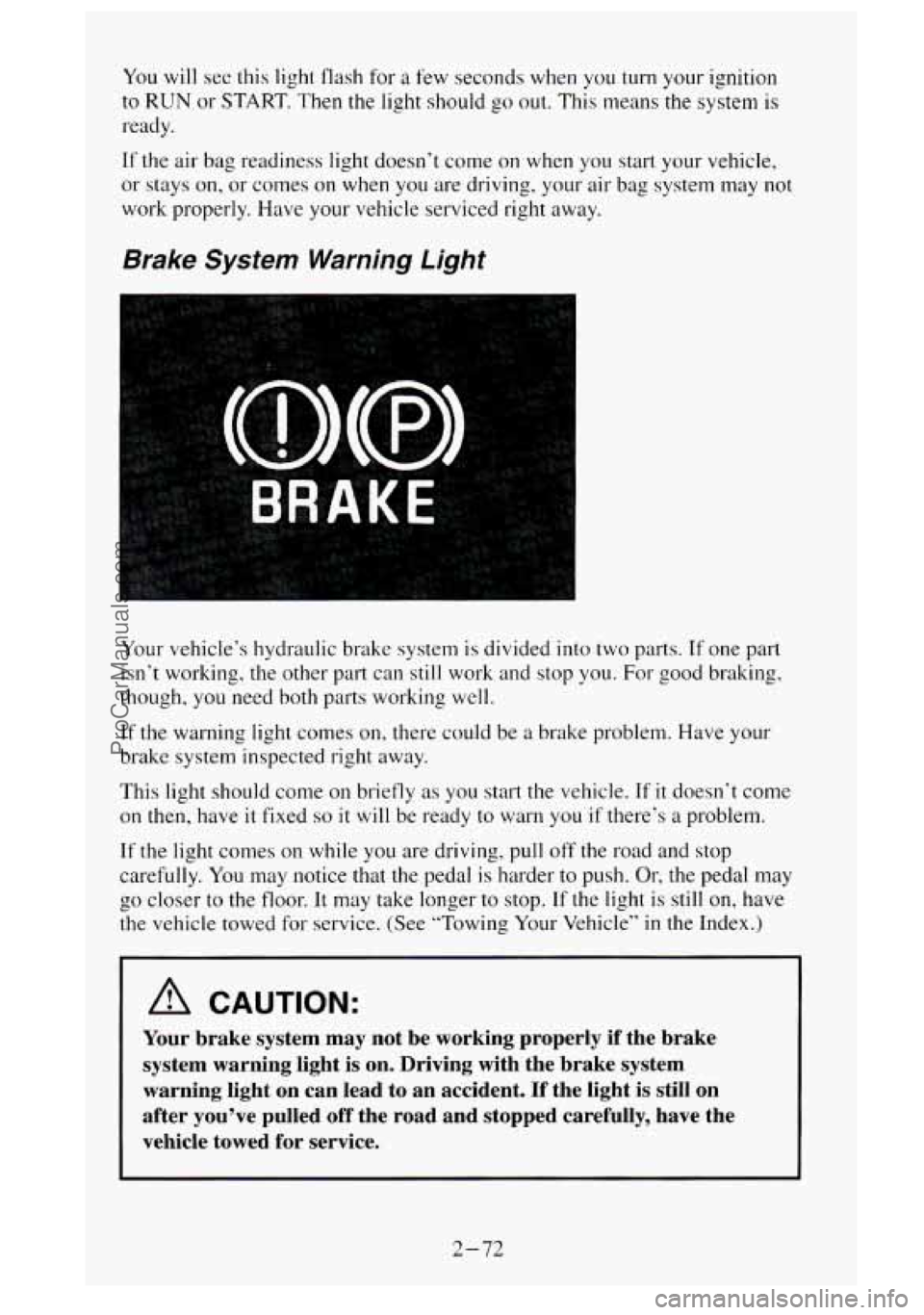
Your vehicle‘s hydraulic brake system is divided into two parts. If one part
isn’t working, the other part can still work and stop you.
For good braking,
though, you need both parts working well.
If the warning light comes on, there could be a brake problem. Have your
brake system inspected right away.
This light should come
on briefly as you start the vehicle. If it doesn‘t come
on
then, have it fixed so it will be ready to warn you if there’s a problem.
If the light comes on while you are driving, pull off the road and stop
carefully. You may notice that the pedal is harder to push.
Or, the pedal may
the vehicle towed for service. (See “Towing
Your Vehicle’’ in the Index.)
b 00 closer to the floor. It may take longer to stop. If the light is still on, have
A CAUTION:
Your brake system may not be working properly if the brake
system warning light is on. Driving with the brake system
warning light on can lead to an accident. If the light is st\
ill on
after you’ve pulled off the road and stopped carefully, have\
the
vehicle towed for service.
2-72
ProCarManuals.com
Page 146 of 488
Store the harness in its original position. Wrap the harness together and tie it
neatly so it won’t be damaged.
If you do tow a trailer, your Center High Mount Stoplamp (CHMSL) may
not be properly visible from behind.
You should select a trailer with a
CHMSL on
it or, if one is not available, have one installed. See your GM
dealer about how
to connect your vehicle’s wiring to a trailer CHMSL.
Step-Bumper Pad
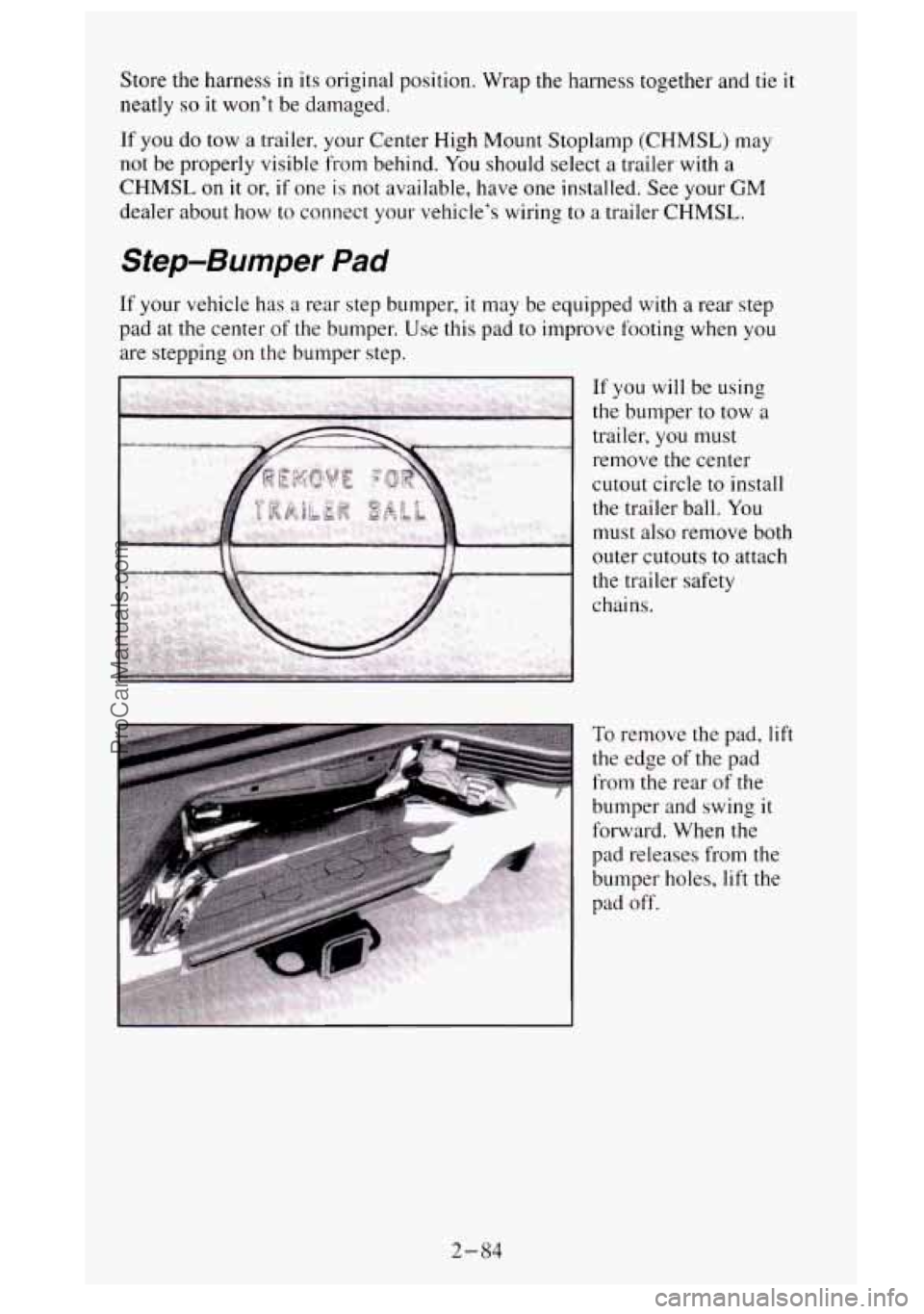
If your vehicle has a rear step bumper, it may be equipped with a rear step
pad at the center
of the bumper. Use this pad to improve footing when you
are stepping on the bumper step.
remove the center
cutout circle to install
the trailer ball.
You
must also remove both
outer cutouts
to attach
the trailer safety
chains.
To remove the pad, lift
the edge of the pad
from the rear
of the
bumper and swing it
forward. When the
pad releases from the
bumper holes,
lift the
pad
off.
2-84
ProCarManuals.com
Page 147 of 488
Comfort Controls and Audio Systems
Secfion
In this section you’ll find out how to operate the comfort control systems
and audio systems offered with your vehicle. Be sure to read about the
particular system supplied with your vehicle.
Comfort Controls
Heater Controls
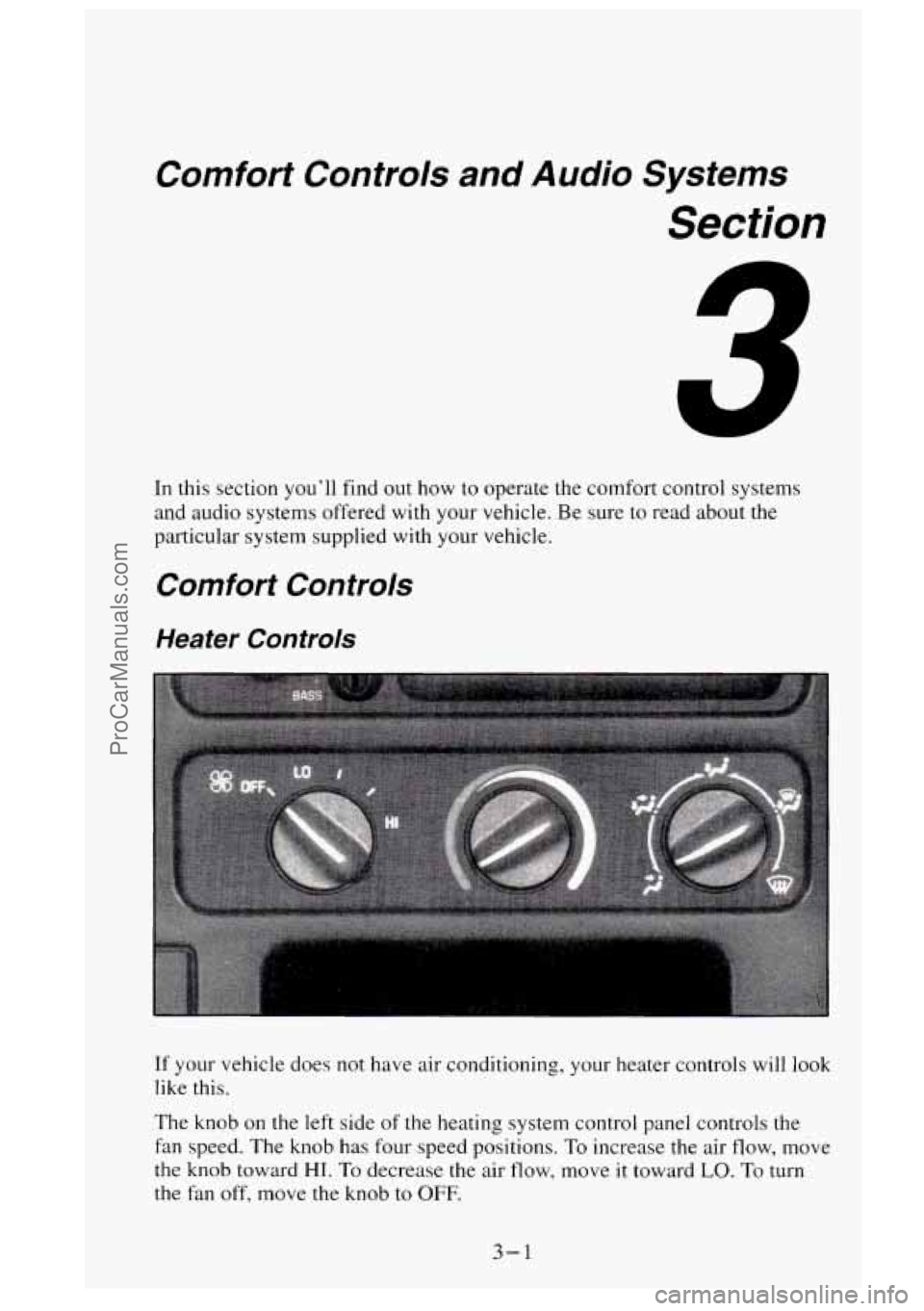
If your vehicle does not have air conditioning, your heater controls will look
like this.
The knob on the left side of the heating system control panel controls the
fan speed. The knob has four speed positions. To increase the air flow, move
the
knob toward HI. To decrease the air flow, move it toward LO. To turn
the fan off, move the knob to
OFF.
3-1
ProCarManuals.com
Page 148 of 488
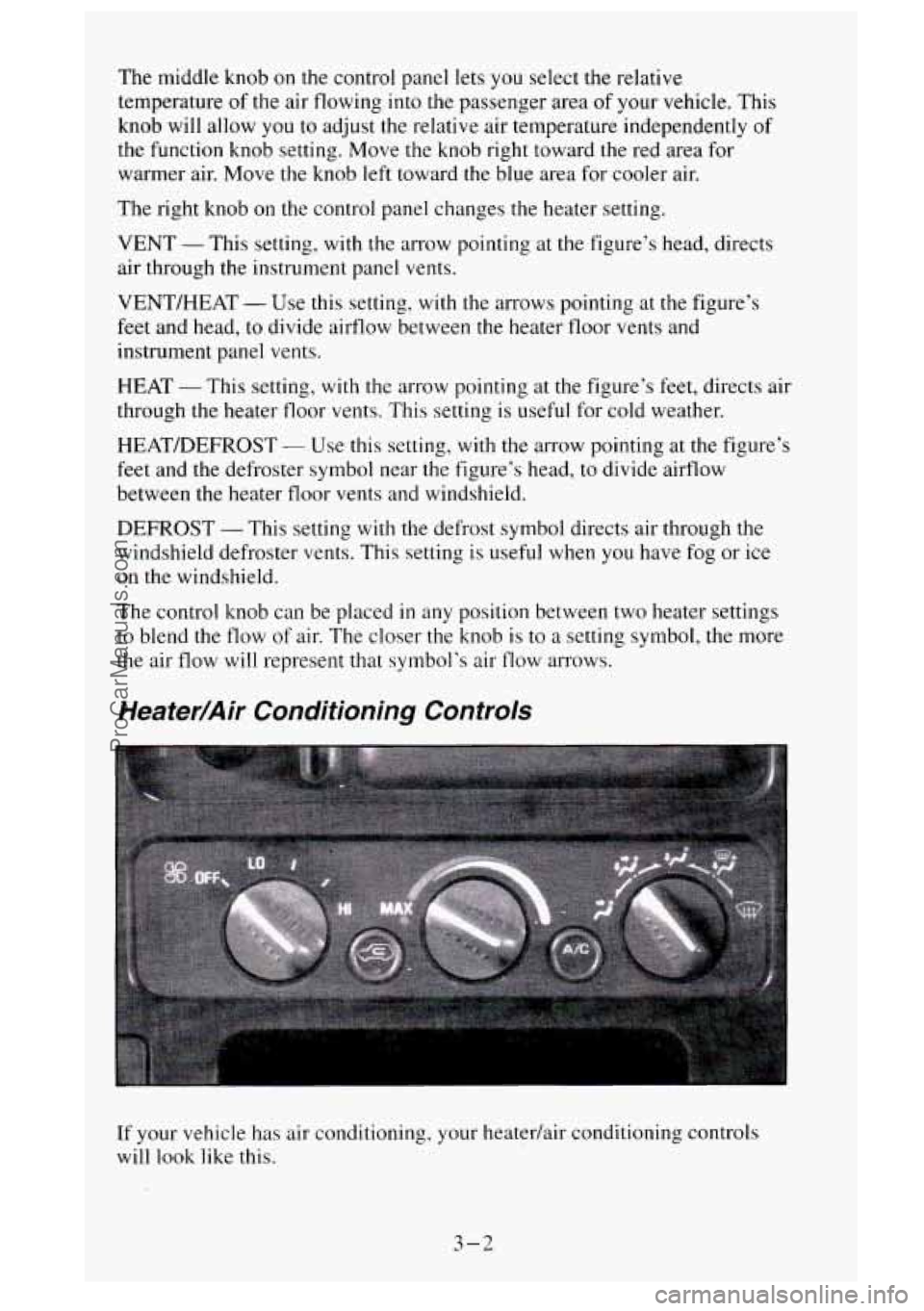
The middle knob on the control panel lets you select the relative
temperature
of the air flowing into the passenger area of your vehicle. This
knob will allow you to adjust the relative air temperature independently of
the function knob setting. Move the knob right toward the red area
for
warmer air. Move the knob left toward the blue area for cooler air.
The right knob on the control panel changes the heater setting.
VENT -This setting, with the arrow pointing at
the figure’s head, directs
air through the instrument panel vents.
VENT/HEAT
- Use this setting, with the arrows pointing at the figure’s
feet and head, to divide airflow between the heater floor vents and
instrument panel vents.
HEAT - This setting, with the arrow pointing at the figure’s feet, directs air
through the heater floor vents. This setting is useful for cold weather.
HEAT/DEFROST
- Use this setting, with the arrow pointing at the figure’s
feet and the defroster symbol near the figure’s head, to divide airf-low
between the heater floor vents and windshield.
DEFROST
- This setting with the defrost symbol directs air through the
windshield defroster vents. This setting is useful when
you have fog or ice
on the windshield.
The control knob can be placed
in any position between two heater settings
to blend the flow
of air. The closer the knob is to a setting symbol, the more
the air flow will represent that symbol’s air
flow arrows.
Heater/Air Conditioning Controls
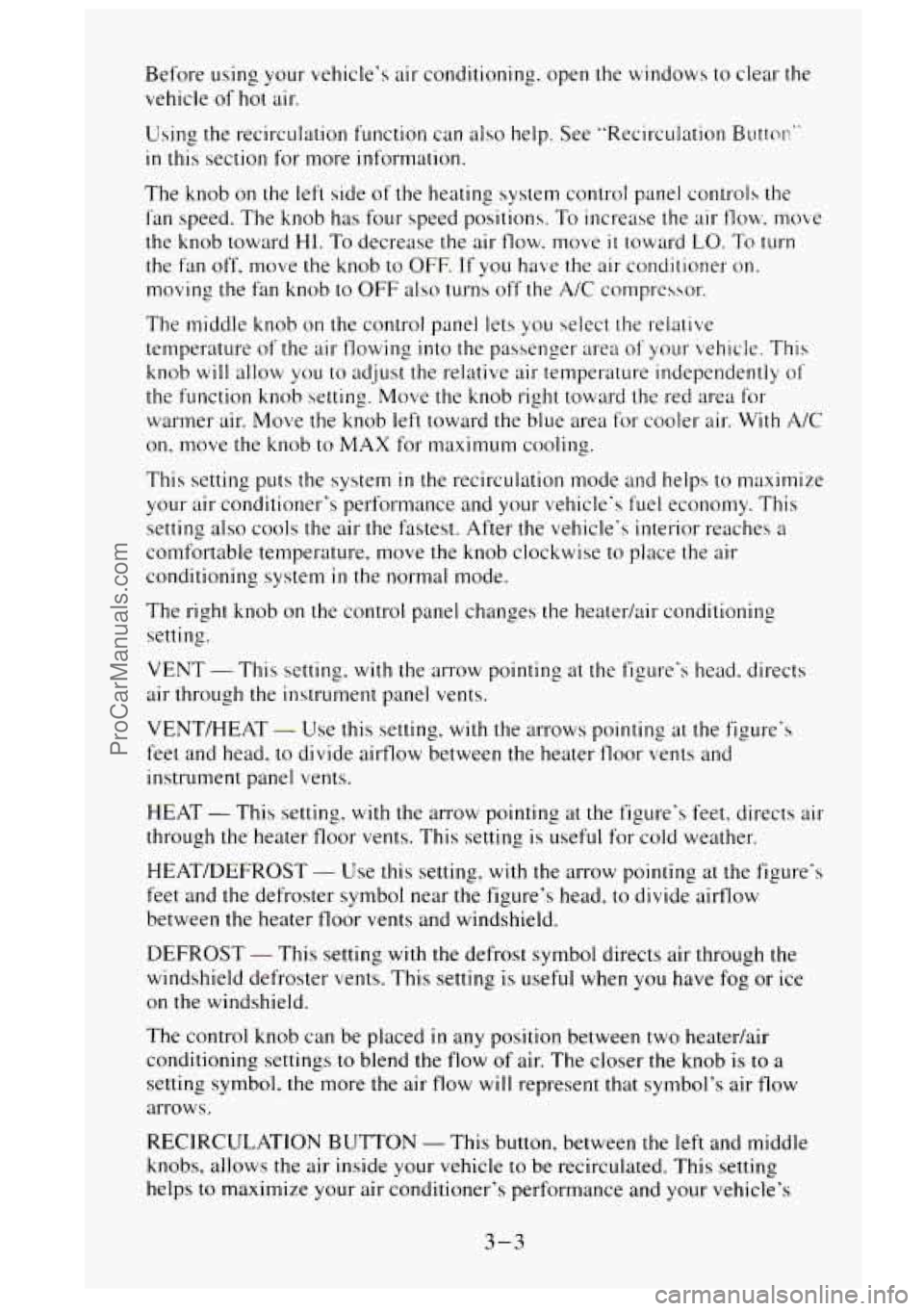
If your vehicle has air conditioning, your heatedair conditioning controls
will
1,ook like this.
3-2
ProCarManuals.com
Page 149 of 488
Before using your vehicle's air conditioning. open the windows to clear the.
vehicle of hot air.
Using the recirculation function can also help. See "Recirculation Buttor:"
in this section for more information.
The knob on the left side of the heating system control panel controls the
fan speed. The knob has four speed positions. To increase the air
flow. move
the knob toward
HI. To decrease the air flow. move it toward LO. To turn
the fan off. move the knob
to OFF. If you have the air conditioner on.
moving the fan knob
to OFF also turns off' the A/C compressor.
The middle knob on the control panel lets you select the relative
temperature of the air flowing into the passenger
area of your vehicle. This
knob
will allow you to adjust the relative air temperature independently of'
the function knob setting. Move the knob right toward the red area for
warmer air. Move the knob left toward the blue area for cooler air. With
A/C
on, move the knob to MAX for maximum cooling.
This setting puts the system
in the recirculation mode and helps to maximize
your air conditioner's performance and your vehicle's fuel economy. This
setting also cools the air the fastest. After the vehicle's interior reaches
a
comfortable temperature, move the knob clockwise to place the air
conditioning system
in the normal mode.
The right knob
on the control panel changes the heatedair conditioning
setting.
VENT - This setting, with the arrow pointing at the figure's head. directs
air through the instrument panel vents.
VENT/HEAT
- Use this setting, with the arrows pointing at the figure's
feet and head, to divide airflow between the heater floor vents and
instrument panel vents.
HEAT
- This setting. with the arrow pointing at the figure's feet. directs air
through the heater floor vents. This setting is useful for cold weather.
HEAT/DEFROST
- Use this setting, with the arrow pointing at the figure's
feet and the defroster symbol near the figure's head. to divide airflow
between the heater floor vents and windshield.
DEFROST
- This setting with the defrost symbol directs air through the
windshield defroster vents. This setting is useful when you have fog
or ice
on the windshield.
The control knob can be placed
in any position between two heatedair
conditioning settings to blend the flow
of air. The closer the knob is to a
setting symbol, the more the air flow will represent that symbol's air flow
arrows.
RECIRCULATION
BUTTON - This button, between the left and middle
knobs, allows the air inside your vehicle
to be recirculated. This setting
helps to maximize your air conditioner's performance and your vehicle's
3-3
ProCarManuals.com
Page 216 of 488
Trailer Recommendations
You must subtract your hitch loads from the CWR for your vehicle. Weigh
your vehicle with the trailer hitch attached,
so that you won’t go over the
GVWR or the
GAM.
You’ll get the best performance if you spread out the weight of your load
the right way, and if you choose the correct hitch and trailer brakes.
For more information, see “Trailer Towing” in the Index.
Pickup Conversion to Chassis Cab
General Motors is aware that some vehicle owners may consider having the
pickup box removed and a commercial or recreational body installed.
Before you do
so, first contact the GM Zone Office for your area for
information on such conversions specific to this vehicle. (See \
the “Warranty
and Owner Assistance” booklet for Zone Office.) Owners should be aware
that, as manufactured, there are differences between a chassis cab and a
pickup with the box removed which may affect vehicle safety. The
components necessary to adapt a pickup to permit its safe use with a
specialized body should be installed by a body builder in accordance with
the information available from the Zone Office.
Towing a Trailer
Pulling a trailer improperly can damage your vehicle and result\
in costly repairs not covered by your warranty. To pull a trailer
correctly, follow the advice
in this part, and see your GM dealer
for important information about towing a trailer with your vehicle.
4-42
ProCarManuals.com
Page 217 of 488
Most vehicles are ready for some trailer towing. If yours was built with
trailering options,
as many are, it’s ready for heavier trailers. But trailering
is different than just driving your vehicle by itself. Trailering means changes
in handling, durability, and fuel economy. Successful, safe trailering takes
correct equipment, and
it has to be used properly.
That’s the reason for this part.
In it are many time-tested, important
trailering tips and safety rules. Many of these are important for your safety
and that of your passengers.
So please read this section carefully before you
pull a trailer.
If You Do Decide To Pull A Trailer
If you do, here are some important points.
e
e
a
0
a
There are many different laws, including speed limit restrictions,
having to do with trailering. Make sure your rig will be legal, not only
where you live but also where you’ll be driving.
A good source for this
information can be state or provincial police.
Consider using
a sway control if your trailer will weigh 4,000 pounds
(I 800 kg) or less. You should always use a sway control if your trailer
will weigh more than
4,000 pounds (1 800 kg). You can ask a hitch
dealer about sway controls.
Don’t tow
a trailer at all during the first 500 miles (800 km) your new
vehicle
is driven. Your engine, axle or other parts could be damaged.
Then, during the first
500 miles (800 km) that you tow a trailer, don‘t
drive over
50 mph (80 kdh) and don’t make starts at full throttle. This
helps your engine and other parts of your vehicle wear
in at the heavier
loads.
If you have an automatic transmission, you should use DRIVE (3) (or,
as you need to, a lower gear) when towing a trailer. Operating your
vehicle in DRIVE
(3) when towing a trailer will minimize heat
build-up and extend the life
of your transmission. If you have a manual
transmission and you are towing
a trailer, it’s better not to use FIFTH
(5) gear. Just drive in FOURTH (4) gear (or, as you need to, a lower
gear).
Three important considerations have
to do with weight:
Weight of the Trailer
How heavy can a trailer safely be?
It depends on how you plan to use your rig. For example, speed, altitude,
road grades, outside temperature and how much your vehicle is used
to pull
a trailer are all important. And, it can
also depend on any special equipment
that you have on your vehicle.
4-43
ProCarManuals.com