engine GMC SIERRA DENALI 2010 Repair Manual
[x] Cancel search | Manufacturer: GMC, Model Year: 2010, Model line: SIERRA DENALI, Model: GMC SIERRA DENALI 2010Pages: 550, PDF Size: 4.17 MB
Page 237 of 550
TIGHTEN GAS CAP
This message may display along with the check engine
light on the instrument panel cluster if the vehicle's fuel
cap is not tightened properly. SeeMalfunction Indicator
Lamp
on page 4‑38. Reinstall the fuel cap fully. See
Filling the Tankon page 6‑10. The diagnostic system
can determine if the fuel cap has been left off or
improperly installed. A loose or missing fuel cap allows
fuel to evaporate into the atmosphere. A few driving
trips with the cap properly installed should turn this light
and message off.
TIRE LEARNING ACTIVE
If your vehicle has the Tire Pressure Monitor System
(TPMS), this message displays when the system is
re-learning the tire positions on your vehicle. The tire
positions must be re-learned after rotating the tires or
after replacing a tire or sensor. See Tire Inspection and
Rotation
on page 6‑78, Tire Pressure Monitor Systemon page 6‑73, and Inflation - Tire Pressureon
page 6‑71for more information.
TIRE LOW ADD AIR TO TIRE
If your vehicle has the Tire Pressure Monitor System
(TPMS), this message displays when the pressure in
one or more of the vehicle's tires is low. This message
also displays LEFT FRT (left front), RIGHT FRT (right
front), LEFT RR (left rear), or RIGHT RR (right rear) to
indicate the location of the low tire. The low tire
pressure warning light will also come on. See Tire
Pressure Light
on page 4‑37. You can receive more
than one tire pressure message at a time. To read the
other messages that may have been sent at the same
time, press the set/reset button or the trip odometer
reset stem. If a tire pressure message appears on the
DIC, stop as soon as you can. Have the tire pressures
checked and set to those shown on the Tire Loading
Information label. See Tires
on page 6‑62,Loading the
Vehicleon page 5‑31, and Inflation - Tire Pressureon
page 6‑71. The DIC also shows the tire pressure
values. See “DIC Operation and Displays (Using DIC
Buttons)” earlier in this section.
4-65
Page 238 of 550
TRACTION CONTROL OFF
If your vehicle has StabiliTrak, this message displays
when the Traction Control System (TCS) is turned off.
Adjust your driving accordingly. SeeStabiliTrak
®
Systemon page 5‑6for more information.
TRAILER CONNECTED
On vehicles with the Integrated Trailer Brake Control
(ITBC) system, this message displays briefly when a
trailer with electric brakes is first connected to the
vehicle.
This message clears itself after several seconds. This
message also clears if you acknowledge it. After this
message clears, the TRAILER GAIN/OUTPUT display
appears in the DIC.
See“TRAILER GAIN/OUTPUT” underDIC Operation
and Displays (Using Trip Odometer Reset Stem)
on
page 4‑44or DIC Operation and Displays (Using DIC
Buttons)on page 4‑48and “Integrated Trailer Brake
Control System” underTowing a Traileron page 5‑42for more information.
TRANSMISSION HOT IDLE ENGINE
Notice: If you drive your vehicle while the
transmission fluid is overheating and the
transmission temperature warning is displayed on
the instrument panel cluster and/or DIC, you can
damage the transmission. This could lead to costly
repairs that would not be covered by your warranty.
Do not drive your vehicle with overheated
transmission fluid or while the transmission
temperature warning is displayed.
This message displays along with four chimes if the
transmission fluid in the vehicle gets hot. Driving with
the transmission fluid temperature high can cause
damage to the vehicle. Stop the vehicle and let it idle to
allow the transmission to cool. This message clears and
the chime stops when the fluid temperature reaches a
safe level.
TURN SIGNAL ON
This message displays and a chime sounds if a turn
signal is left on for 3/4 of a mile (1.2 km). Move the turn
signal/multifunction lever to the off position.
4-66
Page 239 of 550
WASHER FLUID LOW ADD FLUID
This message displays when the windshield washer
fluid is low. Fill the windshield washer fluid reservoir as
soon as possible. SeeEngine Compartment Overview
on page 6‑16for the location of the windshield washer
fluid reservoir. Also, see Windshield Washer Fluidon
page 6‑39for more information.
DIC Vehicle Customization
(With DIC Buttons)
Your vehicle may have customization capabilities that
allow you to program certain features to one preferred
setting. Customization features can only be
programmed to one setting on the vehicle and cannot
be programmed to a preferred setting for two different
drivers.
All of the customization options may not be available on
your vehicle. Only the options available will be
displayed on the DIC.
The default settings for the customization features were
set when your vehicle left the factory, but may have
been changed from their default state since then.
The customization preferences are automatically
recalled.
To change customization preferences, use the following
procedure.
Entering the Feature Settings Menu
1. Turn the ignition on and place the vehicle in P (Park).
To avoid excessive drain on the battery, it is
recommended that the headlamps are turned off.
2. Press the customization button to scroll through the available customizable options.
Feature Settings Menu Items
The following are customization features that allow you
to program settings to the vehicle:
DISPLAY IN ENGLISH
This feature will only display if a language other than
English has been set. This feature allows you to change
the language in which the DIC messages appear to
English.
Press the customization button until the PRESS
VTO
DISPLAY IN ENGLISH screen appears on the DIC
display. Press the set/reset button once to display all
DIC messages in English.
4-67
Page 246 of 550
MEMORY SEAT RECALL
If your vehicle has this feature, it allows you to select
your preference for the remote memory seat recall
feature. SeeMemory Features
on page 2‑6for more
information.
Press the customization button until MEMORY SEAT
RECALL appears on the DIC display. Press the
set/reset button once to access the settings for this
feature. Then press the customization button to scroll
through the following settings:
OFF (default) : No remote memory seat recall will
occur.
ON : The driver's seat and, on some vehicles, the
outside mirrors will automatically move to the stored
driving position when the unlock button on the Remote
Keyless Entry (RKE) transmitter is pressed. On some
vehicles with the adjustable throttle and brake pedal
feature, the pedals will also automatically move. See
“Relearn Remote Key” underDIC Operation and
Displays (Using Trip Odometer Reset Stem)
on
page 4‑44or DIC Operation and Displays (Using DIC
Buttons)on page 4‑48for more information on
matching transmitters to driver ID numbers.
NO CHANGE : No change will be made to this feature.
The current setting will remain.
To select a setting, press the set/reset button while the
desired setting is displayed on the DIC.
REMOTE START
If your vehicle has this feature, it allows you to turn the
remote start off or on. The remote start feature allows
you to start the engine from outside of the vehicle using
the Remote Keyless Entry (RKE) transmitter. See
Remote Vehicle Start
on page 3‑7for more
information.
Press the customization button until REMOTE START
appears on the DIC display. Press the set/reset button
once to access the settings for this feature. Then press
the customization button to scroll through the following
settings:
OFF : The remote start feature will be disabled.
ON (default) : The remote start feature will be enabled.
NO CHANGE : No change will be made to this feature.
The current setting will remain.
To select a setting, press the set/reset button while the
desired setting is displayed on the DIC.
4-74
Page 248 of 550
Audio System(s)
Determine which radio the vehicle has and read the
following pages to become familiar with its features.
{WARNING:
Taking your eyes off the road for extended periods
could cause a crash resulting in injury or death to
you or others. Do not give extended attention to
entertainment tasks while driving.
This system provides access to many audio and non
audio listings. To minimize taking your eyes off the road while driving,
do the following while the vehicle is parked:
.Become familiar with the operation and controls of
the audio system.
.Set up the tone, speaker adjustments, and preset
radio stations.
For more information, see Defensive Driving
on
page 5‑2.
Notice: Contact your dealer/retailer before adding
any equipment.
Adding audio or communication equipment could
interfere with the operation of the vehicle's engine,
radio, or other systems, and could damage them.
Follow federal rules covering mobile radio and
telephone equipment.
The vehicle has Retained Accessory Power (RAP). With
RAP, the audio system can be played even after the
ignition is turned off. See Retained Accessory Power
(RAP)
on page 3‑24for more information.
4-76
Page 316 of 550
Avoid needless heavy braking. Some people drive in
spurts, heavy acceleration followed by heavy braking,
rather than keeping pace with traffic. This is a mistake.
The brakes might not have time to cool between hard
stops. The brakes will wear out much faster with a lot of
heavy braking. Keeping pace with the traffic and
allowing realistic following distances eliminates a lot of
unnecessary braking. That means better braking and
longer brake life.
If the engine ever stops while the vehicle is being
driven, brake normally but do not pump the brakes.
If the brakes are pumped, the pedal could get harder to
push down. If the engine stops, there will still be some
power brake assist but it will be used when the brake is
applied. Once the power assist is used up, it can take
longer to stop and the brake pedal will be harder
to push.
Adding non‐dealer/non‐retailer accessories can affect
vehicle performance. SeeAccessories and
Modifications on page 6‑4.Antilock Brake System (ABS)
This vehicle has the Antilock Brake System (ABS), an
advanced electronic braking system that helps prevent
a braking skid.
When the engine is started and the vehicle begins to
drive away, ABS checks itself. A momentary motor or
clicking noise might be heard while this test is going on.
This is normal.
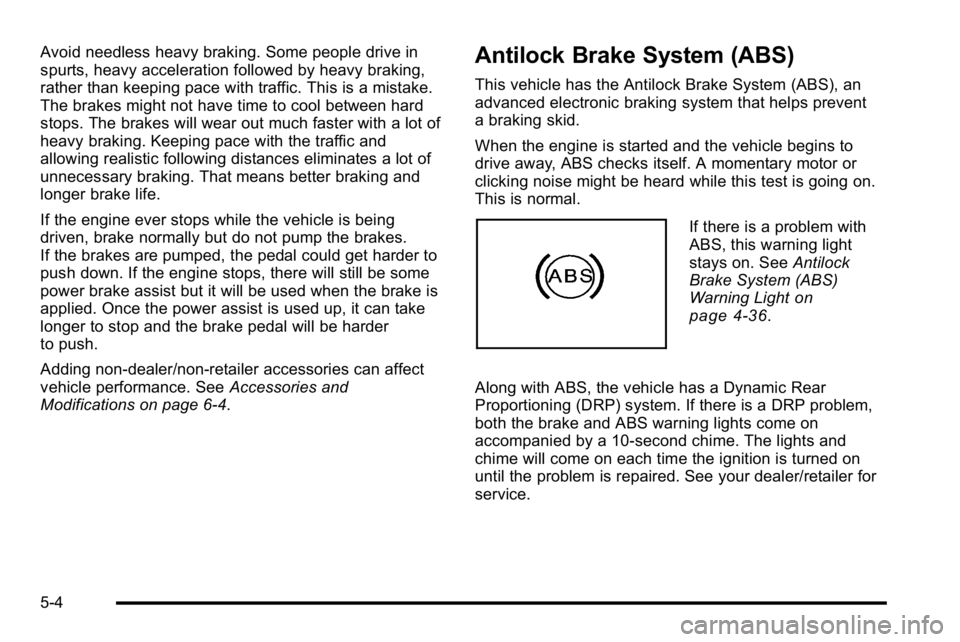
If there is a problem with
ABS, this warning light
stays on. See Antilock
Brake System (ABS)
Warning Light
on
page 4‑36.
Along with ABS, the vehicle has a Dynamic Rear
Proportioning (DRP) system. If there is a DRP problem,
both the brake and ABS warning lights come on
accompanied by a 10‐second chime. The lights and
chime will come on each time the ignition is turned on
until the problem is repaired. See your dealer/retailer for
service.
5-4
Page 319 of 550
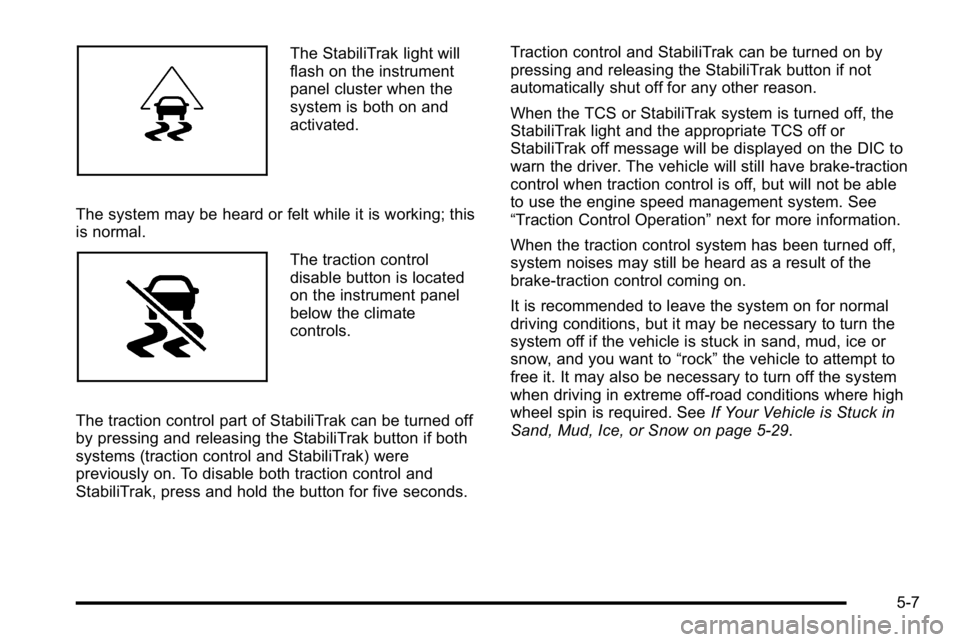
The StabiliTrak light will
flash on the instrument
panel cluster when the
system is both on and
activated.
The system may be heard or felt while it is working; this
is normal.
The traction control
disable button is located
on the instrument panel
below the climate
controls.
The traction control part of StabiliTrak can be turned off
by pressing and releasing the StabiliTrak button if both
systems (traction control and StabiliTrak) were
previously on. To disable both traction control and
StabiliTrak, press and hold the button for five seconds. Traction control and StabiliTrak can be turned on by
pressing and releasing the StabiliTrak button if not
automatically shut off for any other reason.
When the TCS or StabiliTrak system is turned off, the
StabiliTrak light and the appropriate TCS off or
StabiliTrak off message will be displayed on the DIC to
warn the driver. The vehicle will still have brake-traction
control when traction control is off, but will not be able
to use the engine speed management system. See
“Traction Control Operation”
next for more information.
When the traction control system has been turned off,
system noises may still be heard as a result of the
brake-traction control coming on.
It is recommended to leave the system on for normal
driving conditions, but it may be necessary to turn the
system off if the vehicle is stuck in sand, mud, ice or
snow, and you want to “rock”the vehicle to attempt to
free it. It may also be necessary to turn off the system
when driving in extreme off-road conditions where high
wheel spin is required. See If Your Vehicle is Stuck in
Sand, Mud, Ice, or Snow on page 5‑29.
5-7
Page 320 of 550
Traction Control Operation
The traction control system is part of the StabiliTrak
system. Traction control limits wheel spin by reducing
engine power to the wheels (engine speed
management) and by applying brakes to each individual
wheel (brake-traction control) as necessary.
The traction control system is enabled automatically
when the vehicle is started. It will activate and the
StabiliTrak light will flash if it senses that any of the
wheels are spinning or beginning to lose traction while
driving. If traction control is turned off, only the
brake-traction control portion of traction control will
work. The engine speed management will be disabled.
In this mode, engine power is not reduced automatically
and the driven wheels can spin more freely. This can
cause the brake-traction control to activate constantly.
Notice:If the wheel(s) of one axle is allowed to spin
excessively while the StabiliTrak, ABS and brake
warning lights and any relevant DIC messages are
displayed, the transfer case could be damaged. The
repairs would not be covered by the vehicle
warranty. Reduce engine power and do not spin the
wheel(s) excessively while these lights and
messages are displayed. The traction control system may activate on dry or
rough roads or under conditions such as heavy
acceleration while turning or abrupt upshifts/downshifts
of the transmission. When this happens, a reduction in
acceleration may be noticed, or a noise or vibration may
be heard. This is normal.
If cruise control is being used when the system
activates, the StabiliTrak light will flash and cruise
control will automatically disengage. Cruise control may
be reengaged when road conditions allow. See
Cruise
Control on page 4‑7.
StabiliTrak may also turn off automatically if it
determines that a problem exists with the system. If the
problem does not clear itself after restarting the vehicle,
see your dealer/retailer for service.
Locking Rear Axle
Vehicles with a locking rear axle can give more traction
on snow, mud, ice, sand or gravel. It works like a
standard axle most of the time, but when traction is low,
this feature will allow the rear wheel with the most
traction to move the vehicle.
5-8
Page 321 of 550
All-Wheel Drive (AWD) System
If the vehicle has this feature, engine power is sent to
all four wheels when extra traction is needed. This is
like four-wheel drive, but there is no separate lever or
switch to engage or disengage the front axle. It is fully
automatic, and adjusts itself as needed for road
conditions.
Steering
Power Steering
If power steering assist is lost because the engine stops
or the system is not functioning, the vehicle can be
steered but it will take more effort.
Steering Tips
It is important to take curves at a reasonable speed.
Traction in a curve depends on the condition of the tires
and the road surface, the angle at which the curve is
banked, and vehicle speed. While in a curve, speed is
the one factor that can be controlled.If there is a need to reduce speed, do it before entering
the curve, while the front wheels are straight.
Try to adjust the speed so you can drive through the
curve. Maintain a reasonable, steady speed. Wait to
accelerate until out of the curve, and then accelerate
gently into the straightaway.
Steering in Emergencies
There are times when steering can be more effective
than braking. For example, you come over a hill and
find a truck stopped in your lane, or a car suddenly pulls
out from nowhere, or a child darts out from between
parked cars and stops right in front of you. These
problems can be avoided by braking
—if you can stop
in time. But sometimes you cannot stop in time because
there is no room. That is the time for evasive
action —steering around the problem.
The vehicle can perform very well in emergencies like
these. First apply the brakes. See Braking
on
page 5‑3. It is better to remove as much speed as
possible from a collision. Then steer around the
problem, to the left or right depending on the space
available.
5-9
Page 325 of 550
Before You Go Off-Roading
.Have all necessary maintenance and service
work done.
.Make sure there is enough fuel, that fluid levels are
where they should be, and that the spare tire is
fully inflated.
.Be sure to read all the information about
all-wheel-drive vehicles in this manual.
.Make sure all underbody shields, if the vehicle has
them, are properly attached.
.Know the local laws that apply to off-roading where
you will be driving or check with law enforcement
people in the area.
.Be sure to get the necessary permission if you will
be on private land.
If you think you will need some more ground clearance
at the front of your vehicle, you can remove the front
fascia lower air dam. The air dam is held in place by
two bolts and 10 snaps accessible from underneath the
front fascia. To remove the air dam:
1. Remove the two outboard air dam bolts.
2. With a flat‐blade tool, disengage the snaps.
3. After the bolts are removed and the snaps are disengaged, push forward on the air dam until it
is free.
Notice: Operating your vehicle for extended periods
without the front fascia lower air dam installed can
cause improper air flow to the engine. Always be
sure to replace the front fascia air dam when you
are finished off-road driving.
After off-roading , be sure to reinstall the air dam:
1. Line up the snaps and push the air dam rearward to engage the snaps.
2. Install the two outboard bolts.
5-13