Panel GMC YUKON 2006 Owner's Guide
[x] Cancel search | Manufacturer: GMC, Model Year: 2006, Model line: YUKON, Model: GMC YUKON 2006Pages: 540, PDF Size: 3.14 MB
Page 154 of 540
Your vehicle has a Center High-Mounted Stoplamp
(CHMSL) located above the glass or above the rear
load doors.
If items are loaded on the roof of the vehicle, care
should be taken not to block or damage the CHMSL unit.
If your vehicle has the Z71 option, your vehicle’s
luggage carrier has a roller crossrail at the rear
of the vehicle.
To load cargo, place cargo on the roller and roll
the cargo forward onto the two front crossrails.
To move the crossrails do the following:
1. Loosen the thumbscrew at each end.
2. Move crossrail to desired position.
3. Tighten the thumbscrews.
Make sure the crossrail is secured.Rear Storage Area
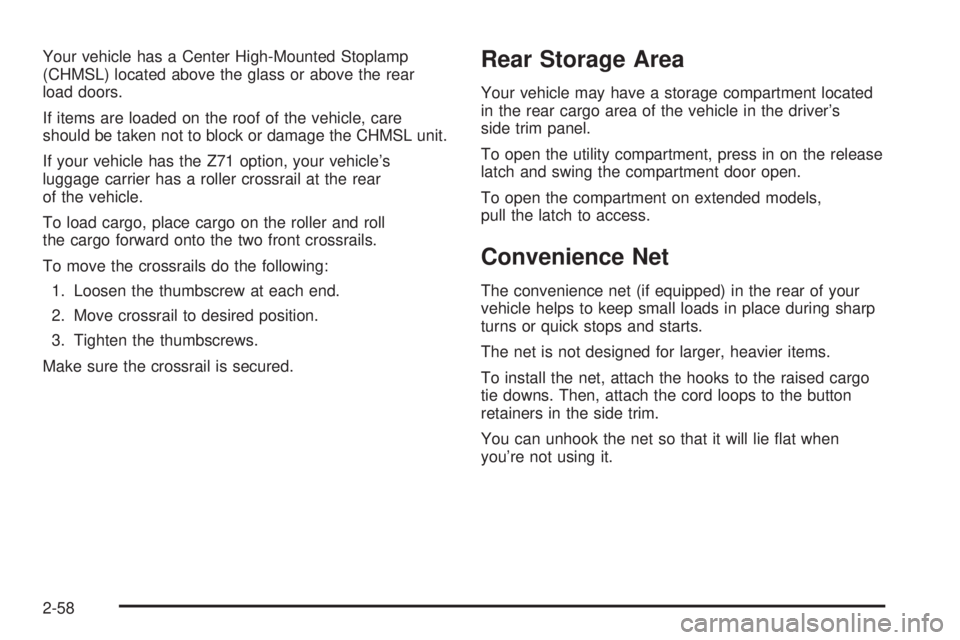
Your vehicle may have a storage compartment located
in the rear cargo area of the vehicle in the driver’s
side trim panel.
To open the utility compartment, press in on the release
latch and swing the compartment door open.
To open the compartment on extended models,
pull the latch to access.
Convenience Net
The convenience net (if equipped) in the rear of your
vehicle helps to keep small loads in place during sharp
turns or quick stops and starts.
The net is not designed for larger, heavier items.
To install the net, attach the hooks to the raised cargo
tie downs. Then, attach the cord loops to the button
retainers in the side trim.
You can unhook the net so that it will lie at when
you’re not using it.
2-58
Page 155 of 540
Cargo Cover
{CAUTION:
An improperly stored cargo cover could be
thrown about the vehicle during a collision
or sudden maneuver. You or others could be
injured. If you remove the cover, always store
it in the proper storage location. When you
put it back, always be sure that it is securely
reattached.
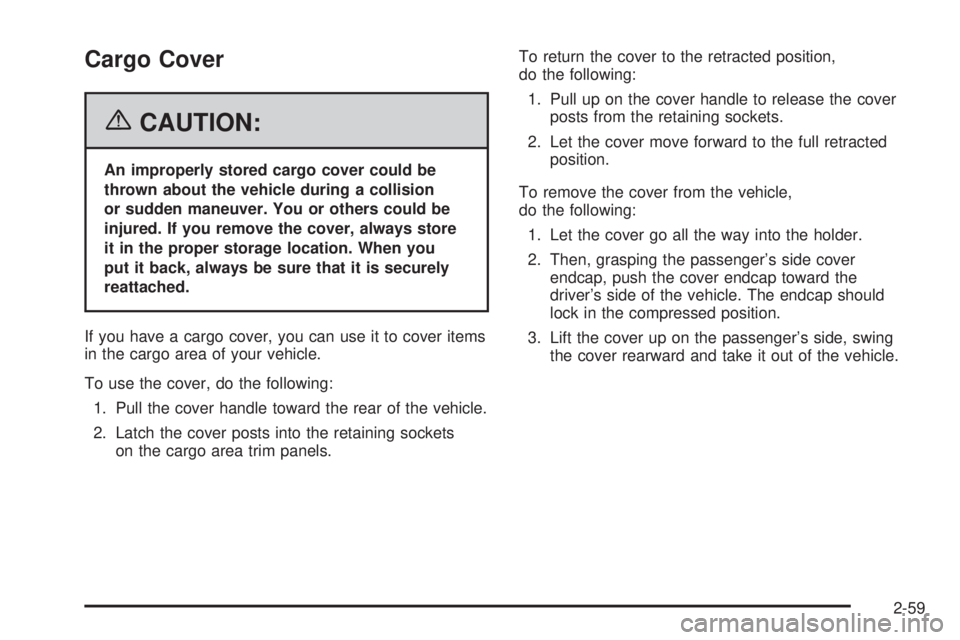
If you have a cargo cover, you can use it to cover items
in the cargo area of your vehicle.
To use the cover, do the following:
1. Pull the cover handle toward the rear of the vehicle.
2. Latch the cover posts into the retaining sockets
on the cargo area trim panels.To return the cover to the retracted position,
do the following:
1. Pull up on the cover handle to release the cover
posts from the retaining sockets.
2. Let the cover move forward to the full retracted
position.
To remove the cover from the vehicle,
do the following:
1. Let the cover go all the way into the holder.
2. Then, grasping the passenger’s side cover
endcap, push the cover endcap toward the
driver’s side of the vehicle. The endcap should
lock in the compressed position.
3. Lift the cover up on the passenger’s side, swing
the cover rearward and take it out of the vehicle.
2-59
Page 156 of 540
To put the cover in the vehicle, do the following:
1. Make sure the cover slot in the holder faces
rearward with the round surface facing down.
2. Then, hold the cover at an angle and place the
cover holder tab into the slot in the driver’s side
trim panel.
3. Move the other end of the cover forward and hold
it next to the passenger’s side trim panel slot.
4. Push the button on top of the passenger’s side
endcap. This will allow the cover to extend into
the trim slot.
5. Lightly pull on the cover holder to make sure
it is secure.
On some models there are two slots. The slots
furthest forward allow the cover to be used if
the third seat is removed or folded down.Cargo Tie Downs
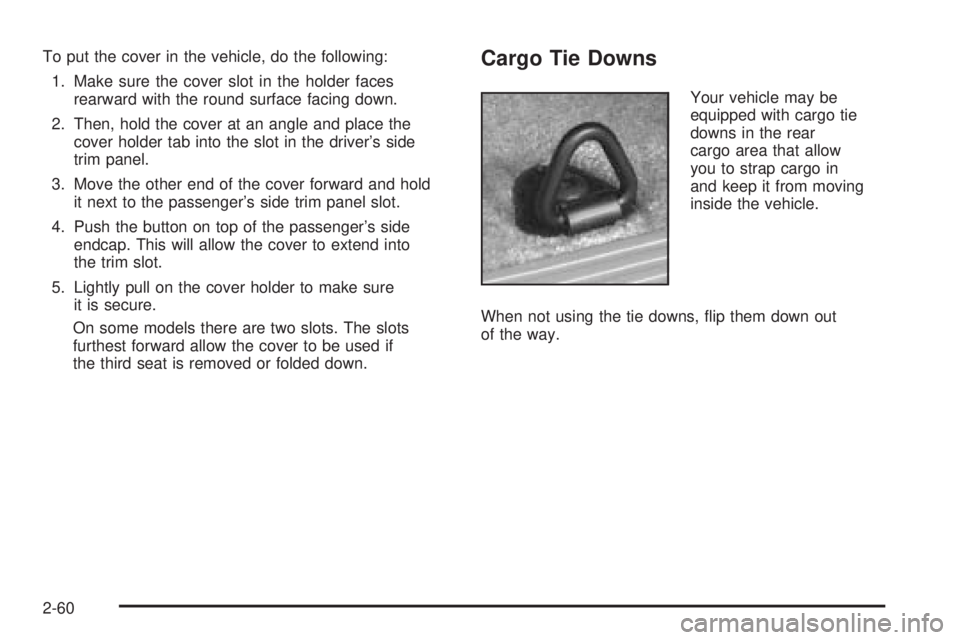
Your vehicle may be
equipped with cargo tie
downs in the rear
cargo area that allow
you to strap cargo in
and keep it from moving
inside the vehicle.
When not using the tie downs, ip them down out
of the way.
2-60
Page 157 of 540
Sunroof
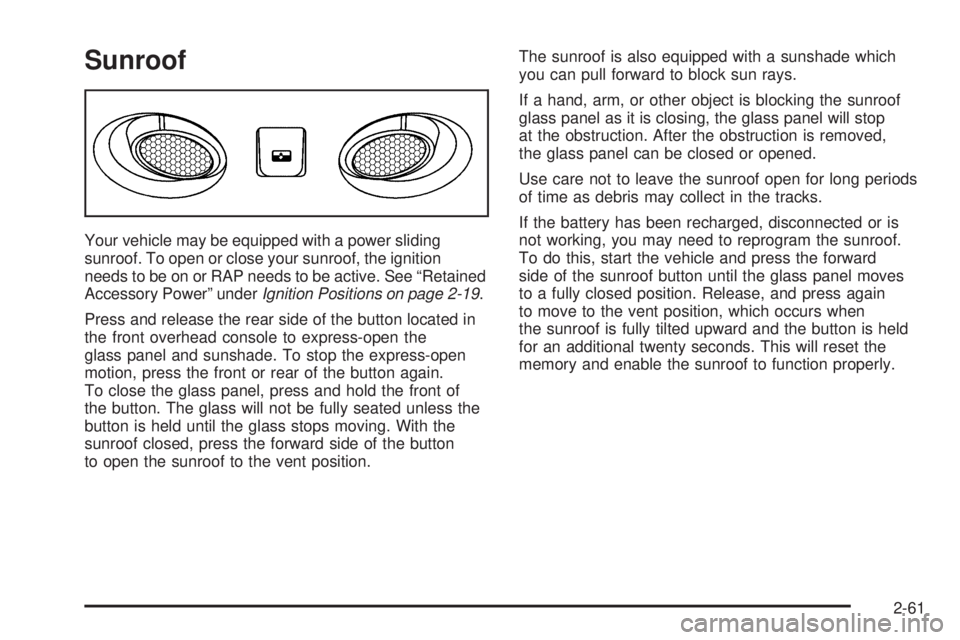
Your vehicle may be equipped with a power sliding
sunroof. To open or close your sunroof, the ignition
needs to be on or RAP needs to be active. See “Retained
Accessory Power” underIgnition Positions on page 2-19.
Press and release the rear side of the button located in
the front overhead console to express-open the
glass panel and sunshade. To stop the express-open
motion, press the front or rear of the button again.
To close the glass panel, press and hold the front of
the button. The glass will not be fully seated unless the
button is held until the glass stops moving. With the
sunroof closed, press the forward side of the button
to open the sunroof to the vent position.The sunroof is also equipped with a sunshade which
you can pull forward to block sun rays.
If a hand, arm, or other object is blocking the sunroof
glass panel as it is closing, the glass panel will stop
at the obstruction. After the obstruction is removed,
the glass panel can be closed or opened.
Use care not to leave the sunroof open for long periods
of time as debris may collect in the tracks.
If the battery has been recharged, disconnected or is
not working, you may need to reprogram the sunroof.
To do this, start the vehicle and press the forward
side of the sunroof button until the glass panel moves
to a fully closed position. Release, and press again
to move to the vent position, which occurs when
the sunroof is fully tilted upward and the button is held
for an additional twenty seconds. This will reset the
memory and enable the sunroof to function properly.
2-61
Page 161 of 540
Instrument Panel Overview...............................3-4
Hazard Warning Flashers................................3-6
Other Warning Devices...................................3-6
Horn.............................................................3-6
Tilt Wheel.....................................................3-6
Turn Signal/Multifunction Lever.........................3-7
Turn and Lane-Change Signals........................3-8
Headlamp High/Low-Beam Changer..................3-8
Flash-to-Pass.................................................3-9
Windshield Wipers..........................................3-9
Windshield Washer.......................................3-10
Rear Window Wiper/Washer...........................3-10
Cruise Control..............................................3-11
Headlamps..................................................3-14
Headlamps on Reminder................................3-15
Daytime Running Lamps (DRL).......................3-16
Automatic Headlamp System..........................3-16
Fog Lamps..................................................3-18
Auxiliary Roof Mounted Lamp.........................3-19
Instrument Panel Brightness...........................3-19
Dome Lamps...............................................3-19
Dome Lamp Override....................................3-20Entry Lighting...............................................3-20
Exit Lighting.................................................3-20
Front Reading Lamps....................................3-20
Battery Run-Down Protection..........................3-20
Accessory Power Outlet(s).............................3-20
Ashtray(s) and Cigarette Lighter......................3-21
Climate Controls............................................3-22
Climate Control System.................................3-22
Dual Climate Control System..........................3-23
Dual Automatic Climate Control System...........3-25
Outlet Adjustment.........................................3-31
Rear Air Conditioning and Heating System.......3-32
Rear Air Conditioning and Heating System
and Electronic Climate Controls...................3-33
Warning Lights, Gages, and Indicators............3-35
Instrument Panel Cluster................................3-36
Speedometer and Odometer...........................3-37
Trip Odometer..............................................3-37
Tachometer.................................................3-37
Safety Belt Reminder Light.............................3-37
Airbag Readiness Light..................................3-38
Section 3 Instrument Panel
3-1
Page 162 of 540
Passenger Airbag Status Indicator...................3-38
Battery Warning Light....................................3-40
Voltmeter Gage............................................3-41
Brake System Warning Light..........................3-42
Anti-Lock Brake System Warning Light.............3-43
Engine Coolant Temperature Gage..................3-43
Transmission Temperature Gage.....................3-44
Tire Pressure Light.......................................3-45
Malfunction Indicator Lamp.............................3-46
Oil Pressure Gage........................................3-48
Security Light...............................................3-49
Cruise Control Light......................................3-49
Highbeam On Light.......................................3-50
Four-Wheel-Drive Light..................................3-50
Tow/Haul Mode Light....................................3-50
Fuel Gage...................................................3-51
Low Fuel Warning Light.................................3-51
Driver Information Center (DIC).......................3-52
DIC Operation and Displays...........................3-53
DIC Warnings and Messages.........................3-56
DIC Vehicle Customization.............................3-67Audio System(s).............................................3-74
Setting the Time for Radios without
Radio Data Systems (RDS)........................3-75
Setting the Time for Radios with Radio
Data Systems (RDS)..................................3-75
AM-FM Radio...............................................3-76
Radio with CD..............................................3-79
Radio with Cassette and CD..........................3-90
Radio with Six-Disc CD................................3-104
Navigation/Radio System..............................3-118
Rear Seat Entertainment System...................3-118
Rear Seat Audio (RSA)................................3-130
Theft-Deterrent Feature................................3-132
Audio Steering Wheel Controls......................3-132
Radio Reception.........................................3-133
Care of the Cassette Tape Player.................3-134
Care of Your CDs and DVDs........................3-135
Care of the CD and DVD Player...................3-135
Fixed Mast Antenna....................................3-136
XM™ Satellite Radio Antenna System............3-136
Chime Level Adjustment...............................3-136
Section 3 Instrument Panel
3-2
Page 164 of 540

Instrument Panel Overview
3-4
Page 165 of 540
A. Dome Lamp Override Button. SeeDome Lamp
Override on page 3-20.
B. Headlamp Controls. SeeHeadlamps on page 3-14.
C. Air Outlets. SeeOutlet Adjustment on page 3-31.
D. Automatic Transfer Case Buttons, Rear Window
Wiper/Washer Control, and Fog Lamps Button.
SeeFour-Wheel Drive on page 2-26,Rear Window
Wiper/Washer on page 3-10,Fog Lamps on
page 3-18.
E. Turn Signal/Multifunction Lever. SeeTurn
Signal/Multifunction Lever on page 3-7.
F. Instrument Panel Cluster. SeeInstrument Panel
Cluster on page 3-36.
G. Gearshift Lever. SeeAutomatic Transmission
Operation on page 2-23.
H. Tow/Haul Selector Button (If Equipped).
SeeTow/Haul Mode on page 2-25.
I. Audio System. SeeAudio System(s) on page 3-74.
J. Climate Control System. SeeClimate Control
System on page 3-22,Dual Climate Control System
on page 3-23,orDual Automatic Climate Control
System on page 3-25.K. Instrument Panel Fuse Block. SeeInstrument Panel
Fuse Block on page 5-107.
L. Hood Release. SeeHood Release on page 5-11.
M. Steering Wheel Control Buttons (If Equipped).
SeeDriver Information Center (DIC) on page 3-52
andAudio Steering Wheel Controls on page 3-132.
N. Center Instrument Panel Fuse Block. SeeCenter
Instrument Panel Fuse Block on page 5-108.
O. Tilt Wheel Lever. SeeTilt Wheel on page 3-6.
P. Parking Brake Release. SeeParking Brake on
page 2-31.
Q. Cigarette Lighter (If Equipped). SeeAshtray(s) and
Cigarette Lighter on page 3-21.
R. Accessory Power Outlet. SeeAccessory Power
Outlet(s) on page 3-20.
S. StabiliTrak
®Button (If Equipped). SeeStabiliTrak®
System on page 4-9.
T. Glovebox. SeeGlove Box on page 2-56.
3-5
Page 168 of 540
Turn and Lane-Change Signals
The turn signal has two upward (for right) and
two downward (for left) positions. These positions
allow you to signal a turn or a lane change.
To signal a turn, move the lever all the way up or
down. When the turn is nished, the lever will return
automatically.
To signal a lane change, just raise or lower the lever
until the arrow starts to ash. Hold it there until you
complete your lane change. The lever will return by itself
when you release it.
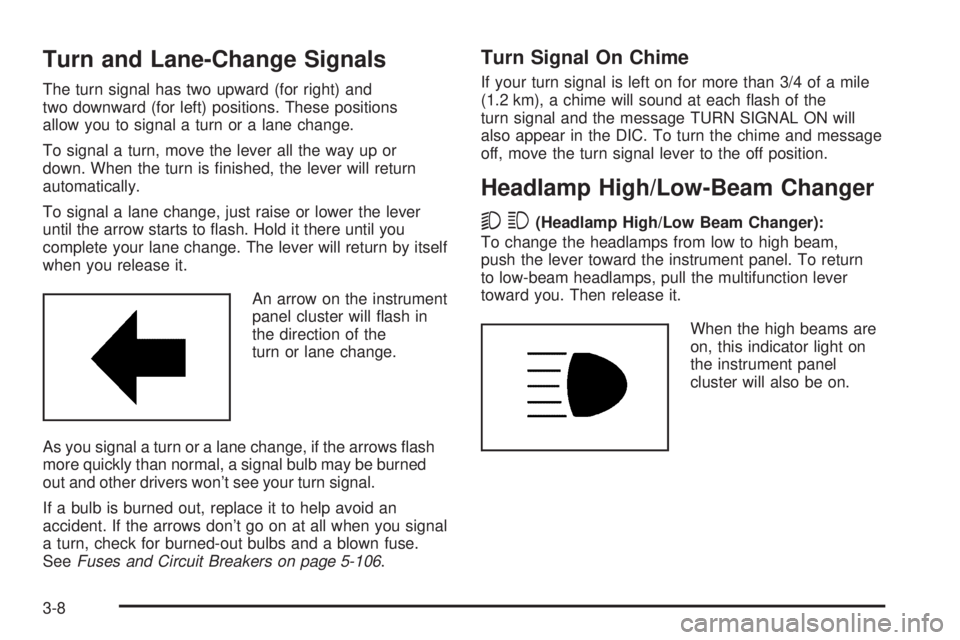
An arrow on the instrument
panel cluster will ash in
the direction of the
turn or lane change.
As you signal a turn or a lane change, if the arrows ash
more quickly than normal, a signal bulb may be burned
out and other drivers won’t see your turn signal.
If a bulb is burned out, replace it to help avoid an
accident. If the arrows don’t go on at all when you signal
a turn, check for burned-out bulbs and a blown fuse.
SeeFuses and Circuit Breakers on page 5-106.
Turn Signal On Chime
If your turn signal is left on for more than 3/4 of a mile
(1.2 km), a chime will sound at each ash of the
turn signal and the message TURN SIGNAL ON will
also appear in the DIC. To turn the chime and message
off, move the turn signal lever to the off position.
Headlamp High/Low-Beam Changer
53(Headlamp High/Low Beam Changer):
To change the headlamps from low to high beam,
push the lever toward the instrument panel. To return
to low-beam headlamps, pull the multifunction lever
toward you. Then release it.
When the high beams are
on, this indicator light on
the instrument panel
cluster will also be on.
3-8
Page 169 of 540
Flash-to-Pass
This feature lets you use your high-beam headlamps to
signal a driver in front of you that you want to pass.
It works even if your headlamps are in the automatic
position.
To use it, pull the turn signal lever toward you, then
release it.
If your headlamps are in the automatic position or on
low beam, your high-beam headlamps will turn on.
They’ll stay on as long as you hold the lever toward you.
The high-beam indicator on the instrument panel
cluster will come on. Release the lever to return to
normal operation.
Windshield Wipers
Be sure to clear ice and snow from the wiper blades
before using them. If they are frozen to the windshield,
gently loosen or thaw them. Damaged wiper blades may
not clear the windshield well, making it harder to see and
drive safely. If the blades do become damaged, install
new blades or blade inserts. For more information, see
Windshield Wiper Blade Replacement on page 5-56.
Heavy snow or ice can overload the wiper motor.
A circuit breaker will stop the motor until it cools down.
Clear away snow or ice to prevent an overload.You control the windshield wipers by turning the band
with the wiper symbol on it.
8(Mist):For a single wiping cycle, turn the band to
mist. Hold it there until the wipers start. Then let go.
The wipers will stop after one wipe. If you want
more wipes, hold the band on mist longer.
N(Delay):You can set the wiper speed for a long or
short delay between wipes. This can be very useful
in light rain or snow. Turn the band to choose the delay
time. The closer to the top of the lever, the shorter
the delay.
6(Low Speed):For steady wiping at low speed,
turn the band away from you to the rst solid band past
the delay settings. For high-speed wiping, turn the
band further, to the second solid band past the delay
settings. To stop the wipers, move the band to off.
1(High Speed):For high-speed wiping, turn
the band further, to the second solid band past the
delay settings.
9(Off):To stop the wipers, move the band to off.
3-9