ECU GMC YUKON 2008 Owner's Guide
[x] Cancel search | Manufacturer: GMC, Model Year: 2008, Model line: YUKON, Model: GMC YUKON 2008Pages: 546, PDF Size: 6.4 MB
Page 158 of 546
When the System Does Not Seem to
Work Properly
The driver disables the system.
The parking brake pedal is depressed.
The ultrasonic sensors are not clean. Keep your
vehicle’s rear bumper free of mud, dirt, snow,
ice and slush. For cleaning instructions, see
Washing Your Vehicle on page 5-111.
A trailer was attached to your vehicle, or a bicycle
or an object was hanging out of your liftgate/liftglass
during your last drive cycle, the red light may
illuminate in the rear display. Once the attached
object is removed, URPA will return to normal
operation.
A tow bar is attached to your vehicle.
The vehicle’s bumper is damaged. Take the vehicle
to your dealer/retailer to repair the system.
Other conditions may affect system performance,
such as vibrations from a jackhammer or the
compression of air brakes on a very large truck.
If the system is still disabled, after driving forward at
least 15 mph (25 km/h), take your vehicle to your
dealer/retailer.
OnStar®System
OnStar uses several innovative technologies and live
advisors to provide you with a wide range of safety,
security, information, and convenience services. If your
airbags deploy, the system is designed to make an
automatic call to OnStar Emergency advisors who can
request emergency services be sent to your location.
If you lock your keys in the vehicle, call OnStar at
1-888-4-ONSTAR and they can send a signal to unlock
your doors. If you need roadside assistance, press
the OnStar button and they can contact Roadside
Service for you.
OnStar service is provided to you subject to the
OnStar Terms and Conditions. You may cancel your
OnStar service at any time by contacting OnStar.
2-60
Page 162 of 546

Universal Home Remote
System
Universal Home Remote System
The Universal Home Remote System provides a way to
replace up to three hand-held Radio-Frequency (RF)
transmitters used to activate devices such as garage
door openers, security systems, and home lighting.
This device complies with Part 15 of the FCC Rules.
Operation is subject to the following two conditions:
1. This device may not cause harmful interference.
2. This device must accept any interference received,
including interference that may cause undesired
operation.
This device complies with RSS-210 of Industry Canada.
Operation is subject to the following two conditions:
1. This device may not cause interference.
2. This device must accept any interference received,
including interference that may cause undesired
operation of the device.
Changes or modications to this system by other than
an authorized service facility could void authorization to
use this equipment.
Universal Home Remote System
Operation (With Three Round LED)
Your vehicle may have the Universal Home Remote
System. If there are three round Light Emitting Diode
(LED) indicator lights above the Universal Home Remote
buttons, follow the instructions below.
This system provides a way to replace up to three
remote control transmitters used to activate devices
such as garage door openers, security systems,
and home automation devices.
Do not use this system with any garage door opener
that does not have the stop and reverse feature.
This includes any garage door opener model
manufactured before April 1, 1982.
2-64
Page 163 of 546
Read the instructions completely before attempting to
program the transmitter. Because of the steps involved,
it may be helpful to have another person available to
assist you in programming the transmitter.
Be sure to keep the original remote control transmitter
for use in other vehicles, as well as, for future
programming. You only need the original remote control
transmitter for Fixed Code programming. It is also
recommended that upon the sale or lease termination of
the vehicle, the programmed buttons should be
erased for security purposes. See “Erasing Universal
Home Remote Buttons” later in this section.
When programming a garage door, it is advised to park
outside of the garage. Be sure that people and
objects are clear of the garage door or security device
you are programming.Programming Universal Home
Remote — Rolling Code
If you have questions or need help programming the
Universal Home Remote System, call 1-866-572-2728 or
go to www.learcar2u.com.
Most garage door openers sold after 1996 are Rolling
Code units.
Programming a garage door opener involves
time-sensitive actions, so read the entire procedure
before you begin. If you do not follow these actions, the
device will time out and you will have to repeat the
procedure.
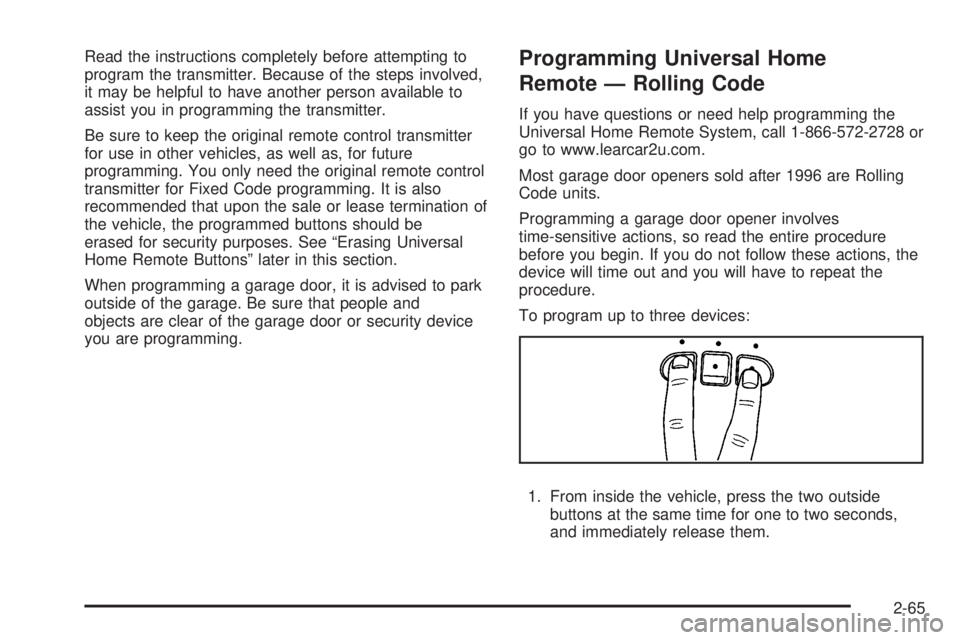
To program up to three devices:
1. From inside the vehicle, press the two outside
buttons at the same time for one to two seconds,
and immediately release them.
2-65
Page 164 of 546
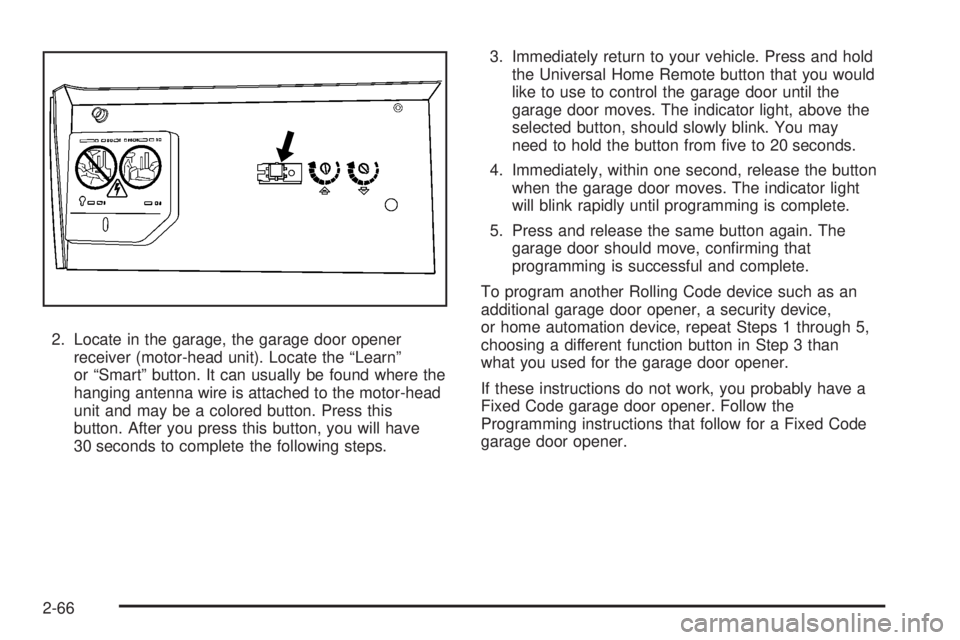
2. Locate in the garage, the garage door opener
receiver (motor-head unit). Locate the “Learn”
or “Smart” button. It can usually be found where the
hanging antenna wire is attached to the motor-head
unit and may be a colored button. Press this
button. After you press this button, you will have
30 seconds to complete the following steps.3. Immediately return to your vehicle. Press and hold
the Universal Home Remote button that you would
like to use to control the garage door until the
garage door moves. The indicator light, above the
selected button, should slowly blink. You may
need to hold the button from ve to 20 seconds.
4. Immediately, within one second, release the button
when the garage door moves. The indicator light
will blink rapidly until programming is complete.
5. Press and release the same button again. The
garage door should move, conrming that
programming is successful and complete.
To program another Rolling Code device such as an
additional garage door opener, a security device,
or home automation device, repeat Steps 1 through 5,
choosing a different function button in Step 3 than
what you used for the garage door opener.
If these instructions do not work, you probably have a
Fixed Code garage door opener. Follow the
Programming instructions that follow for a Fixed Code
garage door opener.
2-66
Page 168 of 546
5. After entering all of the switch positions, again,
rmly press and release all three buttons at the
same time. The indicator lights will turn on.
6. Press and hold the button you would like to use to
control the garage door until the garage door
moves. The indicator light above the selected button
should slowly blink. You may need to hold the
button from ve to 55 seconds.
7. Immediately release the button when the garage
door moves. The indicator light will blink rapidly
until programming is complete.
8. Press and release the same button again. The
garage door should move, conrming that
programming is successful and complete.
To program another Fixed Code device such as an
additional garage door opener, a security device,
or home automation device, repeat Steps 1-8, choosing
a different button in Step 6 than what you used for
the garage door opener.
Using Universal Home Remote
Press and hold the appropriate button for at least half of
a second. The indicator light will come on while the
signal is being transmitted.
Reprogramming Universal Home
Remote Buttons
You can reprogram any of the three buttons by repeating
the instructions.
Erasing Universal Home Remote
Buttons
You should erase the programmed buttons when you
sell or terminate your lease.
To erase either Rolling Code or Fixed Code on the
Universal Home Remote device:
1. Press and hold the two outside buttons at the same
time for approximately 20 seconds, until the
indicator lights, located directly above the buttons,
begin to blink rapidly.
2. Once the indicator lights begin to blink, release both
buttons. The codes from all buttons will be erased.
For help or information on the Universal Home Remote
System, call the customer assistance phone number
underCustomer Assistance Offices on page 7-5.
2-70
Page 170 of 546
Luggage Carrier
The vehicle may have a luggage carrier that can be
used to load things on top of the vehicle.
The luggage carrier has siderails attached to the roof. It
may also have crossrails which can be moved back
and forth to help secure cargo. Tie the load to the
siderails or siderail supports.
Notice:Loading cargo on the luggage carrier that
weighs more than 200 lbs (91 kg) or hangs over
the rear or sides of the vehicle may damage your
vehicle. Load cargo so that it rests on the slats
as far forward as possible and against the side rails,
making sure to fasten it securely.
Do not exceed the maximum vehicle capacity when
loading your vehicle. For more information on vehicle
capacity and loading, seeLoading Your Vehicle on
page 4-35.
To prevent damage or loss of cargo while you are
driving, check to make sure the luggage and cargo are
still securely fastened.Be sure the cargo is properly loaded.If small heavy objects are placed on the roof, cut a
piece of 3/8 inch plywood to t inside the crossrails
and siderails to spread the load. Tie the plywood
to the siderail supports.
Tie the load to the crossrails or the siderail supports.
Use the crossrails only to keep the load from sliding.
To move a crossrail, lift the release lever, on both
sides of the rail, up to loosen it. Slide the crossrail to
the desired position balancing the force side to side.
Press the release lever on both sides of the rail,
down to tighten it. Try to slide the crossrail back and
forth slightly to be sure it is tight.
If you need to carry long items, move the crossrails
as far apart as they will go. Tie the load to the
crossrails and the siderails or siderail supports. Also
tie the load to the bumpers. Do not tie the load so
tightly that the crossrails or siderails are damaged.
After moving a crossrail, be sure it is securely locked
into the siderail.
Your vehicle has a Center High-Mounted Stoplamp
(CHMSL) located above the rear glass.
If items are loaded on the roof of the vehicle, care
should be taken not to block or damage the CHMSL unit.
2-72
Page 171 of 546
Rear Storage Area
Your vehicle may have a storage compartment located
in the rear cargo area of the vehicle in the driver’s
side trim panel.
To open the utility compartment, turn the knobs and
swing the compartment door open. The compartment
door can be removed.
Rear Seat Armrest
Your vehicle may be equipped with a rear seat armrest.
Pull the loop at the top of the armrest down to access
the cupholders.
Cargo Cover
{CAUTION:
An improperly stored cargo cover could be
thrown about the vehicle during a collision or
sudden maneuver. You or others could be
injured. If you remove the cover, always store
it in the proper storage location. When you put
it back, always be sure that it is securely
reattached.If your vehicle has a cargo cover, you can use it to
cover items in the cargo area of your vehicle.
To use the cover, do the following:
1. Pull the cover handle toward the rear of the vehicle.
2. Latch the cover posts into the retaining sockets
on the cargo area trim panels.
To return the cover to the retracted position, do the
following:
1. Pull up on the cover handle to release the cover
posts from the retaining sockets.
2. Let the cover move forward to the full retracted
position.
To remove the cover, from a regular wheelbase model,
do the following:
1. Let the cover go all the way into the holder.
2. Then, grasping the driver’s side cover end cap,
push the cover end cap toward the passenger’s
side of the vehicle.
3. Swing the cover rearward and take it out of the
vehicle.
2-73
Page 172 of 546
To put the cover in the vehicle, do the following:
1. Make sure the cover slot in the holder faces
rearward with the round surface facing down.
2. Then, hold the cover at an angle and place the
cover end cap into the slot in the passenger’s
side trim panel.
3. Move the other end of the cover forward and hold it
next to the driver’s side trim panel slot.
4. Press the end caps in, this will allow the cover to t
into the trim slot.
5. Lightly pull on the cover holder to make sure it is
secure.
On the extended wheelbase models there are two
cover positions. The slots furthest forward allow
the cover to be used if the third seat is removed or
folded down. The cover can be installed and
removed from either side.
Cargo Tie Downs
Your vehicle may have cargo tie downs in the rear
cargo area that allow you to strap cargo in and keep it
from moving inside the vehicle.
Sunroof
Your vehicle may be equipped with a power sliding
sunroof. To open or close the sunroof, the ignition needs
to be turned to ON, or Retained Accessory Power (RAP)
must be active. When RAP is active, the sunroof will work
for 10 minutes after the ignition is turned off, or until a
front door is opened. SeeRetained Accessory Power
(RAP) on page 2-27for more information.
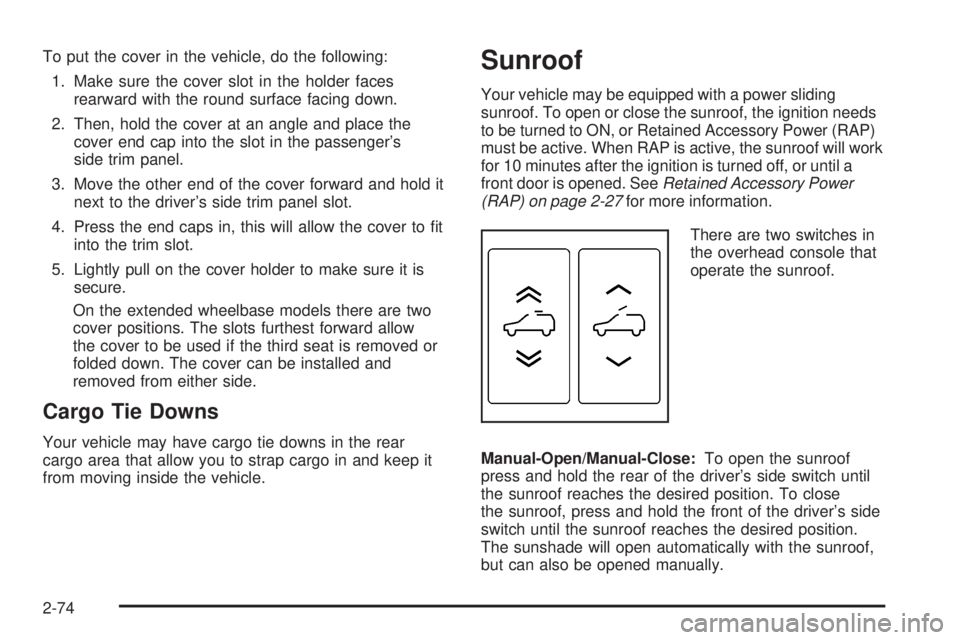
There are two switches in
the overhead console that
operate the sunroof.
Manual-Open/Manual-Close:To open the sunroof
press and hold the rear of the driver’s side switch until
the sunroof reaches the desired position. To close
the sunroof, press and hold the front of the driver’s side
switch until the sunroof reaches the desired position.
The sunshade will open automatically with the sunroof,
but can also be opened manually.
2-74
Page 176 of 546
Malfunction Indicator Lamp.............................3-48
Oil Pressure Gage........................................3-51
Oil Pressure Light.........................................3-52
Security Light...............................................3-52
Fog Lamp Light............................................3-53
Cruise Control Light......................................3-53
Highbeam On Light.......................................3-53
Tow/Haul Mode Light....................................3-53
Fuel Gage...................................................3-54
Low Fuel Warning Light.................................3-55
Driver Information Center (DIC).......................3-55
DIC Operation and Displays
(With DIC Buttons)....................................3-56
DIC Operation and Displays
(Without DIC Buttons)................................3-61
DIC Warnings and Messages.........................3-64
DIC Vehicle Customization
(With DIC Buttons)....................................3-72Audio System(s).............................................3-81
Setting the Clock..........................................3-82
Radio(s) (MP3).............................................3-84
Using an MP3 (Radio with CD or Six-Disc
CD Player).............................................3-103
Using an MP3 (Radio with CD and
DVD Player)...........................................3-108
XM Radio Messages...................................3-113
Navigation/Radio System..............................3-114
Rear Seat Entertainment (RSE) System.........3-115
Rear Seat Audio (RSA)................................3-125
Theft-Deterrent Feature................................3-127
Audio Steering Wheel Controls......................3-128
Radio Reception.........................................3-129
Rear Side Window Antenna..........................3-130
XM™ Satellite Radio Antenna System............3-130
Section 3 Instrument Panel
3-2
Page 216 of 546
If the word ON or the on symbol is lit on the passenger
airbag status indicator, it means that the right front
passenger’s frontal airbag is enabled (may inate).
{CAUTION:
If the on indicator comes on when you have a
rear-facing child restraint installed in the right
front passenger’s seat, it means that the
passenger sensing system has not turned off
the passenger’s frontal airbag. A child in a
rear-facing child restraint can be seriously
injured or killed if the right front passenger’s
airbag inates. This is because the back of the
rear-facing child restraint would be very close
to the inating airbag. Do not use a rear-facing
child restraint in the right front passenger’s
seat if the airbag is turned on.
{CAUTION:
Even though the passenger sensing system is
designed to turn off the right front passenger’s
frontal airbag if the system detects a rear-facing
child restraint, no system is fail-safe, and no
one can guarantee that an airbag will not deploy
under some unusual circumstance, even
though it is turned off. We recommend that
rear-facing child restraints be secured in the
rear seat, even if the airbag is off.
If the word OFF or the off symbol is lit on the airbag
status indicator, it means that the passenger sensing
system has turned off the right front passenger’s frontal
airbag. SeePassenger Sensing System on page 1-85
for more on this, including important safety information.
3-42