lock GMC YUKON XL 2007 Repair Manual
[x] Cancel search | Manufacturer: GMC, Model Year: 2007, Model line: YUKON XL, Model: GMC YUKON XL 2007Pages: 608, PDF Size: 3.01 MB
Page 169 of 608
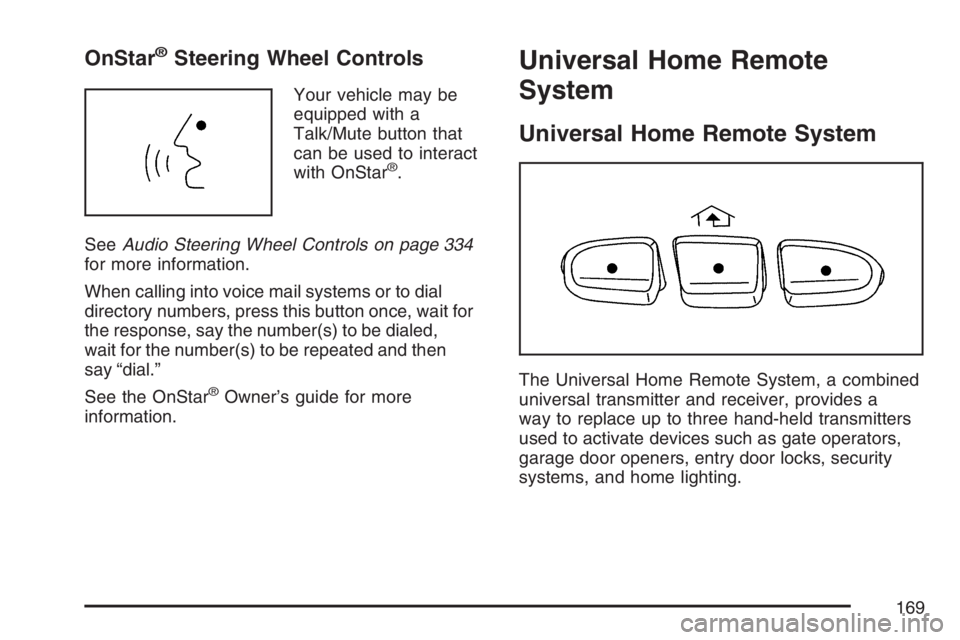
OnStar®Steering Wheel Controls
Your vehicle may be
equipped with a
Talk/Mute button that
can be used to interact
with OnStar
®.
SeeAudio Steering Wheel Controls on page 334
for more information.
When calling into voice mail systems or to dial
directory numbers, press this button once, wait for
the response, say the number(s) to be dialed,
wait for the number(s) to be repeated and then
say “dial.”
See the OnStar
®Owner’s guide for more
information.
Universal Home Remote
System
Universal Home Remote System
The Universal Home Remote System, a combined
universal transmitter and receiver, provides a
way to replace up to three hand-held transmitters
used to activate devices such as gate operators,
garage door openers, entry door locks, security
systems, and home lighting.
169
Page 176 of 608
If you need to carry long items, move the
crossrails as far apart as they will go. Tie the
load to the crossrails and the siderails or
siderail supports. Also tie the load to the
bumpers. Do not tie the load so tightly that the
crossrails or siderails are damaged.
After moving a crossrail, be sure it is securely
locked into the siderail.
Your vehicle has a Center High-Mounted Stoplamp
(CHMSL) located above the glass or above the
rear load doors.
If items are loaded on the roof of the vehicle, care
should be taken not to block or damage the
CHMSL unit.
Rear Storage Area
Your vehicle may have a storage compartment
located in the rear cargo area of the vehicle in the
driver’s side trim panel.
To open the utility compartment, turn the knobs
and swing the compartment door open. The
compartment door can be removed.
Rear Seat Armrest
Your vehicle may be equipped with a rear seat
armrest. Pull the loop at the top of the armrest
down to access the cupholders.
Cargo Cover
{CAUTION:
An improperly stored cargo cover could
be thrown about the vehicle during a
collision or sudden maneuver. You or
others could be injured. If you remove the
cover, always store it in the proper
storage location. When you put it back,
always be sure that it is securely
reattached.
If you have a cargo cover, you can use it to cover
items in the cargo area of your vehicle.
176
Page 180 of 608
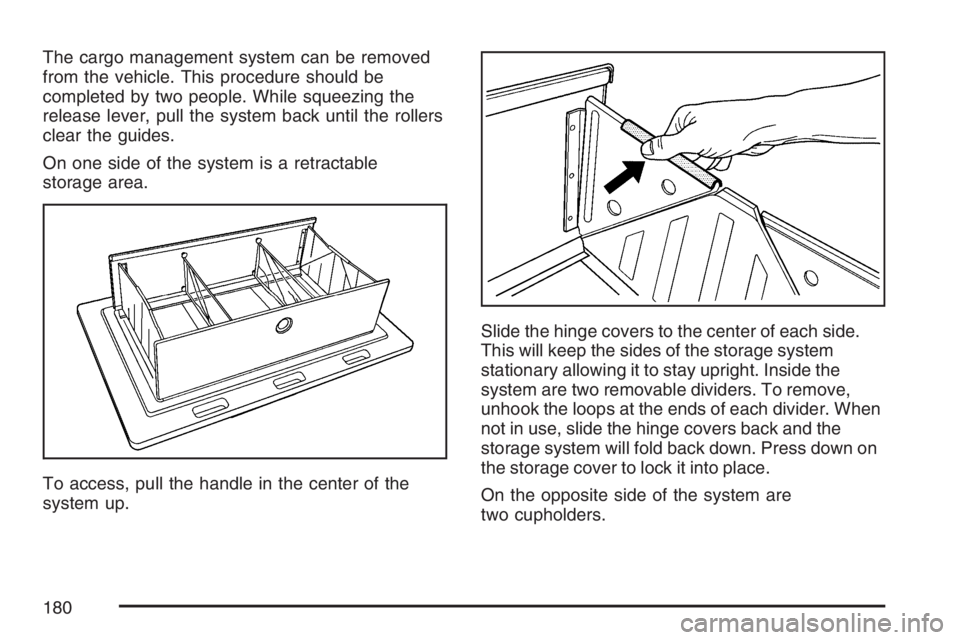
The cargo management system can be removed
from the vehicle. This procedure should be
completed by two people. While squeezing the
release lever, pull the system back until the rollers
clear the guides.
On one side of the system is a retractable
storage area.
To access, pull the handle in the center of the
system up.Slide the hinge covers to the center of each side.
This will keep the sides of the storage system
stationary allowing it to stay upright. Inside the
system are two removable dividers. To remove,
unhook the loops at the ends of each divider. When
not in use, slide the hinge covers back and the
storage system will fold back down. Press down on
the storage cover to lock it into place.
On the opposite side of the system are
two cupholders.
180
Page 184 of 608
Brake System Warning Light......................232
Anti-Lock Brake System Warning Light.......233
StabiliTrak
®Indicator Light..........................234
Engine Coolant Temperature Gage.............234
Tire Pressure Light.....................................235
Malfunction Indicator Lamp.........................236
Oil Pressure Gage.....................................239
Oil Pressure Light......................................240
Security Light.............................................241
Fog Lamp Light..........................................241
Cruise Control Light...................................242
Highbeam On Light....................................242
Tow/Haul Mode Light.................................242
Fuel Gage..................................................243
Low Fuel Warning Light.............................243
Driver Information Center (DIC)..................244
DIC Operation and Displays
(With DIC Buttons)..................................244
DIC Operation and Displays
(Without DIC Buttons).............................251
DIC Warnings and Messages.....................254
DIC Vehicle Customization
(With DIC Buttons)..................................264Audio System(s)..........................................274
Setting the Time (Radio with a
Single CD Player)...................................276
Setting the Time (Radio with a
Six-Disc CD Player)................................277
Radio with CD (MP3).................................278
Radio with CD and DVD (MP3)..................295
XM Radio Messages..................................319
Navigation/Radio System............................321
Rear Seat Entertainment System................321
Rear Seat Audio (RSA)..............................332
Theft-Deterrent Feature..............................334
Audio Steering Wheel Controls...................334
Radio Reception.........................................335
Care of Your CDs and DVDs.....................336
Care of the CD and DVD Player................337
Rear Side Window Antenna.......................337
XM™ Satellite Radio Antenna System........337
Section 3 Instrument Panel
184
Page 189 of 608
Horn
To sound the horn, press the center pad on the
steering wheel.
Tilt Wheel
Your vehicle has a tilt wheel, that lets you adjust
the steering wheel before driving. Raising it to
the highest level gives more room to exit and enter
your vehicle.
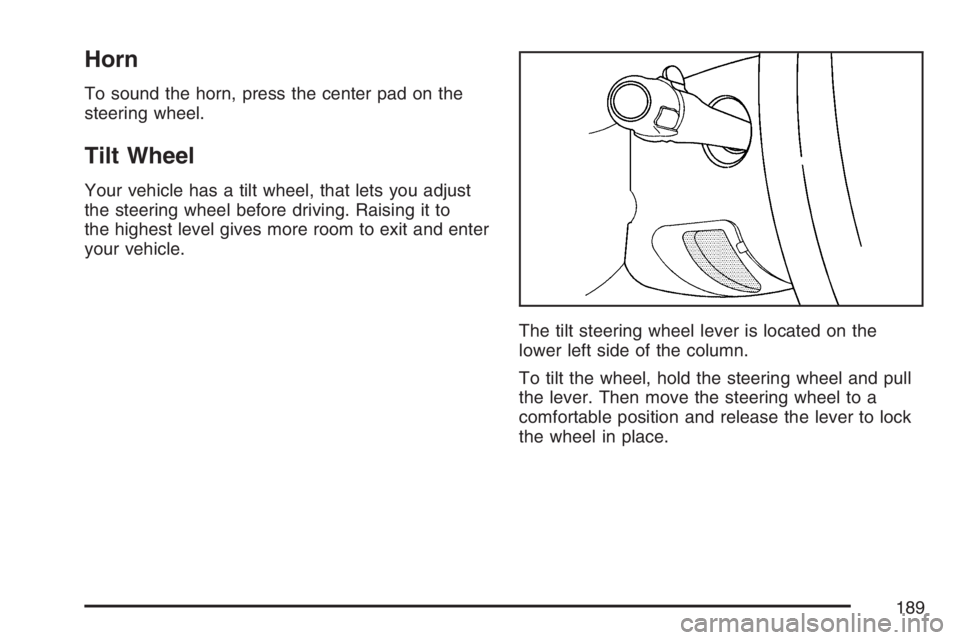
The tilt steering wheel lever is located on the
lower left side of the column.
To tilt the wheel, hold the steering wheel and pull
the lever. Then move the steering wheel to a
comfortable position and release the lever to lock
the wheel in place.
189
Page 194 of 608
Windshield Washer
{CAUTION:
In freezing weather, do not use your
washer until the windshield is warmed.
Otherwise the washer uid can form ice
on the windshield, blocking your vision.
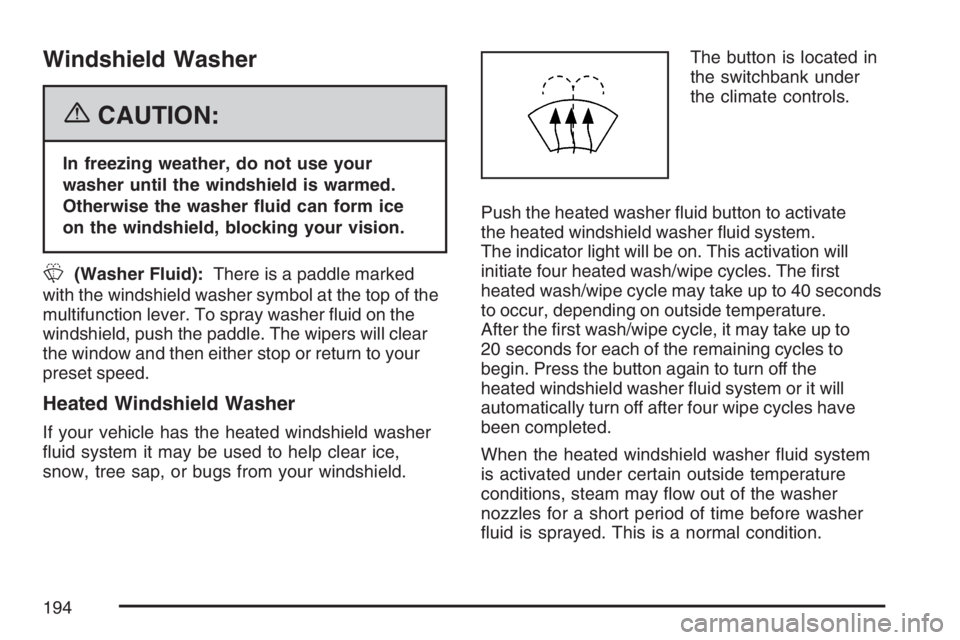
L(Washer Fluid):There is a paddle marked
with the windshield washer symbol at the top of the
multifunction lever. To spray washer uid on the
windshield, push the paddle. The wipers will clear
the window and then either stop or return to your
preset speed.
Heated Windshield Washer
If your vehicle has the heated windshield washer
uid system it may be used to help clear ice,
snow, tree sap, or bugs from your windshield.The button is located in
the switchbank under
the climate controls.
Push the heated washer uid button to activate
the heated windshield washer uid system.
The indicator light will be on. This activation will
initiate four heated wash/wipe cycles. The rst
heated wash/wipe cycle may take up to 40 seconds
to occur, depending on outside temperature.
After the rst wash/wipe cycle, it may take up to
20 seconds for each of the remaining cycles to
begin. Press the button again to turn off the
heated windshield washer uid system or it will
automatically turn off after four wipe cycles have
been completed.
When the heated windshield washer uid system
is activated under certain outside temperature
conditions, steam may ow out of the washer
nozzles for a short period of time before washer
uid is sprayed. This is a normal condition.
194
Page 195 of 608
Rear Window Wiper/Washer
{CAUTION:
In freezing weather, do not use your
washer until the windshield is warmed.
Otherwise the washer uid can form ice
on the windshield, blocking your vision.
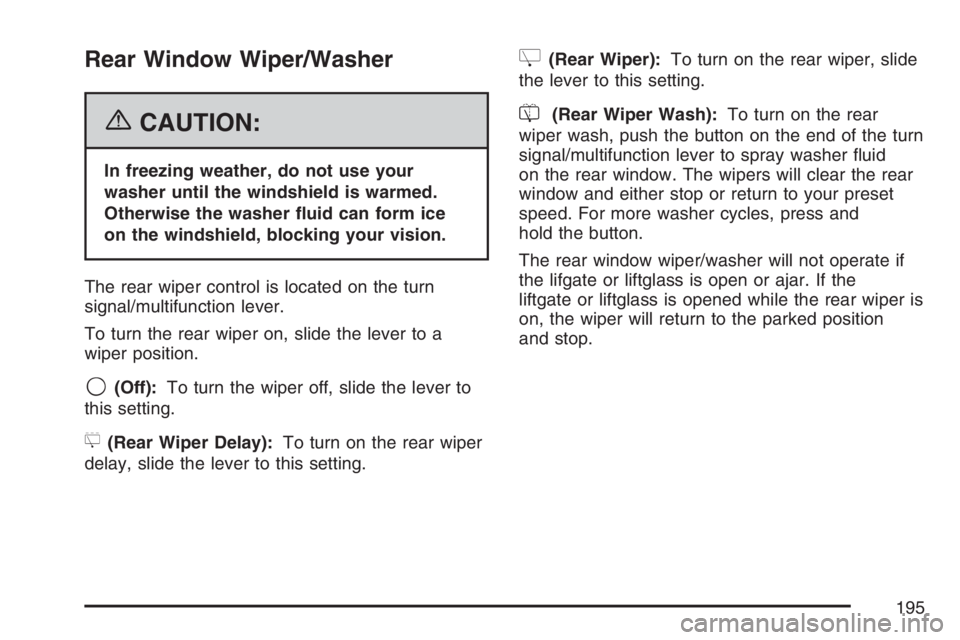
The rear wiper control is located on the turn
signal/multifunction lever.
To turn the rear wiper on, slide the lever to a
wiper position.
9(Off):To turn the wiper off, slide the lever to
this setting.
5(Rear Wiper Delay):To turn on the rear wiper
delay, slide the lever to this setting.
Z(Rear Wiper):To turn on the rear wiper, slide
the lever to this setting.
=(Rear Wiper Wash):To turn on the rear
wiper wash, push the button on the end of the turn
signal/multifunction lever to spray washer uid
on the rear window. The wipers will clear the rear
window and either stop or return to your preset
speed. For more washer cycles, press and
hold the button.
The rear window wiper/washer will not operate if
the lifgate or liftglass is open or ajar. If the
liftgate or liftglass is opened while the rear wiper is
on, the wiper will return to the parked position
and stop.
195
Page 203 of 608
Auxiliary Roof Mounted Lamp
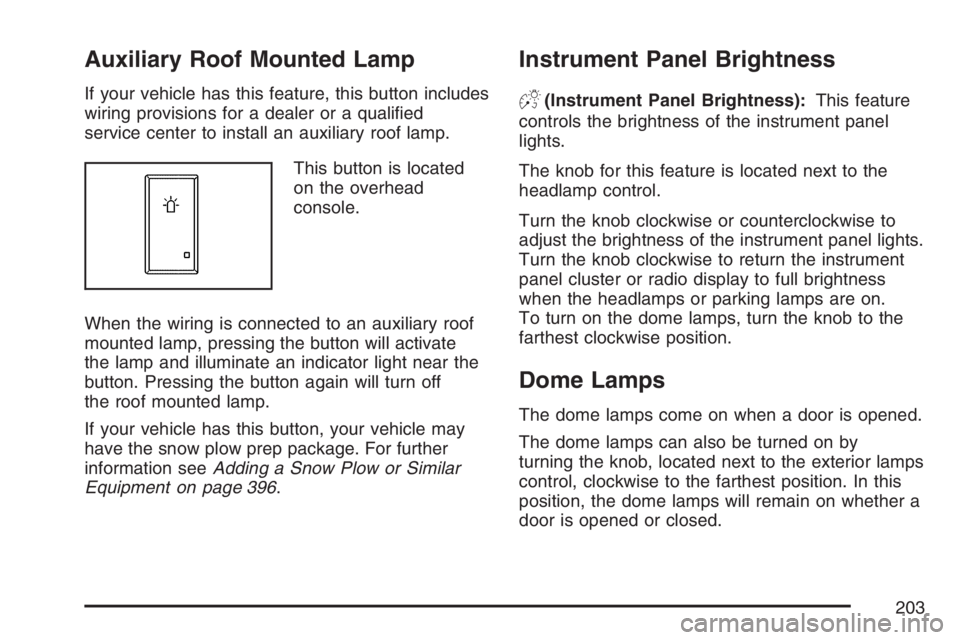
If your vehicle has this feature, this button includes
wiring provisions for a dealer or a qualied
service center to install an auxiliary roof lamp.
This button is located
on the overhead
console.
When the wiring is connected to an auxiliary roof
mounted lamp, pressing the button will activate
the lamp and illuminate an indicator light near the
button. Pressing the button again will turn off
the roof mounted lamp.
If your vehicle has this button, your vehicle may
have the snow plow prep package. For further
information seeAdding a Snow Plow or Similar
Equipment on page 396.
Instrument Panel Brightness
D(Instrument Panel Brightness):This feature
controls the brightness of the instrument panel
lights.
The knob for this feature is located next to the
headlamp control.
Turn the knob clockwise or counterclockwise to
adjust the brightness of the instrument panel lights.
Turn the knob clockwise to return the instrument
panel cluster or radio display to full brightness
when the headlamps or parking lamps are on.
To turn on the dome lamps, turn the knob to the
farthest clockwise position.
Dome Lamps
The dome lamps come on when a door is opened.
The dome lamps can also be turned on by
turning the knob, located next to the exterior lamps
control, clockwise to the farthest position. In this
position, the dome lamps will remain on whether a
door is opened or closed.
203
Page 210 of 608
Climate Controls
Climate Control System
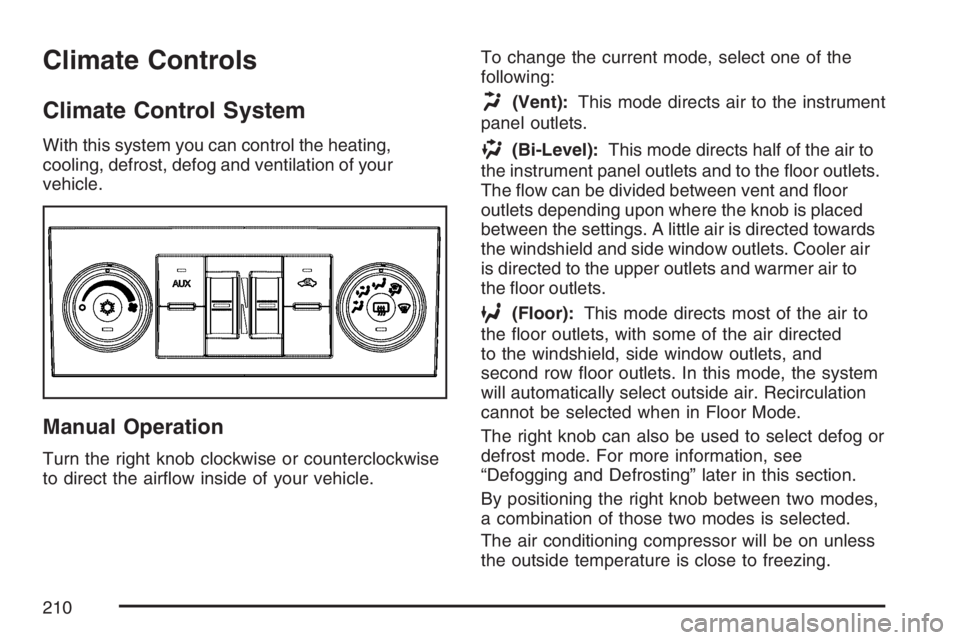
With this system you can control the heating,
cooling, defrost, defog and ventilation of your
vehicle.
Manual Operation
Turn the right knob clockwise or counterclockwise
to direct the airow inside of your vehicle.To change the current mode, select one of the
following:
H(Vent):This mode directs air to the instrument
panel outlets.
)(Bi-Level):This mode directs half of the air to
the instrument panel outlets and to the oor outlets.
The ow can be divided between vent and oor
outlets depending upon where the knob is placed
between the settings. A little air is directed towards
the windshield and side window outlets. Cooler air
is directed to the upper outlets and warmer air to
the oor outlets.
6(Floor):This mode directs most of the air to
the oor outlets, with some of the air directed
to the windshield, side window outlets, and
second row oor outlets. In this mode, the system
will automatically select outside air. Recirculation
cannot be selected when in Floor Mode.
The right knob can also be used to select defog or
defrost mode. For more information, see
“Defogging and Defrosting” later in this section.
By positioning the right knob between two modes,
a combination of those two modes is selected.
The air conditioning compressor will be on unless
the outside temperature is close to freezing.
210
Page 211 of 608
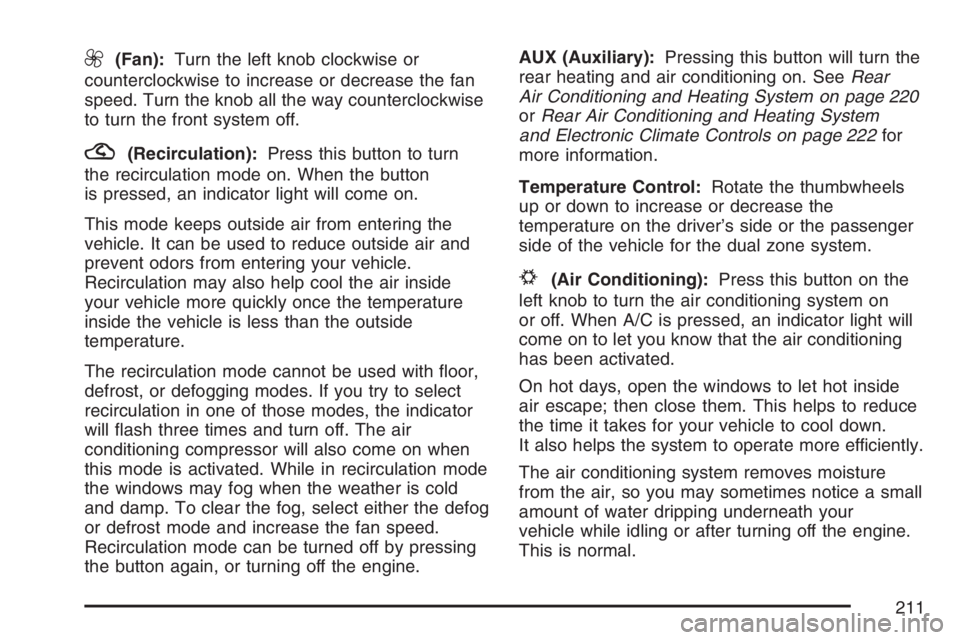
9(Fan):Turn the left knob clockwise or
counterclockwise to increase or decrease the fan
speed. Turn the knob all the way counterclockwise
to turn the front system off.
?(Recirculation):Press this button to turn
the recirculation mode on. When the button
is pressed, an indicator light will come on.
This mode keeps outside air from entering the
vehicle. It can be used to reduce outside air and
prevent odors from entering your vehicle.
Recirculation may also help cool the air inside
your vehicle more quickly once the temperature
inside the vehicle is less than the outside
temperature.
The recirculation mode cannot be used with oor,
defrost, or defogging modes. If you try to select
recirculation in one of those modes, the indicator
will ash three times and turn off. The air
conditioning compressor will also come on when
this mode is activated. While in recirculation mode
the windows may fog when the weather is cold
and damp. To clear the fog, select either the defog
or defrost mode and increase the fan speed.
Recirculation mode can be turned off by pressing
the button again, or turning off the engine.AUX (Auxiliary):Pressing this button will turn the
rear heating and air conditioning on. SeeRear
Air Conditioning and Heating System on page 220
orRear Air Conditioning and Heating System
and Electronic Climate Controls on page 222for
more information.
Temperature Control:Rotate the thumbwheels
up or down to increase or decrease the
temperature on the driver’s side or the passenger
side of the vehicle for the dual zone system.
#(Air Conditioning):Press this button on the
left knob to turn the air conditioning system on
or off. When A/C is pressed, an indicator light will
come on to let you know that the air conditioning
has been activated.
On hot days, open the windows to let hot inside
air escape; then close them. This helps to reduce
the time it takes for your vehicle to cool down.
It also helps the system to operate more efficiently.
The air conditioning system removes moisture
from the air, so you may sometimes notice a small
amount of water dripping underneath your
vehicle while idling or after turning off the engine.
This is normal.
211