display HONDA ACCORD HYBRID 2019 Owner's Manual
[x] Cancel search | Manufacturer: HONDA, Model Year: 2019, Model line: ACCORD HYBRID, Model: HONDA ACCORD HYBRID 2019Pages: 727, PDF Size: 24.78 MB
Page 147 of 727
Continued
145uu Gauges and Displays u Driver Information Interface
Instrument Panel
■ Trip meter 2 Trip meter P. 143
■ Elapsed Time
Shows the time elapsed since the last time Trip A or Trip B was reset.
■ Average Speed (Avg. Speed)
Shows the average speed in mph or km/h si nce the last time Trip A or Trip B was
reset. 1 Elapsed Time
You can change when to reset the elapsed time.
2 Customized Features P. 370, 381
1 Average Speed (Avg. Speed)
You can change when to reset the average speed.
2 Customized Features P. 370, 381
Page 148 of 727
uu Gauges and Displays u Driver Information Interface
146
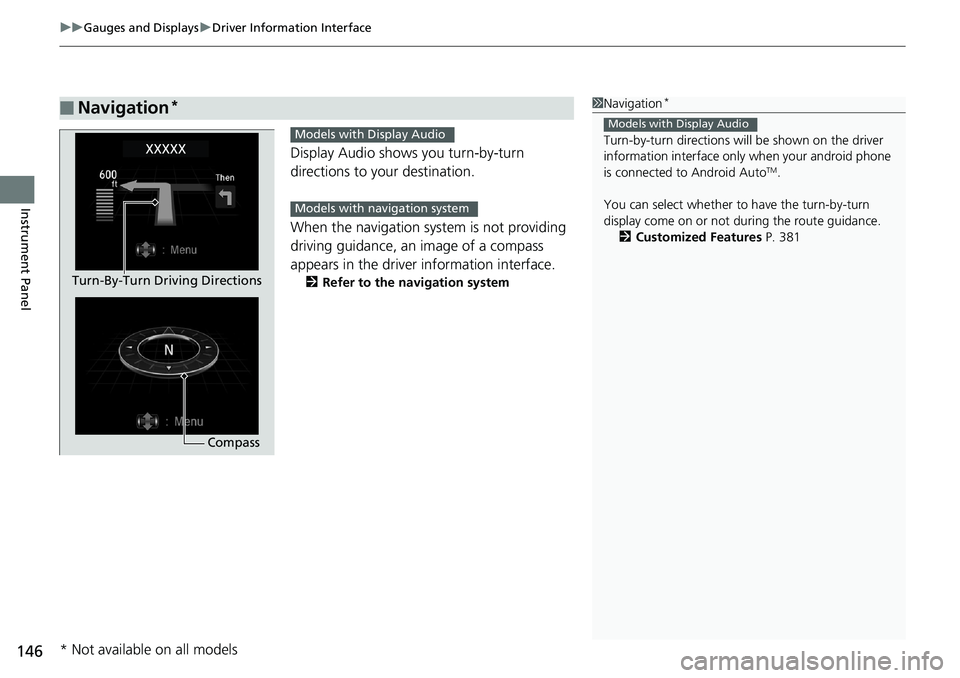
Instrument Panel Display Audio shows you turn-by-turn
directions to your destination.
When the navigation system is not providing
driving guidance, an image of a compass
appears in the driver information interface. 2 Refer to the navigation system
■ Navigation * 1 Navigation *
Turn-by-turn directions wi ll be shown on the driver
information interface only when your android phone
is connected to Android Auto TM
.
You can select whether to have the turn-by-turn
display come on or not dur ing the route guidance.
2 Customized Features P. 381Models with Display Audio
CompassTurn-By-Turn Driving Directions Models with Display Audio
Models with navigation system
* Not available on all models
Page 149 of 727
Continued
147uu Gauges and Displays u Driver Information Interface
Instrument Panel
2 Driver Information Interface Warning and
Information Messages P. 105
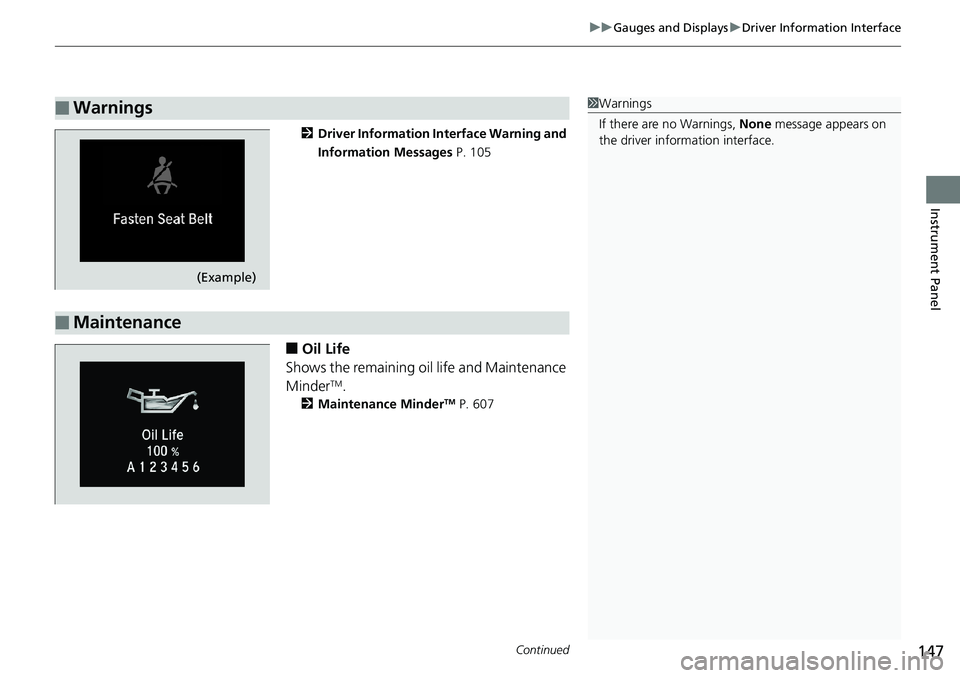
■ Oil Life
Shows the remaining oil life and Maintenance
Minder TM
.2 Maintenance Minder TM
P. 607■ Warnings 1 Warnings
If there are no Warnings, None message appears on
the driver information interface.
(Example)
■ Maintenance
Page 150 of 727
148 uu Gauges and Displays u Driver Information Interface
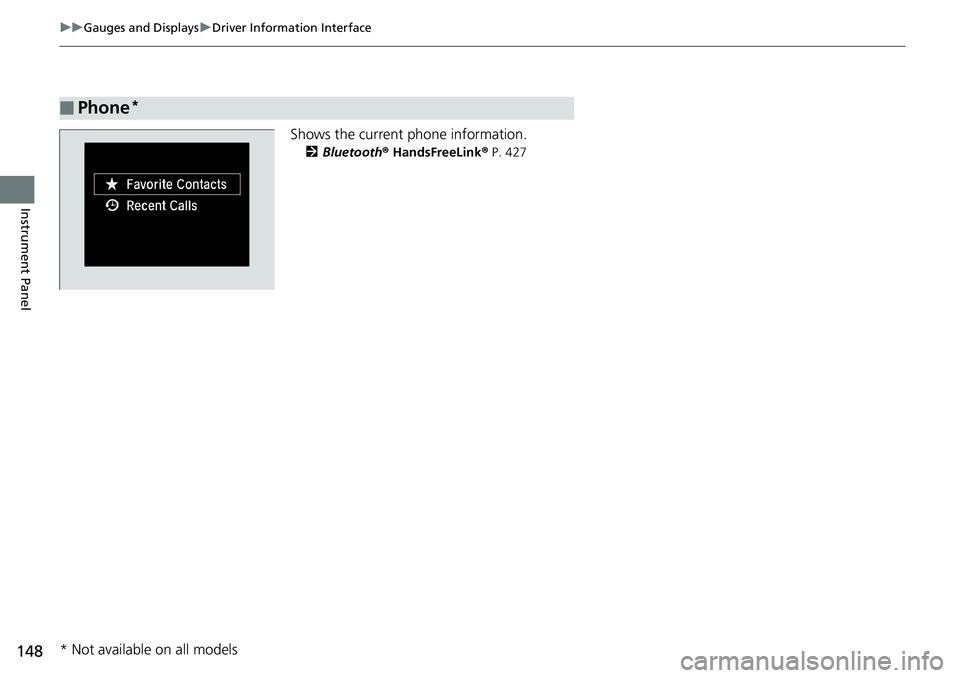
Instrument Panel Shows the current phone information. 2 Bluetooth ® HandsFreeLink ® P. 427
■ Phone *
* Not available on all models
Page 151 of 727
Continued
149uu Gauges and Displays u Driver Information Interface
Instrument Panel
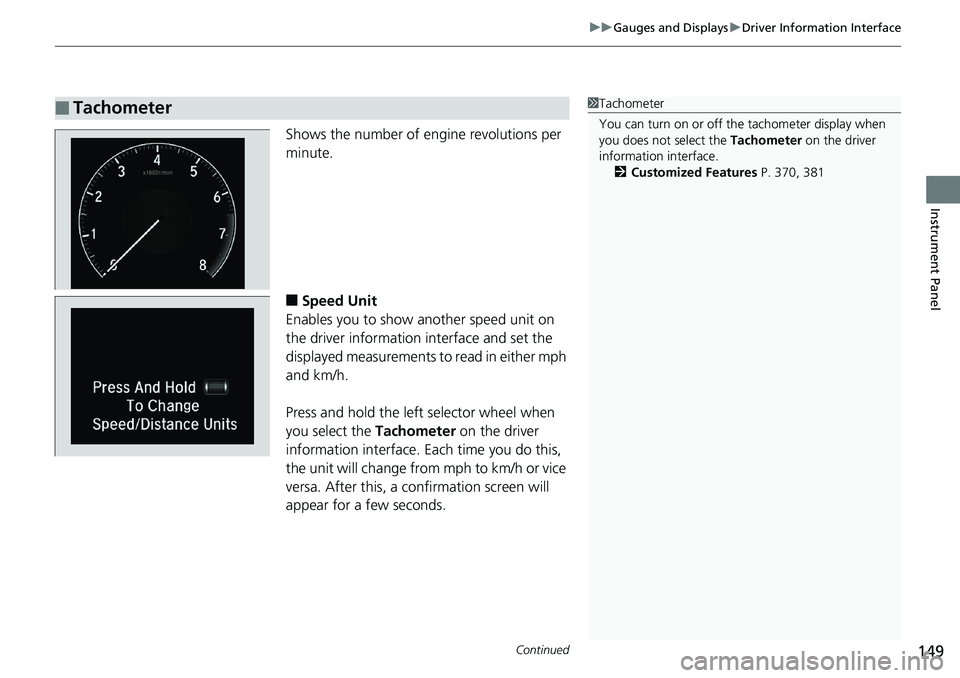
Shows the number of engine revolutions per
minute.
■ Speed Unit
Enables you to show another speed unit on
the driver information interface and set the
displayed measurements to read in either mph
and km/h.
Press and hold the left selector wheel when
you select the Tachometer on the driver
information interface. Each time you do this,
the unit will change from mph to km/h or vice
versa. After this, a confirmation screen will
appear for a few seconds.■ Tachometer 1 Tachometer
You can turn on or off the tachometer display when
you does not select the Tachometer on the driver
information interface.
2 Customized Features P. 370, 381
Page 152 of 727
150 uu Gauges and Displays u Driver Information Interface
Instrument Panel ■ Turbo Meter
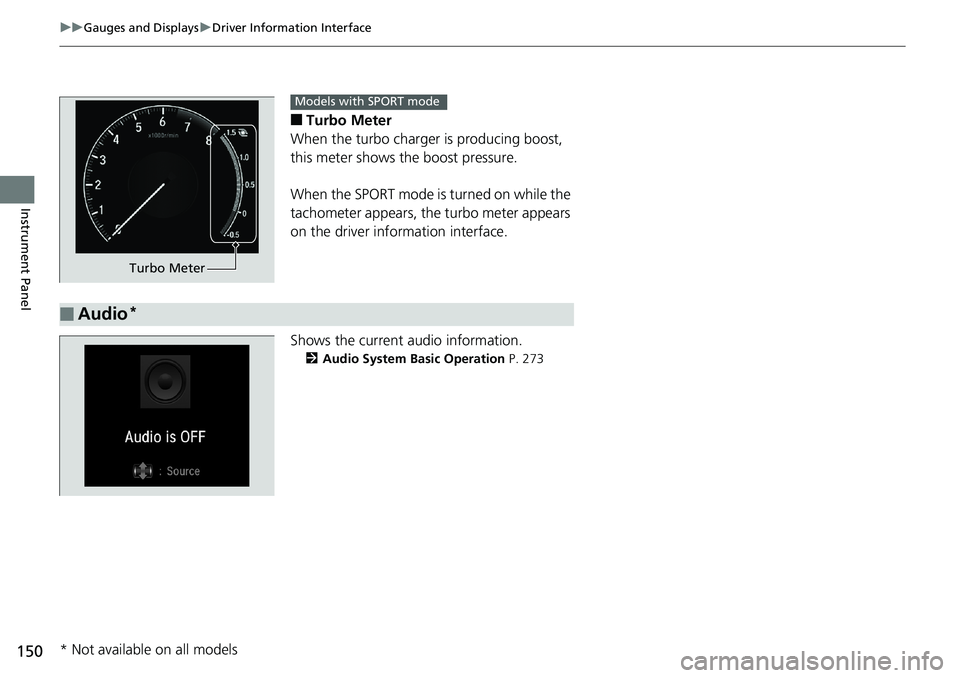
When the turbo charger is producing boost,
this meter shows th e boost pressure.
When the SPORT mode is turned on while the
tachometer appears, the turbo meter appears
on the driver information interface.
Shows the current audio information. 2 Audio System Basic Operation P. 273Turbo Meter Models with SPORT mode
■ Audio *
* Not available on all models
Page 153 of 727
151uu Gauges and Displays u Driver Information Interface
Continued
Instrument Panel
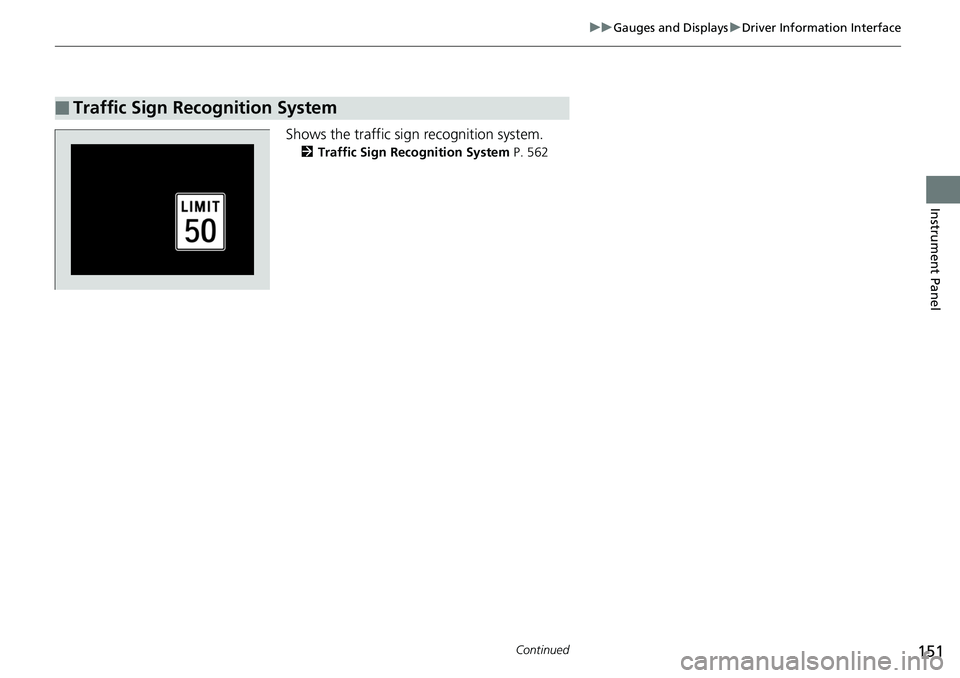
Shows the traffic sign recognition system. 2 Traffic Sign Recognition System P. 562
■ Traffic Sign Recognition System
Page 154 of 727
uu Gauges and Displays u Driver Information Interface
152
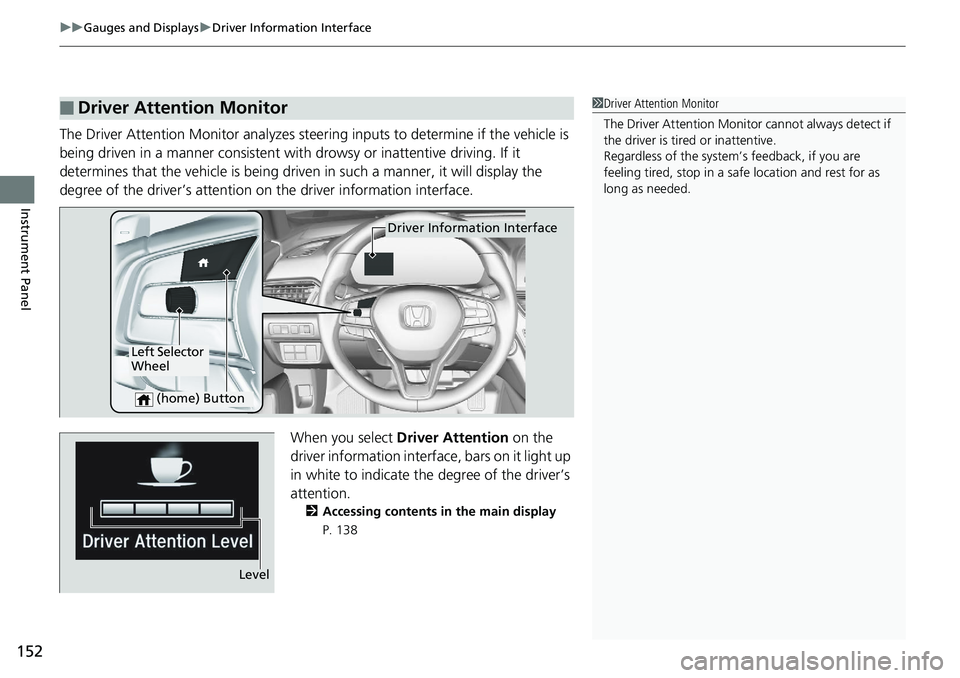
Instrument Panel The Driver Attention Monitor analyzes steer ing inputs to determine if the vehicle is
being driven in a manner consistent with drowsy or inattentive driving. If it
determines that the vehicle is being driven in such a manner, it will display the
degree of the driver’s attention on the driver information interface.
When you select Driver Attention on the
driver information interface, bars on it light up
in white to indicate the degree of the driver’s
attention. 2 Accessing contents in the main display
P. 138■ Driver Attention Monitor 1 Driver Attention Monitor
The Driver Attenti on Monitor cannot always detect if
the driver is tired or inattentive.
Regardless of the system’s feedback, if you are
feeling tired, stop in a safe location and rest for as
long as needed.
Driver Information Interface
Left Selector
Wheel
(home) Button
Level
Page 155 of 727
153uu Gauges and Displays u Driver Information Interface
Continued
Instrument Panel
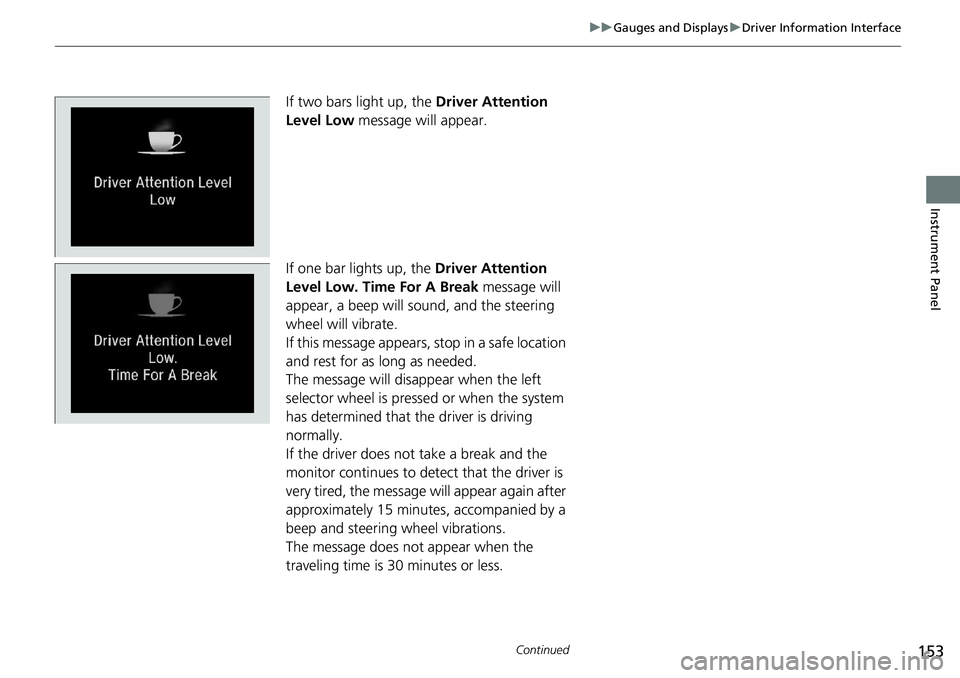
If two bars light up, the Driver Attention
Level Low message will appear.
If one bar lights up, the Driver Attention
Level Low. Time For A Break message will
appear, a beep will sound, and the steering
wheel will vibrate.
If this message appears, stop in a safe location
and rest for as long as needed.
The message will disappear when the left
selector wheel is presse d or when the system
has determined that the driver is driving
normally.
If the driver does not take a break and the
monitor continues to detect that the driver is
very tired, the message will appear again after
approximately 15 minutes, accompanied by a
beep and steering wheel vibrations.
The message does not appear when the
traveling time is 30 minutes or less.
Page 156 of 727
uu Gauges and Displays u Driver Information Interface
154
Instrument Panel ■ The Driver Attention Monitor resets when:
• The engine is turned off.
• The driver unfastens the seat belt and op ens the door while the vehicle is stopped.
■ For the Driver Attention Monitor to function:
• The vehicle must be traveling above 25 mph (40 km/h).
• The electric power steering (EPS) system indicator must be off.
■ Depending on driving conditions or other factors, the Driver Attention
Monitor may not function in the following circumstances:
• The steering assist function of the Lane Keeping Assist System (LKAS) is active.2 Lane Keeping Assist System (LKAS) P. 550
• The condition of the road is poor, e.g. the surface is unpaved or bumpy.
• It is windy.
• The driver is frequently op erating the vehicle in an assertive manner such as
changing lanes or accelerating.
■ Customizing
You can change the Driver Atte ntion Monitor settings. Select Tactile and Audible
Alert *1
/ Tactile And Audible Alert *2
, Tactile Alert , or Off *1
/ OFF *2
.2 Customized Features P. 370, 381
*1 : Models with color audio
*2 : Models with Display Audio 1 For the Driver Attention Monitor to function:
The bars on the driver information interface remain
grayed out unless the Driv er Attention Monitor is
functioning.