phone HONDA CIVIC COUPE 2012 9.G Navigation Manual
[x] Cancel search | Manufacturer: HONDA, Model Year: 2012, Model line: CIVIC COUPE, Model: HONDA CIVIC COUPE 2012 9.GPages: 204, PDF Size: 7.9 MB
Page 36 of 204
35
Personal InformationHome Addresses
System Setup
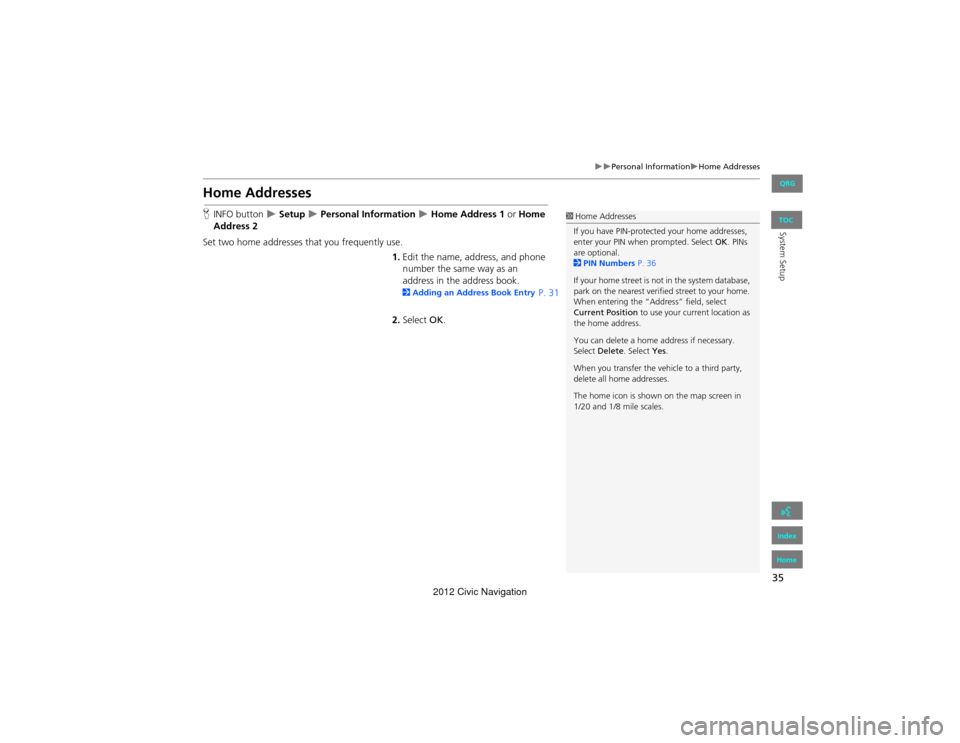
Home Addresses
HINFO button Setup Personal Information Home Address 1 or Home
Address 2
Set two home addresses that you frequently use. 1.Edit the name, address, and phone
number the same way as an
address in the address book.
2 Adding an Address Book Entry P. 31
2. Select OK.
1Home Addresses
If you have PIN-protected your home addresses,
enter your PIN when prompted. Select OK . PINs
are optional.
2 PIN Numbers P. 36
If your home street is not in the system database,
park on the nearest verified street to your home.
When entering the “Address” field, select
Current Position to use your current location as
the home address.
You can delete a home address if necessary.
Select Delete . Select Yes.
When you transfer the vehicle to a third party,
delete all ho me addresses.
The home icon is shown on the map screen in
1/20 and 1/8 mile scales.
QRG
Index
Home
TOC
2012 Civic Navigation
Page 53 of 204
52
System Setup
Data Reset
Reset Factory Default Settings
HINFO button Setup Other Reset Factory Default
Reset all the settings on the Setup sc reens to their factory defaults.
Select Yes.1Reset Factory Default Settings
The following settings are reset:
•Brightness, Contrast, Black Level, Volume,
Guidance Prompts
•Basic Settings: Keyboard Layout, Units, Voice
Recognition Tutor, Verbal Reminder, Display
Voice Commands Tips
•Routing & Guidance: Rerouting, Unverified
Area Routing, Edit Waypoint Search Area,
Guidance Mode
•Clock Adjustment: Auto Daylight, Auto Time
Zone, Clock Format Time, Clock Type
•Vehicle: Off-road Tracking
•Color: Map Color, Menu Color
When you transfer the vehicle to a third party,
reset all settings to de fault and delete all
personal data.
2 Deleting an Address Book Entry P. 34
2 Home Addresses P. 35
2 PIN Numbers P. 36
2 User Name P. 37
2 Previous De stinations P. 38
2 Edit Avoid Area P. 43
2 Deleting a Paired Phone P. 149
QRG
Index
Home
TOC
2012 Civic Navigation
Page 56 of 204
55
Navigation
This section describes how to enter a destination, select a route to take,
and follow the route to your destinati on. It also describes how to change
your route or destination along the way.
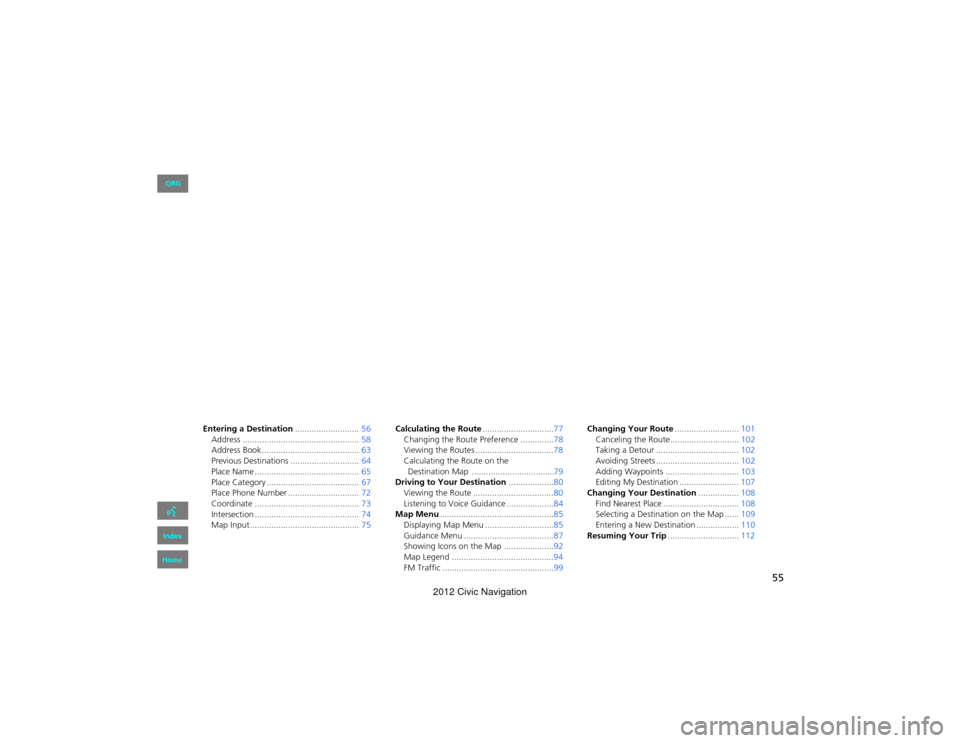
Entering a Destination ...........................56
Address ................................................. 58
Address Book ..... ......................... ...........63
Previous Destinations ............................. 64
Place Name ............................................ 65
Place Category ....................................... 67
Place Phone Number ......... .....................72
Coordinate ............................................ 73
Intersection ............................................ 74
Map Input.............................................. 75Calculating the Route
..............................77
Changing the Route Preference ..............78
Viewing the Routes .................................78
Calculating the Route on the 79
Driving to Your Destination ...................80
Viewing the Route ..................................80
Listening to Voice Guidance ....................84
Map Menu ................................................85
Displaying Map Menu .............................85
Guidance Menu ......................................87
Showing Icons on the Ma p .....................92
Map Legend ...........................................94
FM Traffic ...............................................99 Changing Your Route
...........................101
Canceling the Route............................. 102
Taking a Detour ................................... 102
Avoiding Streets ................................... 102
Adding Waypoints .......... .....................103
Editing My Destination ......................... 107
Changing Your Destination .................108
Find Nearest Place ................................ 108
Selecting a Destination on the Map ...... 109
Entering a New Destinat ion ..................110
Resuming Your Trip ..............................112
QRG
Index
Home
Destination Map ...................................
2012 Civic Navigation
Page 58 of 204
57
Entering a Destination
Navigation
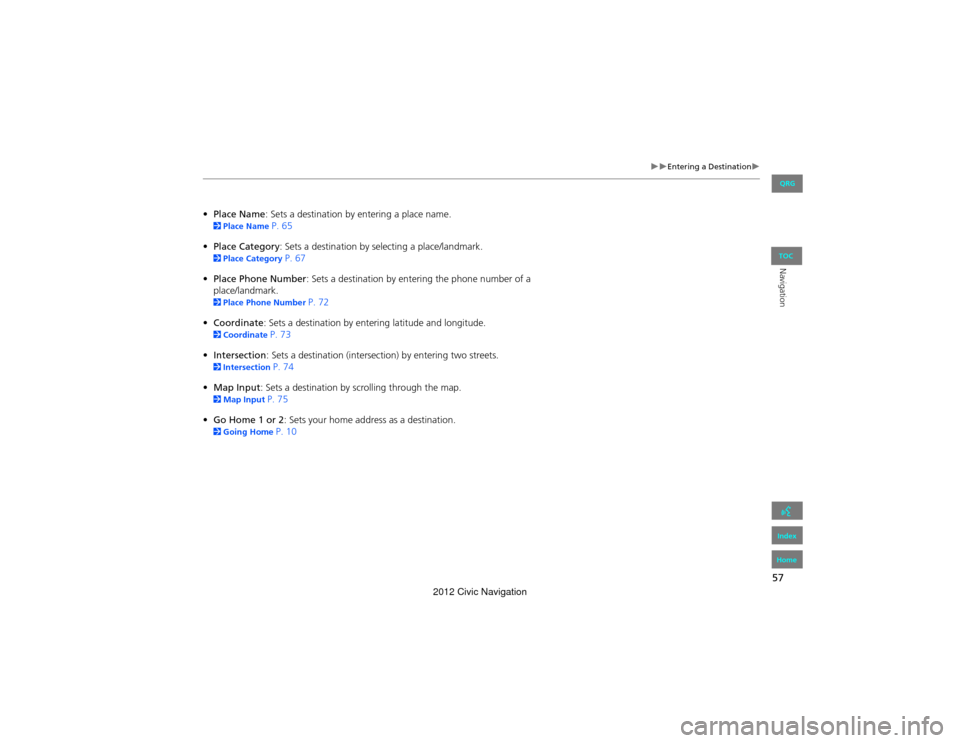
•Place Name: Sets a destination by entering a place name. 2 Place Name P. 65
• Place Category : Sets a destination by se lecting a place/landmark.
2Place Category P. 67
• Place Phone Number : Sets a destination by entering the phone number of a
place/landmark.
2 Place Phone Number P. 72
• Coordinate: Sets a destination by entering latitude and longitude.
2 Coordinate P. 73
• Intersection : Sets a destination (intersection) by entering two streets.
2Intersection P. 74
• Map Input : Sets a destination by scrolling through the map.
2Map Input P. 75
• Go Home 1 or 2 : Sets your home address as a destination.
2Going Home P. 10
QRG
Index
Home
TOC
2012 Civic Navigation
Page 73 of 204
72
Entering a DestinationPlace Phone Number
Navigation
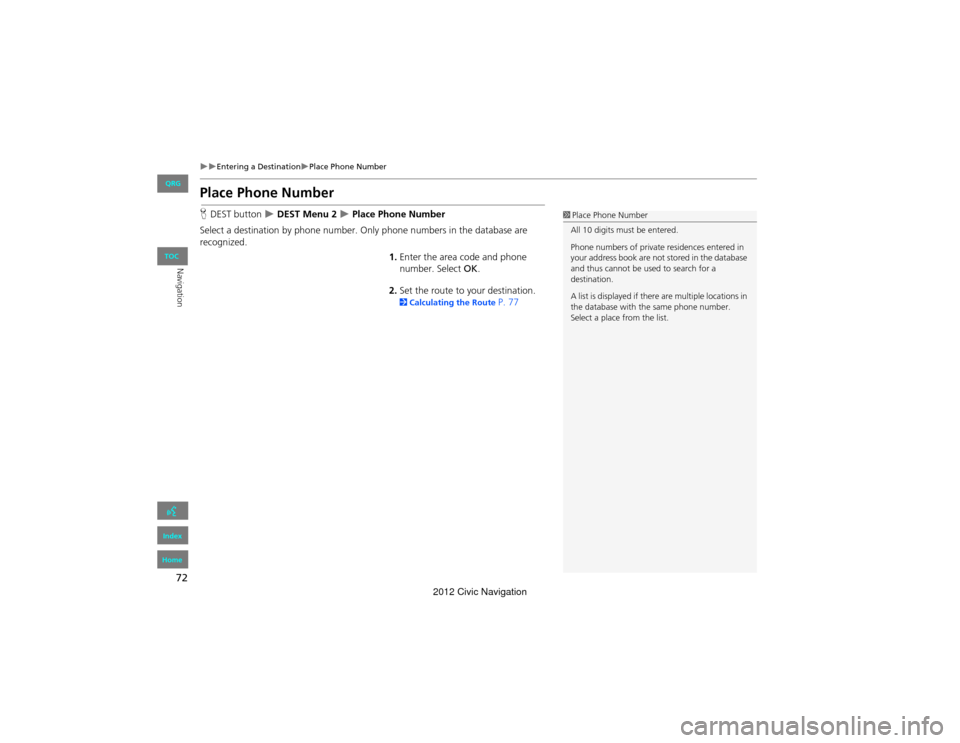
Place Phone Number
HDEST button DEST Menu 2 Place Phone Number
Select a destination by phone number. On ly phone numbers in the database are
recognized.
1.Enter the area code and phone
number. Select OK.
2. Set the route to your destination.
2 Calculating the Route P. 77
1Place Phone Number
All 10 digits must be entered.
Phone numbers of private residences entered in
your address book are not stored in the database
and thus cannot be used to search for a
destination.
A list is displayed if there are multiple locations in
the database with th e same phone number.
Select a place from the list.
QRG
Index
Home
TOC
2012 Civic Navigation
Page 78 of 204
77
Navigation
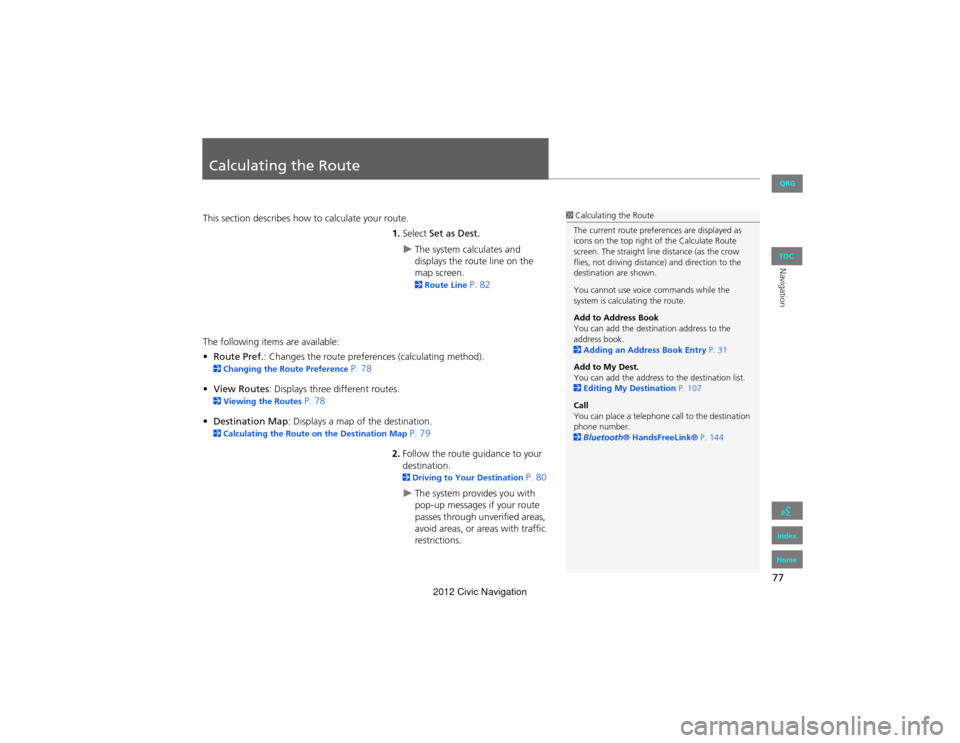
Calculating the Route
This section describes how to calculate your route.1.Select Set as Dest.
The system calculates and
displays the route line on the
map screen.
2Route Line P. 82
The following items are available:
• Route Pref.: Changes the route prefer ences (calculating method).
2Changing the Route Preference P. 78
• View Routes: Displays three different routes.
2 Viewing the Routes P. 78
• Destination Map : Displays a map of the destination.
2Calculating the Route on the Destination Map P. 79
2. Follow the route guidance to your
destination.
2 Driving to Your Destination P. 80
The system provides you with
pop-up messages if your route
passes through unverified areas,
avoid areas, or areas with traffic
restrictions.
1Calculating the Route
The current route preferences are displayed as
icons on the top right of the Calculate Route
screen. The straight line distance (as the crow
flies, not driving distance) and direction to the
destination are shown.
You cannot use voice commands while the
system is calculating the route.
Add to Address Book
You can add the destination address to the
address book.
2 Adding an Address Book Entry P. 31
Add to My Dest.
You can add the address to the destination list.
2 Editing My Destination P. 107
Call
You can place a telephone call to the destination
phone number.
2 Bluetooth ® HandsFreeLink® P. 144
QRG
Index
Home
TOC
2012 Civic Navigation
Page 99 of 204
98
Map MenuMap Legend
Navigation
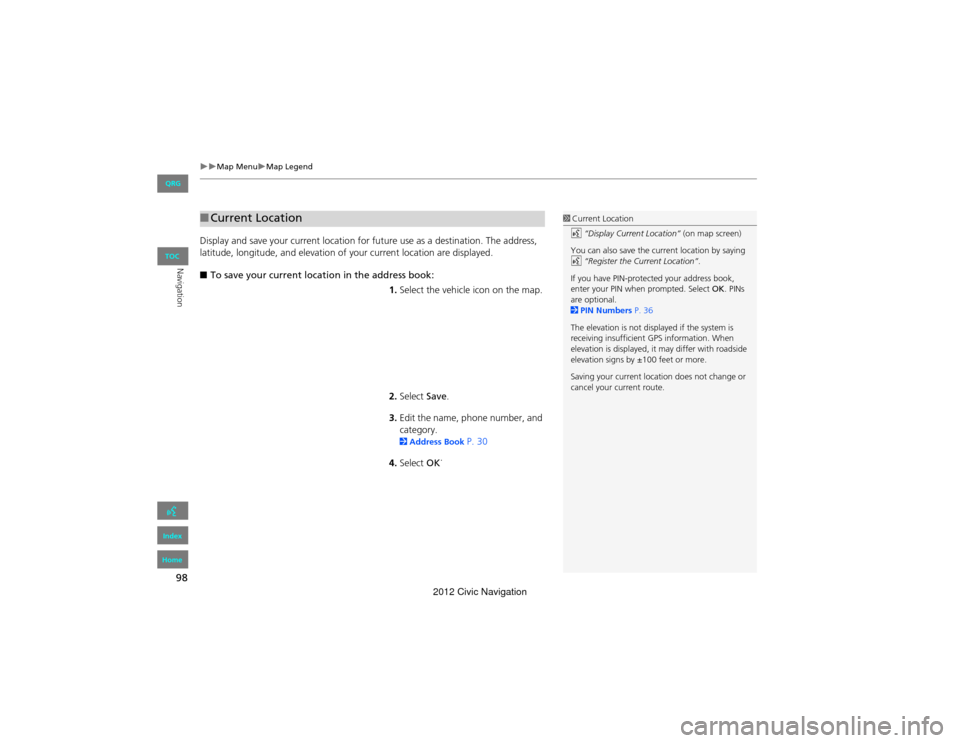
Display and save your current location for future use as a destination. The address,
latitude, longitude, and elevation of your current location are displayed.
■ To save your current location in the address book:
1.Select the vehicle icon on the map.
2. Select Save.
3. Edit the name, phone number, and
category.
2 Address Book P. 30
4. Select OK.
■
Current Location1 Current Location
d “Display Current Location” (on map screen)
You can also save the current location by saying
d “Register the Current Location” .
If you have PIN-protected your address book,
enter your PIN when prompted. Select OK. PINs
are optional.
2 PIN Numbers P. 36
The elevation is not displayed if the system is
receiving insufficient GPS information. When
elevation is displayed, it may differ with roadside
elevation signs by ±100 feet or more.
Saving your current locati on does not change or
cancel your current route.
QRG
Index
Home
TOC
2012 Civic Navigation
Page 113 of 204
112
Navigation
Resuming Your Trip
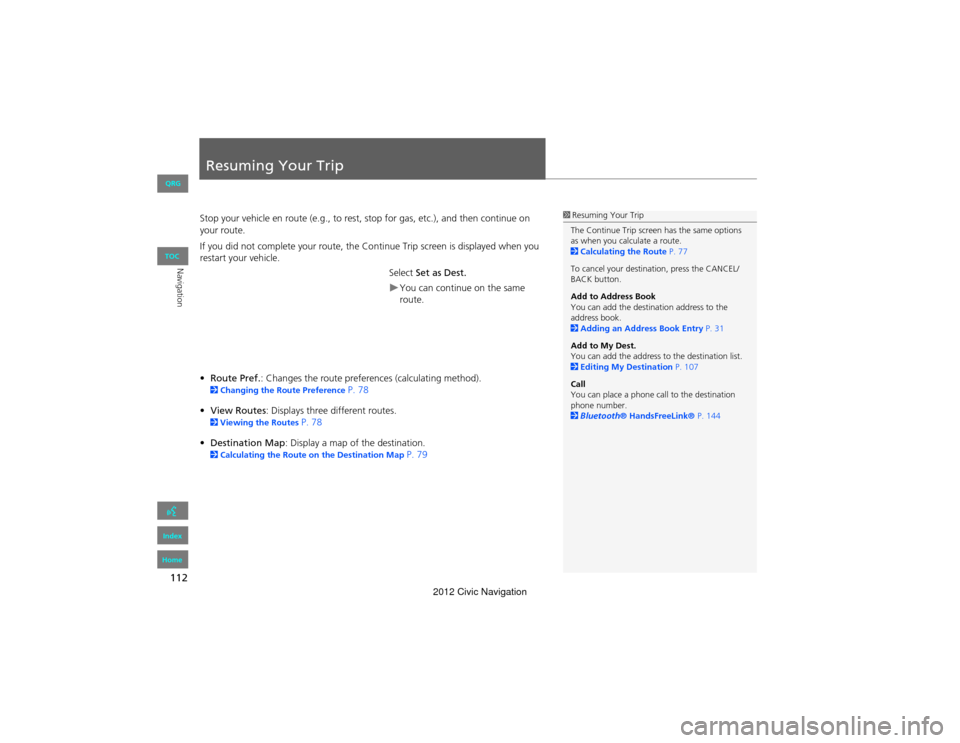
Stop your vehicle en route (e.g., to rest, stop for gas, etc.), and then continue on
your route.
If you did not complete your route, the Continue Trip screen is displayed when you
restart your vehicle.
Select Set as Dest.
You can continue on the same
route.
• Route Pref. : Changes the route preferen ces (calculating method).
2Changing the Ro ute Preference P. 78
• View Routes : Displays three different routes.
2Viewing the Routes P. 78
• Destination Map: Display a map of the destination.
2 Calculating the Route on the Destination Map P. 79
1Resuming Your Trip
The Continue Trip screen has the same options
as when you calculate a route.
2 Calculating the Route P. 77
To cancel your destination, press the CANCEL/
BACK button.
Add to Address Book
You can add the destination address to the
address book.
2 Adding an Addr ess Book Entry P. 31
Add to My Dest.
You can add the address to the destination list.
2 Editing My Destination P. 107
Call
You can place a phone call to the destination
phone number.
2 Bluetooth ® HandsFreeLink® P. 144
QRG
Index
Home
TOC
2012 Civic Navigation
Page 138 of 204
137
Audio
Playing Bluetooth® Audio
Your audio system allows you to listen to music tracks stored on your Bluetooth-
compatible phone.
This function is available when the phone is linked to the vehicle’s Bluetooth®
HandsFreeLink® (HFL) system.
2 Bluetooth® HandsFreeLink® P. 143
Selecting Bluetooth ® Audio Mode
1.Make sure that your phone is on,
paired, and li nked to HFL.
2Pairing a Phone P. 146
2. Press the CD/XM button until you
get to Bluetooth ® Audio mode.
A Bluetooth ® message and icon
are displayed on the display and
screen.
3. Select AUDIO/STREET .
1Playing Bluetooth ® Audio
d “Display audio screen”
You can control the Bluetooth® Audio using
voice commands.
2 Bluetooth ® Audio Commands P. 195
Not all Bluetooth -enabled phones with
streaming audio capabilit ies are compatible. To
check if your phone is compatible:
•U.S.: Visit automobiles.honda.com/
handsfreelink .
•Canada: Visit www.handsfreelink.ca .
•Call HandsFreeLink customer support at
(888) 528-7876.
In some states, it may be illegal to perform some
data device functi ons while driving.
In some cases, the name of the artist, album, or
track may not appear correctly.
Only one phone can be used with HFL at a time.
When there are more than two paired phones in
the vehicle, the first paired phone the system
finds is automatically linked.
Continued
QRG
Index
Home
TOC
2012 Civic Navigation
Page 139 of 204
138
Playing Bluetooth® AudioSwitching to HFL Mode
Audio
4.Select c or x to select a track.
5. If necessary, follow the cell phone
operating instructions for playing
audio tracks.
Check the following if the phone is not recognized:
• Another HFL-compatible phone, which is not compatible for Bluetooth® Audio, is
already connected.
Switching to HFL Mode
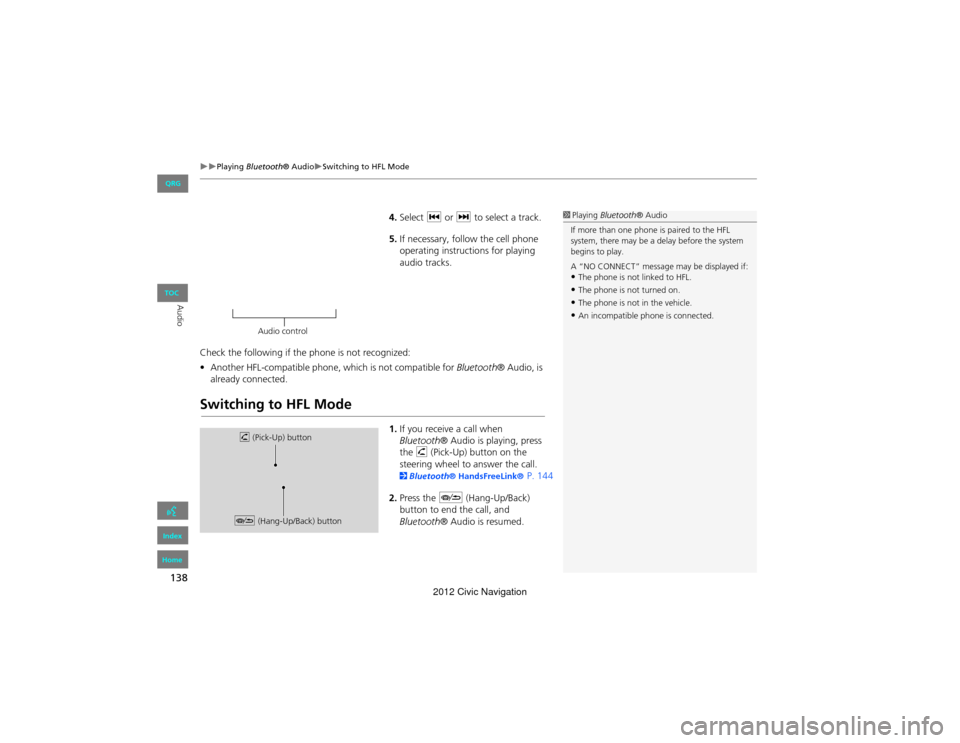
1. If you receive a call when
Bluetooth ® Audio is playing, press
the h (Pick-Up) button on the
steering wheel to answer the call.
2 Bluetooth ® HandsFre eLink® P. 144
2. Press the J (Hang-Up/Back)
button to end the call, and
Bluetooth ® Audio is resumed.
1Playing Bluetooth ® Audio
If more than one phone is paired to the HFL
system, there may be a delay before the system
begins to play.
A “NO CONNECT” message may be displayed if:
•The phone is not linked to HFL.
•The phone is not turned on.
•The phone is not in the vehicle.
•An incompatible phone is connected.
Audio control
h (Pick-Up) button
J (Hang-Up/Back) button
QRG
Index
Home
TOC
2012 Civic Navigation