phone HONDA CIVIC COUPE 2012 9.G Navigation Manual
[x] Cancel search | Manufacturer: HONDA, Model Year: 2012, Model line: CIVIC COUPE, Model: HONDA CIVIC COUPE 2012 9.GPages: 204, PDF Size: 7.9 MB
Page 142 of 204
141
Audio
Audio Remote Controls
Steering Wheel Controls
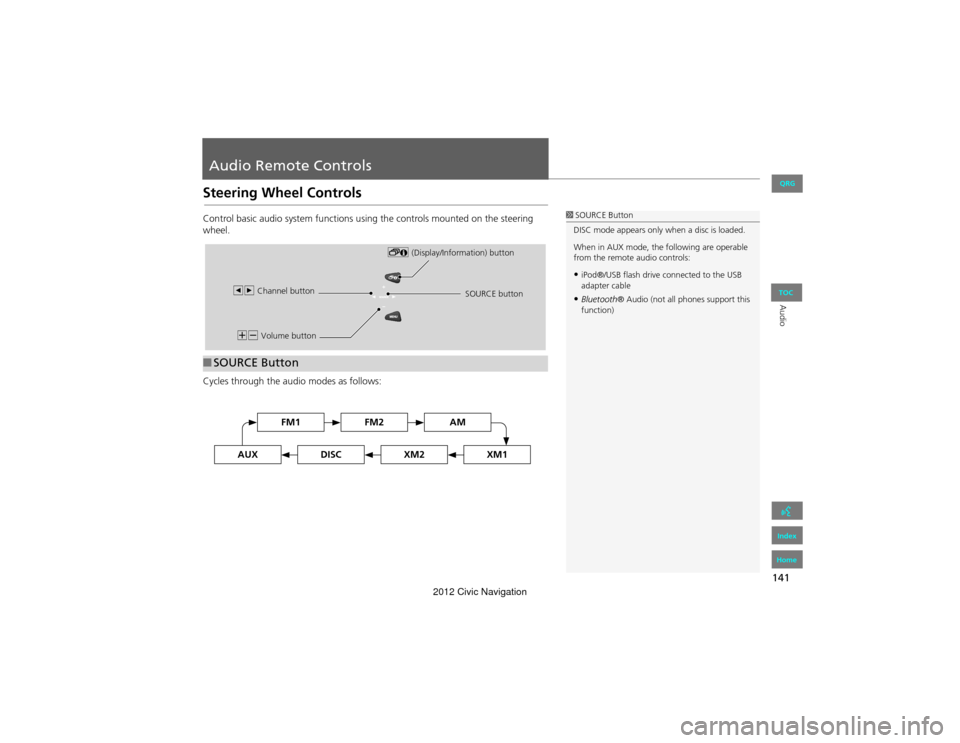
Control basic audio system functions using the controls mounted on the steering
wheel.
Cycles through the audio modes as follows:
■SOURCE Button
1 SOURCE Button
DISC mode appears only when a disc is loaded.
When in AUX mode, the following are operable
from the remote audio controls:
•iPod®/USB flash drive connected to the USB
adapter cable
•Bluetooth ® Audio (not all phones support this
function)
NB Volume button !
(Display/Information) button
bn Channel button SOURCE button
FM2FM1AM
DISCAUXXM2XM1
QRG
Index
Home
TOC
2012 Civic Navigation
Page 144 of 204
143
Bluetooth® HandsFreeLink®
This section describes how to operate Bluetooth® HandsFreeLink®. You
can place and receive phone calls using your vehicle’s audio system
without handling your cell phone.
Bluetooth® HandsFreeLink®...............144
Pairing a Phone .................................... 146
Setting Up Speed Dialing...................... 151
Editing Phone Information.................... 154
Phone Setup ........................................ 155
Making a Call....................................... 156
Receiving a Call .................................... 159
HFL Menus ........................................... 160
QRG
Index
Home
2012 Civic Navigation
Page 145 of 204
144
Bluetooth® HandsFreeLink®
Bluetooth® HandsFreeLink®
HPHONE button
Select an item.
The following items are available:
• Redial: Dials the last number.
• Call History: Displays the call history.
2 Using Call History P. 158
• Phonebook: Displays the cell phone’s imported phonebook.
2 Using the Phonebook P. 157
• Dial : Makes a call by entering the phone number.
2Entering a Phone Number P. 157
• Phone Setup : Sets up the HFL features.
2Pairing a Phone P. 1462Setting Up Sp eed Dialing P. 151
• Speed Dial 1, 2 : Makes a call to stored speed dial entries.
2Using Speed Dial P. 158
1Bluetooth ® HandsFreeLink®
You can control the HFL system using voice
commands.
2 HFL Menus P. 160
To use HFL, you need a Bluetooth-compatible
cell phone. For a list of compatible phones,
pairing procedures, and special feature
capabilities:
•U.S.: Visit automobiles.honda.com/
handsfreelink .
•Canada: Visit www.handsfreelink .ca.
•Call HandsFreeLink customer support at
(888) 528-7876.
Voice Control Tips
•Aim the vents away from the ceiling and close
the windows, as nois e coming from them may
interfere with the microphone.
•Press and release the d (Talk) button before
giving a command. Speak clearly and naturally
after a beep.
2 Voice Control Operation P. 5
•If the microphone picks up voices other than
yours, the command may be misinterpreted.
•When HFL is in use, navigation voice
commands cannot be recognized.
•To change the volume level, use the audio
system’s volume knob or the remote audio
controls.
QRG
Index
Home
TOC
2012 Civic Navigation
Page 147 of 204
146
Bluetooth® HandsFreeLink®Pairing a Phone
Bluetooth® HandsFreeLink®
Pairing a Phone
HPHONE button
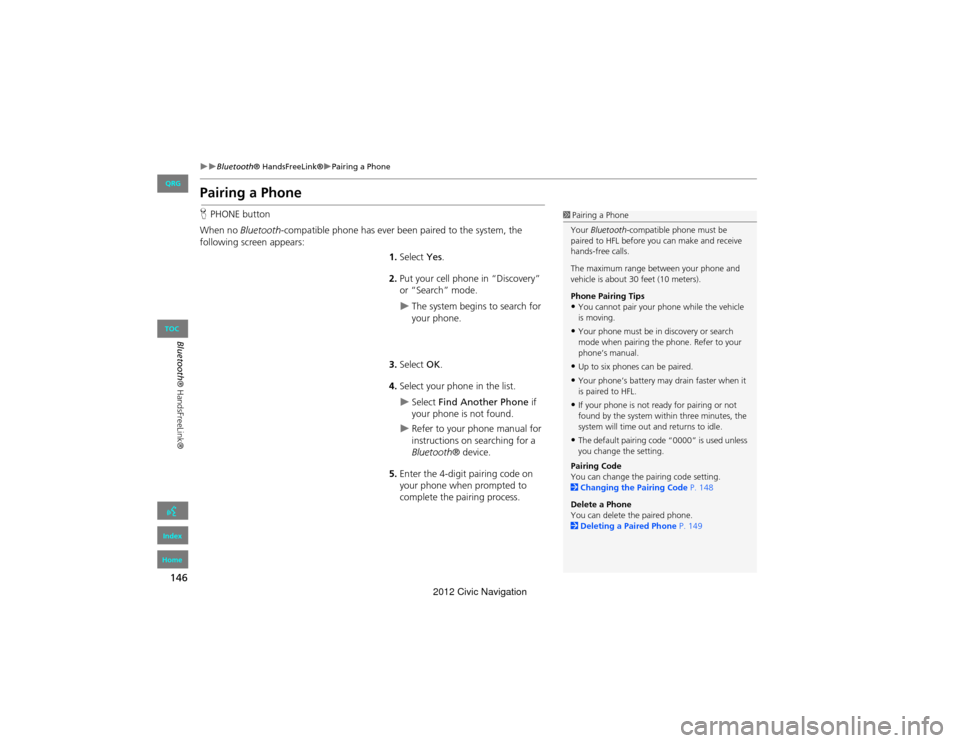
When no Bluetooth -compatible phone has ever been paired to the system, the
following scr een appears:
1.Select Yes.
2. Put your cell phone in “Discovery”
or “Search” mode.
The system begins to search for
your phone.
3. Select OK.
4. Select your phone in the list.
Select Find Another Phone if
your phone is not found.
Refer to your phone manual for
instructions on searching for a
Bluetooth ® device.
5. Enter the 4-digit pairing code on
your phone when prompted to
complete the pairing process.
1Pairing a Phone
Your Bluetooth -compatible phone must be
paired to HFL before you can make and receive
hands-free calls.
The maximum range between your phone and
vehicle is about 30 feet (10 meters).
Phone Pairing Tips
•You cannot pair your phone while the vehicle
is moving.
•Your phone must be in discovery or search
mode when pairing the phone. Refer to your
phone’s manual.
•Up to six phones can be paired.
•Your phone’s battery may drain faster when it
is paired to HFL.
•If your phone is not ready for pairing or not
found by the system with in three minutes, the
system will time out and returns to idle.
•The default pairing code “0000” is used unless
you change the setting.
Pairing Code
You can change the pa iring code setting.
2 Changing the Pairing Code P. 148
Delete a Phone
You can delete the paired phone.
2 Deleting a Paired Phone P. 149
QRG
Index
Home
TOC
2012 Civic Navigation
Page 148 of 204
147
Bluetooth® HandsFreeLink®Pairing a Phone
Bluetooth® HandsFreeLink®
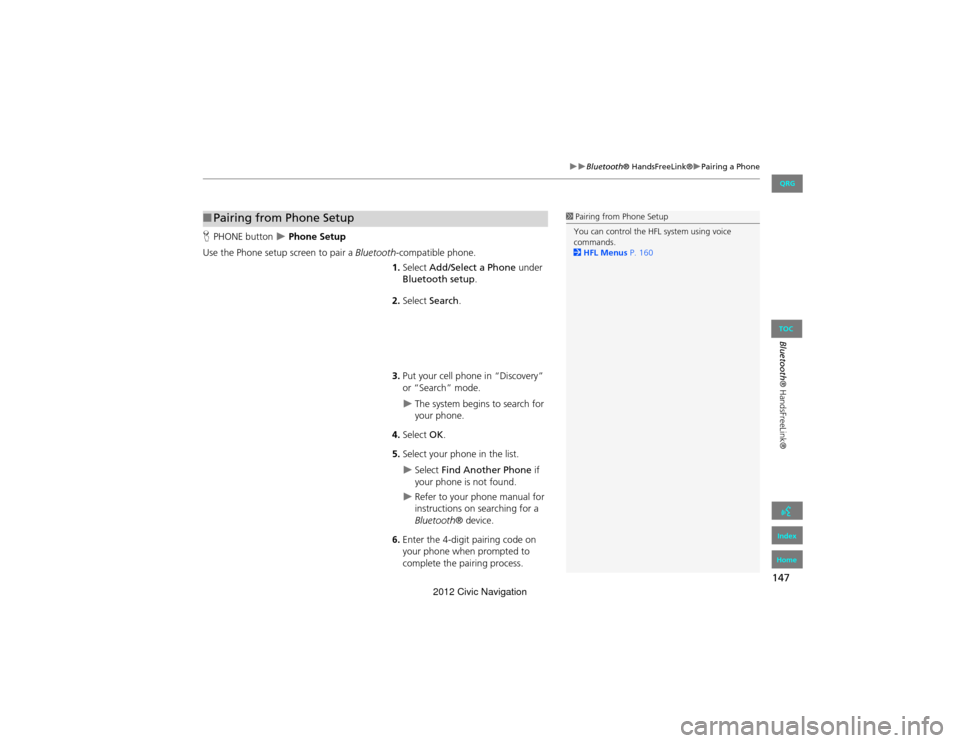
HPHONE button Phone Setup
Use the Phone setup screen to pair a Bluetooth-compatible phone.
1. Select Add/Select a Phone under
Bluetooth setup.
2. Select Search .
3. Put your cell phone in “Discovery”
or “Search” mode.
The system begins to search for
your phone.
4. Select OK.
5. Select your phone in the list.
Select Find Another Phone if
your phone is not found.
Refer to your phone manual for
instructions on searching for a
Bluetooth ® device.
6. Enter the 4-digit pairing code on
your phone when prompted to
complete the pairing process.
■Pairing from Phone Setup1 Pairing from Phone Setup
You can control the HFL system using voice
commands.
2 HFL Menus P. 160
QRG
Index
Home
TOC
2012 Civic Navigation
Page 149 of 204
148
Bluetooth® HandsFreeLink®Pairing a Phone
Bluetooth® HandsFreeLink®
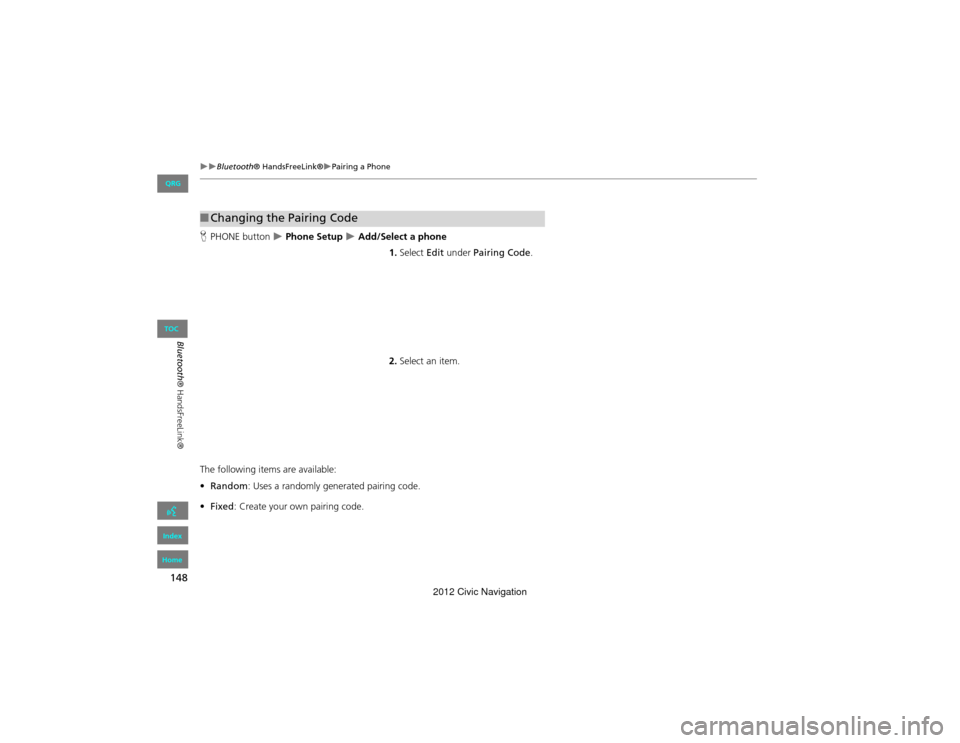
HPHONE button Phone Setup Add/Select a phone
1.Select Edit under Pairing Code .
2. Select an item.
The following items are available:
• Random : Uses a randomly generated pairing code.
• Fixed : Create your own pairing code.
■Changing the Pairing Code
QRG
Index
Home
TOC
2012 Civic Navigation
Page 150 of 204
149
Bluetooth® HandsFreeLink®Pairing a Phone
Bluetooth® HandsFreeLink®
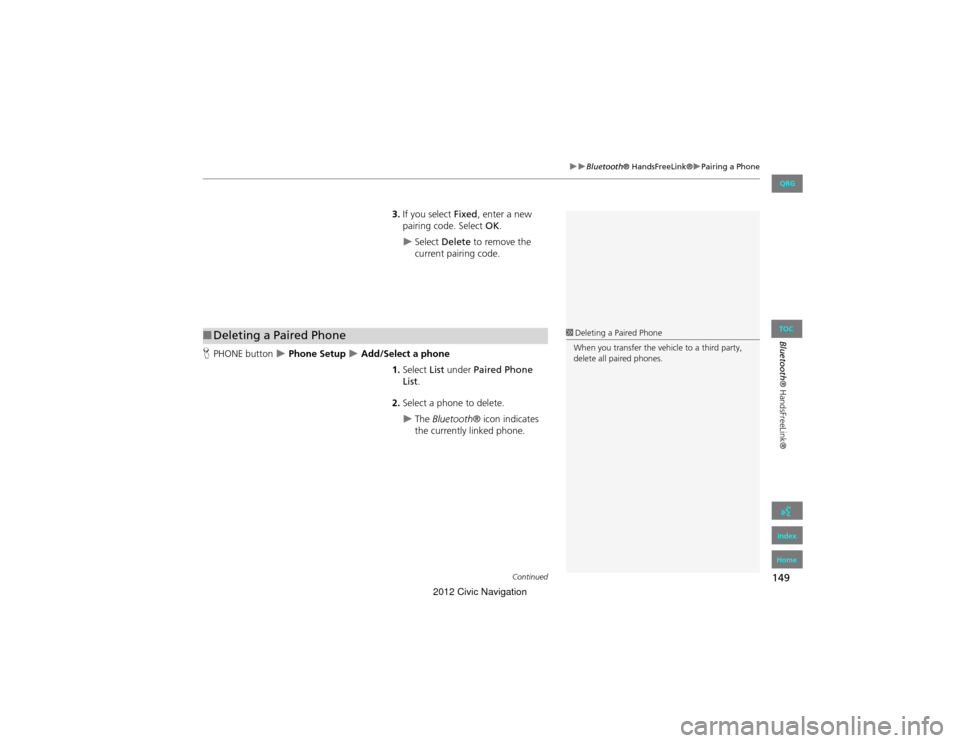
3.If you select Fixed, enter a new
pairing code. Select OK.
Select Delete to remove the
current pairing code.
H PHONE button
Phone Setup Add/Select a phone
1.Select List under Paired Phone
List.
2. Select a phone to delete.
The Bluetooth ® icon indicates
the currently linked phone.
■ Deleting a Paired Phone1 Deleting a Paired Phone
When you transfer the vehicle to a third party,
delete all paired phones.
Continued
QRG
Index
Home
TOC
2012 Civic Navigation
Page 151 of 204
150
Bluetooth® HandsFreeLink®Pairing a Phone
Bluetooth® HandsFreeLink®
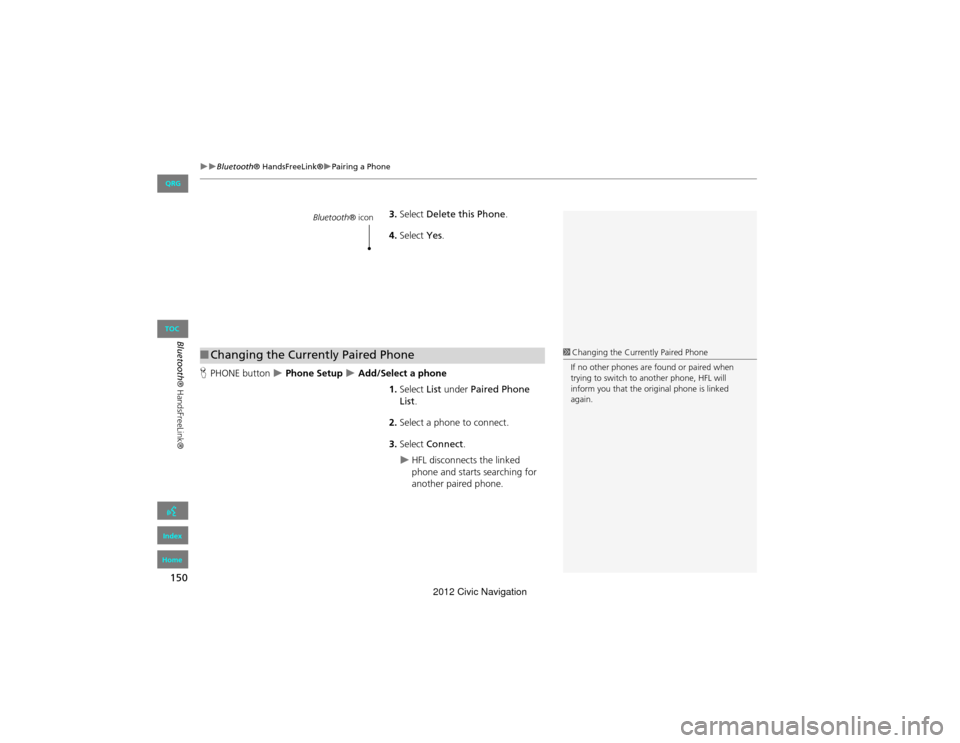
3.Select Delete this Phone .
4. Select Yes.
H PHONE button
Phone Setup Add/Select a phone
1.Select List under Paired Phone
List .
2. Select a phone to connect.
3. Select Connect .
HFL disconnects the linked
phone and starts searching for
another paired phone.
Bluetooth ® icon
■Changing the Currently Paired Phone1 Changing the Currently Paired Phone
If no other phones are found or paired when
trying to switch to another phone, HFL will
inform you that the original phone is linked
again.
QRG
Index
Home
TOC
2012 Civic Navigation
Page 152 of 204
151
Bluetooth® HandsFreeLink®Setting Up Speed Dialing
Bluetooth® HandsFreeLink®
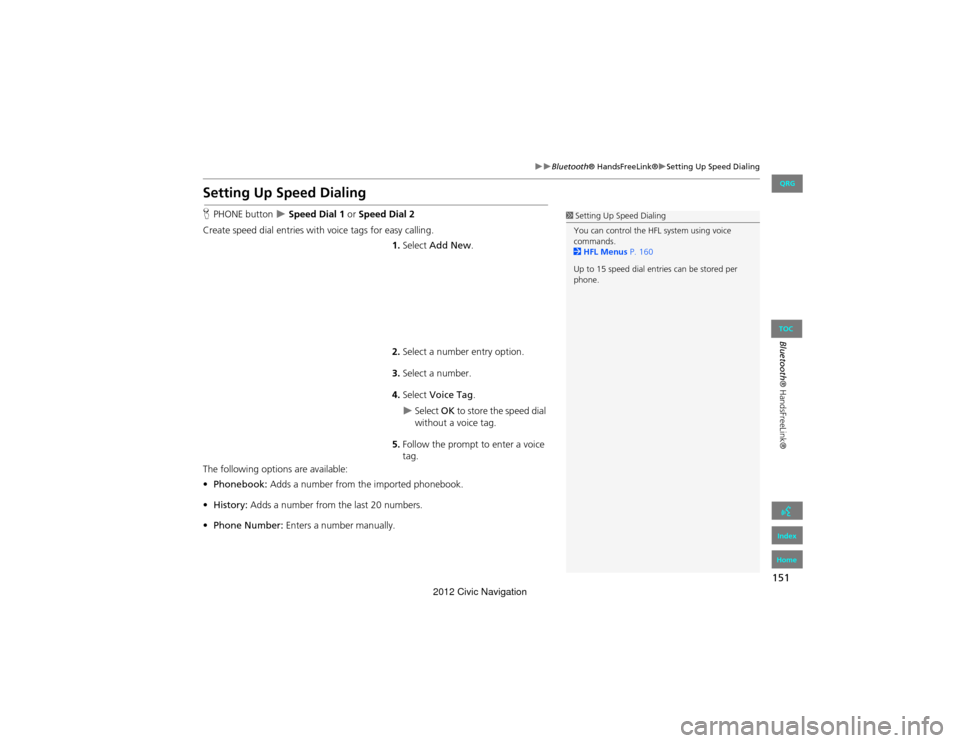
Setting Up Speed Dialing
HPHONE button Speed Dial 1 or Speed Dial 2
Create speed dial entries with voice tags for easy calling. 1.Select Add New .
2. Select a number entry option.
3. Select a number.
4. Select Voice Tag .
Select OK to store the speed dial
without a voice tag.
5. Follow the prompt to enter a voice
tag.
The following options are available:
• Phonebook: Adds a number from the imported phonebook.
• History: Adds a number from the last 20 numbers.
• Phone Number: Enters a number manually.
1Setting Up Speed Dialing
You can control the HFL system using voice
commands.
2 HFL Menus P. 160
Up to 15 speed dial entries can be stored per
phone.
QRG
Index
Home
TOC
2012 Civic Navigation
Page 153 of 204
152
Bluetooth® HandsFreeLink®Setting Up Speed Dialing
Bluetooth® HandsFreeLink®
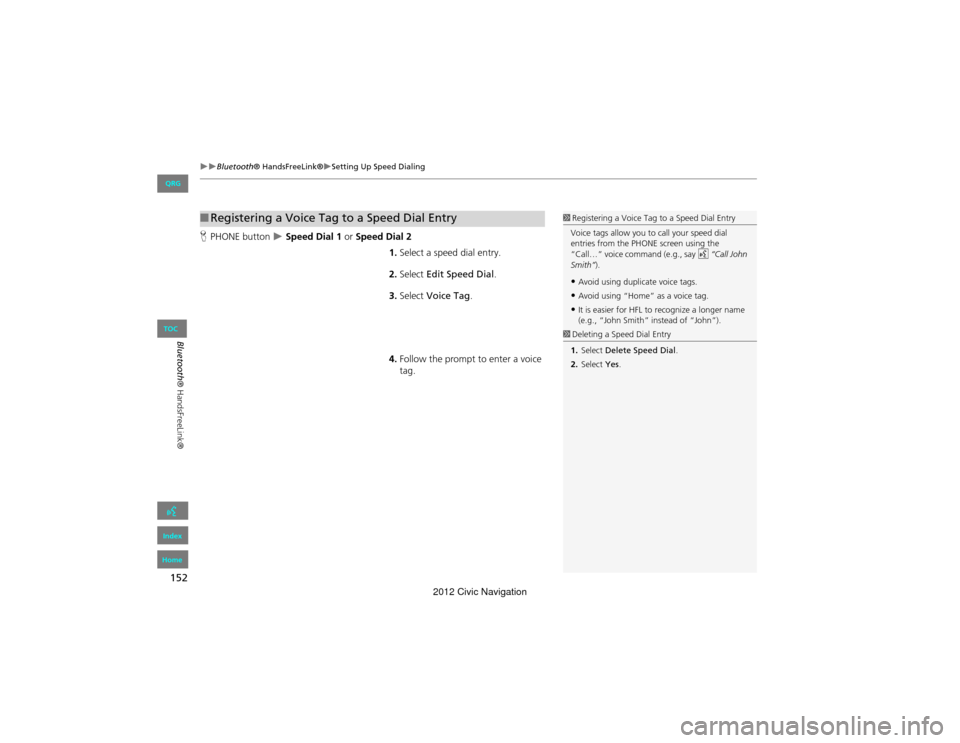
HPHONE button Speed Dial 1 or Speed Dial 2
1.Select a speed dial entry.
2. Select Edit Speed Dial .
3. Select Voice Tag .
4. Follow the prompt to enter a voice
tag.
■Registering a Voice Tag to a Speed Dial Entry1 Registering a Voice Tag to a Speed Dial Entry
Voice tags allow you to call your speed dial
entries from the PHONE screen using the
“Call…” voice command (e.g., say d “Call John
Smith” ).
•Avoid using duplicate voice tags.
•Avoid using “Home” as a voice tag.
•It is easier for HFL to recognize a longer name
(e.g., “John Smith” instead of “John”).
1Deleting a Speed Dial Entry
1. Select Delete Speed Dial.
2. Select Yes.
QRG
Index
Home
TOC
2012 Civic Navigation