navigation system HONDA CIVIC COUPE 2012 9.G Navigation Manual
[x] Cancel search | Manufacturer: HONDA, Model Year: 2012, Model line: CIVIC COUPE, Model: HONDA CIVIC COUPE 2012 9.GPages: 204, PDF Size: 7.9 MB
Page 47 of 204
46
System Setup
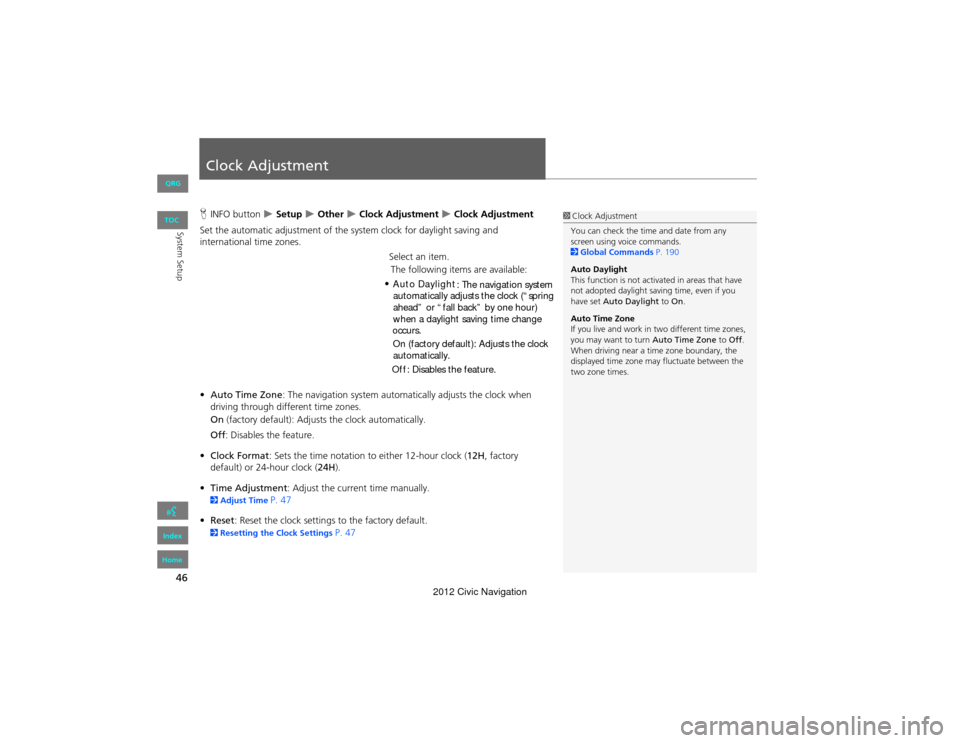
Clock Adjustment
HINFO button Setup Other Clock Adjustment Clock Adjustment
Set the automatic adjustment of the system clock for daylight saving and
international time zones.
Select an item.
• Auto Time Zone : The navigation system automa tically adjusts the clock when
driving through different time zones.
On (factory default): Adjust s the clock automatically.
Off : Disables the feature.
• Clock Format : Sets the time notation to either 12-hour clock (12H, factory
default) or 24-hour clock ( 24H).
• Time Adjustment : Adjust the current time manually.
2Adjust Time P. 47
• Reset : Reset the clock settings to the factory default.
2Resetting the Clock Settings P. 47
1Clock Adjustment
You can check the time and date from any
screen using voice commands.
2 Global Commands P. 190
Auto Daylight
This function is not activated in areas that have
not adopted daylight saving time, even if you
have set Auto Daylight to On.
Auto Time Zone
If you live and work in two different time zones,
you may want to turn Auto Time Zone to Off .
When driving near a time zone boundary, the
displayed time zone may fluctuate between the
two zone times.
QRG
Index
Home
TOC
The following items are available:
Auto Daylight : The navigation system
automatically adjusts the clock (“spring
ahead” or “fall back” by one hour)
On (factory default): Adjusts the clock
automatically.
Off : Disables the feature.
when a daylight saving time change
occurs.
•
2012 Civic Navigation
Page 48 of 204
47
Clock AdjustmentAdjust Time
System Setup
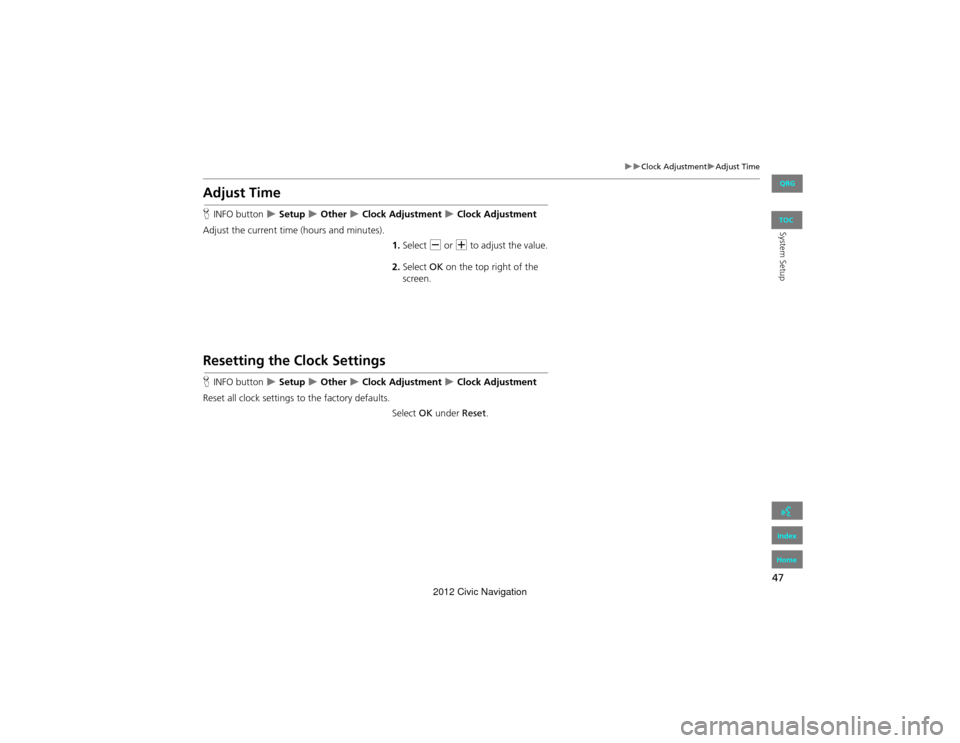
Adjust Time
HINFO button Setup Other Clock Adjustment Clock Adjustment
Adjust the current time (hours and minutes).
1.Select B or N to adjust the value.
2. Select OK on the top right of the
screen.
Resetting the Clock Settings
H INFO button Setup Other Clock Adjustment Clock Adjustment
Reset all clock settings to the factory defaults.
Select OK under Reset.
QRG
Index
Home
TOC
2012 Civic Navigation
Page 49 of 204
48
Clock AdjustmentSetting the Clock Type
System Setup
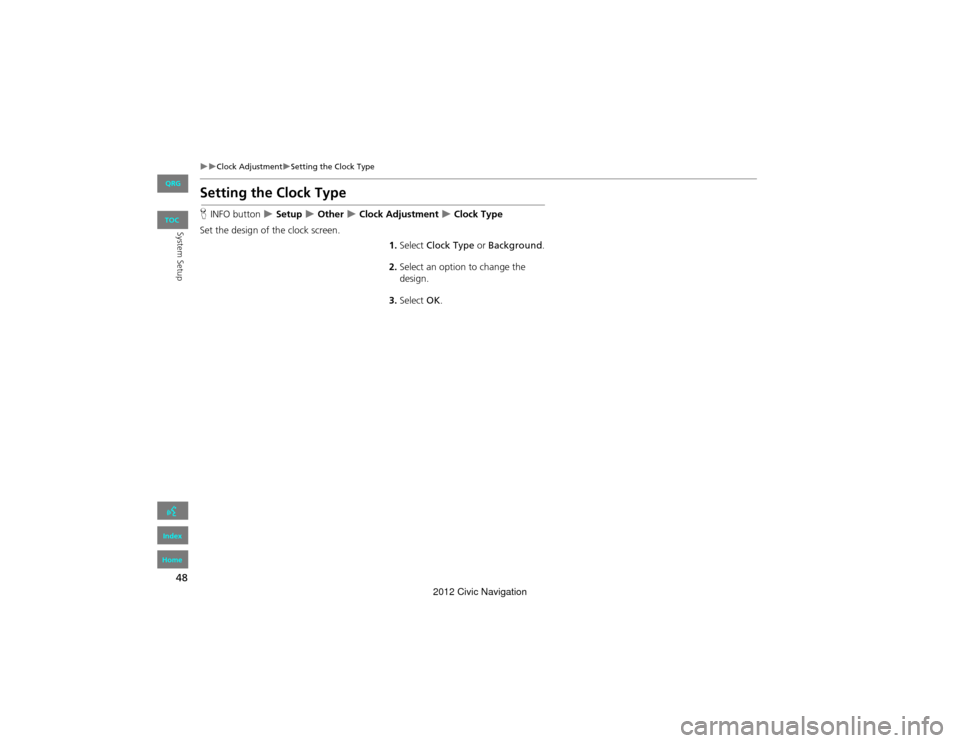
Setting the Clock Type
HINFO button Setup Other Clock Adjustment Clock Type
Set the design of the clock screen. 1.Select Clock Type or Background .
2. Select an option to change the
design.
3. Select OK.
QRG
Index
Home
TOC
2012 Civic Navigation
Page 50 of 204
49
System Setup
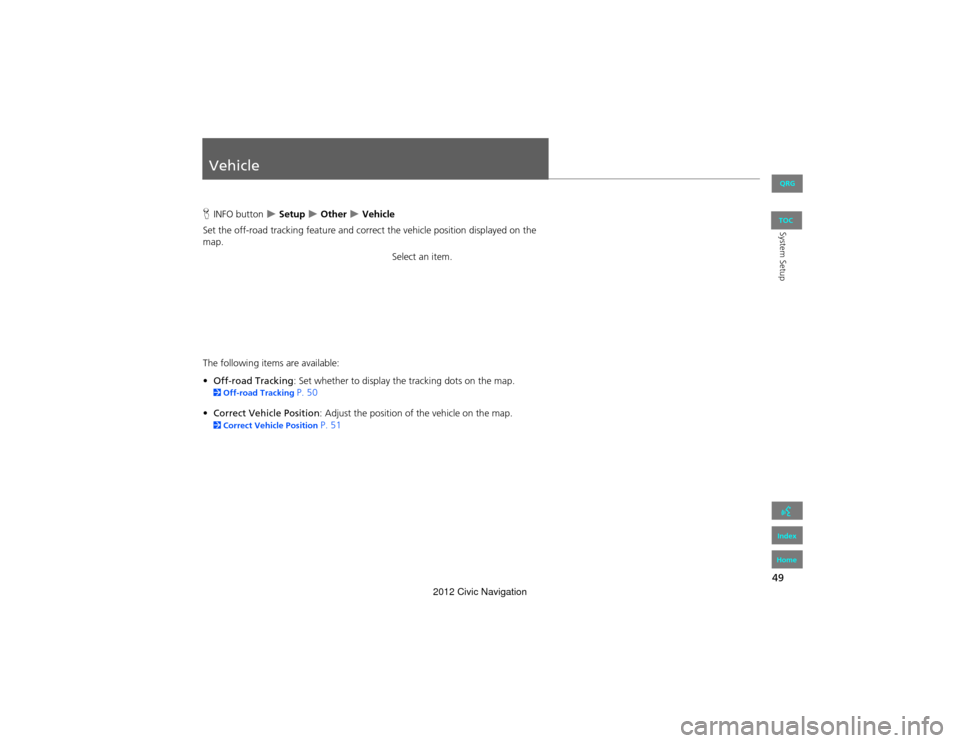
Vehicle
HINFO button Setup Other Vehicle
Set the off-road tracking feature and correct the vehicle position displayed on the
map.
Select an item.
The following items are available:
• Off-road Tracking : Set whether to display the tracking dots on the map.
2Off-road Tracking P. 50
• Correct Vehicle Position : Adjust the position of the vehicle on the map.
2Correct Vehicle Position P. 51
QRG
Index
Home
TOC
2012 Civic Navigation
Page 51 of 204
50
VehicleOff-road Tracking
System Setup
Off-road Tracking
HINFO button Setup Other Vehicle
The navigation system can be set to display white off-road tracking dots
(“breadcrumbs”) on the map screen whenever you drive into an area approximately
1/2 mile away from a mapped road.
Select an option.
The following options are available:
• On : The system displays the white tracking dots.
2Driving Off-road P. 83
• Off (factory default): Disables the feature.
1Off-road Tracking
To clear existing breadcrumbs, set Off-road
Tracking to Off, exit the Setup screen, and then
set Off-road Tracking to On again.
QRG
Index
Home
TOC
2012 Civic Navigation
Page 52 of 204
51
VehicleCorrect Vehicle Position
System Setup
Correct Vehicle Position
HINFO button Setup Other Vehicle
Manually adjust the current position of the vehicle as displayed on the map screen if
the position appears to be incorrect.
1.Put the vehicle in Park.
2. Select ADJUST under Current
Vehicle Position .
3. Scroll the map to position the
arrowhead at your correct position.
4. Select or to position the
arrowhead in the correct direction
the vehicle is facing.
5. Select OK.1Correct Vehicle Position
An apparent position error can occur where
buildings, tunnels, and other objects block or
reflect the GPS signals, forcing the system to use
“dead reckoning” to dete rmine your location
and direction.
Using this function to adjust vehicle position is
not recommended. When the system reacquires
a GPS signal, it will automatically place the
vehicle in the correct location.
If you continually have to adjust the vehicle
position, you may have problems with the GPS
reception or there may be database errors.
2 System Limitations P. 182
QRG
Index
Home
TOC
2012 Civic Navigation
Page 53 of 204
52
System Setup
Data Reset
Reset Factory Default Settings
HINFO button Setup Other Reset Factory Default
Reset all the settings on the Setup sc reens to their factory defaults.
Select Yes.1Reset Factory Default Settings
The following settings are reset:
•Brightness, Contrast, Black Level, Volume,
Guidance Prompts
•Basic Settings: Keyboard Layout, Units, Voice
Recognition Tutor, Verbal Reminder, Display
Voice Commands Tips
•Routing & Guidance: Rerouting, Unverified
Area Routing, Edit Waypoint Search Area,
Guidance Mode
•Clock Adjustment: Auto Daylight, Auto Time
Zone, Clock Format Time, Clock Type
•Vehicle: Off-road Tracking
•Color: Map Color, Menu Color
When you transfer the vehicle to a third party,
reset all settings to de fault and delete all
personal data.
2 Deleting an Address Book Entry P. 34
2 Home Addresses P. 35
2 PIN Numbers P. 36
2 User Name P. 37
2 Previous De stinations P. 38
2 Edit Avoid Area P. 43
2 Deleting a Paired Phone P. 149
QRG
Index
Home
TOC
2012 Civic Navigation
Page 54 of 204
53
Data ResetClear All Speed Dial
System Setup
Clear All Speed Dial
HINFO button Setup Other Clear All Speed Dial
Delete all registered speed dials stored in Bluetooth® HandsFreeLink®.
Select Yes.1Clear All Speed Dial
You can also delete a speed dial individually.
2 Setting Up Speed Dialing P. 151
QRG
Index
Home
TOC
2012 Civic Navigation
Page 78 of 204
77
Navigation
Calculating the Route
This section describes how to calculate your route.1.Select Set as Dest.
The system calculates and
displays the route line on the
map screen.
2Route Line P. 82
The following items are available:
• Route Pref.: Changes the route prefer ences (calculating method).
2Changing the Route Preference P. 78
• View Routes: Displays three different routes.
2 Viewing the Routes P. 78
• Destination Map : Displays a map of the destination.
2Calculating the Route on the Destination Map P. 79
2. Follow the route guidance to your
destination.
2 Driving to Your Destination P. 80
The system provides you with
pop-up messages if your route
passes through unverified areas,
avoid areas, or areas with traffic
restrictions.
1Calculating the Route
The current route preferences are displayed as
icons on the top right of the Calculate Route
screen. The straight line distance (as the crow
flies, not driving distance) and direction to the
destination are shown.
You cannot use voice commands while the
system is calculating the route.
Add to Address Book
You can add the destination address to the
address book.
2 Adding an Address Book Entry P. 31
Add to My Dest.
You can add the address to the destination list.
2 Editing My Destination P. 107
Call
You can place a telephone call to the destination
phone number.
2 Bluetooth ® HandsFreeLink® P. 144
QRG
Index
Home
TOC
2012 Civic Navigation
Page 79 of 204
78
Calculating the RouteChanging the Route Preference
Navigation
Changing the Route Preference
Change the route preference by selecting minimum or maximum driving methods.1.Select MIN or MAX for each item.
2. Select OK.
Viewing the Routes
View three different routes to your destination.
1.Select a route on the list.
The travel distance and
estimated travel time is
displayed for each route.
The system calculates and
displays the route line on the
map screen.
2 Route Line P. 82
2. Select OK.
1Changing the Route Preference
The calculated route may not be the route you
would choose. For safety reasons, the system
generally applies the following rules to your
route:
•Shortcuts through residential areas are
avoided.
•Right turns are favored over left turns or U-
turns.
•Time-restricted turns (turns prohibited at
certain times of the day) are not used.
1 Viewing the Routes
It is not unusual for some calculated route
options to be identical.
QRG
Index
Home
TOC
2012 Civic Navigation