radio controls HONDA CRV 2023 User Guide
[x] Cancel search | Manufacturer: HONDA, Model Year: 2023, Model line: CRV, Model: HONDA CRV 2023Pages: 719, PDF Size: 13.43 MB
Page 298 of 719
Continued297
uuAudio System Basic Operation uPlaying AM/FM Radio
Features
To store a station:
1. Tune to the selected station.
2. Select and hold the preset ic on to store that station.
u Selecting Press & Hold can be set a new preset station.
Lists the strongest stations on the selected band.
1. Select Station List to display a list.
2. Select the station.
■Manual update
Updates your available st ation list at any time.
1. Select Station List to display a list.
2. Select Refresh .
■Preset Memory
■Station List
1Preset Memory
The ST indicator appears on the display indicating
stereo FM broadcasts.
Stereo reproduction in AM is not available.
Switching the Audio Mode
Roll the left selector wheel or select Audio Source
on the screen. 2 Audio Remote Controls P. 242
You can store 12 AM/FM st ations into preset
memory.
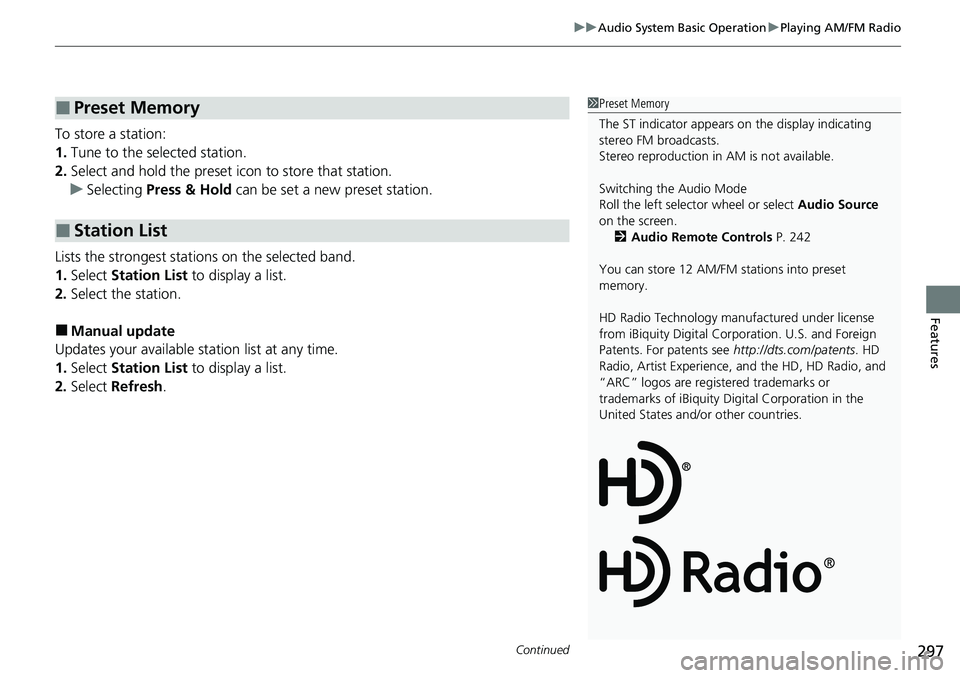
HD Radio Technology manufactured under license
from iBiquity Digi tal Corporation. U.S. and Foreign
Patents. For patents see http://dts.com/patents. HD
Radio, Artist Experience, and the HD, HD Radio, and
“ARC” logos are registered trademarks or
trademarks of iBiquity Di gital Corporation in the
United States and/ or other countries.
Page 302 of 719
Continued301
uuAudio System Basic Operation uPlaying SiriusXM ® Radio
Features
1. Select Settings .
2. Select Tune Mode .
3. Select Channel or Category .
■To Change the Tune Mode1Playing SiriusXM ® Radio
In the channel mode, all available channels are
selectable. In the categor y mode, you can select a
channel within a ca tegory (Jazz, Rock, Classical, etc.).
There may be instances when SiriusXM ® Radio does
not broadcast all the data fi elds (artist name, title).
This does not indicate a problem with your audio
system.
SiriusXM ® Radio stations load in ascending order,
which can take about a minute. Once they have
loaded you will be able to scroll up or down to make
your selections.
Switching the Audio Mode
Roll the left selector wheel or select Audio Source
on the screen.
2 Audio Remote Controls P. 242
Tune Start:
When you change to a preset channel, a song being
played on that channel restarts from the beginning
with this function. This can be turned on or off by the
following procedure.
1. Select Settings .
2. Select Tune Start .
3. Select ON or OFF .
To change a category, select Category icons, or
select More and then select Category List.
Page 348 of 719
347
Features
General Information on the Audio System
SiriusXM® Radio Service*
1.You need your radio ID ready before registering for subscription. To see the ID on
the screen, select Channel 0.
2. Have your radio ID ready, and either call or visit the SiriusXM® website to
subscribe.
Switch to the SiriusXM ® mode by using the audio remote controls on the steering
wheel, or through the audio/information screen, and stay in this mode for about 30
minutes until the service is activated. Make sure your vehicle is in an open area with
good reception.
Channel **** is not subscribed. Call SiriusXM to subscribe.
*1
You are not subscribed to the channel selected.
Subscription Updated:
SiriusXM ® radio is receiving informati on update from the network.
Channel Not Available:
No such channel exists, or the artist or title information is unavailable.
No Signal:
The signal is too weak in the current location.
Check Tuner:
There is a problem with the SiriusXM ® tuner. Contact a dealer.
Antenna Disconnected, Antenna Shorted:
There is a problem with the SiriusXM ® antenna. Contact a dealer.
*1 : ****part is variable characters, and will change depending upon the channel selected.
■Subscribing to SiriusXM® Radio
■Receiving SiriusXM ® Radio
■SiriusXM ® Radio Display Messages
1 Subscribing to SiriusXM ® Radio
Contact Information for SiriusXM ® Radio:
•U.S.: SiriusXM ® Radio at www.siriusxm.com/
subscribenow , or 1-866-635-2349
•Canada: SiriusXM ® Canada at www.siriusxm.ca/
subscribe-now , or 1-877-209-0079
1Receiving SiriusXM ® Radio
The SiriusXM ® satellites are in orbit over the equator;
therefore, objects south of the vehicle may cause
satellite reception interruptions. Sa tellite signals are
more likely to be blocked by tall buildings and
mountains the farther north you travel from the
equator.
You may experience rece ption problems under the
following circumstances:
•In a location with an obstruction to the south of
your vehicle.
•In tunnels•On the lower level of a multi-tiered road
•Large items carried on the roof rack
* Not available on all models
Page 709 of 719
Index
708
Index
Index
Numbers
12-Volt Battery.......................................... 640
Charging System Indicator ....................... 677
Maintenance (Checking the 12-Volt Battery) ............... 640
12-Volt Battery Charging System Indicator .................................................. 677
A
ABS (Anti-lock Brake System) ................... 580
Accessories and Modifications ................. 649
Accessory Power Socket ........................... 224
Acoustic Vehicle Alerting System ............ 469
Adaptive Cruise Control (ACC) with Low Speed Follow ................................... 109, 513
Additives Coolant ................................................... 618
Engine Oil ................................................ 615
Washer .................................................... 622
Adjusting
Armrest ................................................... 215
Clock ....................................................... 146
Front Seats .............................................. 205
Head Restraints........................................ 213
Mirrors .................................................... 203
Rear Seats................................................ 209
Sound.............................................. 247, 290
Steering Wheel ........................................ 202
Agile Handling Assist ................................ 478 Air Conditioning System
(Climate Control System) ....................... 232
Changing the Mode ................................ 232
Defrosting the Windshield and Windows ............................................... 234
Dust and Pollen Filter............................... 643
Recirculation/Fresh Air Mode ................... 233
Sensor ..................................................... 236
Synchronization Mode............................. 235
Using Automatic Climate Control ............ 232
Air Pressure ....................................... 632, 695
Airbags ........................................................ 59
Advanced Airbags ..................................... 65
Airbag Care............................................... 78
Event Data Recorder .................................... 0
Front Airbags (SRS) .................................... 62
Indicator............................................ 75, 104
Knee Airbags............................................. 67
Passenger Airbag Off Indicator .................. 76
Sensors ..................................................... 59
Side Airbags .............................................. 70
Side Curtain Airbags.................................. 73
All-Wheel Drive (AWD) ............................ 479
AM/FM Radio .................................... 249, 296
Android Auto ................................... 267, 336
Anti-lock Brake System (ABS) .................. 580
Indicator.................................................. 103
Apple CarPlay ................................... 263, 329
Armrest ..................................................... 215
AT&T Hotspot ........................................... 328
Audio ........................................................ 124 Audio Remote Controls
........................... 242
Audio System ........................... 238, 246, 271
Adjusting the Sound ....................... 247, 290
Android Auto.................................. 267, 336
Audio/Information Screen ....................... 273
Display Setup .................................. 248, 291
Error Messages ....................................... 345
General Information................................ 347
Home Screen .......................................... 278
How to Update ....................................... 284
How to Update Wirelessly ....................... 288
How to Update with a USB Device .......... 289
iPod ................................................ 251, 311
Limitations for Manual Operation ............................. 292, 402, 422
MP3/WMA/AAC ............................. 254, 314
Power Flow ............................................. 342
Reactivating ............................................ 241
Recommended Devices ........................... 348
Remote Controls ..................................... 242
Security Code ......................................... 241
Selecting an Audio Source ...................... 292
Start Up .................................................. 272
Status Area ............................................. 283
System Updates ...................................... 284
System Updates Settings ......................... 285
Theft Protection ...................................... 241
USB Flash Drives...................................... 348
USB Ports ................................................ 239
Wallpaper Setup ..................................... 276
Audio/Information Screen ....................... 273
Page 711 of 719
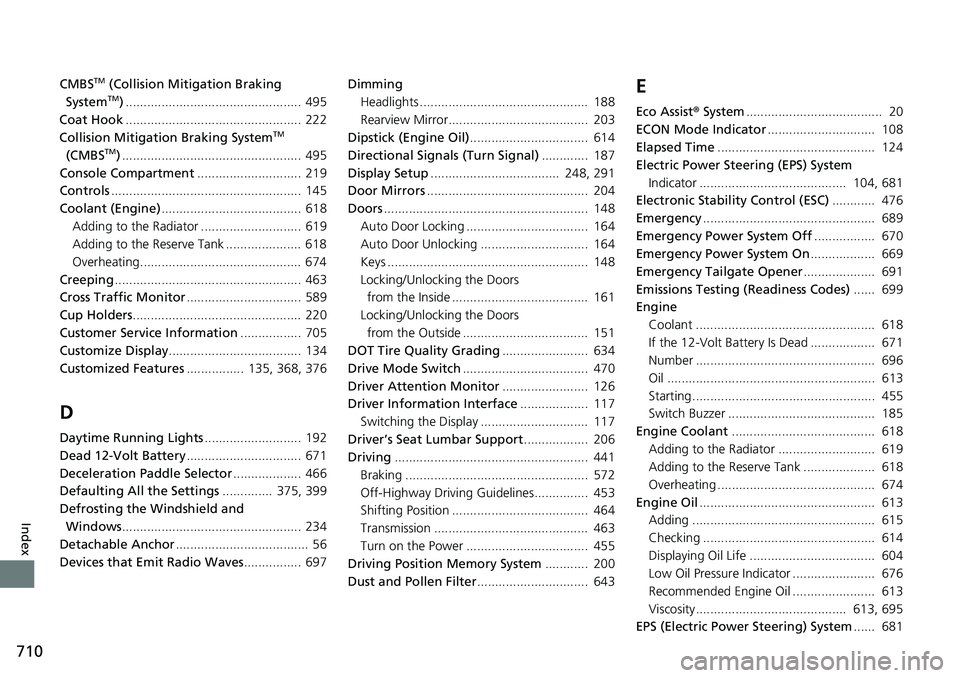
710
Index
CMBSTM (Collision Mitigation Braking
SystemTM) ................................................. 495
Coat Hook ................................................. 222
Collision Mitigation Braking System
TM
(CMBSTM) .................................................. 495
Console Compartment ............................. 219
Controls ..................................................... 145
Coolant (Engine) ....................................... 618
Adding to the Radiator ............................ 619
Adding to the Reserve Tank ..................... 618
Overheating............................................. 674
Creeping .................................................... 463
Cross Traffic Monitor ................................ 589
Cup Holders ............................................... 220
Customer Service Information ................. 705
Customize Display ..................................... 134
Customized Features ................ 135, 368, 376
D
Daytime Running Lights ........................... 192
Dead 12-Volt Battery ................................ 671
Deceleration Paddle Selector ................... 466
Defaulting All the Settings .............. 375, 399
Defrosting the Windshield and Windows .................................................. 234
Detachable Anchor ..................................... 56
Devices that Emit Radio Waves ................ 697Dimming
Headlights ............................................... 188
Rearview Mirror....................................... 203
Dipstick (Engine Oil) ................................. 614
Directional Signals (Turn Signal) ............. 187
Display Setup .................................... 248, 291
Door Mirrors ............................................. 204
Doors ......................................................... 148
Auto Door Locking .................................. 164
Auto Door Unlocking .............................. 164
Keys ........................................................ 148
Locking/Unlocking the Doors from the Inside ...................................... 161
Locking/Unlocking the Doors
from the Outside ................................... 151
DOT Tire Quality Grading ........................ 634
Drive Mode Switch ................................... 470
Driver Attention Monitor ........................ 126
Driver Information Interface ................... 117
Switching the Display .............................. 117
Driver’s Seat Lumbar Support .................. 206
Driving ...................................................... 441
Braking ................................................... 572
Off-Highway Driving Guidelines............... 453
Shifting Position ...................................... 464
Transmission ........................................... 463
Turn on the Power .................................. 455
Driving Position Memory System ............ 200
Dust and Pollen Filter ............................... 643
E
Eco Assist® System ...................................... 20
ECON Mode Indicator .............................. 108
Elapsed Time ............................................ 124
Electric Power Steering (EPS) System
Indicator ......................................... 104, 681
Electronic Stability Control (ESC) ............ 476
Emergency ................................................ 689
Emergency Power System Off ................. 670
Emergency Power System On .................. 669
Emergency Tailgate Opener .................... 691
Emissions Testing (Readiness Codes) ...... 699
Engine Coolant .................................................. 618
If the 12-Volt Battery Is Dead .................. 671
Number .................................................. 696
Oil .......................................................... 613
Starting................................................... 455
Switch Buzzer ......................................... 185
Engine Coolant ........................................ 618
Adding to the Radiator ........................... 619
Adding to the Reserve Tank .................... 618
Overheating ............................................ 674
Engine Oil ................................................. 613
Adding ................................................... 615
Checking ................................................ 614
Displaying Oil Life ................................... 604
Low Oil Pressure Indicator ....................... 676
Recommended Engine Oil ....................... 613
Viscosity.......................................... 613, 695
EPS (Electric Power Steering) System ...... 681