HONDA PILOT 2012 2.G Owners Manual
PILOT 2012 2.G
HONDA
HONDA
https://www.carmanualsonline.info/img/13/6013/w960_6013-0.png
HONDA PILOT 2012 2.G Owners Manual
Page 295 of 681
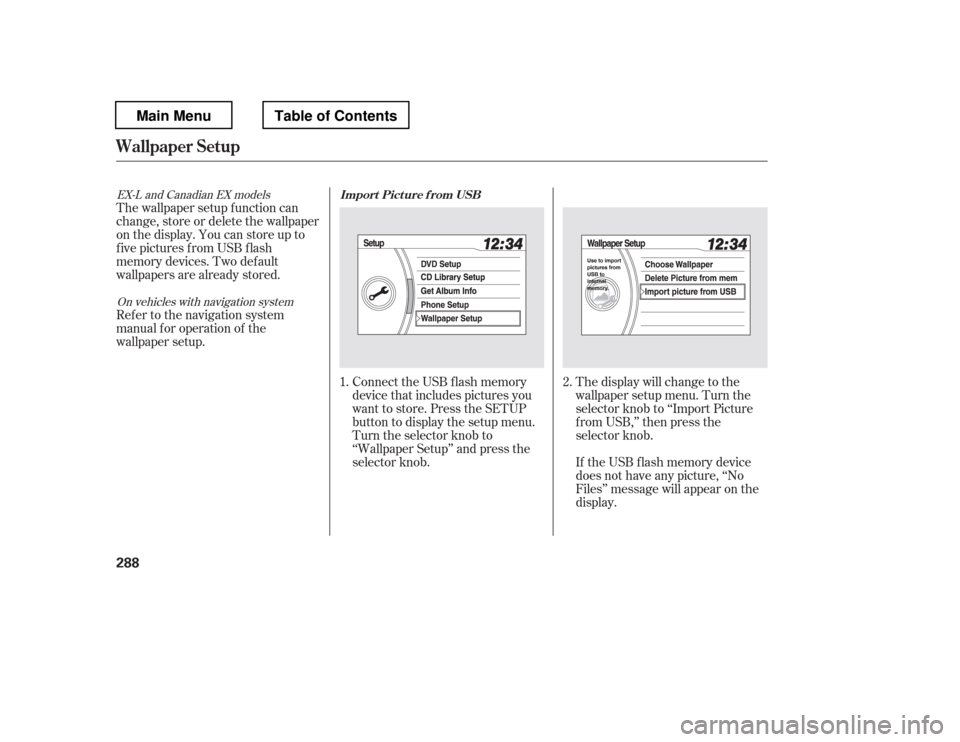
Connect the USB f lash memory
device that includes pictures you
want to store. Press the SETUP
button to display the setup menu.
Turn the selector knob to
‘‘Wallpaper Setup
Page 298 of 681
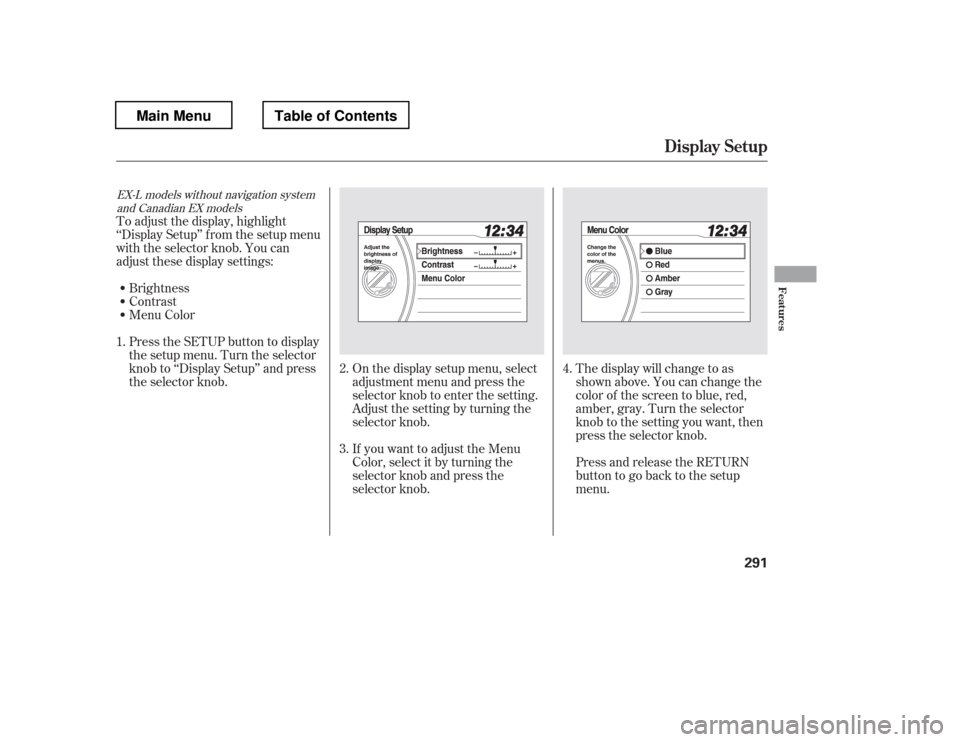
On the display setup menu, select
adjustment menu and press the
selector knob to enter the setting.
Adjust the setting by turning the
selector knob.
If you want to adjust the Menu
Color, select it by turning the
selector knob and press the
selector knob.The display will change to as
shown above. You can change the
color of the screen to blue, red,
amber, gray. Turn the selector
knob to the setting you want, then
press the selector knob.
Press and release the RETURN
buttontogobacktothesetup
menu.
To adjust the display, highlight
‘‘Display Setup
Page 299 of 681
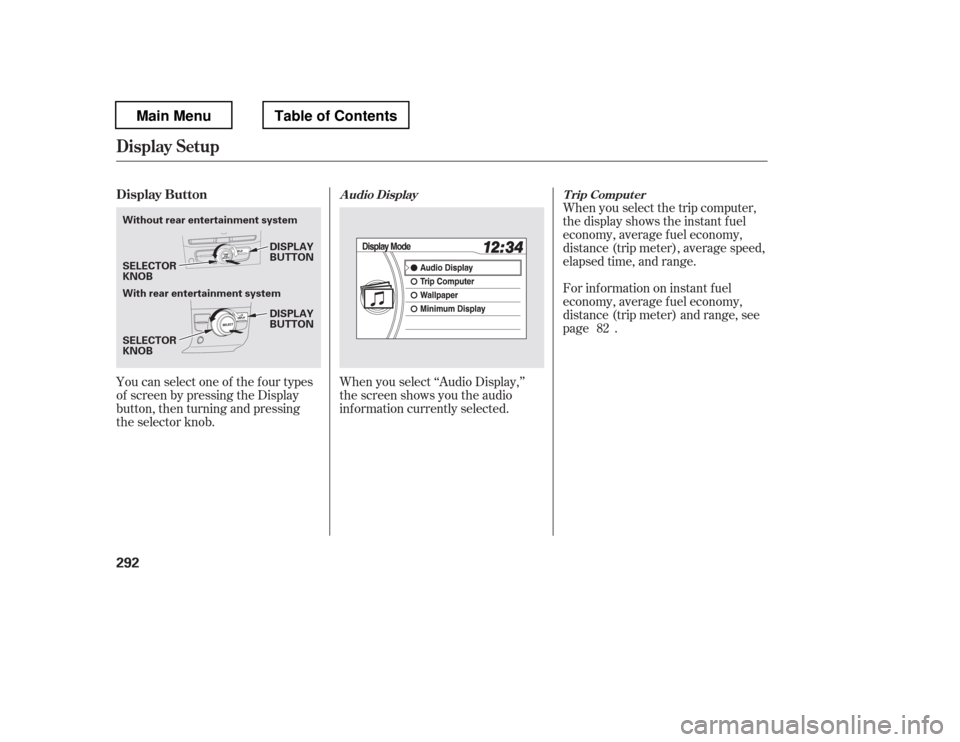
You can select one of the f our types
of screen by pressing the Display
button, then turning and pressing
the selector knob.When you select the trip computer,
the display shows the instant f uel
economy, average f uel economy,
distance (trip meter), average speed,
elapsed time, and range.
For inf ormation on instant f uel
economy, average f uel economy,
distance (trip meter) and range, see
page .
When you select ‘‘Audio Display,
Page 302 of 681
CONT INUED
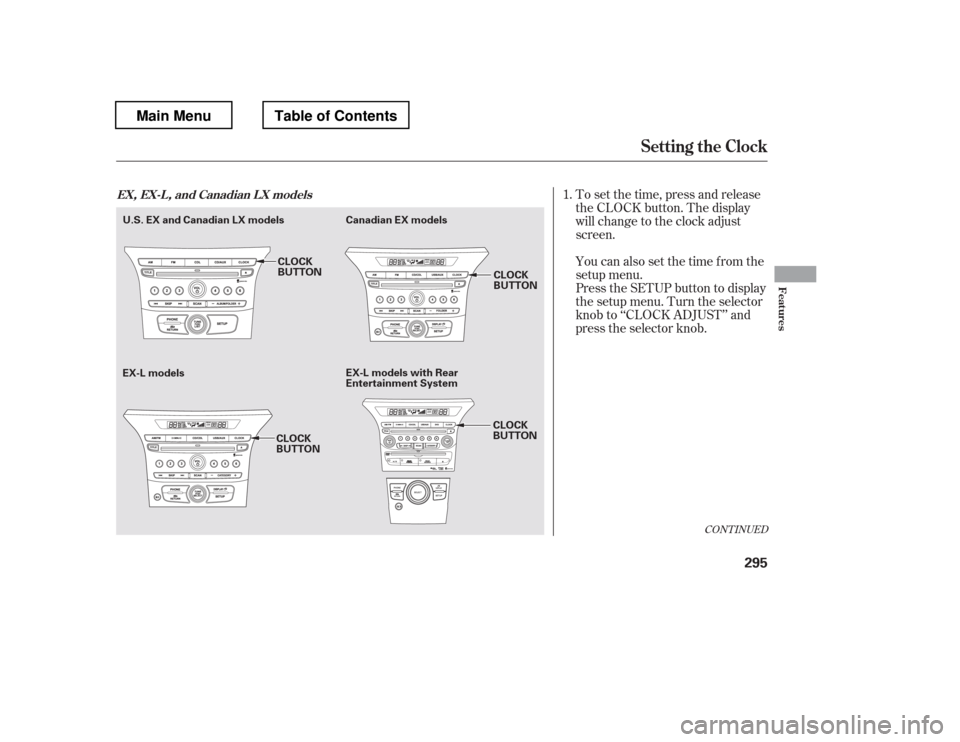
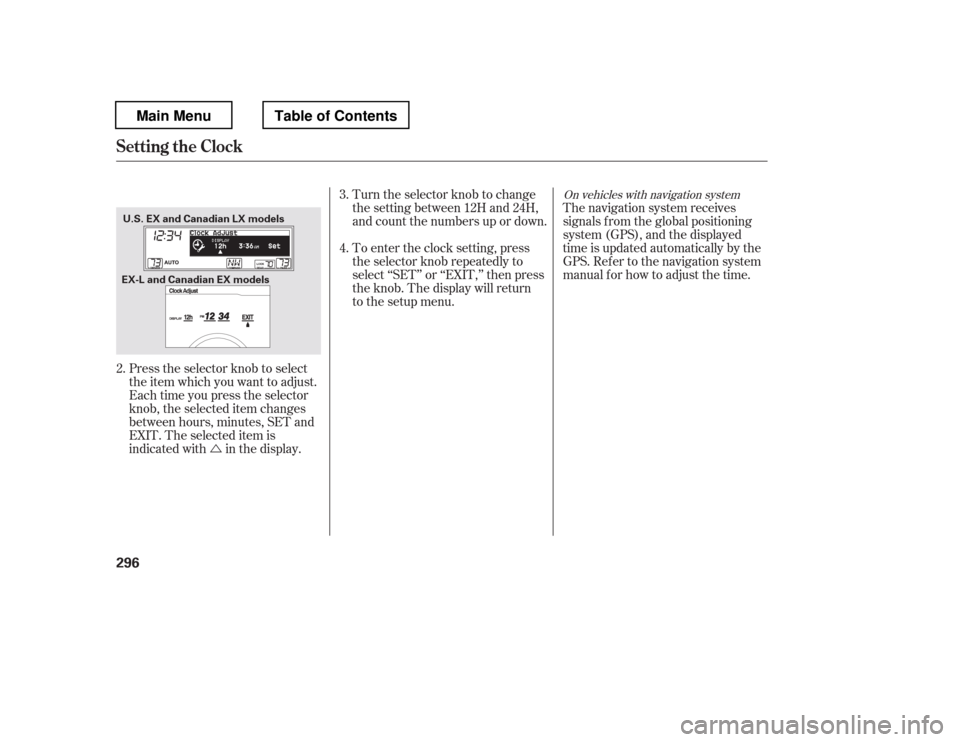
To set the time, press and release
the CLOCK button. The display
will change to the clock adjust
screen.
You can also set the time from the
setup menu.
Press the SETUP button to display
the setup menu. Turn the selector
knob to ‘‘CLOCK ADJUST
Page 303 of 681
�Ú
On vehicles with navigation system
The navigation system receives
signals f rom the global positioning
system (GPS), and the displayed
time is updated automatically by the
GPS. Ref er to the navigation system
manual f or how to adjust the time.
Turn the selector knob to change
the setting between 12H and 24H,
and count the numbers up or down.
To enter the clock setting, press
the selector knob repeatedly to
select ‘‘SET
Page 304 of 681
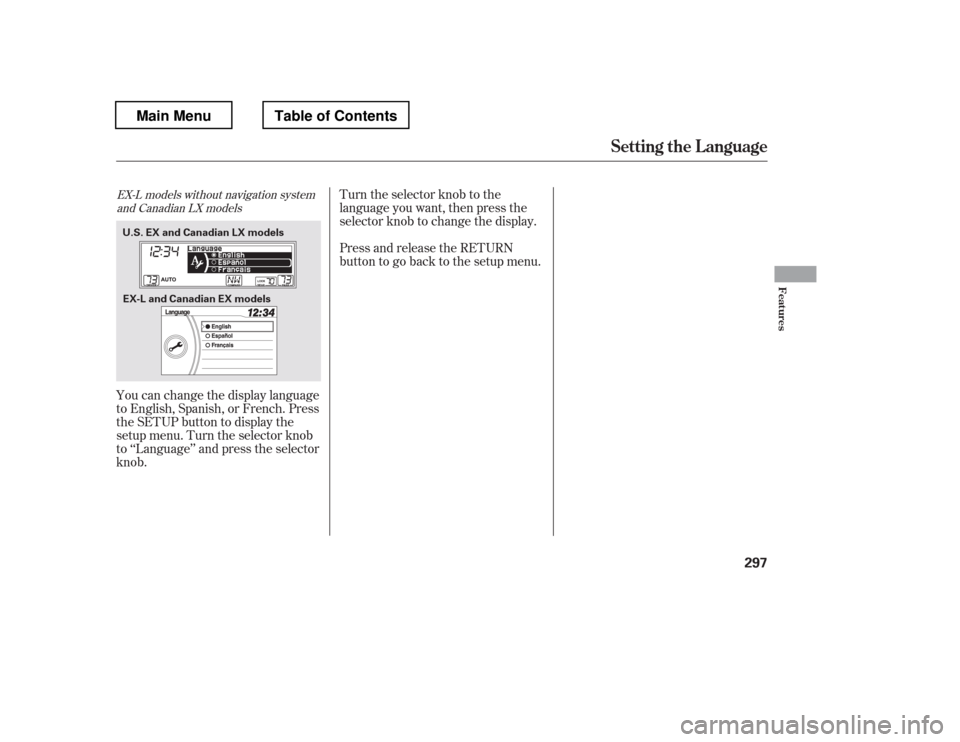
Turn the selector knob to the
language you want, then press the
selector knob to change the display.
Press and release the RETURN
buttontogobacktothesetupmenu.
You can change the display language
to English, Spanish, or French. Press
the SETUP button to display the
setup menu. Turn the selector knob
to ‘‘Language
Page 307 of 681
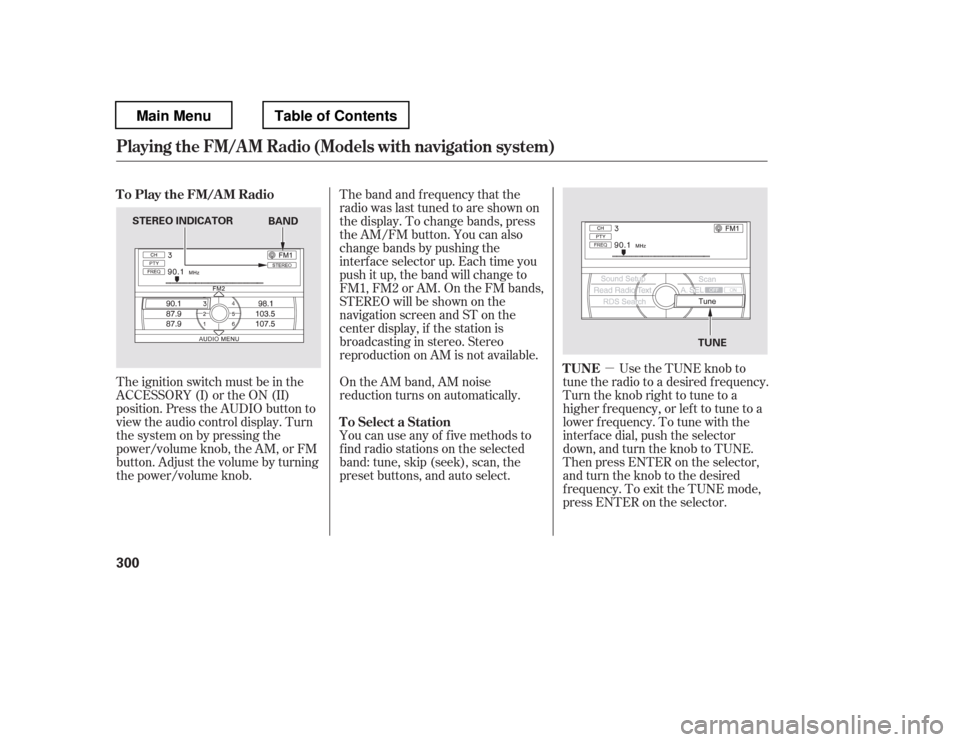
�µUse the TUNE knob to
tune the radio to a desired frequency.
Turn the knob right to tune to a
higher f requency, or lef t to tune to a
lower f requency. To tune with the
interf ace dial, push the selector
down, and turn the knob to TUNE.
Then press ENTER on the selector,
andturntheknobtothedesired
f requency. To exit the TUNE mode,
press ENTER on the selector.
The ignition switch must be in the
ACCESSORY (I) or the ON (II)
position. Press the AUDIO button to
view the audio control display. Turn
the system on by pressing the
power/volume knob, the AM, or FM
button. Adjust the volume by turning
the power/volume knob.
On the AM band, AM noise
reduction turns on automatically.
You can use any of f ive methods to
f ind radio stations on the selected
band: tune, skip (seek), scan, the
preset buttons, and auto select.
The band and f requency that the
radio was last tuned to are shown on
the display. To change bands, press
the AM/FM button. You can also
change bands by pushing the
interf ace selector up. Each time you
push it up, the band will change to
FM1, FM2 or AM. On the FM bands,
STEREO will be shown on the
navigation screen and ST on the
center display, if the station is
broadcasting in stereo. Stereo
reproduction on AM is not available.
TUNE
To Play the FM/AM Radio
To Select a Station
Playing the FM/A M Radio (Models with navigation syst em)
300
STEREO INDICATOR TUNE
BAND
Main MenuTable of Contents
Page 309 of 681
�µ
�µ
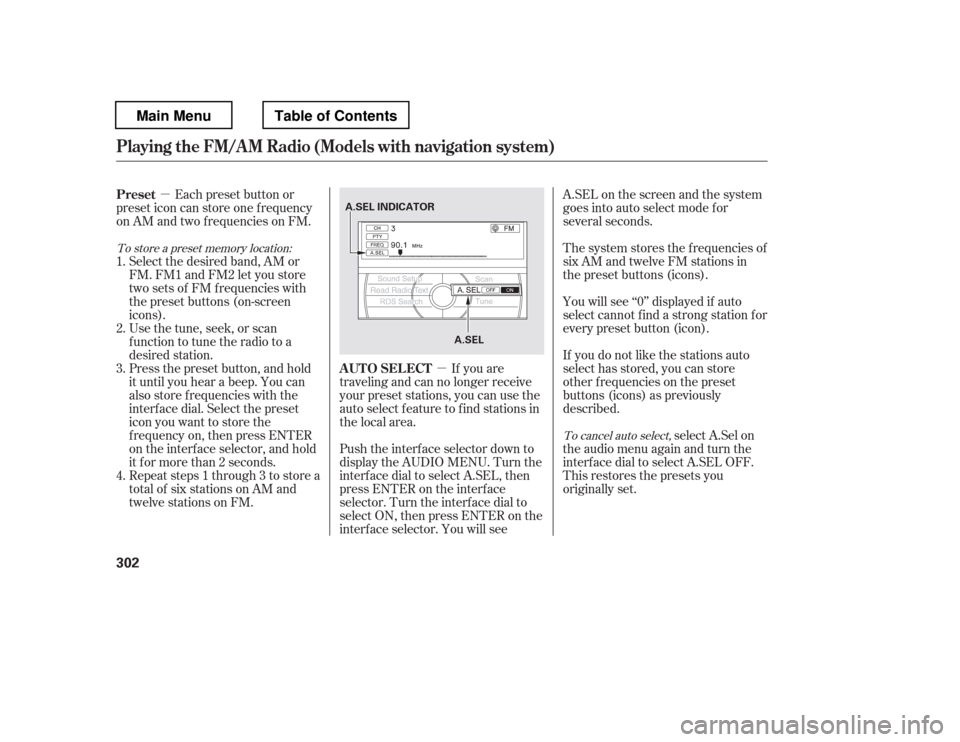
If you are
traveling and can no longer receive
your preset stations, you can use the
auto select feature to find stations in
the local area.
Each preset button or
preset icon can store one f requency
on AM and two f requencies on FM.
Select the desired band, AM or
FM. FM1 and FM2 let you store
twosetsof FMfrequencieswith
the preset buttons (on-screen
icons).
Usethetune,seek,orscan
function to tune the radio to a
desired station.
Press the preset button, and hold
it until you hear a beep. You can
also store f requencies with the
interf ace dial. Select the preset
icon you want to store the
f requency on, then press ENTER
on the interf ace selector, and hold
it f or more than 2 seconds.
Repeat steps 1 through 3 to store a
total of six stations on AM and
twelve stations on FM. Push the interf ace selector down to
display the AUDIO MENU. Turn the
interf ace dial to select A.SEL, then
press ENTER on the interf ace
selector. Turn the interf ace dial to
select ON, then press ENTER on the
interf ace selector. You will see A.SEL on the screen and the system
goes into auto select mode for
several seconds.
The system stores the f requencies of
six AM and twelve FM stations in
the preset buttons (icons).
You will see ‘‘0
Page 310 of 681
On the FM band, you can select a
favorite station and display the
program service name provided by
the radio data system (RDS).
For inf ormation on FM/AM radio
f requencies and reception, see page
.
The RDS INFO display f unction
shows the name of the station you
are listening to. With the audio
system on and the FM band selected,
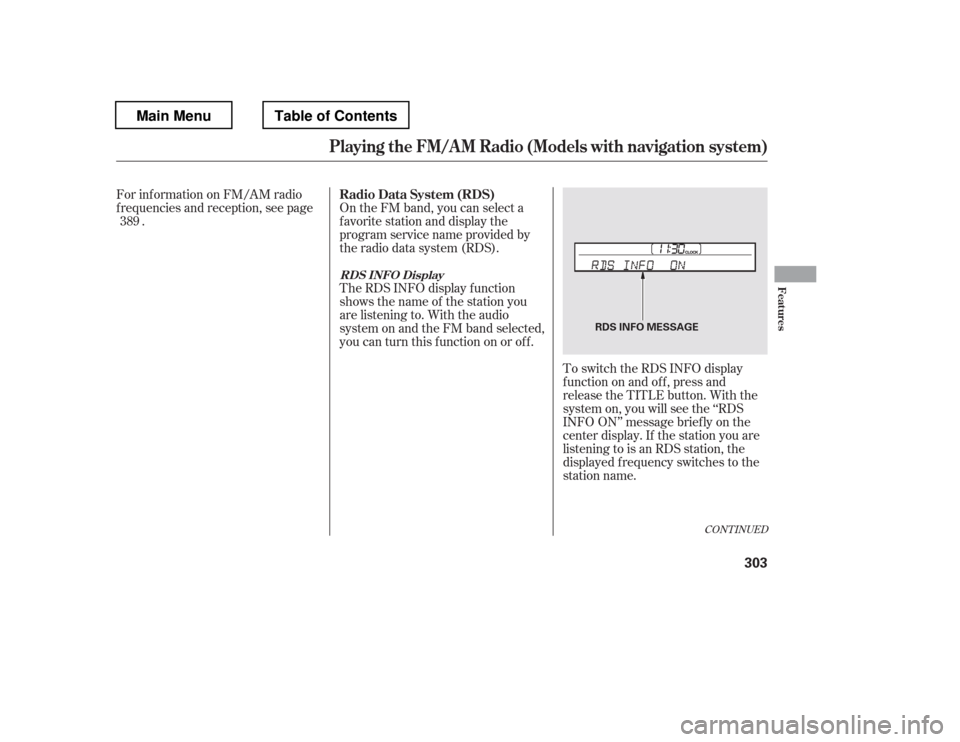
you can turn this f unction on or of f . To switch the RDS INFO display
f unction on and of f , press and
release the TITLE button. With the
system on, you will see the ‘‘RDS
INFO ON
Page 311 of 681
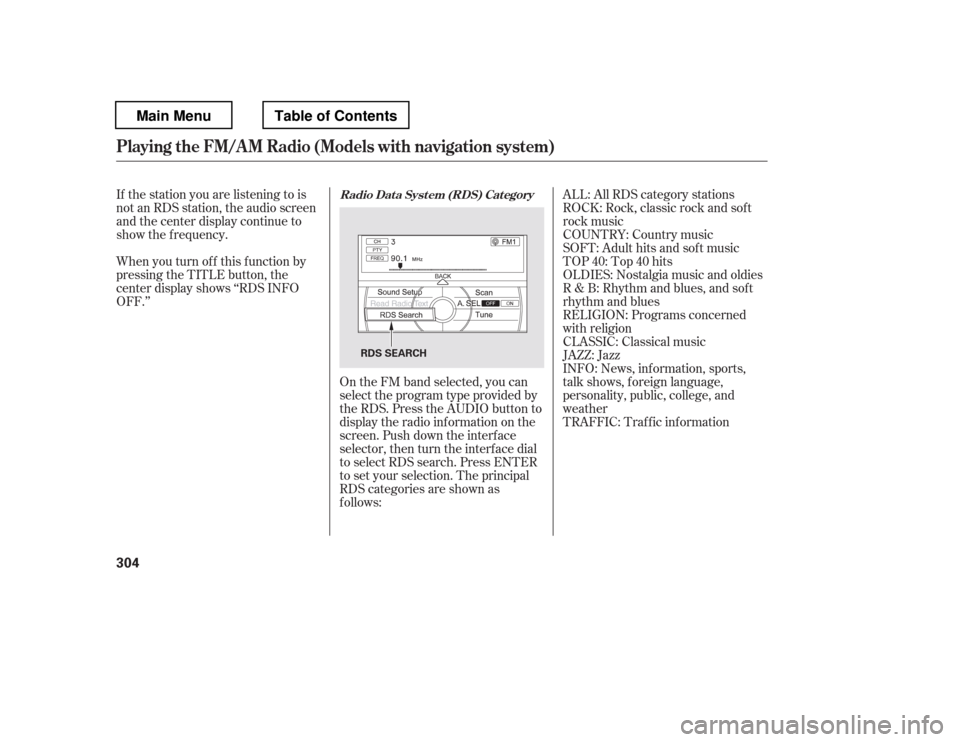
If the station you are listening to is
not an RDS station, the audio screen
and the center display continue to
show the f requency.INFO: News, inf ormation, sports,
talk shows, f oreign language,
personality, public, college, and
weather
ALL: All RDS category stations
TRAFFIC: Traffic information
When you turn of f this f unction by
pressing the TITLE button, the
center display shows ‘‘RDS INFO
OFF.