warning light HUMMER H3 2010 User Guide
[x] Cancel search | Manufacturer: HUMMER, Model Year: 2010, Model line: H3, Model: HUMMER H3 2010Pages: 410, PDF Size: 2.24 MB
Page 120 of 410

5-6 Instruments and Controls
Ashtrays
For vehicles with a removable
ashtray, it can be placed into the
cupholder and be removed for
cleaning.
Notice:If papers, pins, or other
flammable items are put in the
ashtray, hot cigarettes or other
smoking materials could ignite
them and possibly damage the
vehicle. Never put flammable
items in the ashtray.
Warning Lights,
Gauges, and
Indicators
Warning lights and gauges can
signal that something is wrong
before it becomes serious enough
to cause an expensive repair or
replacement. Paying attention to the
warning lights and gauges could
prevent injury.
Warning lights come on when there
could be a problem with a vehicle
function. Some warning lights come
on briefly when the engine is started
to indicate they are working. Gauges can indicate when there
could be a problem with a vehicle
function. Often gauges and warning
lights work together to indicate a
problem with the vehicle.
When one of the warning lights
comes on and stays on while
driving, or when one of the gauges
shows there may be a problem,
check the section that explains what
to do. Follow this manual's advice.
Waiting to do repairs can be costly
and even dangerous.
Page 124 of 410

5-10 Instruments and Controls
The front passenger safety belt
warning light and chime may turn on
if an object is put on the seat such
as a briefcase, handbag, grocery
bag, laptop or other electronic
device. To turn off the warning light
and or chime, remove the object
from the seat or buckle the
safety belt.
Airbag Readiness Light
There is an airbag readiness light
on the instrument panel cluster,
which shows the airbag symbol.
The system checks the airbag's
electrical system for malfunctions.
The light indicates if there is an
electrical problem. The system
check includes the airbag sensor,
the pretensioners, the airbagmodules, the wiring and the crash
sensing and diagnostic module.
For more information on the airbag
system, see
Airbag System
on
page 3‑27.
This light comes on when the
vehicle is started, and flashes for a
few seconds. The light goes out
when the system is ready.
If the airbag readiness light stays on
after the vehicle is started or comes
on while driving, the airbag system
may not work properly. Have the
vehicle serviced right away.
{WARNING
If the airbag readiness light
stays on after the vehicle is
started or comes on while driving,
it means the airbag system
might not be working properly.
The airbags in the vehicle might
not inflate in a crash, or they
could even inflate without a crash.
To help avoid injury, have the
vehicle serviced right away.
The airbag readiness light should
flash for a few seconds when the
engine is started. If the light does
not come on then, have it fixed
immediately.
Page 125 of 410

Instruments and Controls 5-11
Passenger Airbag Status
Indicator
The vehicle has the passenger
sensing system. SeePassenger
Sensing System
on page 3‑35for
important safety information. The
instrument panel has a passenger
airbag status indicator.
United States
Canada
When the vehicle is started, the
passenger airbag status indicator
will light ON and OFF, or the symbol
for on and off, for several seconds as a system check. Then, after
several more seconds, the status
indicator will light either ON or OFF,
or either the on or off symbol to let
you know the status of the right front
passenger frontal airbag.
If the word ON or the on symbol is
lit on the passenger airbag status
indicator, it means that the right
front passenger frontal airbag is
enabled (may inflate).
If the word OFF or the off symbol is
lit on the airbag status indicator, it
means that the passenger sensing
system has turned off the right front
passenger frontal airbag.
If, after several seconds, both status
indicator lights remain on, or if there
are no lights at all, there may be
a problem with the lights or the
passenger sensing system. See
your dealer for service.
{WARNING
If the airbag readiness light
ever comes on and stays on, it
means that something may be
wrong with the airbag system.
To help avoid injury to yourself or
others, have the vehicle serviced
right away. See
Airbag Readiness
Light
on page 5‑10for more
information, including important
safety information.
Charging System Light
This light comes on briefly when the
ignition key is turned, but the engine
is not running, as a check to show it
is working.
Page 128 of 410

5-14 Instruments and Controls
Emissions Inspection and
Maintenance Programs
Some state/provincial and local
governments have or might begin
programs to inspect the emission
control equipment on the vehicle.
Failure to pass this inspection
could prevent getting a vehicle
registration.
Here are some things to know to
help the vehicle pass an inspection:
.The vehicle will not pass this
inspection if the check engine
light is on with the engine
running, or if the key is in
ON/RUN and the light is not on.
.The vehicle will not pass
this inspection if the OBD II
(on-board diagnostic) system
determines that critical emission
control systems have not been
completely diagnosed by the
system. The vehicle would
be considered not ready for
inspection. This can happen ifthe battery has recently been
replaced or if the battery has run
down. The diagnostic system is
designed to evaluate critical
emission control systems during
normal driving. This can take
several days of routine driving.
If this has been done and the
vehicle still does not pass the
inspection for lack of OBD II
system readiness, your dealer
can prepare the vehicle for
inspection.
Brake System Warning
Light
The vehicle's hydraulic brake
system is divided into two parts.
If one part is not working, the other
part can still work and stop the
vehicle. For good braking though,
both parts need to be working well.
If the warning light comes on, there
could be a brake problem. Have the
brake system inspected right away.
United StatesCanada
This light comes on briefly when the
ignition key is turned to ON/RUN.
If it does not, have it fixed so it will
be ready to warn if there is a
problem.
When the ignition is on, the brake
system warning light comes on
when the parking brake is set.
See Parking Brake
on page 9‑51for more information. The light stays
on if the parking brake does not
release fully. If it stays on after the
parking brake is fully released, it
means there is a brake problem.
Page 129 of 410
Instruments and Controls 5-15
If the light comes on while driving,
pull off the road and stop. The brake
pedal might be harder to push, or it
might go closer to the floor. It can
take longer to stop. If the light is
still on, have the vehicle towed for
service. SeeTowing the Vehicle
on
page 10‑90.
{WARNING
The brake system might not be
working properly if the brake
system warning light is on.
Driving with the brake system
warning light on can lead to a
crash. If the light is still on after
the vehicle has been pulled off
the road and carefully stopped,
have the vehicle towed for
service.
Antilock Brake System
(ABS) Warning Light
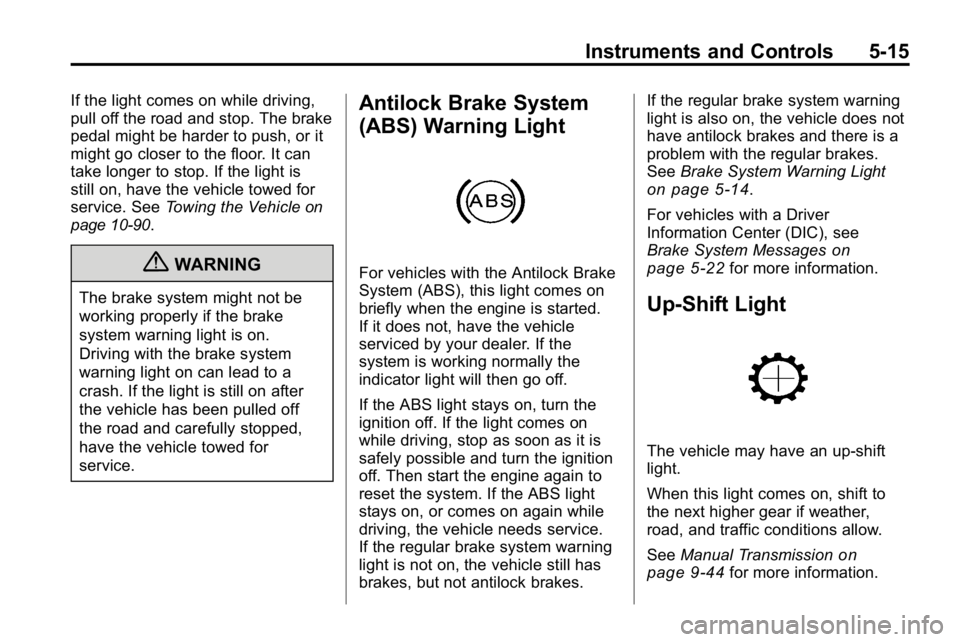
For vehicles with the Antilock Brake
System (ABS), this light comes on
briefly when the engine is started.
If it does not, have the vehicle
serviced by your dealer. If the
system is working normally the
indicator light will then go off.
If the ABS light stays on, turn the
ignition off. If the light comes on
while driving, stop as soon as it is
safely possible and turn the ignition
off. Then start the engine again to
reset the system. If the ABS light
stays on, or comes on again while
driving, the vehicle needs service.
If the regular brake system warning
light is not on, the vehicle still has
brakes, but not antilock brakes. If the regular brake system warning
light is also on, the vehicle does not
have antilock brakes and there is a
problem with the regular brakes.
See
Brake System Warning Light
on page 5‑14.
For vehicles with a Driver
Information Center (DIC), see
Brake System Messages
on
page 5‑22for more information.
Up-Shift Light
The vehicle may have an up-shift
light.
When this light comes on, shift to
the next higher gear if weather,
road, and traffic conditions allow.
See Manual Transmission
on
page 9‑44for more information.
Page 130 of 410
5-16 Instruments and Controls
Traction Control System
(TCS)/StabiliTrak®Light
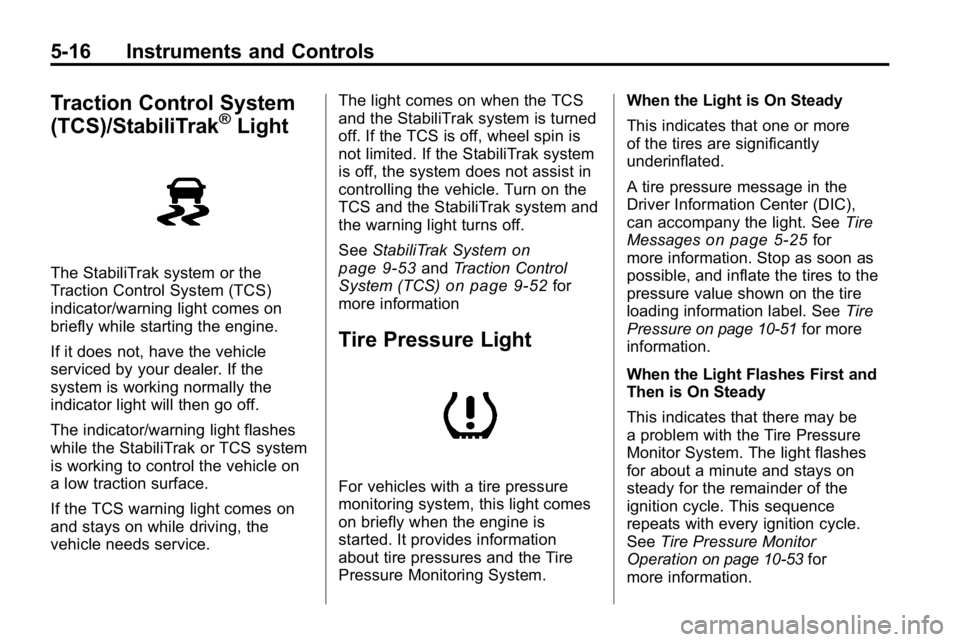
The StabiliTrak system or the
Traction Control System (TCS)
indicator/warning light comes on
briefly while starting the engine.
If it does not, have the vehicle
serviced by your dealer. If the
system is working normally the
indicator light will then go off.
The indicator/warning light flashes
while the StabiliTrak or TCS system
is working to control the vehicle on
a low traction surface.
If the TCS warning light comes on
and stays on while driving, the
vehicle needs service.The light comes on when the TCS
and the StabiliTrak system is turned
off. If the TCS is off, wheel spin is
not limited. If the StabiliTrak system
is off, the system does not assist in
controlling the vehicle. Turn on the
TCS and the StabiliTrak system and
the warning light turns off.
See
StabiliTrak System
on
page 9‑53and Traction Control
System (TCS)on page 9‑52for
more information
Tire Pressure Light
For vehicles with a tire pressure
monitoring system, this light comes
on briefly when the engine is
started. It provides information
about tire pressures and the Tire
Pressure Monitoring System. When the Light is On Steady
This indicates that one or more
of the tires are significantly
underinflated.
A tire pressure message in the
Driver Information Center (DIC),
can accompany the light. See
Tire
Messages
on page 5‑25for
more information. Stop as soon as
possible, and inflate the tires to the
pressure value shown on the tire
loading information label. See Tire
Pressure
on page 10‑51for more
information.
When the Light Flashes First and
Then is On Steady
This indicates that there may be
a problem with the Tire Pressure
Monitor System. The light flashes
for about a minute and stays on
steady for the remainder of the
ignition cycle. This sequence
repeats with every ignition cycle.
See Tire Pressure Monitor
Operation
on page 10‑53for
more information.
Page 131 of 410

Instruments and Controls 5-17
Engine Oil Pressure Light
{WARNING
Do not keep driving if the oil
pressure is low. The engine can
become so hot that it catches fire.
Someone could be burned. Check
the oil as soon as possible and
have the vehicle serviced.
Notice: Lack of proper engine
oil maintenance can damage the
engine. The repairs would not be
covered by the vehicle warranty.
Always follow the maintenance
schedule in this manual for
changing engine oil.
The oil pressure light should come
on briefly as the engine is started.
If it does not come on have the
vehicle serviced by your dealer.
If the light comes on and stays on, it
means that oil is not flowing through
the engine properly. The vehicle
could be low on oil and might
have some other system problem.
See your dealer.
Security Light
This light flashes when the security
system is activated.
For more information, see Anti-Theft
Alarm System on page 2‑9.
High-Beam on Light
The high-beam on light comes on
when the high-beam headlamps are
in use.
See Headlamp High/Low-Beam
Changer
on page 6‑3for more
information.
Page 132 of 410
5-18 Instruments and Controls
Cruise Control Light
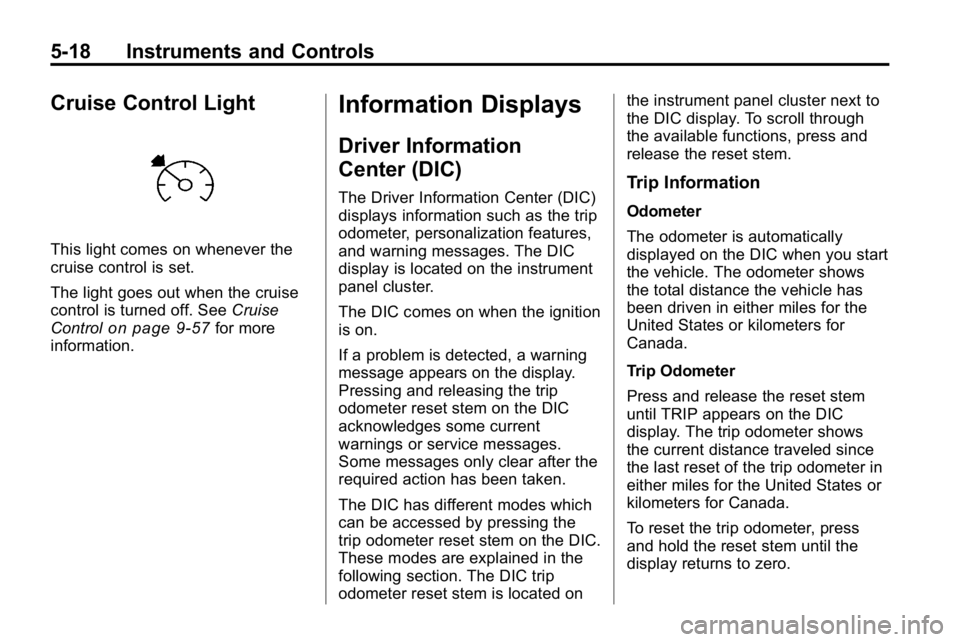
This light comes on whenever the
cruise control is set.
The light goes out when the cruise
control is turned off. SeeCruise
Control
on page 9‑57for more
information.
Information Displays
Driver Information
Center (DIC)
The Driver Information Center (DIC)
displays information such as the trip
odometer, personalization features,
and warning messages. The DIC
display is located on the instrument
panel cluster.
The DIC comes on when the ignition
is on.
If a problem is detected, a warning
message appears on the display.
Pressing and releasing the trip
odometer reset stem on the DIC
acknowledges some current
warnings or service messages.
Some messages only clear after the
required action has been taken.
The DIC has different modes which
can be accessed by pressing the
trip odometer reset stem on the DIC.
These modes are explained in the
following section. The DIC trip
odometer reset stem is located on the instrument panel cluster next to
the DIC display. To scroll through
the available functions, press and
release the reset stem.Trip Information
Odometer
The odometer is automatically
displayed on the DIC when you start
the vehicle. The odometer shows
the total distance the vehicle has
been driven in either miles for the
United States or kilometers for
Canada.
Trip Odometer
Press and release the reset stem
until TRIP appears on the DIC
display. The trip odometer shows
the current distance traveled since
the last reset of the trip odometer in
either miles for the United States or
kilometers for Canada.
To reset the trip odometer, press
and hold the reset stem until the
display returns to zero.
Page 135 of 410
Instruments and Controls 5-21
The following are the available
modes:
RFA 1 (default):This mode flashes
the parking lamps when you press
the lock or unlock buttons on the
RKE transmitter.
RFA 2: This mode flashes the
parking lamps and sounds the horn
when you press the lock button on
the RKE transmitter. This mode also
flashes the parking lamps when you
press the unlock button on the RKE
transmitter.
RFA 3: This mode flashes the
parking lamps and sounds the horn
when you press the lock or unlock
buttons on the RKE transmitter.
RFA 4: This mode disables RKE
feedback. There will be no feedback
when you press the lock or unlock
buttons on the RKE transmitter.Vehicle Messages
Messages are displayed on the
DIC to notify the driver that the
status of the vehicle has changed
and that some action may be
needed by the driver to correct
the condition. Multiple messages
may appear one after another.
The messages are displayed for
several seconds each.
Some messages may not require
immediate action, but you should
press and release the trip odometer
reset stem to acknowledge that
you received the messages and to
clear them from the display. Each
message must be acknowledged
individually.
Some messages cannot be cleared
from the DIC display because they
are more urgent. These messages
require action before they can be
cleared. You should take any
messages that appear on the display seriously and remember that
clearing the messages only makes
the messages disappear, not correct
the problem.
The following are the possible
messages that can be displayed
and some information about them.
Battery Voltage and
Charging Messages
SERVICE CHARG (Charge)
SYS (System)
This message displays if there is a
problem with the battery charging
system. Under certain conditions,
the battery warning light may also
turn on in the instrument panel
cluster. See
Charging System Light
on page 5‑11. The battery will not
be charging at an optimal rate and
the vehicle will lose the ability to
enter the fuel economy mode.
Page 136 of 410
5-22 Instruments and Controls
The vehicle is safe to drive,
however have the electrical system
checked by your dealer. Press
and release the reset stem to
acknowledge the message and
clear it from the display.
Brake System Messages
ABS (Antilock Brake System)
FAULT
This message displays if there is a
problem with the Antilock Brake
System (ABS). Check the ABS as
soon as possible and have the
vehicle serviced by your dealer.
SeeAntilock Brake System (ABS)
on page 9‑50andAntilock Brake
System (ABS) Warning Lighton
page 5‑15for more information.
Press and release the reset stem
to acknowledge the message and
clear it from the display.
BRAKES
This message displays if there is a
problem with the brakes. Check the
brakes as soon as possible and
have the vehicle serviced by your
dealer. See Brakes
on page 10‑26andBrake System Warning Lighton
page 5‑14for more information.
Press and release the reset stem
to acknowledge the message and
clear it from the display.
FLUID
This message displays if the brake
fluid is low. Check the brake fluid
as soon as possible and have the
vehicle serviced by your dealer.
See Brake Fluid
on page 10‑27for
more information. Press and release
the reset stem to acknowledge the
message and clear it from the
display.
HSA (Hill Start Assist) ON
This message displays when the
Hill Start Assist is enabled. See Hill
Start Assist (HSA)
on page 9‑52for
more information.
PARK BRK (Brake)
This message displays when the
parking brake is set. See Parking
Brake
on page 9‑51and Brake
System Warning Lighton
page 5‑14for more information.
The message clears from the
display after the parking brake is
released or by pressing and
releasing the reset stem.
Door Ajar Messages
DOORS
This message displays when one or
more of the doors is ajar. Check all
the doors on the vehicle to make
sure they are closed. The message
clears from the display after all of
the doors are closed.