start stop button Hyundai Accent 2013 Owner's Manual
[x] Cancel search | Manufacturer: HYUNDAI, Model Year: 2013, Model line: Accent, Model: Hyundai Accent 2013Pages: 402, PDF Size: 8.49 MB
Page 15 of 402
Your vehicle at a glance
4 2
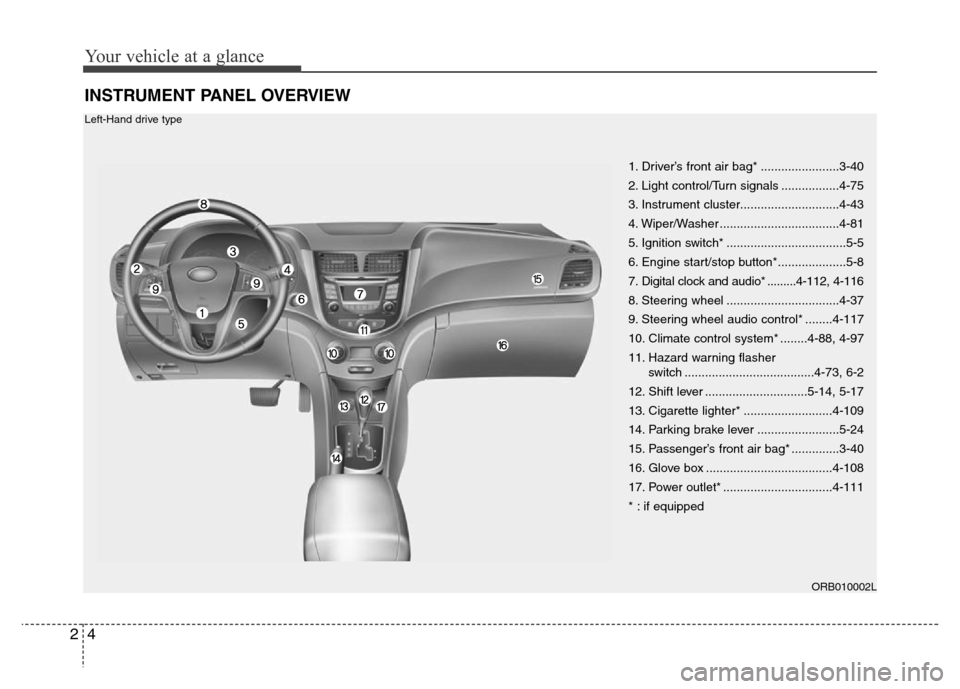
INSTRUMENT PANEL OVERVIEW
1. Driver’s front air bag* .......................3-40
2. Light control/Turn signals .................4-75
3. Instrument cluster.............................4-43
4. Wiper/Washer ...................................4-81
5. Ignition switch* ...................................5-5
6. Engine start/stop button*....................5-8
7. Digital clock and audio* .........4-112, 4-116
8. Steering wheel .................................4-37
9. Steering wheel audio control* ........4-117
10. Climate control system* ........4-88, 4-97
11. Hazard warning flasher
switch ......................................4-73, 6-2
12. Shift lever ..............................5-14, 5-17
13. Cigarette lighter* ..........................4-109
14. Parking brake lever ........................5-24
15. Passenger’s front air bag* ..............3-40
16. Glove box .....................................4-108
17. Power outlet* ................................4-111
* : if equipped
ORB010002L
Left-Hand drive type
Page 16 of 402
25
Your vehicle at a glance
ORB012002R
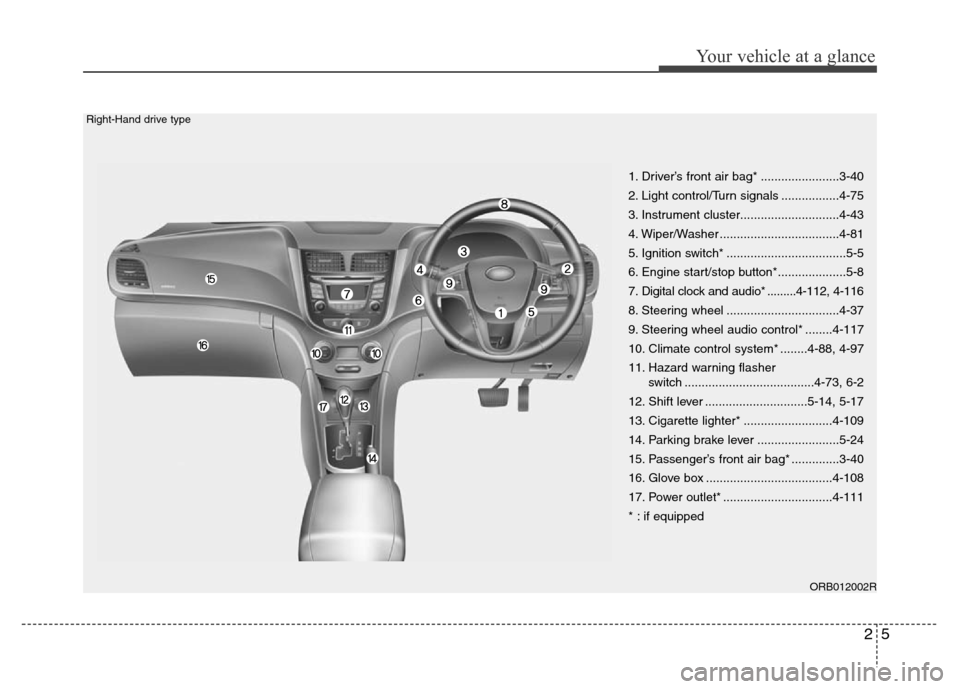
1. Driver’s front air bag* .......................3-40
2. Light control/Turn signals .................4-75
3. Instrument cluster.............................4-43
4. Wiper/Washer ...................................4-81
5. Ignition switch* ...................................5-5
6. Engine start/stop button*....................5-8
7. Digital clock and audio* .........4-112, 4-116
8. Steering wheel .................................4-37
9. Steering wheel audio control* ........4-117
10. Climate control system* ........4-88, 4-97
11. Hazard warning flasher
switch ......................................4-73, 6-2
12. Shift lever ..............................5-14, 5-17
13. Cigarette lighter* ..........................4-109
14. Parking brake lever ........................5-24
15. Passenger’s front air bag* ..............3-40
16. Glove box .....................................4-108
17. Power outlet* ................................4-111
* : if equipped
Right-Hand drive type
Page 73 of 402
43
Features of your vehicle
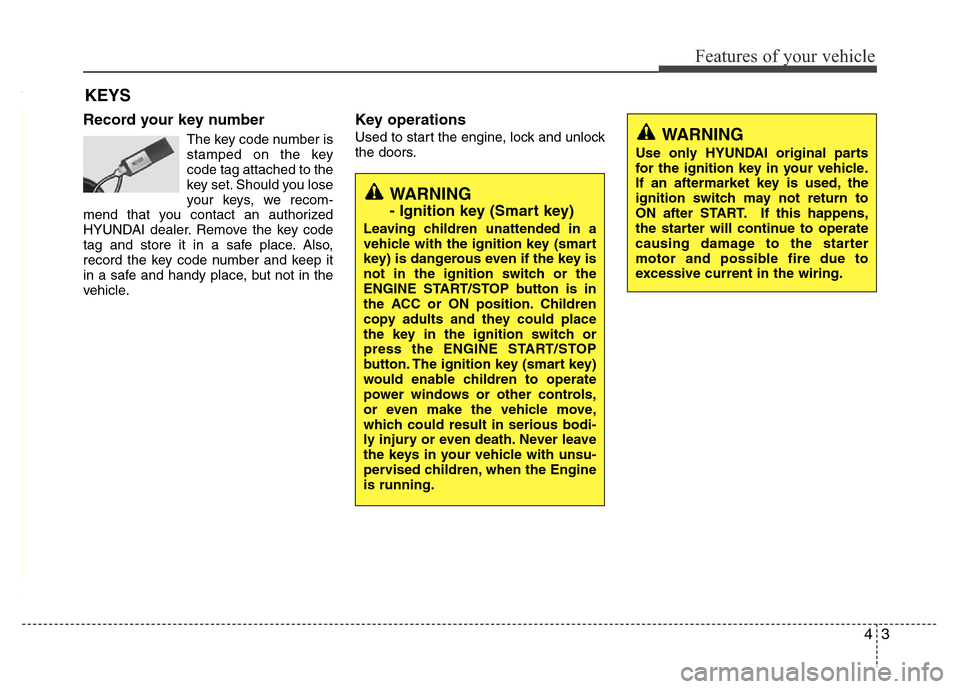
Record your key number
The key code number is
stamped on the key
code tag attached to the
key set. Should you lose
your keys, we recom-
mend that you contact an authorized
HYUNDAI dealer. Remove the key code
tag and store it in a safe place. Also,
record the key code number and keep it
in a safe and handy place, but not in the
vehicle.
Key operations
Used to start the engine, lock and unlock
the doors.
KEYS
WARNING
Use only HYUNDAI original parts
for the ignition key in your vehicle.
If an aftermarket key is used, the
ignition switch may not return to
ON after START. If this happens,
the starter will continue to operate
causing damage to the starter
motor and possible fire due to
excessive current in the wiring.
WARNING
- Ignition key (Smart key)
Leaving children unattended in a
vehicle with the ignition key (smart
key) is dangerous even if the key is
not in the ignition switch or the
ENGINE START/STOP button is in
the ACC or ON position. Children
copy adults and they could place
the key in the ignition switch or
press the ENGINE START/STOP
button. The ignition key (smart key)
would enable children to operate
power windows or other controls,
or even make the vehicle move,
which could result in serious bodi-
ly injury or even death. Never leave
the keys in your vehicle with unsu-
pervised children, when the Engine
is running.
Page 78 of 402
Features of your vehicle
8 4
Trunk unlocking (4 Door)
Using the trunk handle switch
If you are within 0.7~1 m (28~40 in.) from
the outside trunk handle with your smart
key in your possession, the trunk will
unlock and open when you press the
trunk handle switch. Once the trunk is
opened and then closed, the trunk will be
locked automatically.
If the trunk is closed with the smart key in
the trunk, the warning chime will sound
for about 5 seconds and the trunk will not
locked.
Using the button on the smart key
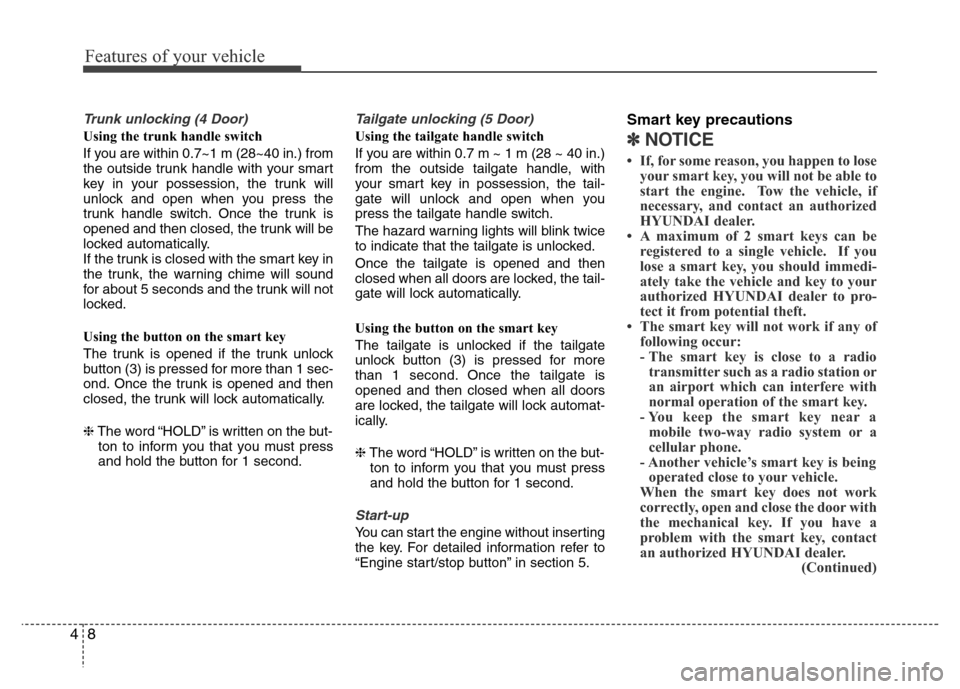
The trunk is opened if the trunk unlock
button (3) is pressed for more than 1 sec-
ond. Once the trunk is opened and then
closed, the trunk will lock automatically.
❈The word “HOLD” is written on the but-
ton to inform you that you must press
and hold the button for 1 second.
Tailgate unlocking (5 Door)
Using the tailgate handle switch
If you are within 0.7 m ~ 1 m (28 ~ 40 in.)
from the outside tailgate handle, with
your smart key in possession, the tail-
gate will unlock and open when you
press the tailgate handle switch.
The hazard warning lights will blink twice
to indicate that the tailgate is unlocked.
Once the tailgate is opened and then
closed when all doors are locked, the tail-
gate will lock automatically.
Using the button on the smart key
The tailgate is unlocked if the tailgate
unlock button (3) is pressed for more
than 1 second. Once the tailgate is
opened and then closed when all doors
are locked, the tailgate will lock automat-
ically.
❈The word “HOLD” is written on the but-
ton to inform you that you must press
and hold the button for 1 second.
Start-up
You can start the engine without inserting
the key. For detailed information refer to
“Engine start/stop button” in section 5.
Smart key precautions
✽NOTICE
• If, for some reason, you happen to lose
your smart key, you will not be able to
start the engine. Tow the vehicle, if
necessary, and contact an authorized
HYUNDAI dealer.
• A maximum of 2 smart keys can be
registered to a single vehicle. If you
lose a smart key, you should immedi-
ately take the vehicle and key to your
authorized HYUNDAI dealer to pro-
tect it from potential theft.
• The smart key will not work if any of
following occur:
- The smart key is close to a radio
transmitter such as a radio station or
an airport which can interfere with
normal operation of the smart key.
- You keep the smart key near a
mobile two-way radio system or a
cellular phone.
- Another vehicle’s smart key is being
operated close to your vehicle.
When the smart key does not work
correctly, open and close the door with
the mechanical key. If you have a
problem with the smart key, contact
an authorized HYUNDAI dealer.
(Continued)
Page 129 of 402
459
Features of your vehicle
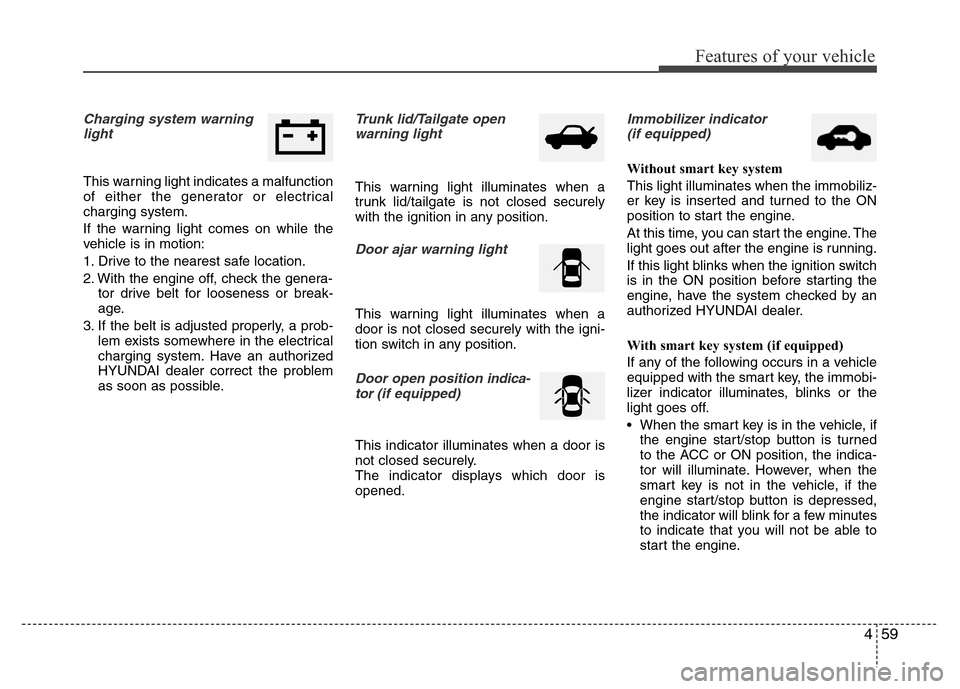
Charging system warning
light
This warning light indicates a malfunction
of either the generator or electrical
charging system.
If the warning light comes on while the
vehicle is in motion:
1. Drive to the nearest safe location.
2. With the engine off, check the genera-
tor drive belt for looseness or break-
age.
3. If the belt is adjusted properly, a prob-
lem exists somewhere in the electrical
charging system. Have an authorized
HYUNDAI dealer correct the problem
as soon as possible.
Trunk lid/Tailgate open
warning light
This warning light illuminates when a
trunk lid/tailgate is not closed securely
with the ignition in any position.
Door ajar warning light
This warning light illuminates when a
door is not closed securely with the igni-
tion switch in any position.
Door open positionindica-
tor (if equipped)
This indicator illuminates when a door is
not closed securely.
The indicator displays which door is
opened.
Immobilizer indicator
(if equipped)
Without smart key system
This light illuminates when the immobiliz-
er key is inserted and turned to the ON
position to start the engine.
At this time, you can start the engine. The
light goes out after the engine is running.
If this light blinks when the ignition switch
is in the ON position before starting the
engine, have the system checked by an
authorized HYUNDAI dealer.
With smart key system (if equipped)
If any of the following occurs in a vehicle
equipped with the smart key, the immobi-
lizer indicator illuminates, blinks or the
light goes off.
• When the smart key is in the vehicle, if
the engine start/stop button is turned
to the ACC or ON position, the indica-
tor will illuminate. However, when the
smart key is not in the vehicle, if the
engine start/stop button is depressed,
the indicator will blink for a few minutes
to indicate that you will not be able to
start the engine.
Page 130 of 402
Features of your vehicle
60 4
• When the ignition switch is turned to
the ON position and the indicator turns
off after 2 seconds, the system may
have a problem. Have the vehicle
checked by an authorized HYUNDAI
dealer.
• When the battery is weak, if the engine
start/stop button is depressed, the indi-
cator will blink and you will not be able
to start the engine. However, you may
still be able to start the engine by
pressing the engine start/stop button
with the smart key. If smart key system
related parts have a problem, the indi-
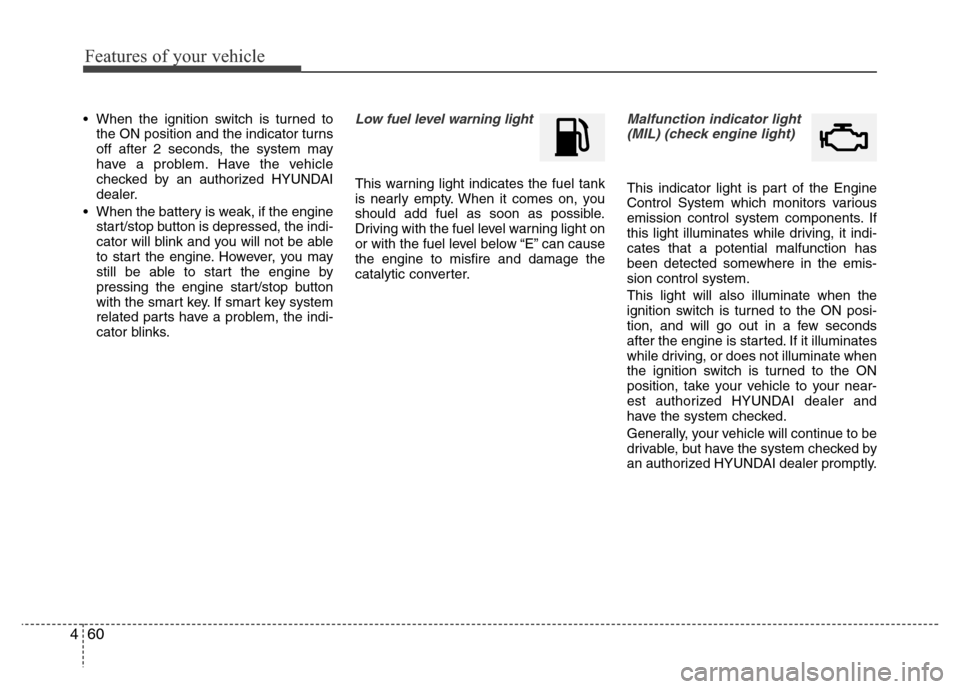
cator blinks.Low fuel level warning light
This warning light indicates the fuel tank
is nearly empty. When it comes on, you
should add fuel as soon as possible.
Driving with the fuel level warning light on
or with the fuel level below “E” can cause
the engine to misfire and damage the
catalytic converter.
Malfunction indicator light
(MIL) (check engine light)
This indicator light is part of the Engine
Control System which monitors various
emission control system components. If
this light illuminates while driving, it indi-
cates that a potential malfunction has
been detected somewhere in the emis-
sion control system.
This light will also illuminate when the
ignition switch is turned to the ON posi-
tion, and will go out in a few seconds
after the engine is started. If it illuminates
while driving, or does not illuminate when
the ignition switch is turned to the ON
position, take your vehicle to your near-
est authorized HYUNDAI dealer and
have the system checked.
Generally, your vehicle will continue to be
drivable, but have the system checked by
an authorized HYUNDAI dealer promptly.
Page 134 of 402
Features of your vehicle
64 4
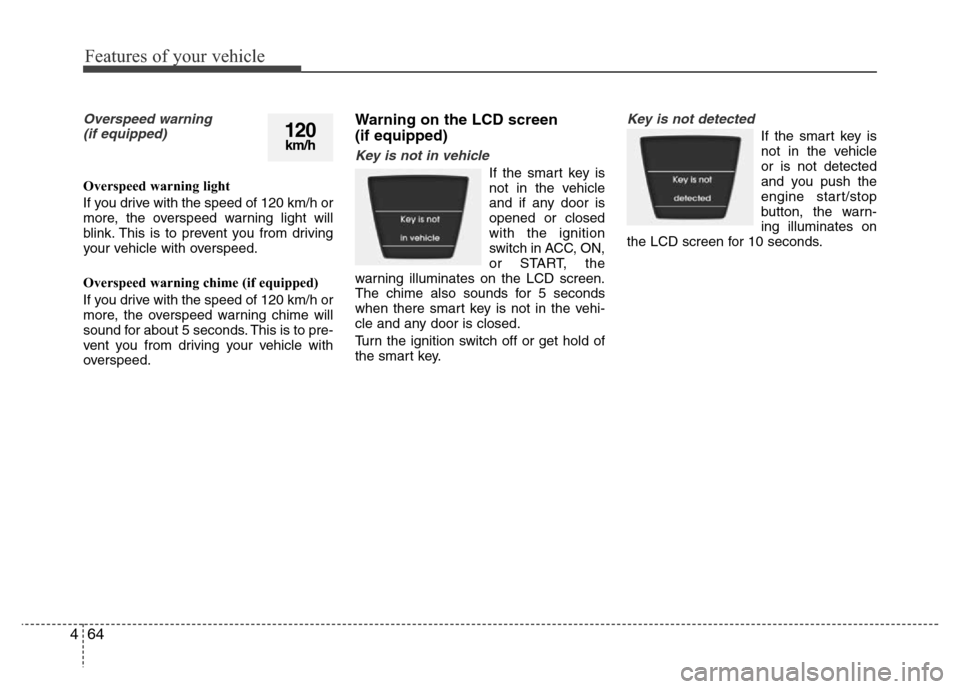
Overspeed warning
(if equipped)
Overspeed warning light
If you drive with the speed of 120 km/h or
more, the overspeed warning light will
blink. This is to prevent you from driving
your vehicle with overspeed.
Overspeed warning chime (if equipped)
If you drive with the speed of 120 km/h or
more, the overspeed warning chime will
sound for about 5 seconds. This is to pre-
vent you from driving your vehicle with
overspeed.
Warning on the LCD screen
(if equipped)
Key is not in vehicle
If the smart key is
not in the vehicle
and if any door is
opened or closed
with the ignition
switch in ACC, ON,
or START, the
warning illuminates on the LCD screen.
The chime also sounds for 5 seconds
when there smart key is not in the vehi-
cle and any door is closed.
Turn the ignition switch off or get hold of
the smart key.
Key is not detected
If the smart key is
not in the vehicle
or is not detected
and you push the
engine start/stop
button, the warn-
ing illuminates on
the LCD screen for 10 seconds.120km/h
Page 135 of 402
465
Features of your vehicle
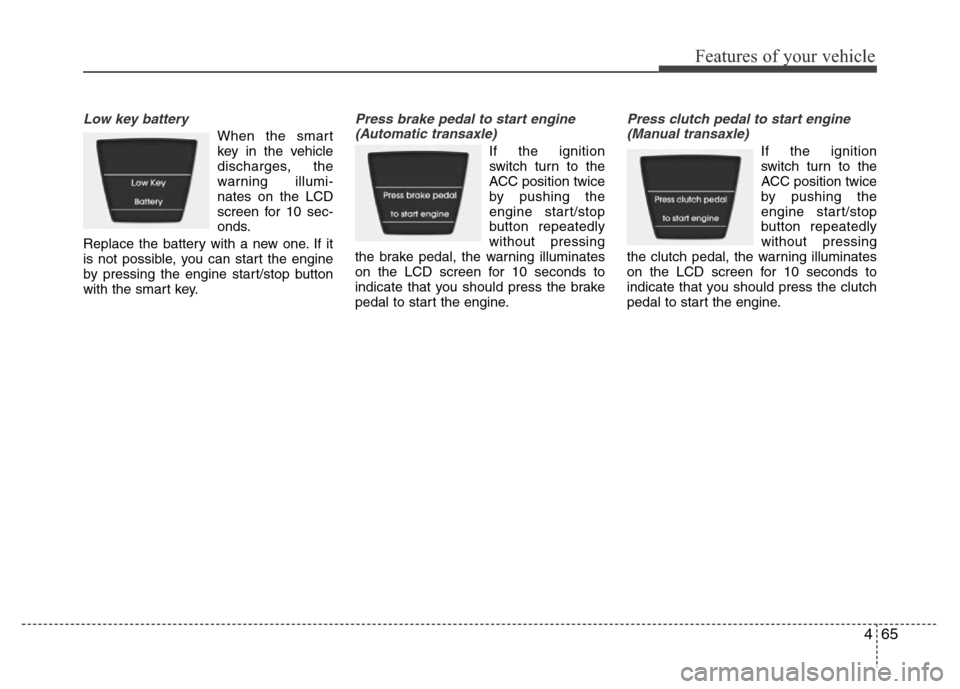
Low key battery
When the smart
key in the vehicle
discharges, the
warning illumi-
nates on the LCD
screen for 10 sec-
onds.
Replace the battery with a new one. If it
is not possible, you can start the engine
by pressing the engine start/stop button
with the smart key.
Press brake pedal to start engine
(Automatic transaxle)
If the ignition
switch turn to the
ACC position twice
by pushing the
engine start/stop
button repeatedly
without pressing
the brake pedal, the warning illuminates
on the LCD screen for 10 seconds to
indicate that you should press the brake
pedal to start the engine.
Press clutch pedal to start engine
(Manual transaxle)
If the ignition
switch turn to the
ACC position twice
by pushing the
engine start/stop
button repeatedly
without pressing
the clutch pedal, the warning illuminates
on the LCD screen for 10 seconds to
indicate that you should press the clutch
pedal to start the engine.
Page 136 of 402
Features of your vehicle
66 4
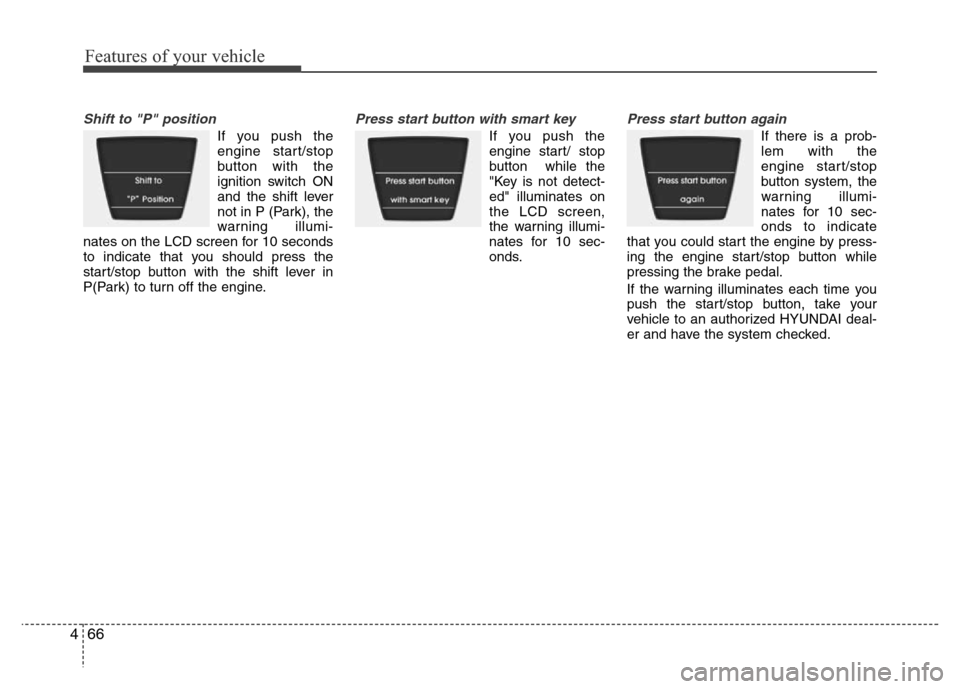
Shift to "P" position
If you push the
engine start/stop
button with the
ignition switch ON
and the shift lever
not in P (Park), the
warning illumi-
nates on the LCD screen for 10 seconds
to indicate that you should press the
start/stop button with the shift lever in
P(Park) to turn off the engine.
Press start button with smart key
If you push the
engine start/ stop
button while the
"Key is not detect-
ed" illuminates on
the LCD screen,
the warning illumi-
nates for 10 sec-
onds.
Press start button again
If there is a prob-
lem with the
engine start/stop
button system, the
warning illumi-
nates for 10 sec-
onds to indicate
that you could start the engine by press-
ing the engine start/stop button while
pressing the brake pedal.
If the warning illuminates each time you
push the start/stop button, take your
vehicle to an authorized HYUNDAI deal-
er and have the system checked.
Page 138 of 402
Features of your vehicle
68 4
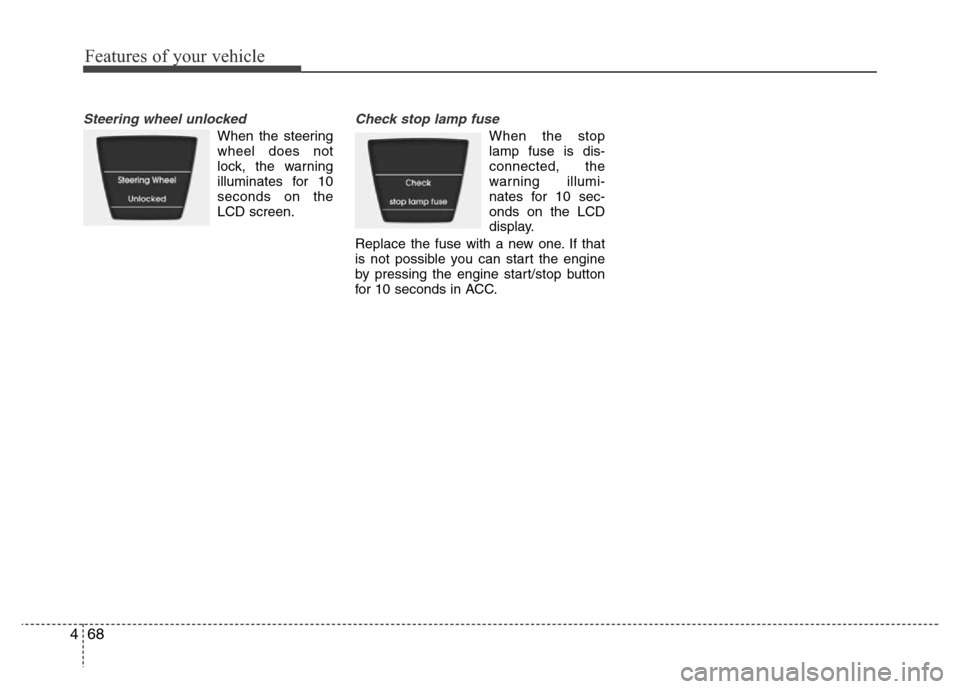
Steering wheel unlocked
When the steering
wheel does not
lock, the warning
illuminates for 10
seconds on the
LCD screen.
Check stop lamp fuse
When the stop
lamp fuse is dis-
connected, the
warning illumi-
nates for 10 sec-
onds on the LCD
display.
Replace the fuse with a new one. If that
is not possible you can start the engine
by pressing the engine start/stop button
for 10 seconds in ACC.