steering Hyundai Azera 2005 User Guide
[x] Cancel search | Manufacturer: HYUNDAI, Model Year: 2005, Model line: Azera, Model: Hyundai Azera 2005Pages: 297, PDF Size: 13.2 MB
Page 79 of 297
1FEATURES OF YOUR HYUNDAI
62
B260F01A-AAT High Beam Indicator Light
The high beam indicator light comes on whenever the headlights areswitched to the high beam or flash position.
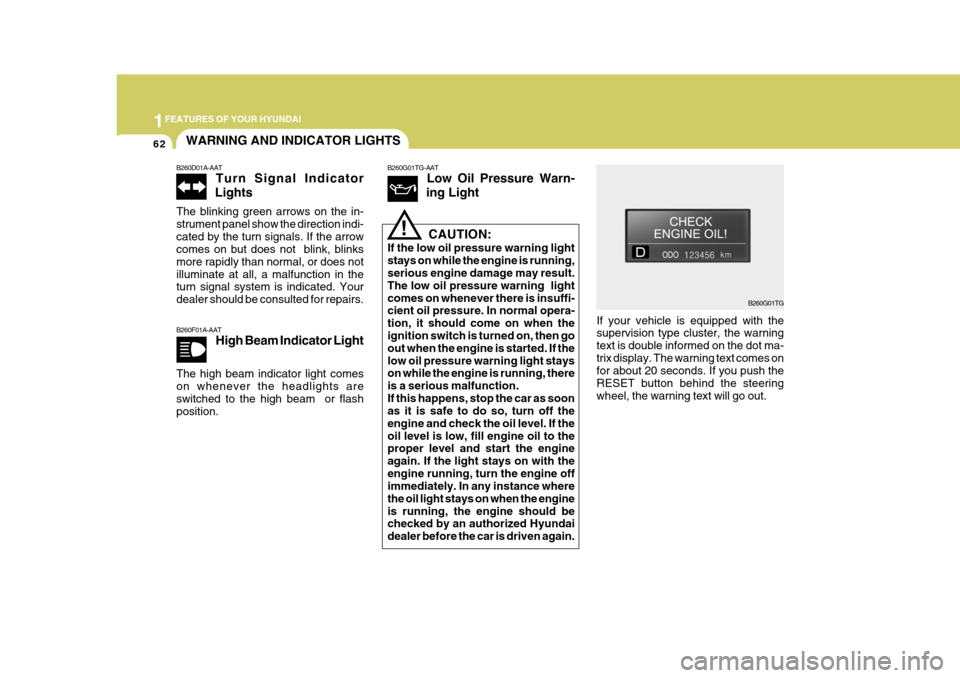
If your vehicle is equipped with the supervision type cluster, the warning text is double informed on the dot ma-trix display. The warning text comes on for about 20 seconds. If you push the RESET button behind the steeringwheel, the warning text will go out.
CAUTION:
If the low oil pressure warning lightstays on while the engine is running, serious engine damage may result. The low oil pressure warning lightcomes on whenever there is insuffi- cient oil pressure. In normal opera- tion, it should come on when the ignition switch is turned on, then go out when the engine is started. If thelow oil pressure warning light stays on while the engine is running, there is a serious malfunction.If this happens, stop the car as soon as it is safe to do so, turn off the engine and check the oil level. If theoil level is low, fill engine oil to the proper level and start the engine again. If the light stays on with theengine running, turn the engine off immediately. In any instance where the oil light stays on when the engineis running, the engine should be checked by an authorized Hyundai dealer before the car is driven again.
!
B260G01TG
WARNING AND INDICATOR LIGHTS
B260D01A-AAT Turn Signal Indicator
Lights
The blinking green arrows on the in- strument panel show the direction indi-cated by the turn signals. If the arrow comes on but does not blink, blinks more rapidly than normal, or does notilluminate at all, a malfunction in the turn signal system is indicated. Your dealer should be consulted for repairs.
B260G01TG-AAT Low Oil Pressure Warn-
ing Light
Page 81 of 297
1FEATURES OF YOUR HYUNDAI
64
B260L01TG-GATDoor Ajar Warning Light
The door ajar warning light warns you that a door is not completely closed.
B260L01TG
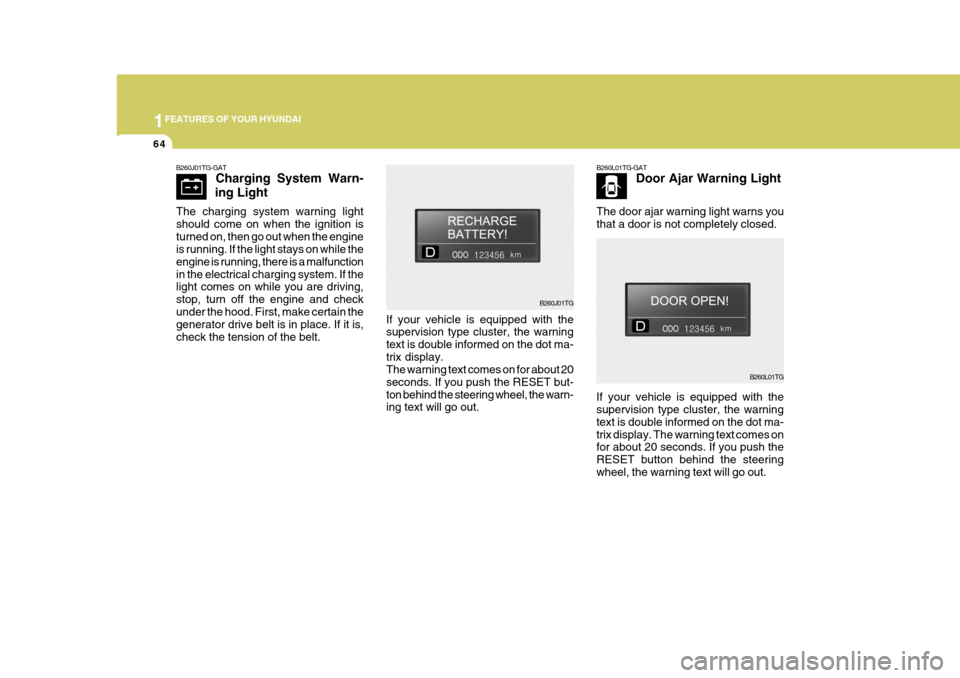
If your vehicle is equipped with the supervision type cluster, the warning text is double informed on the dot ma-trix display. The warning text comes on for about 20 seconds. If you push the RESET button behind the steeringwheel, the warning text will go out.
B260J01TG
If your vehicle is equipped with the supervision type cluster, the warning text is double informed on the dot ma-trix display. The warning text comes on for about 20 seconds. If you push the RESET but-ton behind the steering wheel, the warn- ing text will go out.
B260J01TG-GAT
Charging System Warn-
ing Light
The charging system warning light should come on when the ignition isturned on, then go out when the engine is running. If the light stays on while the engine is running, there is a malfunctionin the electrical charging system. If the light comes on while you are driving, stop, turn off the engine and checkunder the hood. First, make certain the generator drive belt is in place. If it is, check the tension of the belt.
Page 82 of 297
1
FEATURES OF YOUR HYUNDAI
65
B260S01TG-GAT Low Windshield Washer
Fluid Level Warning Light
The low windshield washer fluid warn- ing light comes on when the washerfluid reservoir is approaching empty. When it comes on, add washer fluid at your earliest opportunity.
B260S01TG
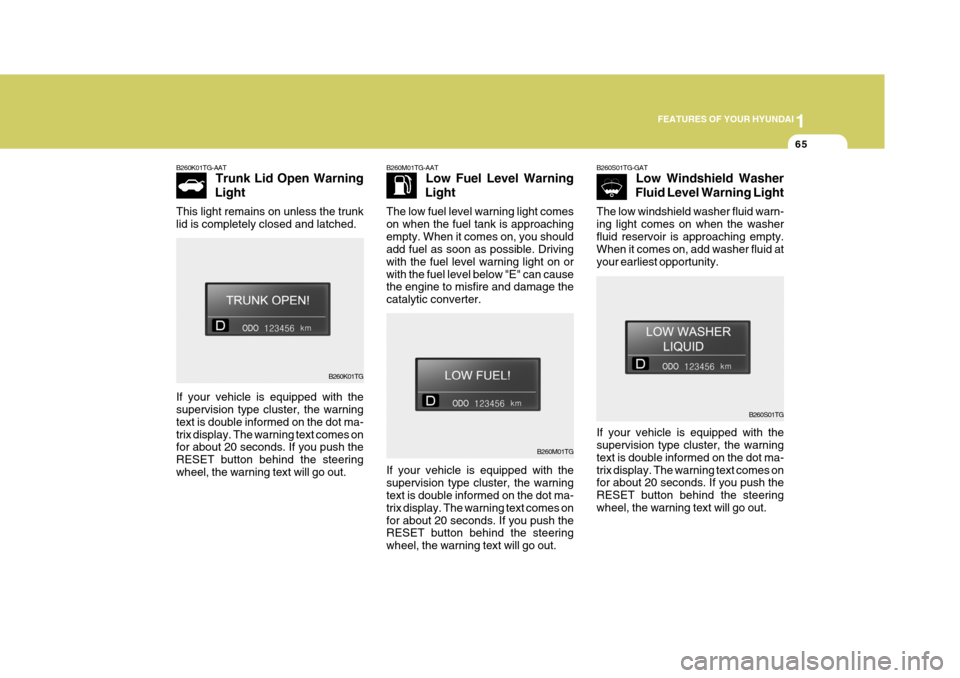
If your vehicle is equipped with the supervision type cluster, the warning text is double informed on the dot ma-trix display. The warning text comes on for about 20 seconds. If you push the RESET button behind the steeringwheel, the warning text will go out.
B260K01TG-AAT
Trunk Lid Open Warning
Light
This light remains on unless the trunklid is completely closed and latched.
B260K01TG B260M01TG-AAT
Low Fuel Level Warning
Light
The low fuel level warning light comes on when the fuel tank is approachingempty. When it comes on, you should add fuel as soon as possible. Driving with the fuel level warning light on orwith the fuel level below "E" can cause the engine to misfire and damage the catalytic converter.
B260M01TG
If your vehicle is equipped with the supervision type cluster, the warning text is double informed on the dot ma-trix display. The warning text comes on for about 20 seconds. If you push the RESET button behind the steeringwheel, the warning text will go out.
If your vehicle is equipped with thesupervision type cluster, the warning text is double informed on the dot ma- trix display. The warning text comes onfor about 20 seconds. If you push the RESET button behind the steering wheel, the warning text will go out.
Page 84 of 297
1
FEATURES OF YOUR HYUNDAI
67
B260N01TG B260B01JM-AAT
SRS (Airbag) Service Reminder Indicator (SRI)
The SRS service reminder indicator (SRI) comes on for about 6 secondsafter the key is turned to the "ON" position or after the engine is started, after which it will go out. This light also comes on when the SRS is not working properly. If the SRI doesnot come on, or continuously remains on after operating for about 6 seconds when you turned the ignition key to the"ON" position or started the engine, or if it comes on while driving, have the SRS inspected by an authorizedHyundai dealer.
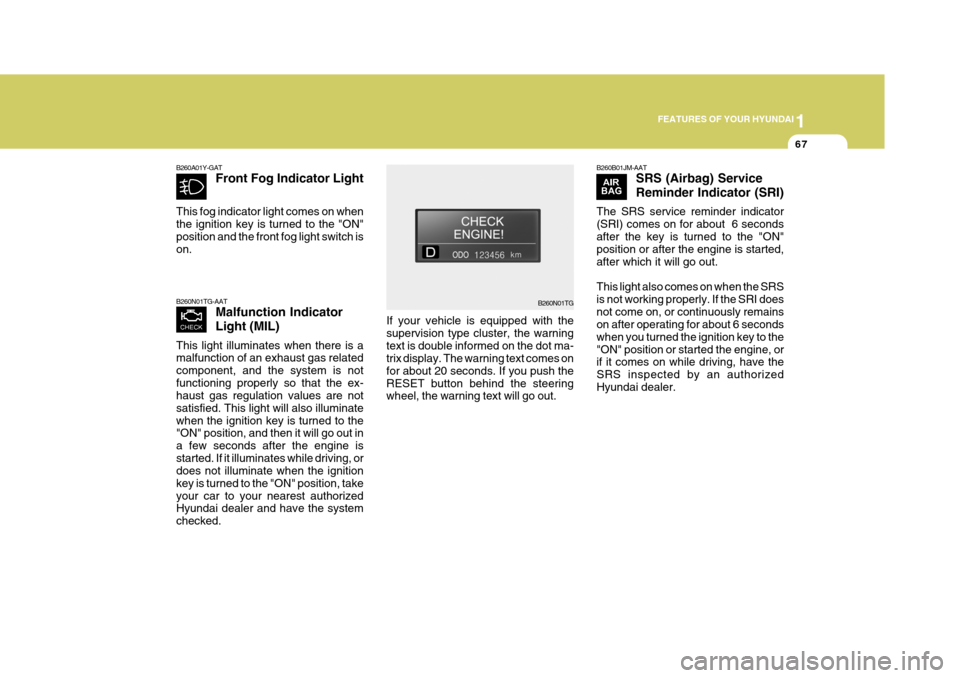
If your vehicle is equipped with the supervision type cluster, the warningtext is double informed on the dot ma- trix display. The warning text comes on for about 20 seconds. If you push theRESET button behind the steering wheel, the warning text will go out.
B260A01Y-GAT Front Fog Indicator Light
This fog indicator light comes on when the ignition key is turned to the "ON"position and the front fog light switch is on. B260N01TG-AAT Malfunction Indicator Light (MIL)
This light illuminates when there is a malfunction of an exhaust gas related component, and the system is notfunctioning properly so that the ex- haust gas regulation values are not satisfied. This light will also illuminatewhen the ignition key is turned to the "ON" position, and then it will go out in a few seconds after the engine isstarted. If it illuminates while driving, or does not illuminate when the ignition key is turned to the "ON" position, takeyour car to your nearest authorized Hyundai dealer and have the system checked.
Page 86 of 297
1
FEATURES OF YOUR HYUNDAI
69
B265C01NF-GAT
Electronic Stability Program Indicator Lights(If Installed)
The electronic stability program indi- cators change operation according to the ignition switch position and whetherthe system is in operation or not. They will illuminate when the ignition key is turned to the "ON" position, butshould go out after three seconds. If the ESP or ESP-OFF indicator stays on, take your car to your authorizedHyundai dealer and have the system checked. See section 2 for more infor- mation about the ESP.B260Q01NF-GAT CRUISE Indicator Light (If Installed)
The cruise indicator light in the instru- ment cluster is illuminated when thecruise control ON/OFF switch on the steering wheel is pushed. The indicator light does not illuminatewhen the cruise control ON/OFF switch is pushed again. Information about the use of cruise control begins on page 1-109.
B260R01NF-GAT Cruise SET Indicator
Light (If Installed)
The Cruise SET indicator light in the instrument cluster is illuminated when the cruise control "COAST/SET" or"RES/ACCEL" switch is pushed. The Cruise SET indicator light does not illuminate when the cruise control"CANCEL" switch is pushed or the system is disengaged. To disengage the cruise control system, refer to "Tocancel the cruise speed" on page 1- 110.
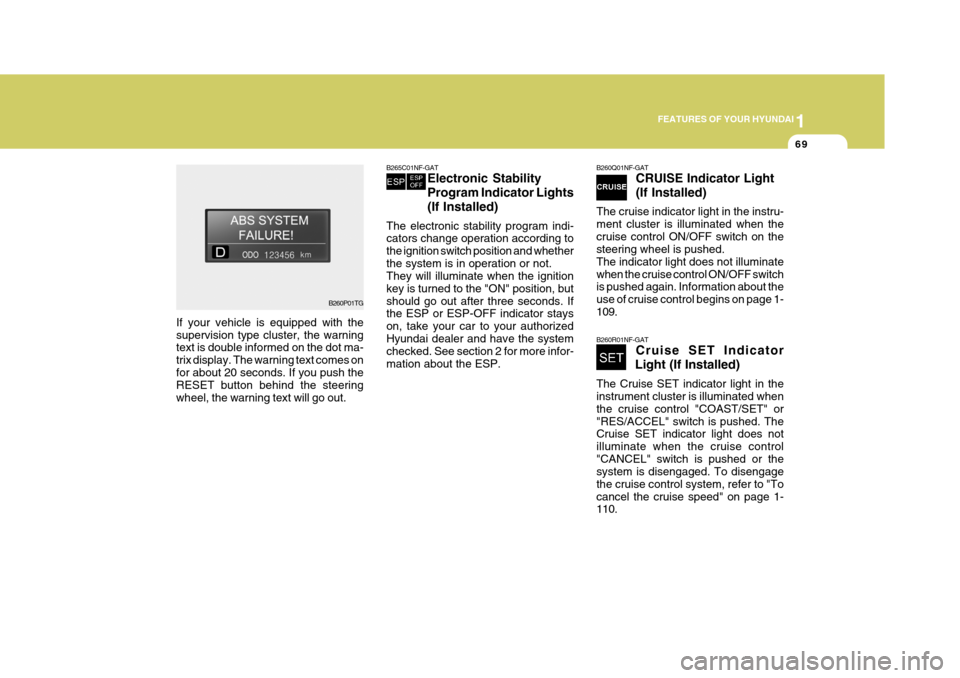
If your vehicle is equipped with the supervision type cluster, the warning text is double informed on the dot ma- trix display. The warning text comes on for about 20 seconds. If you push the RESET button behind the steeringwheel, the warning text will go out.
B260P01TG
Page 99 of 297
1FEATURES OF YOUR HYUNDAI
82
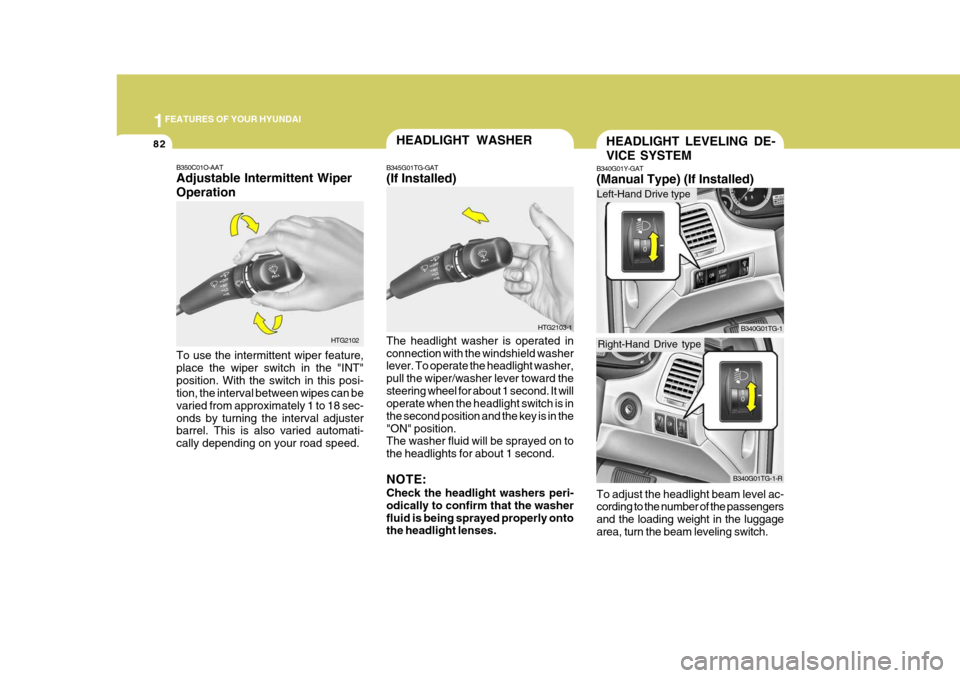
B350C01O-AAT Adjustable Intermittent Wiper Operation To use the intermittent wiper feature, place the wiper switch in the "INT"position. With the switch in this posi- tion, the interval between wipes can be varied from approximately 1 to 18 sec-onds by turning the interval adjuster barrel. This is also varied automati- cally depending on your road speed. HTG2102
HEADLIGHT WASHER
B345G01TG-GAT (If Installed)
HTG2103-1
The headlight washer is operated in connection with the windshield washer
lever. To operate the headlight washer, pull the wiper/washer lever toward thesteering wheel for about 1 second. It will operate when the headlight switch is in the second position and the key is in the"ON" position. The washer fluid will be sprayed on to the headlights for about 1 second. NOTE: Check the headlight washers peri- odically to confirm that the washerfluid is being sprayed properly onto the headlight lenses.HEADLIGHT LEVELING DE- VICE SYSTEM
B340G01Y-GAT (Manual Type) (If Installed)
To adjust the headlight beam level ac- cording to the number of the passengers and the loading weight in the luggagearea, turn the beam leveling switch.
B340G01TG-1
B340G01TG-1-R
Left-Hand Drive type
Right-Hand Drive type
Page 124 of 297
1
FEATURES OF YOUR HYUNDAI
107HORN
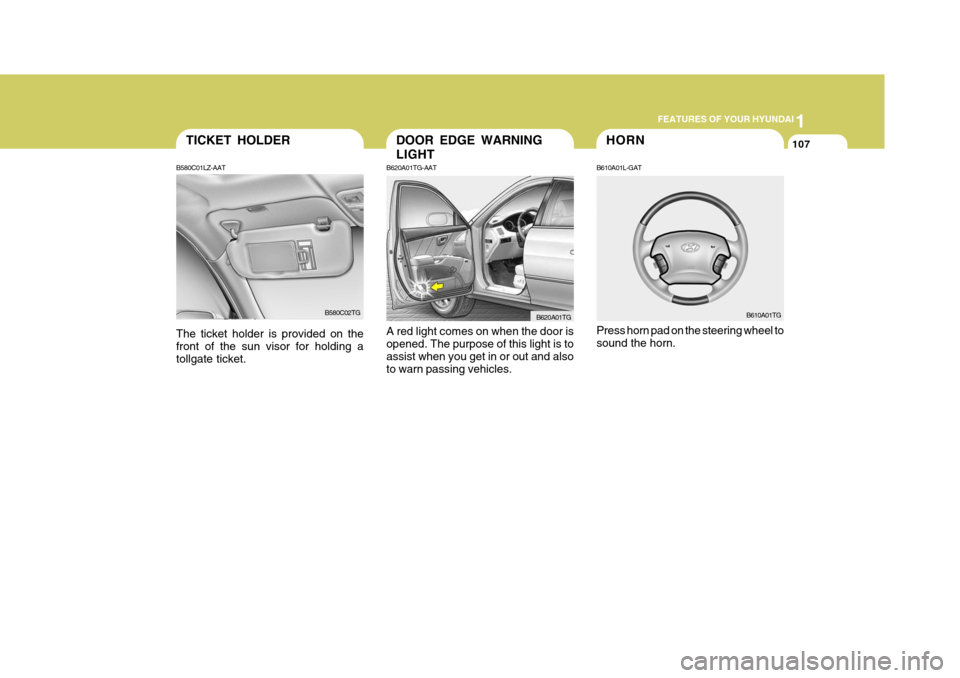
B610A01L-GAT Press horn pad on the steering wheel to sound the horn. B610A01TG
B620A01TG-AAT A red light comes on when the door is opened. The purpose of this light is toassist when you get in or out and also to warn passing vehicles. B620A01TG
DOOR EDGE WARNING LIGHT
TICKET HOLDER
B580C01LZ-AAT The ticket holder is provided on the front of the sun visor for holding a tollgate ticket. B580C02TG
Page 125 of 297
1FEATURES OF YOUR HYUNDAI
108
B611A01Y-GAT
B611A01TG
REAR SEAT ARMREST
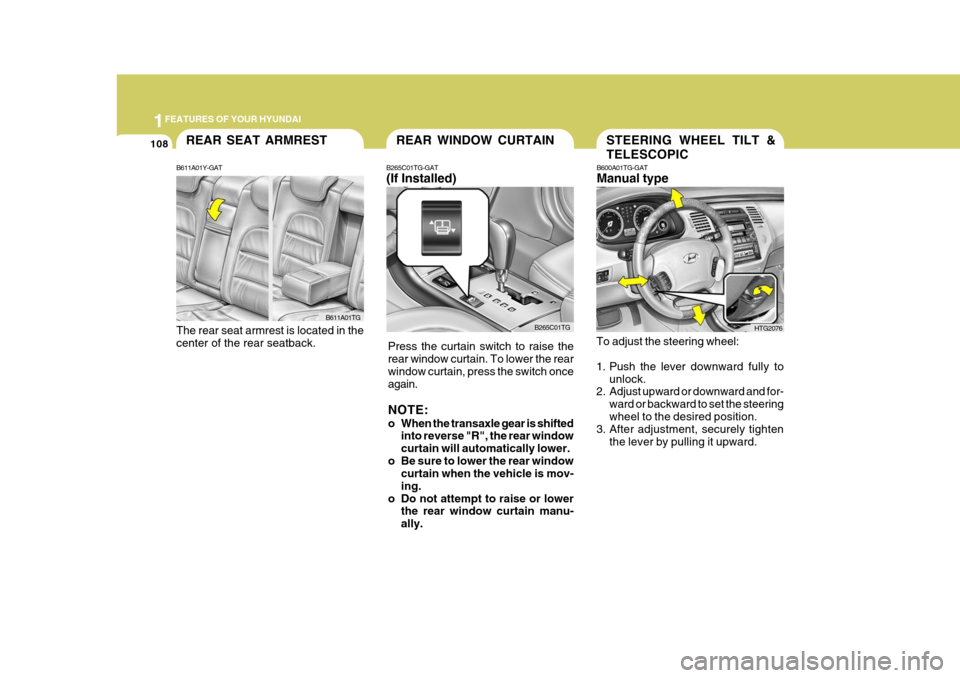
The rear seat armrest is located in the center of the rear seatback.
STEERING WHEEL TILT & TELESCOPIC
B600A01TG-GAT Manual type
To adjust the steering wheel:
1. Push the lever downward fully to
unlock.
2. Adjust upward or downward and for-
ward or backward to set the steering wheel to the desired position.
3. After adjustment, securely tighten
the lever by pulling it upward.
HTG2076
REAR WINDOW CURTAIN
B265C01TG
B265C01TG-GAT (If Installed)
Press the curtain switch to raise the rear window curtain. To lower the rearwindow curtain, press the switch once again. NOTE:
o When the transaxle gear is shifted into reverse "R", the rear window curtain will automatically lower.
o Be sure to lower the rear window curtain when the vehicle is mov-ing.
o Do not attempt to raise or lower the rear window curtain manu-ally.
Page 126 of 297
1
FEATURES OF YOUR HYUNDAI
109CRUISE CONTROL
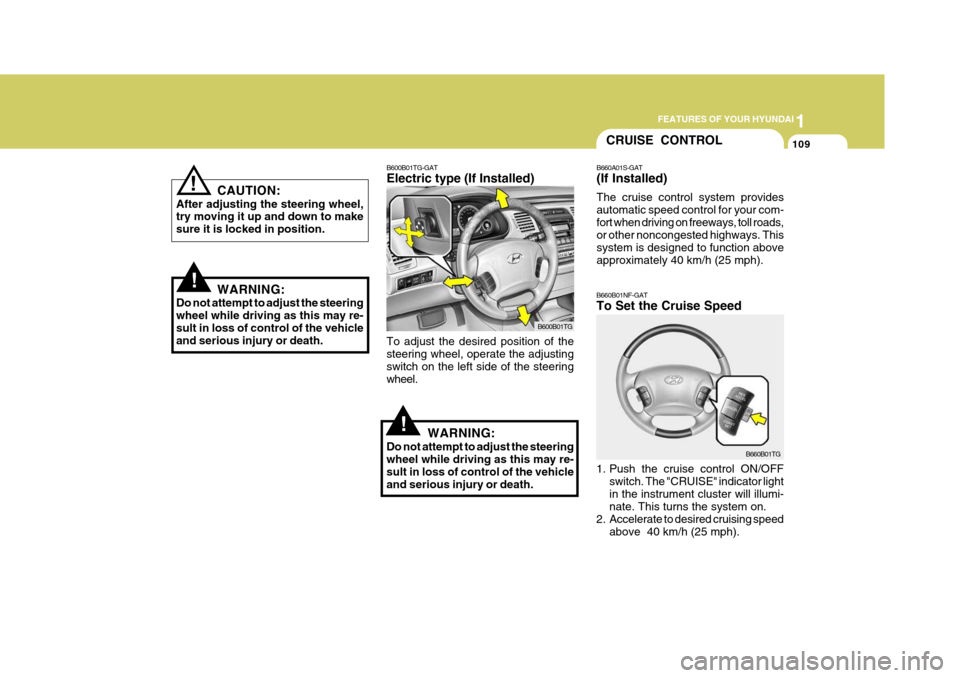
B660A01S-GAT (If Installed) The cruise control system provides automatic speed control for your com-fort when driving on freeways, toll roads, or other noncongested highways. This system is designed to function aboveapproximately 40 km/h (25 mph).
B660B01NF-GAT To Set the Cruise Speed
1. Push the cruise control ON/OFF switch. The "CRUISE" indicator light in the instrument cluster will illumi- nate. This turns the system on.
2. Accelerate to desired cruising speed above 40 km/h (25 mph). B660B01TG
!
B600B01TG-GAT Electric type (If Installed)
B600B01TG
To adjust the desired position of the steering wheel, operate the adjusting switch on the left side of the steeringwheel.
WARNING:
Do not attempt to adjust the steeringwheel while driving as this may re- sult in loss of control of the vehicle and serious injury or death.
!
! CAUTION:
After adjusting the steering wheel, try moving it up and down to make sure it is locked in position.
WARNING:
Do not attempt to adjust the steeringwheel while driving as this may re-sult in loss of control of the vehicle and serious injury or death.
Page 129 of 297
1FEATURES OF YOUR HYUNDAI
112
2. TAPE mode
o Pressing the SEEK ( ) will play thebeginning of the next music seg- ment.
o Pressing the SEEK ( ) will start
replay at the beginning of the musicjust listened to.
3. CD (Compact Disc)/CDC (Compact Disc Changer) mode
o Press the SEEK ( ) once to skip forward to the beginning of the next track.
o Press the SEEK ( ) once to skip back to the beginning of the track.
MUTE Switch
o Press the MUTE switch to disap- pear the sound.
o Press the MUTE switch again to
reproduce the sound.
VOL ( / ) Switch
o Press the VOL ( ) switch to in- crease volume.
o Press the VOL ( ) switch to de-
cease volume.
RADIO (FM1 FM2 AM) TAPE CD CDC
SEEK ( / ) Switch Press the SEEK switch 1 sec. or more.
1. RADIO mode When the SEEK ( ) is pressed, the unit will automatically tune to the next higher frequency and when the SEEK ( ) switch is pressed, it will automati-cally tune to the next lower frequency.
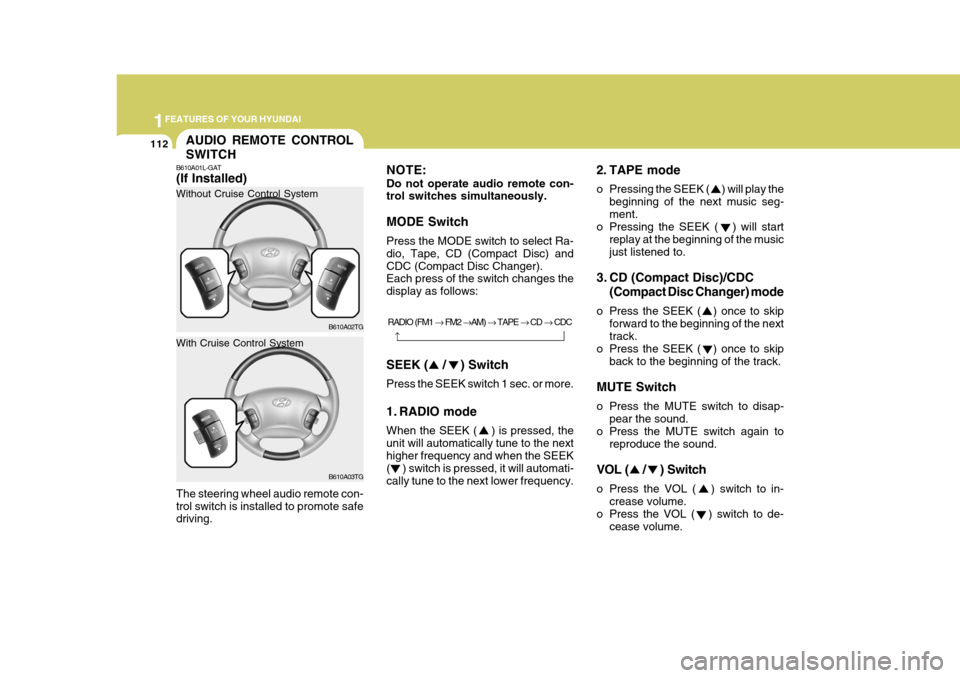
NOTE: Do not operate audio remote con- trol switches simultaneously. MODE Switch Press the MODE switch to select Ra- dio, Tape, CD (Compact Disc) andCDC (Compact Disc Changer). Each press of the switch changes the display as follows:
AUDIO REMOTE CONTROL SWITCH
B610A01L-GAT (If Installed) The steering wheel audio remote con- trol switch is installed to promote safe driving. B610A02TG
Without Cruise Control System
B610A03TG
With Cruise Control System