display Hyundai Azera 2006 Owner's Guide
[x] Cancel search | Manufacturer: HYUNDAI, Model Year: 2006, Model line: Azera, Model: Hyundai Azera 2006Pages: 307, PDF Size: 12.62 MB
Page 171 of 307
1
FEATURES OF YOUR HYUNDAI
1571
FEATURES OF YOUR HYUNDAI
157
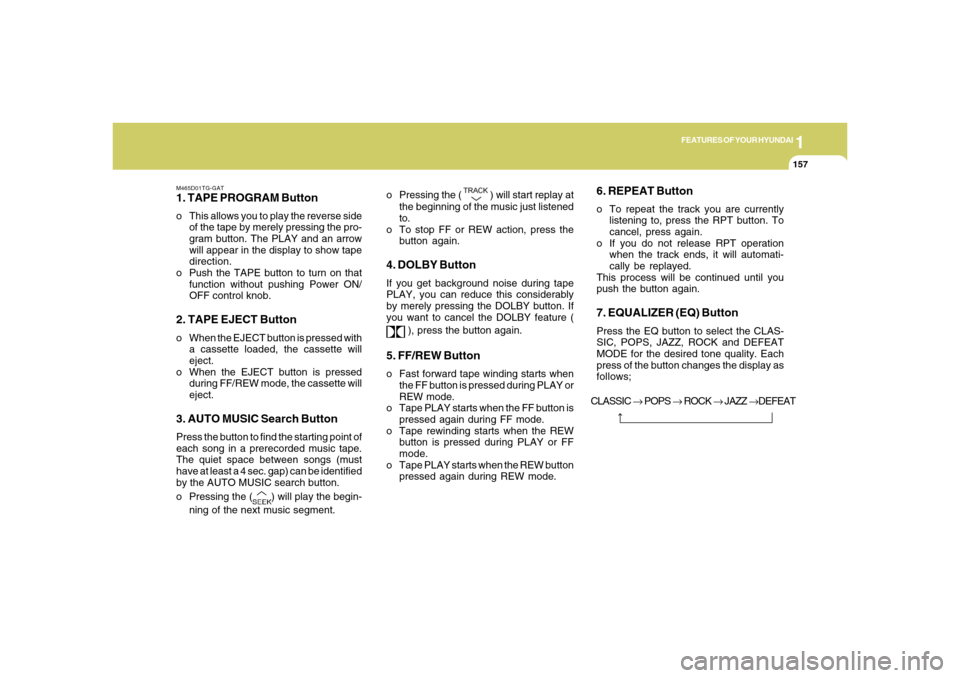
M465D01TG-GAT1. TAPE PROGRAM Buttono This allows you to play the reverse side
of the tape by merely pressing the pro-
gram button. The PLAY and an arrow
will appear in the display to show tape
direction.
o Push the TAPE button to turn on that
function without pushing Power ON/
OFF control knob.2. TAPE EJECT Buttono When the EJECT button is pressed with
a cassette loaded, the cassette will
eject.
o When the EJECT button is pressed
during FF/REW mode, the cassette will
eject.3. AUTO MUSIC Search ButtonPress the button to find the starting point of
each song in a prerecorded music tape.
The quiet space between songs (must
have at least a 4 sec. gap) can be identified
by the AUTO MUSIC search button.
o Pressing the (
) will play the begin-
ning of the next music segment.o Pressing the (
) will start replay at
the beginning of the music just listened
to.
o To stop FF or REW action, press the
button again.
4. DOLBY ButtonIf you get background noise during tape
PLAY, you can reduce this considerably
by merely pressing the DOLBY button. If
you want to cancel the DOLBY feature (
), press the button again.
5. FF/REW Buttono Fast forward tape winding starts when
the FF button is pressed during PLAY or
REW mode.
o Tape PLAY starts when the FF button is
pressed again during FF mode.
o Tape rewinding starts when the REW
button is pressed during PLAY or FF
mode.
o Tape PLAY starts when the REW button
pressed again during REW mode.
6. REPEAT Buttono To repeat the track you are currently
listening to, press the RPT button. To
cancel, press again.
o If you do not release RPT operation
when the track ends, it will automati-
cally be replayed.
This process will be continued until you
push the button again.7. EQUALIZER (EQ) ButtonPress the EQ button to select the CLAS-
SIC, POPS, JAZZ, ROCK and DEFEAT
MODE for the desired tone quality. Each
press of the button changes the display as
follows;
CLASSIC → POPS → ROCK → JAZZ →DEFEAT
Page 174 of 307
1FEATURES OF YOUR HYUNDAI
160
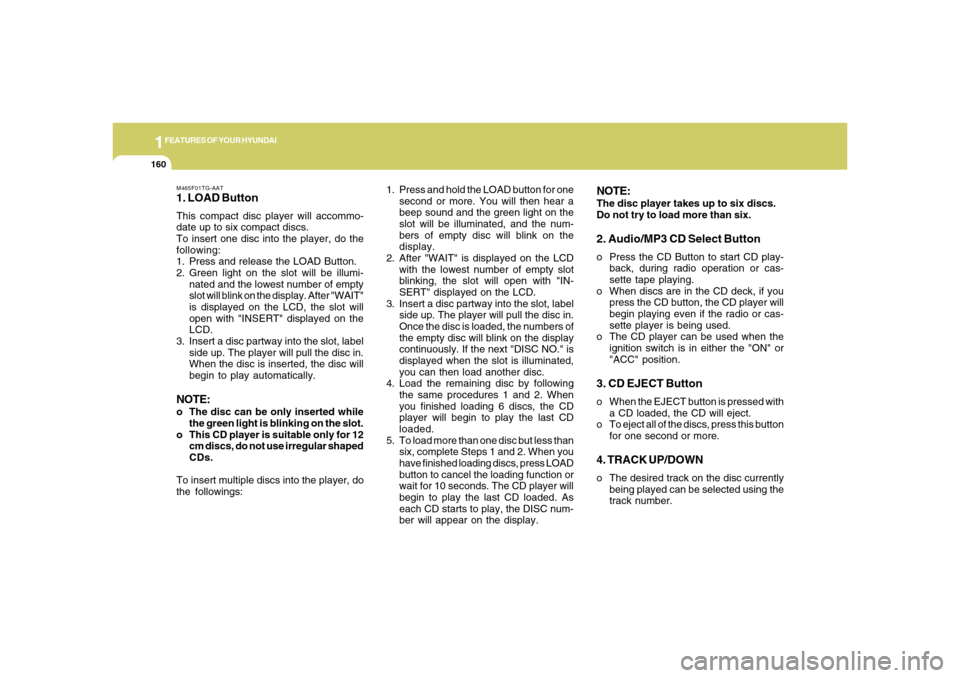
M465F01TG-AAT1. LOAD ButtonThis compact disc player will accommo-
date up to six compact discs.
To insert one disc into the player, do the
following:
1. Press and release the LOAD Button.
2. Green light on the slot will be illumi-
nated and the lowest number of empty
slot will blink on the display. After "WAIT"
is displayed on the LCD, the slot will
open with "INSERT" displayed on the
LCD.
3. Insert a disc partway into the slot, label
side up. The player will pull the disc in.
When the disc is inserted, the disc will
begin to play automatically.NOTE:o The disc can be only inserted while
the green light is blinking on the slot.
o This CD player is suitable only for 12
cm discs, do not use irregular shaped
CDs.
To insert multiple discs into the player, do
the followings:1. Press and hold the LOAD button for one
second or more. You will then hear a
beep sound and the green light on the
slot will be illuminated, and the num-
bers of empty disc will blink on the
display.
2. After "WAIT" is displayed on the LCD
with the lowest number of empty slot
blinking, the slot will open with "IN-
SERT" displayed on the LCD.
3. Insert a disc partway into the slot, label
side up. The player will pull the disc in.
Once the disc is loaded, the numbers of
the empty disc will blink on the display
continuously. If the next "DISC NO." is
displayed when the slot is illuminated,
you can then load another disc.
4. Load the remaining disc by following
the same procedures 1 and 2. When
you finished loading 6 discs, the CD
player will begin to play the last CD
loaded.
5. To load more than one disc but less than
six, complete Steps 1 and 2. When you
have finished loading discs, press LOAD
button to cancel the loading function or
wait for 10 seconds. The CD player will
begin to play the last CD loaded. As
each CD starts to play, the DISC num-
ber will appear on the display.
NOTE:The disc player takes up to six discs.
Do not try to load more than six.2. Audio/MP3 CD Select Buttono Press the CD Button to start CD play-
back, during radio operation or cas-
sette tape playing.
o When discs are in the CD deck, if you
press the CD button, the CD player will
begin playing even if the radio or cas-
sette player is being used.
o The CD player can be used when the
ignition switch is in either the "ON" or
"ACC" position.3. CD EJECT Buttono When the EJECT button is pressed with
a CD loaded, the CD will eject.
o To eject all of the discs, press this button
for one second or more.4. TRACK UP/DOWNo The desired track on the disc currently
being played can be selected using the
track number.
Page 175 of 307
1
FEATURES OF YOUR HYUNDAI
1611
FEATURES OF YOUR HYUNDAI
161
o Press (
) once to skip forward to the
beginning of the next track.
o Press () once to skip back to the
beginning of the track.
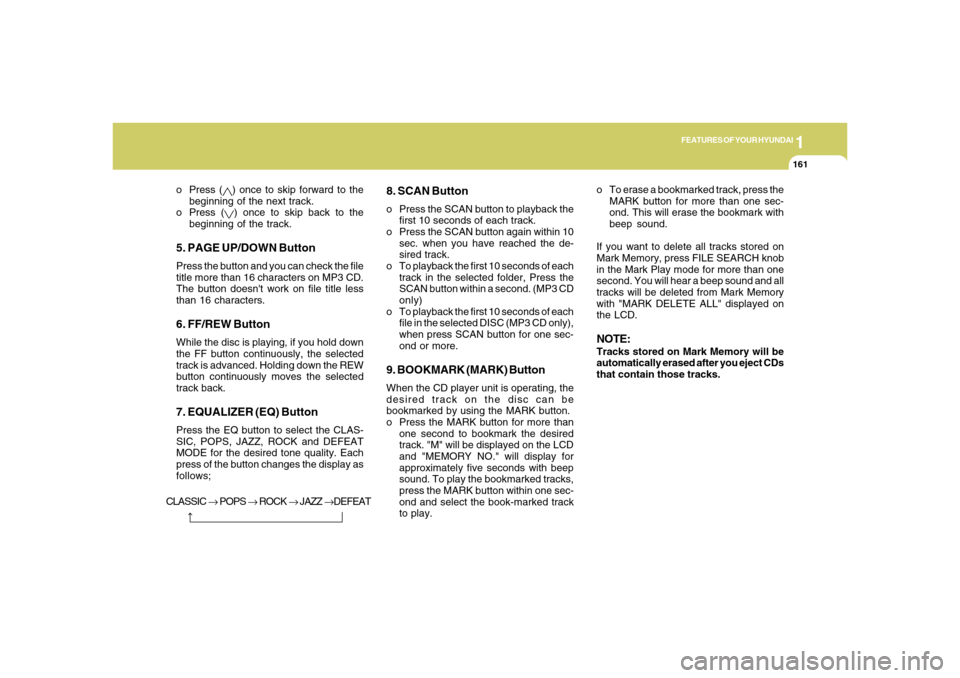
5. PAGE UP/DOWN ButtonPress the button and you can check the file
title more than 16 characters on MP3 CD.
The button doesn't work on file title less
than 16 characters.6. FF/REW ButtonWhile the disc is playing, if you hold down
the FF button continuously, the selected
track is advanced. Holding down the REW
button continuously moves the selected
track back.7. EQUALIZER (EQ) ButtonPress the EQ button to select the CLAS-
SIC, POPS, JAZZ, ROCK and DEFEAT
MODE for the desired tone quality. Each
press of the button changes the display as
follows;
8. SCAN Buttono Press the SCAN button to playback the
first 10 seconds of each track.
o Press the SCAN button again within 10
sec. when you have reached the de-
sired track.
o To playback the first 10 seconds of each
track in the selected folder, Press the
SCAN button within a second. (MP3 CD
only)
o To playback the first 10 seconds of each
file in the selected DISC (MP3 CD only),
when press SCAN button for one sec-
ond or more.9. BOOKMARK (MARK) ButtonWhen the CD player unit is operating, the
desired track on the disc can be
bookmarked by using the MARK button.
o Press the MARK button for more than
one second to bookmark the desired
track. "M" will be displayed on the LCD
and "MEMORY NO." will display for
approximately five seconds with beep
sound. To play the bookmarked tracks,
press the MARK button within one sec-
ond and select the book-marked track
to play.o To erase a bookmarked track, press the
MARK button for more than one sec-
ond. This will erase the bookmark with
beep sound.
If you want to delete all tracks stored on
Mark Memory, press FILE SEARCH knob
in the Mark Play mode for more than one
second. You will hear a beep sound and all
tracks will be deleted from Mark Memory
with "MARK DELETE ALL" displayed on
the LCD.
NOTE:Tracks stored on Mark Memory will be
automatically erased after you eject CDs
that contain those tracks.
CLASSIC → POPS → ROCK → JAZZ →DEFEAT
Page 176 of 307
1FEATURES OF YOUR HYUNDAI
162
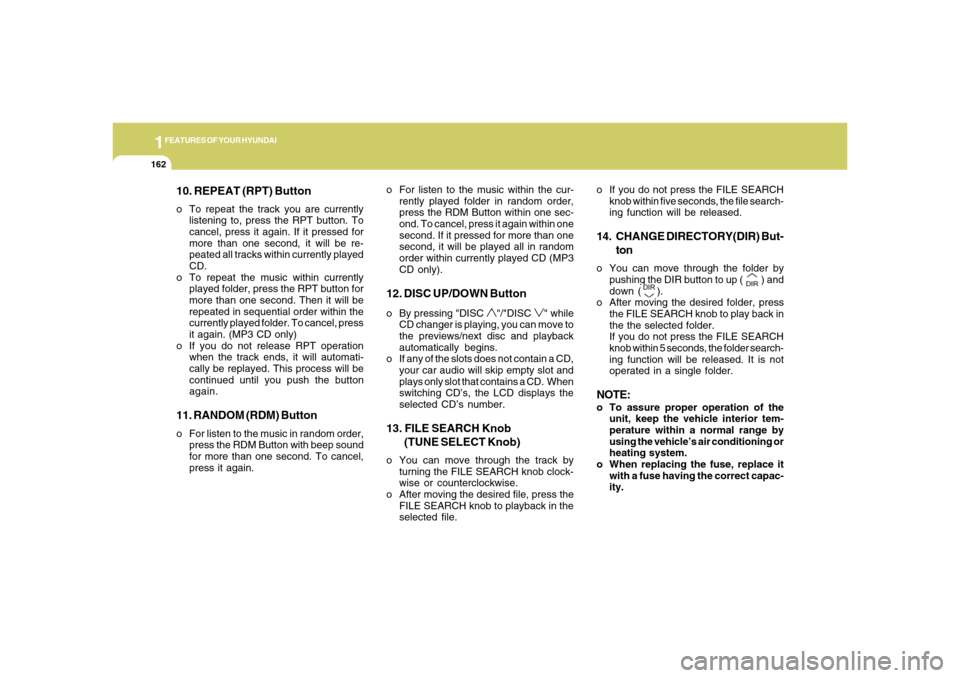
10. REPEAT (RPT) Buttono To repeat the track you are currently
listening to, press the RPT button. To
cancel, press it again. If it pressed for
more than one second, it will be re-
peated all tracks within currently played
CD.
o To repeat the music within currently
played folder, press the RPT button for
more than one second. Then it will be
repeated in sequential order within the
currently played folder. To cancel, press
it again. (MP3 CD only)
o If you do not release RPT operation
when the track ends, it will automati-
cally be replayed. This process will be
continued until you push the button
again.11. RANDOM (RDM) Buttono For listen to the music in random order,
press the RDM Button with beep sound
for more than one second. To cancel,
press it again.o For listen to the music within the cur-
rently played folder in random order,
press the RDM Button within one sec-
ond. To cancel, press it again within one
second. If it pressed for more than one
second, it will be played all in random
order within currently played CD (MP3
CD only).
12. DISC UP/DOWN Buttono By pressing "DISC
"/"DISC
" while
CD changer is playing, you can move to
the previews/next disc and playback
automatically begins.
o If any of the slots does not contain a CD,
your car audio will skip empty slot and
plays only slot that contains a CD. When
switching CD’s, the LCD displays the
selected CD’s number.
13. FILE SEARCH Knob
(TUNE SELECT Knob)o You can move through the track by
turning the FILE SEARCH knob clock-
wise or counterclockwise.
o After moving the desired file, press the
FILE SEARCH knob to playback in the
selected file.o If you do not press the FILE SEARCH
knob within five seconds, the file search-
ing function will be released.
14. CHANGE DIRECTORY(DIR) But-
tono You can move through the folder by
pushing the DIR button to up (
) and
down (
).
o After moving the desired folder, press
the FILE SEARCH knob to play back in
the the selected folder.
If you do not press the FILE SEARCH
knob within 5 seconds, the folder search-
ing function will be released. It is not
operated in a single folder.
NOTE:o To assure proper operation of the
unit, keep the vehicle interior tem-
perature within a normal range by
using the vehicle’s air conditioning or
heating system.
o When replacing the fuse, replace it
with a fuse having the correct capac-
ity.
Page 186 of 307
2
DRIVING YOUR HYUNDAI
6
!
CAUTION:
Never shift into "R" or "P" position while
the vehicle is moving.
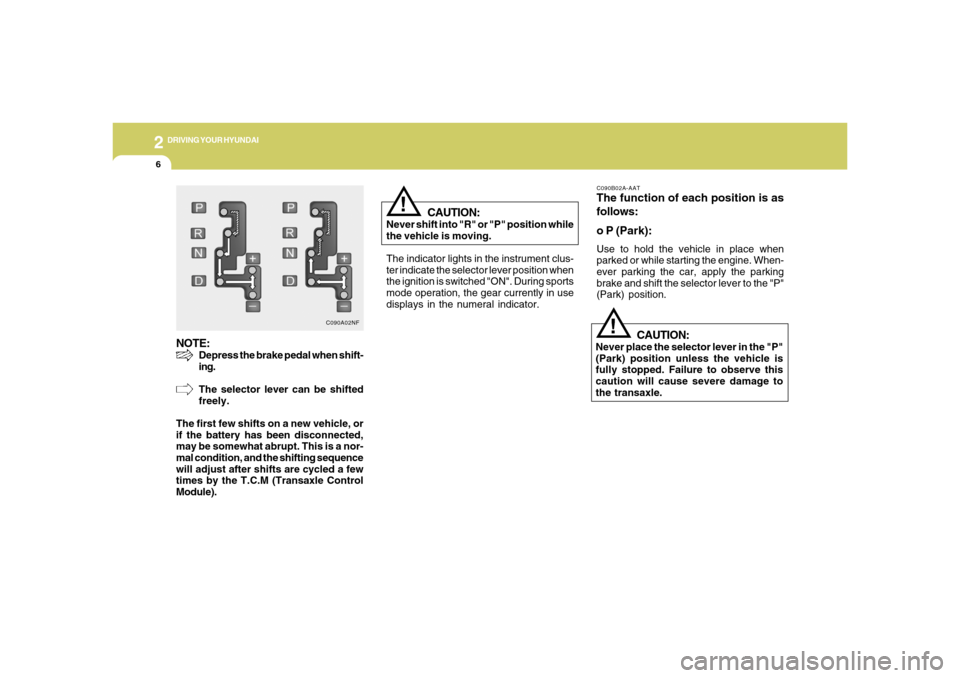
The indicator lights in the instrument clus-
ter indicate the selector lever position when
the ignition is switched "ON". During sports
mode operation, the gear currently in use
displays in the numeral indicator.
C090B02A-AATThe function of each position is as
follows:
o P (Park):Use to hold the vehicle in place when
parked or while starting the engine. When-
ever parking the car, apply the parking
brake and shift the selector lever to the "P"
(Park) position.
CAUTION:
Never place the selector lever in the "P"
(Park) position unless the vehicle is
fully stopped. Failure to observe this
caution will cause severe damage to
the transaxle.
!
NOTE:
Depress the brake pedal when shift-
ing.
The selector lever can be shifted
freely.
The first few shifts on a new vehicle, or
if the battery has been disconnected,
may be somewhat abrupt. This is a nor-
mal condition, and the shifting sequence
will adjust after shifts are cycled a few
times by the T.C.M (Transaxle Control
Module).
C090A02NF
Page 300 of 307
10
INDEX
2
A
Accessory Box ....................................................................1-97
Advanced Supplemental Restraint (AIRBAG)
System (SRS) ....................................................................1-44
Curtain airbag .................................................................1-57
Driver's and passenger's front airbag ............................1-45
Occupant classification system ......................................1-52
Side impact airbag .........................................................1-56
Air Cleaner Filter .................................................................. 6-8
Air Conditioning
Care.................................................................................6-16
Filter..................................................................... 1-132, 6-17
Operation............................................................ 1-125, 6-16
Switch............................................................................1-128
Antenna ............................................................................1-166
Ashtray................................................................................1-88
Audio System ...................................................................1-136
Audio remote control switch .........................................1-121
Cassette tape player operation (M455) .......................1-146
Cassette tape player operation (M465) .......................1-156
Compact disc player operation (M445) .......................1-139
Compact disc player operation (M455) .......................1-149
Compact disc player operation (M465) .......................1-159
Stereo radio operation (M445) .....................................1-136
Stereo radio operation (M455) .....................................1-143
Stereo radio operation (M465) .....................................1-153Automatic Heating and Cooling Control System ............1-124
Automatic-Dimming Mirror with Z-Nav™ Electronic Compass
Display and HomeLink
®
..................................................................................
1-101
B
Battery .................................................................................6-21
Binding Arbitration .............................................................8-16
Brake
Anti-lock brake system (ABS) .........................................2-11
Checking the brakes ......................................................6-15
Fluid.................................................................................6-15
Practices..........................................................................2-13
Breaking-In your New Hyundai ........................................... 1-3
C
Care of Cassette Tapes ...................................................1-164
Care of Discs ....................................................................1-164
Catalytic Converter ............................................................... 7-3
Child Restraint System ......................................................1-34
Installing a child restraint system with
"Tether Anchorage" system ...........................................1-36
Securing a child restraint system with "ISOFIX" system1-37
Child-Protector Rear Door Lock .......................................... 1-9
Cigarette Lighter ................................................................1-87
Clock...................................................................................1-87