warning Hyundai Azera 2015 Owner's Manual
[x] Cancel search | Manufacturer: HYUNDAI, Model Year: 2015, Model line: Azera, Model: Hyundai Azera 2015Pages: 473, PDF Size: 11.92 MB
Page 329 of 473
Driving your vehicle
46 5
Cancelled automatically
• The driver's door is opened.
• The EPB (electronic parking brake) is
applied.
• The vehicle speed is over 180km/h
(113mph)
• The vehicle stops on a steep incline.
• The ESC or ABS is operating.
• The ESC is turned off.
• The sensor or the cover is dirty or
blocked with foreign matter.
• The vehicle stops and go repeatedly for
a long period of time.
• The driver starts driving by depressing
the accelerator pedal or pushing the
RES+ switch if a vehicle stops far away
ahead of the your vehicle.• The accelerator pedal is continuously
depressed for more than 1 minute.
Each of these actions will cancel the
smart cruise control operation. (The
SET indicator, set speed and vehicle to
vehicle distance on the LCD display
will go off.)
In a condition the smart cruise control
is cancelled automatically, the smart
cruise control will not resume even
though the RES+ or SET- switch is
pushed. Also, the EPB (electronic
parking brake) will be applied.
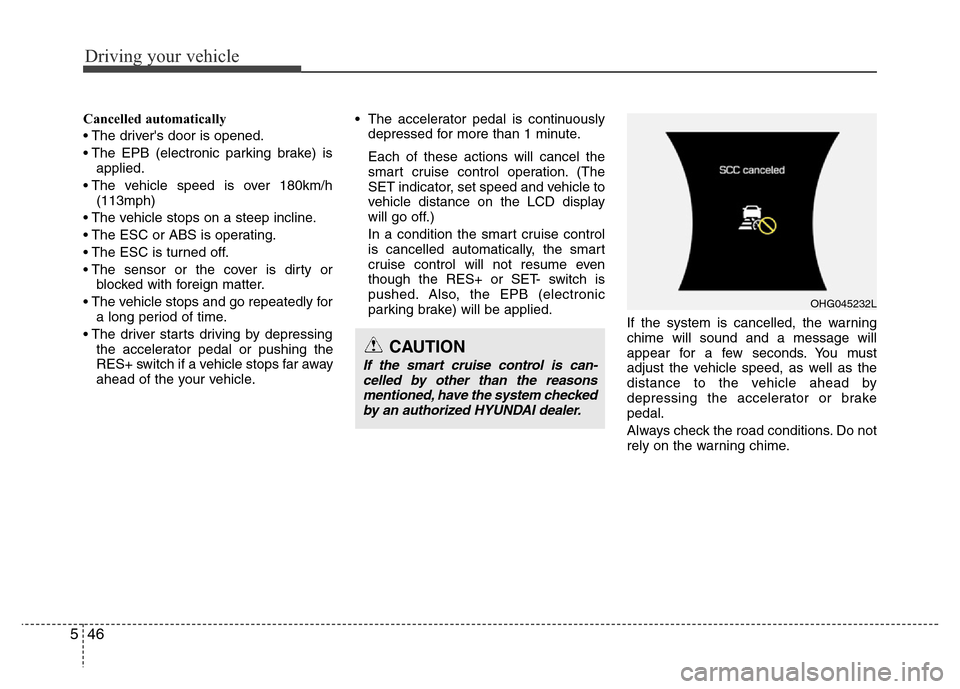
If the system is cancelled, the warning
chime will sound and a message will
appear for a few seconds. You must
adjust the vehicle speed, as well as the
distance to the vehicle ahead by
depressing the accelerator or brake
pedal.
Always check the road conditions. Do not
rely on the warning chime.
OHG045232L
CAUTION
If the smart cruise control is can-
celled by other than the reasons
mentioned, have the system checked
by an authorized HYUNDAI dealer.
Page 332 of 473
549
Driving your vehicle
In traffic situation
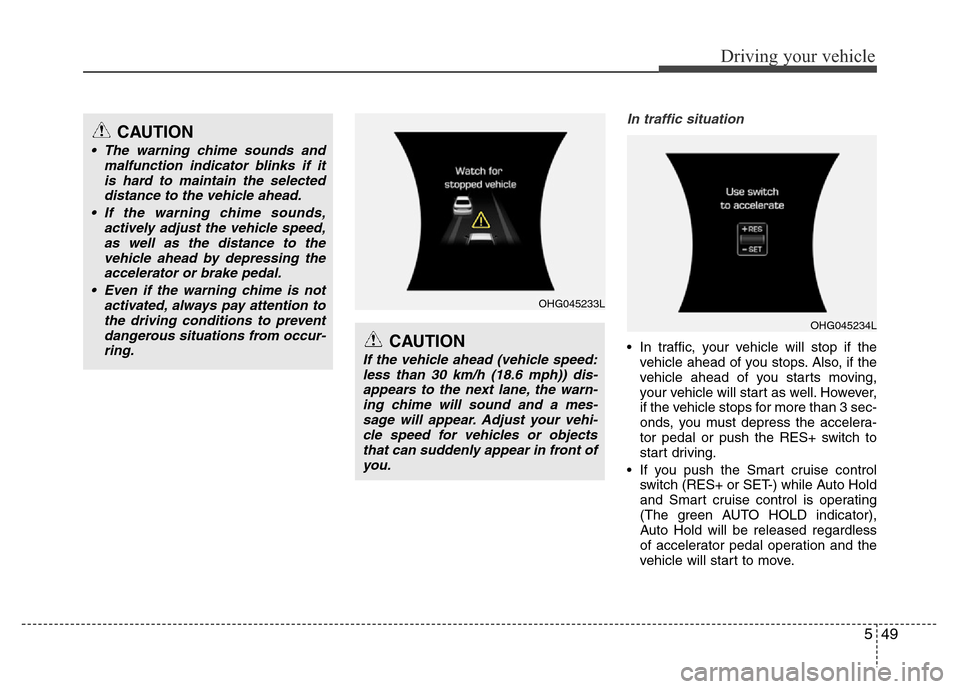
• In traffic, your vehicle will stop if the
vehicle ahead of you stops. Also, if the
vehicle ahead of you starts moving,
your vehicle will start as well. However,
if the vehicle stops for more than 3 sec-
onds, you must depress the accelera-
tor pedal or push the RES+ switch to
start driving.
• If you push the Smart cruise control
switch (RES+ or SET-) while Auto Hold
and Smart cruise control is operating
(The green AUTO HOLD indicator),
Auto Hold will be released regardless
of accelerator pedal operation and the
vehicle will start to move.
CAUTION
• The warning chime sounds and
malfunction indicator blinks if it
is hard to maintain the selected
distance to the vehicle ahead.
• If the warning chime sounds,
actively adjust the vehicle speed,
as well as the distance to the
vehicle ahead by depressing the
accelerator or brake pedal.
• Even if the warning chime is not
activated, always pay attention to
the driving conditions to prevent
dangerous situations from occur-
ring.
CAUTION
If the vehicle ahead (vehicle speed:
less than 30 km/h (18.6 mph)) dis-
appears to the next lane, the warn-
ing chime will sound and a mes-
sage will appear. Adjust your vehi-
cle speed for vehicles or objects
that can suddenly appear in front of
you.
OHG045233L
OHG045234L
Page 333 of 473
Driving your vehicle
50 5
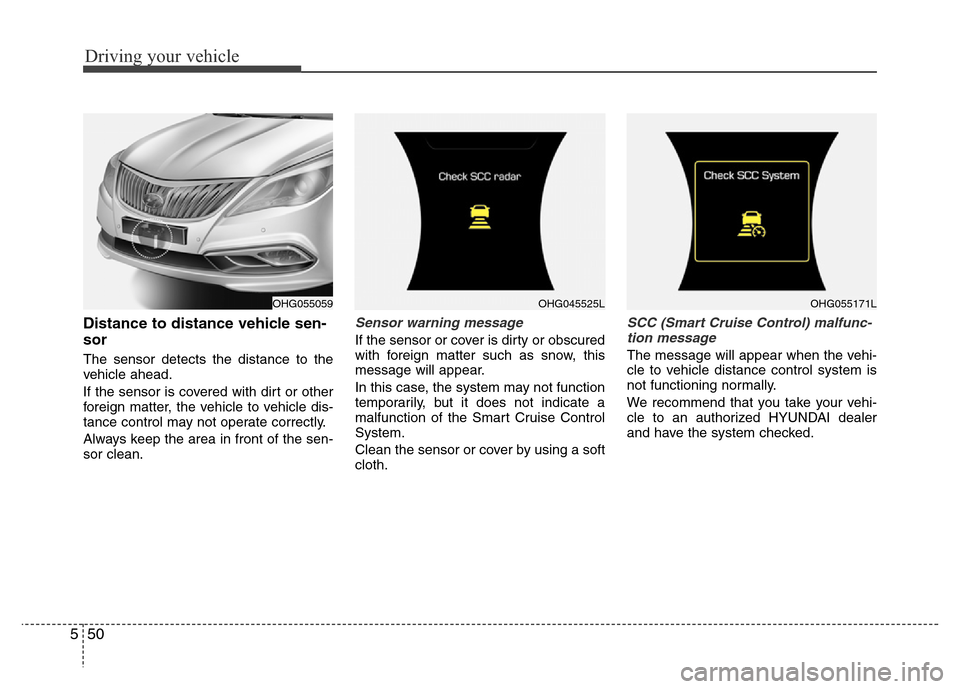
Distance to distance vehicle sen-
sor
The sensor detects the distance to the
vehicle ahead.
If the sensor is covered with dirt or other
foreign matter, the vehicle to vehicle dis-
tance control may not operate correctly.
Always keep the area in front of the sen-
sor clean.
Sensor warning message
If the sensor or cover is dirty or obscured
with foreign matter such as snow, this
message will appear.
In this case, the system may not function
temporarily, but it does not indicate a
malfunction of the Smart Cruise Control
System.
Clean the sensor or cover by using a soft
cloth.
SCC (Smart Cruise Control) malfunc-
tion message
The message will appear when the vehi-
cle to vehicle distance control system is
not functioning normally.
We recommend that you take your vehi-
cle to an authorized HYUNDAI dealer
and have the system checked.
OHG055059OHG045525LOHG055171L
Page 334 of 473
551
Driving your vehicle
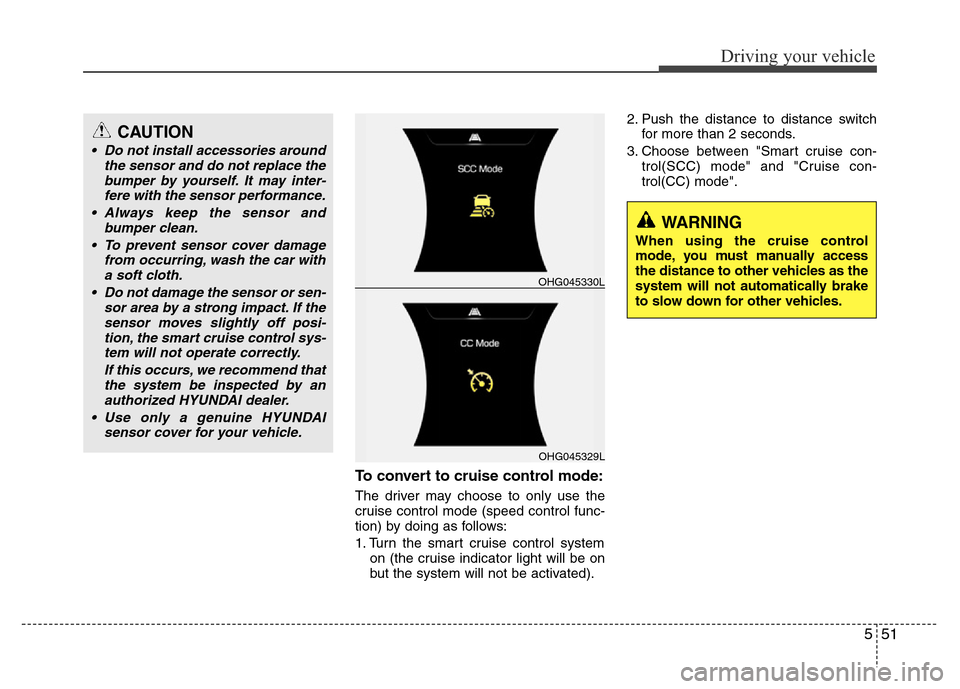
To convert to cruise control mode:
The driver may choose to only use the
cruise control mode (speed control func-
tion) by doing as follows:
1. Turn the smart cruise control system
on (the cruise indicator light will be on
but the system will not be activated).2. Push the distance to distance switch
for more than 2 seconds.
3. Choose between "Smart cruise con-
trol(SCC) mode" and "Cruise con-
trol(CC) mode".
OHG045329L
OHG045330L
WARNING
When using the cruise control
mode, you must manually access
the distance to other vehicles as the
system will not automatically brake
to slow down for other vehicles.
CAUTION
• Do not install accessories around
the sensor and do not replace the
bumper by yourself. It may inter-
fere with the sensor performance.
• Always keep the sensor and
bumper clean.
• To prevent sensor cover damage
from occurring, wash the car with
a soft cloth.
• Do not damage the sensor or sen-
sor area by a strong impact. If the
sensor moves slightly off posi-
tion, the smart cruise control sys-
tem will not operate correctly.
If this occurs, we recommend that
the system be inspected by an
authorized HYUNDAI dealer.
• Use only a genuine HYUNDAI
sensor cover for your vehicle.
Page 338 of 473
555
Driving your vehicle
CAUTION
The smart cruise control system
may not operate temporarily due to
electrical interference.
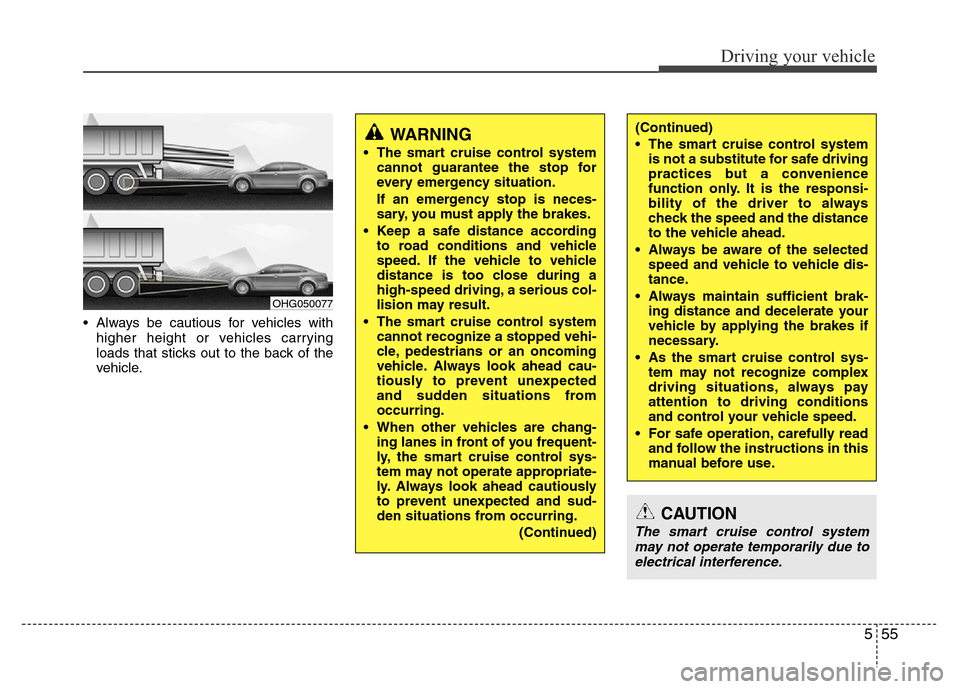
• Always be cautious for vehicles with
higher height or vehicles carrying
loads that sticks out to the back of the
vehicle.
OHG050077
WARNING
• The smart cruise control system
cannot guarantee the stop for
every emergency situation.
If an emergency stop is neces-
sary, you must apply the brakes.
• Keep a safe distance according
to road conditions and vehicle
speed. If the vehicle to vehicle
distance is too close during a
high-speed driving, a serious col-
lision may result.
• The smart cruise control system
cannot recognize a stopped vehi-
cle, pedestrians or an oncoming
vehicle. Always look ahead cau-
tiously to prevent unexpected
and sudden situations from
occurring.
• When other vehicles are chang-
ing lanes in front of you frequent-
ly, the smart cruise control sys-
tem may not operate appropriate-
ly. Always look ahead cautiously
to prevent unexpected and sud-
den situations from occurring.
(Continued)
(Continued)
• The smart cruise control system
is not a substitute for safe driving
practices but a convenience
function only. It is the responsi-
bility of the driver to always
check the speed and the distance
to the vehicle ahead.
• Always be aware of the selected
speed and vehicle to vehicle dis-
tance.
• Always maintain sufficient brak-
ing distance and decelerate your
vehicle by applying the brakes if
necessary.
• As the smart cruise control sys-
tem may not recognize complex
driving situations, always pay
attention to driving conditions
and control your vehicle speed.
• For safe operation, carefully read
and follow the instructions in this
manual before use.
Page 339 of 473
Driving your vehicle
56 5
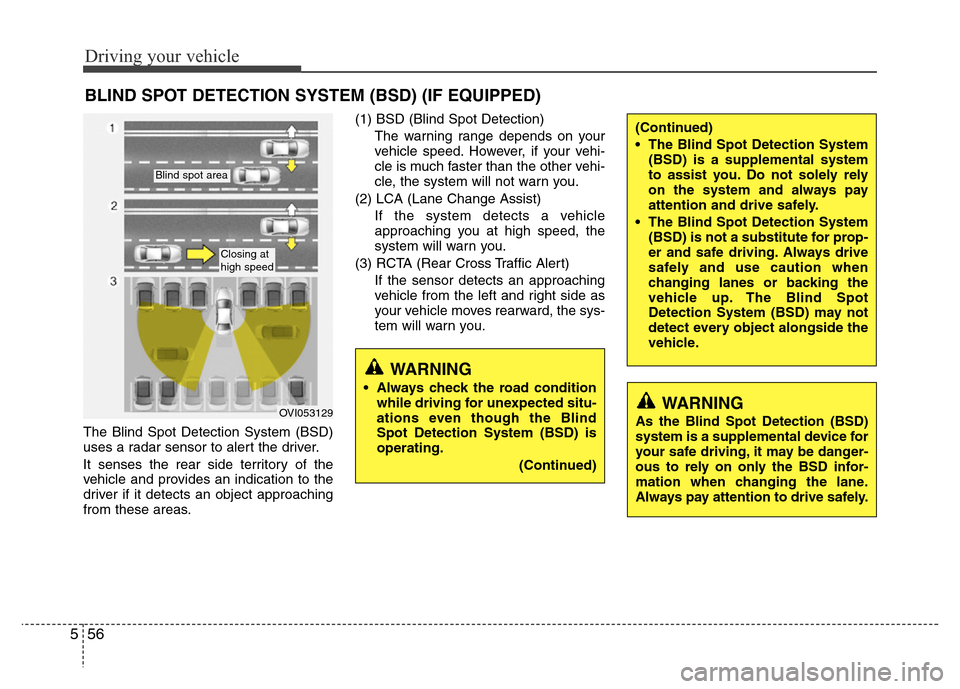
The Blind Spot Detection System (BSD)
uses a radar sensor to alert the driver.
It senses the rear side territory of the
vehicle and provides an indication to the
driver if it detects an object approaching
from these areas.(1) BSD (Blind Spot Detection)
The warning range depends on your
vehicle speed. However, if your vehi-
cle is much faster than the other vehi-
cle, the system will not warn you.
(2) LCA (Lane Change Assist)
If the system detects a vehicle
approaching you at high speed, the
system will warn you.
(3) RCTA (Rear Cross Traffic Alert)
If the sensor detects an approaching
vehicle from the left and right side as
your vehicle moves rearward, the sys-
tem will warn you.
BLIND SPOT DETECTION SYSTEM (BSD) (IF EQUIPPED)
OVI053129
Blind spot area
Closing at
high speed
WARNING
• Always check the road condition
while driving for unexpected situ-
ations even though the Blind
Spot Detection System (BSD) is
operating.
(Continued)
WARNING
As the Blind Spot Detection (BSD)
system is a supplemental device for
your safe driving, it may be danger-
ous to rely on only the BSD infor-
mation when changing the lane.
Always pay attention to drive safely.
(Continued)
• The Blind Spot Detection System
(BSD) is a supplemental system
to assist you. Do not solely rely
on the system and always pay
attention and drive safely.
• The Blind Spot Detection System
(BSD) is not a substitute for prop-
er and safe driving. Always drive
safely and use caution when
changing lanes or backing the
vehicle up. The Blind Spot
Detection System (BSD) may not
detect every object alongside the
vehicle.
Page 340 of 473
557
Driving your vehicle
BSD (Blind Spot Detection) / LCA
(Lane Change Assist)
Operating conditions
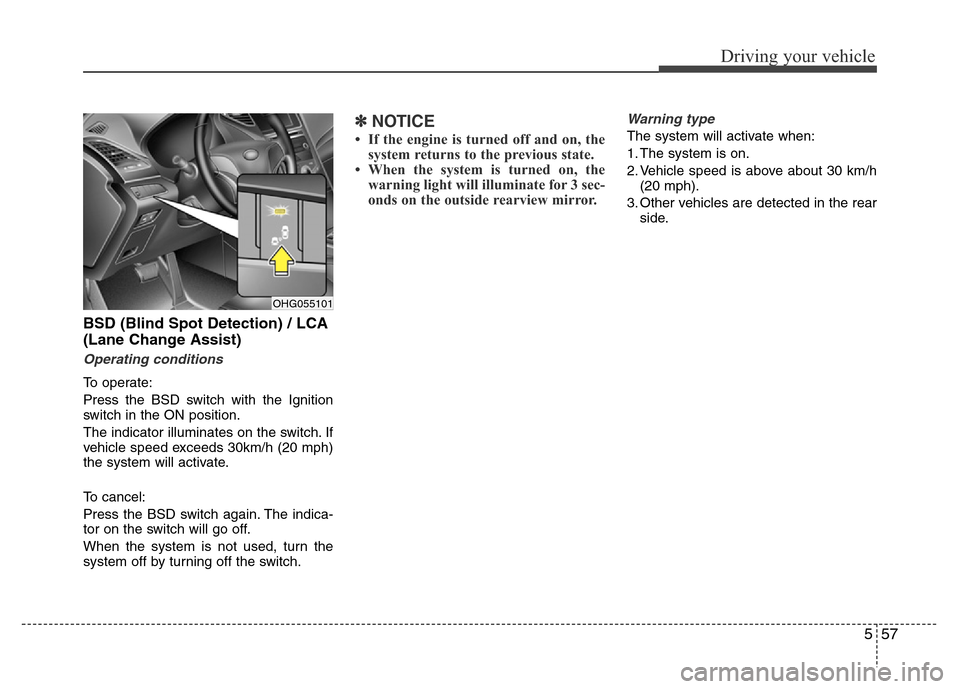
To operate:
Press the BSD switch with the Ignition
switch in the ON position.
The indicator illuminates on the switch. If
vehicle speed exceeds 30km/h (20 mph)
the system will activate.
To cancel:
Press the BSD switch again. The indica-
tor on the switch will go off.
When the system is not used, turn the
system off by turning off the switch.
✽NOTICE
• If the engine is turned off and on, the
system returns to the previous state.
• When the system is turned on, the
warning light will illuminate for 3 sec-
onds on the outside rearview mirror.
Warning type
The system will activate when:
1. The system is on.
2. Vehicle speed is above about 30 km/h
(20 mph).
3. Other vehicles are detected in the rear
side.
OHG055101
Page 341 of 473
Driving your vehicle
58 5
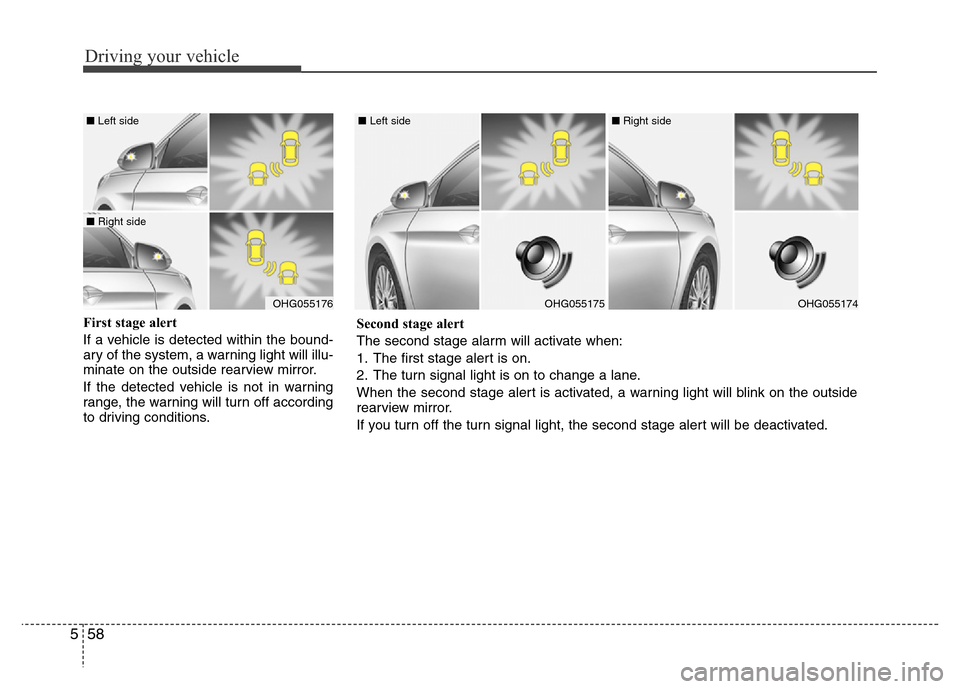
First stage alert
If a vehicle is detected within the bound-
ary of the system, a warning light will illu-
minate on the outside rearview mirror.
If the detected vehicle is not in warning
range, the warning will turn off according
to driving conditions.
OHG055176
■ Left side
■ Right side
OHG055175
■ Left side
OHG055174
■ Right side
Second stage alert
The second stage alarm will activate when:
1. The first stage alert is on.
2. The turn signal light is on to change a lane.
When the second stage alert is activated, a warning light will blink on the outside
rearview mirror.
If you turn off the turn signal light, the second stage alert will be deactivated.
Page 342 of 473
559
Driving your vehicle
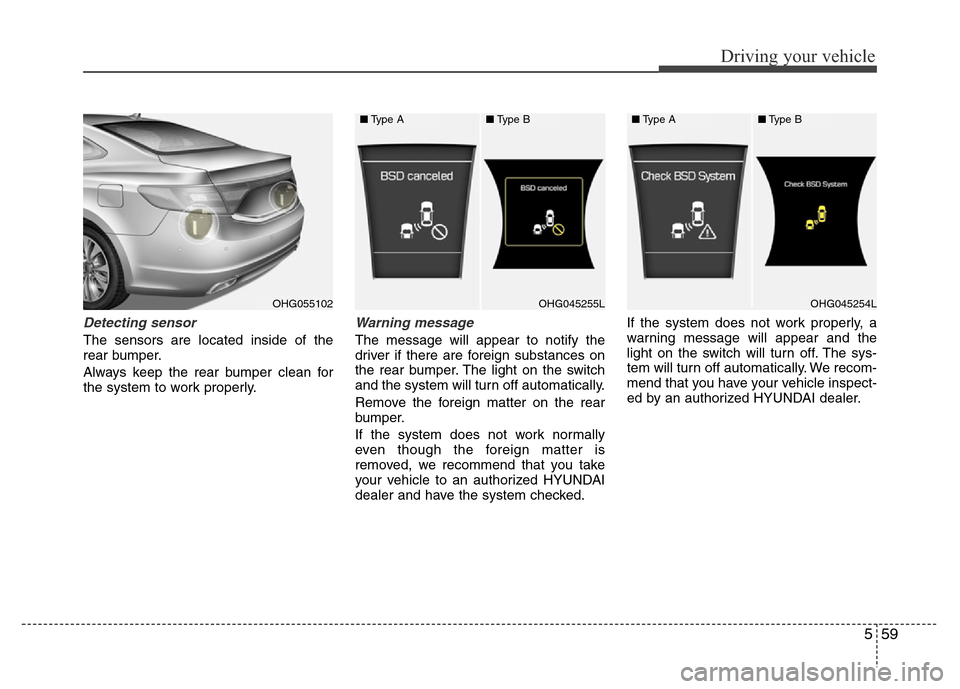
Detecting sensor
The sensors are located inside of the
rear bumper.
Always keep the rear bumper clean for
the system to work properly.
Warning message
The message will appear to notify the
driver if there are foreign substances on
the rear bumper. The light on the switch
and the system will turn off automatically.
Remove the foreign matter on the rear
bumper.
If the system does not work normally
even though the foreign matter is
removed, we recommend that you take
your vehicle to an authorized HYUNDAI
dealer and have the system checked.If the system does not work properly, a
warning message will appear and the
light on the switch will turn off. The sys-
tem will turn off automatically. We recom-
mend that you have your vehicle inspect-
ed by an authorized HYUNDAI dealer.
OHG055102OHG045255LOHG045254L
■Type A■Type B■Type A■Type B
Page 343 of 473
Driving your vehicle
60 5
RCTA (Rear Cross Traffic Alert)
Operating conditions
To operate:
Go to the User Settings Mode (Driving
Assist) and select RCTA (Rear Cross
Traffic Alert) on the LCD display (For
more details, refer to "LCD Display" in
chapter 4.). The system will turn on and
standby to activate. The system will acti-
vate when vehicle speed is below
10km/h (6.2mph) with the shift lever in R
(Reverse).
✽NOTICE
The RCTA (Rear Cross Traffic Alert)
detecting range is about 0.5m ~ 20m. A
vehicle will be detected if the vehicle
speed is 4km/h ~ 36km/h within the
detecting range. However, the detecting
range may change under different con-
ditions. Always pay attention to the sur-
roundings.
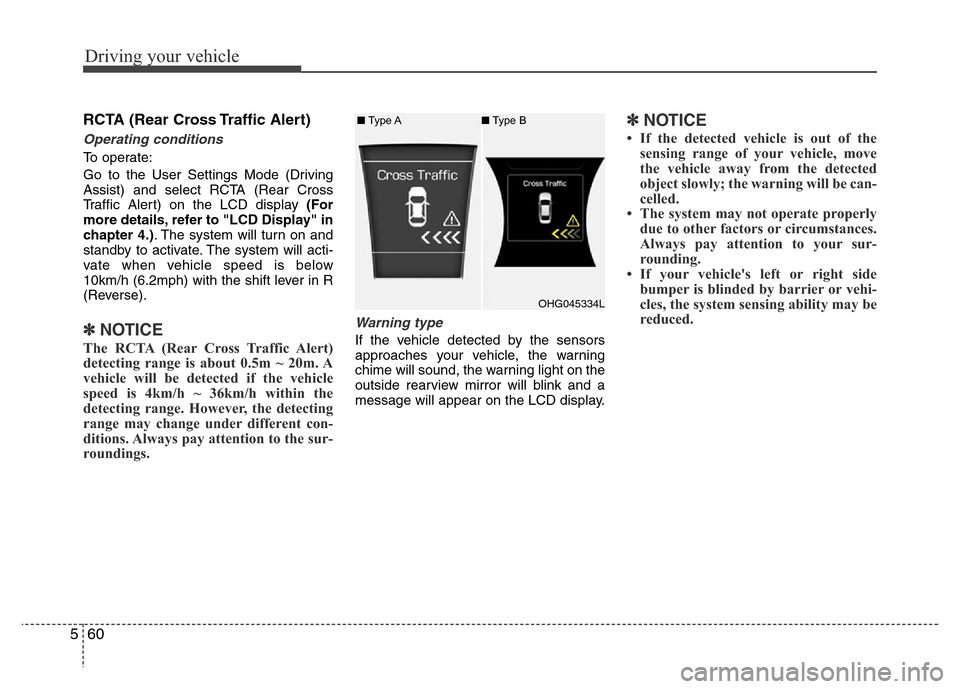
Warning type
If the vehicle detected by the sensors
approaches your vehicle, the warning
chime will sound, the warning light on the
outside rearview mirror will blink and a
message will appear on the LCD display.
✽NOTICE
• If the detected vehicle is out of the
sensing range of your vehicle, move
the vehicle away from the detected
object slowly; the warning will be can-
celled.
• The system may not operate properly
due to other factors or circumstances.
Always pay attention to your sur-
rounding.
• If your vehicle's left or right side
bumper is blinded by barrier or vehi-
cles, the system sensing ability may be
reduced.
OHG045334L ■Type A■Type B